
A laptop for medical students has to follow you from lecture halls and libraries to hospital wards, making weight, battery life, and a screen suited for long reading sessions far more important than a discrete graphics card. This article examines the demands of reading PDF textbooks, running 3D anatomy atlases, and taking stylus notes on lecture slides, then compares five 2025 and 2026 models priced from 23.5 to 49.99 million VND.
What Medical Students Use Laptops for During the Academic Year
Most of a medical student's study time revolves around documentation: lecture slides, hundred-page PDF textbooks, anatomy atlases, and English-language journal articles. A laptop is therefore a reading device first and a typing machine second. During pre-clinical years, you spend long stretches in lecture halls and libraries; in clinical rotations, your laptop tags along to the hospital for quick reviews during breaks, shifting your top priorities toward weight and battery life.
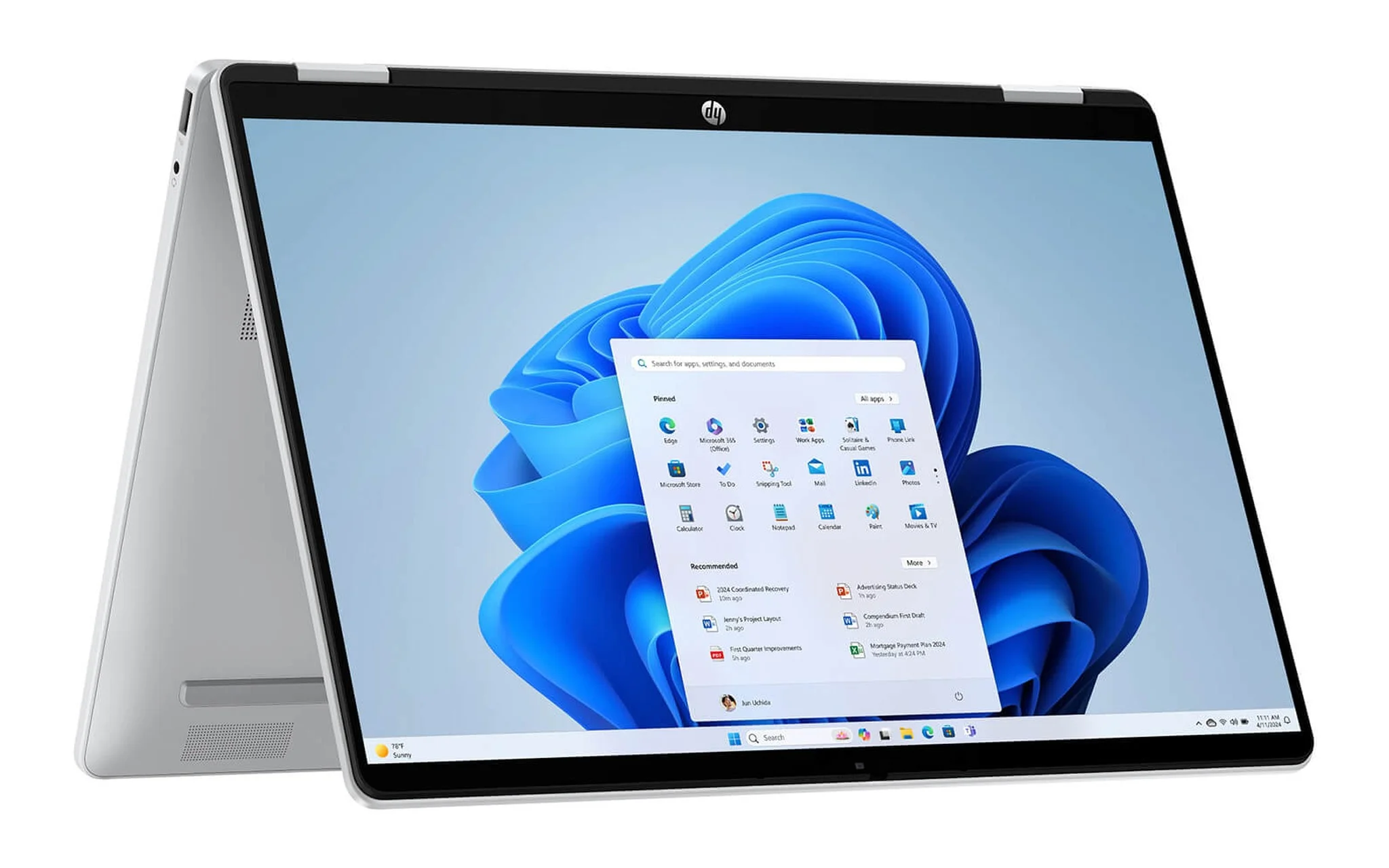
The second requirement is note-taking. Instead of printing slides to scribble in the margins, medical students can take stylus notes directly on PDF files or OneNote pages using a touchscreen laptop, circling anatomical structures and sketching mechanistic diagrams right alongside lecture material. Microsoft explains how to write by hand using the Draw tab and convert handwriting into text with Lasso Select and Ink to Text in Take handwritten notes in OneNote, while noting that this handwriting conversion feature is not available on OneNote for the Web.
The third need is online learning and storage. Recorded lectures, Zoom or Teams sessions, PDF textbook libraries, and atlas imagery accumulated over several years fill up drive space quickly. Conversely, the computational workload is light, with no video editing or heavy simulations, so a power-efficient processor with integrated graphics handles everything comfortably. This is why a laptop for medical students should direct its budget toward the screen, battery, stylus, and SSD rather than a discrete graphics card.
System Requirements for 3D Anatomy Atlases and OneNote
Complete Anatomy, the 3D anatomy atlas app from Elsevier that many medical students turn to, lists relatively modest requirements for Windows: Windows 10 64-bit version 1903 or later or Windows 11, at least 4GB of RAM, and 2GB of dedicated or shared graphics memory. The recommended tier calls for 8GB of RAM and a Core i5 or Ryzen 5 processor with at least 4 cores. Complete specs for Mac, iPad, and Android are available on the System requirements for Complete Anatomy page on Elsevier's support portal, which comes in handy if you study across multiple devices.
| Software | Operating System | RAM | Graphics | Notes |
|---|---|---|---|---|
| Complete Anatomy (Minimum) | Windows 10 64-bit 1903 or later, Windows 11 | 4GB | 2GB dedicated or shared, Intel HD Graphics 520 | Processor with at least 2 cores |
| Complete Anatomy (Recommended) | Same as above | 8GB | Intel HD Graphics 630, GTX 1050 or equivalent | Core i5, Ryzen 5 with at least 4 cores |
| Visible Body Anatomy & Physiology | Windows 10 x64 | 4GB | Card with at least 64MB of memory recommended | 1.84 GB of free storage |
| OneNote (Draw tab, Ink to Text) | Windows 10 or later to install handwriting pack | Not specified | Not specified | Requires touchscreen and stylus; web version lacks Ink to Text |
The Anatomy & Physiology app from Visible Body on Windows requires Windows 10 x64, 4GB of RAM, and 1.84 GB of free storage, according to the Visible Body help page on Cengage's support portal. Both requirement tiers demonstrate that 3D atlases are no reason to spend extra on a discrete graphics card. The real spec to watch is RAM: when running an atlas alongside a browser with multiple tabs, PDF textbooks, and an online meeting, 16GB provides far more comfortable breathing room than the recommended 8GB.
For storage, 512GB is a sensible baseline for a library of PDF textbooks and specimen photos; if you regularly download recorded lectures for offline viewing, aim for 1TB. RAM across all five models in this guide is soldered to the motherboard and cannot be upgraded later, according to Lenovo's PSREF documents, HP's maintenance guides, and Samsung's spec sheets. Getting the RAM capacity right from the start is therefore more critical than picking a high-clocked processor, as document reading and stylus note-taking performance barely depend on the CPU.
Screens for Long PDF Reading Sessions Need Brightness and Vertical Space
PDF textbooks are typically formatted in vertical A4 layouts, so a 16:10 display shows more lines of text than a 16:9 screen of the same size, cutting down on constant scrolling. All five models featured here use 14-inch 16:10 display panels. On 2-in-1 convertibles, medical students can also hold the screen vertically in tablet mode to view an entire PDF textbook page at once, creating an experience close to holding a physical book and making it effortless to take stylus notes directly on the page.
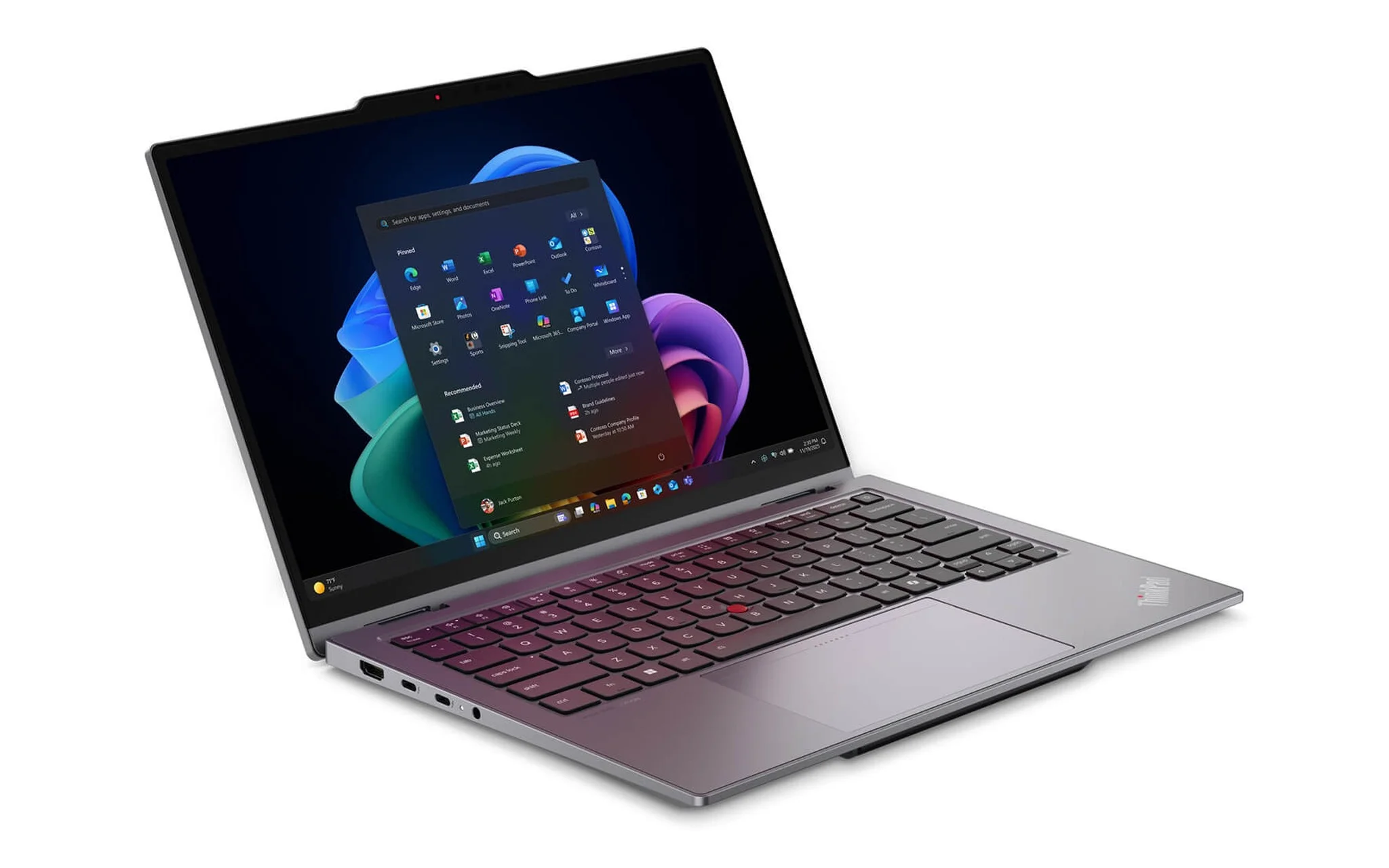
Brightness determines how easily you can read PDF textbooks by a library window or in a brightly lit on-call room. The ThinkPad X1 2-in-1 Gen 11 and Galaxy Book6 Pro 14 reach 500 nits, the Yoga 7 2-in-1 and OmniBook X Flip 14 hit 400 nits, and the OmniBook 5 Flip 14 tops out at 300 nits, making it better suited for indoor classrooms. Display coating matters as well: the IPS display panel on the X1 comes with anti-glare or anti-reflection depending on the configuration, the Galaxy Book6 Pro 14 uses an anti-reflective AMOLED, while the Yoga 7 2-in-1 has a glossy finish that easily reflects overhead lights under strong illumination.
When it comes to eye care, the PSREF notes that the Yoga 7 2-in-1 carries hardware-level TÜV Rheinland Low Blue Light certification, the ThinkPad X1 2-in-1 Gen 11 is Eyesafe 2.0 certified, and HP's maintenance guide lists TÜV and EyeSafe certifications along with flicker-free technology for the OmniBook X Flip 14. These certifications reduce blue light at the display panel level, but they cannot replace healthy habits like adjusting brightness, toggling dark mode when reading PDF textbooks at night, and taking regular eye breaks.
Battery Life and Weight for Days Combining Lectures and Hospital Shifts
During clinical rotations, a medical student's daily schedule can easily stretch from morning ward rounds to afternoon lectures, sometimes flowing straight into an overnight call, making power outlets hard to come by. Measuring battery capacity in watt-hours (Wh) provides a far more objective metric than manufacturer-claimed hours, since each brand relies on different testing criteria. Among these five contenders, the Yoga 7 2-in-1 leads with a 70Wh battery, followed by the OmniBook 5 Flip 14 at 68Wh, the Galaxy Book6 Pro 14 at 67.18Wh, and the OmniBook X Flip 14 and ThinkPad X1 2-in-1 Gen 11 at 59Wh and 58Wh, respectively.
| Laptop Model | Battery (Wh) | Weight (kg) | Brightness (nits) | Stylus | Starting Price (Million VND) |
|---|---|---|---|---|---|
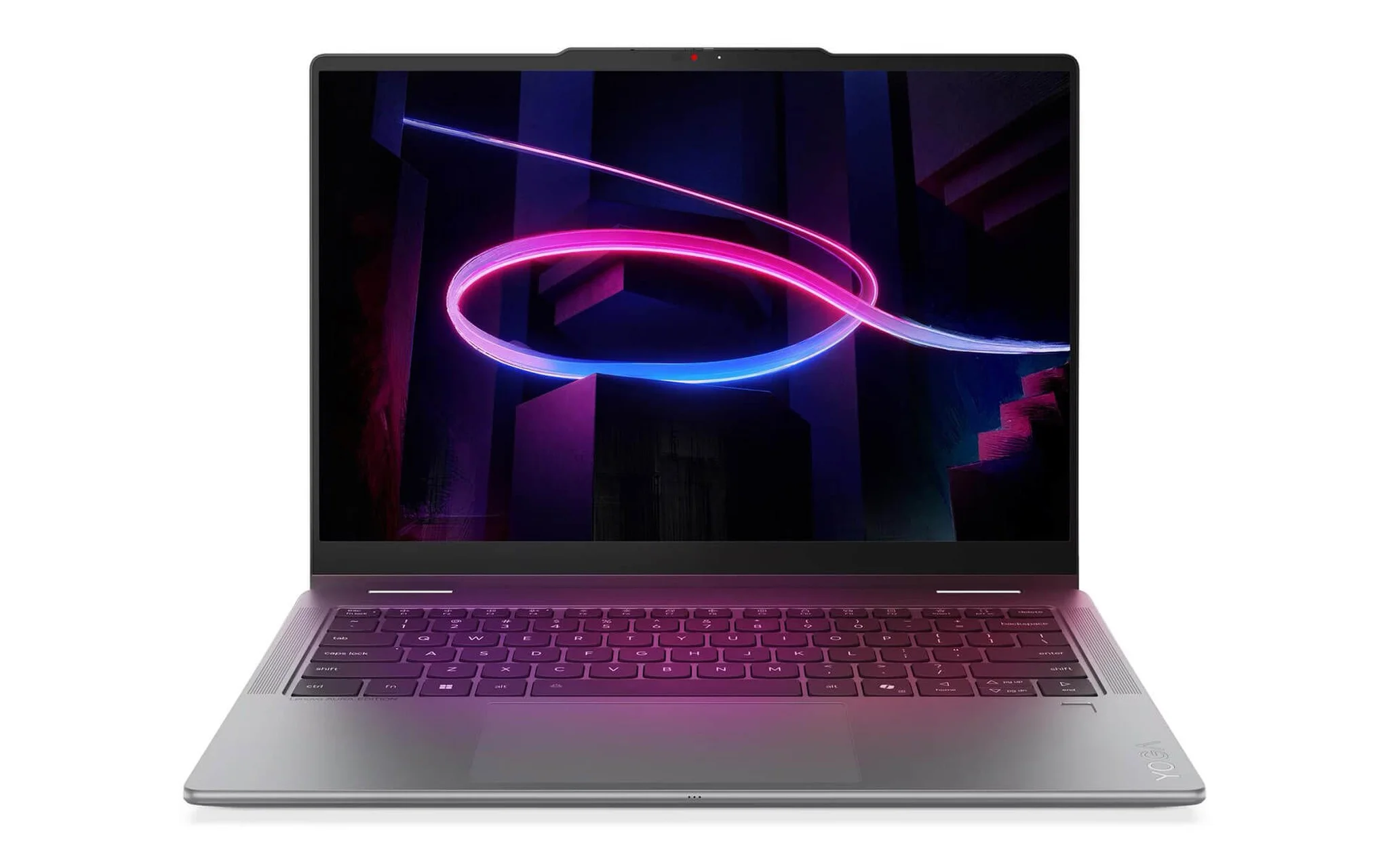
| Lenovo Yoga 7 2-in-1 14IPH11 (2026) | 70 | 1.38 | 400 | Yoga Pen Gen 2 included | 37.99 |
| Lenovo ThinkPad X1 2-in-1 Gen 11 Aura Edition (2026) | 58 | 1.14 | 500 | Slim Pen 2 garaged inside chassis | 49.99 |
| HP OmniBook X Flip Next Gen AI 14 (2025) | 59 | 1.47 to 1.52 | 400 | Supports MPP2.0 stylus, sold separately | 23.5 |
| HP OmniBook 5 Flip 14 inch (2025) | 68 | 1.65 | 300 | Supports Windows Ink stylus, sold separately | 26.49 |
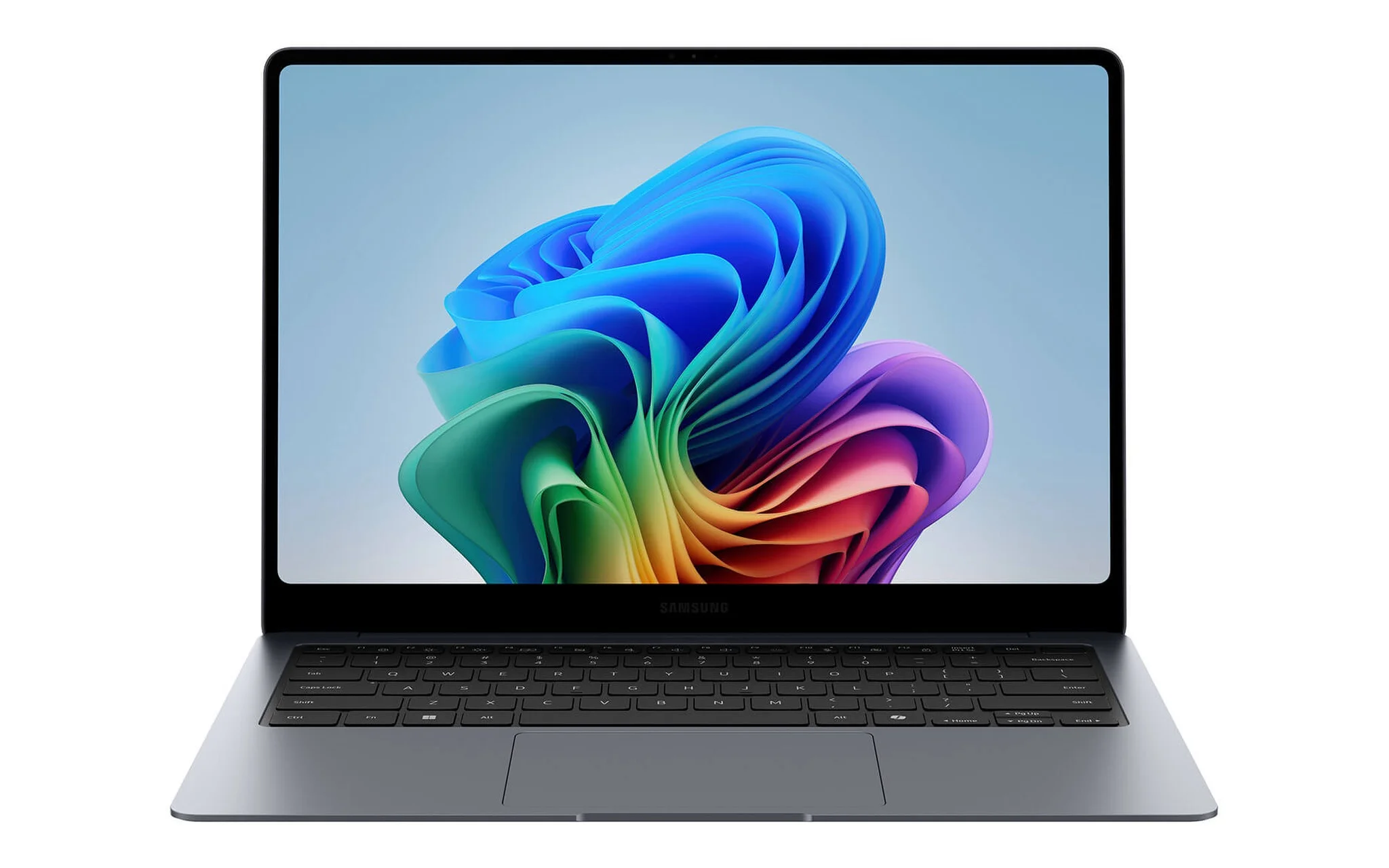
| Samsung Galaxy Book6 Pro 14 inch (2026) | 67.18 | 1.24 | 500 | No stylus listed | 45 |
Weight rankings tell almost the opposite story. The ThinkPad X1 2-in-1 Gen 11 leads on portability, starting at just 1.14 kg, with the Galaxy Book6 Pro 14 close behind at 1.24 kg, the Yoga 7 2-in-1 starting at 1.38 kg, the OmniBook X Flip 14 weighing about 1.47 to 1.52 kg depending on the display panel according to HP's maintenance guide, and the OmniBook 5 Flip 14 coming in at 1.65 kg. That spread of more than 0.5 kg between the lightest and heaviest models is immediately noticeable once your backpack is already packed with textbooks, a white coat, and a stethoscope.
Lenovo rates the WUXGA OLED edition of the Yoga 7 2-in-1 for up to 16.5 hours under the MobileMark 30 benchmark at 250 nits of brightness; however, that lab-measured figure will differ from day-to-day use. Running 3D anatomy atlases, attending virtual lectures with the webcam turned on, and turning up the screen brightness will drain the battery noticeably faster. Fortunately, official specs confirm all five laptops charge via USB-C using a 65W charger, so keeping a compact power adapter in your bag and topping up during lunch breaks makes getting through long days much easier.
Taking Notes on Lecture Slides with Three 2-in-1 Models
For everyday stylus note-taking, the 2026 Yoga 7 2-in-1 14IPH11 strikes a solid balance among display quality, battery life, and price. Its product page lists an included Yoga Pen Gen 2 with a storage case, a 14-inch WUXGA OLED touchscreen protected by Gorilla Glass 3, and a 70Wh battery, while Lenovo's PSREF documentation notes that its M.2 2242 SSD slot supports up to 2TB. The Core Ultra 5 322 configuration with 16GB RAM and a 512GB SSD for the Lenovo Yoga 7 (2 in 1) 14IPH11 (2026) sells for 37.99 million VND, while the Core Ultra 7 355 variant with 32GB RAM and a 1TB SSD starts at 53.99 million VND.
Medical students who prioritize a featherweight chassis should look at the ThinkPad X1 2-in-1 Gen 11 Aura Edition: it starts at just 1.14 kg, pairs a 500-nit IPS display with an integrated slot inside the chassis for the Slim Pen 2 that automatically charges the stylus while keeping it secure, and includes the pen in the box according to the product page. Priced at 49.99 million VND, the Core Ultra 7 365 configuration of the Lenovo ThinkPad X1 2-in-1 Gen 11 | Aura Edition (2026) comes with 32GB RAM and a 512GB SSD, offering plenty of memory to run a 3D atlas, multiple browser tabs, and video calls simultaneously.
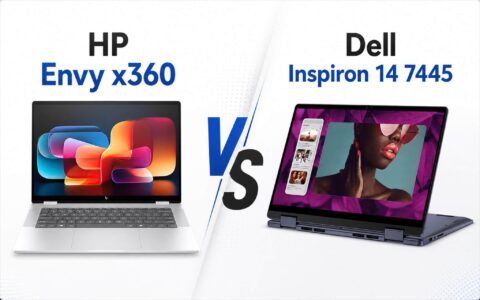
For shoppers working with a budget between 23 and 29 million VND, the 2025 OmniBook X Flip 14 is a sensible route. Per HP's maintenance documentation, the display supports Windows Ink pens with simultaneous pen and touch input, complemented by a magnetic strip along the chassis to hold the stylus; the pen is sold separately, with HP offering the Rechargeable MPP2.0 model. The Core Ultra 5 226V configuration with 16GB RAM and a 512GB SSD for the HP OmniBook X Flip Next Gen AI 14 (2025) is listed at 23.5 million VND, while the Core Ultra 7 256V version with a 1TB SSD comes in at 28.5 million VND, both easily exceeding the recommended system requirements for Complete Anatomy.
Two Options When You Need a Larger Battery or Do Not Use a Stylus
For medical students who prefer typing over handwriting, the 2026 Galaxy Book6 Pro 14 is a lightweight 1.24 kg laptop with a 67.18Wh battery and an anti-reflective 2880 x 1800 Dynamic AMOLED 2X touchscreen rated at 500 nits for standard content, according to Samsung's spec sheet. The page does not list an included stylus, making this a touchscreen laptop geared toward reading and typing. The Core Ultra 7 356H configuration with 32GB of RAM and a 1TB SSD on the Samsung Galaxy Book6 Pro 14 inch (2026) sells for 45 million VND, and its 1TB SSD provides plenty of room for a recorded lecture library.
The 2025 OmniBook 5 Flip 14 trades weight for battery capacity: its 4-cell 68Wh battery is about 9Wh larger than the one in the OmniBook X Flip 14, but the laptop weighs 1.65 kg and the display tops out at 300 nits. The Core 5 120U processor is not part of the Core Ultra line, but it still handles PDF textbooks, Office, and online classes well. The Core 5 120U version with 16GB of RAM and a 512GB SSD on the HP OmniBook 5 Flip 14 inch (2 in 1) (2025) costs 26.49 million VND, which is higher than the Core Ultra 5 model of the X Flip 14, making it worth considering only if you need the extra battery capacity.
In short, choosing a laptop for medical school comes down to three questions: do you take notes with a stylus frequently, how many hours a day do you carry the laptop, and what is your budget. If you take a lot of handwritten notes, the Yoga 7 2-in-1 or X1 2-in-1 include a stylus; if your budget is under 30 million VND, look at the OmniBook X Flip 14 paired with an MPP 2.0 pen; and if you mainly read and type, consider the Galaxy Book6 Pro 14. Across all five models, 16GB of RAM is the minimum baseline you should choose, while 32GB suits those who run multiple programs at the same time and want consistent, sustained performance.
Frequently Asked Questions About Laptops for Medical Students
Does a discrete graphics card make 3D anatomy atlases run smoother? For Complete Anatomy, Elsevier supports 2GB of graphics memory shared from system RAM, a requirement easily met by the integrated graphics on the Core Ultra processors covered here. A discrete card makes a laptop heavier and drains more battery, and because a medical student's curriculum does not involve heavy 3D rendering workloads, that money is better spent on RAM, SSD storage, or a stylus.
Is an OLED display suitable for reading documents for long hours? OLED delivers high contrast and crisp text, and in dark mode, the black areas emit almost no light. The OLED version of the Yoga 7 2-in-1 carries hardware-level TÜV Rheinland Low Blue Light certification. A glossy glass surface can reflect overhead lighting easily, so adjust your screen angle when studying in brightly lit rooms.
Should you choose 16GB or 32GB of RAM for the entire degree? The RAM on all five models featured in this article is soldered to the motherboard, so it cannot be upgraded later. Complete Anatomy recommends 8GB, making 16GB plenty for reading documents, running atlases, and attending online classes; 32GB is for students who keep many applications open at once or plan to use the laptop for years. The Core Ultra 7 Yoga 7 2-in-1, the X1 2-in-1 Gen 11, and the Galaxy Book6 Pro 14 are available in 32GB configurations.