

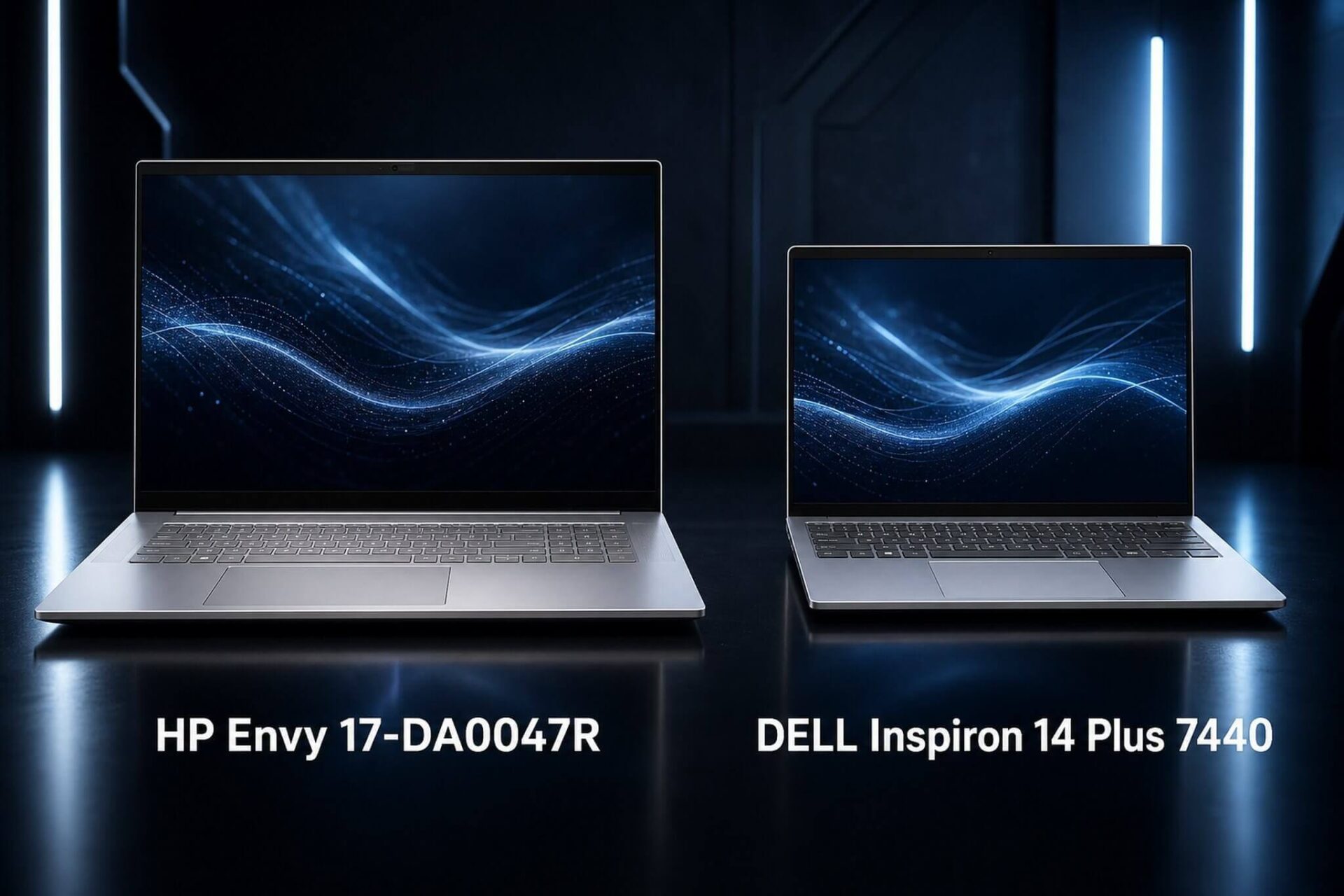
If you are torn between the HP Envy 17-DA0047R and the Dell Inspiron 14 Plus 7440, the hardest part isn't the chip, as both use the Core Ultra 7 155H. The real difference lies in the display, weight, RAM, and how you use your laptop every day. One prioritizes large screen real estate, touch capability, and upgradability, while the other is more compact, features a sharper screen, and offers higher RAM options right from the start.
Quick comparison between HP Envy 17-DA0047R and Dell Inspiron 14 Plus 7440
HP Envy 17-DA0047R is aimed at users who need a large screen at a fixed workstation, whereas the Dell Inspiron 14 Plus 7440 offers two RAM options, 16GB and 32GB, while the Envy 17 only comes in a single configuration.
| Specifications | HP Envy 17-DA0047R | Dell Inspiron 14 Plus 7440 |
|---|---|---|
| Price | HP Envy 17-DA0047R 2024 | Dell Inspiron 14 Plus 7440 2024 |
| CPU | Intel Core Ultra 7 155H, 16 cores, boost 4.8GHz | Intel Core Ultra 7 155H, 16 cores, boost 4.8GHz |
| GPU | Intel Arc Graphics 8 Xe-core, iGPU | Intel Arc Graphics 8 Xe-core, iGPU |
| RAM | 16GB DDR5-5600, SODIMM slot, upgradable | 16GB or 32GB LPDDR5x-6400, onboard |
| SSD | 1TB PCIe Gen4 NVMe M.2 | 1TB PCIe NVMe M.2 |
| Display | 17.3 inch FHD 1920x1080, IPS, 60Hz, 300 nits, 100% sRGB, touch | 14 inch 2.2K 2240x1400, IPS, 60Hz, 300 nits, 16:10, non-touch |
| Battery | 83 Wh | 64 Wh |
| Weight | approx. 2.11 to 2.5 kg | approx. 1.60 to 1.66 kg |
| Main Ports | 1x Thunderbolt 4, 1x USB-C 10Gbps, expected 3x USB-A, HDMI, 3.5mm | 1x Thunderbolt 4, 2x USB-A 3.2 Gen1, HDMI 1.4, microSD, 3.5mm |
Pixel density is the most obvious difference between the two screens. The 17.3-inch FHD screen of the Envy 17 reaches about 127 PPI, which is sufficient but doesn't look sharp when viewed closely. The 14-inch 2.2K screen of the Dell reaches about 189 PPI, making text smoother and colors more realistic when editing photos or reading long documents. Dell's 16:10 aspect ratio also provides about 10% more vertical space compared to HP's 16:9, a difference that is clearly noticeable when programming, writing text, or browsing PDFs.
Regarding connectivity, both feature Thunderbolt 4 USB-C 40Gbps supporting Power Delivery and DisplayPort, enough to connect multi-port docks or external 4K monitors. Dell has a microSD slot which is convenient for photographers. The exact USB-A port configuration for the Envy 17 depends on the specific SKU and should be verified directly before purchase as it is not fully confirmed.
RAM is the most significant long-term differentiator. The HP Envy 17-DA0047R uses DDR5-5600 on SODIMM slots, allowing you to upgrade to 32GB after purchase. Dell uses LPDDR5x-6400 which is soldered onboard; while it has slightly higher bandwidth than DDR5-5600, choosing the wrong capacity from the start means you are stuck with it for the life of the laptop. For users planning to use their machine for 3 to 5 years, the Envy 17 series has a clear advantage in RAM upgradability, especially as multitasking needs increase over time.
Should you choose Dell Inspiron 14 Plus or HP Envy 17-DA0047R?
Choose the HP Envy 17-DA0047R if you work at a fixed desk and need a large screen without buying an external monitor. With the 17.3-inch touch screen and 100% sRGB, you can edit product photos, work on multi-column spreadsheets, or watch movies comfortably without extra equipment. The touch screen is convenient for signing PDFs, annotating drawings, or for children using educational software. The DDR5 SODIMM slots allow for an upgrade to 32GB after 1 to 2 years as your needs grow.
To be honest, the Envy 17 has a downside: the 127 PPI FHD screen on a 17-inch panel looks less sharp compared to Dell's smaller 2.2K screen. If you work with small fonts or need color accuracy for design, this is a point to consider. The weight of 2.1 to 2.5 kg is not suitable for those who move frequently; it will feel heavy when carrying it to meetings or cafes every day. On the other hand, the machine feels like a compact desktop replacement, ideal for those who prioritize screen size over mobility.
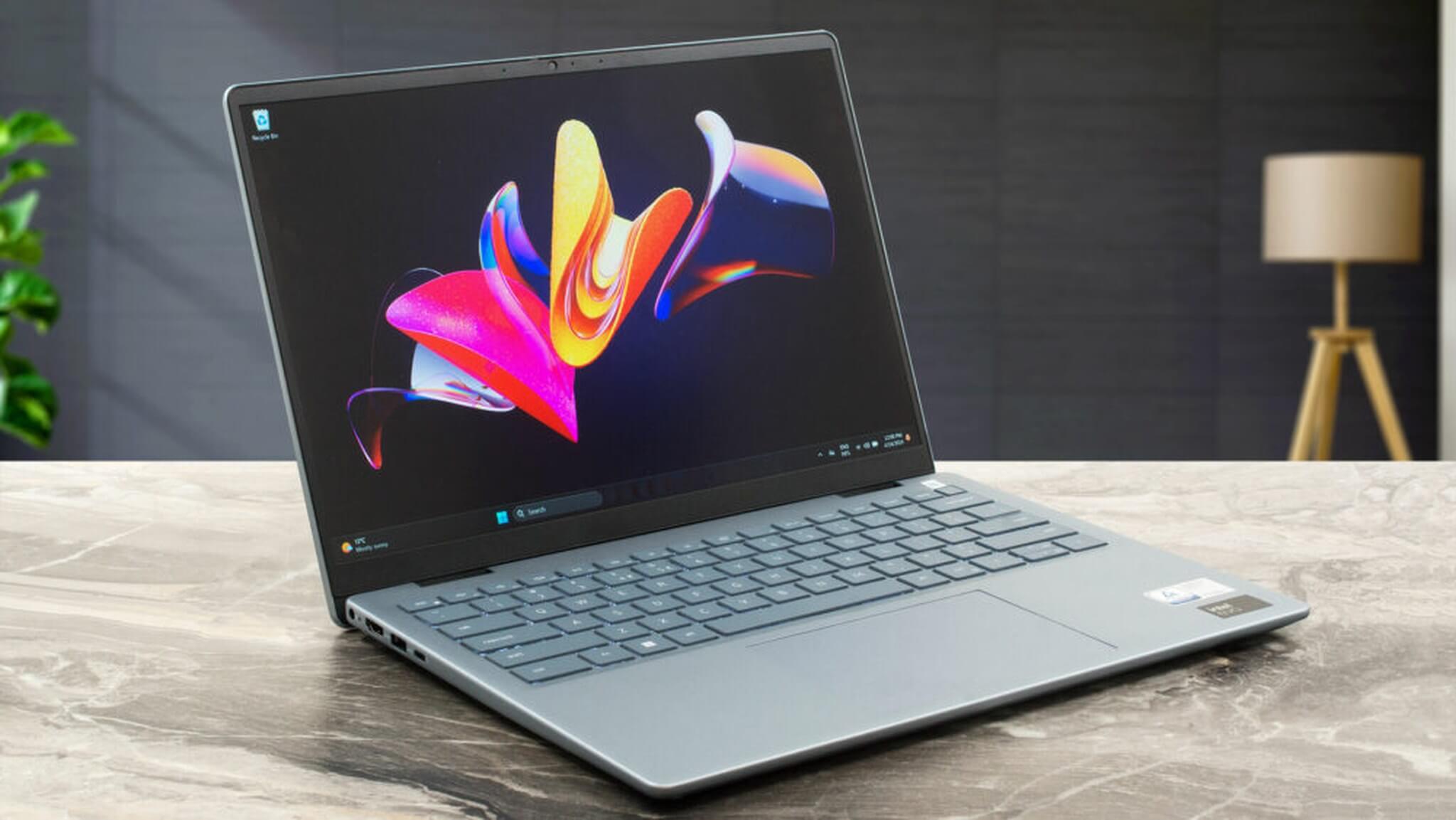
Choose the Dell Inspiron 14 Plus 7440 if you carry your laptop constantly. At around 1.6 kg plus the small adapter, the whole setup is under 2 kg, fits easily in a backpack, and won't feel heavy during a full day of travel. The 2.2K 16:10 screen is significantly sharper, making it suitable for programming, writing documents, creating slides, or placing two windows side-by-side vertically. The LPDDR5x-6400 RAM has higher bandwidth than DDR5-5600, helping the Intel Arc iGPU perform slightly better when handling light graphics tasks.
Things to remember before choosing Dell: no touch screen, a smaller 64 Wh battery, and most importantly, the RAM cannot be upgraded after purchase. If your work requires 32GB to run virtual machines, many heavy applications, or technical software, choose the 32GB version from the start at Dell Inspiron 14 Plus 7440 2024. Buying the 16GB version and regretting it later is not an option. Compared to the 17-inch Envy series, Dell wins in portability and screen sharpness but loses in RAM upgrade flexibility.
In terms of price, both fall within the 15 to 25 million VND range in Ho Chi Minh City. When comparing total long-term cost, you should factor in the cost of upgrading the RAM for the 17-inch model if you anticipate needing 32GB after 1 to 2 years. Since the memory market is volatile, check dramatic memory price increases affecting Dell laptops to plan your budget at the right time.
If you are considering stepping up to a higher tier in the Dell ecosystem, the Dell XPS 16 2026 laptop flagship Dell returns is a worthy comparison to see what the flagship segment offers over the Inspiron 14 Plus when you have a larger budget.
Frequently Asked Questions (FAQ)
With the same Core Ultra 7 155H chip, is there a difference in how the two machines handle office tasks and multitasking?
The chips are identical, but the RAM creates a small difference. Dell uses dual-channel LPDDR5x-6400 which has higher bandwidth than the DDR5-5600 in the Envy 17, helping the Intel Arc iGPU perform slightly better during light graphics processing. For Word, Excel, browsing with many tabs, or video conferencing, there is no perceptible difference in daily use. The real deciding factor lies in the display and weight, not CPU performance.
How long does the battery actually last on both machines, and which one has better cooling?
The Envy 17 has an 83 Wh battery, estimated at 7 to 10 hours of light office work. The Dell's 64 Wh battery, paired with a smaller screen that consumes less power, also achieves about 7 to 10 hours. Under heavy loads, both drop to about 1.5 to 2.5 hours. The 17-inch machine has more space for thermal management than the 14-inch machine, typically staying cooler during continuous multi-hour workloads. Since official battery and thermal tests for these exact two SKUs are not yet available, refer to notebookcheck.net for real-world data.
What is the price difference between the two, and when is it worth upgrading to the 32GB Dell version?
Both are in the 15 to 25 million VND range, with prices varying by time and stock availability. The 32GB Dell version usually costs a few million more than the 16GB version. If you run virtual machines, frequently open many tabs, or use RAM-intensive technical software, 32GB is worth it from the start because the Dell cannot be upgraded later. For the Envy 17 series, buying 16GB first and upgrading when needed is a more flexible budget option.
Who should choose the HP Envy 17 and who should choose the Dell Inspiron 14 Plus 7440?
The Envy 17 series is suitable for users at a fixed desk who need a large touch screen, want to upgrade RAM later, or do not want to buy an external monitor. The Dell Inspiron 14 Plus 7440 is suitable for people who move frequently, prioritize portability, want a sharp 16:10 screen, and are ready to choose the correct RAM capacity from the start. Both handle office work, studying, and online meetings well; the deciding factor is your usage style, not performance.











