

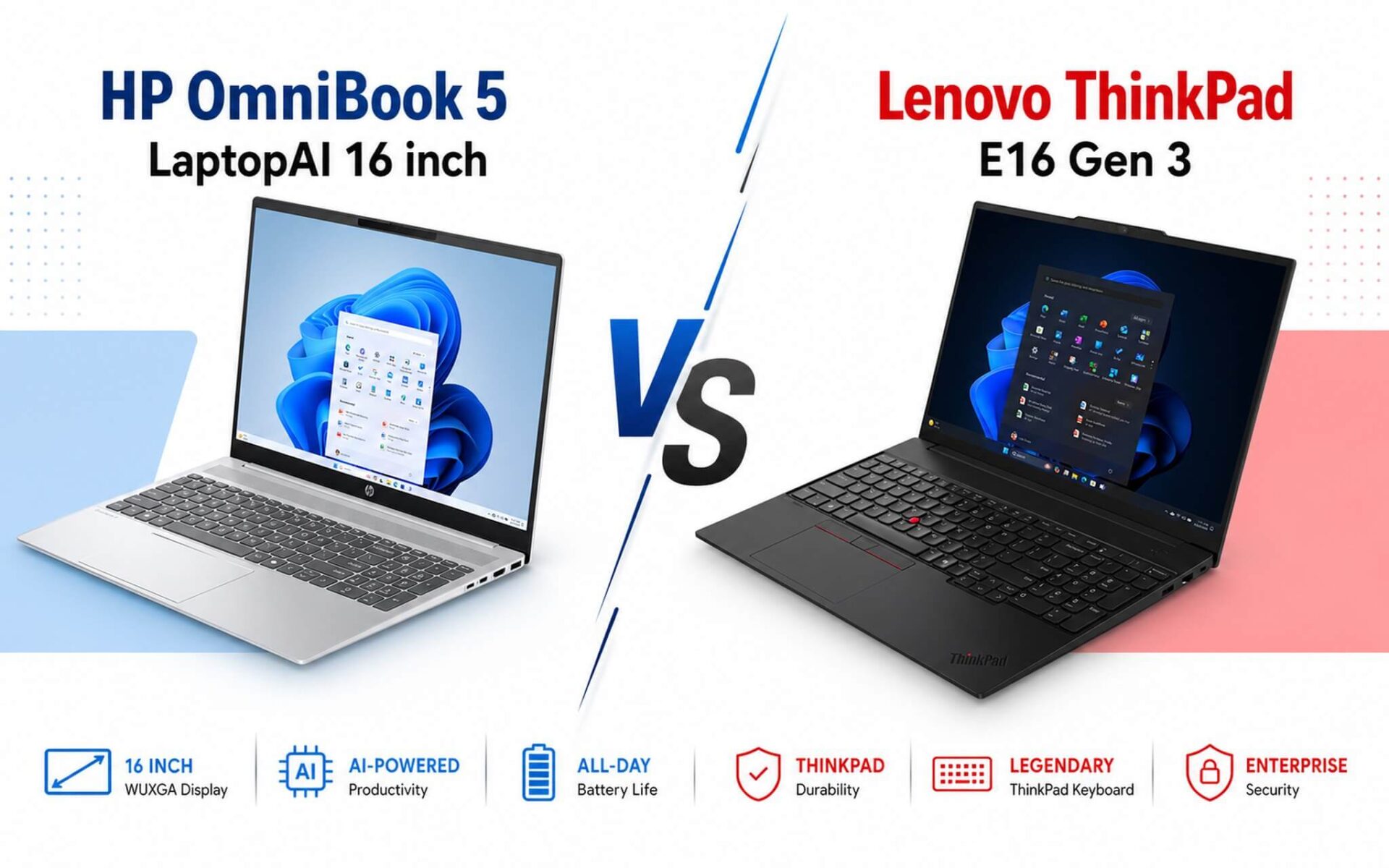
HP OmniBook 5 and ThinkPad E16 Gen 3 are both 16-inch laptops powered by Intel Core Ultra chips, with prices ranging from 25 to 35 million VND. However, when placed side by side, these two machines serve completely different purposes. The OmniBook 5 features a touchscreen and the largest 59 Wh battery in this segment, while the E16 Gen 3 utilizes the Meteor Lake-H architecture to maintain better multi-core performance during sustained workloads and supports RAM expansion up to 64GB. In this article, Hung Phat compares the two machines based on specific needs to help you make the right choice from the start.
CPU Performance and Processing Capability Comparison
Looking at real-world benchmarks, the Core Ultra 5 225U on the HP OmniBook 5 achieves a Cinebench R23 single-core score of 1,731 and a multi-core score of 11,843. The Core Ultra 5 135H on the ThinkPad E16 Gen 3 records a Cinebench R23 single-core score of 1,700 and a multi-core score of 11,875-nearly equal in multi-core performance, but the 135H has a clear advantage during sustained workloads due to its 28W TDP (PL2 up to 64-115W depending on the OEM configuration) compared to the 225U's base 15W (PL2 57W). In Geekbench 6 single-core tests, the 225U reaches 2,372 while the 135H reaches 2,278, meaning the 225U has a slight edge in single-threaded tasks thanks to the newer Arrow Lake-U architecture.
| Specifications | HP OmniBook 5 16 inch (2025) | Lenovo ThinkPad E16 Gen 3 |
|---|---|---|
| Reference Price | 26-31 million VND | 25-35 million VND (market price) |
| CPU | Core Ultra 5 225U, 12 cores/14 threads, boost 4.8GHz, TDP 15W | Core Ultra 5 135H, 14 cores/18 threads, boost 4.6GHz, TDP 28W |
| GPU | Intel Arc iGPU, 4 Xe-cores (Arrow Lake-U) | Intel Arc iGPU, 7 Xe-cores (Meteor Lake) |
| RAM | 16GB / 32GB LPDDR5x 7467MHz (onboard, non-upgradable) | 16GB / 32GB DDR5 5600MHz (2x SO-DIMM slots, expandable up to ~64GB) |
| SSD | 512GB PCIe 4.0 M.2 (second slot unconfirmed) | 512GB / 1TB PCIe 4.0 M.2 (2x M.2 slots) |
| Display | 16 inch IPS WUXGA 1920x1200, 16:10, 300 nits, multitouch | 16 inch IPS WUXGA 1920x1200, 16:10, 300 nits, anti-glare, NON-touch |
| Battery | 59 Wh, ~6-9 hours office work, 50% fast charge in 30 mins | 48 Wh, ~4-6 hours office work |
| Weight | ~1.63-1.8 kg | ~1.63 kg |
| Key Ports | 2x USB-C, 2x USB-A, HDMI 2.1, no RJ-45 | USB-C 20Gbps, 2x USB-A, HDMI 2.1, RJ-45 Ethernet |
| MIL-STD | No | MIL-STD-810H |
| Buy Link | HP OmniBook 5 | Lenovo ThinkPad E16 Gen 3 (contact for price) |
Regarding AI, both feature integrated NPUs, but the 225U is advertised by HP as having a 12 TOPS NPU, sufficient for light AI tasks on Windows like background blur or auto-captions. The 135H, belonging to the Meteor Lake generation, also has an NPU, but the exact TOPS specifications are not officially confirmed by Lenovo for this specific SKU, so Hung Phat has not listed a number to avoid inaccuracy. The integrated GPU of the 225U is Arc with 4 Xe-cores, while the 135H features Arc with 7 Xe-cores (Meteor Lake), meaning for light graphics tasks like photo editing or 1080p video exporting, the 135H is actually a step smoother.
If you use Office, attend online meetings, or do basic web development: both perform well, and you won't notice much difference in daily use. When running heavy multitasking like code compilation, short video exporting, or running local AI models, the 135H on the E16 Gen 3 maintains more stable performance due to its higher TDP and thicker cooling system. A real downside of the 225U: the thinner chassis means limited cooling, so thermal throttling will occur sooner when running high loads continuously for over 15 minutes.
Display, Design, and Hardware Upgradability
The biggest difference in daily experience lies in the display. The HP OmniBook 5 touchscreen version features a 16-inch WUXGA 1920x1200 panel, 16:10 aspect ratio, supporting multitouch, which is convenient for direct drag-and-tap operations. The ThinkPad E16 Gen 3 also uses a WUXGA 16:10 anti-glare 300 nits panel but is non-touch. Regarding color accuracy, the E16 Gen 3 is rated at 45% NTSC, which is quite low and not suitable for serious photo editing. The OmniBook 5 non-touch version reaches 62.5% sRGB; the exact specs for the touch version are unconfirmed, and Hung Phat will update this once real-world measurements are available.
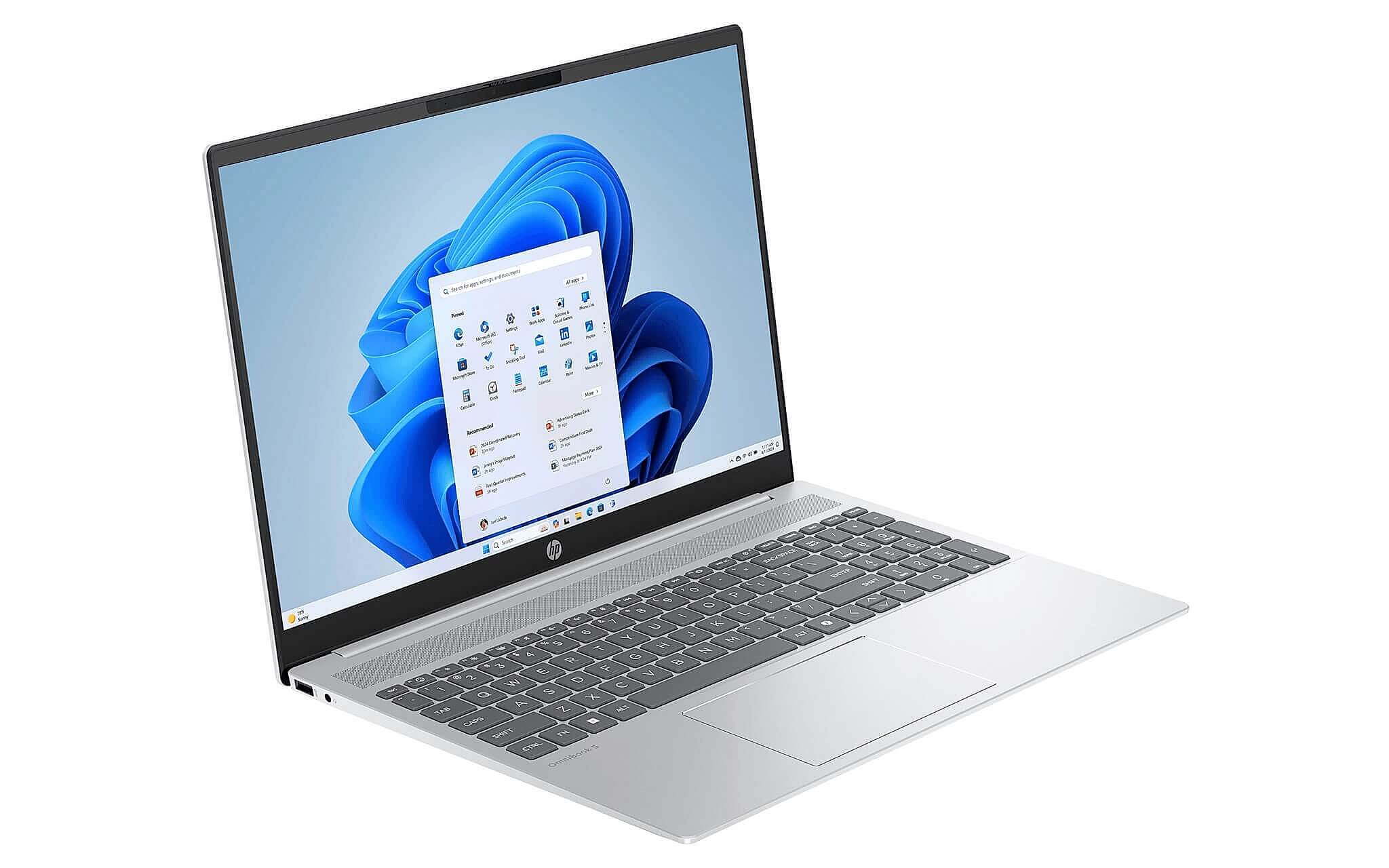
In terms of physical design, the OmniBook 5 uses an aluminum lid and palmrest with a plastic bottom, being thin and weighing approximately 1.63-1.8 kg depending on the configuration. The ThinkPad E16 Gen 3 weighs about 1.63 kg, features an all-aluminum body, and has MIL-STD-810H certification-a clear advantage if you travel frequently, work on construction sites, or go on business trips often. The OmniBook 5 lacks MIL-STD certification, making it more suitable for office use or light commuting.
Hardware upgradability is the most significant point of divergence. The RAM on the OmniBook 5 is soldered to the motherboard; if you buy 16GB, you are stuck with 16GB as it cannot be added to. The E16 Gen 3 has 2x SO-DIMM DDR5 5600MHz slots, allowing expansion up to 64GB in the future. Regarding SSDs, the E16 Gen 3 has 2x M.2 slots (one 2242 and one 2280), while the OmniBook 5 has not confirmed a second slot. For IT professionals, technicians, or mobile workstations that need gradual expansion over time, the E16 Gen 3 is far more flexible.
Battery, Price, and When to Choose the HP OmniBook 5
The battery is where the OmniBook 5 has a clear advantage: 59 Wh compared to the 48 Wh of the E16 Gen 3. In typical office scenarios, the OmniBook 5 lasts 6-9 hours, while the E16 Gen 3 only lasts 4-6 hours. If you often work in coffee shops or attend all-day conferences without a charger, this is a significant gap. The OmniBook 5 also supports fast charging, reaching 50% in 30 minutes via 65W USB-C. The exact fast-charging specs for the E16 Gen 3 on the current SKU are unconfirmed.
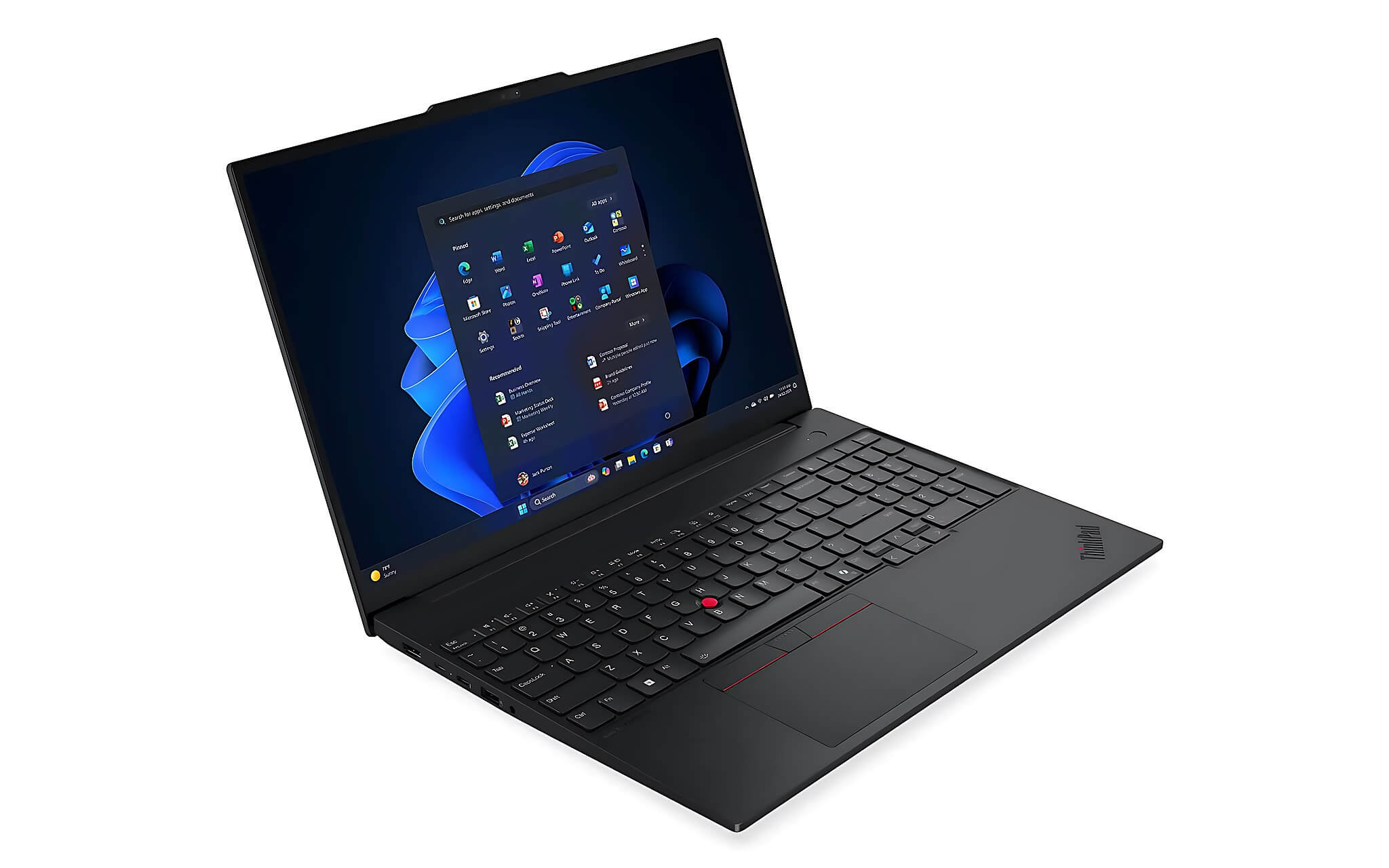
Regarding connectivity, the OmniBook 5 has 2x USB-C 10Gbps (PD 3.1, DP 1.4a), 1x USB-A 10Gbps, 1x USB-A 5Gbps, and HDMI 2.1, but lacks an RJ-45 port. The E16 Gen 3 is equipped with RJ-45 Ethernet, HDMI 2.1, USB-C 20Gbps, and 2x USB-A ports, leaning towards a fixed office setup. If you need a stable wired network connection or need to connect multiple displays simultaneously, the E16 Gen 3 has a clear edge.
The table above summarizes the specifications of both machines for easy comparison; you should base your decision on your actual needs rather than a few million VND difference. The HP OmniBook 5 is currently available at Hung Phat with official warranty; Hung Phat also provides consultation to help you choose the right configuration for your budget. If you are in Ho Chi Minh City, you can visit us directly to test the machine or order online for home delivery.
If you primarily use your laptop at home or in the office, need a touchscreen for flexible operations, and require all-day battery life: the HP OmniBook 5 is the more suitable choice. If you need more sustained multi-core performance under heavy loads, future RAM expansion, or frequently travel and need a more durable machine with MIL-STD certification: the ThinkPad E16 Gen 3 is worth the higher price. If you are unsure, Hung Phat is ready to provide further consultation based on your specific needs. For those considering laptops in this price range for study and work, our article on laptops for IT students 15-30 million VND may also provide further guidance.
Frequently Asked Questions (FAQ)
How does the real-world performance of the two machines differ in daily work?
For standard office tasks like Office, web browsing, and online meetings, both perform smoothly, and it is difficult to feel a difference. When running heavier multitasking like long code compilation, video exporting, or running local AI models, the Core Ultra 5 135H on the ThinkPad E16 Gen 3 maintains better performance thanks to its 28W TDP (PL2 up to 64-115W), whereas the 225U in the OmniBook 5 is limited by a 57W PL2 and a thinner cooling system. Cinebench R23 multi-core scores are nearly equal (11,843 vs 11,875), but in 15-30 minute sustained tests, the E16 Gen 3 throttles less due to its thicker cooling system.
Regarding battery and temperature, which machine lasts longer during the day?
The OmniBook 5 wins clearly on battery: 59 Wh compared to 48 Wh on the ThinkPad E16 Gen 3, equivalent to 6-9 hours of actual office work versus 4-6 hours. The OmniBook 5's fast charging reaches 50% in just 30 minutes via a 65W USB-C adapter, which is very convenient if you only have a 30-minute break. Regarding heat, the OmniBook 5 is thinner, so the chassis will get warmer under continuous high loads compared to the ThinkPad E16 Gen 3; the traditional ThinkPad line still manages heat better during sustained workloads. For a full day of mobile use without a charger: the OmniBook 5 has a clear advantage.
Is the price difference between the two machines worth upgrading to the ThinkPad E16 Gen 3?
The ThinkPad E16 Gen 3 has a market reference price of 25-35 million VND, while the OmniBook 5 is around 26-31 million VND, depending on the configuration. For the price difference, you get: expandable RAM up to 64GB (the OmniBook 5 is non-upgradable), 2x M.2 SSD slots, MIL-STD-810H certification, and an RJ-45 port. If you plan to use the machine for 3-4 years and intend to upgrade the RAM after 1-2 years, upgrading to the E16 Gen 3 is worth it. If you only need a light office machine with a touchscreen and good battery life, the extra cost does not provide significant added value.
Which needs are best suited for each machine?
The OmniBook 5 is suitable for office workers, teachers, sales staff, or content creators using light applications who need a touchscreen for flexible operation, all-day battery life, and a lightweight machine. The ThinkPad E16 Gen 3 is better suited for mobile workstations, IT technicians, programmers who need high RAM capacity in the future, or anyone who travels frequently and needs a more durable machine over time. The HP OmniBook 5 is currently available at Hung Phat; you can contact us for a consultation to choose the right configuration for your actual budget.











