In about 3 months, Apple will hold a major event to introduce new software updates at the annual WWDC. Among them, iOS 18, iPadOS 18, and macOS 15 with attractive new features are expected to appear. In this article, I will share with you some interesting rumors surrounding the potential features on the upcoming macOS 15.
Sync notifications with iPhone and iPad devices
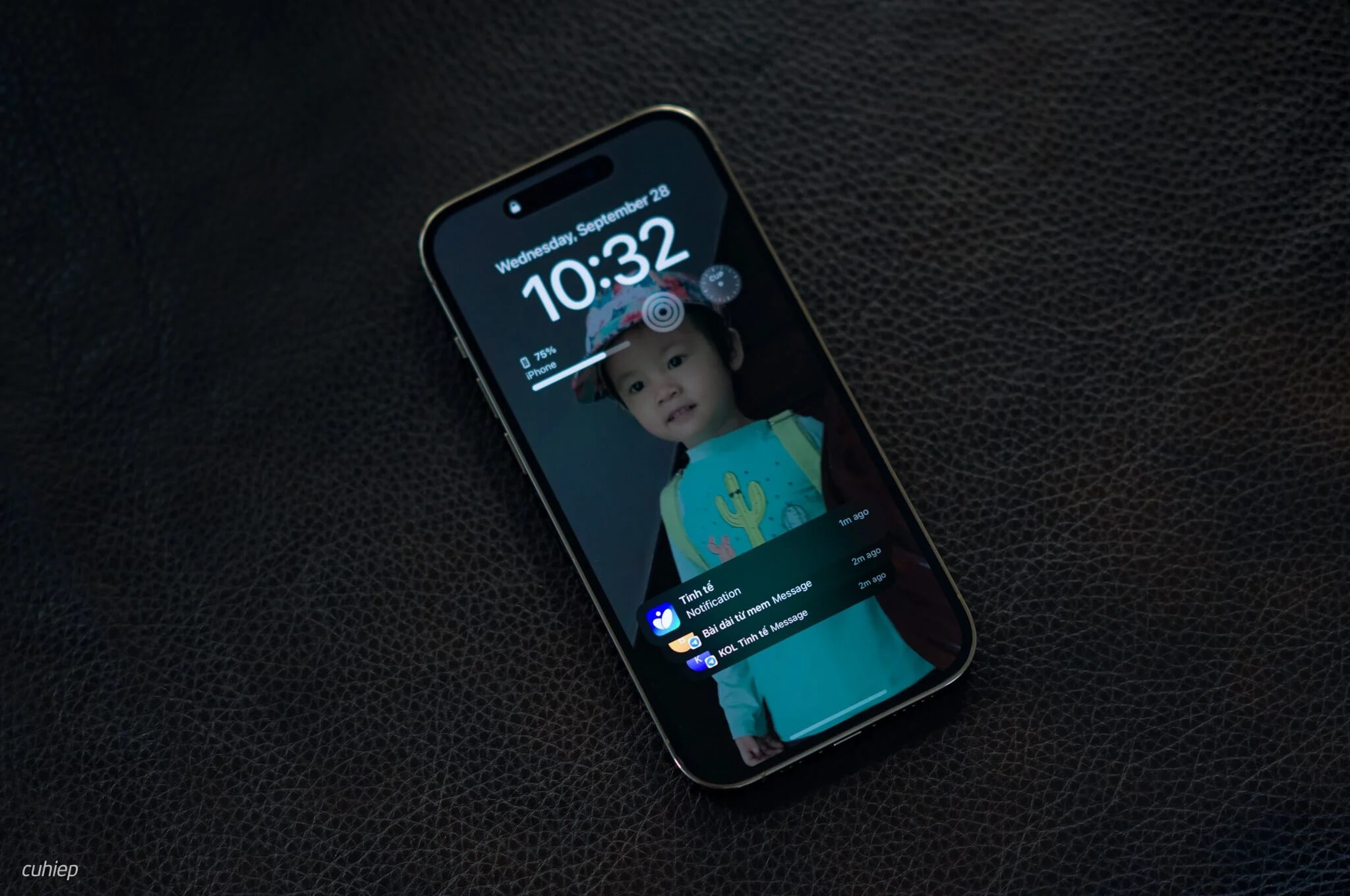
Below is information that circulated immediately after macOS 14 Sonoma was released last June. If this feature is implemented, users will be able to receive notifications from their iPhone while using a MacBook for work. This feature is highly anticipated because users sometimes miss important notifications from their iPhone while focusing on work on a Mac for several consecutive hours. If the information is trivial, ignoring it might be acceptable, but if it is important, missing it could cause unwanted trouble.
Health, Translate, and more apps for macOS 15
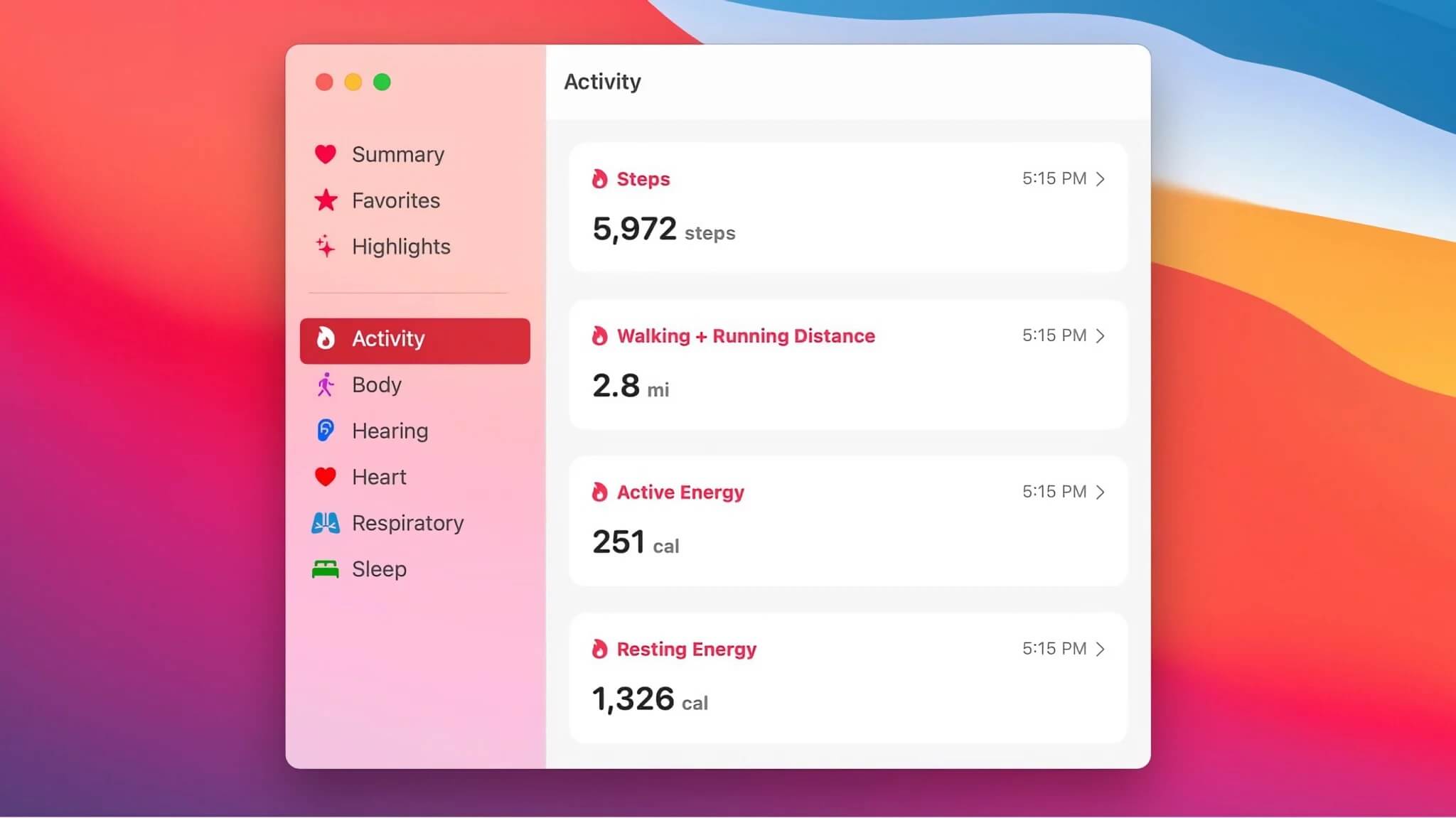
Currently, there are many apps on iOS that are not available on macOS, such as the Health and Translate apps. There are rumors that in the upcoming macOS 15 version, Apple will integrate more apps from iPhone and iPad into Mac to create synchronization within their ecosystem. The Health app will also be improved with a larger interface, helping users interested in health metrics to easily track charts and related information.
Stack Widgets similar to iPhone's iOS
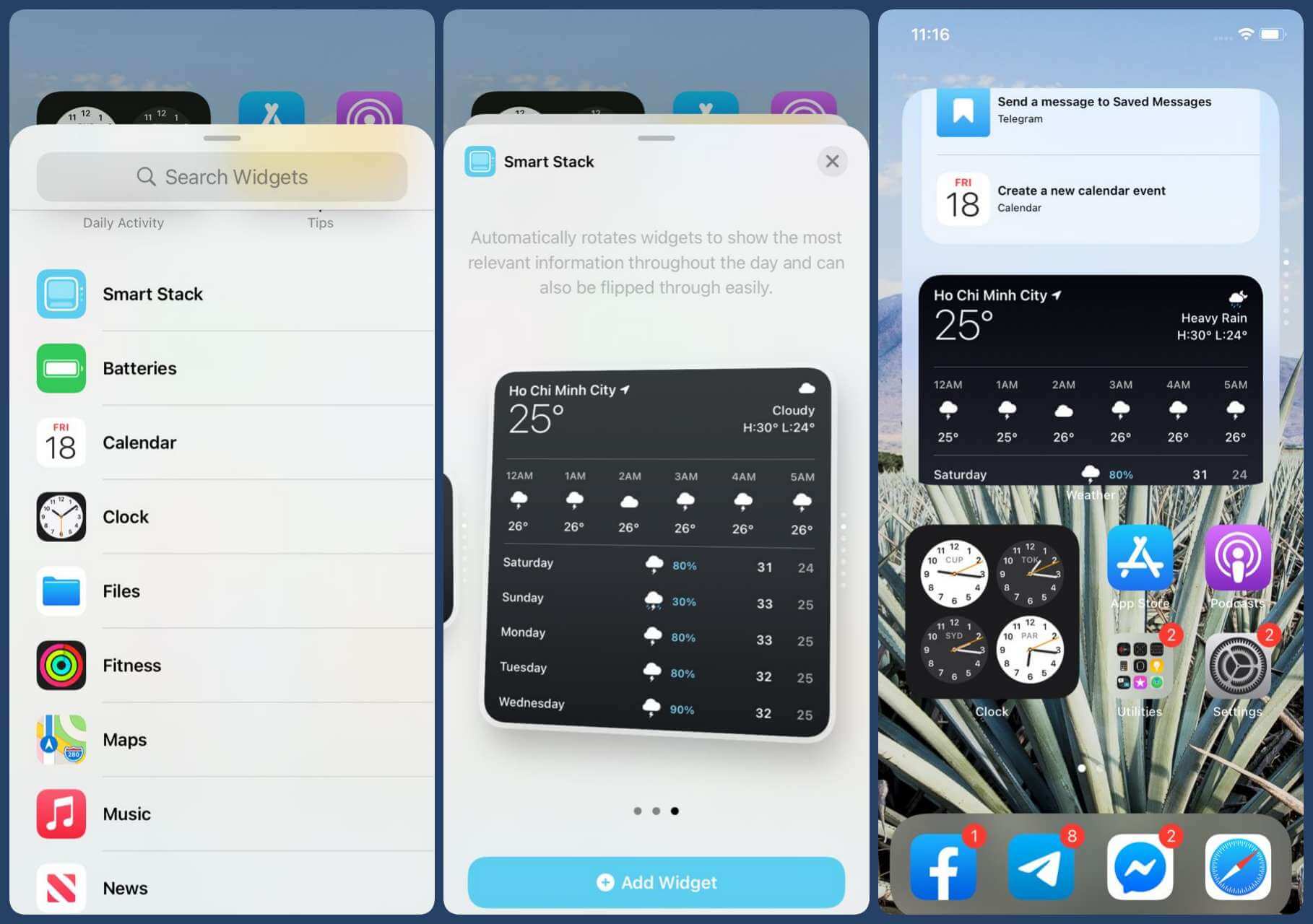
In macOS Sonoma, Apple introduced the feature to add widgets to the desktop, but it was not fully complete. They lacked stack widgets like those on iPhone, which allow users to group multiple widgets into a single widget and easily view information from different apps by swiping left or right. Last year was the first time Apple introduced widgets on macOS, so it is entirely possible that this feature will be improved with stack widgets this year.
Expanded iOS app support in macOS 15 App Store
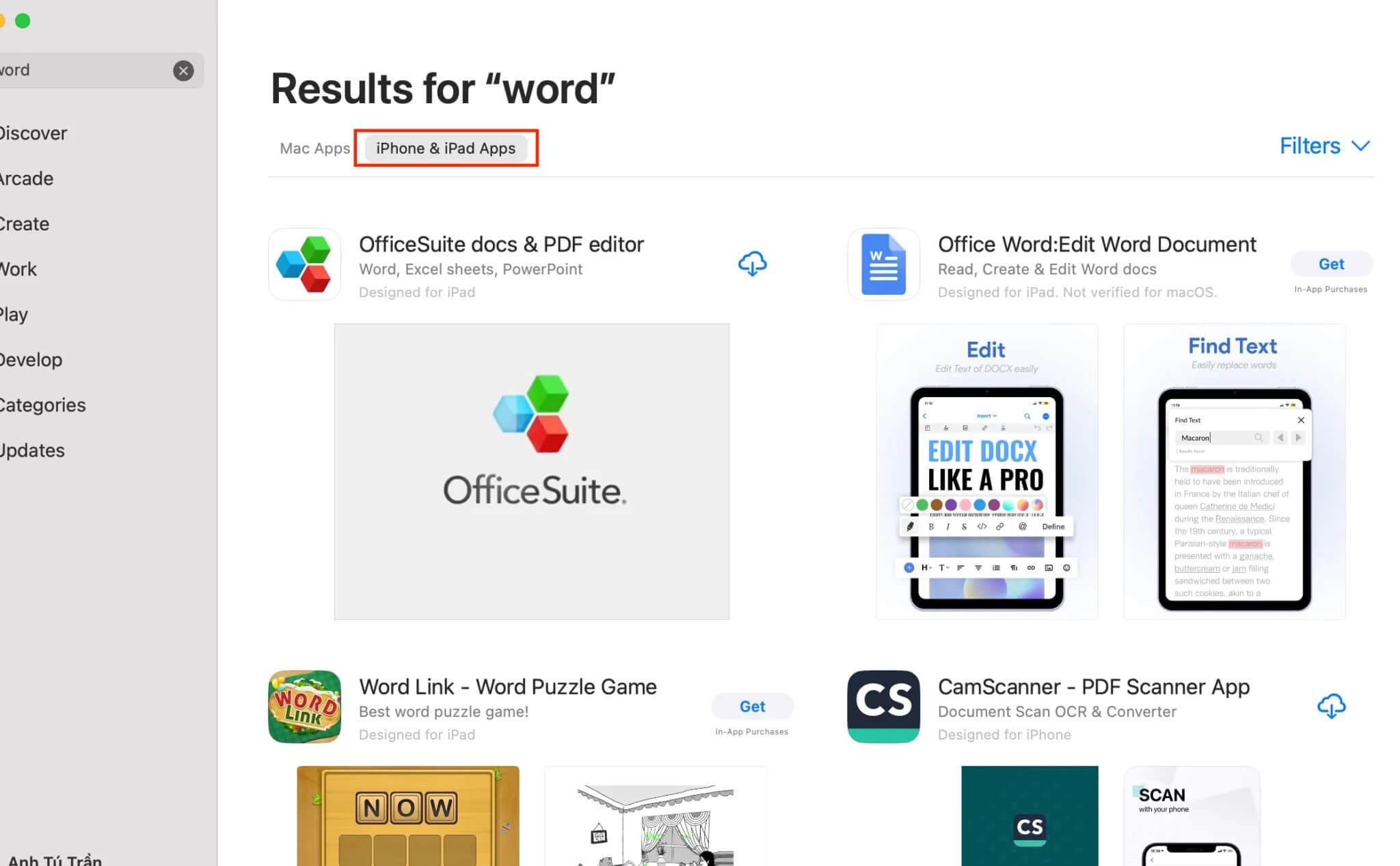
You may already know that since MacBook started using M chips, users have had the ability to open many iOS apps on macOS. This brings many benefits, such as installing school management apps on macOS for easy access whenever needed. Given the significant amount of time spent on MacBooks daily, the issue is that some iOS apps still cannot run on the current macOS. The software community is hoping Apple will provide more support to developers so that macOS 15 can be compatible with more iOS apps in the future.
AI integration into Siri and Spotlight
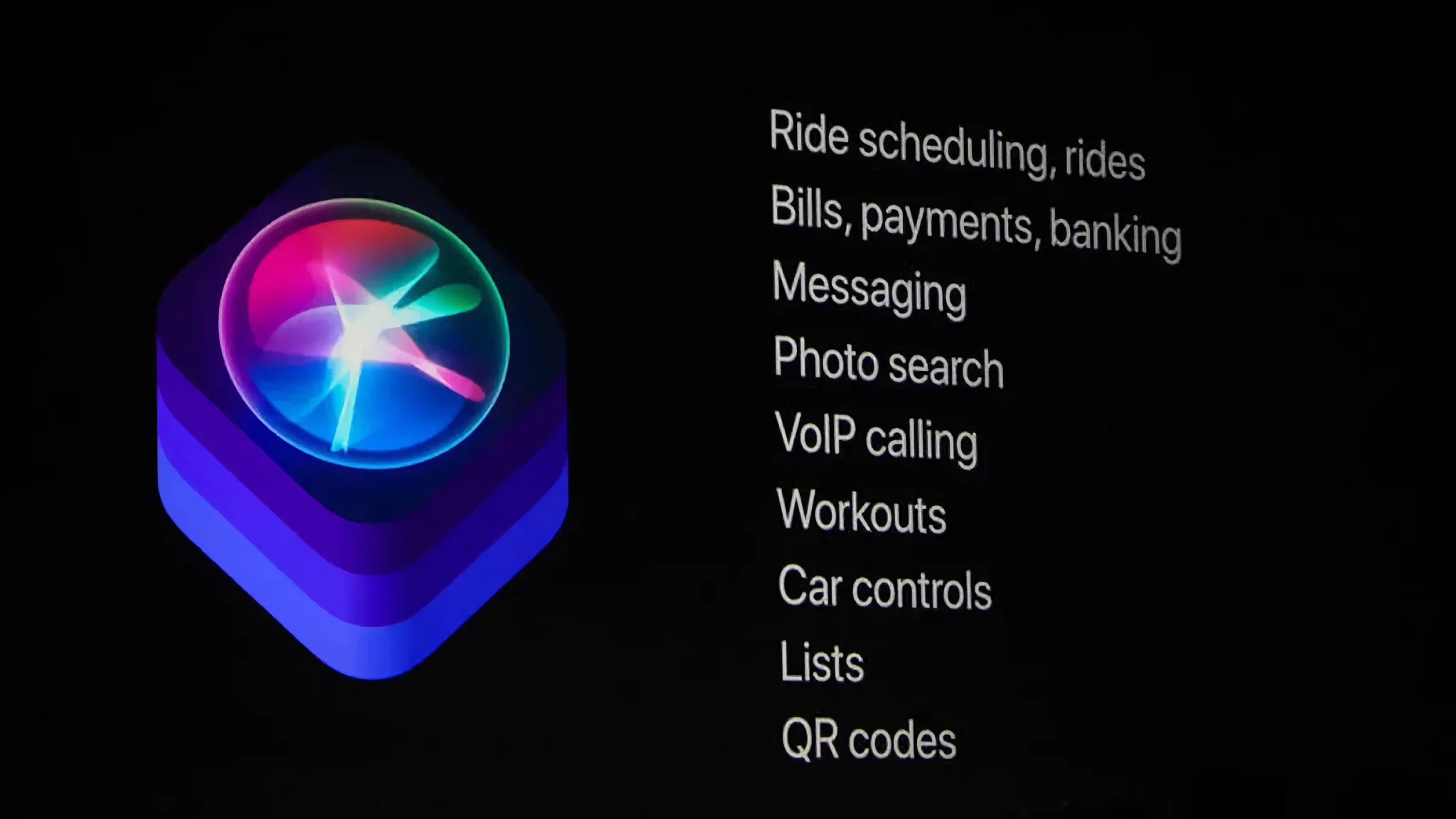
One of Apple's biggest decisions over the past decade has been reinvesting in Artificial Intelligence (AI). It is possible that Apple will focus more on AI at the WWDC event expected this June. Recently, there have been many rumors stating that Apple will integrate AI into Siri and Spotlight. With Siri, AI could learn user habits to improve performance and response speed whenever a user makes a request. For Spotlight, AI could be used to quickly search for information and summarize content on websites or apps. It is expected that AI-related features will become a major focus at the upcoming WWDC event.
Easier Backup like iOS / iPadOS
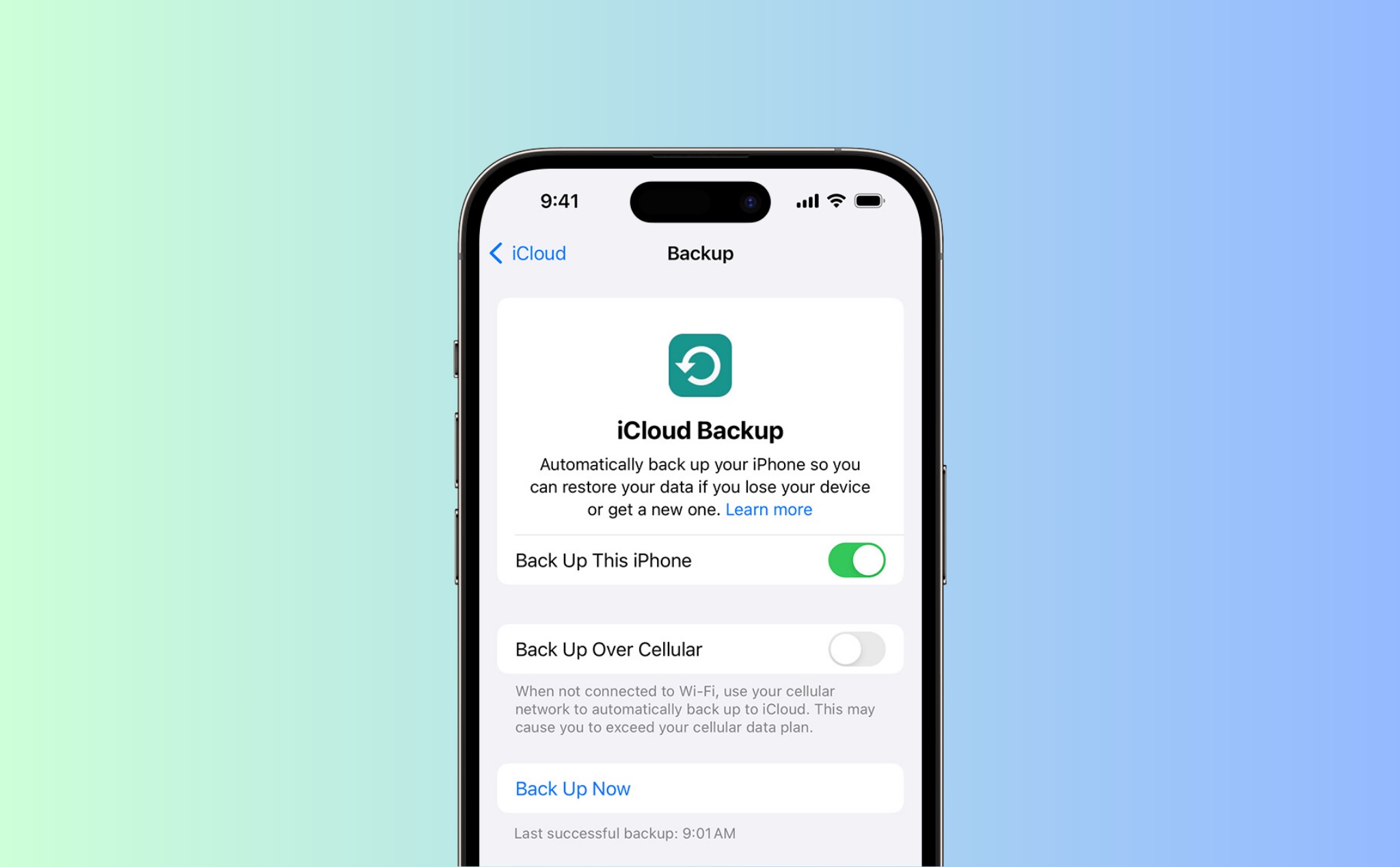
Currently, MacBook has many different backup methods such as using Time Machine or syncing folders with iCloud; however, backing up all data on a MacBook is still not as simple as on an iPhone. On an iPhone, users can go to settings, select backup, and after switching to a new device, simply log into iCloud and select the backup file, and the rest will be done automatically. A strength of iPhone backup is that it preserves almost all data, from installed apps to the user's wallpaper, something that macOS currently cannot yet achieve.
Clipboard Management
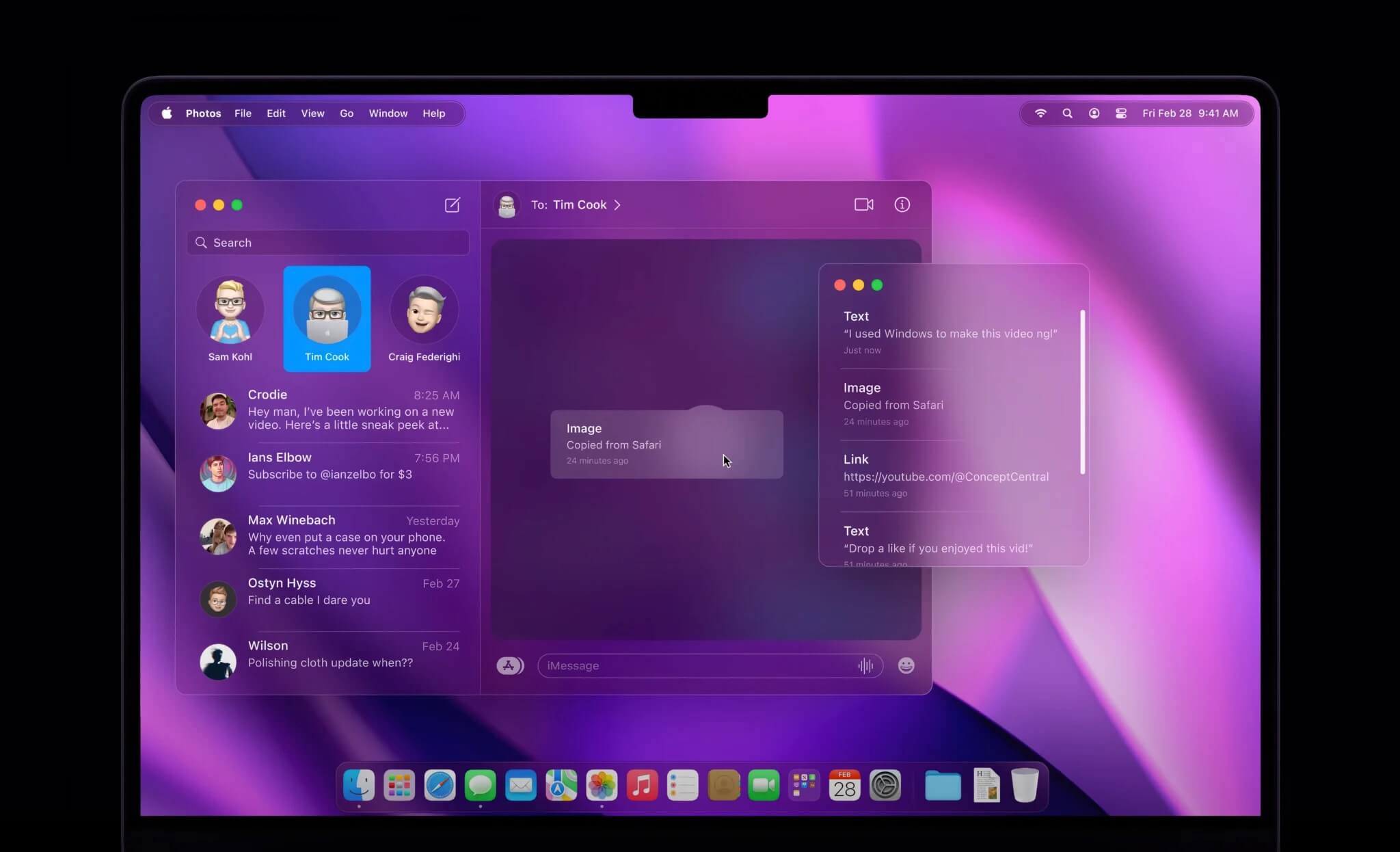
This is a feature that many MacBook users have long expected in the macOS operating system, especially those who work heavily with text. This feature would allow users to store multiple copied texts in a common location for easy access and use when needed. This is also one of the things that I personally have been waiting for for a long time.
Bringing all software even closer together
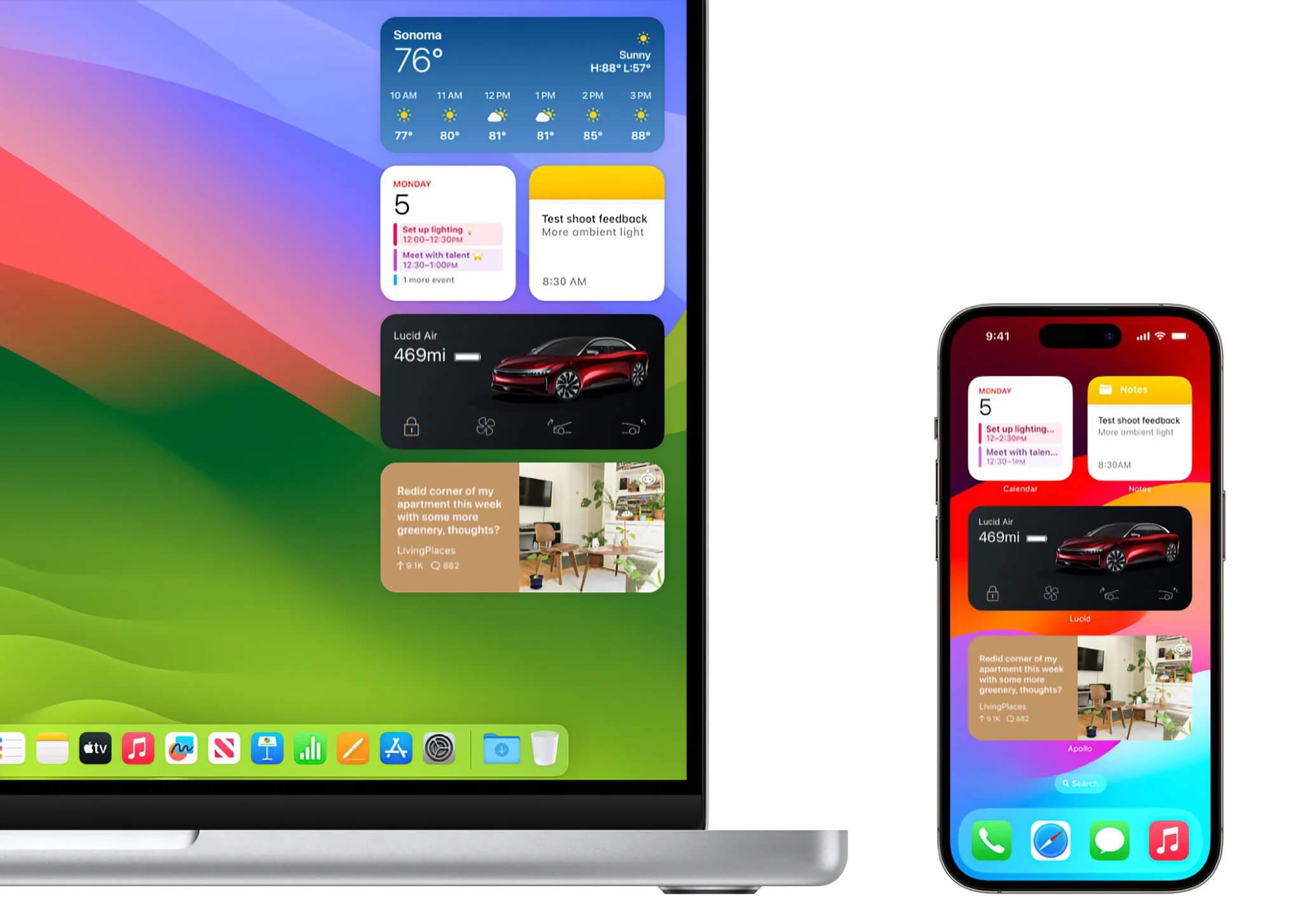
Over the years, Apple has implemented a strategy to make macOS more similar to iOS, and this direction will likely continue in the macOS 15 version. Based on current rumors, it is possible that macOS 15 will implement interface and feature synchronization with all other Apple software versions, including iOS, iPadOS, and even tvOS and visionOS.
Some other adjustments with lower reliability.
- Customize the notch with Live Activities
- Redesign the menu bar interface
- Redesign app icons
- New Lock Screen and Desktop wallpapers
- Refresh the Finder app
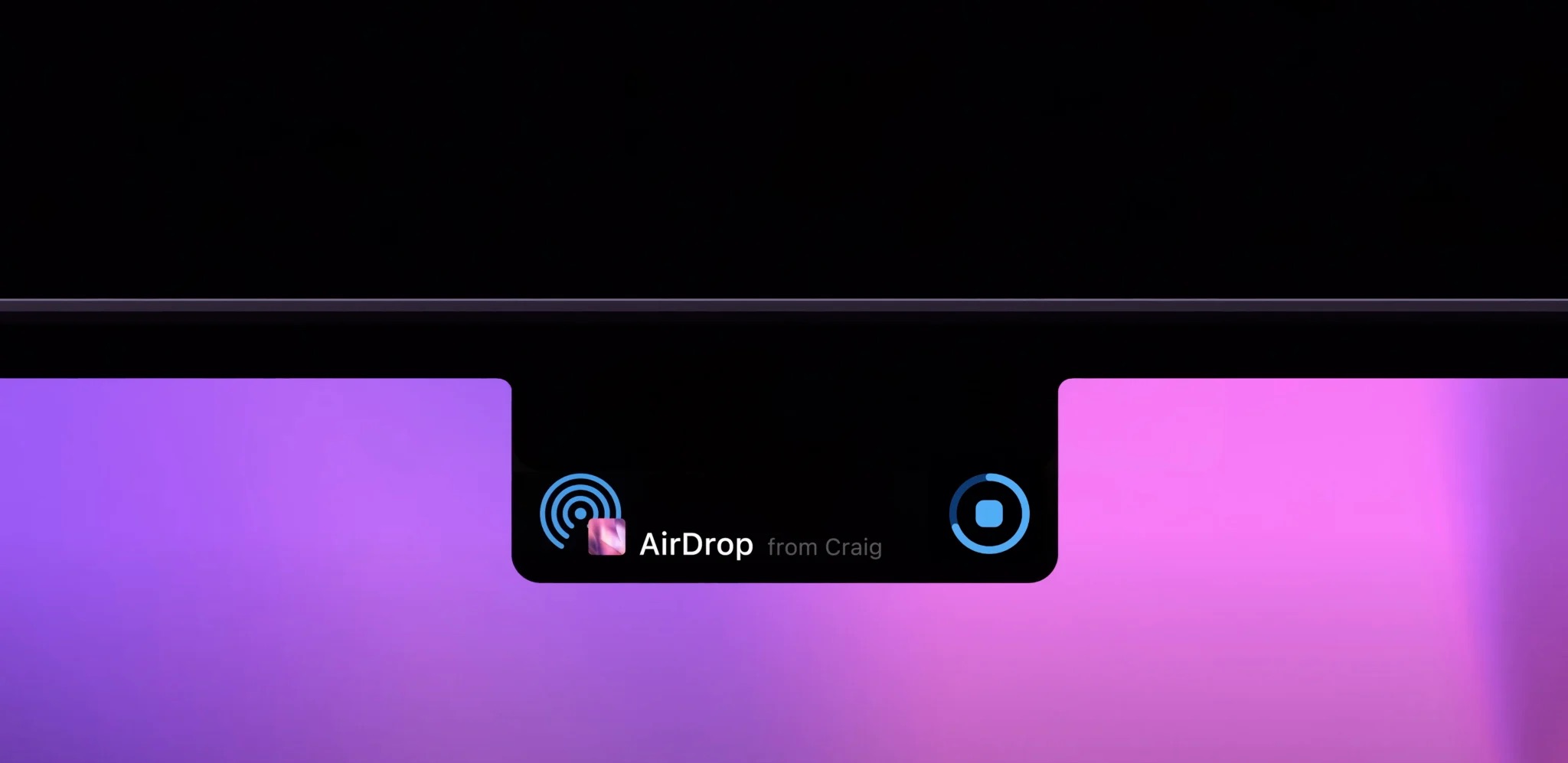
Recently, there have been some adjustments expected to be applied to the macOS 15 operating system in the near future. Personally, I have high expectations for Apple's AI capabilities and particularly favor the notification synchronization feature between iOS and macOS. What specific feature are you looking forward to seeing in the new macOS version?
According to: Tinhte.vn