

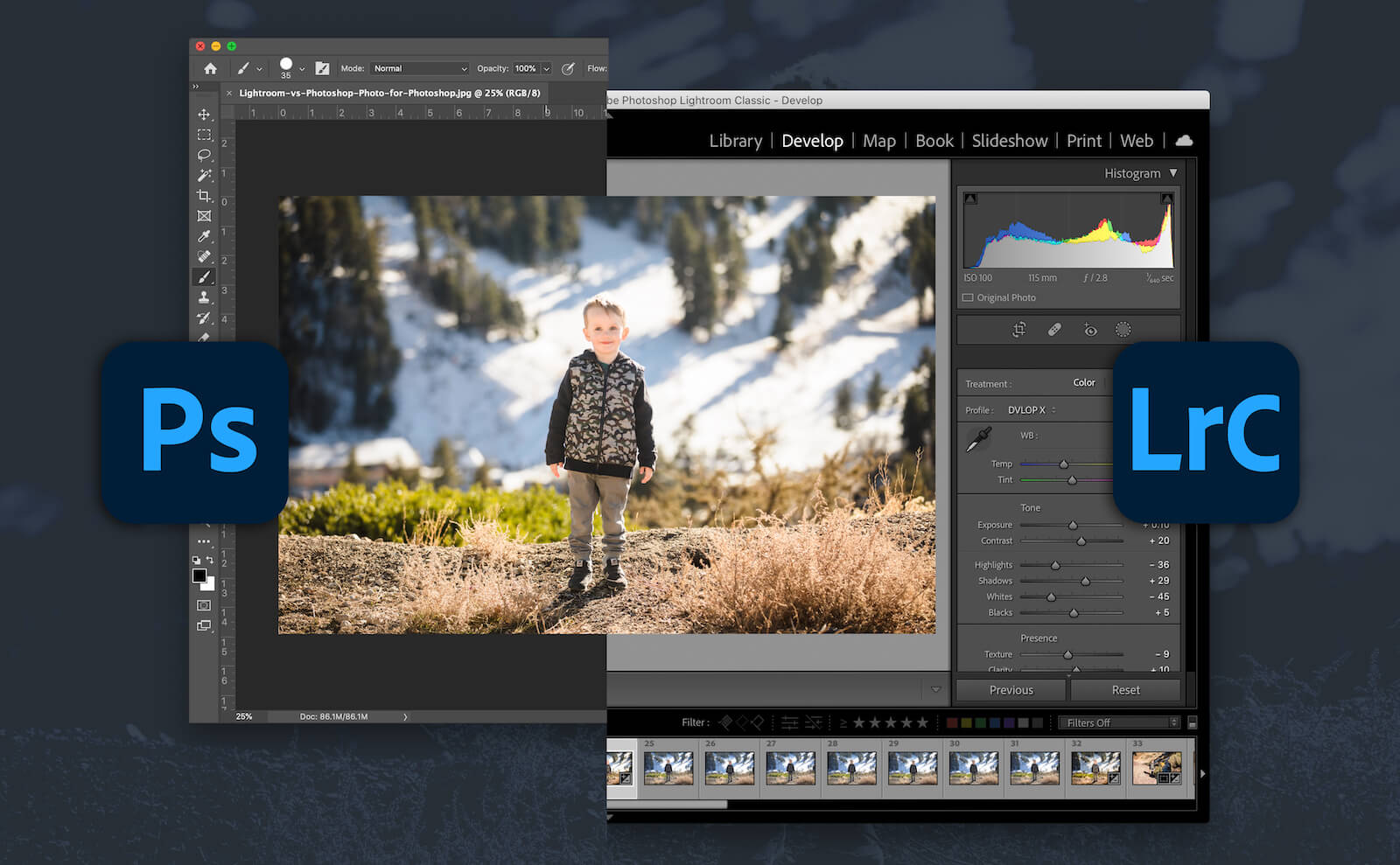
Lightroom and Photoshop both provide smart tools powered by artificial intelligence to help users edit photos more efficiently. After extensive testing and widespread use of both software, this article compares their AI features, from basic edits to advanced retouching features.
1. Basic Editing
If you want to use AI editing tools in Lightroom or Photoshop, start with basic changes to achieve the best results.
Adobe Lightroom
One of the best basic AI editing features in Lightroom is the noise reduction tool. Introduced by Adobe in 2023, this feature helps remove grain more easily if it is not your preferred photographic style. To use this feature, simply select Denoise, choose the level of noise you want to remove, and save the image in DNG format.
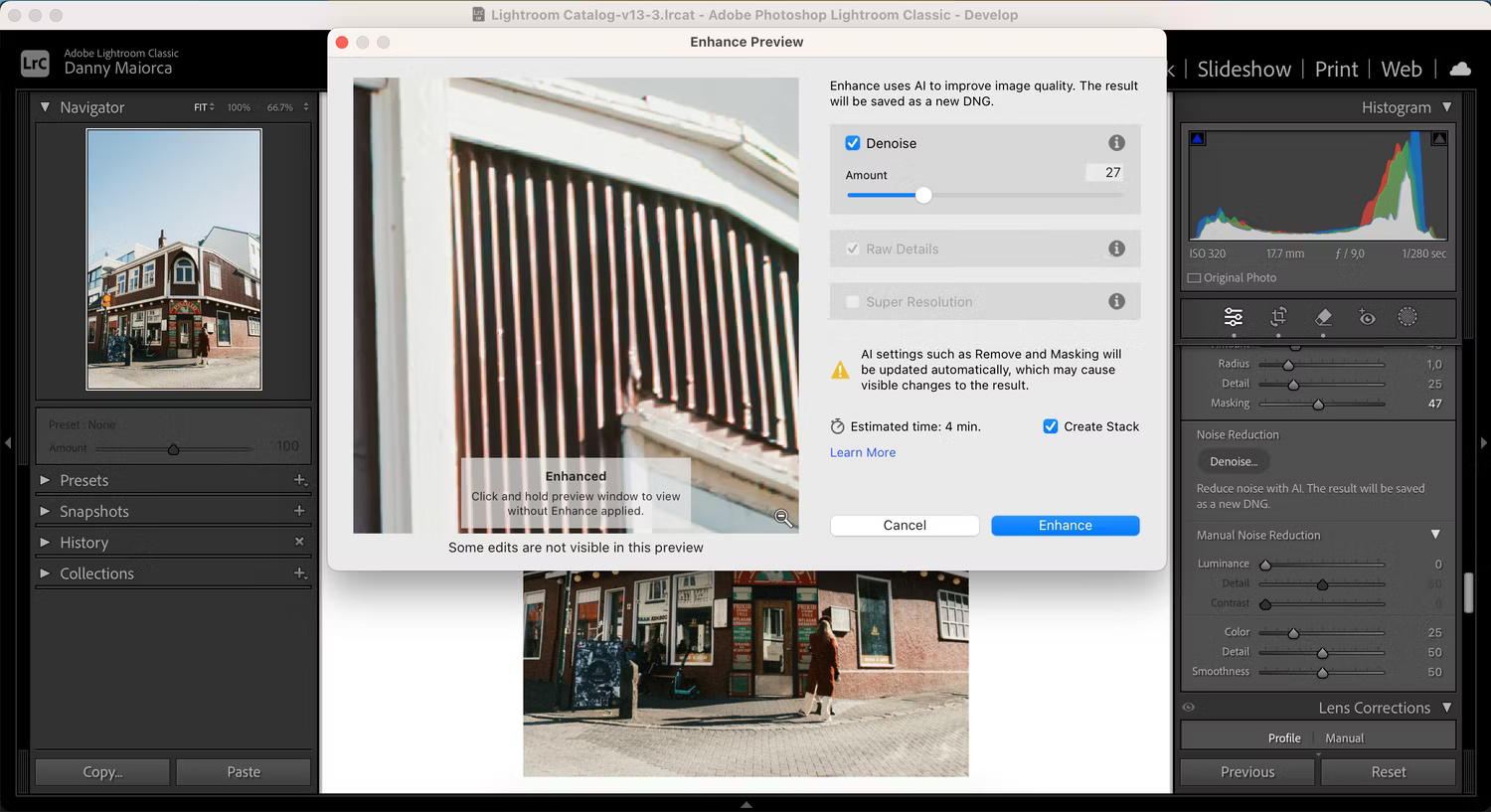
During the photo editing process in Lightroom, you can use the Auto function to adjust brightness, shadows, colors, and white balance. Lightroom also uses artificial intelligence for automatic white balance. However, in practice, most people do not regularly use this Auto feature unless they want to learn how to edit photos.
Lightroom provides an Auto Straighten tool to help you achieve precise results. Additionally, the application features a Red Eye removal tool.
Adobe Photoshop
Photoshop offers many AI editing tools similar to Lightroom. For example, when using Camera Raw, you can automatically adjust the brightness and color of an image. In Photoshop, you can also use Auto Tone, Auto Contrast, and Auto Color to change the colors of an image automatically.
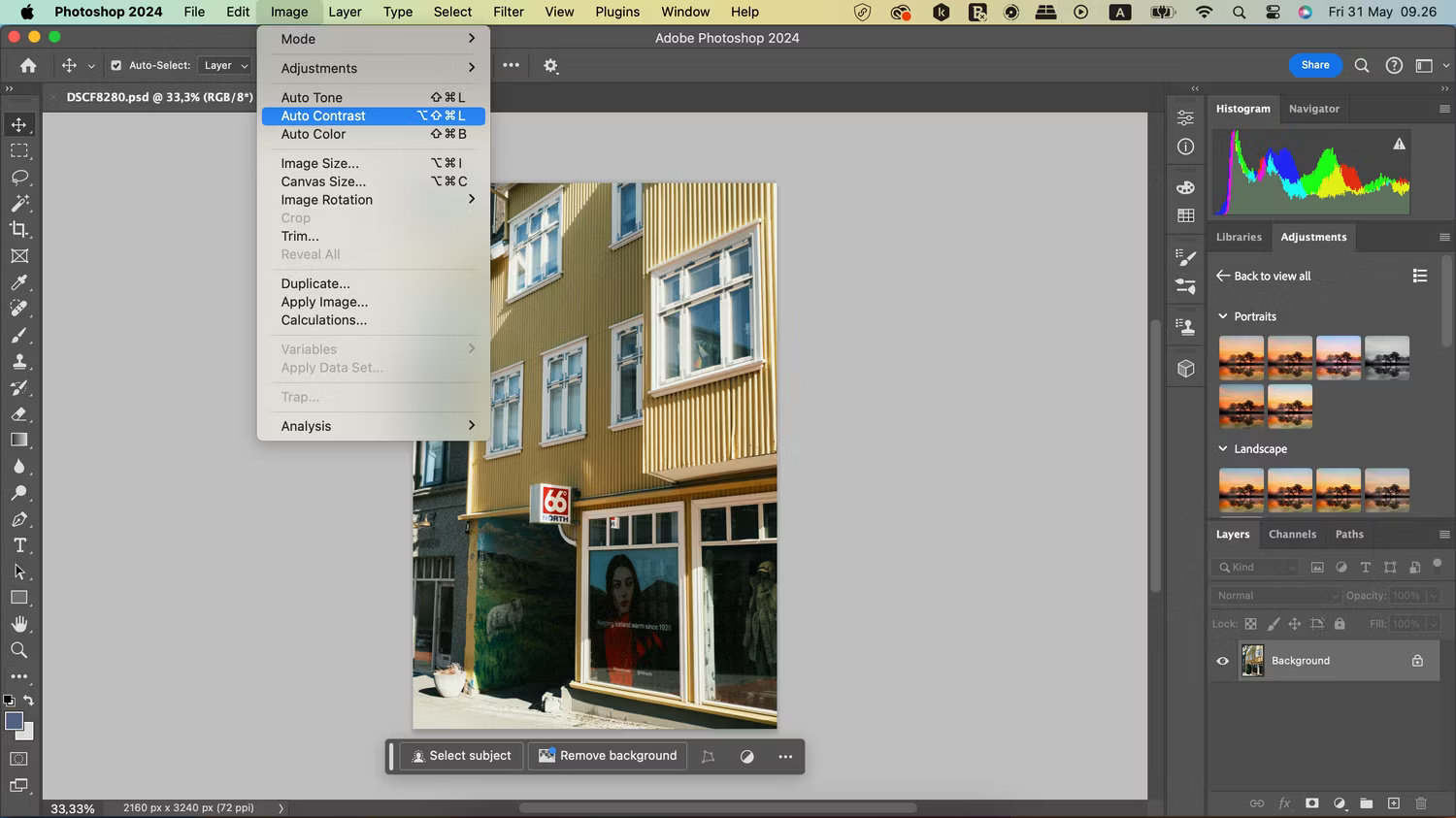
These tools provide significant benefits for those learning how to use color in Photoshop who sometimes encounter difficulties.
The Auto Straighten function in Lightroom is very useful, and Auto Contrast in Photoshop is equally impressive. There is very little similarity between the two applications regarding basic adjustments, so in this regard, the two platforms are completely complementary.
Comparison between the 2 applications: No significant difference.
2. Image Editing and Retouching
Sometimes, you may need to edit imperfections and blemishes in your photos. Both Lightroom and Photoshop provide AI-powered smart photo retouching tools, which we will explore in the next two sections.
Adobe Lightroom
Currently, the most popular AI retouching feature in Lightroom is the Healing tool. When you select a point or a flawed area on a photo, Lightroom will automatically identify the edited area and change the region you want to retouch. This is very useful when you only need to make minor adjustments.
However, using the Healing tool in Lightroom can be time-consuming if there are many areas that need retouching. If there are many points to remove in a single photo, people often perform basic edits in Lightroom and then finalize them with some edits in Photoshop.
Adobe Photoshop
Photoshop is also equipped with several AI-based editing tools. Photoshop's Spot Healing tool offers higher efficiency compared to Lightroom. Once applied, the image is automatically edited in just a few seconds. Therefore, if you need to edit many different aspects, Photoshop is a much better choice.
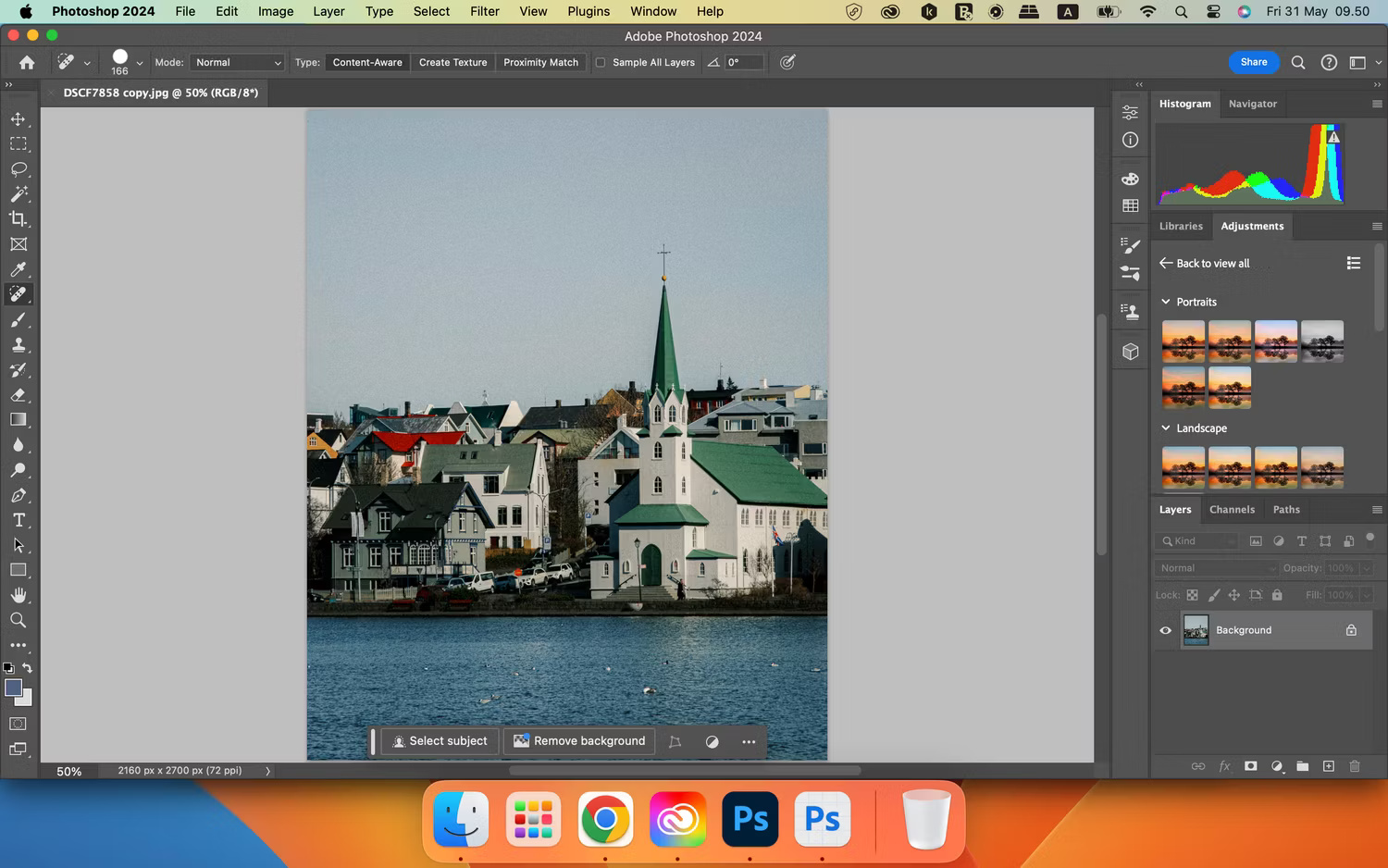
When using the Spot Healing tool in Photoshop, you can resize the brush as desired.
Comparison between the 2 applications: Adobe Photoshop has the advantage.
3. Image Ideation and Creativity
In addition to applying edits to photos taken with Photoshop and Lightroom, you can also consider using them to develop new ideas.
In 2024, Adobe released a new feature in Photoshop called Generate Image, which allows users to create images from scratch. This feature uses Adobe Firefly's Generative AI technology and is capable of receiving text prompts to create the desired type of image. Users can choose reference images from an available catalog or upload their own reference images if needed.
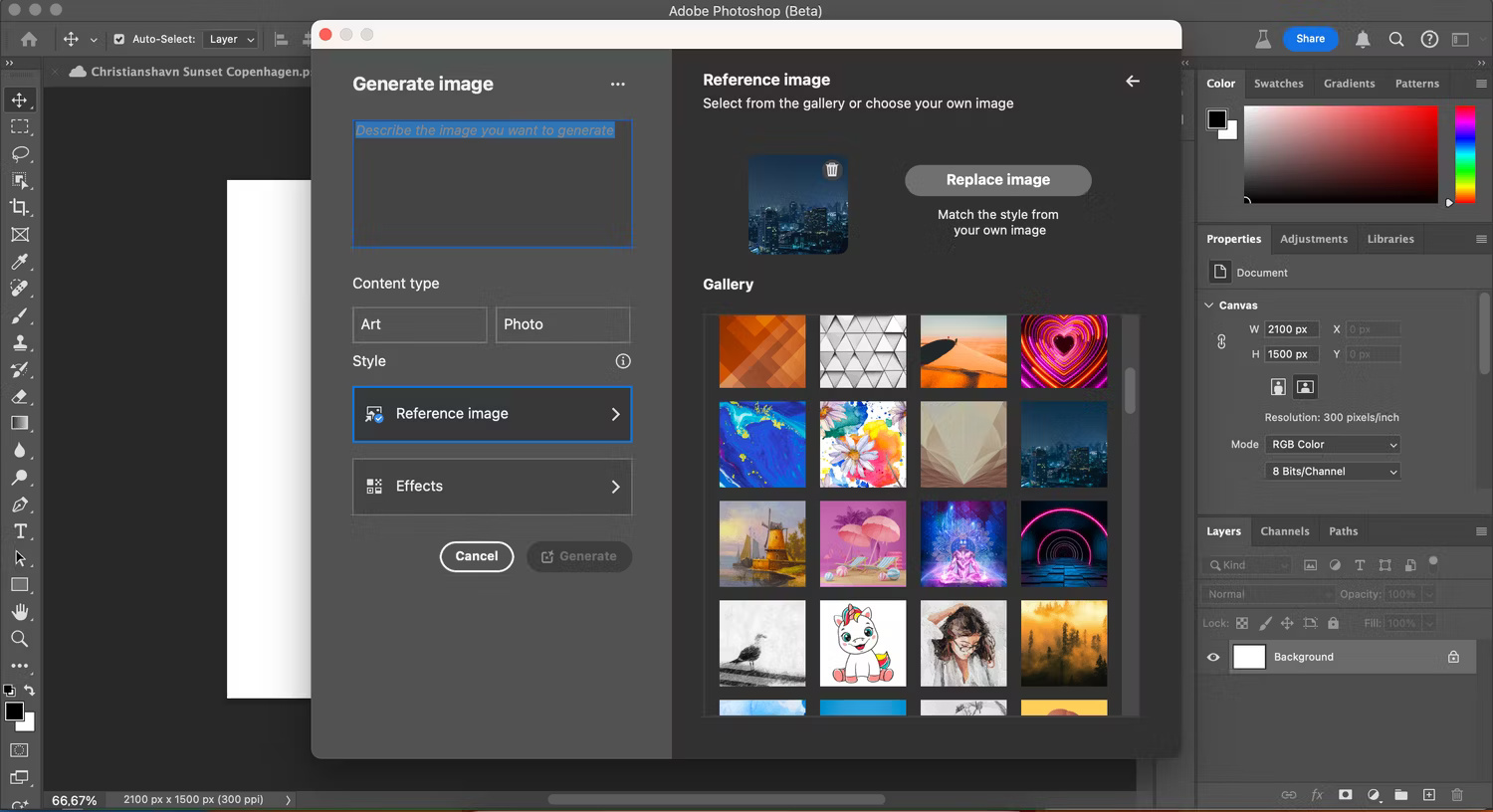
As of May 2024, this feature is available through the Photoshop Beta app in Adobe CC. However, it is likely that Adobe will integrate this tool into the official version of Photoshop in the future. Since Lightroom does not offer similar features, Photoshop holds the advantage in this area.
Comparison between the 2 applications: Adobe Photoshop has the advantage.
4. Advanced Image Editing
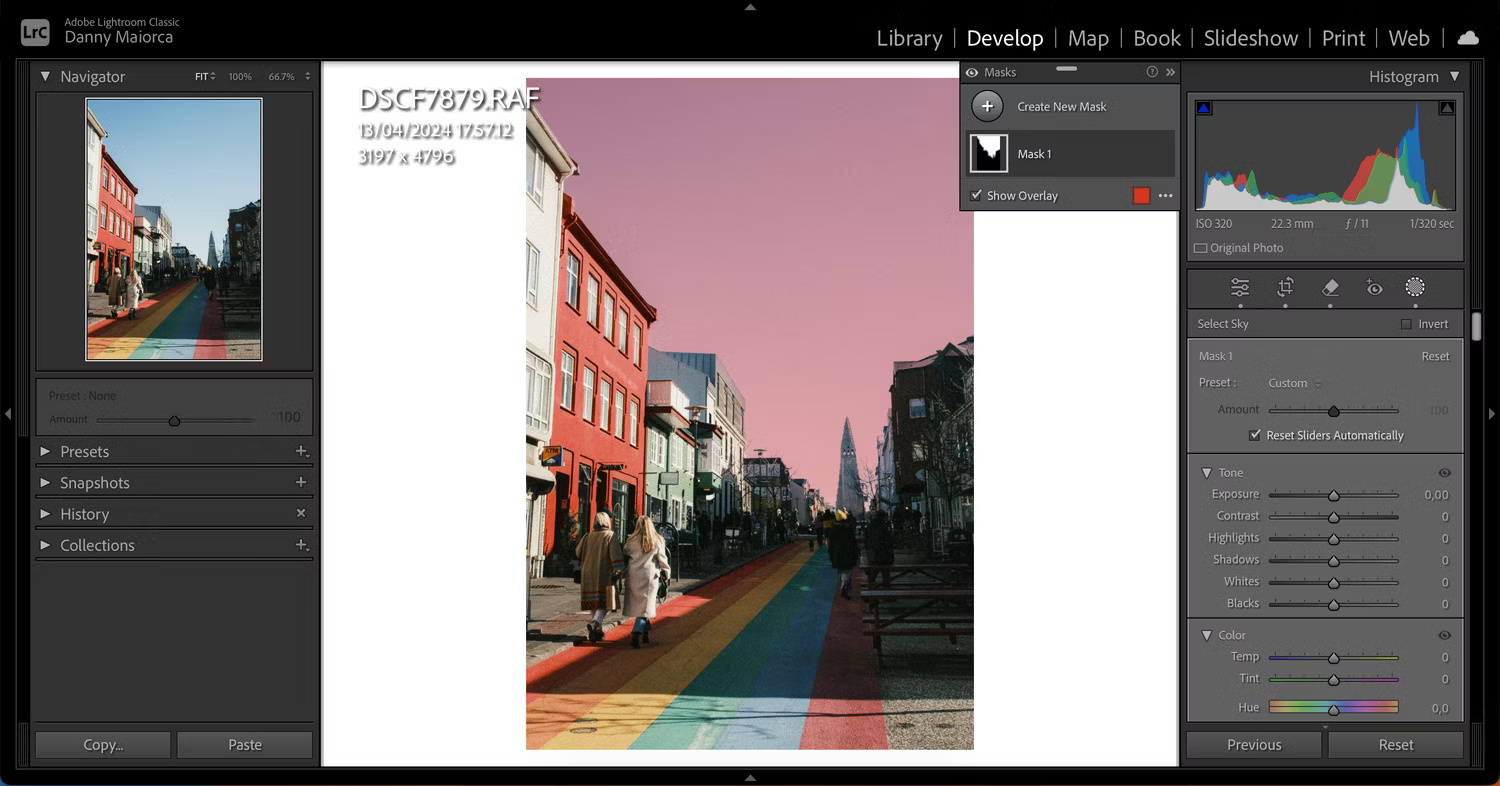
After making basic adjustments to your photo, you can apply artificial intelligence to add extra flair. One of the most useful AI features in Lightroom is the ability to automatically detect the sky, background, or objects in a photo. Once detected, the application masks that area, allowing you to edit it as desired. Sometimes the detection is not perfect, but you can easily remove unnecessary parts from the mask. In Lightroom CC, you also have general removal tools to help you perfect your photo.
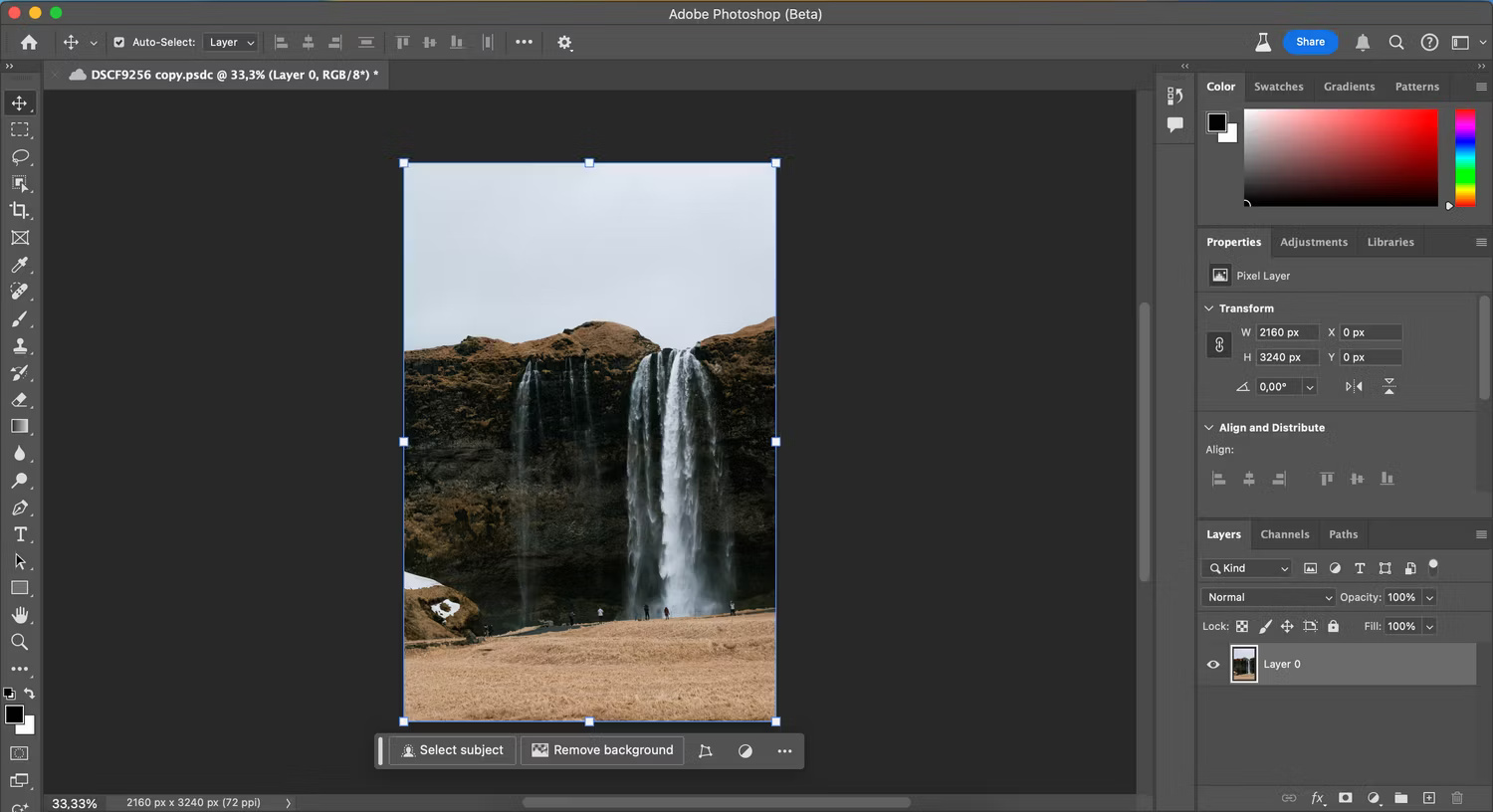
Meanwhile, Photoshop allows you to remove the background in an image if necessary. Additionally, Photoshop integrates features like Generative Fill and Object Selection.
Lightroom's artificial intelligence functions have improved significantly compared to other high-end photo editing applications. If you are a beginner using Lightroom, you might want to learn some simple methods to enhance your photo editing skills within this application.
Comparison between the 2 applications: Adobe Lightroom has the advantage.
Photoshop and Lightroom are nearly equal when evaluating individual aspects. However, rather than competing, these two applications work best when used together. You can easily experience all the features of both by subscribing to the Photography Plan.
Photoshop's Spot Healing tool is very effective, while Lightroom's Denoise tool is also very powerful. Photoshop has better capabilities for automatic color and tone adjustment compared to Lightroom. If you want to perform more advanced AI photo editing, Lightroom is the appropriate choice.











