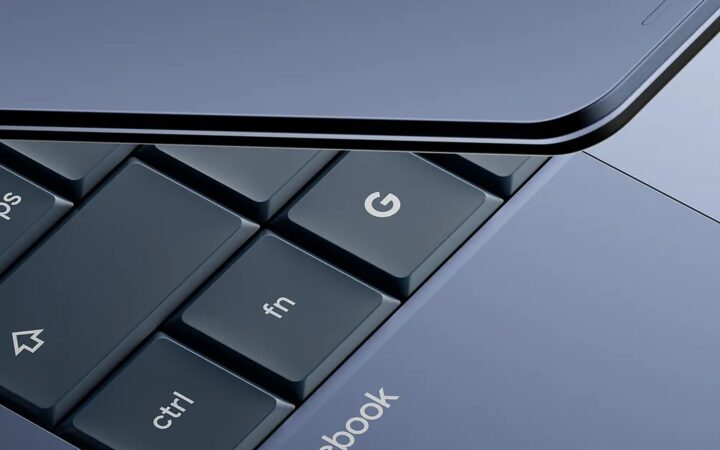
Tech Roundup Intel confirms chips for Googlebook, aiming to compete with MacBook Neo 14/05/2026 · 4 min read
Tech Roundup Google AI Health Advice - The phenomenon of trusting YouTube more than doctors 28/01/2026 · 5 min read
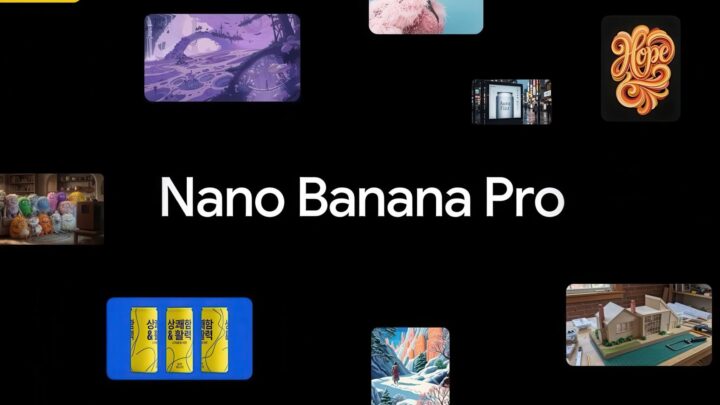
Tips & Tricks Google Photos Nano Banana Pro: 4K AI Images, detailed and sharp 23/11/2025 · 5 min read
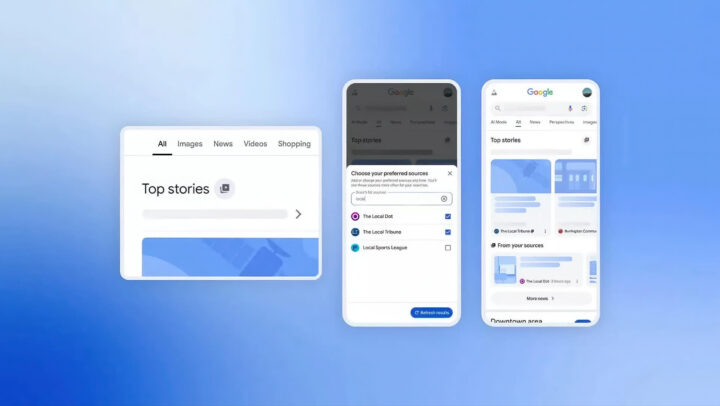
Tech Roundup Google rolls out "Preferred Sources" feature - Prioritize search results from websites you trust 15/08/2025 · 3 min read
Tech Roundup Google AI Overviews causes websites to lose nearly half of their clicks 24/07/2025 · 4 min read
Tech Roundup Google blocks OpenAI from acquiring Windsurf, recruits the founding team instead 14/07/2025 · 4 min read
Tech Roundup CEO Sundar Pichai stated that 25% of new code generated by Google is written by AI. 31/10/2024 · 4 min read
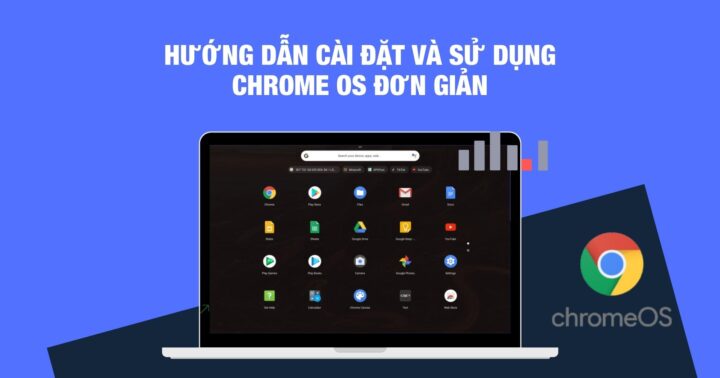
Tips & Tricks What is ChromeOS? Essential features you shouldn't miss ChromeOS is a lightweight, cloud-centric operating system developed by Google. Designed to be fast, secure, and easy to use, it focuses on web-based applications and cloud computing, making it an ideal choice for users who spend much of their time online. Key features of ChromeOS you shouldn't miss: **1. Speed and Efficiency** One of the most significant advantages of ChromeOS is its speed. Because the operating system is streamlined and lightweight, devices running ChromeOS typically boot up in seconds. This efficiency ensures a smooth, responsive experience, even when running multiple web-based tasks simultaneously. **2. Built-in Security** Security is a core pillar of the ChromeOS experience. The system utilizes "sandboxing," a technique that isolates each web page and application in its own secure environment. If one tab is compromised by malware, the threat is contained and cannot spread to the rest of the system. Additionally, ChromeOS features automatic updates that run in the background, ensuring your device always has the latest security patches without any manual intervention. **3. Seamless Cloud Integration** Since ChromeOS is built by Google, it offers unparalleled integration with the Google ecosystem. Your files, settings, and preferences are automatically synced to your Google Account. This means you can switch between a Chromebook, a tablet, or even a smartphone and pick up exactly where you left off. Google Drive, Docs, Sheets, and Gmail are baked directly into the workflow, making cloud storage and collaboration effortless. **4. Support for Android and Linux Apps** Modern ChromeOS is no longer limited to just a web browser. Through the Google Play Store, users can download and run millions of Android apps directly on their Chromebooks. This opens up a vast library of mobile games, social media apps, and productivity tools. Furthermore, for more advanced users, ChromeOS offers support for Linux, allowing for a more robust desktop-class development and computing environment. **5. Long Battery Life** Because the operating system is optimized to be highly efficient with system resources, Chromebooks are renowned for their exceptional battery life. Many models can easily last an entire workday on a single charge, making them the perfect companion for students and professionals on the move. 06/11/2021 · 5 min read