

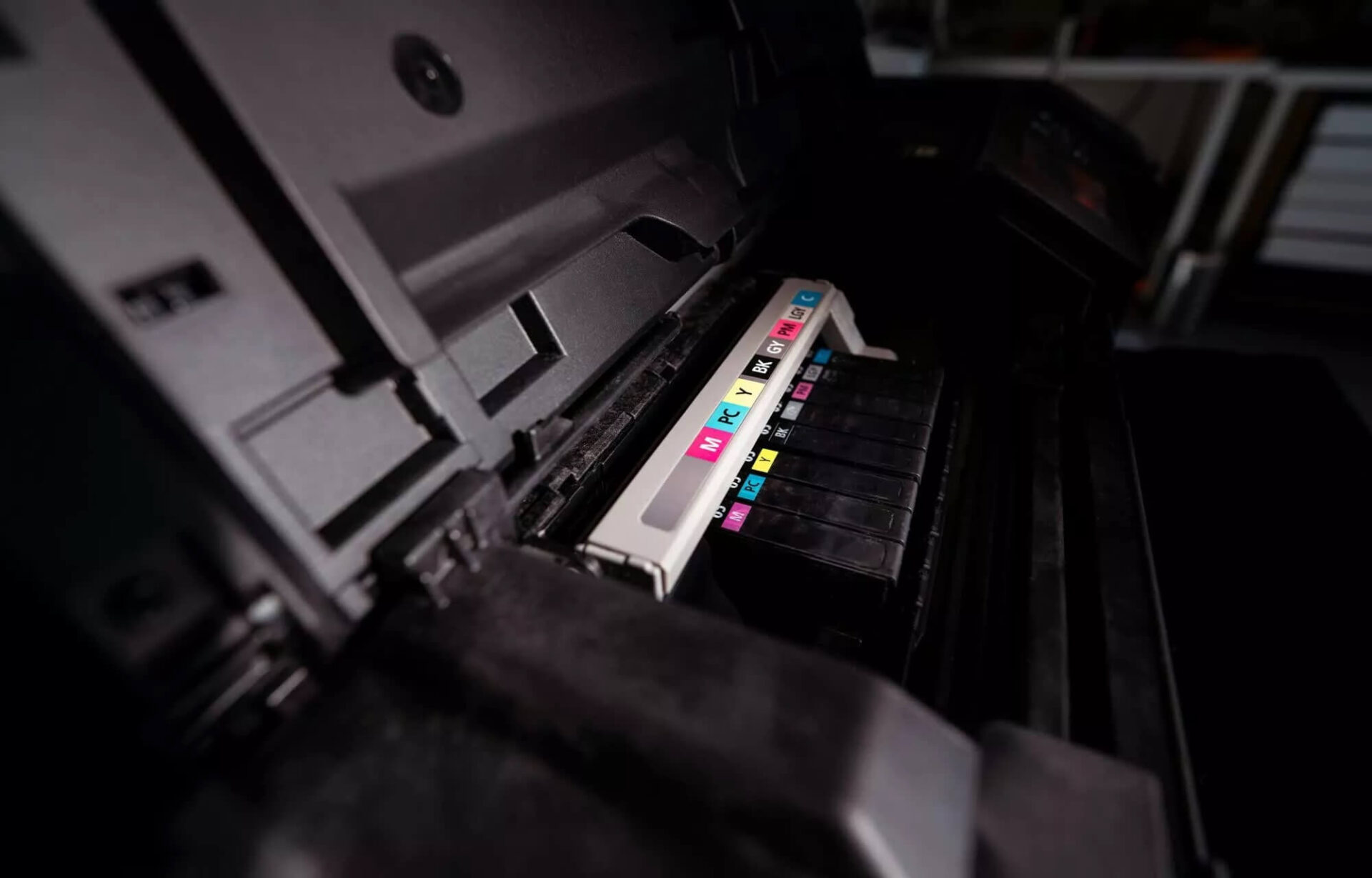
Windows 11 update error causes printers to malfunction
Windows 11 users may experience strange issues with their printers after updating to build KB5050092 in the Windows 11 23H2 beta version. Microsoft has confirmed this bug, which causes some USB-connected printers to unexpectedly print strange characters and random data, including network commands and incomprehensible symbols.
According to official documentation from Microsoft, when this error occurs, the print page may start with the header "POST /ipp/print HTTP/1.1", followed by a series of meaningless characters. This error is more likely to occur when the printer is turned back on or reconnected after being unplugged.
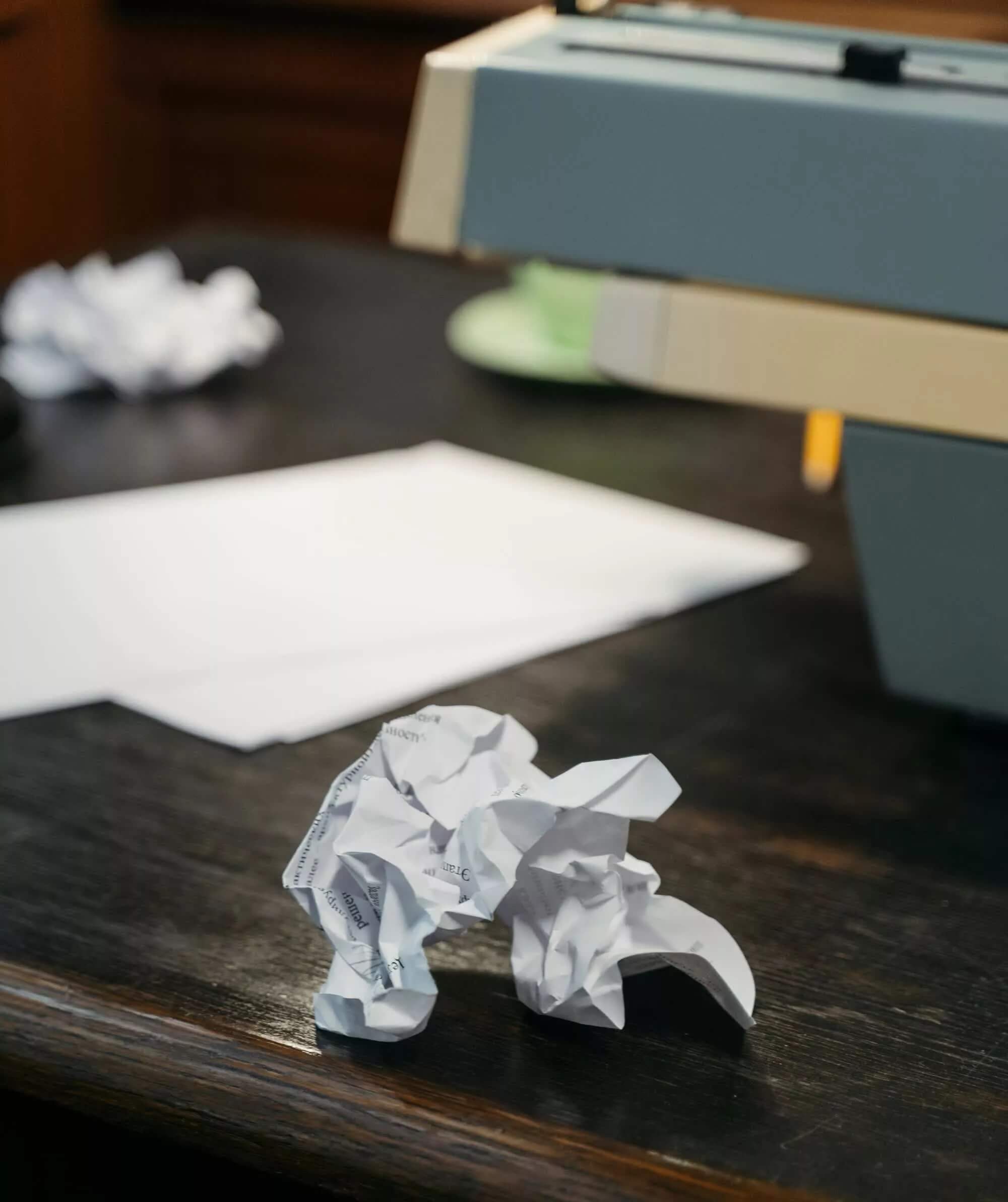
Initially, this phenomenon might seem strange and even humorous, but in reality, it wastes ink and paper, affecting user productivity. Some users have even described this error as the printer being "haunted", as it can operate automatically without any print commands.
Causes and how to fix printing errors on Windows 11
Microsoft stated that this error only affects printers connected via USB that support both USB Print and IPP Over USB protocols. Although the error seems to appear only on certain printers, Microsoft still considers this a serious issue and has added it to the list of incidents on the Windows Learn page.
Currently, Microsoft has provided instructions for using "Known Issue Rollback" - a feature that helps undo the faulty update to resolve this situation. Users can access Group Policy and make adjustments following this path:
- Computer Configuration > Administrative Templates > [Group Policy Name]
After applying this solution, Microsoft has changed the error status to "Mitigated", meaning users can temporarily handle the issue. However, Microsoft affirms that an official fix will be included in the next Windows update.
Windows 11 history and printer-related errors
This is not the first time a Windows update has caused printer errors. Many previous reports show that errors related to the IPP printing protocol have appeared multiple times in Windows 10 and Windows 11 updates. Many users have complained about printing errors with headers similar to this incident, suggesting that this issue may have existed for a long time.
For those experiencing the error, rolling back the update can help the printer function normally. But if you are curious, you can let the printer "run free" and see what messages it prints. Regardless, Microsoft is still working to completely fix this issue in upcoming updates.











