
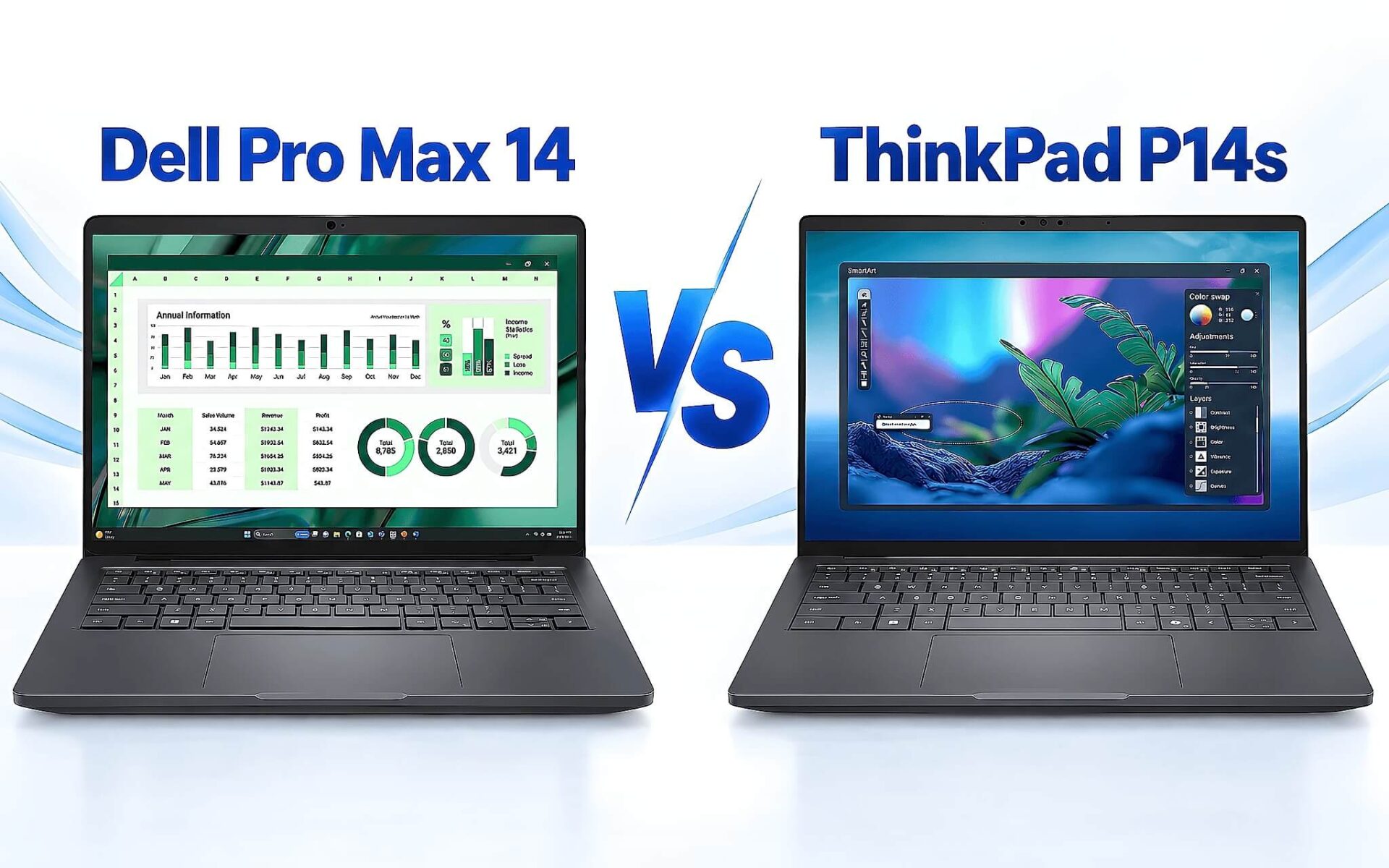
The paradox of the 14-inch workstation segment is that a higher price tag doesn't necessarily guarantee smoother CAD performance. A Dell Pro Max 14 priced at 28,900,000 VND comes with ISV-certified graphics, while a ThinkPad P14s Gen 6 priced at 52,800,000 VND still relies on integrated graphics. The deciding factor is whether the machine features dedicated video memory. This article compares three 14-inch workstation lines currently in stock at Hung Phat, based on warehouse pricing as of September 9, to help you choose a configuration based on your software needs rather than just the price tag.
ISV Certification is the True Benchmark for Workstations
The "mobile workstation" label isn't derived from the chassis or the price, but from a verification process between hardware manufacturers and software developers. Dell maintains a specific certification database for every model, software version, and driver, and the Dell Pro Max 14 is included in this list. You can verify the specific machine name, application, and corresponding driver at the Dell Workstation ISV Certification page. Participating software vendors include Autodesk, Dassault Systemes, PTC, Siemens, Ansys, Bentley, and Adobe. This provides verifiable proof, which is far more reliable than vague marketing claims.

Lenovo follows the same principle for the ThinkPad P series. Technical documentation for the AMD version of the ThinkPad P14s Gen 6 confirms certification for Adobe, Altair, ANSYS, Autodesk, AVID, Bentley, Dassault, Nemetschek, PTC, and Siemens, utilizing AMD PRO Graphics Drivers for Radeon graphics. This means the integrated graphics on this machine use professional-grade drivers rather than consumer ones. This is a crucial detail often overlooked in comparisons that prematurely conclude that integrated graphics are insufficient for workstation tasks.
So, where is the real dividing line? ISV certification ensures that software launches correctly, renders hidden lines and curves accurately, and does not crash during heavy operations. It does not promise speed. Speed is determined by the number of GPU cores and the amount of dedicated video memory. Therefore, when both manufacturers offer certification, choosing a 14-inch workstation comes down to one question: how large are the models you open?
Comparing RTX PRO, Arc Pro, and Radeon Graphics Performance
The Blackwell-based RTX PRO laptop generation is divided into several distinct tiers. According to the official Compare Professional Laptop GPUs for Work chart, the RTX PRO 500 features 1,792 CUDA cores with 6GB of GDDR7, the RTX PRO 1000 features 2,560 CUDA cores with 8GB of GDDR7, and the RTX PRO 2000 features 3,328 CUDA cores, also with 8GB of GDDR7. Power consumption ranges from 35-75W, 35-115W, and 45-115W, respectively. The difference between these three tiers is most apparent when handling massive models, though all tiers can run the software.
| Graphics | Type | VRAM | Time Spy | Available on |
|---|---|---|---|---|
| RTX PRO 2000 Blackwell | Discrete | 8GB GDDR7 | 9,120 | Dell Pro Max 14 Premium MA14250 |
| RTX PRO 1000 Blackwell | Discrete | 8GB GDDR7 | 8,260 | Dell Pro Max 14 Premium MA14250 |
| RTX PRO 500 Blackwell | Discrete | 6GB GDDR7 | 6,121 | Dell Pro Max 14 MC14250 |
| Intel Arc Pro 140T | Integrated | Shared RAM | 3,843 | Dell Pro Max 14 MC14250 |
| AMD Radeon 890M | Integrated | Shared RAM | 3,376 | ThinkPad P14s Gen 6 |
| AMD Radeon 860M | Integrated | Shared RAM | 2,552 | ThinkPad P14s Gen 6 |
In the integrated graphics category, the Intel Arc Pro 140T (based on Arrow Lake) leads the Radeon 890M with a Time Spy score of 3,843 compared to 3,376, while the Radeon 860M sits at 2,552. The gap between integrated graphics is relatively narrow. However, the gap between integrated and discrete graphics is massive: the RTX PRO 1000 achieves 8,260 points, nearly 2.5 times that of the Radeon 890M. These 3DMark figures are sourced from Notebookcheck and are intended for relative comparison rather than predicting specific software speeds.
The factor that is rarely mentioned, yet often matters more than benchmark scores, is video memory. Discrete graphics feature 6GB or 8GB of dedicated GDDR7 memory with high bandwidth that does not compete with the operating system. Integrated graphics, however, must carve memory out of the system's RAM; when loading large assemblies, you lose both system RAM and bandwidth. In the 14-inch workstation market, if a Revit file exceeds the capacity of the dedicated VRAM or the portion of memory allocated to the integrated graphics, the viewport performance will drop, and no amount of extra processing power can compensate for that memory bottleneck.
Dell Pro Max 14 MC14250: An Affordable Entry Point
The entry-level version of the DELL Pro Max 14 MC14250 - Mobile Workstation (2025) features a Core Ultra 7 255H, 16GB of RAM, a 512GB SSD, Intel Arc Pro 140T graphics, and an FHD+ display, priced at 28,900,000 VND (as of Sept 9). Dell specifies a minimum weight of 1.79 kg, a 4-cell 72 Wh battery, and a 14-inch FHD+ 300-nit panel. This 16-core processor operates at a 28W TDP and achieved 17,845 in the Cinebench R23 multi-core test. For under 30 million VND, this is the most affordable way to own a machine on the ISV certification list.
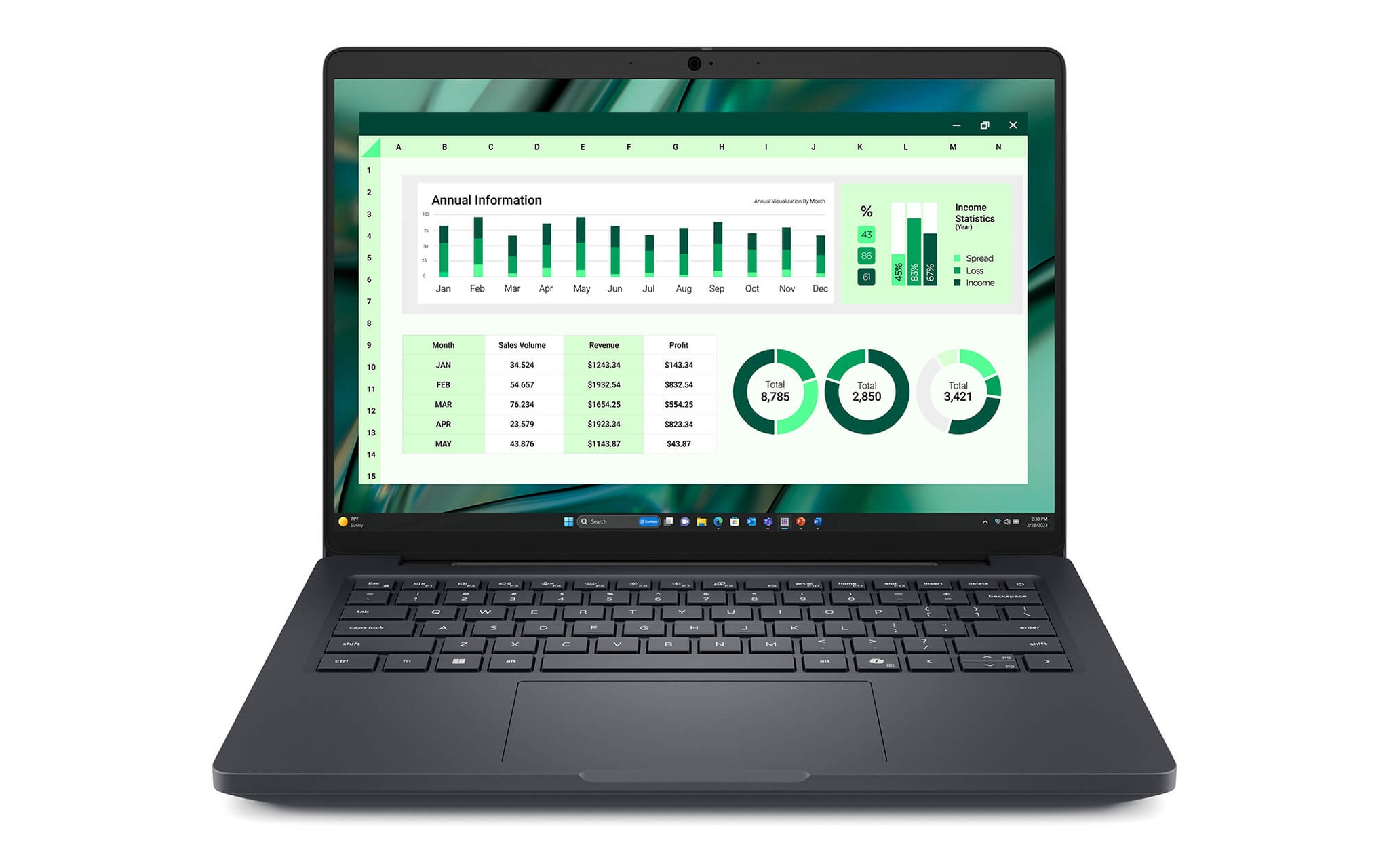
The second tier in this lineup is the one truly worth considering for design engineers. This configuration includes a Core Ultra 7 265H, 32GB of RAM, a 1TB SSD, and discrete RTX PRO 500 6GB GDDR7 graphics, priced at 46,000,000 VND. The 265H processor scored 19,940 in Cinebench R23 multi-core, roughly 12% higher than the 255H. The real difference, however, lies in the 6GB of dedicated video memory and 1,792 CUDA cores, which are sufficient to enable real-time shading in SolidWorks or Inventor.
The hardware limitation of the 46 million VND model is its 6GB capacity. When working with assemblies containing several thousand parts or interior scenes with high-resolution textures, that 6GB fills up quickly, forcing the system to swap data to the system RAM and causing viewport stuttering. If your work is limited to 2D drawings, medium-sized mechanical models, or presentation renders, this machine will serve you well for years. If you perform daily high-end rendering, you should look at the higher tiers.
Dell Pro Max 14 Premium MA14250 for SolidWorks and Revit
The DELL Pro Max 14 Premium MA14250 - Mobile Workstation (2025) series features a thinner chassis but carries much heavier graphics loads. The 54,990,000 VND model (as of Sept 9) is equipped with a Core Ultra 7 265H, 32GB of RAM, a 512GB SSD, and an RTX PRO 1000 with 8GB of GDDR7. Dell lists a starting weight of 1.61 kg, which is 180 grams lighter than the MC14250, while maintaining the 72 Wh battery and a 400-nit FHD+ 1920x1200 anti-glare display. Having 8GB of dedicated VRAM means you can work on Revit models for large-scale civil engineering projects without having to turn off display layers.
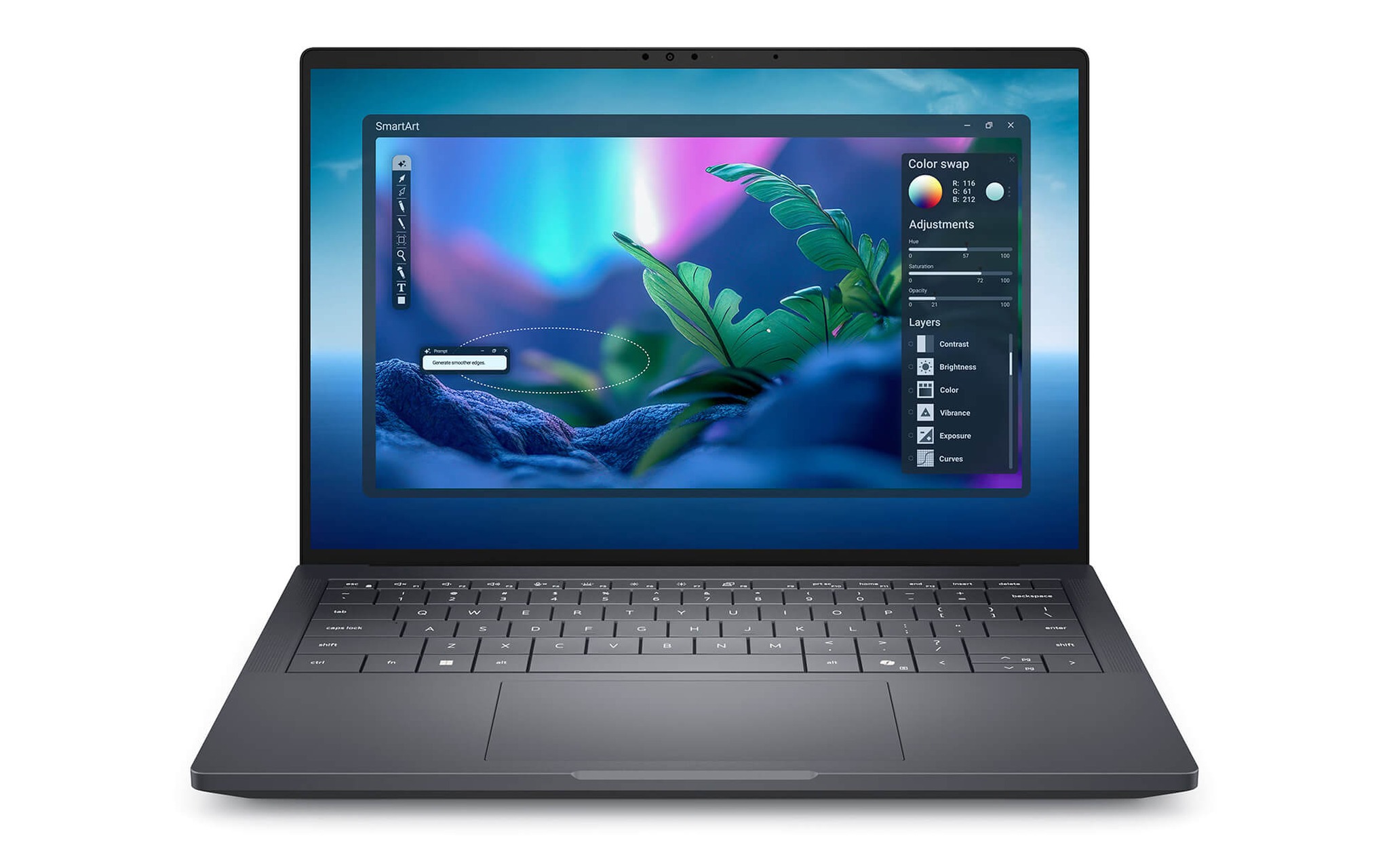
The top two tiers are designed for frequent renderers. The 65,000,000 VND model steps up to a Core Ultra 9 285H, 64GB of RAM, and an RTX PRO 2000 with 3,328 CUDA cores, achieving 9,120 in Time Spy. The flagship model, priced at 87,000,000 VND, keeps the RTX PRO 2000 graphics but upgrades to a QHD+ OLED touchscreen and a 2TB SSD. The 285H processor runs at a 45W TDP and scored 20,781 in Cinebench R23 multi-core, about 4% faster than the 265H. Most of the price increase here goes toward memory and storage capacity.
The drawbacks of the Premium series are quite clear. The machine still uses a 72 Wh battery like the MC14250 despite having to power a much more demanding discrete GPU, meaning mobile rendering sessions will be short. Additionally, the price jump from the RTX PRO 1000 to the RTX PRO 2000 is over 10 million VND for roughly a 10% increase in Time Spy scores, which is not a great value proposition unless you render daily. The 87 million VND model is really only for those who specifically require an OLED screen for color-accurate work.
ThinkPad P14s Gen 6 and the Limits of Integrated Graphics
The ThinkPad P14s Gen 6 takes the opposite approach: it sacrifices discrete graphics in exchange for portability and higher RAM capacity. According to Lenovo, the machine starts at 1.39 kg and offers 52.5 Wh or 57 Wh battery options, supports up to 96GB of DDR5 5600 MT/s RAM, and includes two Thunderbolt 4 ports along with an RJ-45 port. The trade-off regarding weight was analyzed in our previous comparison, ThinkPad P14s Gen 6 vs. X1 Carbon Gen 13: Is 400 grams worth a 38% drop in multi-core performance? In this article, our focus is on graphics. As of September 9, the pricing is split into three tiers: 41,000,000, 52,800,000, and 56,500,000 VND.
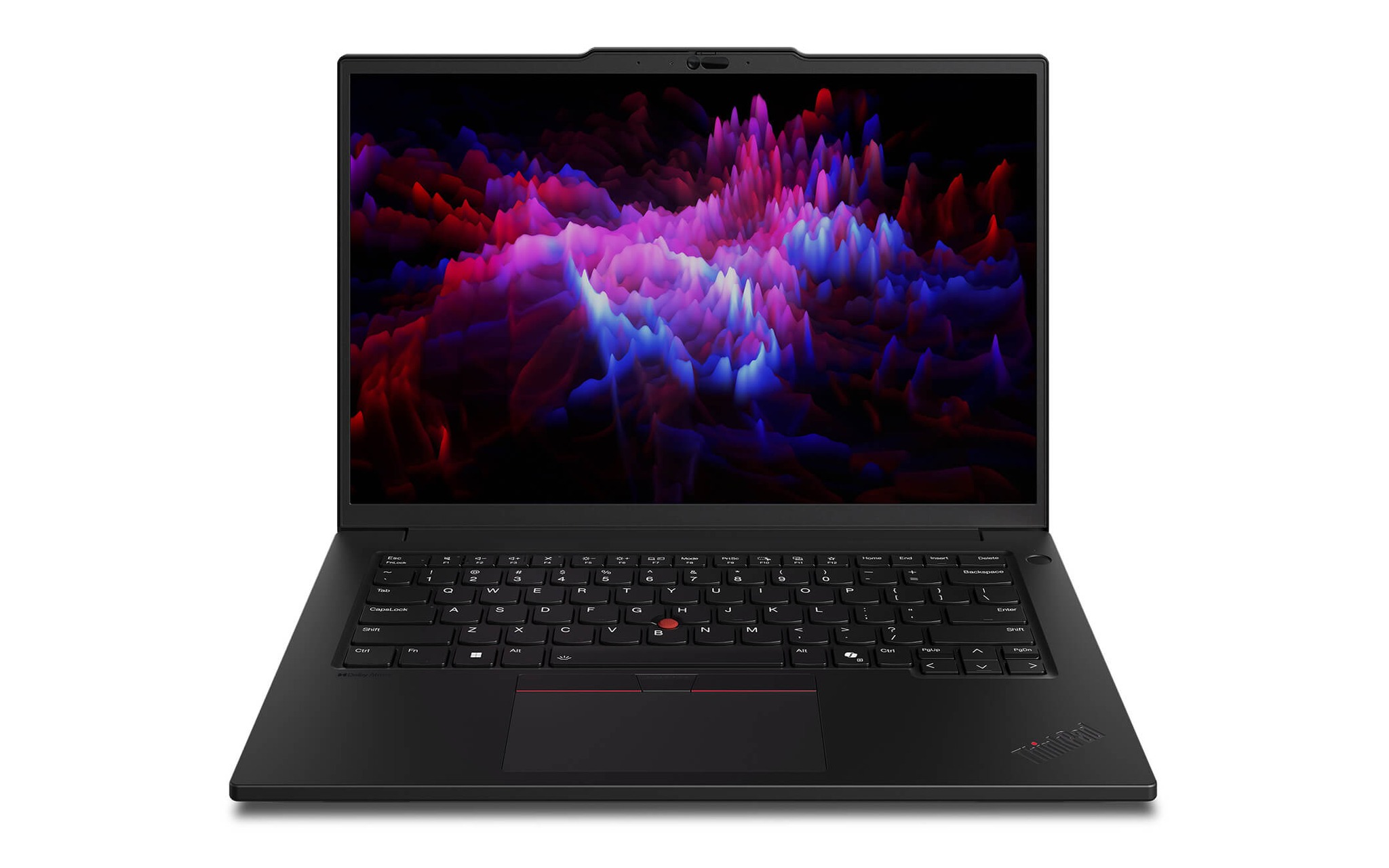
The 41 million VND model uses a Ryzen AI 7 PRO 350 with 8 cores and 16 threads, 32GB of RAM, a 1TB SSD, and Radeon 860M graphics. The 52.8 million VND version steps up to a Ryzen AI 9 HX PRO 370 with 12 cores and 24 threads, 64GB of RAM, and Radeon 890M graphics. The 56.5 million VND model maintains those specs but upgrades to a 2.8K OLED touchscreen with 500 nits of brightness and 100% DCI-P3 color gamut. In terms of CPU, the HX PRO 370 scored 18,520 in Cinebench R23 multi-core, which is higher than the Core Ultra 7 255H but still lower than the Core Ultra 7 265H. For graphics, the Radeon 890M only achieved 3,376 in Time Spy.
That number defines the machine's practical use case. The 52.8 million VND model is 6.8 million VND more expensive than the MC14250 with the RTX PRO 500, yet its graphics performance is roughly 45% weaker. In return, you get 64GB of RAM, a machine that is 400 grams lighter, and an OLED screen if you opt for the high-end version. For simulation engineers who need to load massive meshes, 64GB of RAM is more valuable than extra GPU cores. For 3D modelers, however, this option may fall short.
Choosing a Configuration Based on Software and Real-World Budget
The simplest way to choose is to work backward from the software you use most every day. 2D drafting and small models only require integrated graphics with professional drivers. Assembly work and 3D modeling require dedicated video memory; the more, the better. CAE simulation and mesh calculations are more sensitive to RAM capacity than GPU core counts. The table below summarizes the 14-inch workstations currently in stock as of September 9.
| Machine | Configuration | Graphics | Price (Sept 9) | Best For |
|---|---|---|---|---|
| Dell Pro Max 14 MC14250 | Ultra 7 255H / 16GB / 512GB | Arc Pro 140T | 28,900,000 | 2D AutoCAD, small models |
| Dell Pro Max 14 MC14250 | Ultra 7 265H / 32GB / 1TB | RTX PRO 500 6GB | 46,000,000 | Mid-range SolidWorks, Inventor |
| Dell Pro Max 14 Premium MA14250 | Ultra 7 265H / 32GB / 512GB | RTX PRO 1000 8GB | 54,990,000 | Revit, Navisworks, 3D modeling |
| Dell Pro Max 14 Premium MA14250 | Ultra 9 285H / 64GB / 512GB | RTX PRO 2000 8GB | 65,000,000 | Daily static rendering |
| ThinkPad P14s Gen 6 | Ryzen AI 7 PRO 350 / 32GB / 1TB | Radeon 860M | 41,000,000 | 2D drafting, technical documentation |
| ThinkPad P14s Gen 6 | Ryzen AI 9 HX PRO 370 / 64GB / 1TB | Radeon 890M | 52,800,000 | CAE simulation requiring high RAM |
With a budget under 30 million VND, there is only one option: the Arc Pro 140T version at 28.9 million VND. In the 41 to 46 million VND range, you must choose carefully: do you want the 6GB of dedicated VRAM found in the MC14250, or the 32GB of RAM and 1.39 kg lightweight chassis of the Lenovo ThinkPad P14s Gen 6 - Mobile Workstation (2025)? If you spend most of your time at a desk, choose the discrete graphics. If you are constantly traveling and primarily reviewing documents, choose the lighter machine.
From 55 million VND upward, the Premium series is almost the only logical choice. The RTX PRO 1000 model at 54.99 million VND offers the best balance among the three 14-inch workstation lines currently available, as it provides 8GB of dedicated VRAM for nearly the same price as the 52.8 million VND ThinkPad with integrated graphics. You should only step up to the 65 million VND model if rendering is your primary task, and only choose the 87 million VND version if you require an OLED screen for color-critical print work.
Quickly Answering Common Questions When Choosing a Machine
Can integrated graphics run SolidWorks and Revit?
Yes, because both the Intel Arc Pro 140T and Radeon 890M come with professional drivers and are on the manufacturer's certification list. The issue is the file scale. 2D drawings, mechanical models with a few hundred parts, or small-scale Revit files will open normally. However, once a model exceeds the amount of memory the integrated graphics can carve out of the system RAM, rotation and sectioning will become laggy. At that point, the only solution is to switch to a 14-inch workstation with discrete graphics.
Is the RTX PRO 500 6GB enough for mechanical engineers?
It is sufficient for most detailed design and medium-sized assembly tasks. This version features 1,792 CUDA cores, 6GB of GDDR7, and a Time Spy score of 6,121, making it about 80% faster than the Radeon 890M. The limitation is the 6GB capacity: complex assemblies with thousands of parts and high-resolution textures will quickly fill the memory. If you work on large molds or product rendering, you should opt for the 8GB version.
Why is the ThinkPad P14s Gen 6 more expensive despite having weaker graphics?
Because the 52.8 million VND price tag is invested elsewhere: 64GB of RAM, a 12-core/24-thread processor, a 1.39 kg chassis, and an optional 2.8K OLED screen. Lenovo positions this machine for users who travel frequently and handle large datasets, rather than for heavy renderers. If your priority is maximizing GPU performance per dollar, the Dell Pro Max series with discrete graphics is clearly superior at the same price point.
Should I choose an FHD+ screen or an OLED for engineering work?
For 3D modeling and drafting, the 400-nit anti-glare FHD+ panel on the MA14250 is more comfortable for long hours and consumes less power. An OLED screen is only worth the premium if you are performing color grading, product photography, or presenting design concepts to clients. For the ThinkPad, the 2.8K OLED with 100% DCI-P3 coverage offers a significant color advantage, but it comes at a 3.7 million VND premium over the WUXGA version with the same specs.