
Two laptops carry the same 12GB GDDR7 label and the same GPU name, yet their scores differ by a margin that is hard to believe. NVIDIA's spec page lists the power range of the RTX 5070 Ti Laptop GPU as 60 - 115W, with boost clocks of 1447 - 2220 MHz. That 773 MHz gap between the two ends of the range is something the spec sheet in a store almost never spells out. So does 12GB of VRAM produce performance on its own, or does it only turn into frames once the TGP has enough power behind it? This article separates three factors: CUDA cores, memory bandwidth, and the actual power budget of each machine.
What the RTX 5070 Ti laptop specs actually include
According to NVIDIA's comparison table, the GeForce RTX 5070 Ti Laptop GPU is built on the Blackwell architecture with 5,888 CUDA cores, 12GB of GDDR7 VRAM on a 192-bit bus, 672 GB/s of bandwidth, and 992 TOPS of AI performance. Boost clocks range from 1447 - 2220 MHz, and the power range is 60 - 115W. Those last two figures are what make each machine produce a different result.
The laptop version is quite different from the desktop card that shares its name. The desktop version uses 16GB of memory on a 256-bit bus, while the mobile version drops to 12GB on a 192-bit bus to fit the power budget of a portable chassis. When researching, stick to the exact Laptop GPU suffix, or every comparison will be off-platform from the start. Queries like rtx 5070 ti specs often return both platforms mixed together on one results page, and most of the headline numbers belong to the desktop card.
A usable spec sheet needs to state five items: CUDA core count, memory type, capacity, bus width, and maximum graphics power. Without the last one, the other four are only for reference. The official lookup table is on the manufacturer's Compare GeForce RTX Laptops page.
Why the same RTX 5070 Ti performs so differently
TGP is the power budget given to the graphics block. The CUDA cores are identical, but with less power the clock speed has to drop to keep temperatures and current draw within design limits. NVIDIA itself lists the RTX 5070 Ti Laptop boost clock as spanning 1447 MHz to 2220 MHz, which means the bottom-of-range version sustains only about 65% of the clock speed of the top-of-range version. That is a built-in margin of degradation within a single product name.
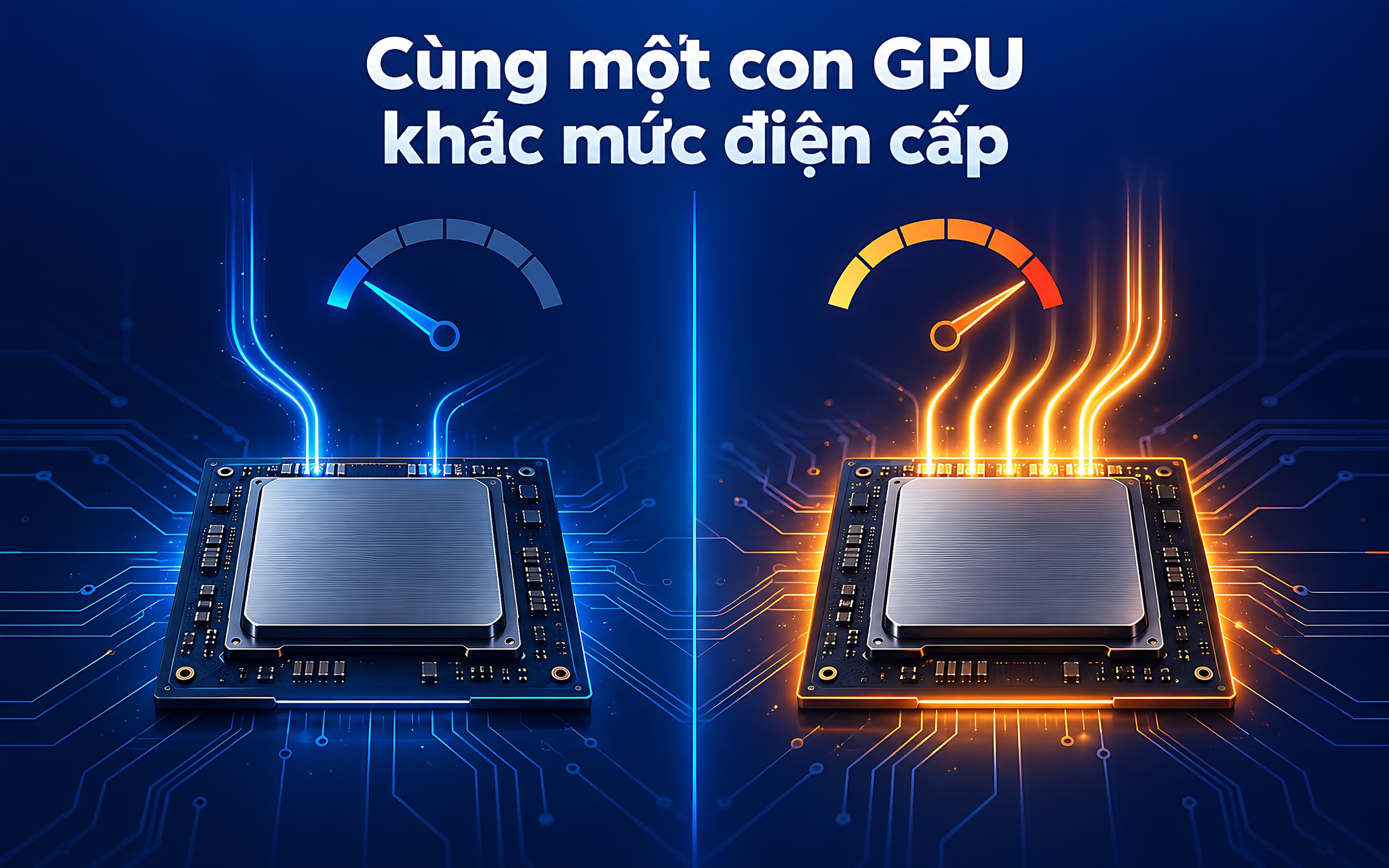
The 140W figure you see in many ads does not contradict the 60 - 115W range. It is a total power figure: a base allowance of up to 115W plus the power that Dynamic Boost borrows from the processor when a workload leans heavily toward graphics. NVIDIA describes Dynamic Boost as a mechanism that automatically allocates power among the GPU, graphics memory, and CPU. That borrowed portion only appears when the cooling system and charger can handle it.
Extra power also has a saturation point: adding watts does not add frames in proportion. Hung Phat measured this effect on the previous generation and recorded it in RTX 4060 laptop: Does 40W more TGP buy only 9.6% more performance?. That pattern still holds for Blackwell: the percentage of extra power is always larger than the percentage of performance gained.
How far apart real-world TGP ranges are between machines
Lenovo's technical documentation for the Lenovo Legion Pro 7 16IAX10H lists 140W of graphics power for the RTX 5070 Ti Laptop GPU option, paired with a 400W charger. With the same GPU, the Legion Pro 5 16IAX10H is also set at 140W but ships with only a 300W charger. The charger detail alone hints at how much headroom each chassis gives the graphics block during sustained high-intensity loads.

Among thin machines, the figure falls sharply. ASUS states that the RTX 5070 Ti version in the ROG Zephyrus G16 (2025) GU605 runs at 115W total, made up of 95W base plus 20W of Dynamic Boost, with a ROG Boost clock of 1565 MHz. Compared with a thick 140W machine, the same GPU model has a 25W gap in power budget and a noticeably lower clock speed.
You can check this right on the machine in your hands. Open the NVIDIA App or NVIDIA Control Panel, go to System Information, and find the Maximum Graphics Power line; the number shown is the true ceiling for that machine. When asking about a purchase, verify whether the 140W figure includes Dynamic Boost, and which performance mode must be enabled to reach that ceiling. Many machines only open up the full power budget in Performance mode while plugged in, and drop to around the bottom of the range on battery.
When 12GB of GDDR7 VRAM actually turns into frames
VRAM is the storage for textures, frame buffers, and rendering resources. A large pool keeps games from constantly reloading data over the PCIe bus, but a large pool does not generate speed by itself. The advantage of 12GB of VRAM only shows when the graphics data actually exceeds the 8GB threshold; below that, the extra capacity sits idle and does not add a single frame. Even past that threshold, the extra capacity still has to wait for the CUDA cores to have enough power to finish processing the newly loaded data.

Notebookcheck's Cyberpunk 2077 results show that boundary fairly clearly. At 1080p Low, the RTX 5070 Ti reaches 161.7 fps while the 8GB RTX 5070 Laptop reaches 144.75 fps, a gap of nearly 12%. Pushing up to 2560 x 1440 Ultra, the two figures become 80.8 fps and 64.6 fps, and the gap widens to 25%. The higher the resolution and the heavier the textures, the more work the extra memory has to do.
The groups that benefit most are QHD players using high textures, people rendering 3D models, and people running CUDA workloads or local AI models with large datasets. On the other hand, if you mostly play at 1080p with DLSS on, the extra memory barely translates into any benefit. The priority then should be a higher power level, not memory capacity. A quick test: open Task Manager, go to the Performance tab, and watch Dedicated GPU memory while you play the most demanding game you own. If the number hovers below 7GB, 12GB of VRAM is not yet a worthwhile investment.
Comparing the RTX 5070 Ti with options in the same segment
Putting them side by side shows where this GPU stands. The power and clock columns come from NVIDIA's official table, and the frame rate column comes from Notebookcheck's Cyberpunk 2077 measurements at 2560 x 1440 Ultra. The average Time Spy Graphics score for the RTX 5070 Ti Laptop is 16,739.5, compared with 13,535.5 for the RTX 5070 Laptop and 21,624.5 for the RTX 5080 Laptop.
| Laptop GPU | CUDA cores | Memory and bandwidth | Power range | Boost clock | Cyberpunk QHD Ultra |
|---|---|---|---|---|---|
| RTX 5080 Laptop | 7,680 | 16GB GDDR7, 896 GB/s | 80 - 150W | 1500 - 2287 MHz | 98.7 fps |
| RTX 5070 Ti Laptop | 5,888 | 12GB GDDR7, 672 GB/s | 60 - 115W | 1447 - 2220 MHz | 80.8 fps |
| RTX 5070 Laptop | 4,608 | 8GB or 12GB GDDR7, 448 GB/s | 50 - 100W | 1425 - 2347 MHz | 64.6 fps |
| RTX 5060 Laptop | 3,328 | 8GB GDDR7, 448 GB/s | 45 - 100W | 1455 - 2497 MHz | 55.45 fps |
One easily confused detail lies in the older generation. The RTX 4080 Laptop also carries 12GB, but it is GDDR6X at 432 GB/s of bandwidth, well below the 672 GB/s of GDDR7. Its Time Spy score is 18,441, higher than the RTX 5070 Ti, yet in Cyberpunk QHD Ultra it reaches only 77.6 fps versus 80.8 fps. With the same memory capacity but a different generation and different bandwidth, the result flips depending on the game. The lesson: capacity is only one of three variables, and the other two are bandwidth and power budget.
If you are torn between several GPU tiers at the same price level, the article RTX 5050 vs 5060 vs 5070 Ti: Laptop performance by workload breaks them down by type of work. That article covers choosing a GPU tier, while the section below covers choosing the right configuration within a single tier.
Choosing an RTX 5070 Ti configuration by needs and budget
In Hung Phat's inventory on 09/09, very few machines with an RTX 5070 Ti were in stock, so the comparison below places it next to neighboring GPU tiers in the same 50 to 95 million range. All configurations and prices come from the 09/09 inventory data, and all models are 2025 releases that are currently in stock. Actual selling prices may shift with promotions, so treat these as a reference point rather than a fixed figure.
| Model | GPU and memory | Remaining specs | Inventory price on 09/09 |
|---|---|---|---|
| Lenovo Legion Pro 7 16IAX10H-83F5008VVN (2025) | RTX 5070 Ti 12GB | Core Ultra 9 275HX, 32GB, 1TB SSD, WQXGA 240Hz | about 69.9 million |
| Lenovo Legion 7 16IAX10 (2025) | RTX 5070 8GB | Core Ultra 9 290HX PLUS, 32GB, 1TB SSD, WQXGA OLED 240Hz | about 72 million |
| Lenovo Legion Pro 5 16IAX10 (2025) | RTX 5060 8GB | Core Ultra 9 275HX, 32GB, 1TB SSD, WQXGA OLED 165Hz | about 71.9 million |
| Lenovo Legion 5 15IAX10 (2025) | RTX 5060 8GB | Core Ultra 7 255HX, 32GB, 1TB SSD, WQXGA OLED 165Hz | about 50.3 million |
The table above reveals a pricing paradox. The RTX 5070 Ti 12GB version of the Lenovo Legion Pro 7 16IAX10H-83F5008VVN (2025) is cheaper than two models using lower-tier GPUs in the same table, even though this is the machine Lenovo sets at 140W with a 400W charger. The same chassis also has an RTX 5090 24GB option at around 95 million, a difference of about 25 million.
To wrap up by need: for QHD 240Hz gaming, video rendering, or running local AI models, the 12GB version in a thick chassis is the most sensible option in this range. If you only play at 1080p and want a slim, light machine, put your money into an OLED display and storage rather than buying memory capacity you will not use. Before putting down a deposit, send the full model code so Hung Phat can verify the power level and stock status.
Frequently asked questions about the RTX 5070 Ti laptop
Is the RTX 5070 Ti Laptop faster than the RTX 4080 Laptop, which also has 12GB?
It depends on the measurement. In Time Spy, the RTX 4080 Laptop is still slightly ahead with 18,441 points versus 16,739.5. In Cyberpunk 2077 at QHD Ultra, the ranking reverses: 80.8 fps versus 77.6 fps. The Blackwell version wins thanks to its GDDR7 bandwidth of 672 GB/s, higher than the 432 GB/s of the previous generation's GDDR6X, while the Ada version makes up for it with more CUDA cores, 7,424 versus 5,888. If the games you play are sensitive to bandwidth, the newer version has the advantage; otherwise the older one keeps its lead.
Why does the spec sheet say 140W when NVIDIA lists 60 - 115W?
The two numbers measure two different things. The 60 - 115W range is the base power that the manufacturer allocates to the graphics block. The 140W figure is the total power after Dynamic Boost borrows extra power from the processor in graphics-heavy workloads. The borrowed portion only materializes when the charger and cooling system can handle it, so you need to ask which number is being listed.
Can you upgrade the 12GB of VRAM or raise the TGP after purchase?
No. Graphics memory is soldered around the GPU die, unlike system RAM or storage, so it cannot be removed or replaced at all. TGP is locked by the manufacturer according to each chassis's board, power supply, and cooling capacity. Pushing past design limits can easily cause overheating and affect the warranty, so you need to choose the right configuration the first time you buy.
Is 12GB of memory overkill for gaming at 1080p?
Most current games at 1080p do not reach the 8GB threshold, so the extra capacity mostly sits idle. The gap between the RTX 5070 Ti and the RTX 5070 Laptop in Cyberpunk 1080p Low is only about 12%, while at QHD Ultra it widens to 25%. If your budget is limited and you stick with 1080p, prioritizing higher power and display refresh rate will be worth more.