

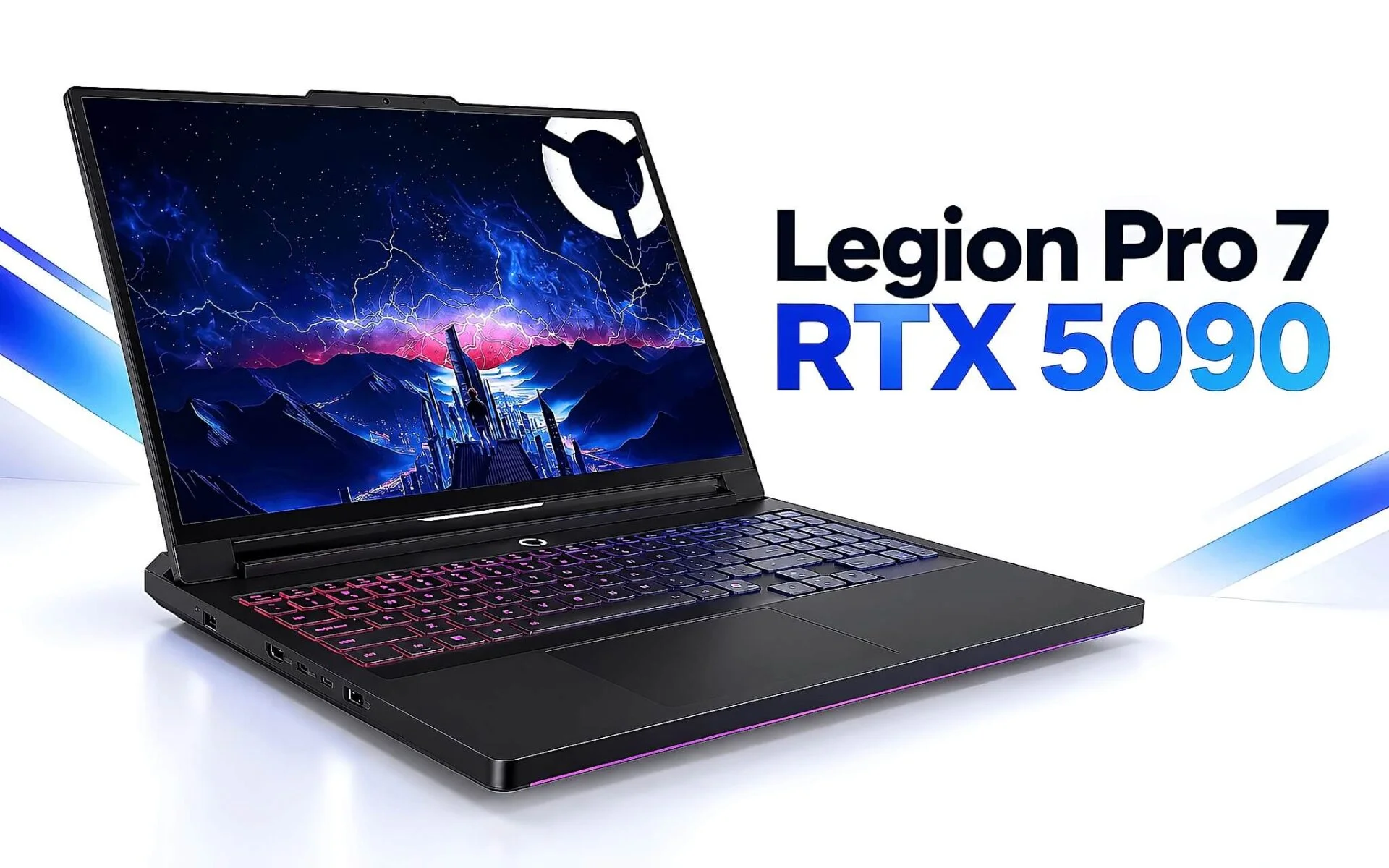
A rare paradox often left off spec sheets: the maximum graphics power isn't determined by the GPU itself, but by the chassis housing it. Lenovo's PSREF documentation lists the RTX 5090 Laptop on the Legion Pro 7 16IAX10H at a TGP of 175W, while the Legion Pro 5 16IAX10 locks all graphics options at exactly 115W. That 60W difference is the result of vapor chambers, fan counts, and power delivery. This article breaks down the thermal hardware of each Legion chassis to show you exactly how much power your chosen configuration can actually draw.
What hardware makes up the Legion Pro 7 cooling system?
The cooling system in the Legion Pro 7 16IAX10H is not a single component, but a continuous four-tier stack. The first layer is a large vapor chamber that makes contact with both the CPU and the GPU. The second layer is the HyperChamber, which directs airflow through the chassis. The third layer consists of three TSI fans that distribute the hot air. The final layer is Acoustic AI, software that regulates fan speeds based on measured thermal thresholds. The product page describes all four components as part of the Legion Coldfront technology suite.
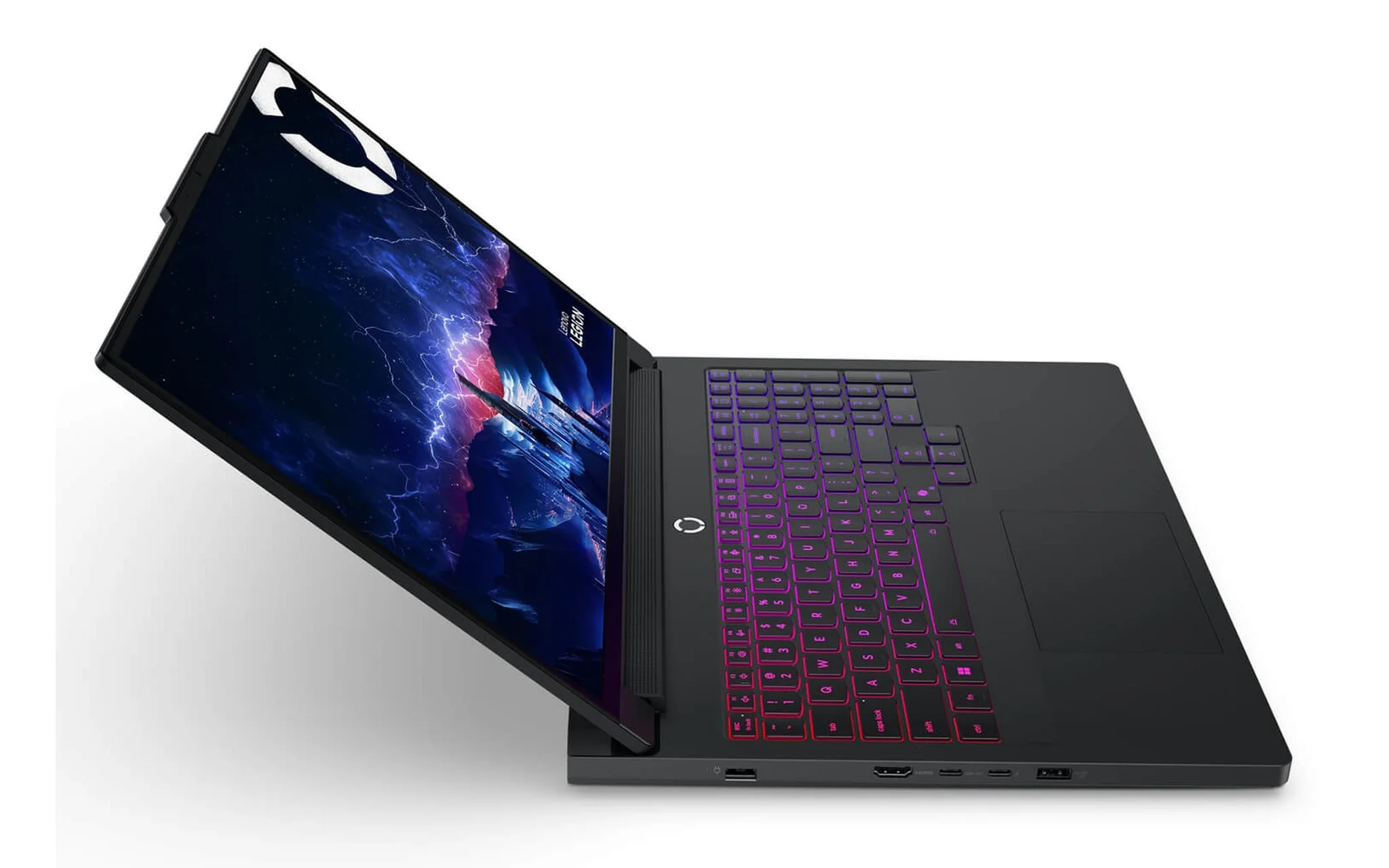
The chassis supporting this thermal stack had to expand accordingly. According to the Legion Pro 7 16IAX10H PSREF, the chassis is 21.9 to 26.65 mm thick, starts at a weight of 2.57 kg, and features an aluminum top and bottom cover. It comes with a 400W slim tip three-prong adapter. That 400W figure is the clearest indicator of the power headroom available for the CPU and GPU when running simultaneously under load.
That headroom translates into specific specifications. The PSREF lists the RTX 5090 Laptop 24GB GDDR7 at a TGP of 175W and the RTX 5080 Laptop also at 175W, while the RTX 5070 Ti Laptop is capped at 140W. The Legion Pro 7 product page adds a detail that the PSREF summarizes: the 175W limit includes 25W of Dynamic Boost, which is the extra power borrowed from the CPU when it is idle. Since two independent sources both list 175W, this number is a reliable benchmark.
What is the difference between a large vapor chamber and 3D copper heat pipes?
The difference lies in how heat moves. Copper heat pipes transport heat linearly, with each pipe following its own path from the contact base to the cooling fins. A vapor chamber spreads heat across a wide, flat surface; liquid evaporates and condenses in a continuous cycle within a sealed chamber, allowing heat density at hot spots to be leveled out before being exhausted. For a large-die GPU, this leveling method significantly reduces hot spot temperatures compared to a collection of individual pipes and copper mass.
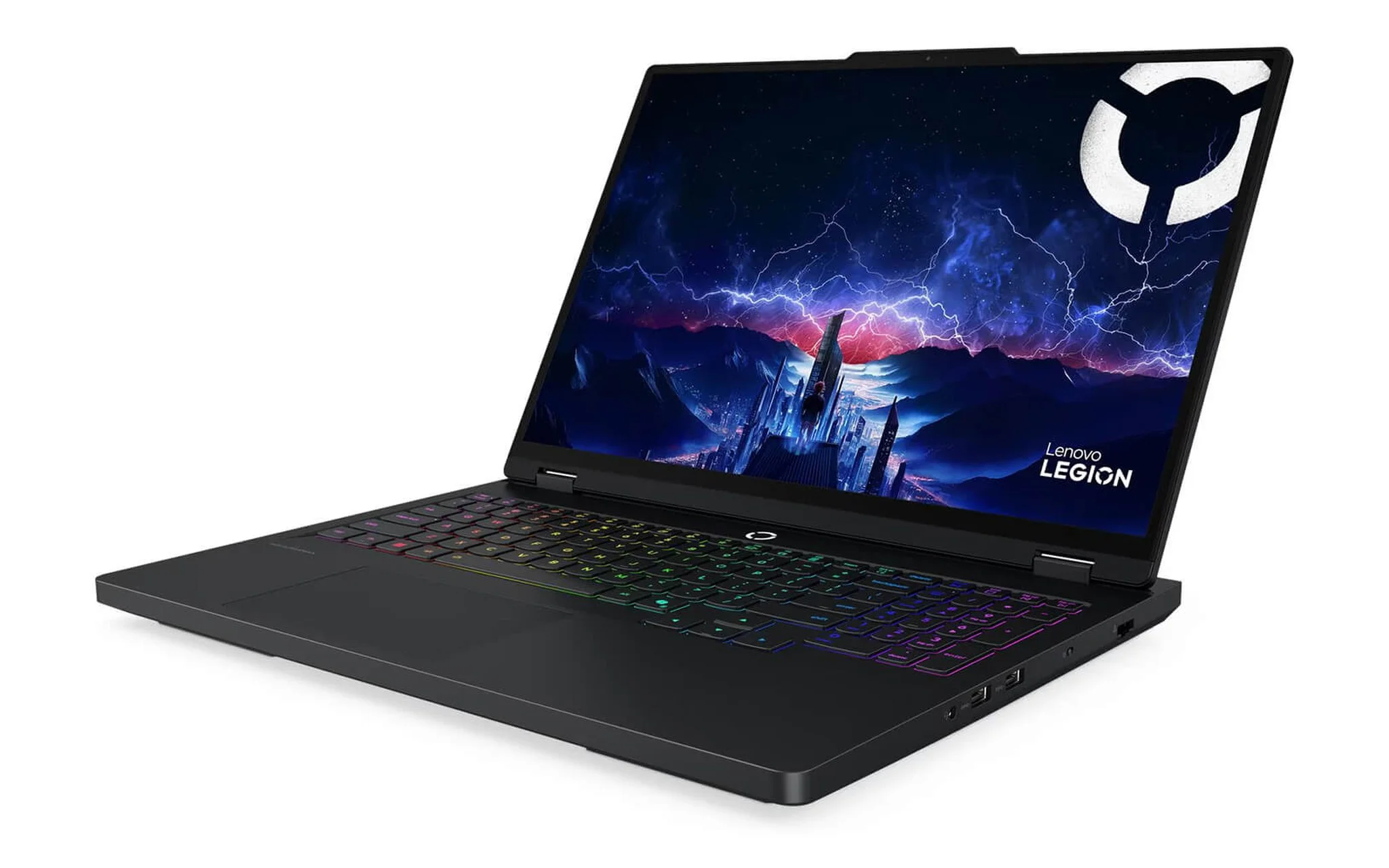
The Legion Pro 5 16IAX10 takes the other path. The product page describes the Legion Coldfront Hyper system as using 3D copper heat pipes combined with turbo fans, and it does not list a vapor chamber in the component list. The Legion Pro 5 16IAX10 PSREF shows this chassis is 21.69 to 25.95 mm thick, weighs approximately 2.43 kg, has an aluminum top and a PC-ABS bottom, and uses a 245W adapter. Despite having the same 16-inch screen size, both the thermal and power budgets are a tier lower.
The consequences are immediately visible in the PSREF graphics table. The Legion Pro 5 16IAX10 locks all options at exactly 115W: the RTX 5060 Laptop is 115W, the RTX 5070 Laptop 8GB is 115W, and the RTX 5070 Laptop 12GB is also 115W. Here, the TGP ceiling is an attribute of the chassis, not the individual card. Therefore, when choosing a configuration, you must work backward: check how many watts the chassis can handle first, then look at the card name on the sticker.
How many CUDA cores does each watt support in the Legion Pro 7 chassis?
This division is more important than benchmark scores. In the Legion Pro 7 chassis, the RTX 5080 and RTX 5090 share the same 175W TGP ceiling, but the core density per watt differs significantly. NVIDIA's comparison page lists the RTX 5090 Laptop with 10,496 CUDA cores and the RTX 5080 Laptop with 7,680 cores; Notebookcheck lists the 5080 at 8,192 cores, so we will use the NVIDIA data. When divided by the same 175W, the figure is approximately 60 cores per watt compared to 44 cores per watt. The more cores packed into the same power budget, the more conservatively each individual core must run.
| Graphics Card | Legion Chassis | CUDA Cores | PSREF Boost | PSREF TGP | Cores per Watt |
|---|---|---|---|---|---|
| RTX 5090 Laptop 24GB | Legion Pro 7 16IAX10H | 10,496 | 2160 MHz | 175W | 60 |
| RTX 5080 Laptop 16GB | Legion Pro 7 16IAX10H | 7,680 | 2287 MHz | 175W | 44 |
| RTX 5070 Ti Laptop 12GB | Legion Pro 7 16IAX10H | 5,888 | 2220 MHz | 140W | 42 |
| RTX 5070 Laptop 8GB | Legion Pro 5 16IAX10 | 4,608 | 2347 MHz | 115W | 40 |
| RTX 5060 Laptop 8GB | Legion Pro 5 16IAX10 | 3,328 | 2497 MHz | 115W | 29 |
| RTX 5050 Laptop 8GB | Legion 5 15AHP11 | 2,560 | 2662 MHz | 115W | 22 |
The final column in the table above is only accurate when comparing models within the same power ceiling. At 115W, you get 22 cores per watt for the RTX 5050 at 2662 MHz, 29 cores per watt at 2497 MHz, and 40 cores per watt at 2347 MHz. At 175W, the 44 cores per watt at 2287 MHz drops to just 60 cores per watt at 2160 MHz for the 5090. The RTX 5070 Ti is an outlier because it is capped at 140W: it provides 42 cores per watt at a 2220 MHz boost, which is actually lower than the 44 cores per watt found in the 175W tier. You must determine the power ceiling first before comparing core density within that same tier. The "cores per watt" figures were calculated by dividing the CUDA core count by the PSREF TGP.
One point needs clarification to avoid confusion when researching, as there are two overlapping layers of data. Notebookcheck's benchmark tables list the RTX 5090 Laptop boost at 1515 MHz and the RTX 5060 Laptop boost at 1455 MHz; these are general reference values for the entire card series across all possible power ranges. The PSREF, however, lists the specific configurations Lenovo has tuned for the Legion chassis, which is why they are higher. This distinction between general card specs and machine-specific power limits was previously explored in our article RTX 5070 Ti laptop performance: When 12GB VRAM depends entirely on TGP levels.
Which graphics cards are available for the 15-inch Legion 5 chassis?
Moving down to the 15-inch form factor, the physical budget is noticeably tighter. The PSREF for the Legion 5 15AHP11 and Legion 5 15IPH11 both list dimensions of 344 x 244.5 x 18.95 to 19.95 mm, a starting weight of 1.87 kg, an aluminum top with a PC-ABS bottom, an 80Wh battery, and a 245W adapter. The product pages for both describe the Legion Coldfront system here as a dual-airflow mechanism using multi-blade fans with liquid crystal polymer and copper heat pipes, without any mention of a vapor chamber.
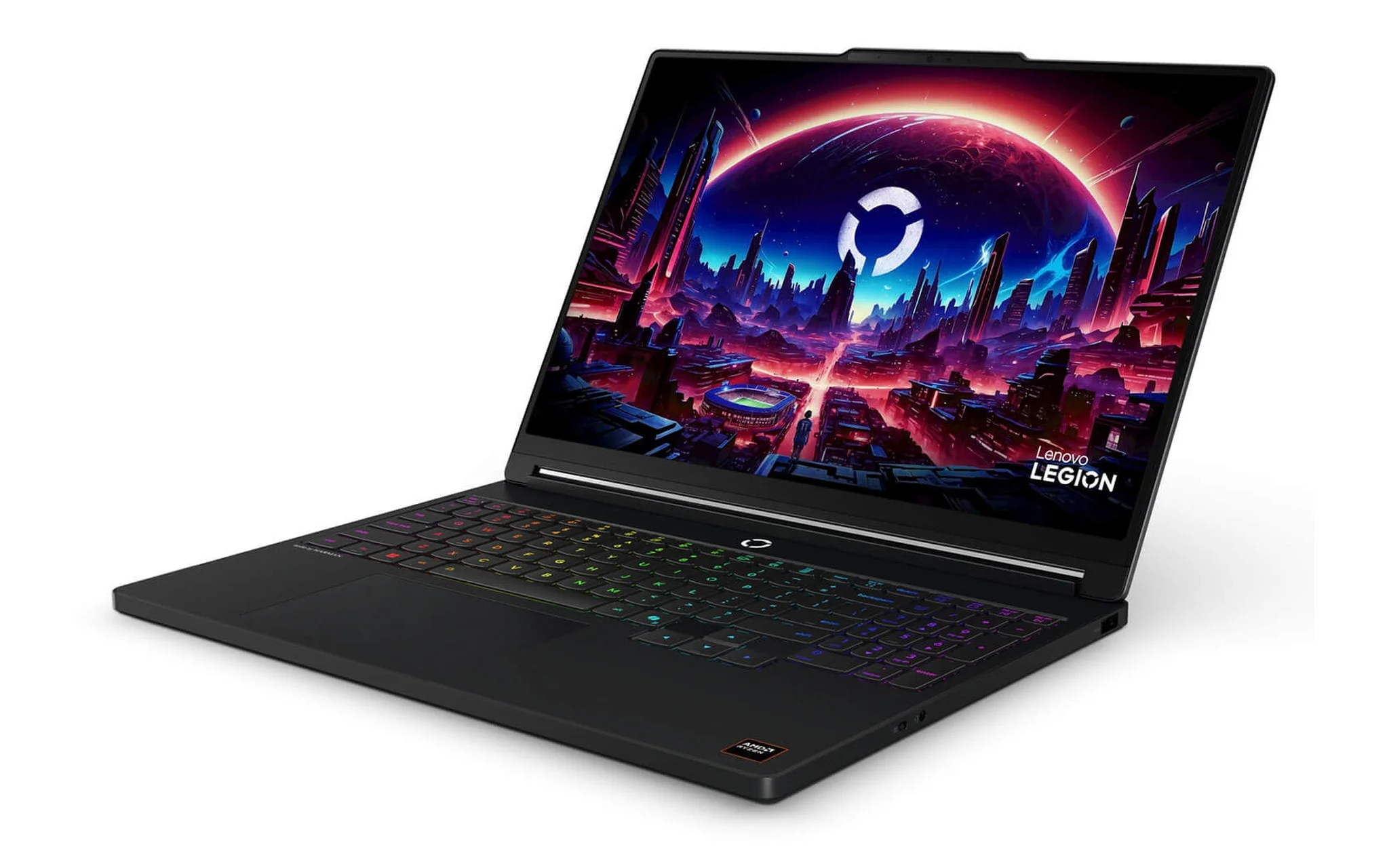
Consequently, the TGP ceiling is capped at 115W for all configurations. The PSREF lists the Legion 5 15AHP11 up to the RTX 5070 Laptop 8GB at 115W, while the Legion 5 15IPH11 stops at the RTX 5060 Laptop 8GB, also at 115W. Neither document mentions an RTX 5080 or a 24GB variant. The 15-inch chassis is limited not by commercial strategy, but because the copper mass and airflow are insufficient to continuously dissipate 175W of heat.
In retail, these two 15-inch models are even more streamlined than their technical specifications suggest. The Legion 5 15AHP11 is sold in two configurations: a Ryzen 7 250 with 16GB RAM and a 512GB SSD paired with an RTX 5060 8GB for 54,990,000 VND, and an RTX 5050 8GB version for 51,990,000 VND. The Legion 5 15IPH11 is only available with a Core Ultra 7 356H, 16GB RAM, 512GB SSD, and an RTX 5060 8GB for 56,990,000 VND. Both models feature a WQXGA OLED 165Hz display.
What do you get in exchange for fan noise and Acoustic AI?
The three TSI fans on the Pro 7 chassis solve the airflow problem, but airflow always comes with noise. Acoustic AI acts as the regulator between these two variables: the product page describes this technology as automatically adjusting fan speeds based on measured temperatures rather than following a fixed curve. Under light loads, RPMs drop to reduce noise; when temperatures hit critical thresholds, the fans ramp up to full capacity to maintain the 175W power delivery for the GPU.
| Chassis | Thickness | Weight | Build Material | Adapter | Cooling Mechanism | TGP Ceiling |
|---|---|---|---|---|---|---|
| Legion Pro 7 16IAX10H | 21.9 to 26.65 mm | from 2.57 kg | Aluminum top and bottom | 400W | Large vapor chamber, HyperChamber, three TSI fans, Acoustic AI | 175W |
| Legion Pro 5 16IAX10 | 21.69 to 25.95 mm | approx. 2.43 kg | Aluminum top, PC-ABS bottom | 245W | Coldfront Hyper, 3D copper heat pipes, turbo fans | 115W |
| Legion 5 15AHP11 | 18.95 to 19.95 mm | from 1.87 kg | Aluminum top, PC-ABS bottom | 245W | Coldfront dual-airflow, copper heat pipes | 115W |
| Legion 5 15IPH11 | 18.95 to 19.95 mm | from 1.87 kg | Aluminum top, PC-ABS bottom | 245W | Coldfront dual-airflow, copper heat pipes | 115W |
It is important to state a limitation of the available data: neither the PSREF documents nor the product pages publish noise levels in decibels, so this article does not provide any specific fan noise figures. What can be compared is the architecture: a system with three fans sharing a single air mass offers a much wider regulation range than a single-direction turbo fan setup, which provides the headroom for Acoustic AI to lower RPMs during light tasks. For exact decibel readings, you will have to measure them yourself in each mode.
Battery life follows the same logic. The PSREF states the Pro 7 uses either an 80Wh or 99.9Wh battery with Super Rapid Charge, going from 0 to 70% in 30 minutes. The two 15-inch models use 80Wh batteries with Rapid Charge Pro, reaching 50% in 30 minutes; the MobileMark 30 score at 250 nits for the Legion 5 15AHP11 is 10.2 hours, while the Legion 5 15IPH11 reaches 13 hours. The more watts a chassis must handle, the harder it is to maintain impressive battery life.
The weight and power brick you'll have to carry every day
The price of a 175W ceiling is paid in your backpack, not on a spec sheet. The Lenovo Legion Pro 7 16IAX10H-83F5008VVN (2025) configuration with a Core Ultra 9 275HX, 32GB RAM, 1TB SSD, and an RTX 5090 24GB is listed at 94,990,000 VND, coming with a chassis starting at 2.57 kg and a 400W power brick. The RTX 5070 Ti 12GB version is priced at 69,990,000 VND and is still rated at 140W, which is higher than the 115W ceiling of the Legion Pro 5 16IAX10.
| Laptop Model | Current Configuration | Price | Weight and Power Brick |
|---|---|---|---|
| Legion Pro 7 16IAX10H (2025) | Core Ultra 9 275HX / 32GB / 1TB SSD / RTX 5090 24GB / WQXGA 240Hz | 94,990,000 VND | from 2.57 kg, 400W adapter |
| Legion Pro 7 16IAX10H (2025) | Core Ultra 9 275HX / 32GB / 1TB SSD / RTX 5070 Ti 12GB / WQXGA 240Hz | 69,990,000 VND | from 2.57 kg, 400W adapter |
| Legion Pro 5 16IAX10 (2025) | Core Ultra 9 275HX / 32GB / 1TB SSD / RTX 5070 8GB / WQXGA OLED 165Hz | 76,990,000 VND | approx. 2.43 kg, 245W adapter |
| Legion Pro 5 16IAX10 (2025) | Core Ultra 9 275HX / 32GB / 1TB SSD / RTX 5060 8GB / WQXGA OLED 165Hz | 71,990,000 VND | approx. 2.43 kg, 245W adapter |
| Legion 5 15IPH11 (2026) | Core Ultra 7 356H / 16GB / 512GB SSD / RTX 5060 8GB / WQXGA OLED 165Hz | 56,990,000 VND | from 1.87 kg, 245W adapter |
| Legion 5 15AHP11 (2026) | Ryzen 7 250 / 16GB / 512GB SSD / RTX 5060 8GB / WQXGA OLED 165Hz | 54,990,000 VND | from 1.87 kg, 245W adapter |
| Legion 5 15AHP11 (2026) | Ryzen 7 250 / 16GB / 512GB SSD / RTX 5050 8GB / WQXGA OLED 165Hz | 51,990,000 VND | from 1.87 kg, 245W adapter |
The Pro 5 chassis is less than 150 grams lighter, but the power brick drops from 400W to 245W, meaning the actual weight you carry is significantly lower than the chassis weight suggests. In exchange, the TGP ceiling is capped at 115W. One detail to note to avoid confusion: the PSREF for the Legion Pro 5 16IAX10H variant lists the RTX 5070 Ti at 140W with a 300W adapter, which is much higher than the 16IAX10 version, but that 16IAX10H variant is currently not in stock.
With a budget under 60 million VND and a need for daily commuting, the two 15-inch models win clearly on portability: a 1.87 kg chassis plus a 245W adapter, a maximum thickness of 19.95 mm, an 80Wh battery, and a WQXGA OLED 165Hz display. The roughly 700g and 155W difference compared to the Legion Pro 7 is the physical cost of that extra 60W of thermal headroom. You should decide based on how much you have to carry, not just the text on a graphics sticker.
Frequently Asked Questions about Legion thermal technology
How many watts does the Legion Pro 7 provide to the RTX 5090?
The Legion Pro 7 16IAX10H PSREF lists the RTX 5090 Laptop 24GB GDDR7 at a TGP of 175W, with a 2160 MHz boost and 1824 AI TOPS. The product page adds that this 175W includes 25W of Dynamic Boost. It comes with a 400W slim tip three-prong adapter, which is significantly higher than the 245W used by the other Legion chassis.
Why does the RTX 5090 have a lower boost clock than the RTX 5080 in the same chassis?
Both GPUs share the same 175W TGP ceiling on the Legion Pro 7, but the 24GB version has 10,496 CUDA cores while the RTX 5080 has only 7,680. A density of approximately 60 cores per watt compared to 44 cores per watt forces the clock speeds down: 2160 MHz versus 2287 MHz. In return, the 5090 features 24GB of GDDR7 compared to 16GB and 1824 AI TOPS compared to 1334. Both versions share the same bandwidth of 896 GB/s.
Can the Legion Pro 5 16IAX10 be upgraded to an RTX 5080?
No. Laptop GPUs are soldered directly to the motherboard, and the Legion Pro 5 16IAX10 PSREF only lists the RTX 5060 and RTX 5070, both of which are locked at 115W. The 3D copper heat pipes, turbo fans, and 245W adapter in this chassis are not designed to handle a continuous 175W thermal load.
Why are the clock speeds on Notebookcheck different from Lenovo's numbers?
Notebookcheck publishes general reference values for the entire card series across all possible power ranges that manufacturers can choose, which is why they list the RTX 5090 Laptop at 1515 MHz and the RTX 5060 Laptop at 1455 MHz. The PSREF lists the specific configurations Lenovo has tuned for each individual Legion chassis. When comparing, you should use the PSREF numbers for a specific machine and use the Notebookcheck numbers for comparing different card series.