
Free video editing software can still handle a 4K timeline, color grading, effects, and audio in a single interface. DaVinci Resolve meets those needs well, though the Free version is still limited in AI tools, some professional codecs, and export resolution. If you are paying for Adobe Premiere or have just bought a new laptop, work out the differences between each version before you install anything or invest in hardware.
Is the free version of DaVinci Resolve enough to replace Adobe Premiere?
DaVinci Resolve Free includes the Edit, Color, Fusion, and Fairlight pages in one application. You can edit video, grade color, build visual effects, and process audio without switching between multiple programs. According to the official Blackmagic Design website, the free version supports 8-bit exports at up to UHD 3840x2160 resolution and a maximum of 60 fps. That is enough for YouTube videos, TikTok, online courses, business content, and most personal projects.
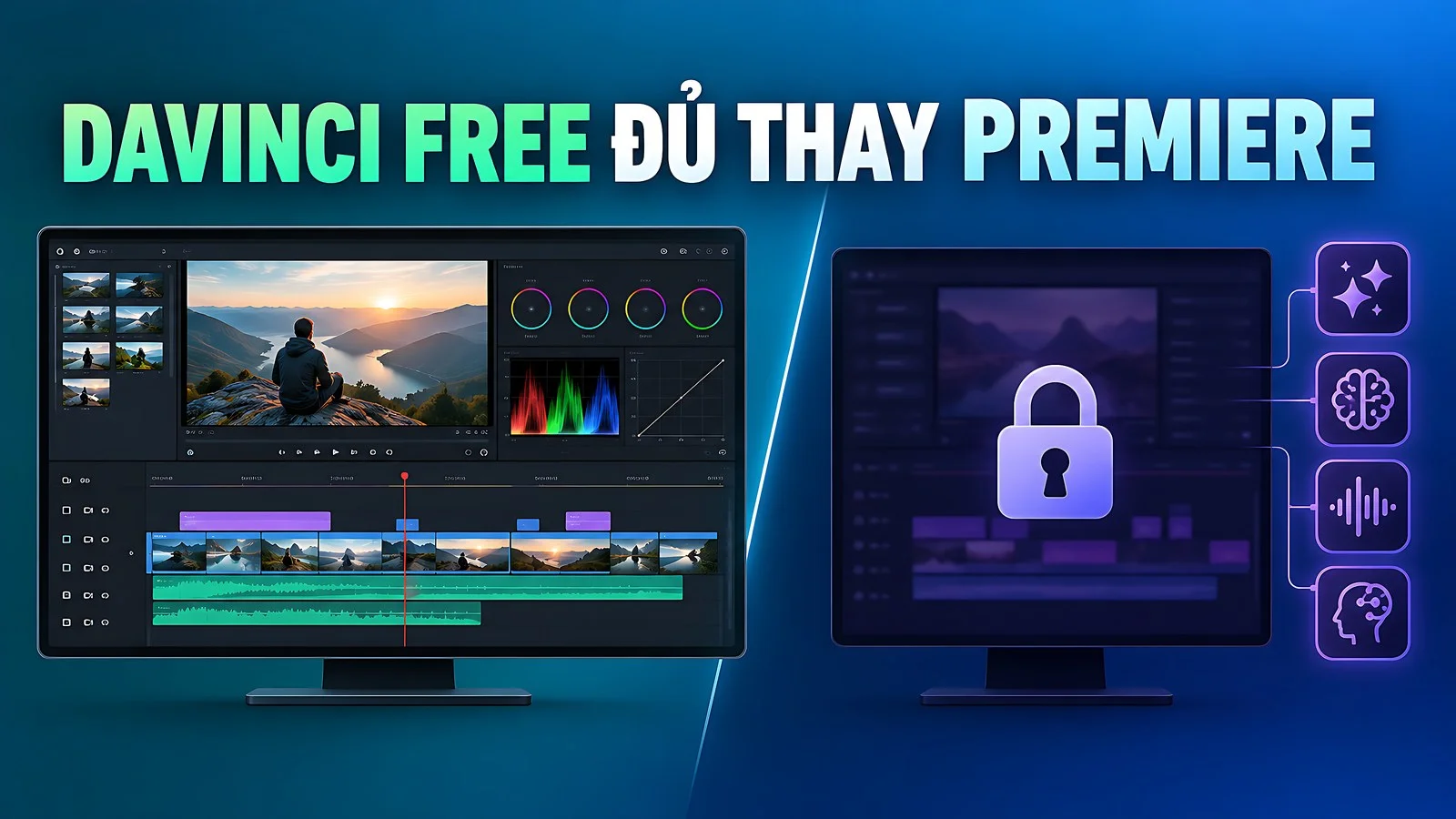
Compared with Adobe Premiere, DaVinci Resolve Free has the edge when you want editing, color grading, VFX, and audio in a single app, without depending on a chain of Adobe plugins. The drawback is that Magic Mask, temporal noise reduction, many AI Neural Engine tools, and some professional codecs are available only in the Studio version. Before handing off a commercial project, export a short test clip to check the output format and the real-world quality of the free version.
Adobe Premiere is still more convenient when your workflow is tightly linked to After Effects, Audition, Media Encoder, or Frame.io. In a team that shares Adobe assets, exchanging projects causes fewer errors. On the other hand, DaVinci Resolve is a budget-friendly option for beginners, content creators, and small teams who want to cut subscription costs. The Free version can replace Premiere in many situations, but it does not fully replace it in every collaborative project.
The post-production workflow in DaVinci Resolve 21 differs in several ways
According to version data from September 2026, DaVinci Resolve 21 is the confirmed current branch, with 21.1 point releases updated regularly. The software's strength lies in its seamless post-production workflow. You can cut in Edit, switch to Color to balance the footage, open Fusion to build effects, and then finish the audio in Fairlight, all without exporting intermediate files across different applications.
| Software | How it is offered | Can replace | Limitations to note |
|---|---|---|---|
| DaVinci Resolve Free 21 | Free, not open source | Adobe Premiere for personal video editing and basic 4K content | No Magic Mask, no AI noise reduction, and many professional codecs missing |
| DaVinci Resolve Studio 21 | One-time purchase | Professional editing, color grading, VFX, and audio workflows | Upfront cost of about 7.5 to 8 million VND |
| Adobe Premiere 26.5 | Subscription, 7-day trial | Fits Adobe Creative Cloud workflows | Individual plan costs about 600,000 VND per month, billed annually |
The table above shows why many video editors choose DaVinci Resolve. The Free and Studio versions share the same interface, so you can learn on the free version and upgrade later without relearning everything from scratch. Both support HDR color grading and multi-user collaboration, premium features that rarely appear in free software. Adobe Premiere takes a different approach, charging a recurring subscription fee but offering a broad software suite and a large community in return.
Adobe Premiere version 26.5, released in September 2026, adds a set of Generative Media tools, Paper Edit, and Generative Extend, along with support for new cameras and RAW formats. Its main advantage is still the ability to hand off a project to collaborators who already use Adobe Premiere. For people who prioritize color grading and integrated audio and want to limit long-term subscription costs, whether individuals or small teams, DaVinci Resolve is the more sensible solution over time.
When to upgrade to the official Studio version
You do not need to buy Studio if you mainly edit UHD 3840x2160 content at up to 60 fps and do not rely on advanced AI. The Free version of DaVinci Resolve is enough for multi-layer cutting, titles, basic Fusion effects, color balancing, and audio post-production. Install the free version first, run a few real projects, and only then decide whether to upgrade, so you avoid investing early when your needs are not yet clear.
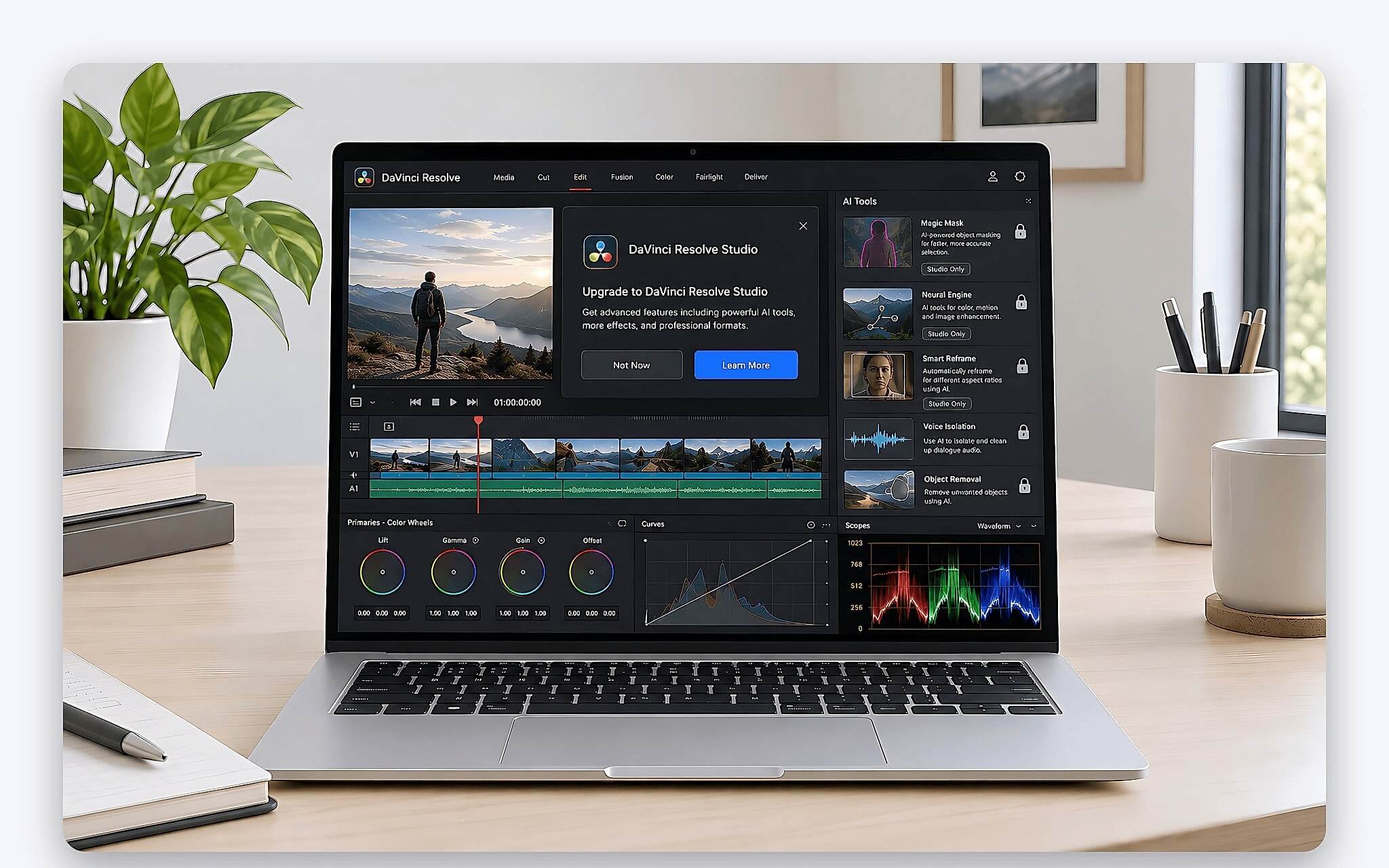
The Studio version suits projects that need Magic Mask, AI-based temporal and spatial noise reduction, professional codecs, or very high resolutions. According to Blackmagic Design, the paid version handles 10-bit video at up to 120 fps and resolutions far beyond 4K. The one-time price of about 7.5 to 8 million VND is higher than a few months of Adobe Premiere, but it carries no recurring subscription fee like Adobe's individual plan.
Buy your license only from Blackmagic Design or an authorized reseller. Do not download cracks, keygens, or modified installers, because the risk of malware, lost project data, and update errors is very high. The Blackmagic Design DaVinci Resolve product page lists the Free and Studio version details along with legitimate download links, so you can verify them before installing.
Which laptop specs suit video editing and color grading
For DaVinci Resolve 21 on Windows, the baseline specs are a 64-bit operating system, at least 16GB of RAM, and a GPU with at least 4GB of graphics memory. For heavy Fusion use, the recommended RAM rises to 32GB. Laptops with NVIDIA graphics should install the latest NVIDIA Studio Driver for stable rendering. Because the software makes heavy use of the GPU, a laptop with a discrete graphics card and a color-accurate display will cut color grading and render times considerably.
| Laptop | Typical configuration | Reference price | Best for |
|---|---|---|---|
| Lenovo IdeaPad Pro 5 16AKP10 (2025) | Ryzen AI 7 350 / RAM 16GB / SSD 1TB / RTX 5050 8GB / 16 inch 2.8K OLED | About 33.5 million VND | Beginners, basic 4K content editing |
| Lenovo Legion Pro 5 16IAX10 (2025) | Core Ultra 9 275HX / RAM 32GB / SSD 1TB / RTX 5060 8GB / WQXGA OLED 165Hz | About 71.99 million VND | Heavy timelines, frequent Fusion use |
| Dell Pro Max 16 Premium MA16250 (2025) | Core Ultra 7 265H / RAM 32GB / SSD 512GB / RTX PRO 1000 8GB / UHD+ OLED Touch | About 61.5 million VND | Professional post-production, mobile workstation |
In the mainstream segment, the Lenovo IdeaPad Pro 5 16AKP10 (2025), with a Ryzen AI 7 350 chip, 16GB of RAM, a 1TB SSD, an RTX 5050 8GB graphics card, and a 16 inch 2.8K OLED display, is a sensible starting point for basic 4K content editing. The high-resolution OLED screen lets you grade color close to the final result, while the discrete GPU shortens editing time and previews of simple Fusion effects in DaVinci Resolve.
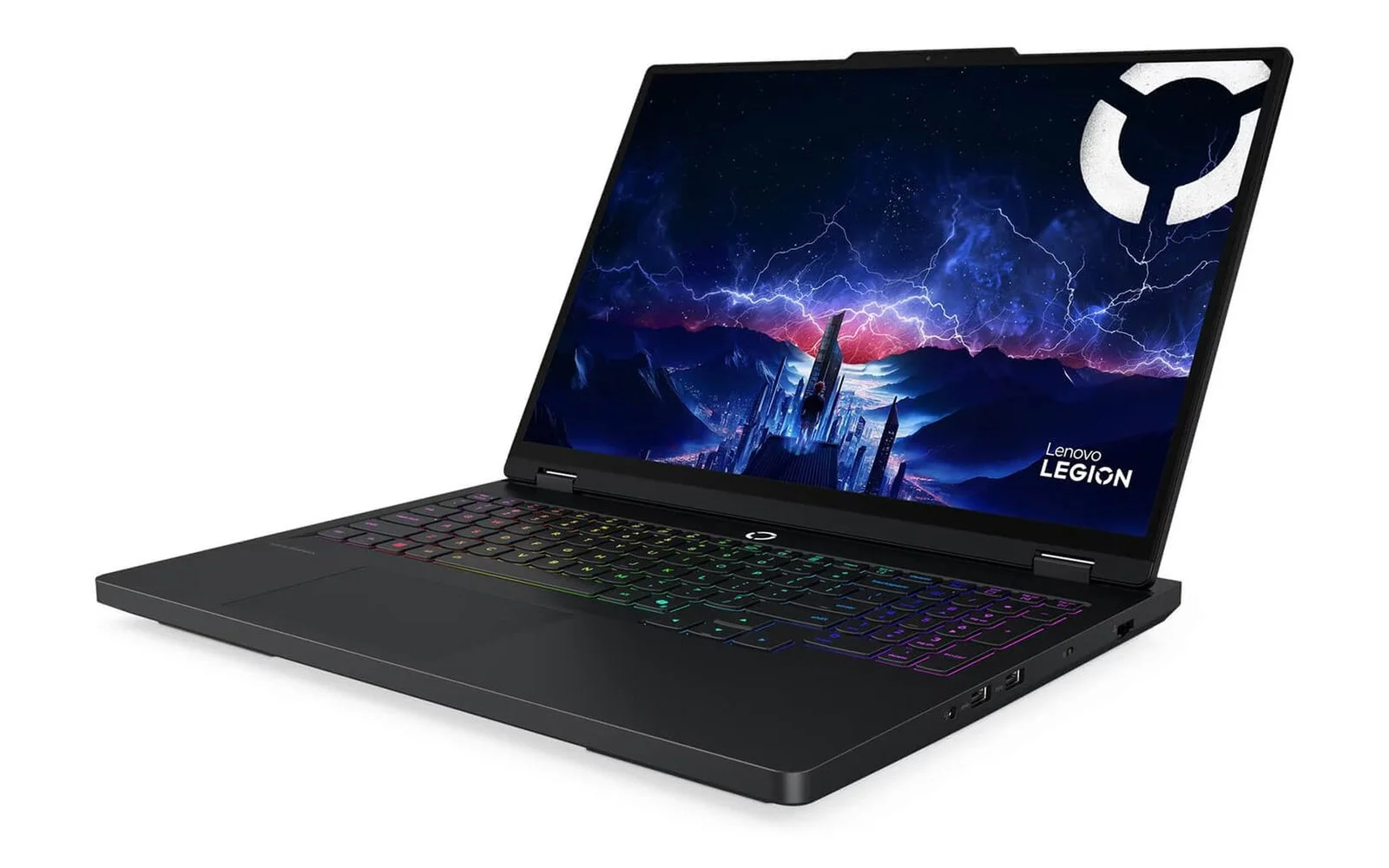
If you work with heavy timelines and use Fusion often, the Lenovo Legion Pro 5 16IAX10 (2025), configured with a Core Ultra 9 275HX, 32GB of RAM, a 1TB SSD, an RTX 5060 8GB graphics card, and a WQXGA OLED 165Hz display, offers more comfortable performance headroom. The 32GB of RAM matches the recommended level for running Fusion, helping you build multi-layer scenes and render 4K more smoothly than a standard 16GB configuration.
How to move a Premiere project to Resolve with fewer errors
A common approach is to duplicate the Adobe Premiere project, export the timeline in XML format, and import it into DaVinci Resolve. After importing, you need to relink the media and check every cut. Keep the original project until the converted version has been test-rendered successfully. During the comparison stage, do not delete cache, proxy, or source folders, so you avoid losing data if you need to rebuild.
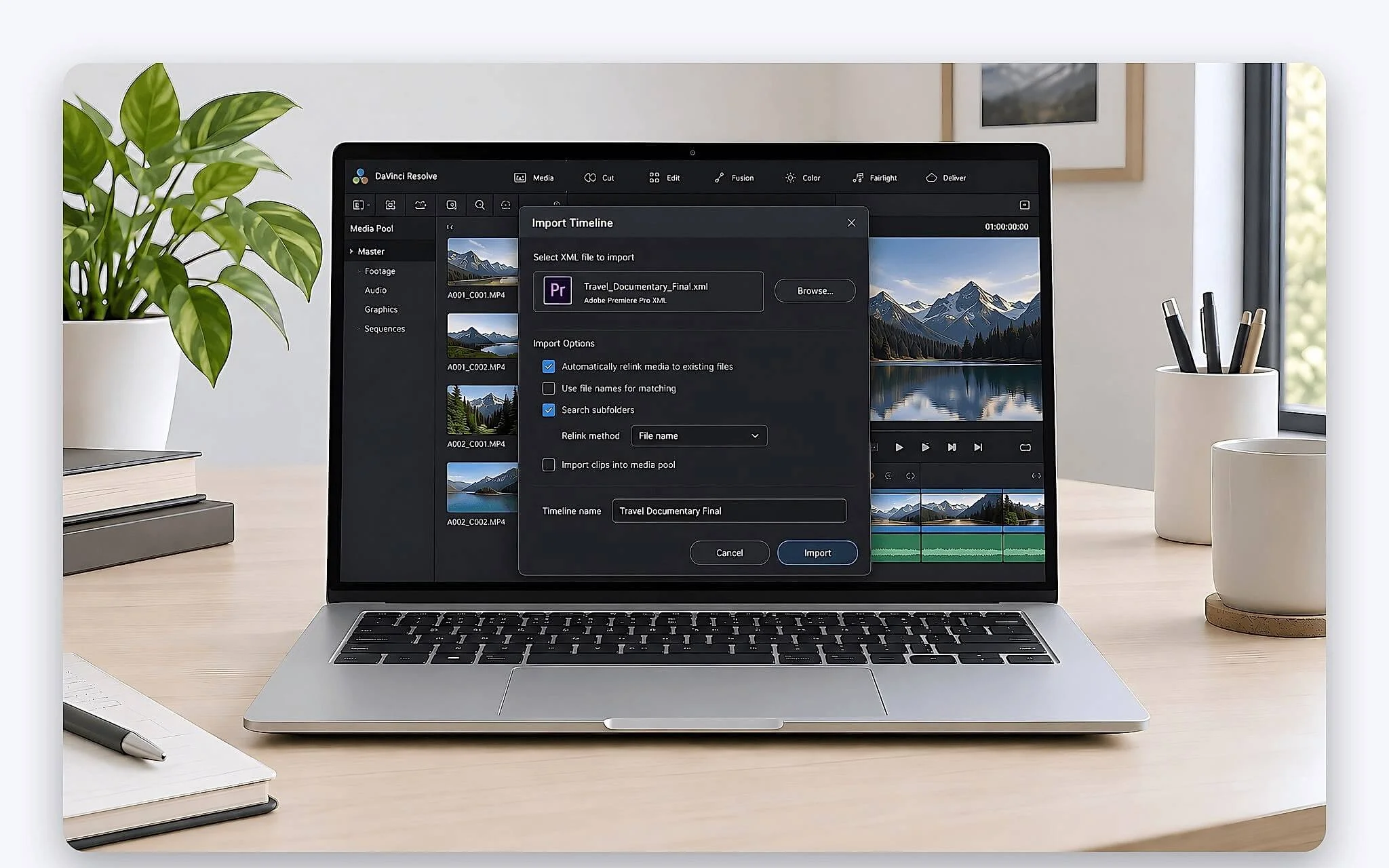
The XML format does not guarantee that every element transfers intact. Effects, transitions, third-party plugins, and audio pan and audio gain settings may change or fail to be recognized correctly. After importing, review the timeline duration, clip positions, playback speed, titles, and volume. The more a project depends on After Effects, the more time it will take to rebuild by hand in DaVinci Resolve, so plan for that effort in advance.
For a long project, transfer a representative segment first before doing the whole thing. That segment should include video, audio, effects, titles, and a color-graded scene so that problems show up early. This approach helps you estimate the workload and decide whether to switch fully from Adobe Premiere to Resolve or to run both programs side by side during a transition period.
License and hardware advice in Ho Chi Minh City
If you edit personal videos, social media content, or courses, start with the Free version of DaVinci Resolve. If you do professional post-production and need Magic Mask, AI noise reduction, specialized codecs, or exports beyond UHD 60 fps, Studio is an investment worth considering. If you collaborate often with a team that uses After Effects and Premiere, keeping the Adobe toolset will reduce errors when exchanging projects between members.
On the hardware side, prioritize 16GB of RAM for basic editing and 32GB if you use Fusion or work with 4K regularly, along with a color-accurate display for precise grading. For professional post-production studios that demand high accuracy, the Dell Pro Max 16 Premium MA16250 Mobile Workstation (2025), with an RTX PRO 1000 8GB graphics card and a UHD+ OLED touch display, is a dependable mobile workstation choice for video editing and color grading.
Hung Phat can help you match a laptop configuration to the software version before you buy. Just provide your video resolution, source codec, project length, and how heavily you use Fusion, and the advisory team will suggest a suitable option. The clear path is usually to use the Free version to save money, buy Studio once its features start generating revenue, or keep Adobe Premiere if your collaboration workflow still revolves around the Adobe ecosystem.
Frequently asked questions (FAQ)
Where can I safely download DaVinci Resolve for PC?
Go directly to the Blackmagic Design product page and choose the free download for Windows. Searching for "DaVinci Resolve download PC" can lead to many sites that repackage the installer, so make sure the domain is exactly blackmagicdesign.com. Do not use crack or keygen files, even if the download site claims to have scanned them for viruses.
How much does DaVinci Resolve cost, and when should I buy it?
The Free version costs nothing, while Studio is a one-time purchase of about 7.5 to 8 million VND based on reference data. Buy it when your real projects need Magic Mask, AI temporal noise reduction, professional codecs, or exports beyond UHD 60 fps. If you only edit ordinary 4K video, use the free version first to evaluate how your machine performs.
Who is the Speed Editor for?
It is a control device for editing tasks, suited to people who handle large amounts of footage and repeat many cutting operations. It does not replace a GPU, RAM, or SSD, and it does not directly improve export speed. Beginners should get comfortable with keyboard shortcuts first and only then consider a dedicated control device.
Where do I download the official Studio 21 version?
Download the installer from the Blackmagic Design website and activate it with a valid license. When searching for "DaVinci Resolve Studio 21 download", avoid files shared through repositories of unknown origin. The version confirmed in the September 2026 data is 21.1, so check the version number and system requirements before installing.