


BitLocker has long been trusted by millions of Windows users as an impenetrable "digital safe." However, a recent legal case has exposed a startling truth: the key to that safe is actually in the pocket of Microsoft, not just yours. This incident is not only a wake-up call regarding privacy but also highlights the "vast difference" in security philosophy between Microsoft and Apple, leaving users in a position where they must protect themselves before it is too late.
BitLocker and the risks of default backup features
The issue came to light during a fraud and asset misappropriation case in Guam. When the FBI seized a suspect's laptop and issued a subpoena, Microsoft quietly complied and handed over the BitLocker decryption key. This action allowed authorities to legally and easily access all the data inside. This stands in stark contrast to Apple, the tech giant known for being "stubborn" and having repeatedly refused to unlock iPhones for the FBI, simply because they design their systems so that even they do not hold the user's key.
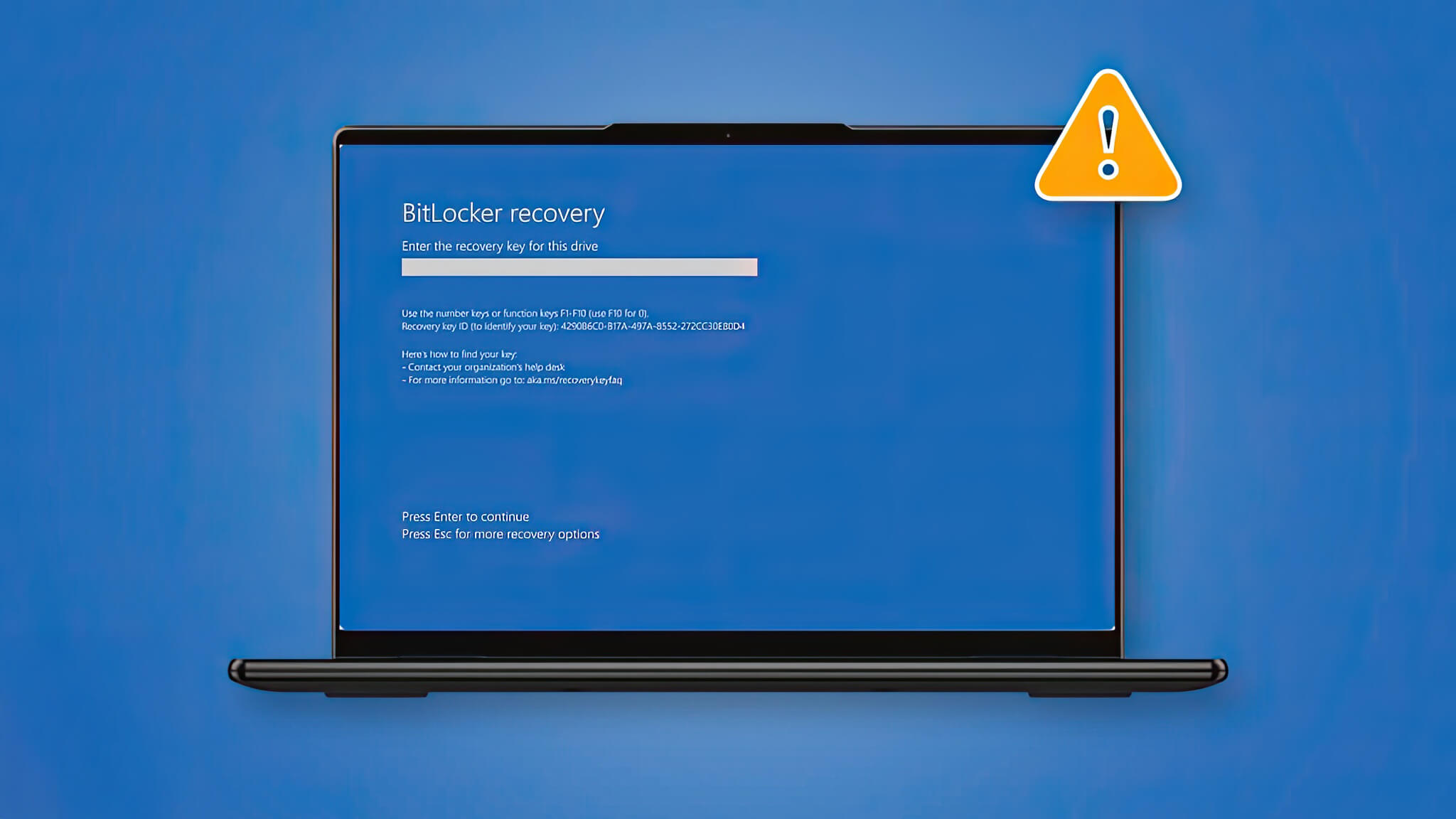
So, why does Microsoft have your key? The problem lies in the "deadly convenience" of the default BitLocker settings on modern Windows. To prevent users from losing data if they forget their password, Microsoft automatically backs up the "recovery key" to the company's cloud servers as soon as you activate the encryption feature. This backup mechanism inadvertently turns Microsoft into an involuntary "gatekeeper." And when the law demands it, this "gatekeeper" is forced to unlock the door, whether the homeowner agrees or not.
How to reconfigure BitLocker to master your data
It must be clarified that this is not a technical error or a "backdoor" for hackers to exploit, but rather a pre-enabled feature. However, for those who prioritize privacy, this represents a serious policy loophole. Although Microsoft claims that the current number of BitLocker key extraction requests is not high, there is no guarantee this number won't increase as investigative agencies realize this is the easiest shortcut to accessing digital evidence.
To truly master your data, users need to proactively change their habits. You can access your Microsoft account and delete any BitLocker keys currently stored online. Instead, choose a "classic" but more secure manual storage method: print the recovery code on paper and keep it in your wallet, or save it to a secure USB drive disconnected from the internet. By doing this, Microsoft will no longer hold any keys to hand over to third parties, returning absolute control to you.











