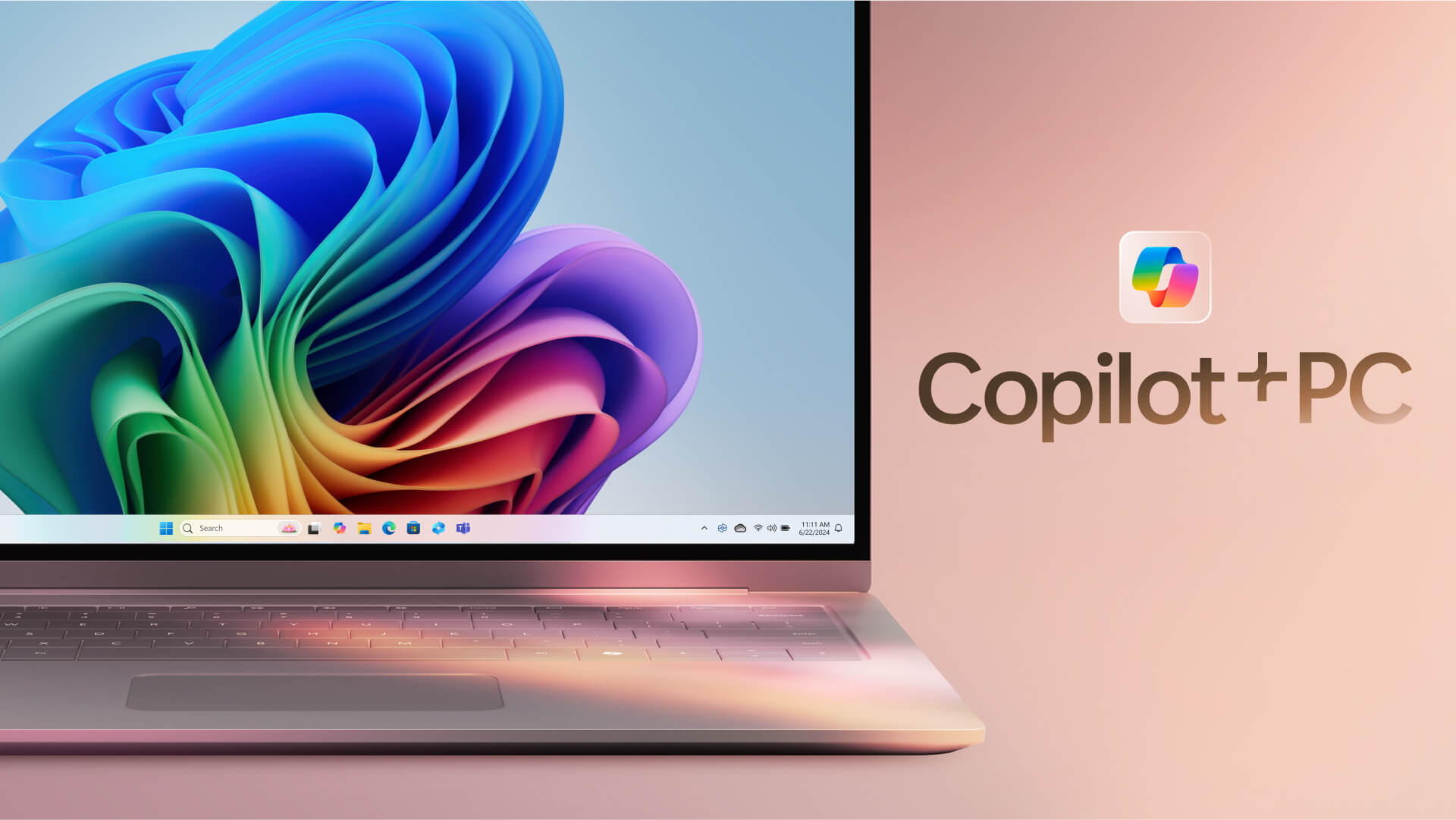
Copilot+ PC laptops are Windows computers designed from the ground up for AI, delivering outstanding performance and a smarter way to work than ever before. Built with the latest technology, Copilot+ PC laptops help users get more done and handle complex tasks with greater ease and flexibility. This article takes a close look at the standout strengths of Copilot+ PC laptops and the practical ways they can be used at work, so you can better understand the untapped power of this new class of computer.
https://www.youtube.com/watch?v=5JmkWJNng2I
Outstanding Performance for Smooth Multitasking
Copilot+ PC laptops are equipped with a high-performance neural processing unit (NPU), allowing them to handle AI-related tasks quickly and efficiently.
1. Superior AI Processing Power
- Up to 20x the performance: Copilot+ PC laptops can run AI workloads up to 20 times more powerfully than conventional PCs. That means complex tasks involving machine learning, natural language processing, and image recognition get done quickly and accurately.
- Up to 100x the efficiency: Copilot+ PC laptops run AI tasks up to 100 times more efficiently, saving you both time and energy.
- Superior multithreaded performance: Compared with Apple's MacBook Air 15, Copilot+ PC laptops deliver sustained multithreaded performance that is more than 58% higher. This makes them ideal for demanding multitasking work such as video editing, graphic design, and app development.
2. Better Performance with an Azure Connection
- Connecting to the Azure cloud lets Copilot+ PC laptops tap into Azure's computing power, boosting performance on complex tasks.
- It also provides easy access to AI services on Azure, including large language models (LLMs), machine learning tools, and data analytics services.
- The Azure connection ensures a high level of security and data protection.
3. Impressive Battery Life
- Copilot+ PC laptops come with long-lasting batteries, offering up to 22 hours of local video playback or 15 hours of web browsing on a single charge.
- Advanced battery management technology protects the battery, extends its lifespan, and keeps performance stable.
- Copilot+ PC laptops make an ideal companion for business trips and long journeys.
Support for a Wide Range of Apps
Copilot+ PC laptops run Windows and support a wide range of native Arm64 apps, including Microsoft 365 (Teams, PowerPoint, Outlook, Word, Excel, OneDrive, and OneNote).
1. Native Arm64 App Support
- Copilot+ PC laptops support many native Arm64 apps, ensuring optimal performance and strong compatibility.
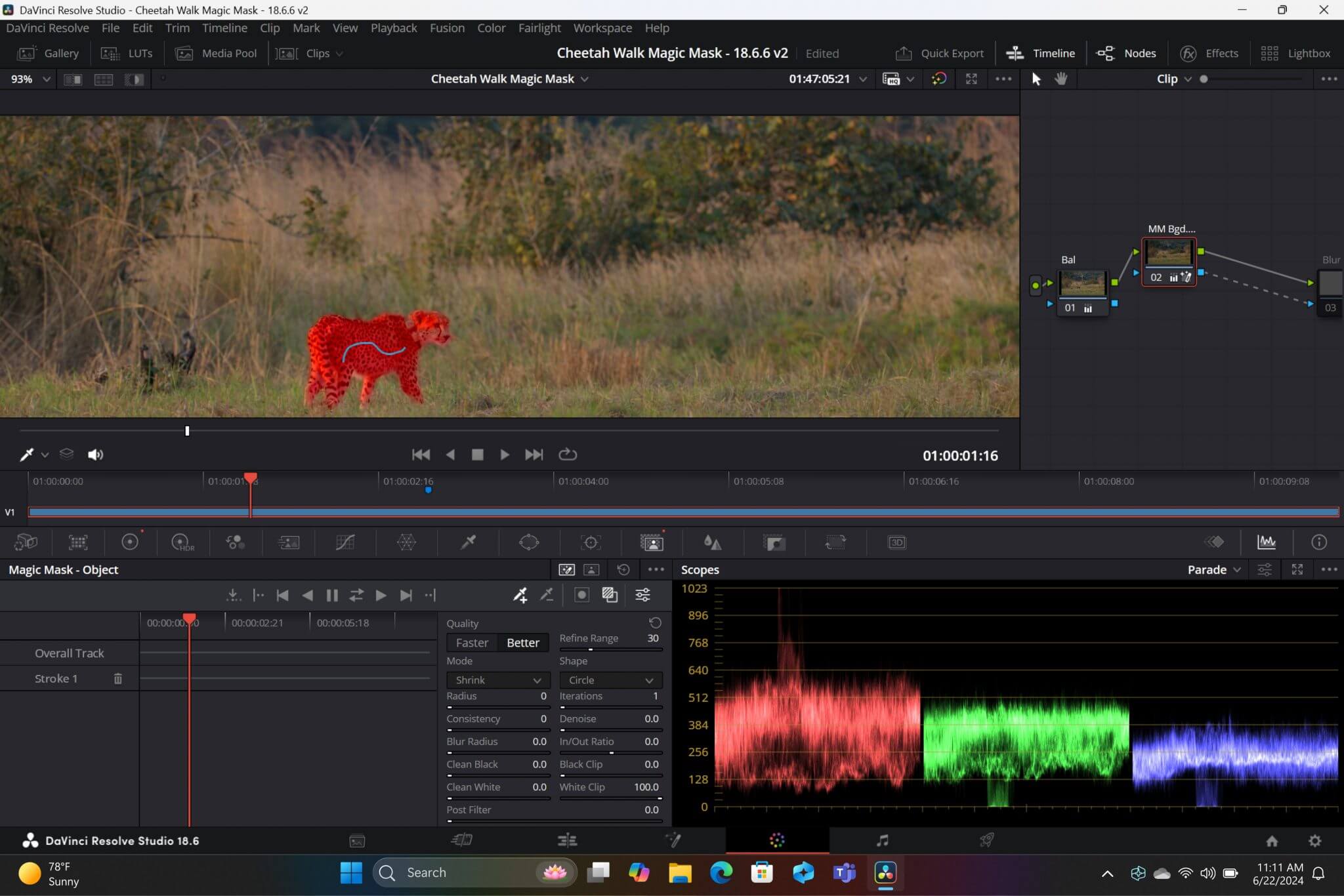
- Popular apps such as Chrome, Spotify, Zoom, WhatsApp, Blender, Affinity Suite, and DaVinci Resolve all run natively on Arm, delivering a smooth and efficient experience.
2. Prism Emulator: Run Any App Smoothly
- The new built-in Prism emulator lets apps run smoothly on Copilot+ PC laptops, whether they are native or emulated.
- Advanced emulation technology ensures compatibility with apps that don't yet support Arm64.
- Prism supports x86 and x64 apps, giving users a versatile and flexible experience.
3. Compatibility with x86 & x64 Apps
- Copilot+ PC laptops can run x86 and x64 apps through the emulator, expanding compatibility to even more software.
- The emulator delivers solid performance and minimizes lag and stutter.
Top-Tier Security to Protect Your Personal Information
Copilot+ PC laptops are built with advanced security technologies that protect your personal information and data from online threats.
1. Microsoft Pluton Security: Stronger Protection
- Copilot+ PC laptops integrate the Microsoft Pluton Security processor, which is turned on by default.
- Pluton Security protects sensitive data from malware attacks.
- The added protection gives you peace of mind about the safety of your personal information and important data.
2. Privacy Controls
- Copilot+ PC laptops let users control their privacy in a personalized way.
- Many settings are available to adjust how much personal information is shared with apps and services.
- These controls safeguard user privacy and help people manage their personal information effectively.
3. Security with Windows 11
- Copilot+ PC laptops ship with Windows 11, which includes upgraded security features.
- The operating system offers new security features such as Windows Defender, Microsoft Edge, and Firewall.
- It strengthens protection against viruses, malware, and cyberattacks.
Smart AI Experiences, Breakthrough Productivity
Copilot+ PC laptops come with smart AI features that help you work more productively and tackle tasks faster and more efficiently.
1. Recall: Store Information and Search with Ease
- Recall helps you easily find information on a Copilot+ PC laptop by remembering what you have viewed or done.
- Recall stores your browsing history, actions, and the content you have viewed on the computer.
- It's a useful feature when you need to find information again quickly and accurately.
2. Cocreator: Smart Image Creation
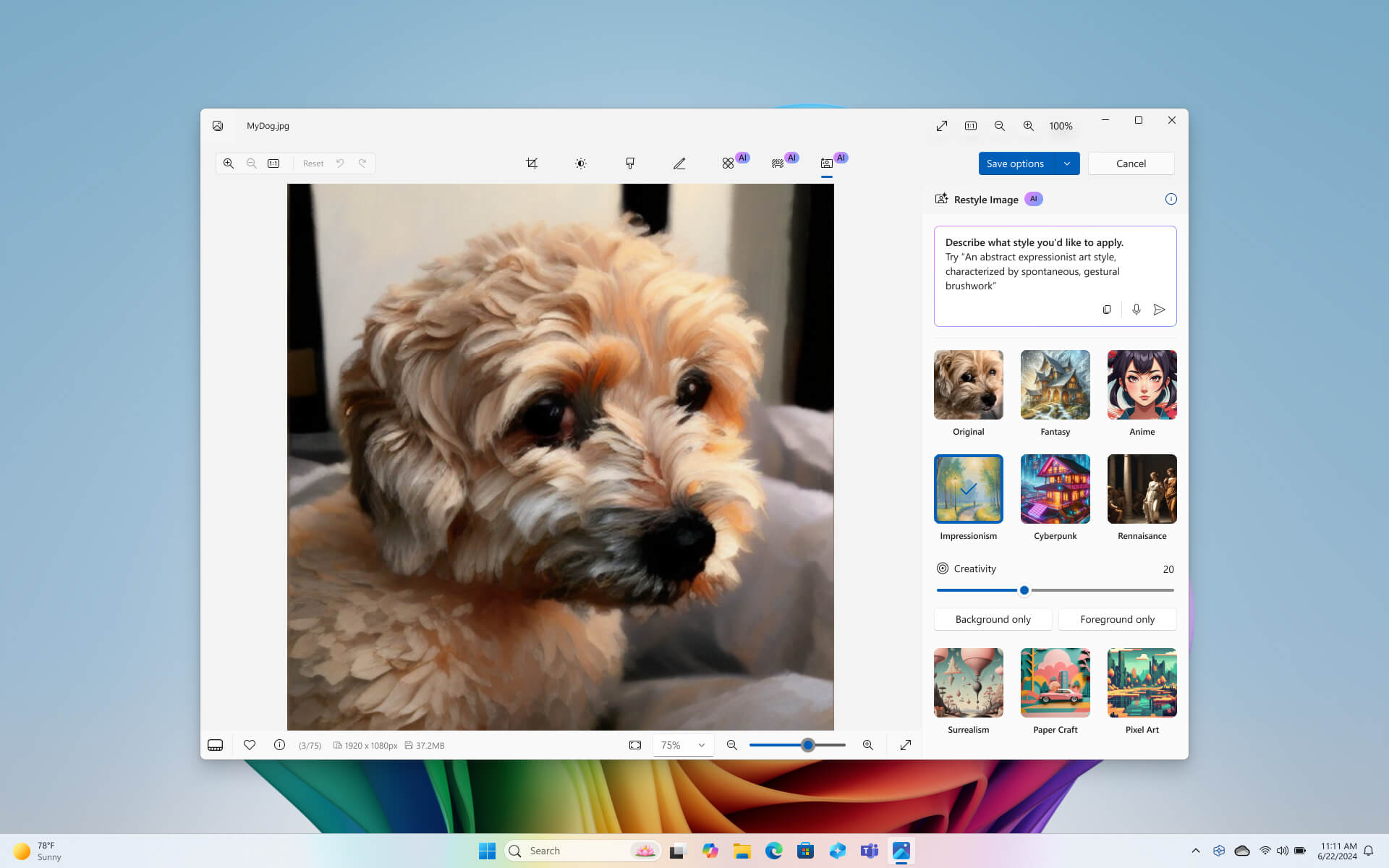
- Cocreator is an AI-assisted image creation and editing feature that lets you generate images in near real time by combining handwritten strokes with text prompts.
- Cocreator is a handy tool for designers and artists, helping them produce creative and distinctive images.
- The tool supports content creation tasks such as designing banners, creating logos, and making illustrations.
3. Integration with AI Services on Azure
- Copilot+ PC laptops integrate with AI services on Azure, bringing a range of smart features that support users in their work.
- Azure AI services include large language models (LLMs), machine learning tools, and data analytics services.
- They help you automate tasks, process information efficiently, and work more productively.
Practical Uses for Copilot+ PC Laptops
Copilot+ PC laptops are a powerful aid across many fields, helping to boost productivity and solve complex problems efficiently.
1. Boosting Productivity for Businesses
- Copilot+ PC laptops help businesses handle AI-related tasks quickly and efficiently.
- Equipped with advanced technology, they help automate processes and save time and money.
- They help businesses improve operational efficiency and raise labor productivity.
2. A Powerful Tool for Developers
- Copilot+ PC laptops help developers build AI applications easily and efficiently.
- They support complex tasks such as data analysis, model building, and AI training.
- They help developers create advanced AI applications with broad real-world use.
3. Support for Content Creation
- Copilot+ PC laptops help content creators produce distinctive, impressive work.
- Tools for creating and editing images, writing text, analyzing data, and more help content creators work more effectively.
4. Support for Education and Research
- Copilot+ PC laptops support teachers and students in teaching and learning activities.
- They help with tasks such as data analysis, building lessons, and creating tests.
- As a research tool, they help scientists find information, build models, analyze data, and more.
Preliminary Conclusion on Copilot+ Laptops
Copilot+ PC laptops are Windows computers designed from the ground up for AI, offering outstanding performance, a smart way to work, and major benefits for users. With powerful AI processing, wide app support, top-tier security, and smart AI experiences, Copilot+ laptops can be a valuable tool for working more productively and handling complex tasks with ease and efficiency, creating real value in both daily life and work.