

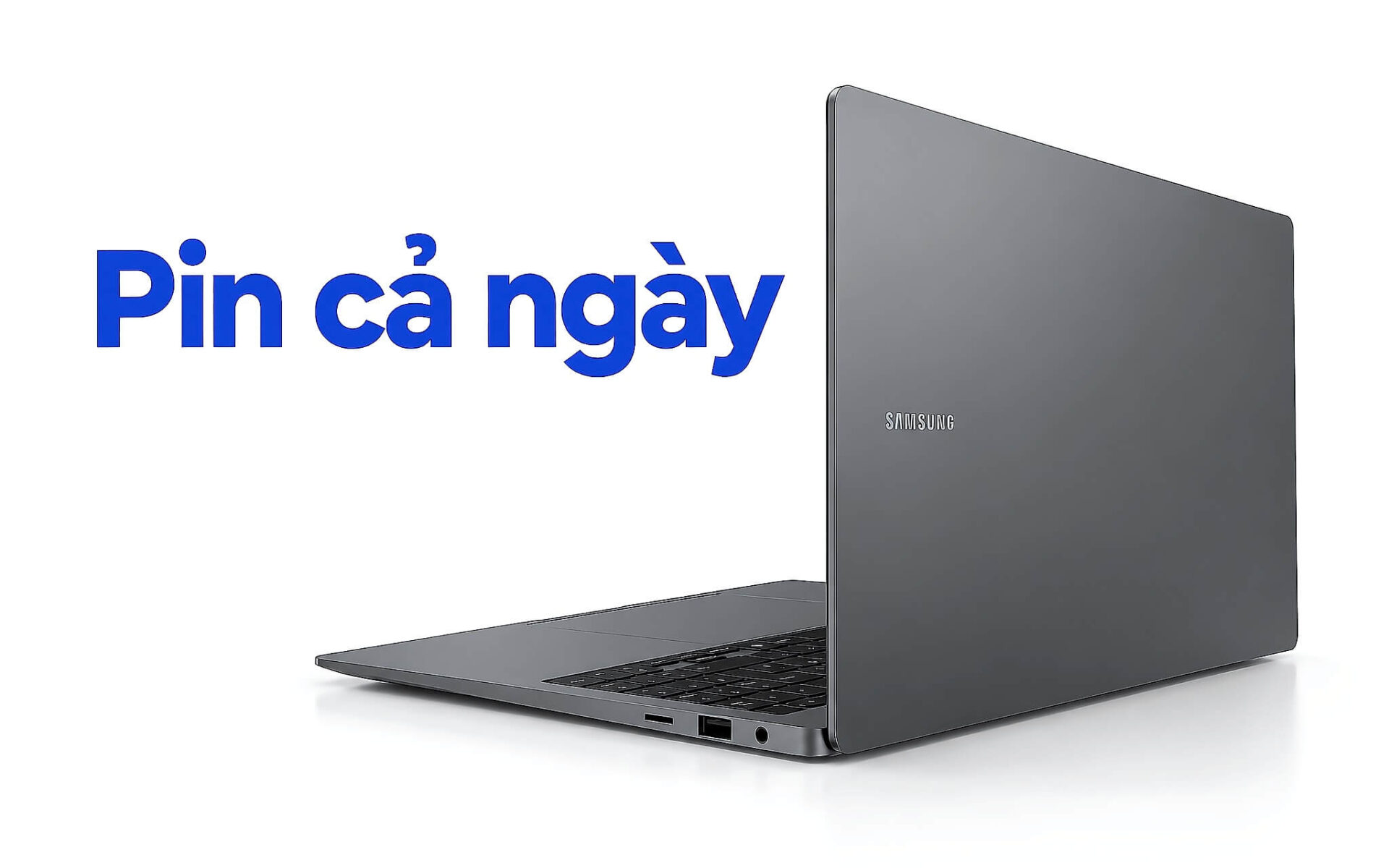
Một chiếc laptop pin lâu giúp bạn học trọn buổi sáng, họp suốt buổi chiều rồi vẫn còn pin cho buổi tối mà không phải đi tìm ổ cắm. Thời lượng ấy không đến từ một con số quảng cáo mà từ bốn yếu tố cộng lại, gồm dung lượng pin tính bằng Wh, chip tiết kiệm điện, loại màn hình và trọng lượng thân máy. Bài viết đi qua năm mẫu laptop pin lâu đời 2025 còn hàng, dùng chip Lunar Lake hoặc Ryzen AI 300, giá từ 22,5 triệu đồng, kèm nguồn của từng con số để bạn tự đối chiếu trước khi chọn.
Dell XPS 13 9350 là laptop pin lâu nặng khoảng 1,2 kg
Điểm xuất phát của mọi laptop pin lâu đời 2025 là con chip. Dòng Core Ultra 200V, tên mã Lunar Lake, được Intel thiết kế riêng cho laptop mỏng nhẹ. Hai bản Core Ultra 5 226V và Core Ultra 7 256V trên Dell XPS 13 9350 có 8 nhân 8 luồng, TDP 17W theo bảng tham chiếu Notebookcheck, và bộ nhớ LPDDR5X đặt ngay trên đế chip để rút ngắn đường truyền dữ liệu. Mức tiêu thụ nền thấp giúp laptop giữ pin cả ngày khi bạn soạn tài liệu, duyệt web hay họp trực tuyến, những tác vụ chiếm phần lớn thời gian của sinh viên và nhân viên văn phòng.
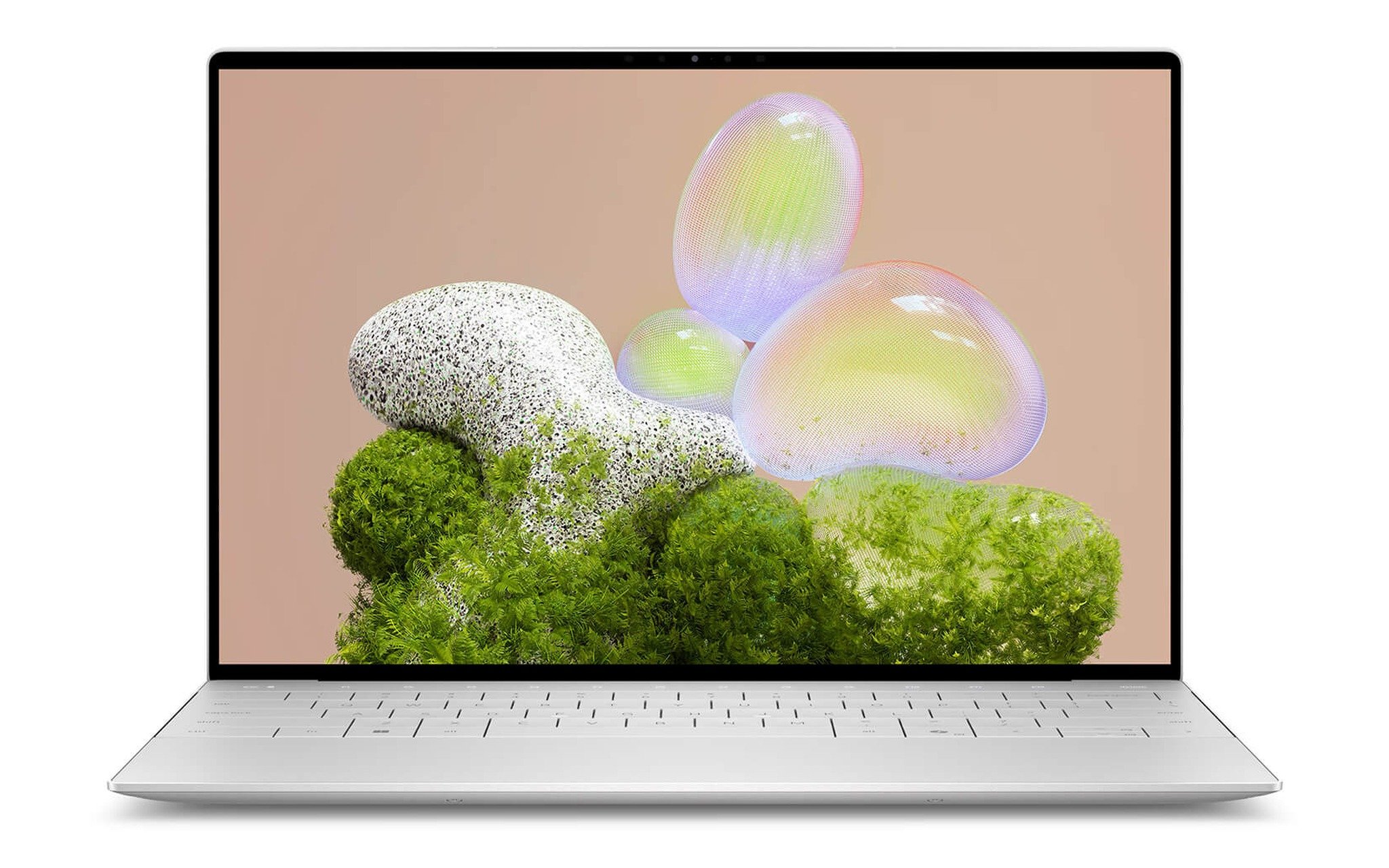
Theo trang sản phẩm, XPS 13 9350 dùng pin 55 Wh, nặng từ 1,18 đến 1,22 kg, và cả ba biến thể đang bán đều đi màn FHD+. Chính trang này ghi thời lượng tối đa 26 giờ cho bản FHD+, trong khi phần hỏi đáp phía dưới ước khoảng 13 giờ với tác vụ văn phòng cơ bản và 6 đến 7 giờ khi chạy ứng dụng nặng. Khoảng chênh lệch này là bình thường, vì con số lớn thường đo khi phát video ở độ sáng thấp, còn con số nhỏ gần với một ngày làm việc thực tế. Với một laptop pin lâu, bạn nên lập kế hoạch theo mốc 13 giờ.
Nếu bạn ưu tiên thân máy nhỏ gọn để bỏ vừa túi đeo chéo, trang cấu hình DELL XPS 13 9350 (2025) có ba lựa chọn: Core Ultra 5 226V, 16GB, 512GB giá 31,5 triệu; Core Ultra 7 256V, 16GB, 512GB giá 35,5 triệu; Core Ultra 9 288V, 32GB, 512GB giá 50,5 triệu. Với mục tiêu pin cả ngày, bản 226V hoặc 256V hợp lý hơn, vì Core Ultra 9 288V có TDP 30W theo cùng bảng tham chiếu, cao gần gấp đôi, đổi lấy hiệu năng mà việc học và làm văn phòng hiếm khi cần tới.
ThinkPad X1 Carbon Gen 13 và lý do nên chọn bản màn WUXGA
ThinkPad X1 Carbon Gen 13 là laptop pin lâu dành cho người thường xuyên đi công tác, cả ba biến thể đang bán đều dùng Core Ultra 7 258V thuộc dòng Lunar Lake kèm 32GB RAM. Bảng thông số PSREF của ThinkPad X1 Carbon Gen 13 ghi pin 57 Wh hỗ trợ Rapid Charge, nạp tới 80% trong khoảng một giờ, và trọng lượng bản chip dòng V khởi điểm từ 986 g. Trang sản phẩm lại ghi 1,12 kg. Con số thực tế tùy cấu hình màn hình và linh kiện, nhưng cả hai đều nằm trong nhóm nhẹ nhất của khổ 14 inch.
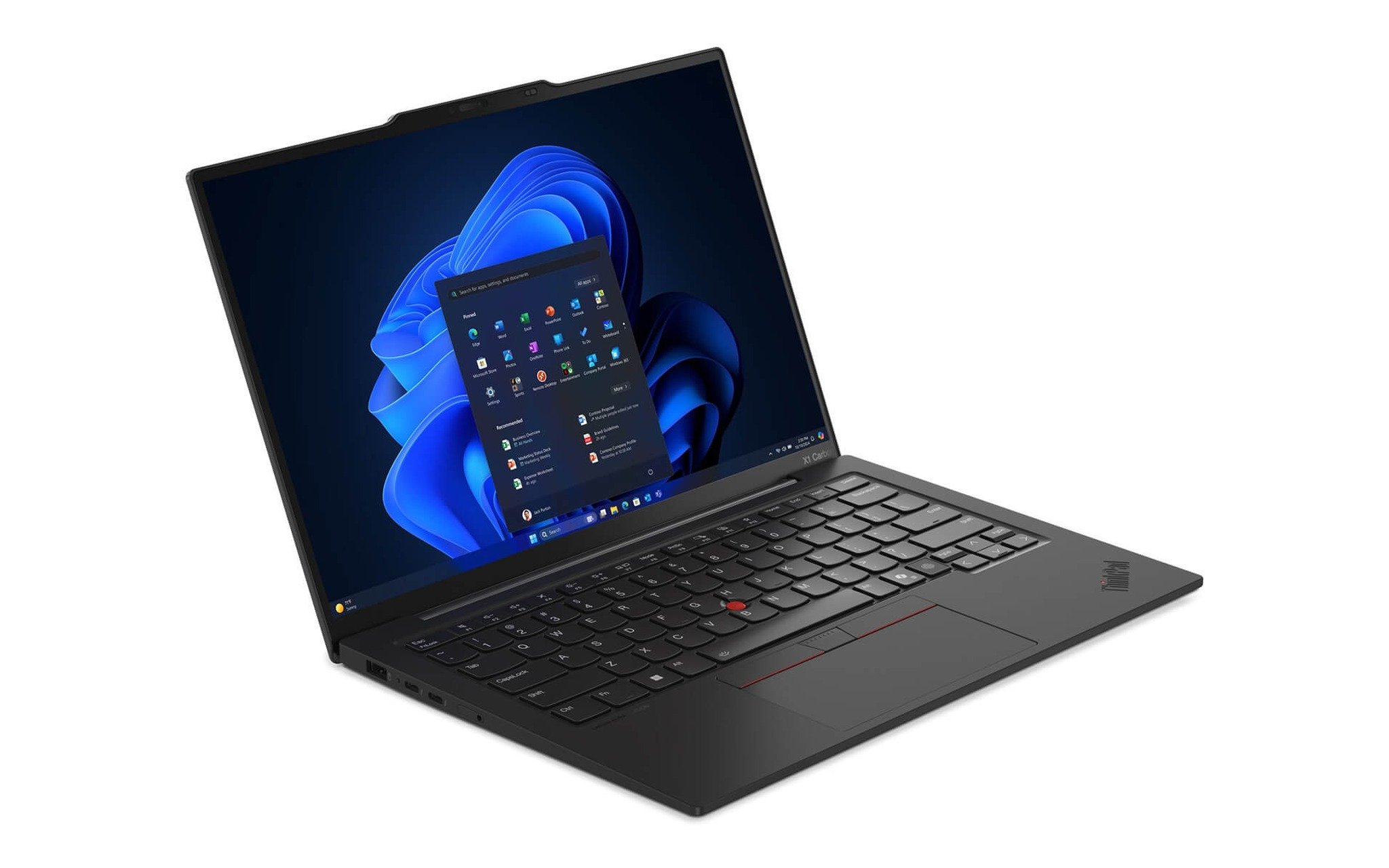
Chi tiết quyết định thời lượng ở mẫu này nằm ở màn hình. Cùng chip 258V, Lenovo bán bản WUXGA cảm ứng và bản OLED 2.8K. Màn độ phân giải cao phải điều khiển nhiều điểm ảnh hơn, còn tấm OLED tiêu tốn điện nhiều hơn khi hiển thị nền trắng như trang văn bản hay bảng tính. Vì vậy, nếu bạn cần một laptop pin lâu để gõ tài liệu cả ngày, bản WUXGA là phương án pin dùng lâu hơn và tiết kiệm tiền hơn. Trang sản phẩm ghi thời lượng tới 13 giờ, còn mục hỏi đáp dẫn NotebookCheck ở mức 8 đến 10 giờ với tác vụ nhẹ.
Chênh lệch giá giữa hai loại màn là đáng kể. Trên trang Lenovo ThinkPad X1 Carbon Gen 13 (2025), bản Core Ultra 7 258V, 32GB, 512GB màn WUXGA cảm ứng có giá 40,5 triệu, bản cùng cấu hình dùng OLED 2.8K lên 63,99 triệu và bản OLED 1TB là 67,99 triệu. Khoản chênh hơn 23 triệu đồng đủ để bạn mua thêm sạc dự phòng và một màn hình rời cho bàn làm việc, trong khi bản WUXGA vẫn giữ pin cả ngày tốt hơn khi di chuyển.
HP OmniBook X Flip 14 cho bạn chọn Lunar Lake hoặc Ryzen AI
HP OmniBook X Flip Next Gen AI 14 là laptop pin lâu dạng xoay gập 360 độ duy nhất trong danh sách, nặng 1,39 kg và dày 14,7 mm theo trang sản phẩm, màn 2K cảm ứng 400 nits phủ kính Gorilla Glass 3. Điểm riêng của mẫu này là cùng một thân máy nhưng bán cả chip Intel lẫn AMD, nên bạn so sánh được trực tiếp hai hướng tiết kiệm điện mà không phải đổi thiết kế, bàn phím hay kích thước màn hình.
| Biến thể | Chip | Nhân/luồng | TDP mặc định | Đồ họa | Giá |
|---|---|---|---|---|---|
| Ryzen AI 5 340 / 16GB / 512GB | Zen 5 (Krackan Point) | 6/12 | 28W (AMD) | Radeon 840M | 22,5 triệu |
| Core Ultra 5 226V / 16GB / 512GB | Lunar Lake | 8/8 | 17W (Notebookcheck) | Arc 130V | 23,5 triệu |
| Core Ultra 7 256V / 16GB / 1TB | Lunar Lake | 8/8 | 17W (Notebookcheck) | Arc 140V | 28,5 triệu |
Hai bản Intel dùng Core Ultra 5 226V và Core Ultra 7 256V thuộc dòng Lunar Lake, cùng 8 nhân 8 luồng và TDP 17W. Bản AMD dùng Ryzen AI 5 340 kiến trúc Zen 5, và trang thông số AMD Ryzen AI 5 340 ghi chip có 3 nhân Zen 5 cộng 3 nhân Zen 5c, 12 luồng, TDP mặc định 28W, dải cấu hình từ 15 đến 54W. Với tác vụ học tập nhẹ, TDP thấp hơn nghiêng về phía bản Intel nếu bạn cần pin dùng lâu, còn bản AMD nhỉnh hơn về số luồng khi bạn cần nén tệp hay biên dịch mã nguồn.
Trang sản phẩm dẫn số liệu của HP ở mức khoảng 14 giờ 15 phút khi làm văn phòng cơ bản và 19 giờ 30 phút khi xem video, phần ưu nhược điểm của chính trang ước thực tế khoảng 7 đến 8 giờ, và trang chưa ghi dung lượng pin Wh. Nếu bạn cần laptop xoay gập để ghi chú bằng bút trên lớp, trang HP OmniBook X Flip Next Gen AI 14 (2025) có giá 22,5 triệu cho bản Ryzen AI 5 340, 23,5 triệu cho bản 226V và 28,5 triệu cho bản 256V kèm SSD 1TB.
Galaxy Book5 Pro 16 mang pin 76,1 Wh cho người cần màn lớn
Khi màn 14 inch quá chật cho bảng tính nhiều cột hay hai cửa sổ song song, Samsung Galaxy Book5 Pro 16 là ứng viên đáng cân nhắc trong nhóm laptop pin lâu khổ lớn. Trang sản phẩm ghi viên pin 76,1 Wh, lớn nhất trong năm mẫu của bài, trong khi thân máy chỉ dày 12,5 mm và nặng 1,56 kg. Dung lượng pin lớn bù lại cho tấm màn 16 inch vốn tốn điện hơn màn 14 inch, giúp mẫu này vẫn giữ pin cả ngày dù diện tích hiển thị rộng hơn đáng kể.
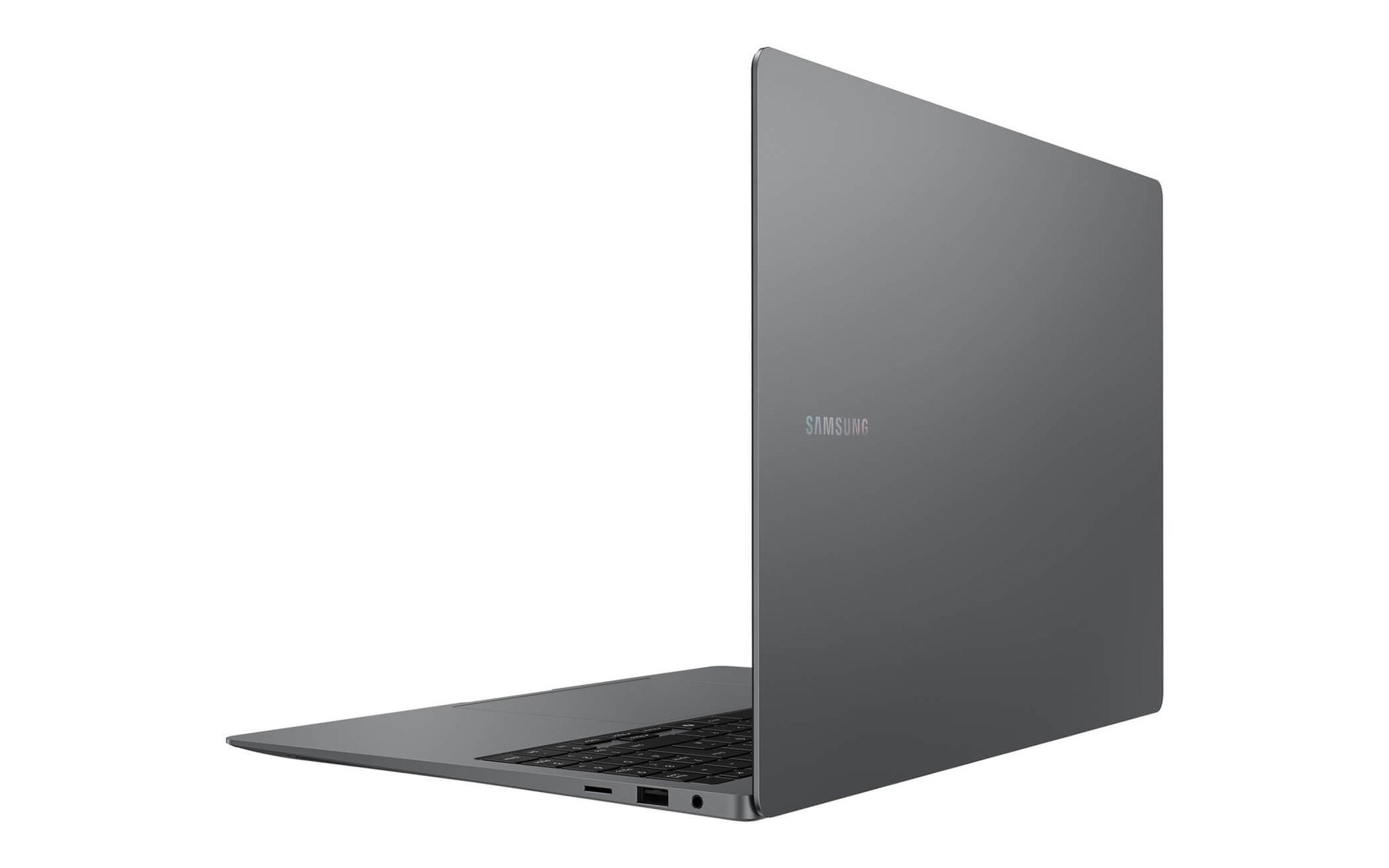
Cấu hình đang bán là Core Ultra 7 256V thuộc dòng Lunar Lake, 16GB RAM, SSD 1TB và màn 3K Dynamic AMOLED 2X. Trang sản phẩm ghi thời lượng lên tới 25 giờ, còn mục hỏi đáp của chính trang ước khoảng 15 đến 18 giờ khi làm văn phòng và lập trình. Mốc thấp hơn vẫn đủ pin cả ngày cho lịch học từ sáng tới tối. Màn AMOLED hiển thị màu đen bằng cách tắt điểm ảnh, nên bật giao diện tối trong Windows và ứng dụng giúp pin dùng lâu hơn nữa.
Điểm cần cân nhắc là RAM 16GB nằm trên đế chip, không nâng cấp được về sau, và màn 3K chỉ phát huy khi bạn xem ảnh, video hay làm đồ họa 2D. Nếu bạn cần màn lớn để học thiết kế giao diện hoặc chia đôi màn hình khi ôn thi, trang Samsung Galaxy Book5 Pro 16 (2025) có bản Core Ultra 7 256V, 16GB, 1TB giá 34,99 triệu. So với XPS 13 9350 bản 256V giá 35,5 triệu, bạn mang thêm khoảng 0,35 kg để đổi lấy màn 16 inch và viên pin lớn hơn 21 Wh.
Dell 14 Plus DB14250 là laptop pin lâu tầm giá 27 triệu
Với ngân sách quanh 27 triệu đồng, Dell 14 Plus DB14250 là laptop pin lâu có nhiều lựa chọn chip nhất trong bài. Trang sản phẩm ghi khung vỏ nhôm, nặng 1,55 kg, pin 4 cell 64 Wh, sạc 65W qua cổng USB-C và thời lượng phát video cục bộ lên tới 22 giờ. Trọng lượng nhỉnh hơn XPS 13 9350 nhưng đổi lại dung lượng lớn hơn 9 Wh cho pin dùng lâu hơn, một mức chênh có ý nghĩa với sinh viên cần pin cả ngày ở thư viện.
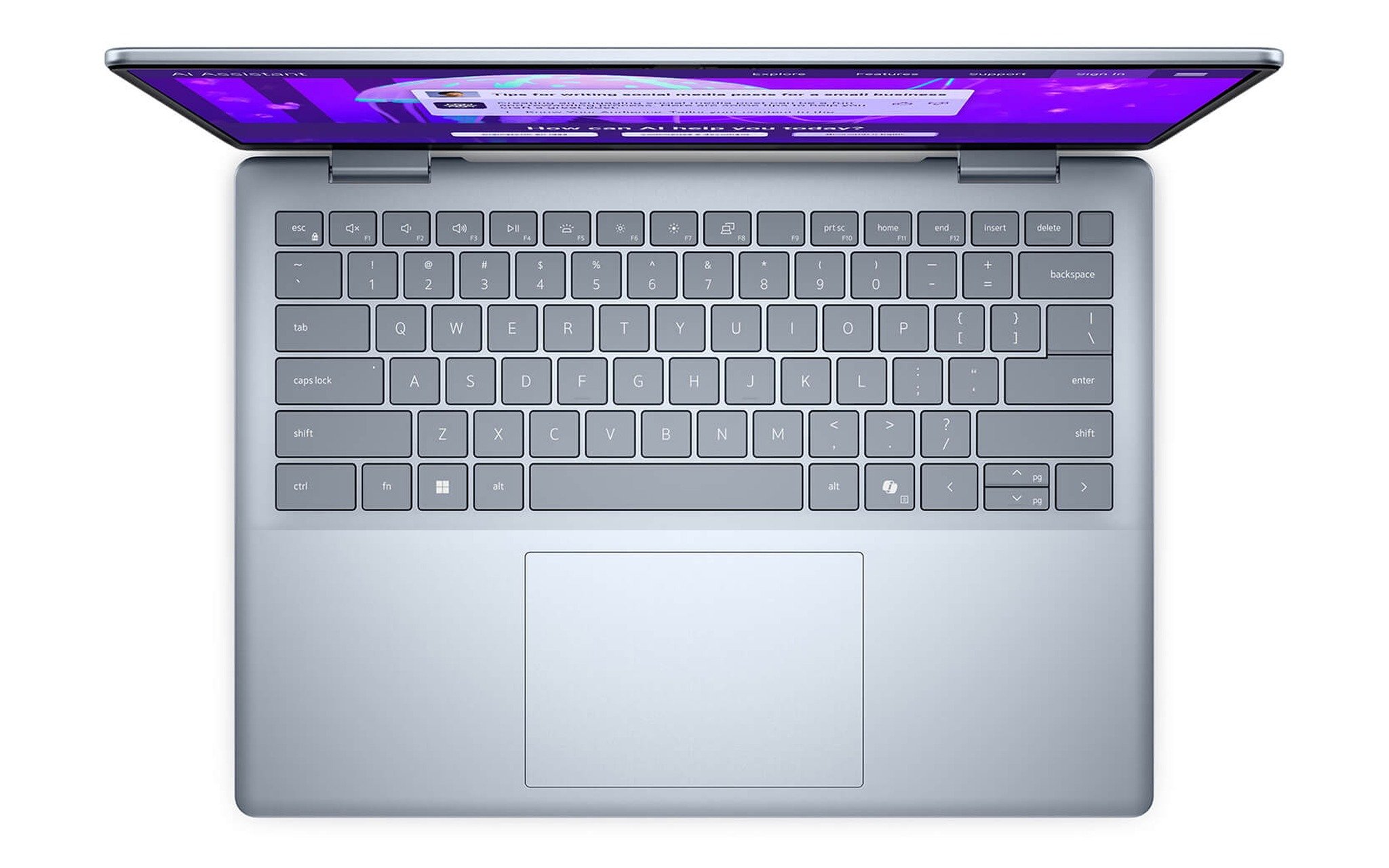
Cần lưu ý một điểm lệch số liệu. Phần hỏi đáp trên chính trang sản phẩm dẫn đánh giá NotebookCheck cho một phiên bản pin 54 Wh, đạt khoảng 10 giờ làm văn phòng nhẹ và 7 đến 8 giờ khi đa nhiệm, và có chỗ ghi trọng lượng khoảng 1,6 kg. Hai bộ số khác nhau có thể do dòng này có nhiều tùy chọn pin. Trước khi chốt, bạn nên hỏi lại dung lượng pin in trên nhãn của đúng biến thể bạn chọn, thay vì mặc định con số 64 Wh.
Ba biến thể đang bán trên trang DELL 14 Plus DB14250 (2025) gồm Core Ultra 7 256V, 16GB, 512GB màn 2.5K giá 26,9 triệu; Ryzen AI 7 PRO 350 với 16GB và 1TB, màn FHD+ giá 27 triệu (mã DB14255); Core Ultra 9 288V, 32GB, 1TB màn 2.5K giá 34 triệu. Nếu bạn ưu tiên pin cả ngày, bản 256V hội đủ chip Lunar Lake 17W, còn bản Ryzen AI 7 PRO 350 có 8 nhân 16 luồng, TDP 28W theo bảng tham chiếu, hợp khi bạn cần nhiều luồng xử lý và SSD 1TB.
Bảng đối chiếu Wh, trọng lượng và giá để chốt laptop pin lâu
Khi đặt năm mẫu cạnh nhau, một chỉ số hữu ích là số Wh trên mỗi kilogam, cho biết bạn mang theo bao nhiêu năng lượng ứng với mỗi phần trọng lượng đeo trên vai. ThinkPad X1 Carbon Gen 13 đạt khoảng 58 Wh/kg nếu tính theo mốc 986 g của PSREF, Galaxy Book5 Pro 16 khoảng 49 Wh/kg, XPS 13 9350 khoảng 46 Wh/kg và Dell 14 Plus khoảng 41 Wh/kg. OmniBook X Flip 14 chưa công khai số Wh trên trang nên chưa tính được.
| Mẫu máy | Chip đang bán | Pin (nguồn) | Trọng lượng (nguồn) | Giá từ |
|---|---|---|---|---|
| Dell XPS 13 9350 | Core Ultra 5 226V, 7 256V, 9 288V | 55 Wh (trang sản phẩm) | 1,18 đến 1,22 kg (trang sản phẩm) | 31,5 triệu |
| ThinkPad X1 Carbon Gen 13 | Core Ultra 7 258V | 57 Wh (PSREF) | Từ 986 g (PSREF), 1,12 kg (trang sản phẩm) | 40,5 triệu |
| HP OmniBook X Flip 14 | Core Ultra 5 226V, 7 256V, Ryzen AI 5 340 | Trang chưa ghi | 1,39 kg (trang sản phẩm) | 22,5 triệu |
| Galaxy Book5 Pro 16 | Core Ultra 7 256V | 76,1 Wh (trang sản phẩm) | 1,56 kg (trang sản phẩm) | 34,99 triệu |
| Dell 14 Plus DB14250 | Core Ultra 7 256V, 9 288V, Ryzen AI 7 PRO 350 | 64 Wh (trang sản phẩm, cần hỏi lại) | 1,55 kg (trang sản phẩm) | 26,9 triệu |
Bảng trên cho thấy không có mẫu nào thắng ở mọi tiêu chí. Nếu bạn đi bộ nhiều và mang laptop theo suốt ngày, X1 Carbon Gen 13 hoặc XPS 13 9350 là laptop pin lâu có trọng lượng thấp nhất. Nếu bạn ngồi một chỗ lâu và cần màn lớn, Galaxy Book5 Pro 16 có viên pin lớn nhất. Nếu ngân sách dưới 30 triệu, OmniBook X Flip 14 và Dell 14 Plus là hai điểm vào hợp lý, đều có bản Lunar Lake giữ pin cả ngày với tác vụ văn phòng.
Dù chọn mẫu nào, muốn pin dùng lâu thì thói quen sử dụng vẫn quyết định phần lớn thời lượng thực tế. Giữ độ sáng màn quanh mức một nửa, bật chế độ nguồn tiết kiệm của Windows khi học trên lớp và đóng các thẻ trình duyệt phát video nền sẽ giúp một laptop pin lâu tiến gần mốc công bố hơn. Các dòng Snapdragon X cũng hướng tới thời lượng dài nhưng kèm bài toán tương thích phần mềm trên nền ARM, nên bài này giữ năm mẫu chạy chip x86 để bạn cài phần mềm học tập mà không phải lo trình giả lập.
Câu hỏi thường gặp khi mua laptop pin lâu
Pin bao nhiêu Wh thì đủ cho một ngày học và làm? Với chip Core Ultra 200V và màn FHD+ hoặc WUXGA, mức 55 đến 64 Wh như XPS 13 9350 hay Dell 14 Plus DB14250 thường đủ pin cả ngày cho việc học và làm văn phòng ở độ sáng vừa phải. Màn 16 inch độ phân giải cao cần pin lớn hơn, như viên 76,1 Wh trên Galaxy Book5 Pro 16.
Nên chọn Core Ultra 200V hay Ryzen AI 300 nếu ưu tiên thời lượng? Trong các mẫu của bài, chip Core Ultra 200V bản 226V, 256V và 258V có TDP 17W, thấp hơn mức 28W của Ryzen AI 5 340 và Ryzen AI 7 PRO 350. Nếu ưu tiên pin dùng lâu, bản Intel là lựa chọn an toàn hơn, còn bản AMD hợp khi bạn cần nhiều luồng xử lý.
Màn OLED có làm giảm thời lượng sử dụng không? OLED tốn điện hơn khi hiển thị nền sáng như văn bản và bảng tính, nhưng tiết kiệm khi hiển thị nền tối. Nếu cần pin cả ngày để gõ tài liệu, màn IPS như bản WUXGA của ThinkPad X1 Carbon Gen 13 cho pin dùng lâu hơn, giá lại thấp hơn 23 triệu đồng.
Thời lượng pin hãng công bố có đáng tin không? Con số công bố thường đo khi phát video ở độ sáng thấp. Trang của XPS 13 9350 ghi mức tối đa 26 giờ nhưng ước khoảng 13 giờ khi làm văn phòng cơ bản. Khi chọn laptop pin lâu, bạn nên lấy mốc thấp để lập kế hoạch sạc.











