

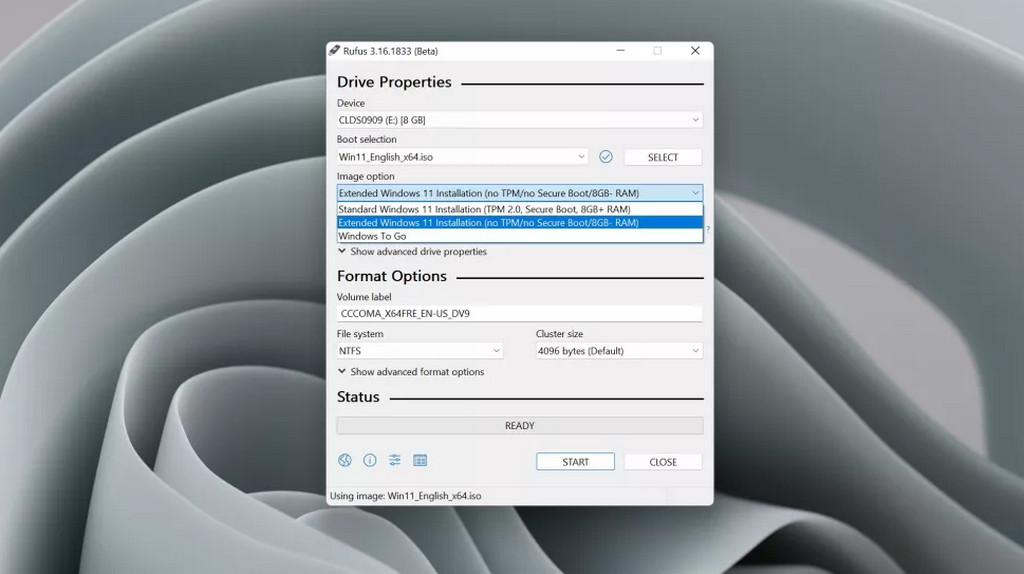
Rufus is a wonderful tool that allows users to create Windows installation USBs using ISO files.
This tool is simple, easy to use, and especially completely free, which is why millions of PC and laptop users worldwide frequently use Rufus to install any version of Windows. Following the official release of Windows 11, the developers of Rufus have recently updated this tool to help users "bypass" requirements when upgrading to Windows 11.
Specifically, in the latest Rufus 3.16 Beta build, a new "Extended" mode has been introduced for installing Windows 11, allowing you to customize Windows 11 ISO files as well as bypass TPM 2.0 and Secure Boot verification. Essentially, this means that a Windows 11 installation USB created with Rufus 3.16 can be used to install Windows 11 even on PCs and laptops that do not meet the minimum hardware requirements.
There is no doubt that this is good news for those who want to officially install Windows 11 on their old PCs and laptops. However, on the other hand, Microsoft strongly advises users against doing this unless they want to experience "glitches."
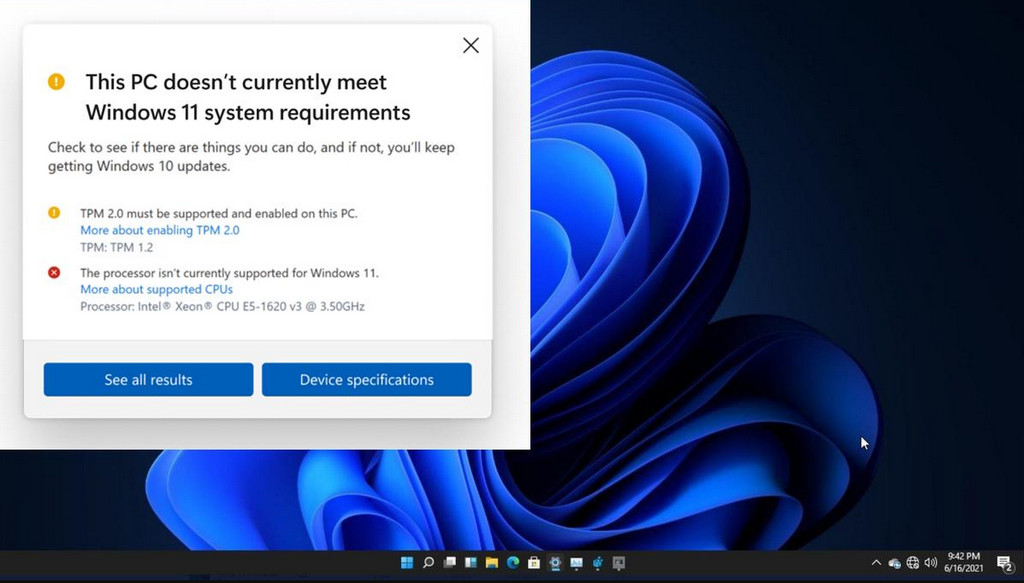
Theoretically, Microsoft states that if you install Windows 11 on a PC or laptop that does not meet the minimum hardware requirements, you may struggle with various issues after upgrading to Windows 11, including bugs and even the Blue Screen of Death (BSOD) due to old drivers that are incompatible with Windows 11.
This new "Extended" mode is still in the Beta stage, so you will not find it on the official download page; instead, it is available on the pages provided by TECHRUM below.
According to News.softpedia











