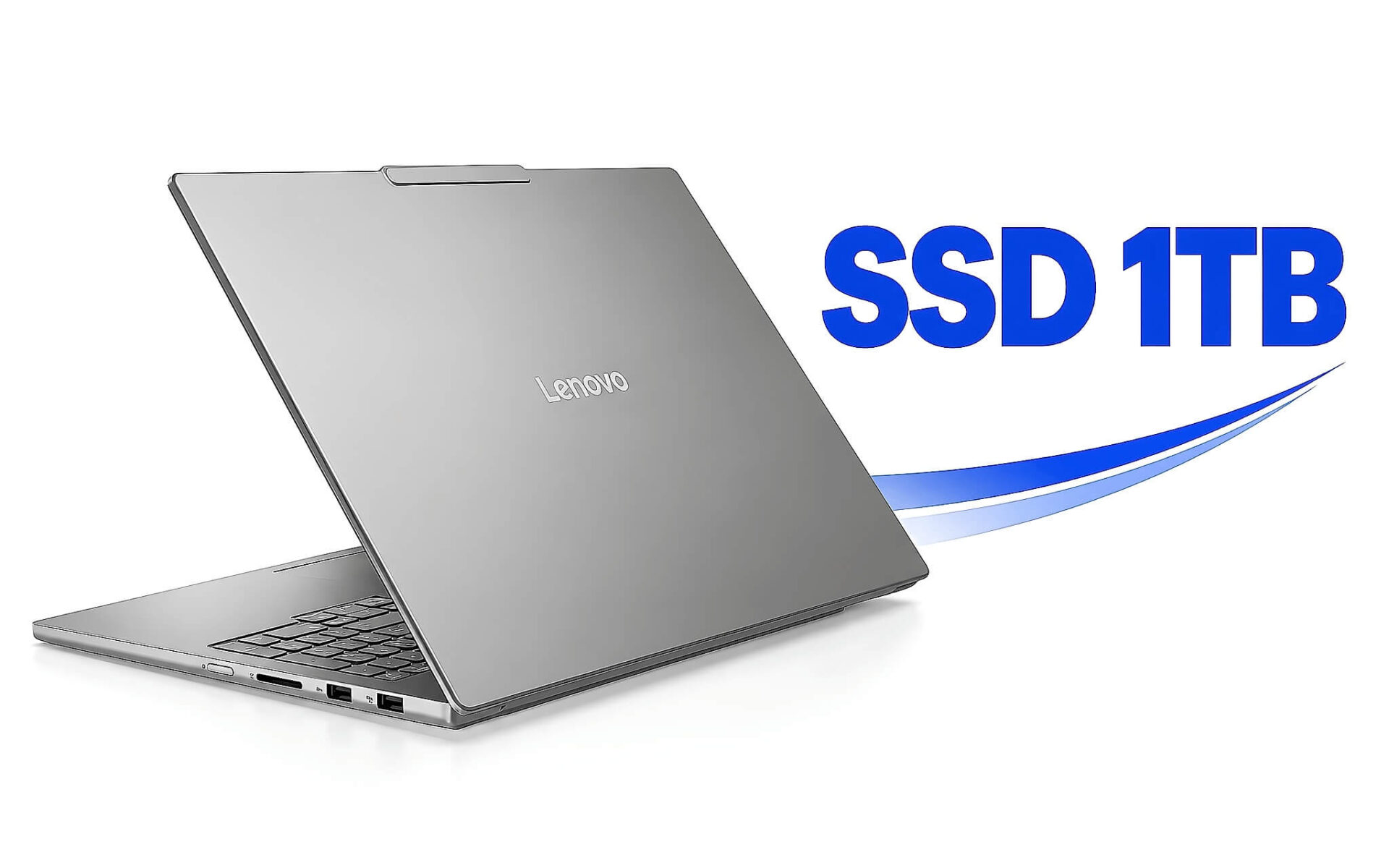
Ổ 512GB từng đủ cho phần lớn công việc văn phòng, nhưng một dự án video 4K, vài thư mục ảnh RAW hay ba tựa game AAA có thể lấp đầy nó chỉ sau vài tháng. Chọn laptop SSD 1TB ngay từ đầu giúp bạn tránh cảnh xóa dữ liệu liên tục, song không phải nhu cầu nào cũng cần mức dung lượng 1TB. Bài viết tính dung lượng theo từng nhóm công việc, giải thích vì sao ổ 1TB chỉ hiện khoảng 931GB, so sánh phương án mua sẵn với nâng cấp sau và điểm qua năm cấu hình đang bán kèm nguồn thông số.
Ai cần laptop SSD 1TB khi dữ liệu làm việc tăng mỗi tháng
Dựng video là nhóm tiêu tốn ổ cứng nhanh nhất. Theo sách trắng Apple ProRes bản tháng 4/2022, định dạng ProRes 422 ở độ phân giải 3840 x 2160, 30 khung hình mỗi giây có tốc độ dữ liệu mục tiêu 589 Mb/s, tương đương 265GB cho mỗi giờ quay, còn ProRes 422 HQ lên tới 398GB mỗi giờ. Như vậy một laptop SSD 1TB chỉ chứa được chưa tới bốn giờ tư liệu 4K ở chuẩn trung gian phổ biến này, chưa tính tệp proxy, bộ đệm render và bản xuất cuối. Tư liệu gốc có thể nằm trên ổ ngoài, nhưng dự án đang chỉnh nên đặt trên ổ trong để timeline chạy mượt.
Với nhiếp ảnh, thông số của Canon cho biết mỗi tệp RAW từ EOS R5 (khoảng 44,8 megapixel) nặng xấp xỉ 45,4MB, còn định dạng C-RAW nén khoảng 21,9MB. Một buổi chụp cưới 2.000 khung hình RAW đã chiếm khoảng 90GB, chưa kể catalog Lightroom và bản xuất JPEG. Game thủ gặp áp lực tương tự: trang Steam ghi Baldur’s Gate 3 cần 150GB, Black Myth: Wukong cần 130GB, Indiana Jones and the Great Circle cần 120GB. Ba tựa này cộng lại đã vượt 400GB, gần hết phần trống của ổ 512GB, trong khi dung lượng 1TB vẫn còn dư cho dữ liệu làm việc.
Nhóm thứ ba là lập trình viên và kỹ sư hệ thống. Microsoft yêu cầu tối thiểu 64GB lưu trữ cho Windows 11, nên mỗi máy ảo Windows dùng để kiểm thử cũng cần ngần ấy dung lượng cho ổ đĩa ảo. Docker và WSL2 lưu image, container trong tệp ổ đĩa ảo có xu hướng phình dần theo thời gian. Cộng thêm dữ liệu offline như mô hình AI chạy cục bộ hay kho tài liệu dự án, mức dung lượng 1TB là điểm khởi đầu hợp lý. Ngược lại, nếu công việc của bạn chủ yếu là Office, trình duyệt và lưu trữ đám mây, ổ 512GB vẫn đáp ứng tốt.
Vì sao laptop SSD 1TB chỉ hiện khoảng 931GB trên Windows
Hãng sản xuất ổ cứng tính dung lượng theo hệ thập phân, 1TB bằng 1.000.000.000.000 byte. Windows lại chia số byte cho 1.073.741.824 (2 mũ 30) nhưng vẫn hiển thị đơn vị GB, nên con số trong File Explorer chỉ còn khoảng 931GB. Không có dung lượng nào bị mất, đây chỉ là khác biệt trong cách quy đổi. Ổ 512GB vì thế hiện khoảng 476GB, còn ổ 2TB hiện khoảng 1.862GB. Bảng dưới đây quy đổi ba mức dung lượng phổ biến trên laptop hiện nay.
| Dung lượng ghi trên hộp | Số byte thực | Windows hiển thị | Phần trống nếu dành 64GB cho Windows 11 |
|---|---|---|---|
| 512GB | 512.000.000.000 | Khoảng 476,8GB | Khoảng 412GB |
| 1TB | 1.000.000.000.000 | Khoảng 931,3GB | Khoảng 867GB |
| 2TB | 2.000.000.000.000 | Khoảng 1.862,6GB | Khoảng 1.798GB |
Phần còn lại tiếp tục bị chia bởi các phân vùng hệ thống. Laptop cài sẵn Windows thường có phân vùng EFI để khởi động, phân vùng Windows Recovery Environment chứa công cụ sửa lỗi, và nhiều hãng thêm phân vùng khôi phục riêng để đưa laptop về trạng thái xuất xưởng. Kích thước các phân vùng này khác nhau theo từng hãng và từng đời máy, nên cách chính xác nhất là mở Disk Management (diskmgmt.msc) để xem trực tiếp trên chiếc laptop bạn định mua.
Windows còn giữ chỗ cho tệp phân trang pagefile.sys, tệp ngủ đông hiberfil.sys và vùng Reserved Storage dành cho bản cập nhật. Microsoft không cố định con số cho phần cập nhật mà cho biết dung lượng cần thiết thay đổi theo ứng dụng đã cài và các bản Windows trước đó. Khi cộng Windows, bộ Office, trình duyệt, phần mềm bảo mật và vài công cụ chuyên ngành, phần trống thực của laptop SSD 1TB thấp hơn đáng kể so với con số 931GB. Vì vậy, hãy tính nhu cầu dựa trên phần trống thực, không dựa trên con số in trên hộp.
Số khe M.2 trên từng mẫu quyết định có nên mua sẵn 1TB
Phương án mua 512GB rồi tự nâng cấp nghe hợp lý vì bạn trả ít tiền hơn lúc đầu và tự chọn ổ sau. Tính toán này chỉ trọn vẹn khi laptop có khe M.2 thứ hai còn trống. Nếu laptop chỉ có một khe, bạn phải tháo ổ 512GB, lắp ổ mới, sao chép hoặc cài lại Windows, rồi biến ổ cũ thành bộ nhớ ngoài qua hộp chuyển USB. Chi phí thực gồm tiền ổ mới, hộp chuyển, thời gian sao chép dữ liệu và rủi ro thao tác trên bo mạch.
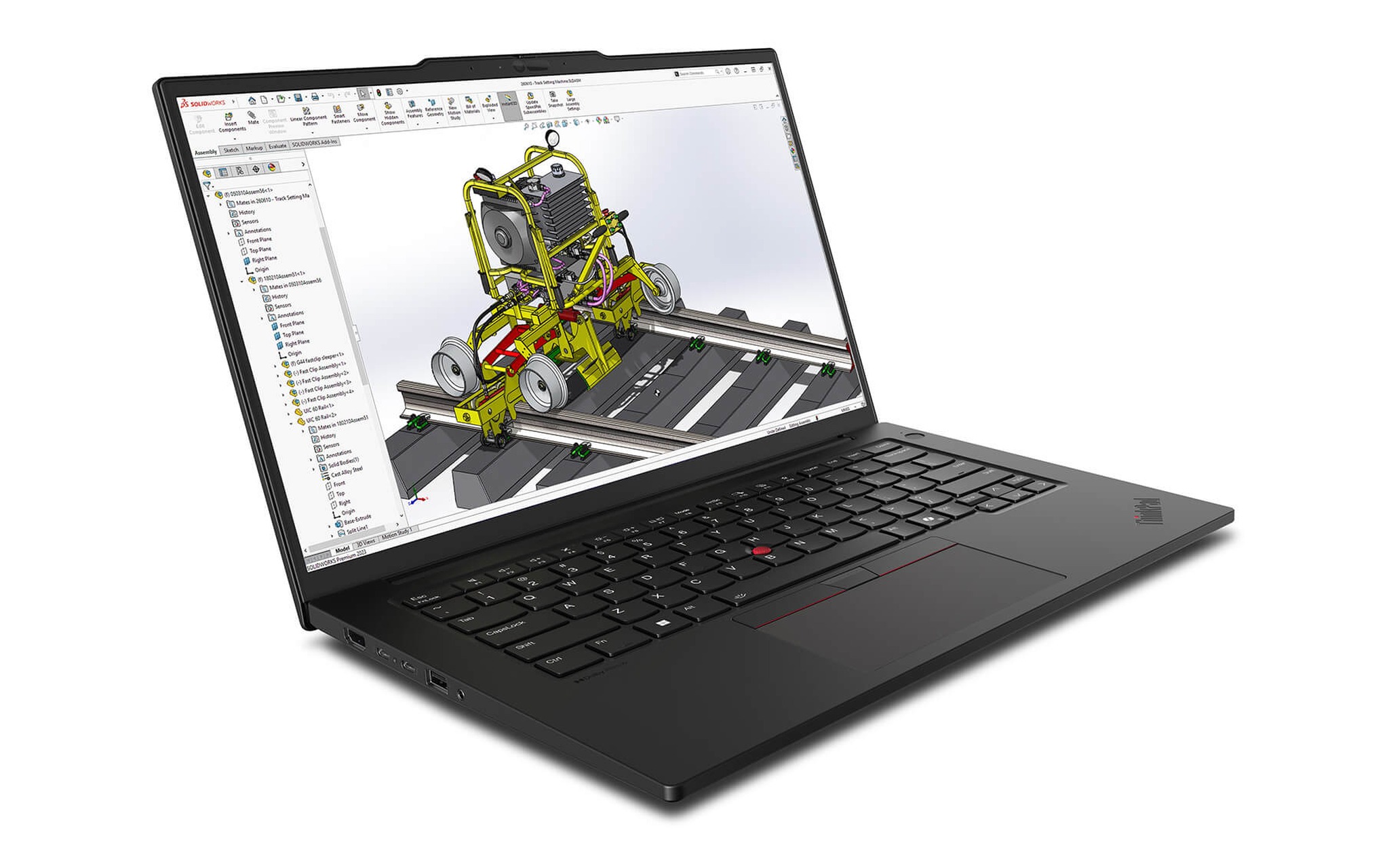
Thông số chính thức cho thấy khác biệt rõ giữa các mẫu. Theo bảng thông số PSREF của IdeaPad Pro 5 16AKP10, laptop hỗ trợ tối đa hai ổ, gồm một khe M.2 2242 và một khe M.2 2280, cùng chuẩn PCIe 4.0 x4. ThinkPad P14s Gen 6 bản AMD chỉ có một khe M.2 2280 PCIe 4.0 x4, hỗ trợ tối đa 2TB. Trang thông số của ASUS ghi V16 V3607 có một khe M.2 2280 PCIe 4.0 x4. Với các mẫu một khe, mua sẵn laptop SSD 1TB giúp bạn tránh phải thay ổ gốc về sau.
Nếu laptop còn khe trống, ổ mới gắn thêm phải được khởi tạo và định dạng trước khi Windows nhận, các bước này có trong bài Cách thiết lập ban đầu ổ SSD trong Windows. Chính sách bảo hành khi tự mở nắp đáy khác nhau theo hãng và nơi bán, hãy hỏi rõ trước khi nâng cấp. Còn chuẩn PCIe, Lenovo, ASUS và HP đều công bố SSD PCIe 4.0 cho các mẫu có nguồn trong bài, băng thông lý thuyết khoảng 7,9GB/s. PCIe 5.0 nhân đôi con số này nhưng chỉ phát huy khi chép tệp rất lớn; hết dung lượng thì ổ nhanh đến đâu cũng phải xóa bớt dữ liệu.
Hai laptop SSD 1TB cho văn phòng và 2-in-1 dưới 30 triệu
Ở mức giá thấp nhất trong nhóm, HP OmniBook 5 LaptopAI 16 inch (AMD) (2026) là laptop SSD 1TB hợp với kế toán, nhân viên văn phòng và sinh viên cần lưu nhiều tài liệu. Cấu hình đang bán gồm Ryzen AI 7 445, RAM 16GB, SSD 1TB, đồ họa Radeon 840M và màn hình 16 inch 1920 x 1200, giá 25.500.000 đồng. HP công bố pin 4 cell 68Wh, sạc nhanh khoảng 50% trong 45 phút và ổ SSD chuẩn PCIe Gen4. Trang sản phẩm ghi bảo hành 12 tháng cho máy mới, đổi mới trong 30 ngày đầu nếu lỗi do nhà sản xuất.
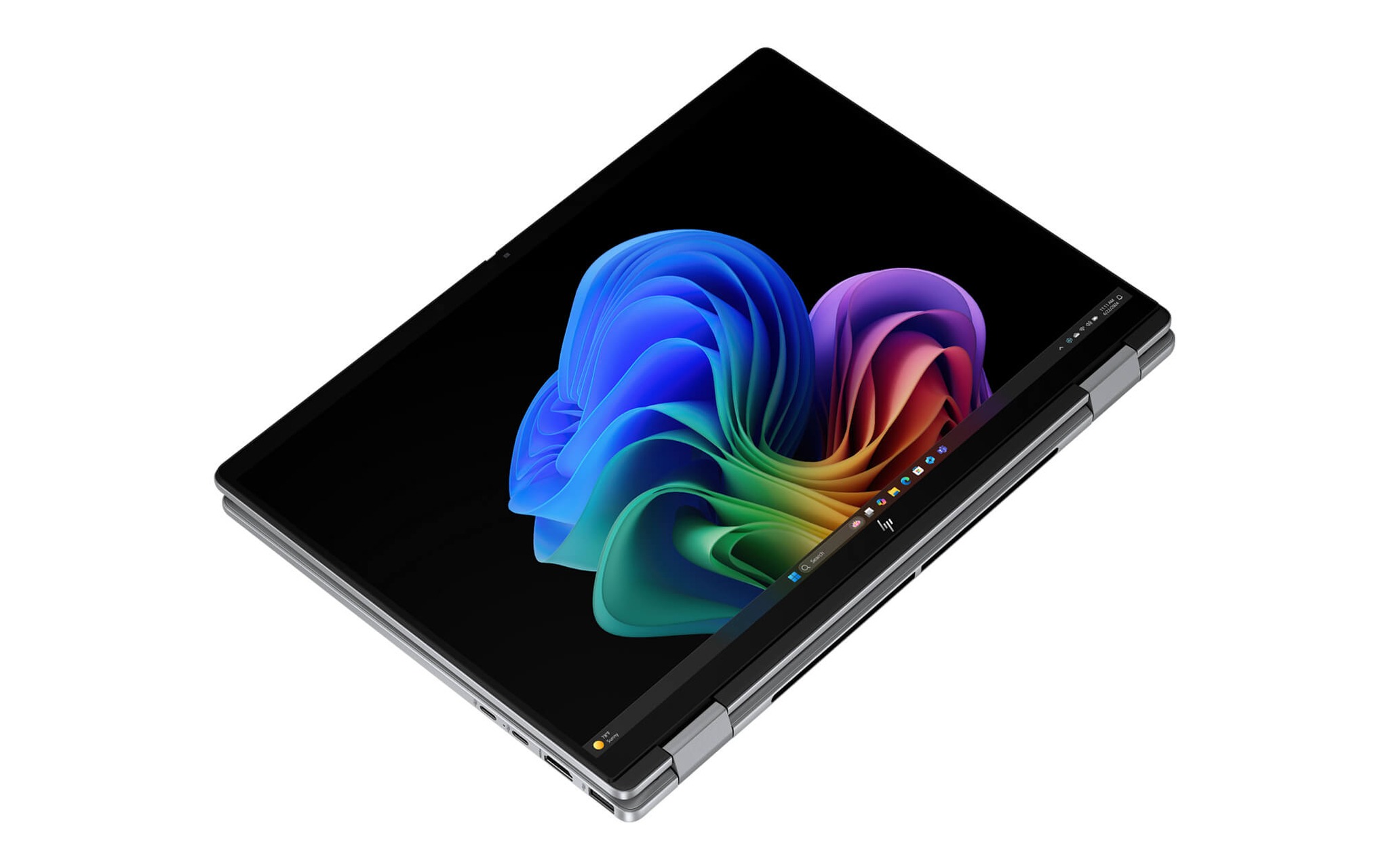
Nếu cần xoay gập màn hình để ký tài liệu, ghi chú hay trình chiếu, HP OmniBook X Flip Next Gen AI 14 (2025) là laptop SSD 1TB dạng 2-in-1 với Core Ultra 7 256V, RAM LPDDR5x 16GB, đồ họa Arc 140V và màn hình cảm ứng 14 inch 1920 x 1200, giá 28.500.000 đồng. Cùng dòng còn hai bản 512GB giá 22.500.000 và 23.500.000 đồng, nhưng dùng Ryzen AI 5 340 hoặc Core Ultra 5 226V, nên khoản chênh lệch bao gồm cả bộ xử lý mạnh hơn chứ không riêng phần dung lượng 1TB. Trang sản phẩm ghi bảo hành 12 tháng cho máy mới.
Với nhóm laptop văn phòng, dung lượng 1TB phát huy khi bạn đồng bộ OneDrive hoặc Google Drive ở chế độ lưu cục bộ, giữ kho email Outlook nhiều năm hay lưu bản ghi các cuộc họp trực tuyến. Hai mẫu trên thuộc phân khúc dưới 30 triệu, mức ngân sách phổ biến của laptop văn phòng, nên bản dung lượng 1TB giúp laptop phục vụ lâu dài mà không phải dọn ổ thường xuyên. Nếu bạn chỉ soạn thảo và làm việc trên nền web, bản 512GB Core Ultra 5 của OmniBook X Flip rẻ hơn 5.000.000 đồng là phương án tiết kiệm hợp lý.
Dựng video trên OLED hay chơi game RTX 5060 với laptop SSD 1TB
Người làm nội dung cần màn hình đẹp lẫn GPU rời để xuất video nhanh, và Lenovo IdeaPad Pro 5 16AKP10 (2025) là laptop SSD 1TB đáp ứng cả hai với Ryzen AI 7 350, RTX 5050 8GB, màn OLED 16 inch 2880 x 1800 tần số 120Hz, pin 84Wh, giá 33.500.000 đồng. Ưu thế lớn cho người dựng phim là khe M.2 thứ hai theo PSREF, nên khi dự án phình to, bạn gắn thêm ổ mà vẫn giữ nguyên ổ hệ thống. RAM 16GB LPDDR5X được hàn và không nâng cấp được, cần cân nhắc nếu bạn dựng timeline 4K nhiều lớp.
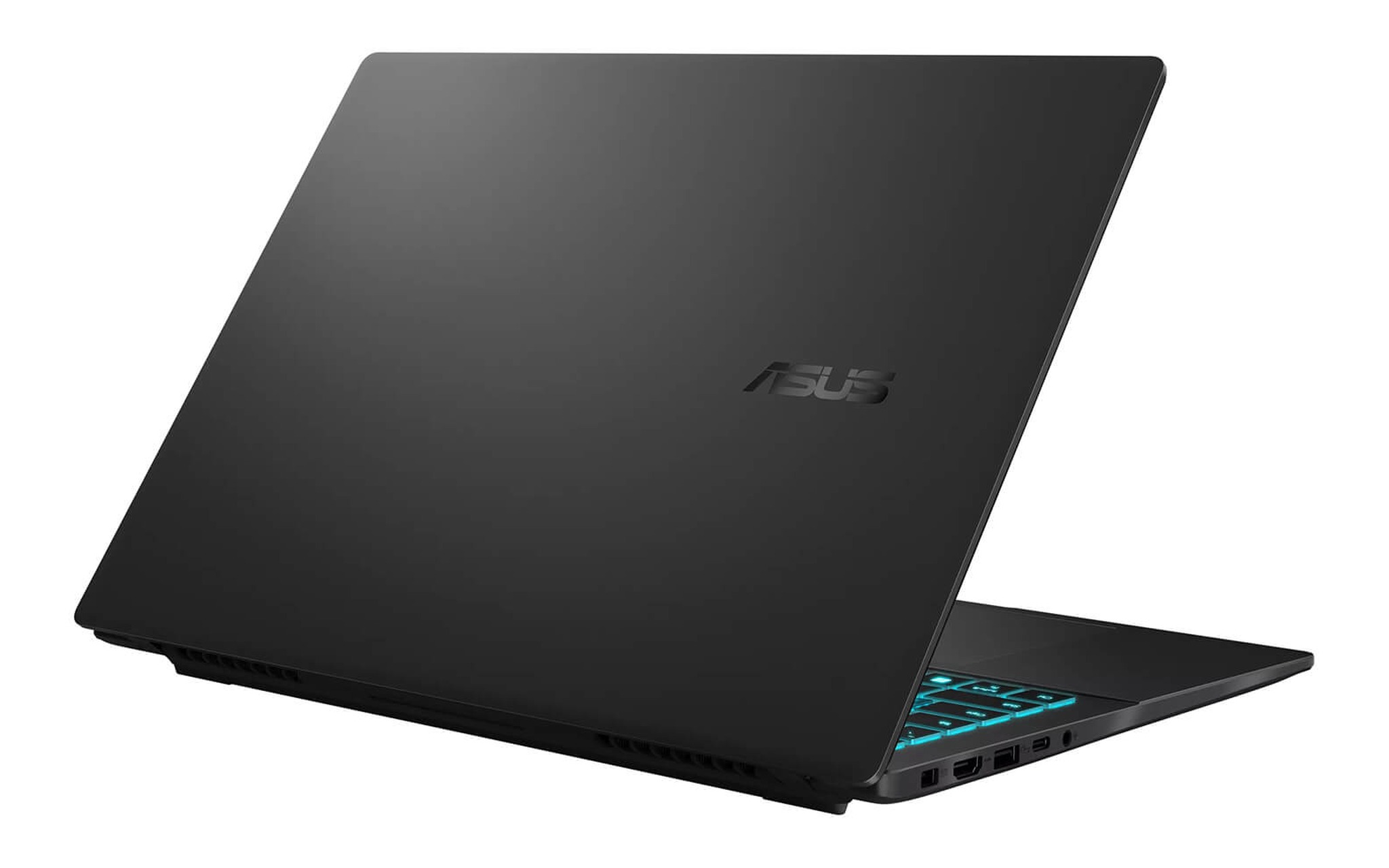
Với game thủ, Asus Gaming V16 V3607 (2025) bản Core 7 240H, RTX 5060 8GB, RAM 16GB, SSD 1TB và màn hình 16 inch 1920 x 1200 144Hz có giá 34.790.000 đồng. Đây là cấu hình duy nhất có dung lượng 1TB trong bốn bản V16 đang bán, ba bản còn lại dùng ổ 512GB kèm RTX 3050, RTX 4050 hoặc RTX 5050. ASUS chỉ trang bị một khe M.2 2280, nên với thư viện game AAA 120 đến 150GB mỗi tựa, mua sẵn laptop SSD 1TB là lựa chọn ít phiền hơn. Trang sản phẩm ghi hàng chính hãng do DGW phân phối, bảo hành 24 tháng.
So hai mẫu, IdeaPad Pro 5 hợp với bạn cần màn OLED và khả năng mở rộng ổ, còn V16 V3607 mạnh hơn về GPU với RTX 5060 và có hai khe DDR5 SO-DIMM nâng tối đa 32GB theo ASUS. Khoảng cách giá chỉ 1.290.000 đồng, nên quyết định nằm ở nhu cầu chính: dựng video, chỉnh ảnh thì nghiêng về OLED, chơi game nhiều giờ mỗi ngày thì nghiêng về RTX 5060. Với cả hai, tư liệu gốc nên chuyển sang ổ ngoài sau mỗi dự án để giữ phần trống cho ổ trong.
Chạy máy ảo, Docker và bảng tổng hợp năm laptop SSD 1TB
Nếu công việc của bạn gắn với máy ảo, Docker hay cơ sở dữ liệu chạy cục bộ, Lenovo ThinkPad P14s Gen 6 Mobile Workstation (2025) bản Ryzen AI 7 PRO 350, RAM 32GB, SSD 1TB, đồ họa Radeon 860M và màn hình 14 inch 1920 x 1200 là cấu hình cân bằng, giá 41.000.000 đồng. PSREF ghi laptop có hai khe DDR5 SO-DIMM, nâng tối đa 96GB, nên RAM 32GB đi cùng dung lượng 1TB đủ chạy vài máy ảo cùng lúc. Bù lại, laptop chỉ có một khe M.2 2280 hỗ trợ tối đa 2TB, nên bản laptop SSD 1TB là mức khởi điểm phù hợp.
| Mẫu laptop SSD 1TB | Cấu hình dung lượng 1TB đang bán | Giá (đồng) | Khe M.2 theo nguồn hãng | Hợp với |
|---|---|---|---|---|
| HP OmniBook 5 16 inch AMD (2026) | Ryzen AI 7 445, 16GB, Radeon 840M | 25.500.000 | HP chưa nêu số khe | Văn phòng, học tập |
| HP OmniBook X Flip 14 (2025) | Core Ultra 7 256V, 16GB, Arc 140V | 28.500.000 | HP chưa nêu số khe | 2-in-1, di chuyển nhiều |
| Lenovo IdeaPad Pro 5 16AKP10 (2025) | Ryzen AI 7 350, 16GB, RTX 5050 | 33.500.000 | 2 khe (2242 và 2280), PSREF | Dựng video, chỉnh ảnh |
| Asus Gaming V16 V3607 (2025) | Core 7 240H, 16GB, RTX 5060 | 34.790.000 | 1 khe 2280, ASUS | Chơi game AAA |
| Lenovo ThinkPad P14s Gen 6 AMD (2025) | Ryzen AI 7 PRO 350, 32GB, Radeon 860M | 41.000.000 | 1 khe 2280, tối đa 2TB, PSREF | Máy ảo, Docker, lập trình |
Giá trong bảng lấy theo biến thể còn hàng, tình trạng New 100% Full Box, ghi nhận ngày 28/09/2026 và có thể thay đổi theo thời điểm. Khi so sánh các laptop SSD 1TB, hãy đặt bản dung lượng 1TB cạnh bản 512GB cùng dòng và xem khoản chênh có kèm thay đổi chip, RAM hay màn hình hay không. Ở OmniBook X Flip, khoản chênh gồm cả chip Core Ultra 7, còn ở V16 V3607 gồm cả GPU RTX 5060, nên không thể quy toàn bộ số tiền cho phần ổ cứng.
Cách chọn nhanh: văn phòng và học tập chọn OmniBook 5 hoặc OmniBook X Flip, sáng tạo nội dung chọn IdeaPad Pro 5 nhờ khe M.2 thứ hai, chơi game chọn V16 V3607, còn máy ảo và lập trình chọn ThinkPad P14s. Dù chọn laptop SSD 1TB nào, hãy kiểm tra phần trống thực trong Windows khi nhận laptop, và sao lưu định kỳ dữ liệu quan trọng ra ổ ngoài hoặc đám mây, vì ổ càng lớn thì lượng dữ liệu có thể mất khi hỏng ổ cũng càng lớn.
Câu hỏi thường gặp về laptop SSD 1TB
Ổ 1TB có đủ để chơi game AAA không? Đủ cho một thư viện vừa phải. Với các tựa cần 120 đến 150GB như Baldur’s Gate 3 hay Black Myth: Wukong, dung lượng 1TB chứa được khoảng năm tựa cùng lúc sau khi trừ Windows và phần mềm. Muốn cài nhiều hơn, bạn nên chọn laptop còn khe M.2 trống.
Vì sao ổ 1TB chỉ còn khoảng 931GB? Hãng ổ cứng tính 1TB bằng 1.000 tỷ byte, còn Windows chia cho 1.073.741.824 byte mỗi GB. Trên laptop SSD 1TB cài sẵn Windows, phân vùng khôi phục và tệp hệ thống tiếp tục chiếm thêm một phần dung lượng.
Nên mua bản 512GB rồi nâng cấp hay mua sẵn bản 1TB? Nếu laptop có khe M.2 thứ hai như IdeaPad Pro 5 16AKP10, mua 512GB rồi gắn thêm ổ là phương án linh hoạt. Nếu laptop chỉ có một khe, mua sẵn dung lượng 1TB tránh được việc thay ổ gốc và cài lại Windows.
SSD PCIe 5.0 có đáng tiền hơn SSD PCIe 4.0 dung lượng lớn? Với cùng ngân sách, ưu tiên dung lượng 1TB trước. PCIe 4.0 đã đạt khoảng 7,9GB/s theo lý thuyết, dư cho mở ứng dụng, chơi game và dựng video phổ thông.