

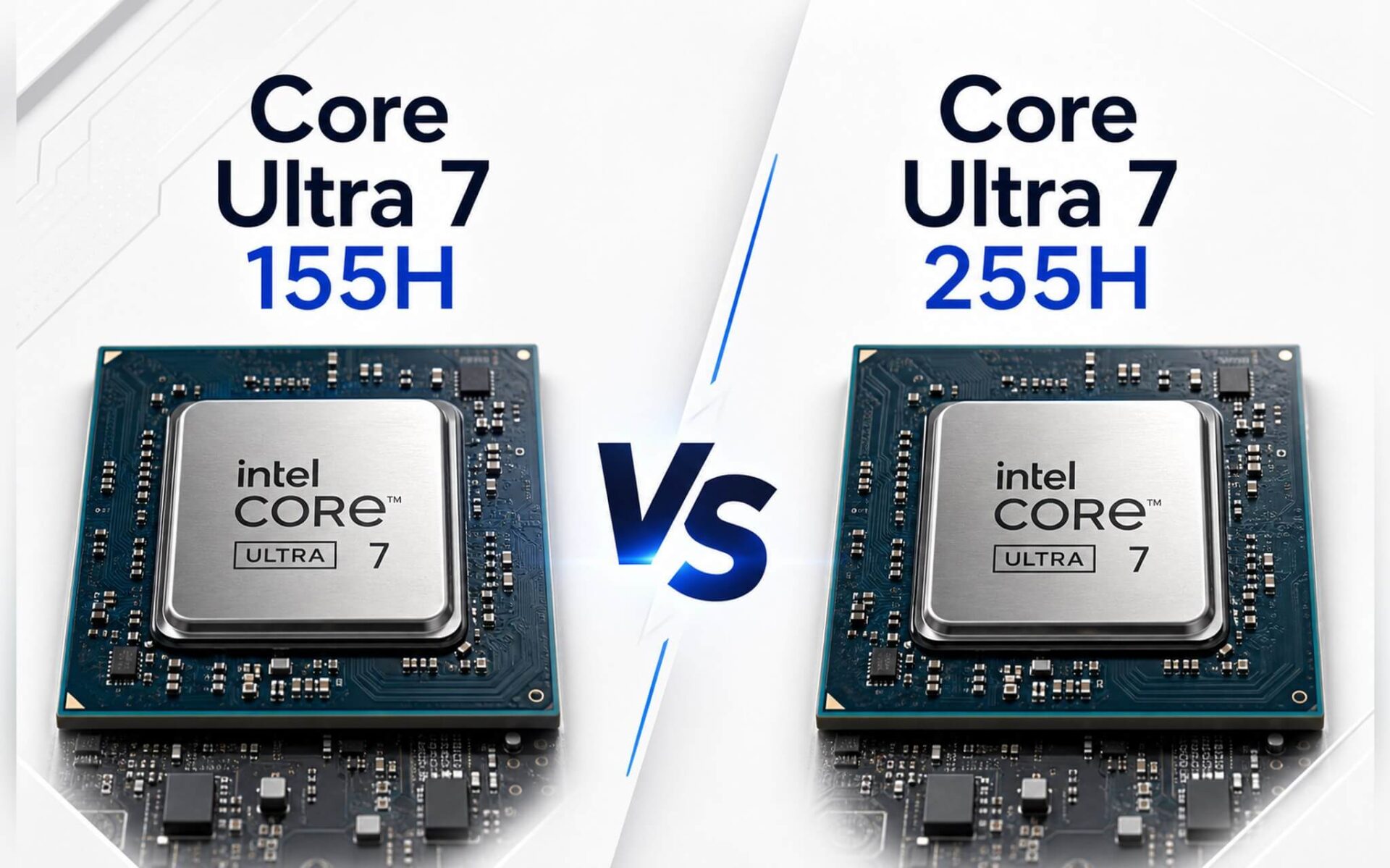
Core Ultra 7 155H and Core Ultra 7 255H both belong to Intel's AI PC lineup but feature completely different architectures: Meteor Lake-H and Arrow Lake-H. One detail easy to overlook: the 255H removes Hyper-Threading on the P-core, dropping to 16 threads instead of 22 like the 155H, yet its multi-core score is nearly 19% higher in real-world Cinebench tests. Both chips have NPUs under 40 TOPS, meaning neither meets the Copilot+ standard. If you are wondering whether to upgrade your machine, the numbers below will provide a clearer answer than any advertisement.
Comparing Core Ultra 7 155H and 255H
At first glance, the names might suggest the two chips are only one generation apart, but they house two entirely different designs. The Core Ultra 7 155H uses the Meteor Lake-H architecture (Intel 4), consisting of 6 P-cores + 8 E-cores + 2 LP-E-cores, totaling 16 cores and 22 threads. Since the P-cores still feature Hyper-Threading, it delivers a significantly higher thread count. The Core Ultra 7 255H shifts to Arrow Lake-H, also featuring 16 cores but only 16 threads because Intel has removed HT in this generation. Theoretically, fewer threads might sound worse, but the reality is quite the opposite.
Cinebench R23 measurements show: the 155H achieves 1,743 single-core and 15,028 multi-core points; the 255H achieves 2,061 single-core and 17,845 multi-core points, meaning the 255H leads by about 18-19% in both single and multi-core performance despite having fewer threads. Geekbench 6 shows a similar trend: the 255H reaches 2,866.5 single-core and 15,223 multi-core, while the 155H sits at 2,409 and 12,385, with the multi-core gap reaching nearly 23%. These are real-world benchmarks from Notebookcheck, not manufacturer's paper specs.
| Specifications | Core Ultra 7 155H | Core Ultra 7 255H |
|---|---|---|
| Architecture | Meteor Lake-H | Arrow Lake-H |
| Cores / Threads | 16 / 22 | 16 / 16 |
| P-core boost | 4.8 GHz | 5.1 GHz |
| TDP base / turbo | 28W / 115W | 28W / 115W |
| NPU TOPS | 11 TOPS | 13 TOPS |
| iGPU | Intel Arc (8 Xe-cores) | Intel Arc 140T (Xe+) |
| Cinebench R23 Single / Multi | 1,743 / 15,028 | 2,061 / 17,845 |
| Geekbench 6 Single / Multi | 2,409 / 12,385 | 2,866.5 / 15,223 |
| Copilot+ Ready | No | No |
Regarding the NPU, the integrated AI processing unit, the 155H has 11 TOPS while the 255H reaches 13 TOPS. Neither reaches the 40 TOPS threshold required by Microsoft for Copilot+. This means Windows 11 Copilot+ AI features, such as Recall or real-time Live Captions, will not function fully on laptops equipped with these two chips. The iGPU of the 255H, the Intel Arc 140T (Xe+, 128 shaders), is significantly more powerful than the 8-core Xe Arc in the 155H, especially when handling light graphics output or running local AI via the GPU.
Real-world performance and which laptops feature them
High or low benchmarks only matter when you know how you will use them. For standard office work like Word, Excel, video calls, and browsing with many tabs, both chips handle tasks smoothly with no perceptible difference. However, when rendering 4K video, compiling large codebases, or running local AI models, the 255H's nearly 19% multi-core advantage becomes clearly visible. A task that takes a Core Ultra 7 155H 4 minutes could be completed by the 255H in about 3 minutes and 20 seconds; accumulated over a day, this saves a significant amount of time.
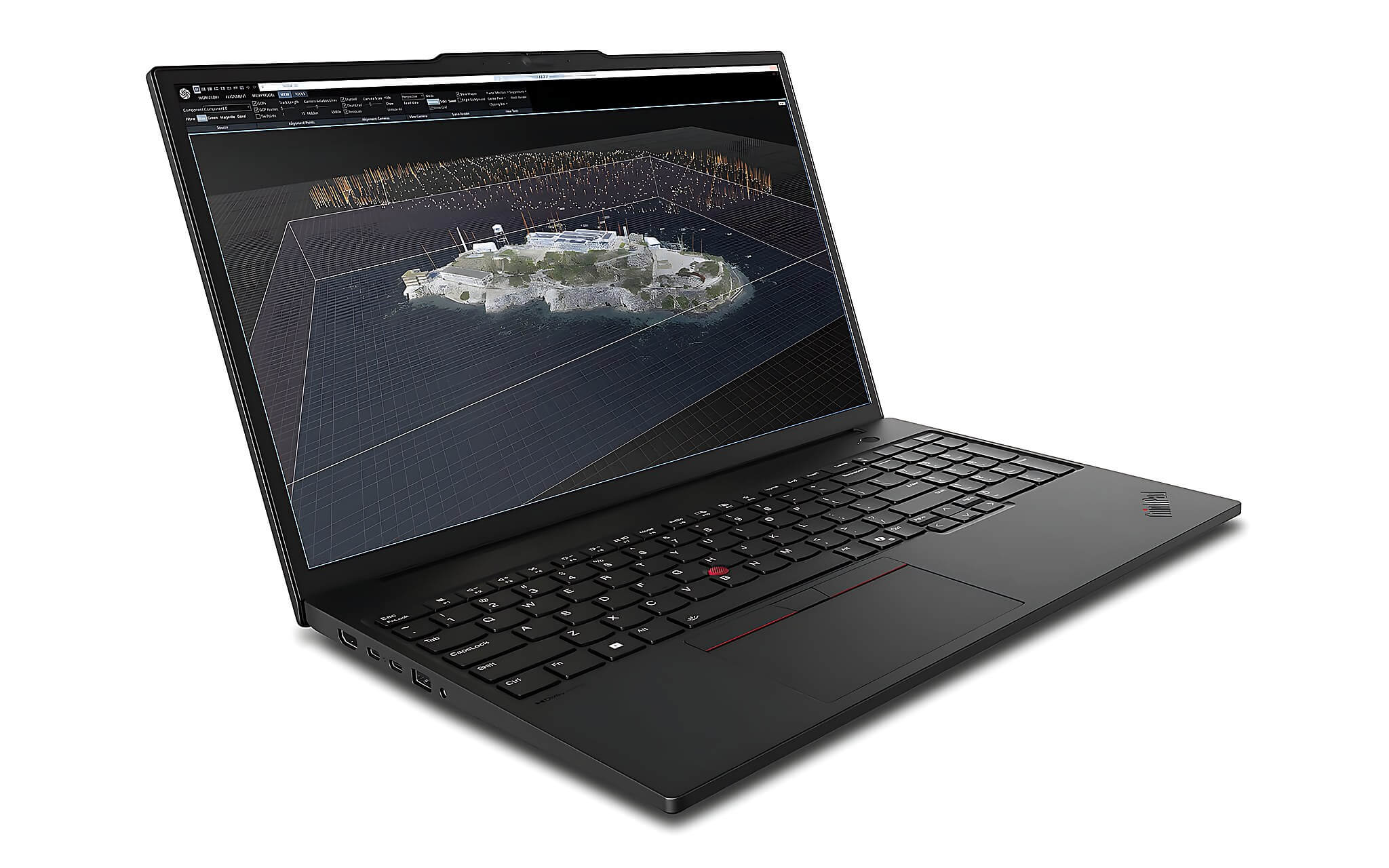
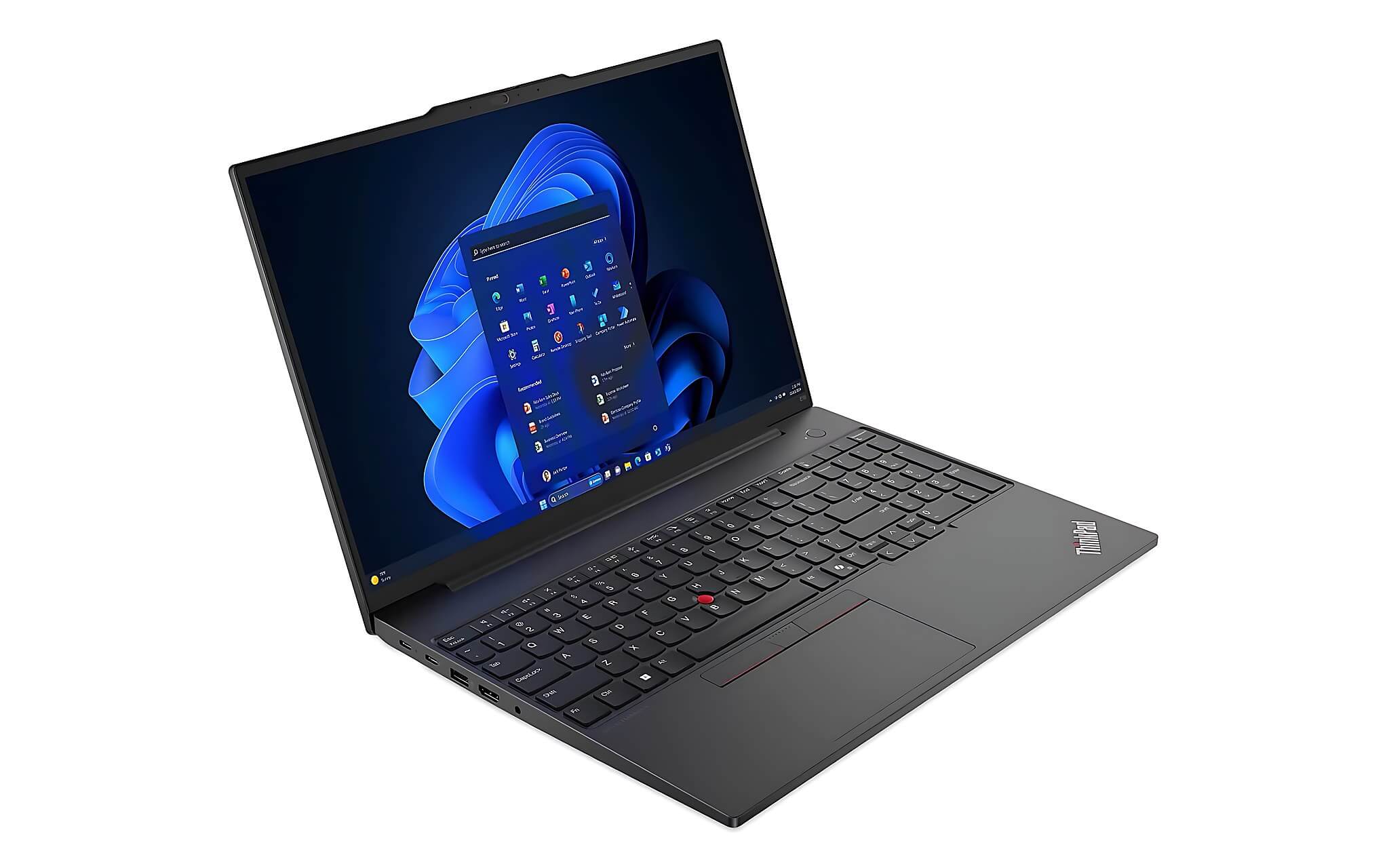
In terms of actual battery life, the ThinkPad P16s Gen 3 with the 155H chip and a 57Wh battery lasts about 5 to 8 hours for office work and web browsing; when the RTX 500 Ada dGPU is enabled, it is significantly lower. The ThinkPad T16 Gen 4 uses the 255H chip (and the Ultra 5 225H from the same Arrow Lake-H generation) with a larger battery and an IPS screen, achieving about 7 to 10 hours of actual office use. This figure depends heavily on whether an OLED or IPS screen is used and whether the dGPU is active.
The ThinkPad T16 Gen 4 series features DDR5 6400MHz RAM and PCIe Gen 5 SSDs, making it significantly faster in memory performance than the previous generation. The Arc 140T on the 255H also scores 8,663.5 in Fire Strike and 3,843 in Time Spy, enough to run light graphics tasks without needing a dGPU. This is a practical advantage for users who work on the go and do not want to carry a heavy adapter. The Lenovo ThinkPad T1G Gen 8 with 64GB LPCAMM2 RAM and a 2TB PCIe Gen 5 SSD is the high-end version of the Arrow Lake-H lineup for those needing a broader configuration range.
Which chip do you need based on your actual work
The Core Ultra 7 155H remains a perfectly sufficient choice if your work does not require heavy rendering or compiling. Laptops equipped with this chip, such as the Lenovo ThinkPad P16s Gen 3, have a major advantage with the standard Arc iGPU combined with an optional RTX 500 Ada for technical graphics tasks. For mobile workstations requiring 3D CAD processing, engineering simulations, or product image rendering, a dGPU configuration is more important than pure CPU performance, and the 155H paired with an RTX 500 Ada still serves well.
The 255H is more suitable if you need high raw CPU speed, use software that requires strong single-core performance like programming or heavy data analysis, or want an iGPU powerful enough to avoid needing a dGPU in most situations. The roughly 18% single-core gap also has practical significance when launching applications, UI responsiveness, or quick editing operations. However, since neither chip meets the Copilot+ standard, if your primary reason for upgrading is to access new Windows 11 AI features, you should consider chipsets with an NPU of 40 TOPS or higher.
If you are currently using an older 11th or 12th Gen Intel laptop, upgrading to the 255H is a worthwhile leap. But if you already have a machine with a 155H and your work is not experiencing clear bottlenecks, the nearly 19% multi-core difference may not be enough to justify an immediate upgrade, unless you need other specific factors like new ports, a different screen, or larger SSD capacity.
Currently, Hưng Phát has the Lenovo ThinkPad P16s Gen 3 (155H chip, 16GB DDR5 RAM, 512GB PCIe Gen 4 SSD, 16-inch WUXGA IPS screen, optional RTX 500 Ada) available for approximately 24 to 30 million VND; the Lenovo ThinkPad T16 Gen 4 uses the 255H with DDR5 6400MHz RAM and PCIe Gen 5 SSD, priced around 35 to 40 million VND; and the ThinkPad T1G Gen 8 2026 with a higher configuration featuring up to 64GB LPCAMM2 RAM and a 2TB SSD, priced around 99 million VND. You can visit Hưng Phát in Ho Chi Minh City to see the machines in person, or contact us for a configuration consultation that fits your budget.
Frequently Asked Questions (FAQ)
For 4K video rendering, how much real-world time difference is there between these two chips?
Based on Cinebench R23 multi-core, the 255H achieves 17,845 points compared to 15,028 for the 155H, a difference of about 18.8%. For 4K video exported via CPU-dependent software like Handbrake, a 30-minute clip that takes 20 minutes on a 155H could be completed in about 16 to 17 minutes on a 255H. This gap adds up significantly if you render frequently every day. However, if the software supports GPU acceleration like Premiere Pro with NVENC, a machine equipped with a dGPU like the ThinkPad P16s Gen 3 with an RTX 500 Ada will reduce rendering time even more, regardless of whether it uses the 155H or 255H.
For all-day real-world use, which chip provides better battery life?
The 155H on the ThinkPad P16s Gen 3 with a 57Wh battery lasts about 5 to 8 hours for office and web tasks, depending on screen brightness and background applications. When the RTX 500 Ada dGPU is enabled, the duration drops noticeably. The 255H on the ThinkPad T16 Gen 4, with a larger battery and an IPS screen, can achieve about 7 to 10 hours under the same conditions. Both chips support flexible TDP adjustment from 28W to 115W, so battery life depends heavily on how the OEM configures power limits and the type of display, rather than the chip itself.
What Windows 11 AI features can actually be used with 11 TOPS and 13 TOPS NPUs?
Neither the 155H nor the 255H reaches the 40 TOPS threshold required by Microsoft for Copilot+, meaning features like Recall, offline Live Captions, or fully accelerated AI Image Creator will not function. The 11 and 13 TOPS NPUs primarily support small background tasks like microphone noise cancellation, automatic camera adjustments in video meetings, or third-party applications that support OpenVINO. If AI is your main reason for upgrading, you should consider chips with an NPU of 40 TOPS or higher from the Lunar Lake or Snapdragon X Elite generations.
Is it worth upgrading from 11th or 12th Gen Intel to the Core Ultra 7 255H?
If your current machine uses a Core i7-11xxx or 12xxx, the leap to the 255H (Arrow Lake-H) brings approximately 40-60% higher multi-core performance and a significantly more powerful iGPU. In particular, the DDR5 6400MHz RAM and PCIe Gen 5 SSD on the ThinkPad T16 Gen 4 make the overall system response much faster. If your current machine is performing well and not experiencing clear bottlenecks, an immediate upgrade may not be necessary, but when it comes time to replace it, this is a substantial upgrade.











