

Are you editing 4K video, color grading, making thumbnails, designing key visuals, and in need of a screen with more reliable color accuracy than an office laptop? If you are a content creator torn between a dedicated creator machine, a lightweight Surface, or a mainstream laptop, the four things to scrutinize are a dedicated GPU, RAM capacity, 100% DCI-P3 screen coverage, and upgradeability. Among the five models Hưng Phát is currently advising on, the Dell XPS 16 is closer to the 4K criteria with better color accuracy, while the Surface or Pavilion are better suited for lighter tasks. Choosing correctly from the start will save you upgrade costs later.
Criteria for choosing a laptop for content creators editing 4K video
For 4K editing, content creators should prioritize H-series CPUs, 32GB of RAM if working with multiple layers in Premiere, DaVinci Resolve, or After Effects, 1TB+ SSDs, and NVIDIA RTX GPUs if you export video frequently. The screen is also crucial: 100% DCI-P3 coverage provides a wider color gamut, making colors more vibrant and accurate, which is essential for video editing, product photography, lookbooks, advertising, and color grading. If you only write content, do light photo editing, or simple short video editing, a lightweight machine is sufficient.
Hưng Phát typically encounters three groups of customers in this segment. Professional video editors handling large files should prioritize the Dell XPS 16 9640 thanks to its 4K 3840x2400 OLED screen, 100% DCI-P3, and RTX 4070 GPU. Semi-professional editors looking to save more can consider the MSI Creator M16 2021, which features a confirmed 100% DCI-P3 True Pixel screen. For office content creators, social media managers, presenters, and light photo editors, the Surface Laptop 6, Surface Laptop 5, or HP Pavilion 15 are good choices due to their compact design and premium build quality.
| Model | Reference Price | CPU | RAM | Display | Why Choose |
|---|---|---|---|---|---|
| Dell XPS 16 9640 2024 | 63.5 - 82.5 million (4K OLED version) | Core Ultra 9 185H, 16 cores / 22 threads | up to 64GB LPDDR5x soldered | 16.3 inch OLED 3840x2400 touch, 100% DCI-P3 | Professional 4K editing, color grading, After Effects, DaVinci Resolve |
| MSI Creator M16 2021 | around 27 million | Intel Core i7-11800H, 8 cores / 16 threads | 16GB DDR5, 2 upgradeable slots | 16 inch QHD+ IPS, True Pixel 100% DCI-P3 | Semi-pro editor, basic 4K editing, in stock with wide color gamut screen |
| Microsoft Surface Laptop 6 15 inch 2024 | around 49 million | Core Ultra 7 165H | 16GB LPDDR5x soldered | 15 inch PixelSense 2496x1664, not a DCI-P3 screen | Office content creation, light editing, prioritizes portability |
| Microsoft Surface Laptop 5 15 inch 2022 | check at Hưng Phát | Intel Core i7-1255U, up to 32GB RAM | 8/16/32GB LPDDR5x soldered | 15 inch PixelSense 2496x1664, sRGB color gamut | Content writing, light photo editing, prioritizes mobility |
| HP Pavilion Laptop 15 AMD 2021 | around 19.5 million | AMD Ryzen 7 5825U | 16GB DDR4 | 15 inch FHD IPS 45% NTSC, 250 nits | Light editing, office tasks on a low budget |
A key point to remember is that 100% DCI-P3 coverage must be verified for each specific version; do not assume it based on the model name alone. Regarding the "4K editing with color-accurate screen" criterion, the Dell XPS 16 9640 OLED 4K version is the best match and is currently in stock, while the MSI Creator M16 2021 is a more affordable option with a wide color gamut screen. Surface and Pavilion models are suitable if you prioritize portability, light workloads, and a lower budget over color accuracy.
Quick selection table of 5 models for 4K creators and editors
If you need a quick decision, you can divide these 5 models into three groups. The group prioritizing professional 4K editing is the Dell XPS 16 9640 OLED 4K version. The mid-range budget option is the MSI Creator M16 2021, a model in stock with a confirmed DCI-P3 screen. The lightweight group for office content creators includes the Surface Laptop 6, Surface Laptop 5, and HP Pavilion 15 AMD, but these are not color-accurate machines for professional color grading.
The Dell XPS 16 9640 OLED 4K version for creators is priced around 63.5 - 82.5 million, featuring the Core Ultra 9 185H (16 cores / 22 threads, TDP 45W) with Cinebench R23 scores of 1,810.5 single-core and 18,177 multi-core, up to 64GB LPDDR5x RAM, PCIe 4.0 SSD, and an RTX 4070 Laptop GPU (4,608 CUDA, 8GB GDDR6, Time Spy 11,959.5, Fire Strike 30,051). This configuration handles 4K timelines, heavy file exports, and effects significantly better than machines using only integrated graphics. Note that the RAM is soldered, so you should choose sufficient capacity from the start.
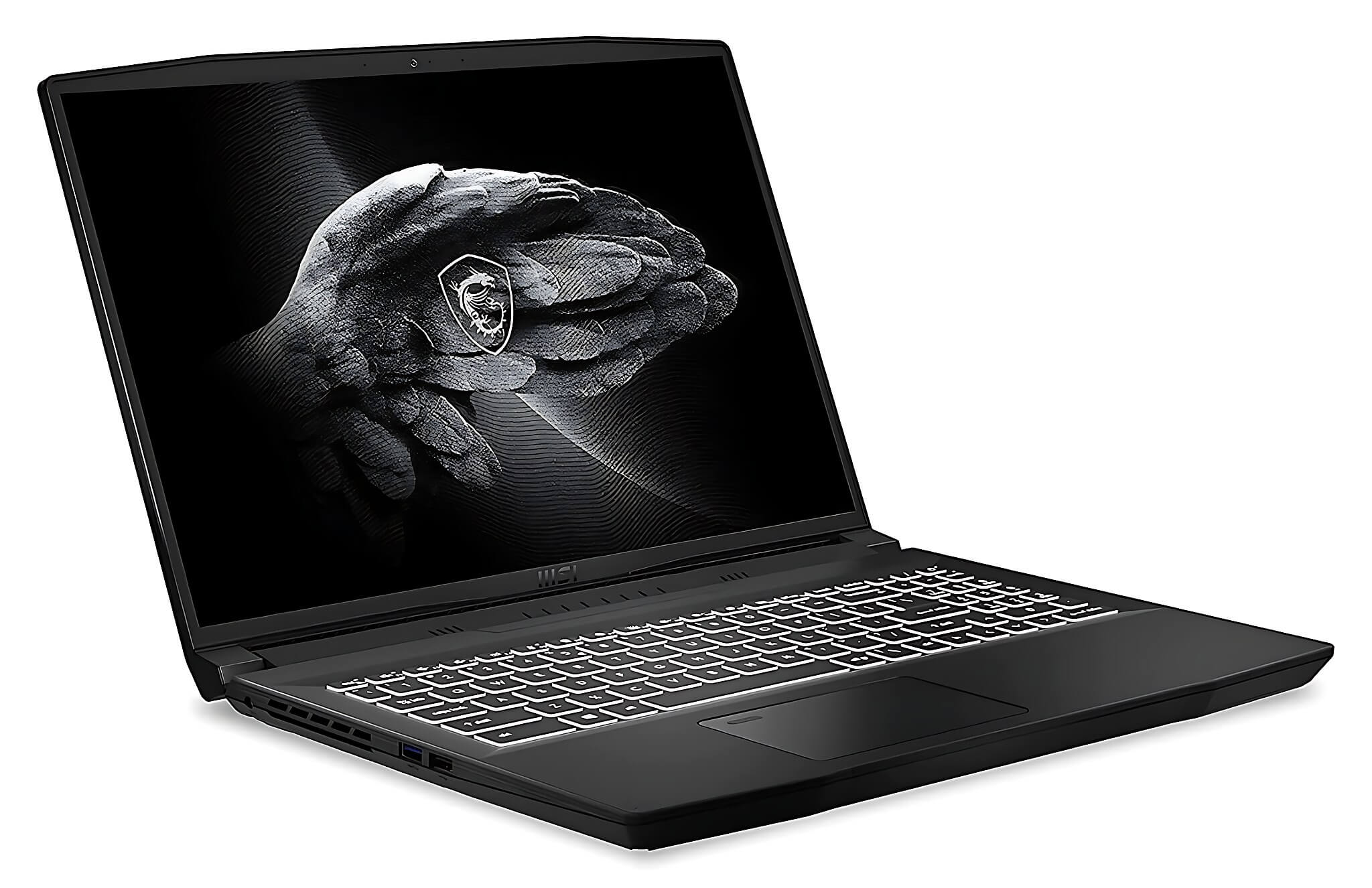
The MSI Creator M16 2021 is priced around 27 million, using the Intel Core i7-11800H (8 cores / 16 threads) with Cinebench R23 scores of 1,508 single-core and 12,197 multi-core, a 16-inch QHD+ 2560x1600 IPS screen with 100% DCI-P3 True Pixel, 16GB DDR5 RAM with two slots, and an RTX 3050 4GB GPU. This is an in-stock model with a confirmed wide color gamut screen and is more budget-friendly than the XPS 16. The Surface Laptop 6 15-inch is around 49 million and the Surface Laptop 5 15-inch lean more towards portability than heavy editing performance, while the HP Pavilion 15 AMD at around 19.5 million is only suitable for light editing.
Detailed review of recommended laptop models
The Dell XPS 16 9640 is a top priority if your livelihood depends on video editing, filming commercials, motion graphics, or design work requiring color accuracy. The 16.3-inch 3840x2400 InfinityEdge OLED touch screen, 100% DCI-P3, and Dolby Vision provide a sharp, high-contrast workspace, while the Core Ultra 9 185H and RTX 4070 easily handle 4K timelines and heavy file exports. The downsides are the high price, non-upgradeable soldered LPDDR5x RAM (so choose enough capacity upfront), and fast battery drain during long renders; when purchasing, Hưng Phát will confirm the exact 4K OLED 100% DCI-P3 version before providing the final quote and warranty.
The MSI Creator M16 2021 is suitable for semi-professional editors, media students, and designers who need a large screen but aren't ready to spend over 60 million. The Core i7-11800H is still capable of basic 4K editing if you use proxies and optimize your timeline, and the RTX 3050 4GB GPU provides better CUDA and NVENC support than an iGPU. Its biggest advantages are the confirmed 100% DCI-P3 True Pixel screen and two upgradeable RAM slots, meeting the needs for color grading and future expansion. The ~53.5Wh battery is suitable for 3-5 hours of light work; long rendering sessions will cause it to run hotter and louder.
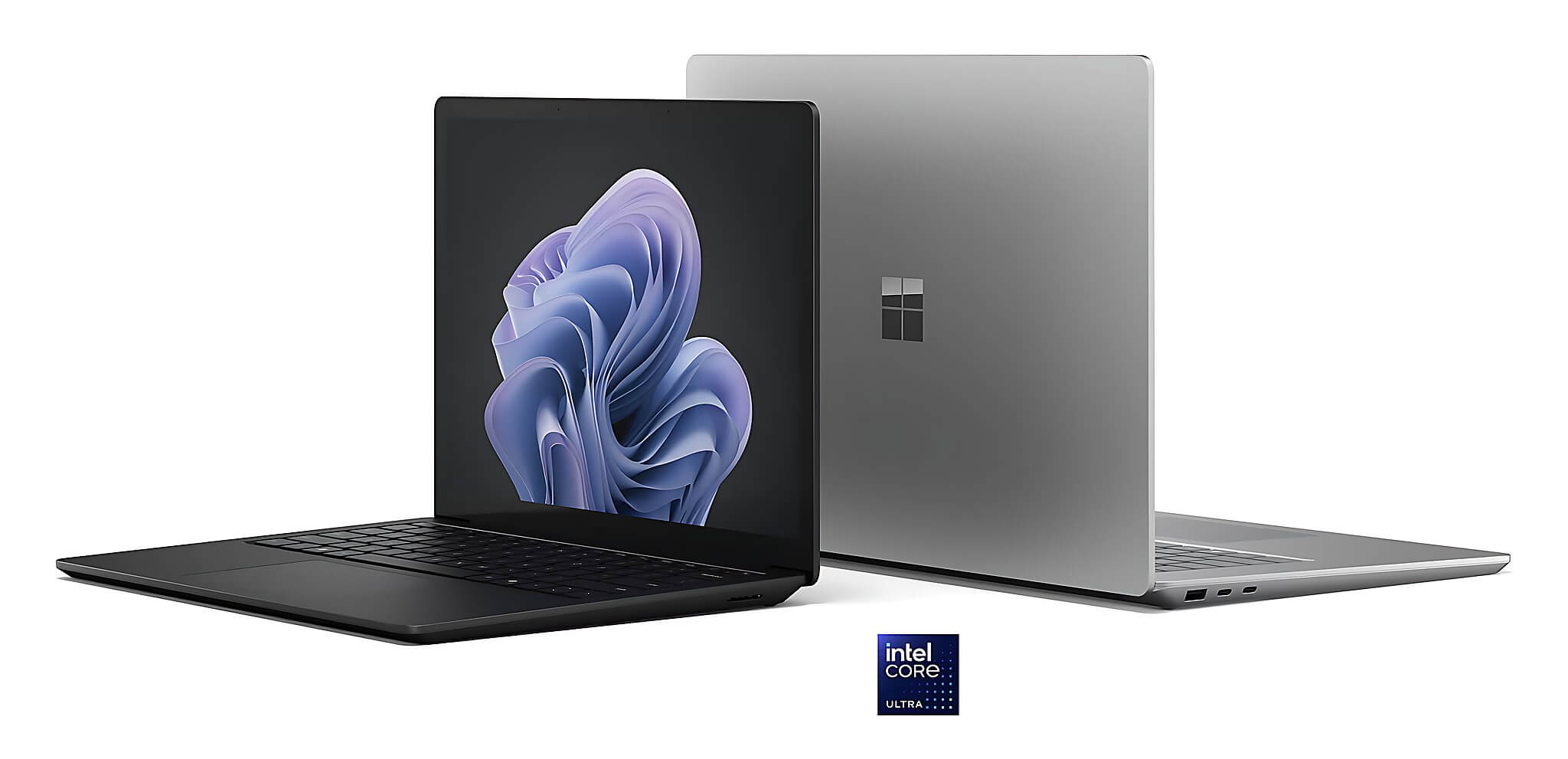
Microsoft Surface Laptop 6 is ideal for mobile content creators, scriptwriters, channel managers, light photo editors, and short video cutters. It uses the Core Ultra 7 165H (16 cores / 22 threads, Geekbench 6 scores of 2,421.5 single-core and 12,230.5 multi-core), a beautiful 15-inch 2496x1664 PixelSense touch screen that is not DCI-P3, and non-upgradeable soldered LPDDR5x RAM. The Surface Laptop 5 15 inch is lighter and more affordable, using a Core i7-1255U (15W TDP), making it better for creative office work than heavy 4K editing; meanwhile, the HP Pavilion 15 AMD 2021 (Ryzen 7 5825U, around 19.5 million) should only be chosen for light editing on a tight budget.
Configuration advice and where to buy in Ho Chi Minh City
If you are a long-term professional, the Dell XPS 16 9640 OLED 4K version is the logical choice for content creators doing multi-layer 4K editing, color grading, and continuous video exporting thanks to its 100% DCI-P3 screen and RTX 4070 GPU. If you have a moderate budget and want a wide color gamut screen immediately, the MSI Creator M16 2021 is more practical as it is in stock, priced around 27 million, and has upgradeable RAM. For office content, client meetings, writing, and light photo editing, the Surface Laptop 6 offers a more compact experience and better office battery life; the Surface Laptop 5 is more economical but should not be pushed into heavy 4K editing.
In Ho Chi Minh City, Hưng Phát recommends checking four points before paying: the exact CPU and GPU configuration, the correct screen type, battery condition, and the warranty policy stated on the receipt. For creator machines, 100% DCI-P3 coverage must be verified per specific version and not assumed by the model name, especially for the Dell XPS 16 which comes in both standard FHD+ and 4K OLED versions. For Surface, since the RAM is soldered, choose sufficient capacity from the start; for Pavilion, only finalize the purchase if the price is good and your needs do not exceed basic editing.
The general rule for 4K editing is to look at four factors simultaneously: H-series CPU, dedicated GPU, 32GB+ RAM, and a wide color gamut screen; missing any one of these will immediately impact the tasks you need most. For those running both editing and AI tasks, TOPS is only one part; the CPU, dedicated GPU, RAM, and screen still determine most of the performance. Hưng Phát provides real pricing based on stock status, advises on machines that fit your actual needs, and will not pressure you into configurations that exceed your workflow requirements.
Frequently Asked Questions (FAQ)
How much RAM should a 4K video content creator choose?
If you are editing in Premiere, DaVinci Resolve, or After Effects with many layers, 32GB of RAM is a much safer starting point than 16GB. For heavy projects, Hưng Phát recommends prioritizing machines with 2 RAM slots for future upgrades, like the MSI Creator M16, or selecting a large capacity upfront for machines with soldered RAM like the Dell XPS 16 and Surface.
Is 100% DCI-P3 enough for professional color grading?
100% DCI-P3 coverage is a huge advantage, but you still need to check brightness, color delta, panel type, and calibration capabilities. For the Dell XPS 16, you should confirm the exact 4K OLED version as the machine also comes in a standard FHD+ version; for a used MSI Creator M16, you should confirm the exact True Pixel version before finalizing.
What is a suitable budget for a 4K editing machine?
If you are serious about 4K editing and want a 100% DCI-P3 OLED screen, the Dell XPS 16 9640 OLED 4K version is priced around 63.5 - 82.5 million and is currently in stock. If you have a moderate budget, the MSI Creator M16 2021 at around 27 million still performs well for basic 4K editing and has a confirmed 100% DCI-P3 True Pixel screen, making it a worthwhile in-stock option.
Which machine is both lightweight and has decent performance?
The Surface Laptop 6 15-inch 2024 offers a better balance if you prioritize mobility, featuring the Core Ultra 7 165H and decent office battery life. However, it lacks a dedicated GPU and the screen is not DCI-P3 standard, so it is only suitable for light editing, proxies, short videos, and daily content tasks, not heavy 4K editing.
Which models does Hưng Phát recommend for specific needs?
For professional 4K editing requiring a color-accurate OLED screen, choose the Dell XPS 16 9640 OLED 4K version. For semi-professional work on a moderate budget, the MSI Creator M16 2021 is in stock, features a DCI-P3 screen, and has upgradeable RAM. For office-based content creation, the Surface Laptop 6 or Surface Laptop 5 are easier to carry, while the HP Pavilion 15 AMD should only be chosen for light needs on a low budget.











