

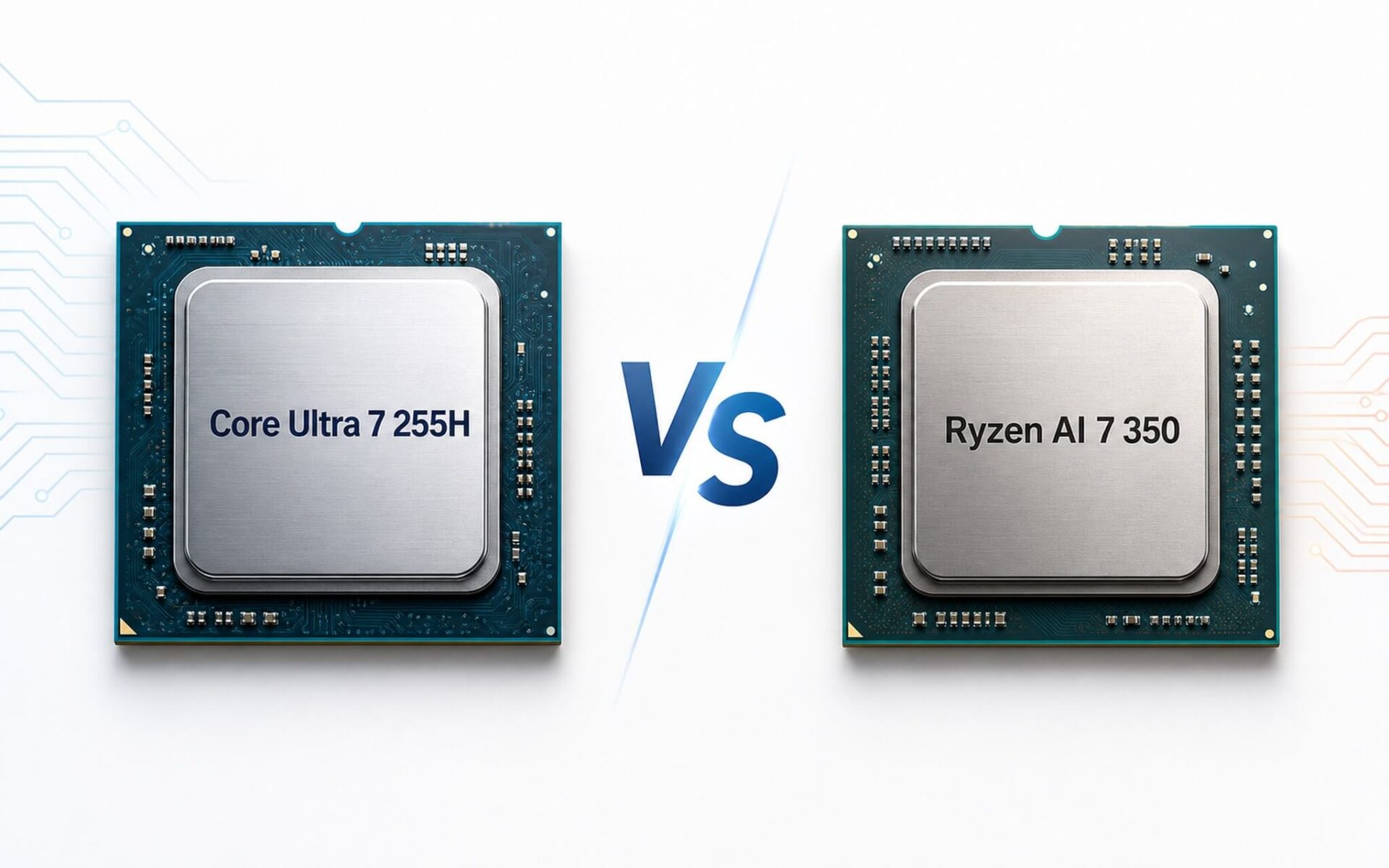
Core Ultra 7 255H and Ryzen AI 7 350 both share a base TDP of 28W but follow two very different multitasking philosophies. The Intel 255H features 16 cores (6 performance cores + 8 efficient cores + 2 LP-E cores) focusing on processing breadth, while the Ryzen AI 7 350 has only 8 cores but provides a full 16 SMT threads. The biggest difference lies in on-device AI: the Ryzen AI 7 350 features a 50 TOPS NPU that meets Copilot+ standards, whereas the NPU on this Intel chip is only 13 TOPS, falling short of the 40 TOPS threshold required to enable Windows 11's local AI feature set. This article analyzes the three key factors that directly determine your daily experience: single-core performance, iGPU, and on-device AI capabilities.
Core Ultra 255H and Ryzen AI 7 350: What's the difference?
Overall, both the Core Ultra 7 255H and Ryzen AI 7 350 target the high-end enterprise laptop segment with the same base TDP of 28W, supporting 16 processing threads and mid-to-high tier iGPUs. However, the way Intel and AMD achieve these numbers is quite different, and this distinction directly impacts which machine you should choose.
| Specifications | Intel Core Ultra 7 255H | AMD Ryzen AI 7 350 |
|---|---|---|
| Architecture | Arrow Lake-H | Krackan Point / Zen 5 + Zen 5c |
| Cores / Threads | 16 cores / 16 threads | 8 cores / 16 threads |
| Max Boost | 5.1 GHz | 5.0 GHz |
| TDP (base) | 28W / turbo 115W | 28W (OEM range 15-54W) |
| NPU TOPS | 13 TOPS | 50 TOPS (Copilot+) |
| iGPU | Intel Arc 140T | AMD Radeon 860M |
| Cinebench R23 (ST / MT) | 2,061 / 17,845 | 1,958 / 16,014 |
| Geekbench 6 (ST / MT) | 2,866 / 15,223 | 2,853 / 12,835 |
| PassMark | 30,756 | 24,934 |
| iGPU Fire Strike / Time Spy | 8,663 / 3,843 | 6,908 / 2,552 |
The Intel 255H is built on the Arrow Lake-H architecture with a configuration of 6 performance cores (P-core) + 8 efficient cores (E-core) + 2 LP-E cores, totaling 16 cores but without Hyper-Threading on the P-cores. This means Intel prioritizes parallel processing breadth rather than pushing single-core speed. In contrast, the Ryzen AI 7 350 uses the Krackan Point platform with Zen 5 and Zen 5c architectures, featuring 8 cores and 16 threads with full SMT, where each physical core runs two logical threads simultaneously.
The most significant difference lies in the NPU. The AI processing unit of the Ryzen AI 7 350 reaches 50 TOPS, exceeding the 40 TOPS threshold to meet Microsoft's Copilot+ PC standard. This Intel chip only has 13 TOPS, meaning local AI features like real-time Live Captions, Cocreator in Paint, or Studio Effects on an Intel machine will either not run or must be processed via a server.
CPU, iGPU, and On-device AI Performance
Single-core performance determines responsiveness when opening applications, switching tabs, coding, or editing documents. According to Cinebench R23 benchmarks, the Core Ultra 7 255H achieves 2,061 single-core points compared to 1,958 for the Ryzen AI 7 350, a difference of about 5%. In multi-core, the Intel 255H reaches 17,845 points while the Ryzen AI 7 350 reaches 16,014. On Geekbench 6, the multi-core gap is wider: Intel 2,866/15,223 versus AMD 2,853/12,835.
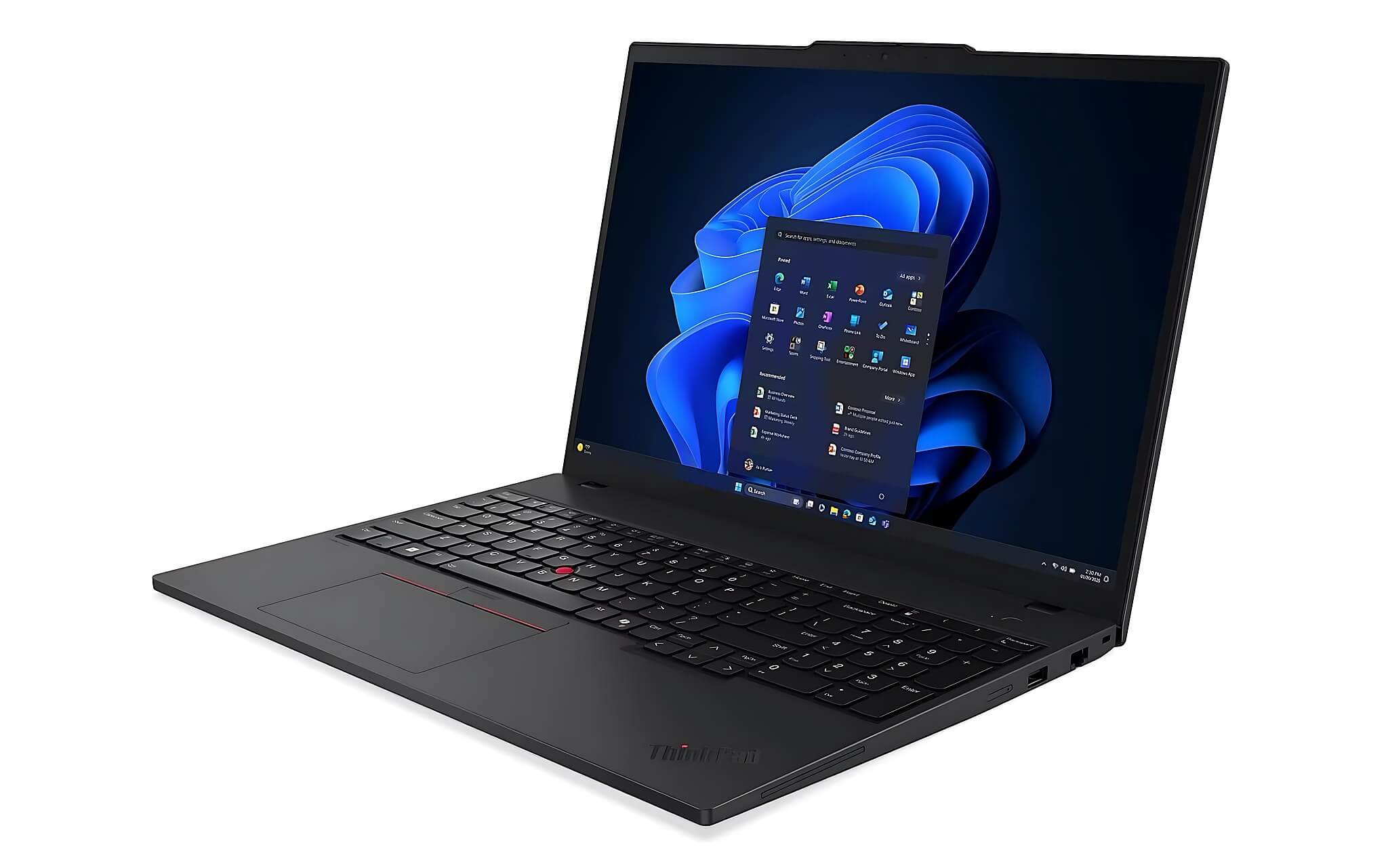
Regarding integrated graphics, the Intel Arc 140T is clearly more powerful: Fire Strike scores 8,663 points compared to just 6,908 for the AMD Radeon 860M, and Time Spy scores 3,843 versus 2,552. If you need to use the iGPU for light rendering, watching 4K video, or running design software without a discrete GPU, the Arc 140T has a practical advantage, especially in graphics-intensive tasks where the Time Spy gap reaches over 30%.
In terms of real-world battery life, both chips consume similar amounts of power during standard office work. A 16-inch laptop equipped with the 255H and an 86-90Wh battery typically achieves 6-9 hours of web browsing and document tasks. The ThinkPad P14s Gen 6 AMD, using the Ryzen AI 7 350 with a smaller battery (52-57Wh), also delivers about 6-9 hours with a WUXGA screen, thanks to the highly optimized 4nm TSMC process. When using an OLED screen or a discrete GPU, this figure drops to approximately 4-7 hours for both chips.
Which chip should you choose based on your needs?
If you need raw multitasking power and a strong iGPU, the Core Ultra 7 255H is the clear choice. Machines equipped with this chip, such as the Lenovo ThinkPad T1g Gen 8 (with the Core Ultra 7 255H option), priced around 95-105 million VND, come with 64GB LPDDR5x 7467MHz RAM and a 2TB PCIe Gen 5 SSD, making it suitable for mobile workstation users needing heavy rendering, video editing, or multi-process parallel programming. A Cinebench MT score of 17,845 and a PassMark score of 30,756 allow the machine to handle continuous heavy tasks without bottlenecks.
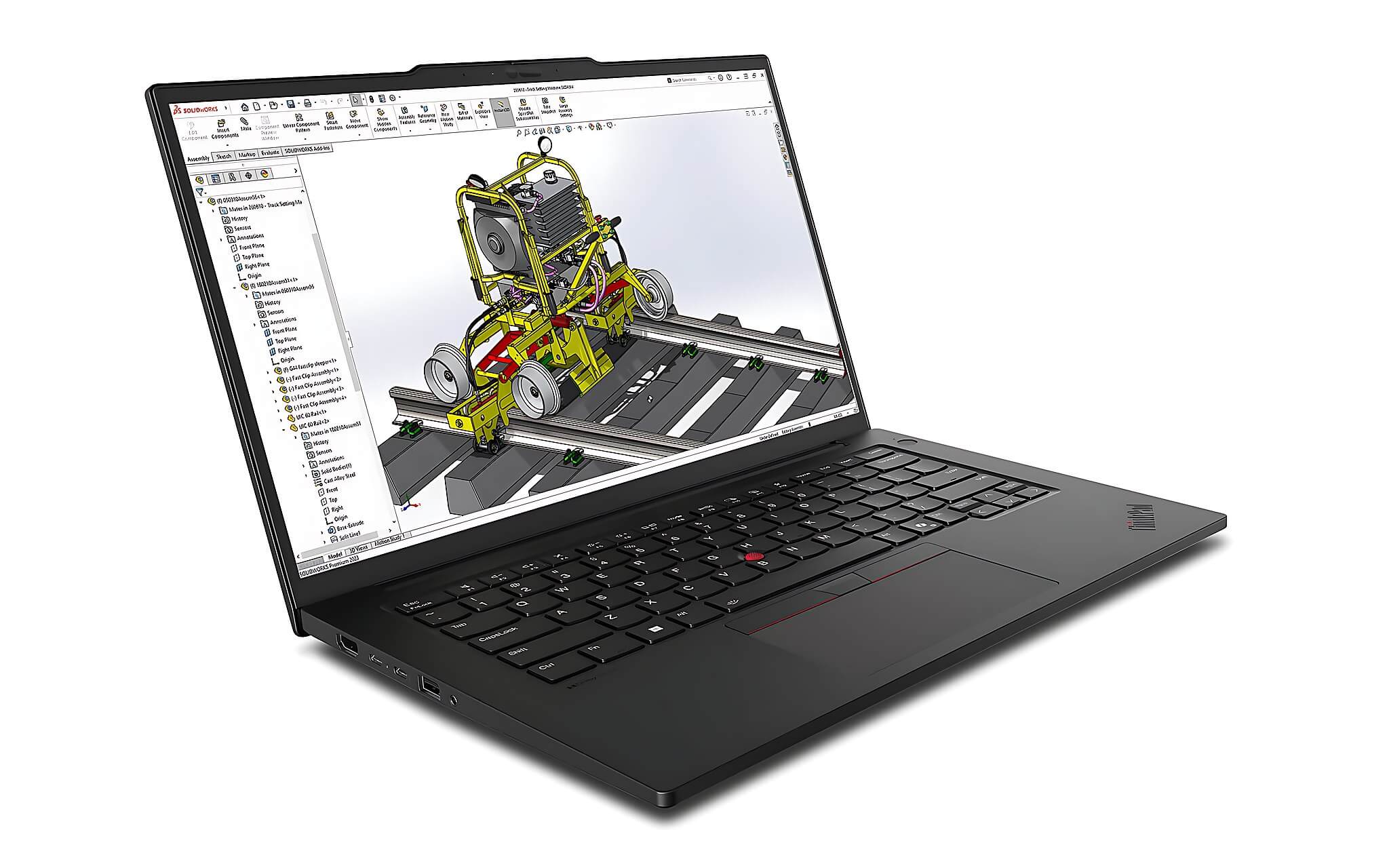
The Ryzen AI 7 350 is ideal for those who need on-device AI and a balance between performance and battery life. The Lenovo ThinkPad P14s Gen 6, priced around 35-45 million VND, uses the Ryzen AI 7 PRO 350 chip that meets Copilot+ standards, with 32-64GB DDR5 5600MHz RAM and a 1TB PCIe Gen4 SSD. This machine is perfect for users who frequently use Studio Effects, auto-captions, or local Windows 11 AI applications and want a more compact device. The downside is that the Radeon 860M iGPU is about 20% weaker than the Arc 140T in Fire Strike and over 30% weaker in Time Spy; if you rely on iGPU rendering, this is a point to consider.
For those considering a lower budget within the Intel ecosystem, the Lenovo ThinkPad T16 Gen 4 using the Core Ultra 5 225H, priced at 30-40 million VND, is a reasonable alternative with a Cinebench MT score of 14,629 and performance sufficient for heavy office work. Compared to the 255H, the 225H is about 18% slower in multi-core, but it remains comparable to the Ryzen AI 7 350 in single-core tasks. Hung Phat has all three models available in Ho Chi Minh City; you can visit us to see the machines in person or message us for further consultation.
In summary, choose the 255H if you prioritize raw power and a strong iGPU; choose the Ryzen AI 7 350 if you want to utilize on-device AI and need a well-balanced machine. Both chips are powerful enough for office multitasking, with the most noticeable differences appearing when pushing heavy workloads or fully utilizing Windows 11 AI features.
Frequently Asked Questions (FAQ)
Is the Core Ultra 7 255H or Ryzen AI 7 350 faster for video processing and heavy multitasking?
For video rendering and heavy multi-core tasks, the Core Ultra 7 255H has a clear advantage. In Cinebench R23 multi-core: the 255H achieves 17,845 compared to 16,014 for the Ryzen AI 7 350, a difference of about 11%. The Geekbench 6 multi-core gap is even larger: 15,223 versus 12,835, nearly 19%. This means when exporting a 30-minute Premiere Pro file or running multiple virtual machines simultaneously, the 255H will process significantly faster. The Ryzen AI 7 350 is still powerful enough for standard multitasking, programming, data processing, and simultaneous online meetings, but for continuous extreme workloads, Intel offers a higher turbo margin of up to 115W.
How do the battery life and temperatures of these two chips differ in daily use?
Since both chips have a base TDP of 28W, their power consumption during light tasks is nearly identical. A ThinkPad T1g Gen 8 with a 255H and an 86-90Wh battery provides about 6-9 hours of office work, while a P14s Gen 6 AMD with a Ryzen AI 7 350 and a smaller battery (52-57Wh) also achieves 6-9 hours with a WUXGA screen, thanks to the efficient 4nm TSMC process. The downside: when the Intel 255H boosts to 115W during short, extremely heavy tasks, temperatures and fan noise increase more rapidly-this is the trade-off for high burst performance. AMD tends to be more thermally stable within the 28-54W range.
What can the 50 TOPS NPU of the Ryzen AI 7 350 actually do, and what features does the Intel 13 TOPS lack?
The 50 TOPS NPU of the Ryzen AI 7 350 meets the Copilot+ PC standard, meaning the machine can run all of Windows 11's local AI features such as: automatic Live Captions (real-time subtitles without internet), Studio Effects (background blur, AI audio filtering), Cocreator in Paint, and Recall (saving screen history for later search). The Intel chip only has 13 TOPS, failing to reach the 40 TOPS Copilot+ threshold, so most of these features will either not run or must be processed via the cloud instead of locally. If your workflow does not rely on Windows 11 AI, this gap won't matter much, but as Windows AI continues to expand its features, Copilot+ machines will have a long-term advantage.
How much is the price and performance difference between the Core Ultra 7 255H and Ryzen AI 7 350 when choosing a workstation laptop?
Hung Phat currently has three suitable models: the ThinkPad T1g Gen 8 (2026) with the Core Ultra 7 255H option, 64GB RAM, and 2TB PCIe Gen 5 SSD, priced around 95-105 million VND, ideal for high-end mobile workstations. The ThinkPad P14s Gen 6 Mobile Workstation uses the Ryzen AI 7 PRO 350, 32-64GB RAM, and 1TB PCIe Gen4 SSD, priced at 35-45 million VND, which is a balanced choice for those needing on-device AI. The ThinkPad T16 Gen 4 with the Core Ultra 5 225H, in the 30-40 million VND range, is a viable alternative if your budget doesn't reach the 255H. All three are in stock in Ho Chi Minh City; you can message us directly to check specific configurations and stock availability before deciding.











