


With the same budget, office workers, creators, and gamers require three very different types of machines. A common mistake when choosing a laptop is buying based on the "strongest specs in the price range" instead of what your specific work requires, leading to either wasted money on an unused GPU or a lack of power when it is needed most. In this article, Hưng Phát categorizes needs into specific professional groups, clearly indicating what to prioritize and suggesting suitable new 2025-2026 models for each group.
How to choose a laptop based on work needs
Before looking at the price, determine which type of tasks the machine will handle most. Document editors and online meeting participants need battery life and portability more than high benchmark scores; video editors or gamers need a proper GPU and display standards. The table below summarizes the priority order and configuration direction for each professional group to help you quickly narrow down your options before looking at specific machines.
| Professional Group | Priority | Configuration Direction |
|---|---|---|
| Office, Administration | Battery, lightweight, stability | Core Ultra / Ryzen AI, 16GB, iGPU |
| Enterprise, IT | Security, keyboard, ports | ThinkPad, RAM 16-32GB, vPro/PRO |
| Mobile Creator | Beautiful display, powerful iGPU, battery | Lunar Lake / Ryzen AI, OLED, 32GB |
| Gaming | Discrete GPU, high refresh rate screen | RTX 4050-5080, 16-32GB |
| Workstation, Engineering | Multi-core CPU, Pro GPU | CPU HX + RTX PRO, 32-64GB |
A general rule: RAM and display type often affect daily experience more than chasing a few percentage points of CPU performance. For most users, 16GB is a reasonable minimum for 2026, while creators or those running multiple virtual machines should aim for 32GB. For power-efficient chip series that use soldered RAM, you must choose the correct capacity from the start as it cannot be upgraded later.
Laptops for Office and Enterprise
The office and enterprise group needs machines that run quietly all day, have long battery life, and high stability rather than peak performance. Here, new generation power-efficient chips that meet Copilot+ standards are a reasonable choice, being powerful enough for document multitasking and supporting AI features in Windows 11.
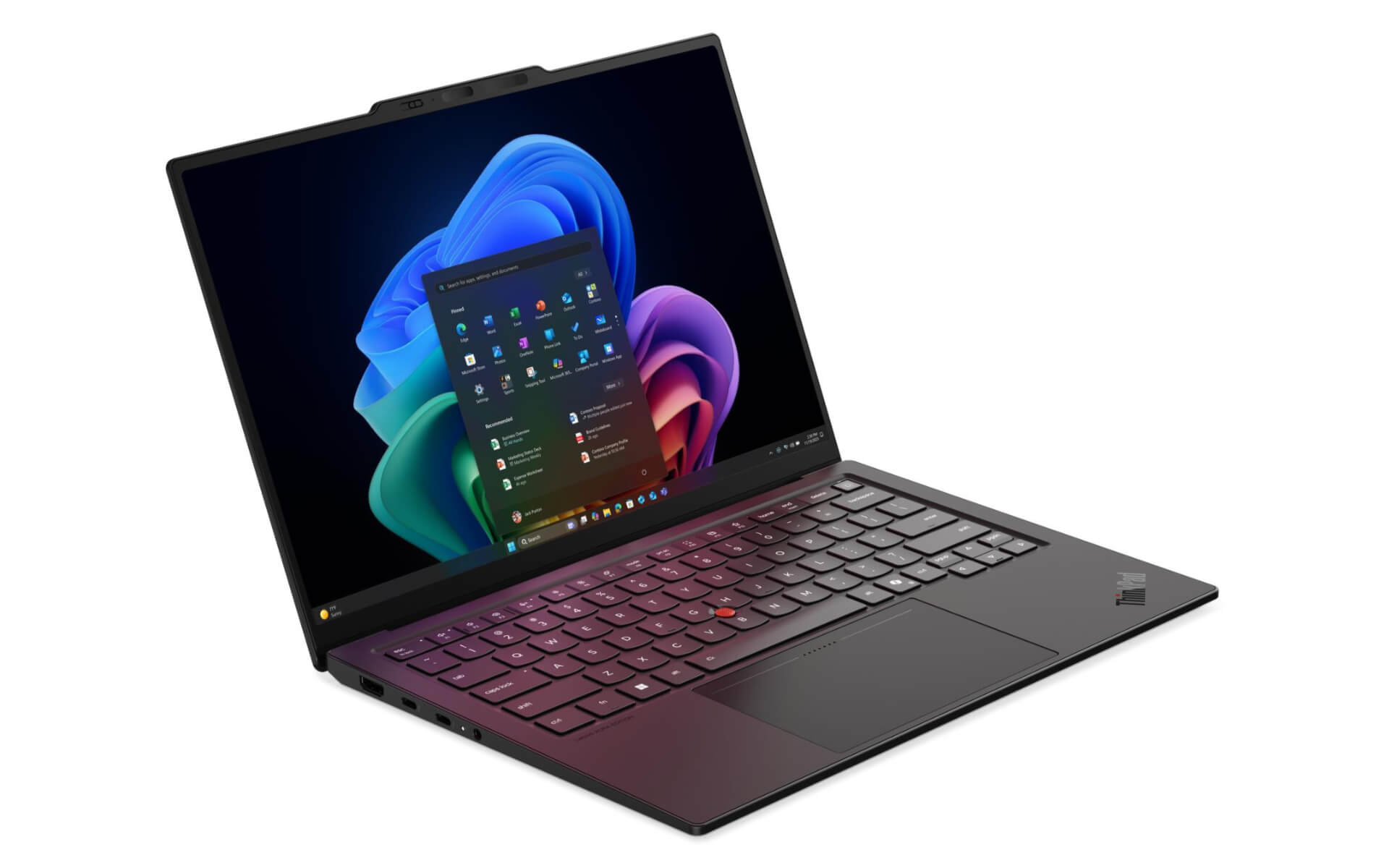
For those needing a lightweight machine at a reasonable price, Dell 14 Plus DB14250 (2025) is a good starting point, with Ryzen AI 7 PRO 350 or Intel Core Ultra 7 256V options, 16GB RAM, 1TB SSD, priced around 23-29.5 million VND. The Ryzen AI 7 PRO 350 achieves a Cinebench R23 multi-core score of approximately 14,278 points with a Copilot+ standard NPU, more than enough for Office, online meetings, and multitasking many tabs. If you need durability and an enterprise management ecosystem, the Lenovo ThinkPad E14 Gen 7 (2025) uses Core Ultra 5 225U, features a standard ThinkPad keyboard and a durable chassis, priced around 28.5-39.5 million VND.
At a higher premium level for those who work in an office and travel frequently, the Samsung Galaxy Book5 Pro 16 (2025) stands out with the Core Ultra 7 256V "Lunar Lake" chip, a large 3K AMOLED screen, a slim/lightweight body, and long battery life, priced around 39.9 million VND. This model is suitable for managers and high-level executives who need a machine that is both beautiful and powerful enough for both presentations and heavy document processing.
Laptops for creators, gaming, and workstations
This group requires a discrete GPU and standard-compliant displays, so budgets are typically much higher than the office group. The key is choosing the right GPU tier for the task: 1080p video editing and eSports games only require mid-range GPUs, while 3D modeling, heavy rendering, or playing AAA games at 2K/4K require flagship GPUs.
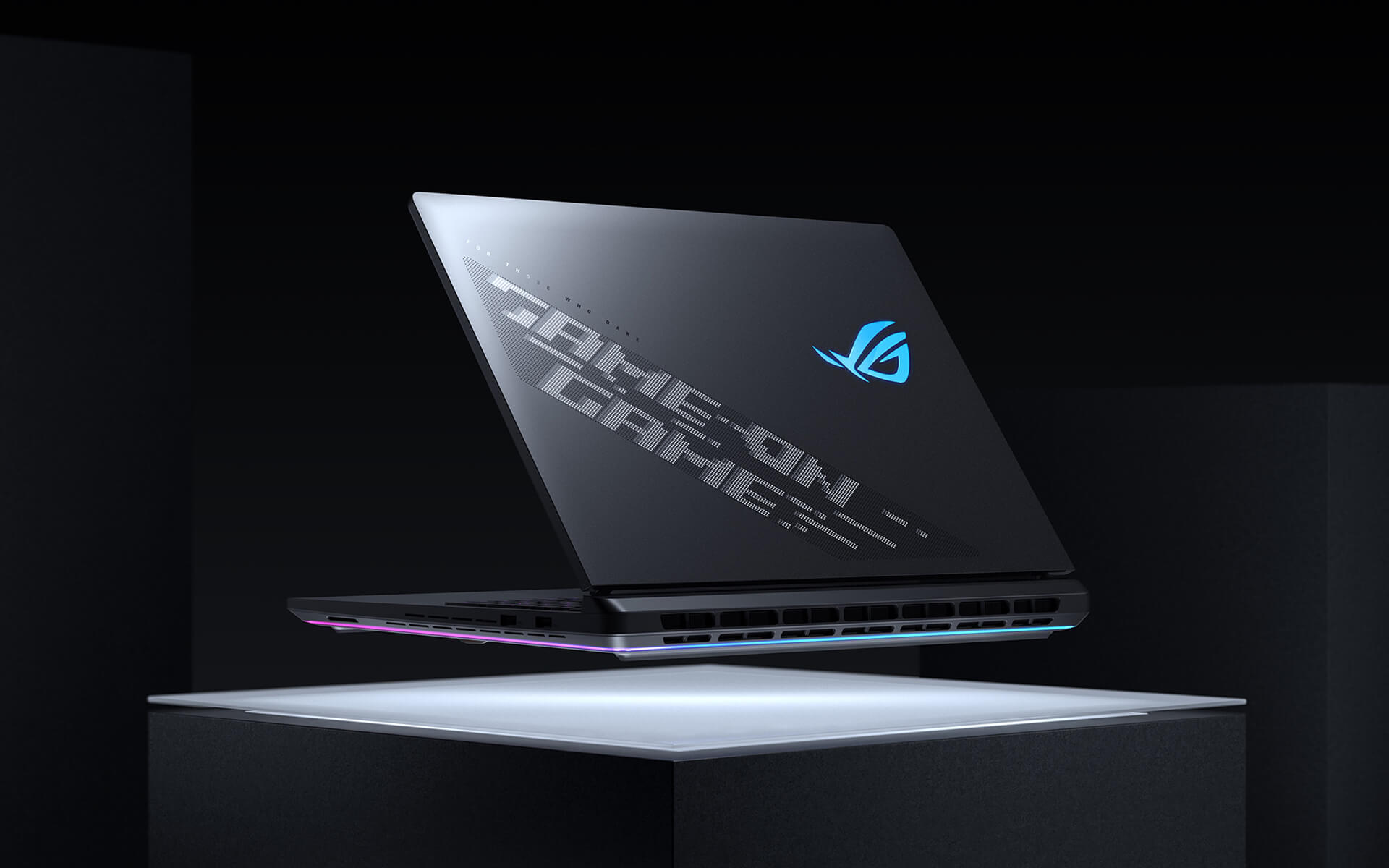
At the entry level, the HP Victus 15 (2025) with Ryzen 7 7445HS and RTX 4050 (3DMark Fire Strike approximately 21,949 points) is a gaming and basic graphics choice around the 20 million VND mark. Moving up to the mid-range, the Alienware 15 Gaming Laptop (2026) is equipped with RTX 5050 Blackwell (Fire Strike approximately 24,926 points), featuring gaming-standard chassis and cooling, priced around 36.6 million VND, suitable for smooth 1080p gaming and decent content creation.
For those needing flagship configurations, the Alienware 16 Area-51 (2025) uses Core Ultra 9 275HX (Cinebench R23 multi-core up to 35,589 points) along with RTX 5080 Laptop (Time Spy 21,624 points), priced around 89.9-95.9 million VND, capable of playing AAA games at 2K/4K and heavy video editing. Meanwhile, engineers, architects, or professional 3D modelers should aim for the Lenovo ThinkPad P16 Gen 3 (2025), a mobile workstation with Core Ultra 7 255HX and dedicated RTX PRO 1000 graphics, priced around 80-87 million VND, optimized for CAD software, simulation, and professional rendering.
All the above machines are brand new, authentic, delivered to customers with original seals, and have clearly listed prices on the site. If you are unsure which configuration suits your needs, Hưng Phát is ready to provide consultation based on your actual work and budget instead of pushing old stock.
Frequently Asked Questions (FAQ)
Do office workers need a laptop with a discrete GPU?
Most office work, including document drafting, spreadsheets, online meetings, and web browsing, does not require a discrete GPU. Integrated GPUs on new-generation Core Ultra or Ryzen AI chips are sufficient for short video exports, light photo editing, and presentations. Spending money on a discrete GPU in these cases is often a waste, as it increases cost, makes the machine heavier and hotter, and shortens battery life. A discrete GPU is only truly necessary when work involves heavy video editing, 3D rendering, or gaming. For office work, priority should be placed on sufficient RAM, a fast SSD, and a good display.
Should 1080p video creators choose an iGPU or a discrete GPU?
If you edit 1080p video, edit photos, and create moderate-level content, a new chip machine with a powerful iGPU like the Core Ultra 7 256V on the Samsung Galaxy Book5 Pro can handle 1080p timelines well while maintaining thinness and long battery life. If you frequently edit 4K with multiple layers of effects, need urgent file exports, or do 3D rendering, then a machine with a discrete GPU like the HP Victus 15 or Alienware will significantly reduce processing time. A general note for creators is RAM: aim for 32GB if working with RAW files or multi-layer projects, as insufficient RAM causes more noticeable lag than insufficient GPU power.
With a budget of 20-30 million VND, should I prioritize CPU, GPU, or the display?
In the 20-30 million VND range, priority depends on your primary work. For office and study, prioritize new-generation power-efficient chips, 16GB RAM, and a good display like the Dell 14 Plus or ThinkPad E14. For those who both work and play light games, the HP Victus 15 with an RTX 4050 offers better gaming value for the same price, though the machine is heavier and has shorter battery life. Do not spend all your money on the strongest CPU while neglecting the display and RAM, as those are the two factors you experience every day. A safe approach is to choose a balanced configuration that meets your primary needs instead of chasing a single standout specification.
What is the difference between a workstation laptop and a gaming laptop?
Both use powerful CPUs and discrete GPUs, but they are optimized for different purposes. Gaming laptops like the Alienware 16 Area-51 use GeForce RTX GPUs optimized for high frame rates in games and high refresh rate screens. Workstation laptops like the ThinkPad P16 Gen 3 use dedicated RTX PRO series GPUs with certified drivers for engineering software such as CAD, simulation, and professional 3D modeling; in exchange, the price per gaming frame is usually not as economical as a gaming machine. If you primarily play games and create general content, a gaming machine is more reasonable; if your work involves specialized engineering requiring stability and software certification, a workstation is the right choice.











