

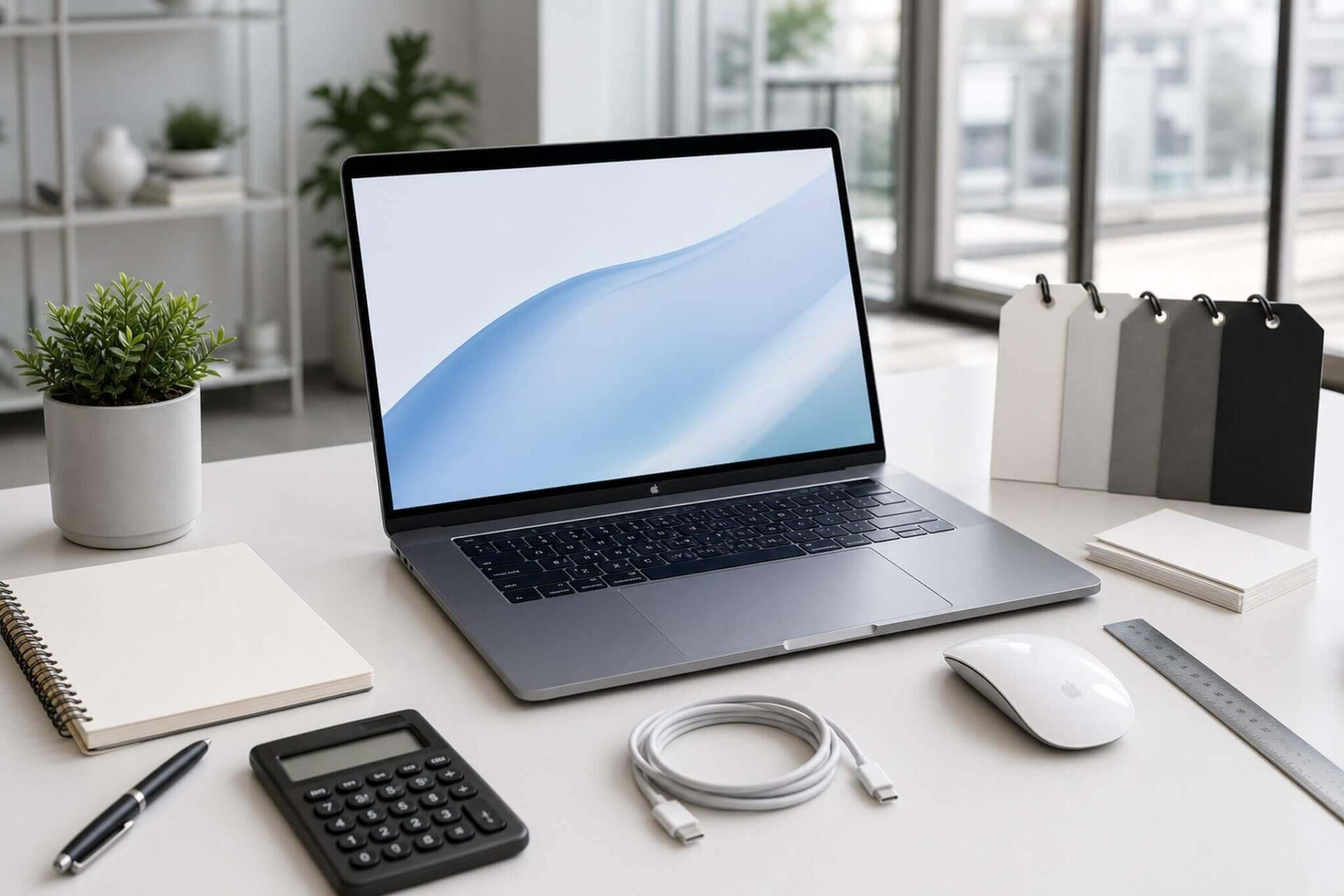
Most first-time customers at the store usually just ask, "What can I get for X million VND," then pay and leave without checking anything further. This is why many people end up spending a few extra million to upgrade RAM or replace their machine after just the first 6 months. When buying a laptop for the first time, the gap between making the right choice and the wrong one lies not in the brand, but in how you prepare before walking into the store. Here are 10 things to help you buy correctly from the very first time.
Determine your needs and budget before choosing a laptop
The right question when buying a laptop for the first time is not "which machine is good?" but "what is your primary use case?" Office work, programming, photo/video editing, or gaming are four needs with completely different hardware requirements. Someone who only needs Word, Excel, and web browsing does not need a dedicated graphics card or a 144Hz screen. Conversely, those doing graphic design or video rendering need to prioritize color-accurate screens and higher core-count CPUs. Correctly identifying your needs will immediately eliminate 80% of unsuitable options before you waste time comparing every single machine at the store.
RAM is the factor that most clearly affects daily experience, especially for those not yet familiar with hardware configurations. In 2026, 16GB RAM is the minimum if you open many tabs or run software simultaneously. An 8GB machine is still usable but often requires an early upgrade; however, not all machines allow for RAM upgrades after purchase because many thin models have RAM soldered onto the motherboard. Ask clearly about this before finalizing. Regarding CPUs, Intel Core i5/i7 12th Gen or higher or AMD Ryzen 5/7 series will meet the needs of most general users.

Regarding budget, the reality in-store: around 10-15 million VND can get you a decent office machine suitable for basic studies. Around 15-22 million VND can handle most general tasks, including light photo editing and basic programming. Above 25 million VND is the entry point for heavy graphics machines or mobile workstations. A real downside of machines under 10 million VND: the screens are often low quality, battery life is poor, and the storage might still be an HDD, which affects daily experience much more than new buyers realize.
Weight and connectivity ports are two things often overlooked when choosing a machine for the first time. If you move around daily, a 1.2-1.6kg machine is much more comfortable than a 2.2kg one after a few months of carrying it. Thin and light machines often cut back on USB-A and HDMI ports; you will need to budget for a hub if you frequently use an external mouse, a separate keyboard, or a projector. If you need a high-performance gaming machine at a reasonable price, discounted GIGABYTE G5 RTX 5060 gaming laptops are worth considering before deciding on your budget.
Check your laptop carefully at the store before paying
The first step upon receiving the machine is to check the manufacturer's seal. Seals are usually located on the keyboard, around the box, or on the charging port. A new, unused machine must have its seals intact. Request to unbox the machine with the staff and cross-check the accessories with the list in the warranty card: charger, cables if any, and instruction manuals. Missing original adapters is a problem that occurs more often than you think, especially with hand-carried or parallel import goods. Never sign for receipt before unboxing.

Carefully check the machine's exterior before turning it on. Inspect the chassis for scratches, dents, or uneven gaps at the hinges. Then, turn on the machine, open a pure white background image, and increase the brightness to the maximum to check if the screen has dead pixels, yellow stains, or uneven colors at the corners. Test each key, especially Space, Shift, and Enter, to detect stuck or misaligned keys. This check takes about 5-7 minutes and avoids many unnecessary disputes later.
Testing connectivity ports and verifying the serial number is the final step before payment. Plug in a USB to test, test the HDMI port with an external monitor if the store has supporting equipment available, and plug in headphones to check the speakers and mic. Turn on WiFi and Bluetooth to see if the connection is stable. Then, cross-check the serial number on the bottom of the machine with the serial on the box and the warranty card, and then check on the manufacturer's website to confirm that the official warranty has not been registered previously. A machine with a pre-registered serial is a clear sign of a used product, even if the packaging looks new.
Things to ask and prepare before taking your laptop home
Three things you should install immediately after the first startup: a Vietnamese input method (EVKey or Unikey, downloaded from official websites), your preferred browser (Chrome or Firefox instead of the default Edge), and an Office suite. New machine buyers should prioritize official download sources instead of floating, shared installation sets. For Office, Microsoft 365 Personal at around 1.2-1.5 million VND per year is a reasonable choice if you use it frequently. LibreOffice is a free option sufficient for basic office work. Avoid downloading software from unknown sources just to save money; the risk of data loss or malware later will be much more costly.
Two most common questions from first-time laptop buyers. One: do I need to perform 3 charge-discharge cycles in the first 8 hours? No. Li-Ion batteries in modern laptops have automatic management circuits; you can use them normally from day one; that charge-discharge process applied to old-generation Ni-MH batteries. Two: should I remove the pre-installed McAfee or Norton? Yes, you should. These are 30-90 day trial software that will continuously notify you to renew and consume system resources in the background. Windows Defender, which is built into Windows 11, provides sufficient protection for general users without needing third-party software.

Should you partition your hard drive immediately upon purchase? Not necessarily. NVMe SSDs currently work fine with a single partition, and creating a D: drive does not significantly increase speed or security. If you want a separate D: drive to store data separately, you can do it later without losing data through the built-in Disk Management in Windows. More importantly, ask before leaving: is the warranty 12 or 24 months, is it manufacturer warranty or store warranty, and is there a 7-15 day exchange policy if hardware defects occur? These three questions directly affect your rights if the machine has issues immediately after purchase.
Are you considering a mobile workstation for professional graphics or technical design? The article comparison of Dell XPS 17 9730 vs Precision 5680 clearly analyzes the practical differences between these two segments in terms of performance, screen, and price, helping you make a more accurate decision instead of just relying on the model name.
In summary: those needing an office and study machine with a budget of 12-18 million VND should focus on 16GB RAM, SSD, and an IPS screen. Gaming or graphics users need a budget from 22 million VND upwards and should prioritize a dedicated graphics card suitable for their software. For both groups, checking the machine carefully at the store and asking thoroughly about warranty policies are indispensable steps, regardless of where you buy or what your budget is.
Frequently Asked Questions (FAQ)
Which specifications should I prioritize to avoid buying an unsuitable machine?
Prioritize in this order: minimum 16GB RAM, SSD instead of HDD, and a CPU suitable for your specific needs. A dedicated graphics card is only necessary if you play games or do heavy graphics work. The screen is often overlooked but has the biggest impact on daily experience, especially an IPS panel and a minimum Full HD resolution.
What budget is needed to use a machine stably for 3-4 years?
Around 15-18 million VND is a reasonable range for office and study, enough to last 3-4 years without major upgrades. Under 10 million VND usually comes with clear limitations in screen, battery, and hard drive speed. Over 22 million VND is more suitable if you have specific needs like design, heavy programming, or frequent gaming.
Is an 8GB RAM machine worth buying, or should I wait until I have enough money for 16GB?
If the machine allows for a RAM upgrade after purchase (has an empty SODIMM slot), 8GB is acceptable initially, and you can add a RAM stick later for a cost of 500,000 to 1 million VND. If the machine has soldered RAM on the motherboard, you should wait until you have enough money to buy the 16GB version because there is no way to upgrade it later. Ask the staff clearly about the RAM upgrade capability before finalizing.











