The modern workplace keeps office staff moving constantly between departments and partner meetings. A thin and light laptop with durable battery life has become a top priority, but the lighter the machine, the more carefully its battery has to be planned. Hung Phat compiled real specs from models currently in stock so you can see the trade-off between weight and battery life.
Weight and Battery Life Standards for Thin and Light Office Laptops
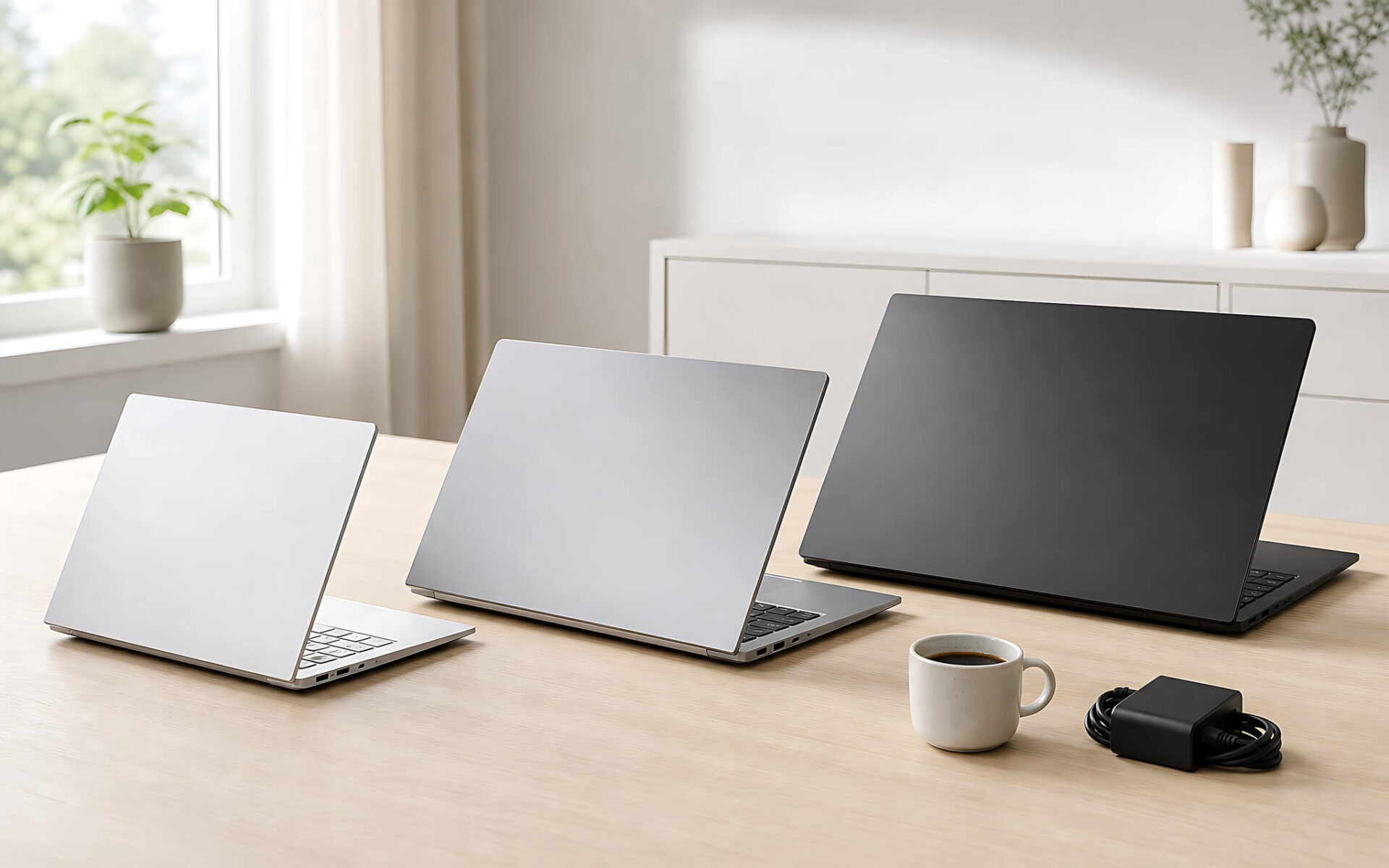
When choosing a device for administrative work, two factors need to be weighed together: the machine's weight and its ability to last a full day on a charge. A thin and light laptop under 1.3 kg feels great in the hand, but an ultra-slim chassis usually forces the battery to shrink to keep its shape. Models a little heavier, around 1.4-1.5 kg, have room for a larger battery, though you carry a bit more weight in your backpack every day in return.
| Product name | Reference price | Processor (CPU) | Display | Weight | Highlights |
|---|---|---|---|---|---|
| Dell XPS 13 9340 | From 25.5 million VND | Intel Core Ultra 5 / 7 | 13.4" InfinityEdge | 1.19 kg | Lightest in the group, thin display bezels, CNC aluminum body |
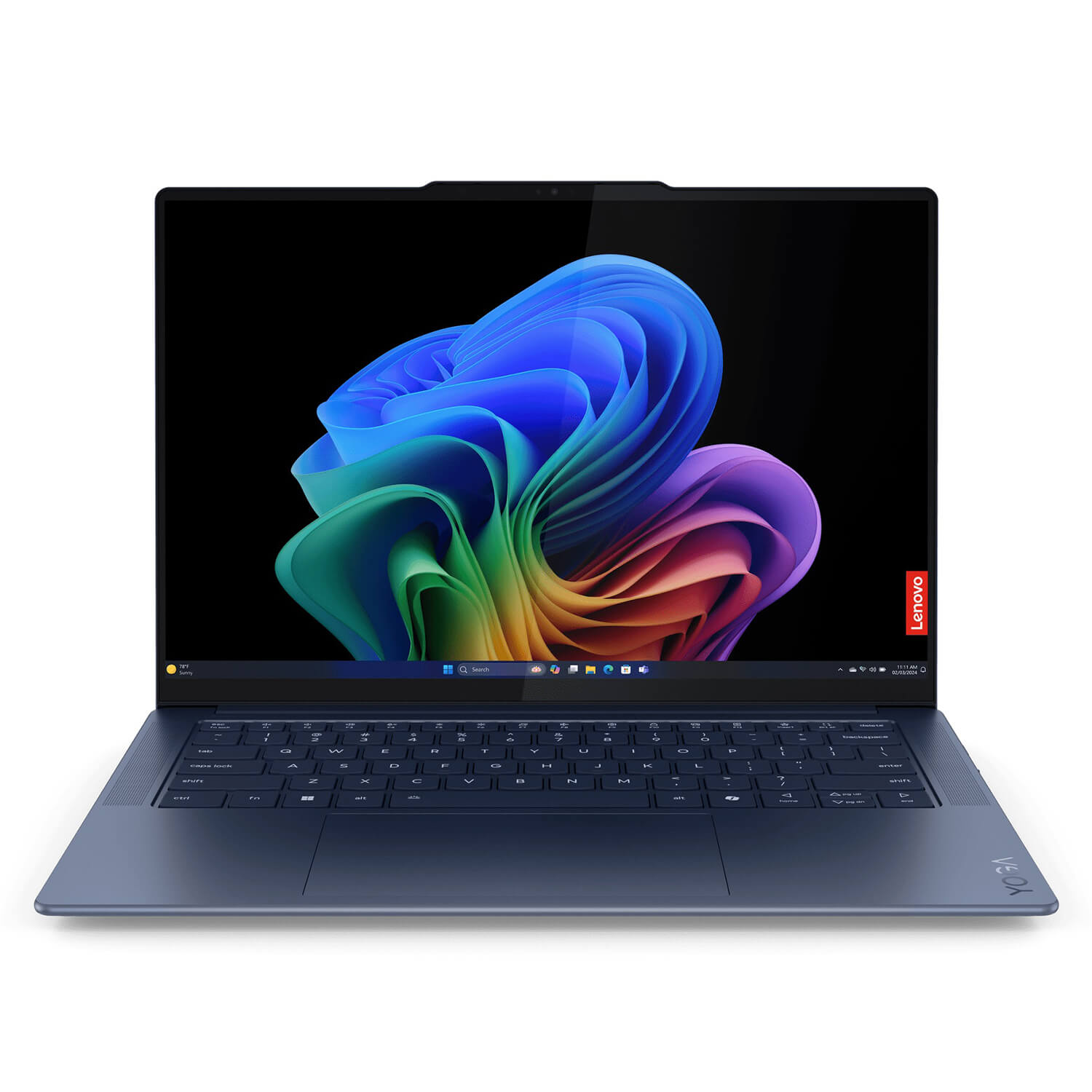
| Lenovo Yoga Slim 7 14Q8X9 | 32 million VND | Qualcomm Snapdragon | 14" aluminum body, 12.9 mm thick | 1.28 kg | Power-efficient ARM chip, very durable battery |
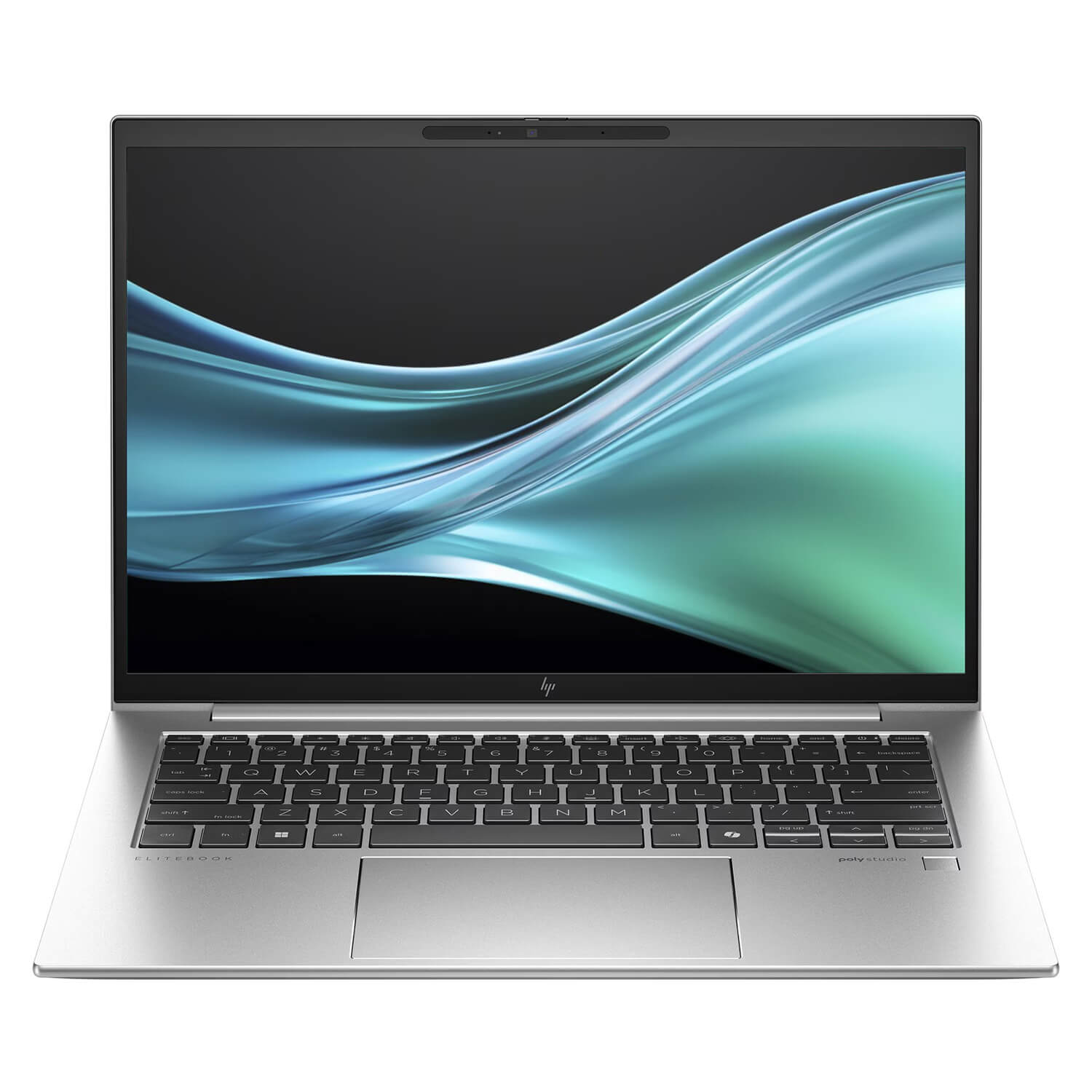
| HP EliteBook 840 G11 | From 17.5 million VND | Intel Core Ultra 5 / 7 | 14" anti-glare | 1.41 kg | Business-grade security, gentle price, large battery |
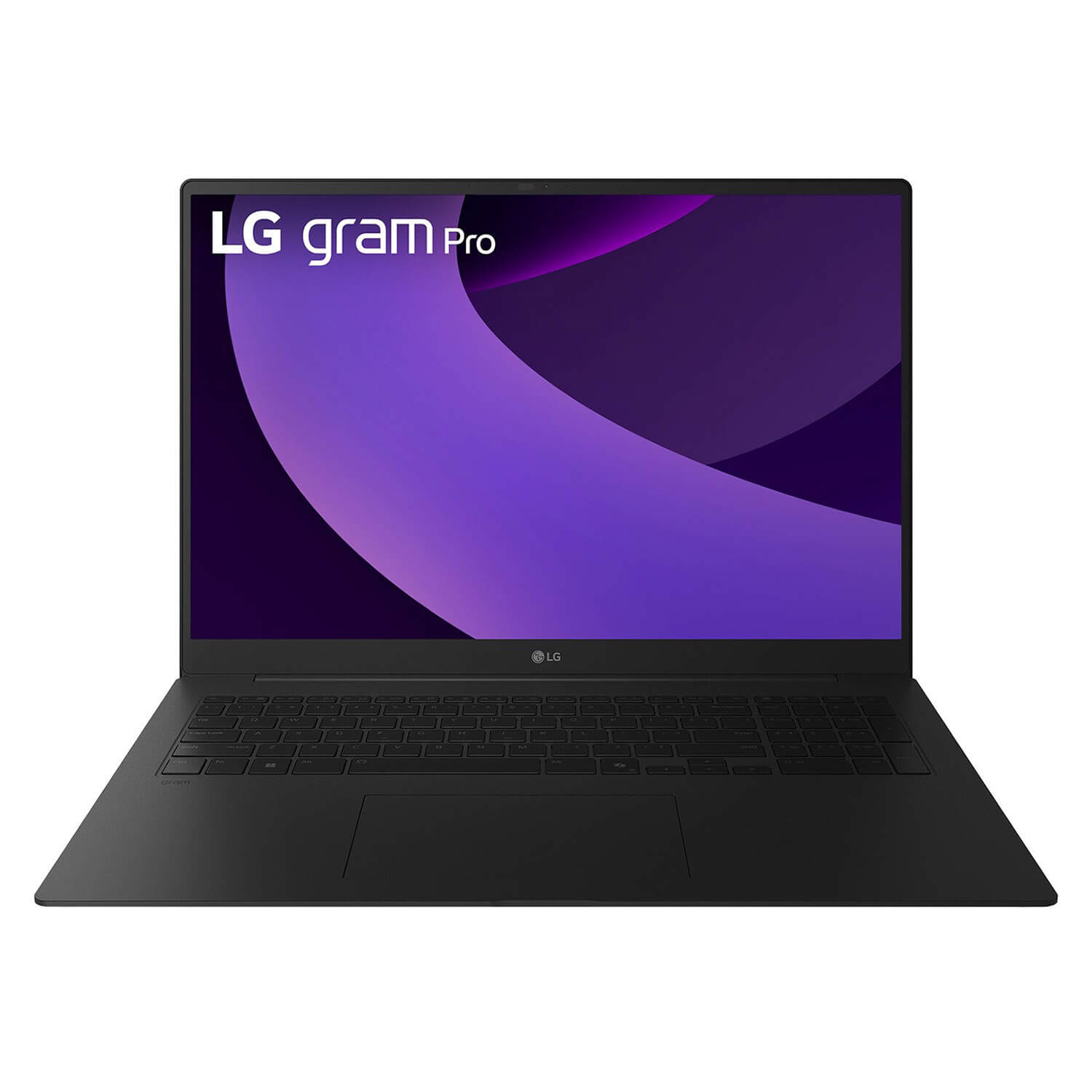
| LG Gram Pro 17 | 62.9 million VND | Intel Core Ultra 9 285H | 17" large screen | 1.48 kg | 17-inch display that is still ultra-light, 32GB RAM |
Real-world battery life depends directly on the battery's watt-hour capacity, the processor's power draw, and screen brightness. A machine with a power-efficient ARM Snapdragon chip can last through a full workday, while an Intel Core Ultra x86 machine offers broader application performance but usually drains the battery a bit faster. This is the heart of the trade-off, and you need to weigh it before choosing a machine.
With a thin and light laptop, the display also shapes the experience of working with documents and spreadsheets all day long. The larger and brighter the screen, the more battery it uses, so a 13-14 inch model usually strikes a good balance between visibility and battery life. You can also read more about configuration standards for office machines to pick a screen size that fits each job role.
The Two Lightest Ultrabooks for Staff Who Are Always on the Move
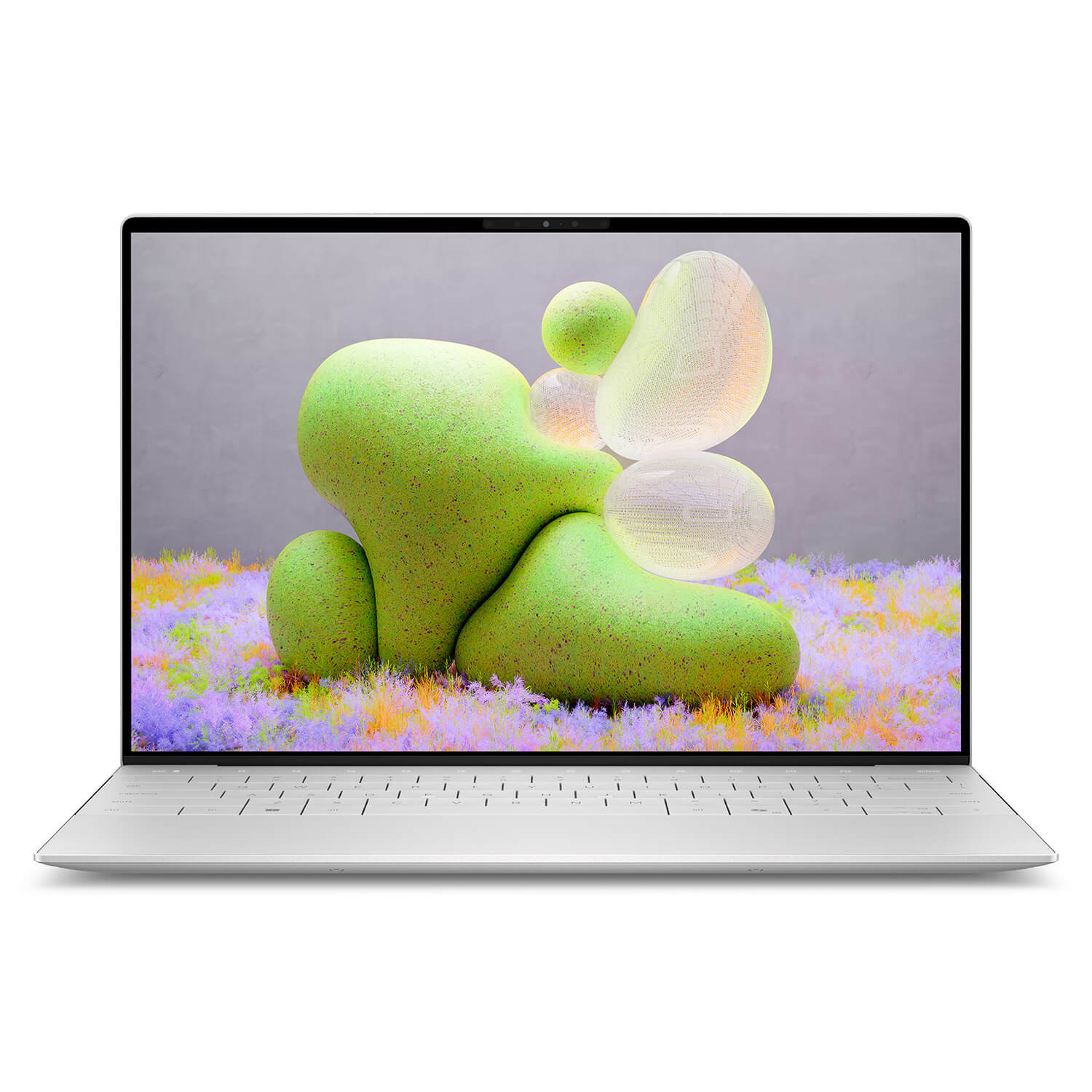
The Dell XPS 13 9340 is the lightest thin and light laptop in the group, weighing just 1.19 kg and built around a sturdy unibody aluminum frame. It uses a new-generation Intel Core Ultra 5 or Core Ultra 7 processor, enough for document editing, spreadsheets, and online meetings. The 13.4-inch ultra-thin-bezel InfinityEdge display gives a tidy viewing area that fits easily on a coffee shop table or an airplane tray. In exchange for its small size, the battery is modest, so it is worth carrying a GaN charger on long travel days.
If battery life comes first for you, the Lenovo Yoga Slim 7 14Q8X9 is a strong candidate at 32 million VND. This thin and light laptop runs a Lenovo processor with an ARM-based Qualcomm Snapdragon chip, known for far better power efficiency than x86 chips. Its aluminum body is just 12.9 mm thick and weighs 1.28 kg, which makes it feel extremely portable when you carry it all day. One caveat is that some older x86 software may have to run through an emulation layer, so check compatibility with your specialized applications before buying.
Both ultrabooks above are aimed at staff who regularly leave their desks and need a compact machine that fits in a bag. Weighing absolute lightness against battery life is a question you have to answer yourself, based on your daily travel habits. The topic of upgrading an old machine is covered in more detail in the article Trade-in and upgrade.
A Balanced Choice Between a Big Battery and a Wide Screen
In the balanced group, the HP EliteBook 840 G11 earns points with a friendly price from 17.5 million VND and a focus on business security. This thin and light laptop uses an Intel Core Ultra 5 or Core Ultra 7 processor, in a 14-inch body weighing 1.41 kg with a durable shell made from recycled plastic. It is slightly heavier than the ultrabooks, but in return it has room for a large-capacity battery that stretches battery life through back-to-back meetings. It is a sensible option for staff who need a stable work machine without spending too much.
At the other end, the LG Gram Pro 17 proves that a big screen does not have to mean bulky. This 17-inch model weighs only 1.48 kg thanks to the ultra-light materials typical of the Gram line, and comes with an Intel Core Ultra 9 285H processor and a generous 32GB of RAM. The large screen lets you open several spreadsheets and documents side by side, although the price of 62.9 million VND puts the machine in the premium segment. A large panel and powerful hardware mean battery life needs to be managed carefully when working away from the office.
When choosing in the balanced group, prioritize battery capacity and ports over chasing the lowest weight figure. A battery that is a few dozen grams heavier but lasts an extra hour or two is usually worth more to people who work outside all day. Warranty terms and the availability of replacement parts are also factors to put into your comparison before deciding.
Tips for Optimizing Power on a Thin and Light Laptop
High-brightness, high-resolution screens usually use more power than standard panels. To stretch battery life without constantly plugging in, set the brightness to around 60-70% when you are working indoors. Turning on the operating system's power saver mode and disabling background effects can also add one to two hours of runtime.
Managing background processes also reduces the load on the processor and the cooling system. Disable unnecessary startup apps, and use a web browser that can freeze idle tabs. This keeps the machine cooler and steadies battery life through long meetings.
In addition, a pocket-sized 65W Power Delivery fast charger neatly solves the worry of running out of battery. Today's GaN chargers are very compact, can charge both a phone and a laptop, and cut the weight in your backpack on long business trips. Genuine accessories compatible with each model line are always available for you to browse.
Buying Advice and Hands-On Experience with Genuine Machines at Hung Phat
The laptop market is so varied that finding the product that fits your personal needs matters. If you need the lightest thin and light laptop for travel, the Dell XPS 13 and Lenovo Yoga Slim 7 are suitable options. If you prioritize a large battery at a moderate cost, the HP EliteBook 840 G11 is the balanced choice, while the LG Gram Pro 17 is for people who want a wide screen that is still light.
The store offers every version of these machines in original condition, with transparent sourcing and a clear after-sales policy. You can inspect the machine in person, try the keyboard, check battery wear, and measure the read and write speed of its components before paying, which lets you estimate the machine's remaining battery life. The technical team provides cleaning, thermal paste reapplication, and software setup free for life.
Every product sold comes with a thorough 6 to 12 month warranty and a quick 1-for-1 exchange policy if a hardware fault occurs. Contact the hotline or visit in person to get a discounted quote and bundled accessory gifts. The article Long-battery laptops goes deeper into how to convert watt-hours into real-world hours of use.
Frequently Asked Questions (FAQ)
Which thin and light laptop should I choose under 20 million VND for stable work?
In this price range, the HP EliteBook 840 G11 with an Intel Core Ultra processor is a sensible option for office work. It weighs 1.41 kg, a little more than the ultrabooks, but in return it has a large-capacity battery and business-grade security. It is worth considering if you need a durable machine with plenty of ports and good battery life through a long workday without spending too much.
Can a machine with an ARM Snapdragon chip like the Yoga Slim 7 run office software?
Popular apps such as the Office suite, web browsers, and online meeting software now all have native ARM versions, so they run smoothly and save battery. Some older specialized x86 software can still run through the built-in emulation layer, though it may be a little slower. If your work depends on niche applications, check for ARM support before choosing a machine to avoid compatibility problems.
Does a lighter machine always mean worse battery life?
Not necessarily, because battery life depends on both the battery's capacity and the chip's power efficiency. A light model with an ARM chip like the Yoga Slim 7 still lasts a very long time thanks to its power-optimized platform, while a light x86 machine may drain faster under heavy load. With a thin and light laptop, balance weight, battery capacity, and processor type to match how much you travel.
How do I tell whether a machine is original and check component quality when buying?
Check whether the serial number printed on the body matches exactly the information reported by the system software. Next, check battery wear with a system diagnostic command and scan the screen for dead pixels or bright, blotchy areas on a white background. When you buy at the store, a technician will walk you through checking all of these components on the spot so you can feel fully confident.