


A budget over 60 million VND opens up a group of machines with high-performance discrete GPUs, capable of running AAA games at high settings or rendering in Blender overnight without worrying about bottlenecks. Gaming laptops in this segment almost always come with an RTX 4080 or RTX 4090 Laptop GPU, Mini LED or OLED displays, and DDR5 RAM from 32GB upwards. Hung Phat has compiled 5 models currently on the market and analyzed their specific strengths and weaknesses to help you choose the right machine for your actual needs.
Criteria for choosing a machine over 60 million for AAA games
At this price range, the GPU is the deciding factor. Hung Phat often advises customers to check the TGP (Total Graphics Power) instead of just looking at the chip name. An RTX 4080 Laptop running at 150W is completely different from one running at 80W, even with the same name. For AAA games at 2K resolution or higher, or for V-Ray/Blender rendering, the TGP should be at least 150W to ensure stable performance under long workloads.
| Model | Price (million) | CPU | RAM | Display | Highlights |
|---|---|---|---|---|---|
| ASUS ROG Strix SCAR 18 2024 | 90-120 | i9-14900HX | 32GB DDR5-5600 | 18" Mini LED 240Hz | RTX 4090 175W, Mini LED 240Hz for both gaming and rendering |
| MSI Titan 18 HX A14V | 120-160 | i9-14900HX | 64GB DDR5, 4 slots | 18" Mini LED 4K+ 120Hz | 4 RAM slots, mobile workstation for 3D studios |
| Lenovo Legion 9i Gen 9 | 95-130 | i9-14900HX | 32-64GB DDR5-5600 | 16" Mini LED 3.2K 165Hz | Most compact in the 16" group, 1,200 nits HDR brightness |
| Razer Blade 16 2024 | 100-140 | i9-14900HX | 32GB DDR5-5600 | 16" OLED 240Hz | Thinnest and lightest, beautiful OLED colors, best battery in the group |
| Alienware m18 R2 | 85-120 | i9-14900HX | 32GB DDR5 | 18" IPS 165Hz | Durable cooling, easy to upgrade, lowest price in the group |
The CPUs in this group are mostly Intel Core i9-14900HX, Raptor Lake-HX Refresh architecture, with 24 cores and 32 threads. The Cinebench R23 multi-core score is approximately 30,055, which is sufficient to handle simultaneous physics simulations and render previews in Blender without stuttering. The single-core score of 2,181.5 is also excellent for games that require fast single-thread performance.
The display is a factor that divides user needs. eSports gamers need 240Hz or higher, while 3D artists require a wide color gamut and high brightness to accurately evaluate render colors. Mini LED or OLED in this segment is a clear advantage over standard IPS. A minimum of 32GB DDR5 RAM is necessary for gaming, but if you are rendering complex scenes, 64GB will prevent system slowdowns caused by swapping to the hard drive.
5 gaming laptop models over 60 million
The five models below represent clear choices in the high-end segment, ranging from 18-inch mobile workstations to thinner 16-inch machines. Each machine has its own niche, no machine is absolutely perfect, and Hung Phat will point out the downsides so you don't make a wrong purchase.
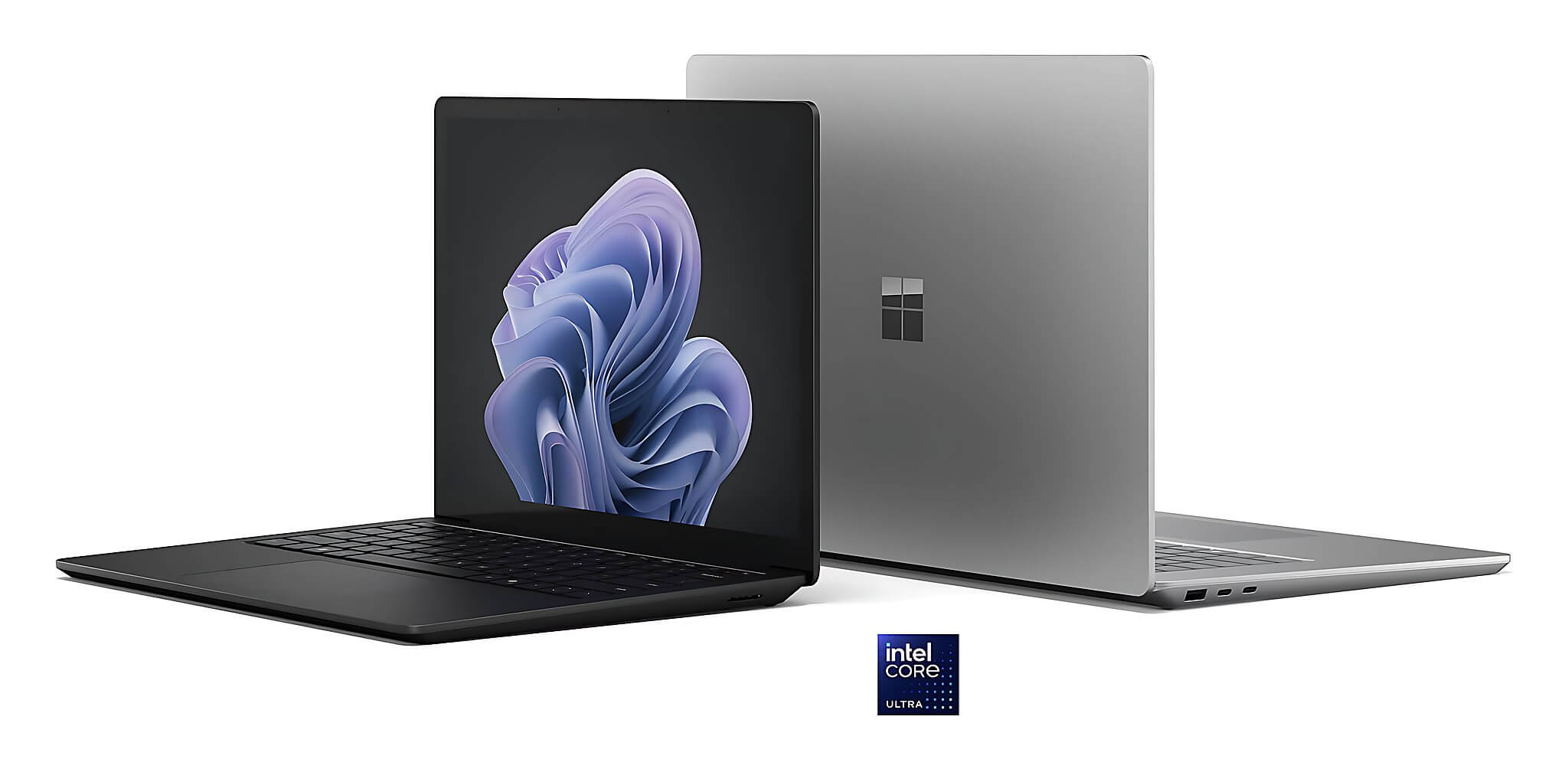
Reference prices based on the market in June 2026. Depending on the specific GPU version and RAM/SSD configuration, actual prices may vary within the stated range.
Detailed review of each gaming laptop model
1. ASUS ROG Strix SCAR 18 2024, for AAA gamers and 3D artists needing a desktop replacement
Intel Core i9-14900HX CPU (24 cores/32 threads), RTX 4090 Laptop GPU Ada Lovelace running at 175W, 9,728 CUDA cores, 16GB GDDR6 VRAM with 576 GB/s bandwidth. 32GB DDR5-5600 RAM (two slots), 2TB PCIe 4.0 SSD. 18" 2,560x1,600 Mini LED 240Hz screen, approximately 500 nits SDR brightness and up to 1,100 nits for HDR content. 90Wh battery, lasts 4-5 hours of light use. Weight: 3.1kg. Market price around 90-120 million VND.
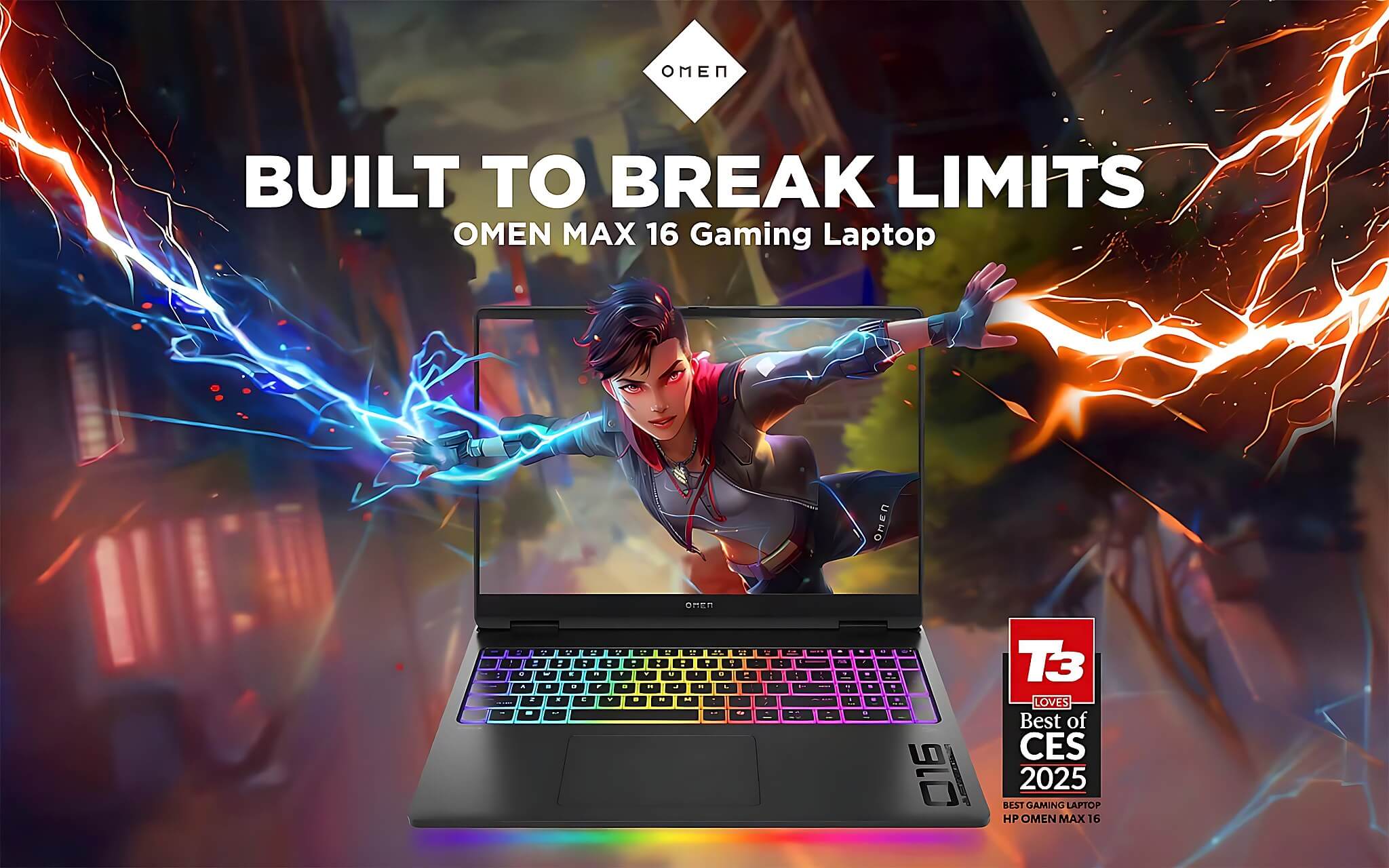
The RTX 4090 Laptop's 3DMark Fire Strike score reaches 46,191, and Time Spy reaches 21,251, which are benchmark levels comparable to the previous generation desktop RTX 3090 in many rendering tasks. With Blender CUDA or V-Ray GPU, rendering speeds are significantly faster compared to the RTX 4080. The 240Hz Mini LED screen meets both eSports requirements and provides sufficient color accuracy for graphics-few machines can do both.
The real downside: the power adapter is heavy and bulky, making it uncomfortable to carry to business trips or coffee shops. The 4-5 hour battery life is only enough for quick meetings; you must plug in for rendering. If you work at a fixed desk, the SCAR 18 is a reasonable choice. If you travel frequently, consider other models in this list.
2. MSI Titan 18 HX A14V, for 3D studios needing an extremely powerful mobile workstation
RTX 4090 Laptop 175W, 9,728 CUDA cores, 16GB GDDR6 VRAM. i9-14900HX CPU. 64GB DDR5 RAM (four slots, upgradable to 128GB if needed). 2TB+ SSD supporting PCIe 5.0. 18" 3,840x2,400 Mini LED 120Hz screen, HDR brightness around 1,000 nits. 99.9Wh battery, lasts only 2-4 hours of light use. Weight: 3.6kg. Price around 120-160 million VND.
The four RAM slots are the biggest advantage of the Titan 18. When rendering complex scenes with millions of polygons or running Unreal Engine simultaneously with many heavy assets, 64GB of RAM combined with 16GB of VRAM creates a very large buffer. The 4K+ screen is extremely sharp when viewing render results directly on the machine. This is essentially more of a mobile workstation than a pure gaming laptop.
Downside: 120Hz is not advantageous for eSports compared to the 240Hz screen of the SCAR 18. It has the highest price on the list, making it more suitable for professional studios than individuals buying for gaming. It has the weakest battery in the group, requiring almost continuous power for heavy work. If your budget prioritizes pure rendering performance and you don't need mobility, this is a machine worth considering.
3. Lenovo Legion 9i Gen 9 16IRX9, for those needing power but in a more compact 16" form factor
i9-14900HX CPU, RTX 4080 or 4090 Laptop GPU 175W, 32-64GB DDR5-5600 RAM (two slots), 1-2TB PCIe 4.0 SSD. 16" 3,200x2,000 Mini LED 165Hz screen, up to 1,200 nits HDR brightness-the most impressive brightness figure in the list. 99.9Wh battery, lasts 3-5 hours of light use. Weight: 2.56kg. Price around 95-130 million VND.
Compared to the SCAR 18 and Titan 18, the Legion 9i is significantly more compact with the same GPU configuration. The 3.2K Mini LED 165Hz screen is a major plus for creators: fast enough for smooth previews and bright enough to evaluate colors more accurately than standard IPS screens. The build quality is premium with many well-finished details.
A downside to note: the 3,200x2,000 resolution is beautiful for graphics work but consumes more GPU power in games. If playing games that require high FPS, you must enable DLSS to reduce the rendering load, meaning you cannot fully utilize the GPU at native resolution. The price-to-performance ratio isn't the best in an absolute sense, but in return, you get a more balanced form factor.
4. Razer Blade 16 2024, for creators and gamers needing a premium, portable machine
i9-14900HX CPU, RTX 4080 or 4090 Laptop GPU, 32GB DDR5-5600 RAM (two slots), 1-2TB PCIe 4.0 SSD. 16" OLED 2,560x1,600 240Hz screen, approximately 400 nits brightness. 95.2Wh battery, lasts 4-6 hours of light use, leading the RTX 4090 gaming group in battery life. Weight: 2.45kg, the thinnest in the list. Price around 100-140 million VND.
The 240Hz OLED is a major differentiator. The OLED panel provides absolute blacks, a wide color gamut, and extremely fast pixel response times. Gamers will love the detail in dark scenes, while creators will prefer the more realistic colors compared to standard IPS. The unibody aluminum design is in a different class of refinement compared to most gaming laptops in this price range.
Downside: the thin chassis leads to higher temperatures and noise compared to the SCAR 18 or Legion 9i during continuous heavy loads. The price is higher than the ASUS ROG with the same GPU configuration, but actual performance is lower due to thermal throttling during prolonged loads. It is suitable if you need a beautiful, portable, multi-purpose machine, not for continuous all-day rendering.
5. Alienware m18 R2, for gamers needing stable performance and easy upgrades at a desk
i9-14900HX CPU, high-power RTX 4080 or 4090 Laptop GPU, 32GB DDR5 RAM (two slots, easy to upgrade), 1-2TB PCIe 4.0 SSD. 18" 2,560x1,600 IPS 165Hz screen, approximately 300 nits brightness. 97Wh battery, lasts only 2-3 hours of light use. Heaviest in the list at 4.0kg. Price around 85-120 million VND.
The Alienware m18 R2 has an advantage in durability and cooling. The thick chassis provides space for a better cooling system, resulting in more stable temperatures during gaming sessions lasting many hours. The keyboard has a solid typing feel with good feedback for gamers. The internal structure is easy to disassemble, making it convenient to upgrade RAM or SSD yourself after purchase.
The most obvious downside: the 165Hz 300 nits IPS screen is not as impressive as the Mini LED and OLED screens of other machines in the list. 300 nits will be difficult to view outdoors or in bright rooms. It has the second-weakest battery, requiring almost constant power. At 4.0kg, it is practically only suitable for a fixed desk setup or carrying when absolutely necessary.
Quick comparison of the 5 laptops over 60 million for gaming
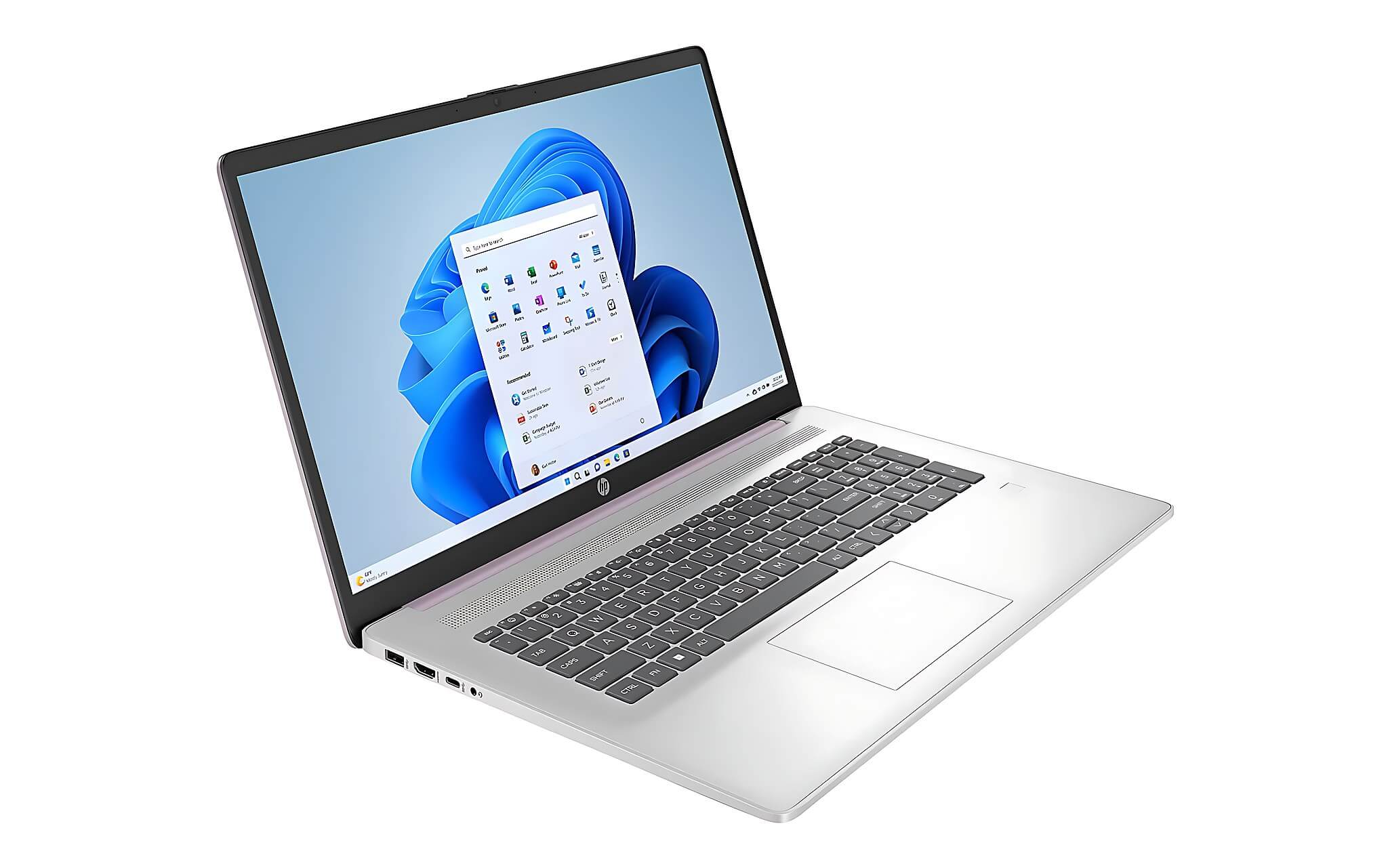
The table at the beginning of the article summarizes the key specifications and the reasons why each model is suitable, allowing you to quickly compare the five options. Data updated as of June 2026; prices may change depending on the GPU version and configuration.
Who should choose which machine in this group
If you need an all-rounder that can play 2K AAA games and render in Blender overnight while sitting at a fixed desk, the ASUS ROG Strix SCAR 18 2024 is a great balance between a 240Hz screen and a full-power RTX 4090 175W. If 3D rendering is your primary task and you need to expand your RAM significantly, the MSI Titan 18 with 4 RAM slots is the choice specifically for studios.
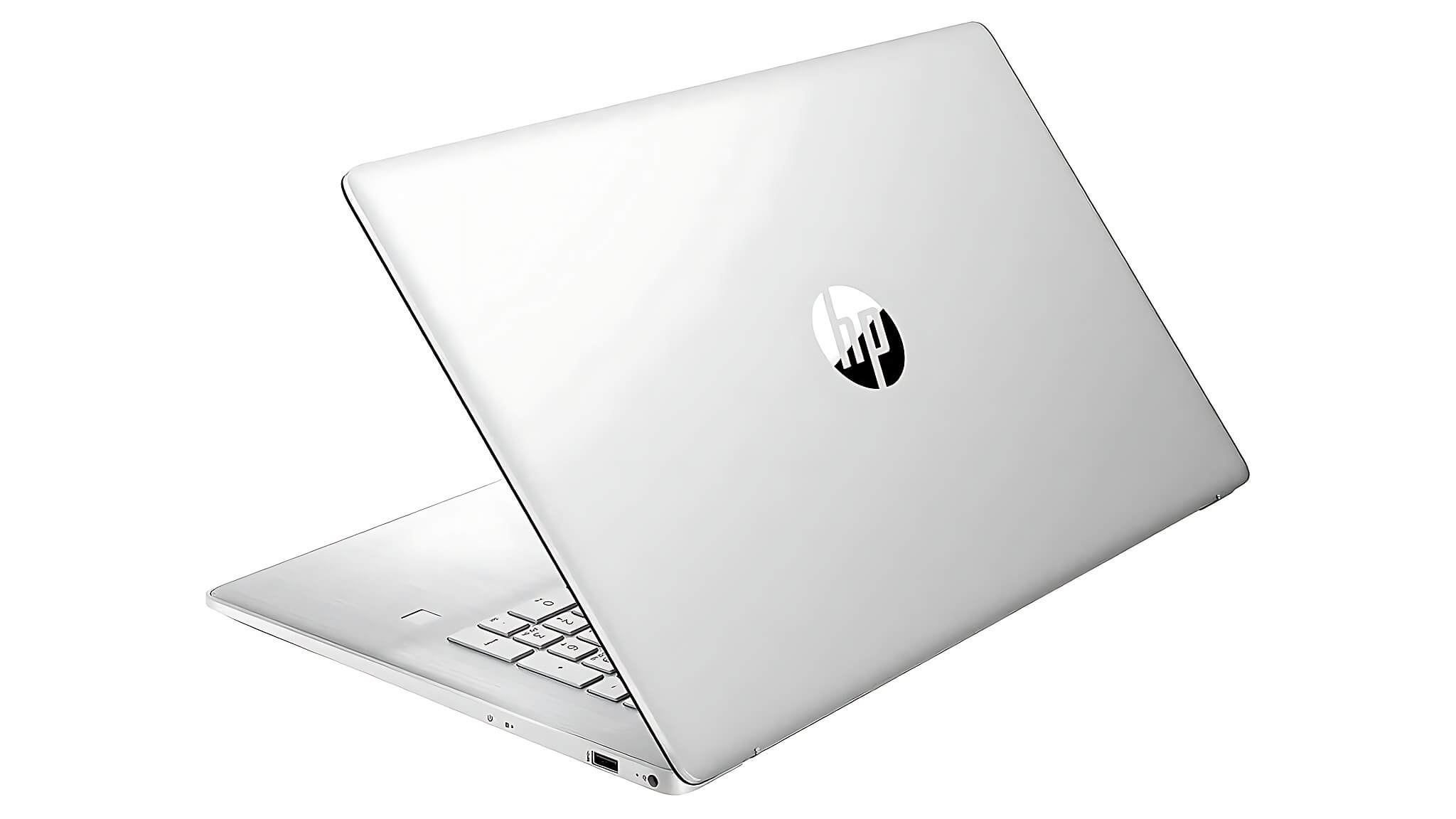
Creators who travel frequently and need a beautiful machine will suit the Razer Blade 16, accepting a slight trade-off in higher temperatures for better design and battery life. The Lenovo Legion 9i is the sweet spot between high performance and a 16-inch form factor that is easier to carry than 18-inch machines; in the Lenovo line, Hung Phat also has the Lenovo Legion 5 15IAX10 (Core Ultra 7 255HX, RTX 5070) available if you want an alternative option. The Alienware m18 R2 is suitable for gamers who stay in one place, want a machine that runs stably for the long term, and is easy to upgrade themselves; the new generation 18-inch Alienware 18 Area-51 with RTX 5080/5090 is also available at Hung Phat.
For the new generation Intel Core Ultra machines with better AI support, Hung Phat has an article on Core Ultra 7 155H vs 255H if you want to learn more about the next-generation chip direction. This specific article focuses on the i9-14900HX group, which remains the popular platform for RTX 4090 Laptop machines on the market.
Notes when buying gaming machines in Ho Chi Minh City
When buying this group of machines in Ho Chi Minh City, you should request to clearly check the GPU version: an RTX 4080 Laptop with 150W TGP vs. 175W TGP will result in noticeably different real-world performance under long workloads like rendering. If you want a newer generation high-end gaming machine available at Hung Phat, the Alienware 16 Area-51 with RTX 5080 is a worthy option to consider in the same 60 million+ VND segment.
Warranty is a point that needs careful verification: brands like ASUS ROG, Lenovo Legion, and MSI usually offer 24-month official warranties in Vietnam through their service center systems. For Razer and Alienware, you should ask clearly about warranty terms and processing times as there are fewer service centers. For imported (hand-carried) goods, you need to carefully check the origin and the included warranty policy.
Frequently Asked Questions (FAQ)
Which brand should I choose for a budget over 60 million?
The answer depends on your primary usage goal. If you prioritize rendering and gaming performance, ASUS ROG and Lenovo Legion have good software ecosystems, extensive service center networks in Vietnam, and highly optimized GPU TGPs. If you prioritize design and portability, the Razer Blade is in a different class regarding build quality, but in return, the price-to-performance ratio is not as high. MSI Titan is more suitable for professional studios than individuals due to its very high price. Alienware is good for those who need a durable machine that is easy to upgrade but are willing to carry weight.
Can a gaming laptop over 60 million be used for daily office work?
Absolutely, but you need to know the trade-offs. 18-inch machines like the SCAR 18, Titan 18, or Alienware m18 weigh between 3.1 and 4.0kg, making them less comfortable for daily meetings or coffee shop work than standard office laptops. The Razer Blade 16 at 2.45kg and Lenovo Legion 9i at 2.56kg are easier to carry. Battery life for gaming machines typically ranges from 2 to 6 hours depending on the load, and you will need to plug in for heavy work. If office work is your main task and gaming/rendering is only occasional, consider a lighter machine and pair it with an external monitor when you need high GPU power.
Should I buy one in this price range for 2D graphic design and studying?
If you only use Photoshop, Illustrator, or 2D design software, a budget over 60 million is more than necessary. This group of machines is optimized for 3D rendering, AAA games, and tasks requiring continuous high-performance discrete GPUs. For 2D graphics, a machine in the 25-40 million VND range with a good color screen and a strong integrated card is sufficient. If your budget is lower and you only need mid-range gaming, the ROG Zephyrus G14 and MSI Katana A17 suggest more reasonable RTX 4070 options. You should only spend over 60 million when you do 3D work, 4K video, heavy architectural rendering, or engineering simulations that require large VRAM.
Among these machines, which model has a very powerful GPU and is suitable for heavy 3D rendering?
The ASUS ROG Strix SCAR 18 2024 and MSI Titan 18 HX A14V both use the RTX 4090 Laptop GPU 175W with 9,728 CUDA cores, 16GB GDDR6 VRAM with 576 GB/s bandwidth, and a 3DMark Time Spy score of 21,251. These two machines offer significantly faster Blender CUDA and V-Ray GPU rendering speeds compared to the RTX 4080. The difference: the SCAR 18 has a 240Hz screen suitable for both gaming and rendering, while the Titan 18 has 4 RAM slots and a 4K+ screen, making it more suitable for pure studio rendering. If rendering is your main task, choose the Titan 18 because the RAM can be expanded up to 128GB, reducing swapping when working on extremely heavy scenes.











