

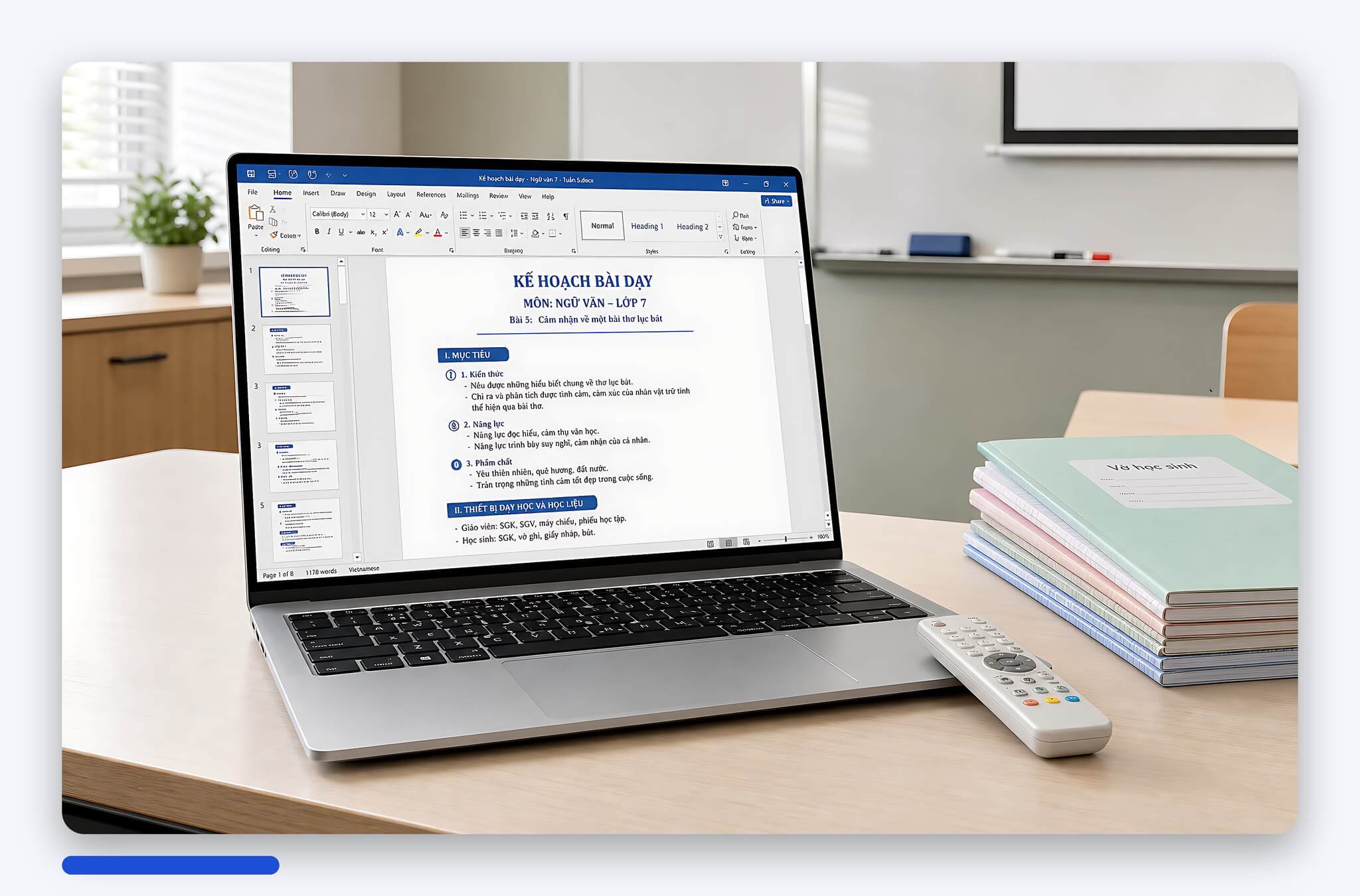
You teach all day, prepare lesson plans in the evening, and constantly run PowerPoint, Zoom, Teams, and learning management systems. A laptop for teachers needs to be lightweight, have reliable battery life, a clear screen, and an easy-to-type keyboard rather than overly complex specifications. The paradox is that many teachers spend extra on powerful processors only to find the machine feels heavy when carrying it between three different classrooms. Hung Phat will clarify which machine suits which educational level, what the actual configurations are, and the downsides to consider before buying.
How to choose a stable configuration for a teacher's laptop
For teaching work, a reasonable configuration is often more important than an ultra-high-end one. The machine should open Office quickly, project smoothly, share the screen stably, and not lag when opening browsers, PDF files, PowerPoint, Zoom, or Teams. 16GB RAM is the preferred level if your budget allows, as online learning platforms and modern browsers consume quite a bit of memory. 8GB RAM is still usable for light tasks, but it can struggle when opening many tabs or during long online meetings.
| Model | Reference Price | CPU | RAM and SSD | Display | Best for |
|---|---|---|---|---|---|
| HP EliteBook 640 G10 | Around 12.5 million | Core i5-1335U vPro | 16GB DDR4, SSD 256GB | 14 inch | Tight budget but still needs 16GB RAM from the start |
| HP EliteBook 840 G9 | Around 14.8 million | Core i7-1265U vPro | 16GB DDR5, SSD 512GB | 14 inch, weight 1.36 kg | Moving between many classrooms, needs the lightest in the group |
| HP Pavilion Laptop 15 (AMD) 2021 | Around 19.5 million | AMD Ryzen 7 5825U | 16GB DDR4-3200, SSD 512GB | 15.6 inch FHD IPS | Heavy lesson planning, needs a large screen and a dedicated numeric keypad |
| HP Pavilion Laptop 15 (Intel) 2021 | Around 17.8 million | Core i7-1165G7 | 8GB DDR4, SSD 512GB | 15.6 inch FHD IPS | Only choose if you accept upgrading to 16GB RAM later |
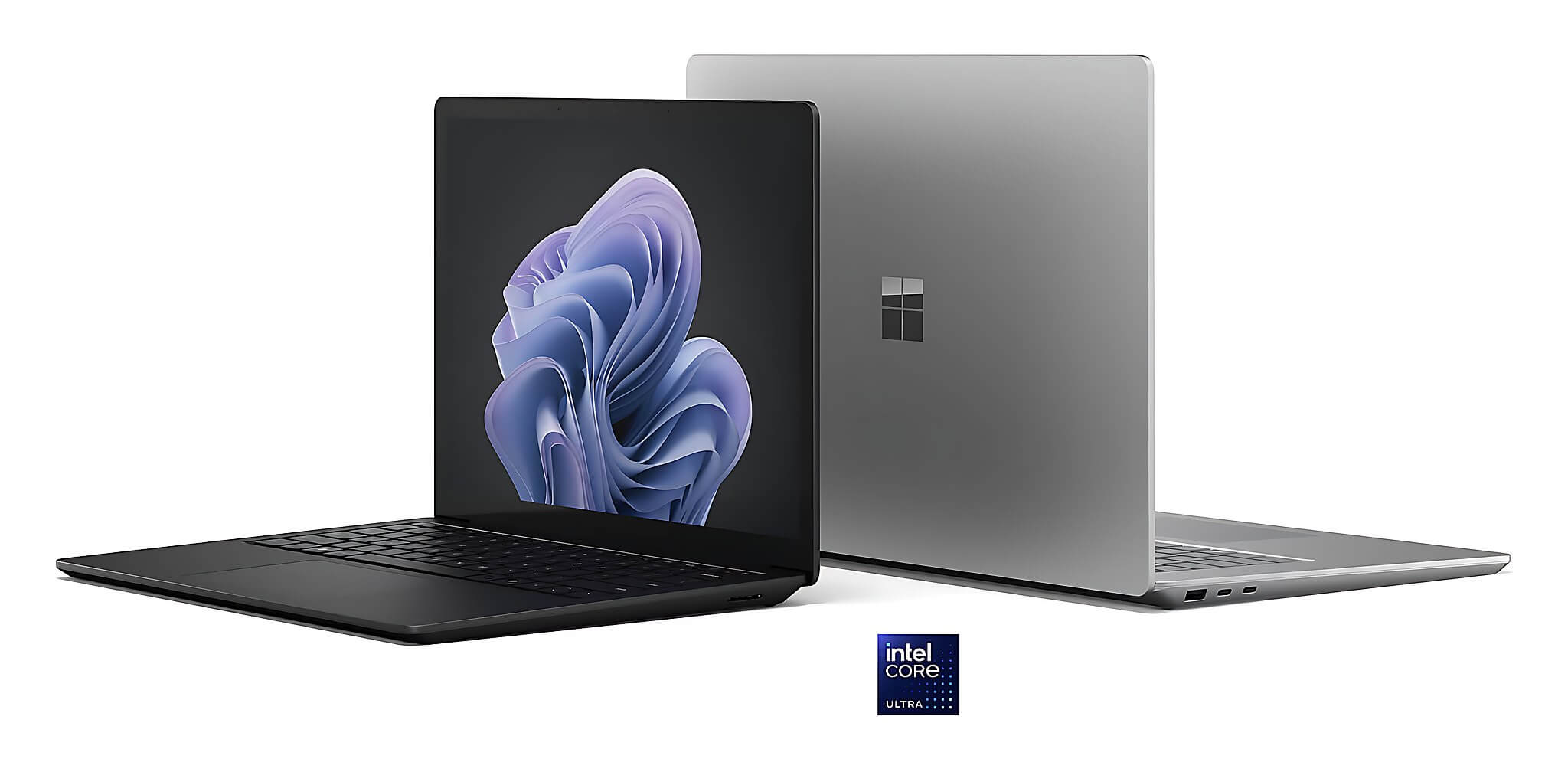
| Microsoft Surface Laptop 6 15 inch | Around 49 million | Core Ultra 7 165H vPro | 64GB LPDDR5X soldered, SSD 1TB | 15 inch 2496 x 1664 touch, 400 nits | Lecturers and researchers, need a 3:2 screen and a good webcam |
Portability is just as important as configuration. A machine weighing around 1.3 - 1.7 kg will be easier to carry between classrooms, meeting rooms, and home. A 15-inch screen is beneficial if you do a lot of lesson planning, as the wide aspect ratio helps in splitting windows for documents and slides conveniently. The Surface Laptop 6 uses a 15-inch 3:2 aspect ratio screen, which is clearly advantageous when reading long texts. The HP Pavilion 15 uses a more common 15.6-inch 16:9 screen, but in return, it is much easier to repair and has a much more accessible cost.
Battery life, connectivity, and maintainability should also be carefully considered. The 14-inch EliteBook series has a weight advantage, weighing only 1.36 kg with the 840 G9 version, making it suitable for teachers moving between rooms constantly throughout the day. The HP Pavilion 15 uses a 41Wh battery, which is enough for one teaching session but hard to rely on for the whole day without a charger. If your school frequently uses projectors, USBs, external mice, and external hard drives, the HP Pavilion and EliteBook have the advantage due to having more ports than the Surface, which often only has one USB-C port on many configurations.
What kind of laptop should preschool and primary school teachers choose
If you teach preschool or primary school and often prepare images, short videos, background music, and lively slides, priority should be placed on a clear screen, clear speakers, and a machine durable enough to be carried back and forth. High-end configuration is not necessary: a machine with 16GB RAM and a 512GB SSD is more than enough for Canva, PowerPoint, multiple browser tabs, and classroom management software. What is worth spending more on is a quiet keyboard and a sturdy hinge, as these are the two parts that break earliest when a machine is opened and closed many times a day.
In the mid-range budget group, HP EliteBook 640 G10 with 16GB RAM pre-installed is a practical option. The machine uses a Core i5-1335U vPro, 16GB RAM, 256GB SSD, and a compact 14-inch chassis that fits easily into a bag. Its strength lies in being an enterprise-grade line, so the chassis and hinges are more durable than consumer lines at the same price, and you don't have to spend extra money to upgrade the RAM immediately after purchase. The downside is that the 256GB SSD is a bit tight if you store many lecture videos, so you should plan to add an external drive or replace the SSD in advance.
If you teach many shifts and change rooms constantly, weight is what you will feel most clearly after a semester. The HP EliteBook 840 G9 weighs 1.36 kg, uses a Core i7-1265U, 16GB DDR5 RAM, and a 512GB SSD, making it suitable when you need both lightness and enough capacity for your teaching materials. Conversely, if the machine is mostly kept stationary in a department room or at home, choosing a 15.6-inch machine will be much more comfortable for your eyes when preparing lesson plans for three to four hours straight.
Laptop suggestions for teachers by educational level and teaching intensity
For secondary, high school, and language center teachers, the volume of materials is often heavier: grade books, question banks, lecture videos, and school software running simultaneously. HP Pavilion Laptop 15 AMD Ryzen 7 5825U version is suitable for this group because it has 8 cores and 16 threads, 16GB DDR4-3200 RAM, and a 512GB SSD, plus a 15.6-inch screen with a dedicated numeric keypad which is very convenient for entering grades. The machine weighs 1.74 kg, so it is not the lightest choice, but in return, it offers many connectivity ports and is easy to upgrade later.
The HP Pavilion 15 version with a Core i7-1165G7 has a lower price but only comes with 8GB RAM, so Hung Phat advises you to consider carefully if you intend to use the machine for 3 - 5 years. Operating systems, browsers, and educational applications are becoming increasingly heavy, and the price difference to upgrade to the 16GB version is usually cheaper than the cost of a separate upgrade later. One more thing to know is that the Pavilion series has a narrow color gamut; it is sufficient for text and presentations but not suitable if you also do photo editing or design educational materials that require accurate colors.
For university lecturers, researchers, or teachers who frequently teach online, the Microsoft Surface Laptop 6 15-inch version is a premium group worth considering. The machine uses a Core Ultra 7 165H, Meteor Lake-H architecture with 16 cores and 22 threads, 28W TDP, achieving 1,759 single-core and 14,551 multi-core points in Cinebench R23; and 2,421.5 single-core and 12,230.5 multi-core points in Geekbench 6. The 11 TOPS NPU on the Intel Core Ultra platform supports camera effects and noise cancellation during online meetings. In return, the RAM is soldered and cannot be upgraded, and the price is significantly higher than the rest of the group.
Which laptop brand should teachers buy to suit their needs
The question "which brand" should actually be changed to "which series." Enterprise series like HP EliteBook usually have more durable chassis, hinges, and keyboards than consumer series at the same price range, making them suitable if the machine must undergo frequent opening/closing and constant movement. Consumer series like HP Pavilion offer larger screens, more ports, and more affordable prices, which is suitable when the machine is mainly used stationary. Premium series like Microsoft Surface excel in screen quality, webcams, and design, but have fewer ports and non-upgradable RAM.
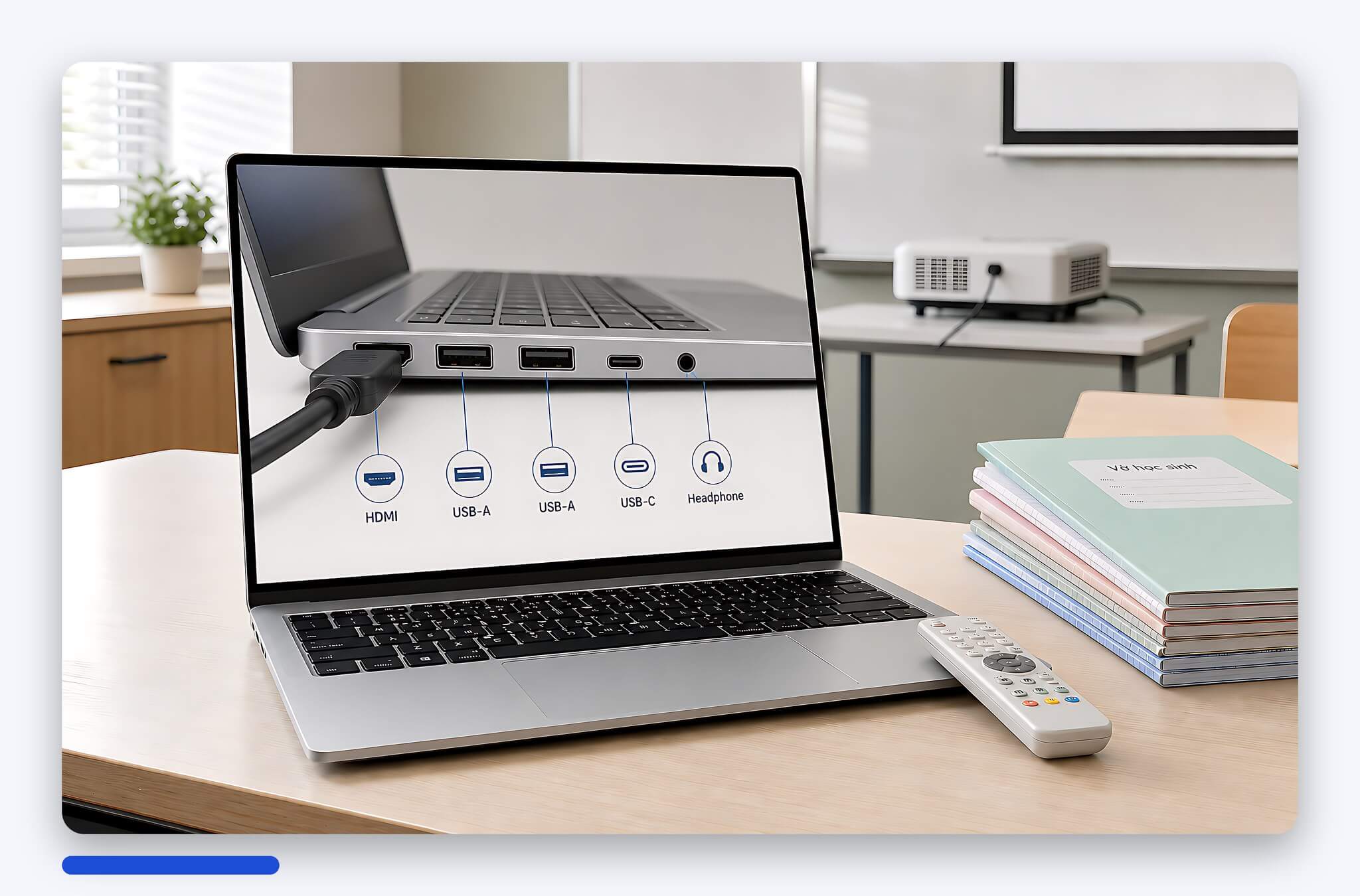
One criterion teachers often overlook is the video output port. Many classrooms still use projectors with HDMI or VGA ports, while modern thin and light machines often only have USB-C. If your chosen machine does not have a built-in HDMI port, always factor in the cost of a good adapter and keep it in your bag, as borrowing one mid-class is a very common situation. Similarly, the webcam and microphone should be tested directly if you teach online frequently, as these components determine the student's experience more than performance scores.
Consultation for ordering in Ho Chi Minh City with transparent warranty
When buying a machine for teaching, you should clearly ask about the product's condition, specific configuration, remaining battery capacity, warranty, and upgradeability before transferring funds. For Surface models, you need to determine the RAM requirement from the start because the soldered RAM cannot be upgraded later. For HP Pavilion, you should prioritize the 16GB RAM version if you frequently open many tabs, or choose a machine with an empty slot for future upgrades. Hung Phat reports the exact configuration for each product and does not group them under a generic "HP Pavilion 15" name because this line has many different CPU, RAM, and screen variants.
If you are in Ho Chi Minh City, you can schedule an appointment to see the machine and check the appearance, keyboard, screen, battery, and ports before receiving it. If buying from a distance, request real photos, warranty information, and clear battery status. For those who teach online frequently, you should test the webcam, microphone, and speakers on the spot, as the classroom experience depends more on these details than on a few percentage points of performance.
Quick summary by need: if you want to save money but still need 16GB RAM pre-installed, choose the EliteBook 640 G10; if you need the lightest weight for constant room changes, choose the EliteBook 840 G9; if you need a large screen and a dedicated numeric keypad for entering grades, choose the Pavilion 15 AMD version; if you need a 3:2 touch screen and a good webcam for online teaching, ask for the Surface Laptop 6. Send us your educational level, subject taught, budget, and daily movement frequency, and Hung Phat will filter the exact available configurations and current promotions for you.
Frequently Asked Questions (FAQ)
Which laptop brand is most reasonable for teachers?
Instead of choosing by brand, you should choose by machine series. Enterprise series like HP EliteBook are more durable in terms of chassis and hinges, making them suitable for teachers moving between many classrooms. Consumer series like HP Pavilion offer 15.6-inch screens and more connectivity ports at a more affordable cost. Premium series like Microsoft Surface excel in touchscreens and webcams, making them suitable for lecturers who teach online frequently, but in return, they have fewer ports and non-upgradable RAM.
What configuration is sufficient for a teacher's laptop?
A sufficient level for most teachers is a Core i5 or Ryzen 5 or higher, 16GB RAM, 512GB SSD, and a Full HD screen. This configuration runs PowerPoint, Word, Excel, Zoom, Teams, and dozens of browser tabs smoothly without waiting. 8GB RAM is still usable if you only prepare documents and present slides, but it will struggle when running an online meeting while having documents open, so only choose it if the machine has an empty slot for future upgrades.
What should preschool teachers prioritize?
Priority should be placed on durability, weight, and speaker quality rather than performance. Preschool teachers often play music, short videos, and illustrative images, so clear audio and an easy-to-read screen are more important than benchmark scores. Machines are also opened and closed many times a day, so a sturdy hinge and a quiet keyboard will determine how long the machine lasts. A configuration of 16GB RAM with a 512GB SSD is more than enough for Canva, PowerPoint, and classroom management software.
Do teachers need a dedicated graphics card for lectures?
Mostly, no. Preparing lesson plans, presenting, online meetings, and classroom management all run well on the integrated graphics of modern office laptops. A dedicated graphics card is only worth considering if you also do long lecture video editing, 3D simulations, or teach subjects requiring heavy graphics software. In that case, the machine will be heavier, have shorter battery life, and be significantly more expensive, so you need to balance your professional needs against daily portability.











