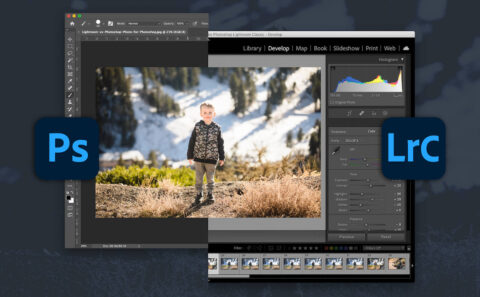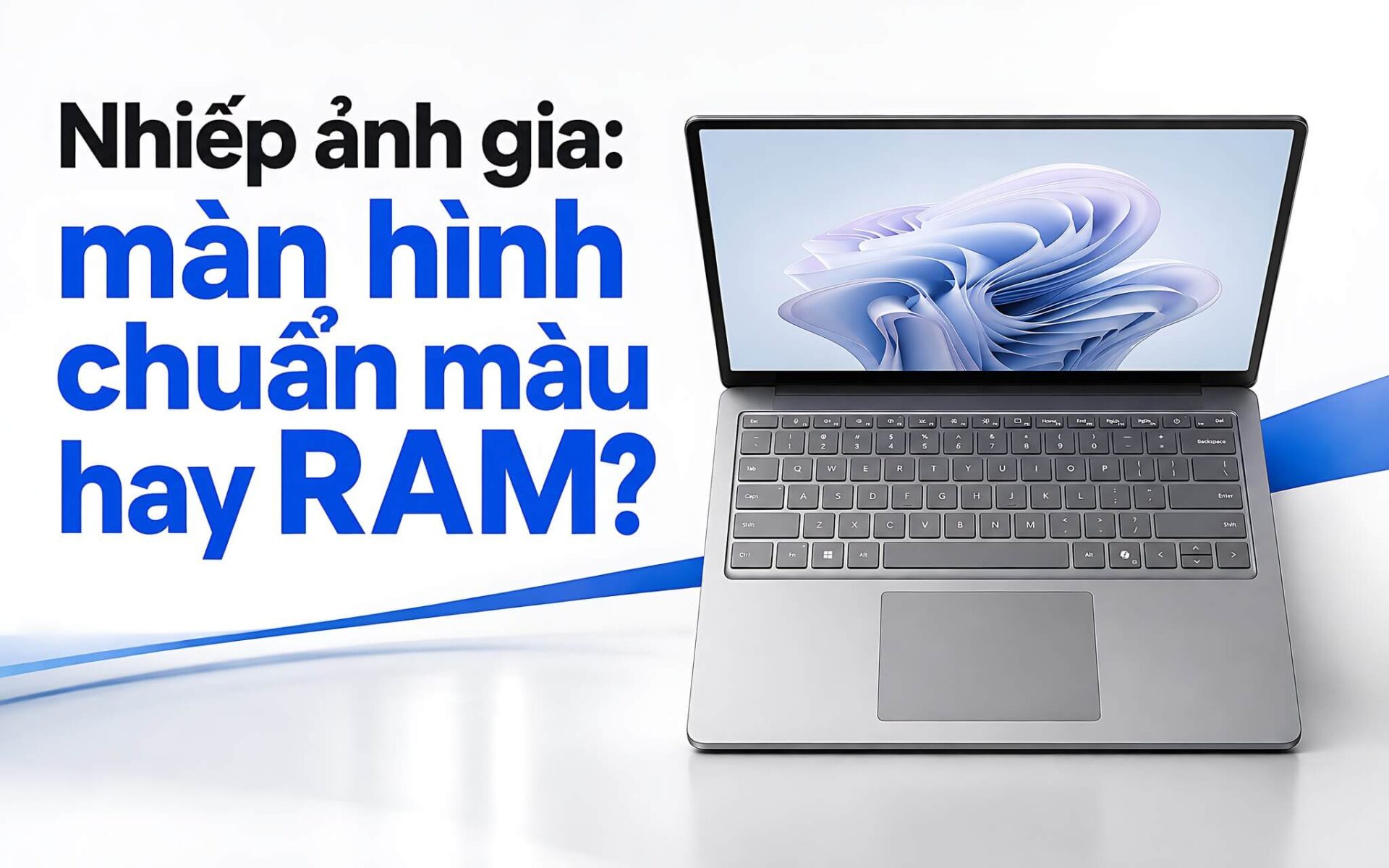
If you edit RAW files, grade color in Lightroom, retouch in Photoshop, and need a display you can trust, the choice comes down to balance. With a budget of roughly 18 to 55 million VND, photographers should weigh color coverage, RAM, performance, and portability together. The Microsoft Surface Laptop 5 reaches 97.3% sRGB, the Surface Laptop 6 stands out with 64GB of RAM, and the HP Pavilion 15 makes sense when paired with an external monitor. The three options below will help you pick the machine that fits your workflow.
Display Criteria for Accurate Color Work
Color coverage is the first spec to check. A display close to 100% sRGB suits photos published on websites, social media, and other digital content. If your work involves print, Adobe RGB or Display P3 coverage needs to be clearly measured. Factory calibration figures are only a reference and cannot replace sRGB and Delta E results from an independent measuring device. Photographers should favor machines with transparent measurements.
RAM and the processor determine how well a laptop opens large catalogs, stitches panoramas, runs many layers, or batch-exports photos. 16GB of RAM handles general editing, while 64GB gives an edge when working with many RAW files at once. Integrated graphics can still run Lightroom and Photoshop, but AI Denoise or heavy rendering usually calls for a discrete GPU. Choose based on your actual needs rather than the processor name alone.
Aspect ratio also affects your workspace. The 3:2 ratio on the two Surface models shows more vertical space, which helps when viewing portraits and toolbars. A brightness of nearly 400 nits is easier to use in an office than the Pavilion's 251-nit display. If you need a large editing workspace, connecting a color-accurate external monitor is worth considering.
Surface Laptop 5 for Photographers Who Grade in sRGB
The Microsoft Surface Laptop 5 15-inch uses a 2496 × 1664 IPS display with a 3:2 aspect ratio and a 60Hz refresh rate. In testing it reached 399 nits of brightness, 97.3% sRGB coverage, and a Delta E of 0.8. This is the most convincing color result on the list. According to Notebookcheck's measurements, P3 coverage is only 68.1%, so the laptop suits digital content better than print workflows that need a wide gamut. Photographers who work mostly in sRGB can make this their first choice.
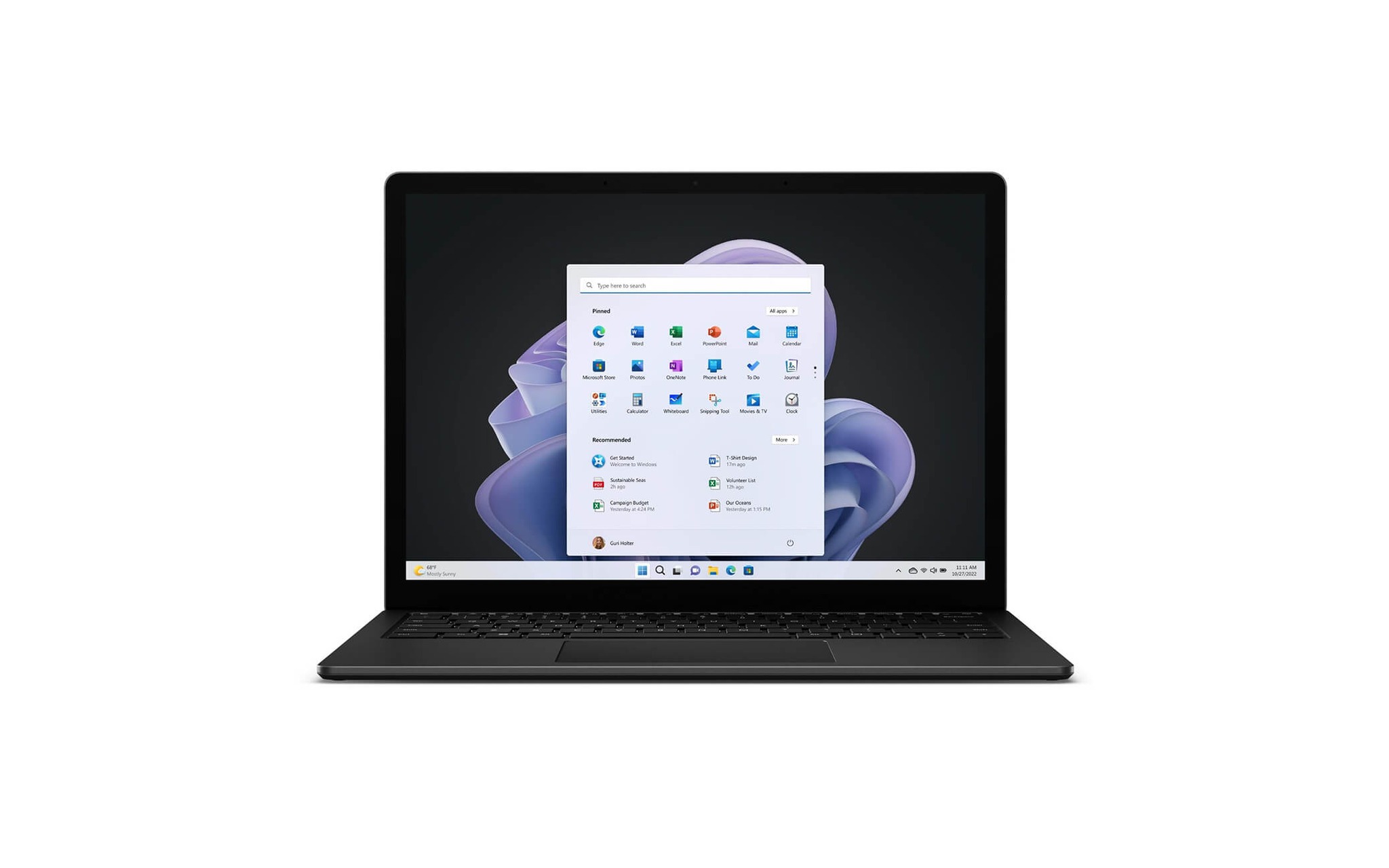
The test configuration includes an Intel Core i7-1255U, 16GB of soldered LPDDR5x-5200 RAM, and a 512GB NVMe SSD. The 15W TDP processor suits moderate photo editing and favors portability. The 47.4Wh battery lasted about 8 hours 37 minutes of web browsing in testing. At 1.58kg, it is easy to carry to a studio, an event, or a shooting location.
The downsides are the glossy display, the 60Hz refresh rate, and RAM that cannot be upgraded. Performance is lower than the Surface Laptop 6, while the reference price is around 55 million VND depending on the unit's condition. The Microsoft Surface Laptop 5 15″ fits when you prioritize measured sRGB color. Before buying, confirm the RAM and SSD configuration, stock status, warranty, and promotions.
Microsoft Surface Laptop 6 15-inch (2024) for Professional Users
The Surface Laptop 6 15-inch sets itself apart with an Intel Core Ultra 7 165H, 64GB of soldered LPDDR5x RAM, and a removable 1TB Gen 4 SSD. The Meteor Lake-H processor has 16 cores, 22 threads, a 28W TDP, and an 11 TOPS NPU. Cinebench R23 scores are 1,759 single-core and 14,551 multi-core; Geekbench 6 scores are 2,421.5 and 12,230.5. This configuration suits large catalogs, many layers, and demanding multitasking workflows. Photographers who regularly work with large RAW libraries will clearly notice the advantage of 64GB of RAM.
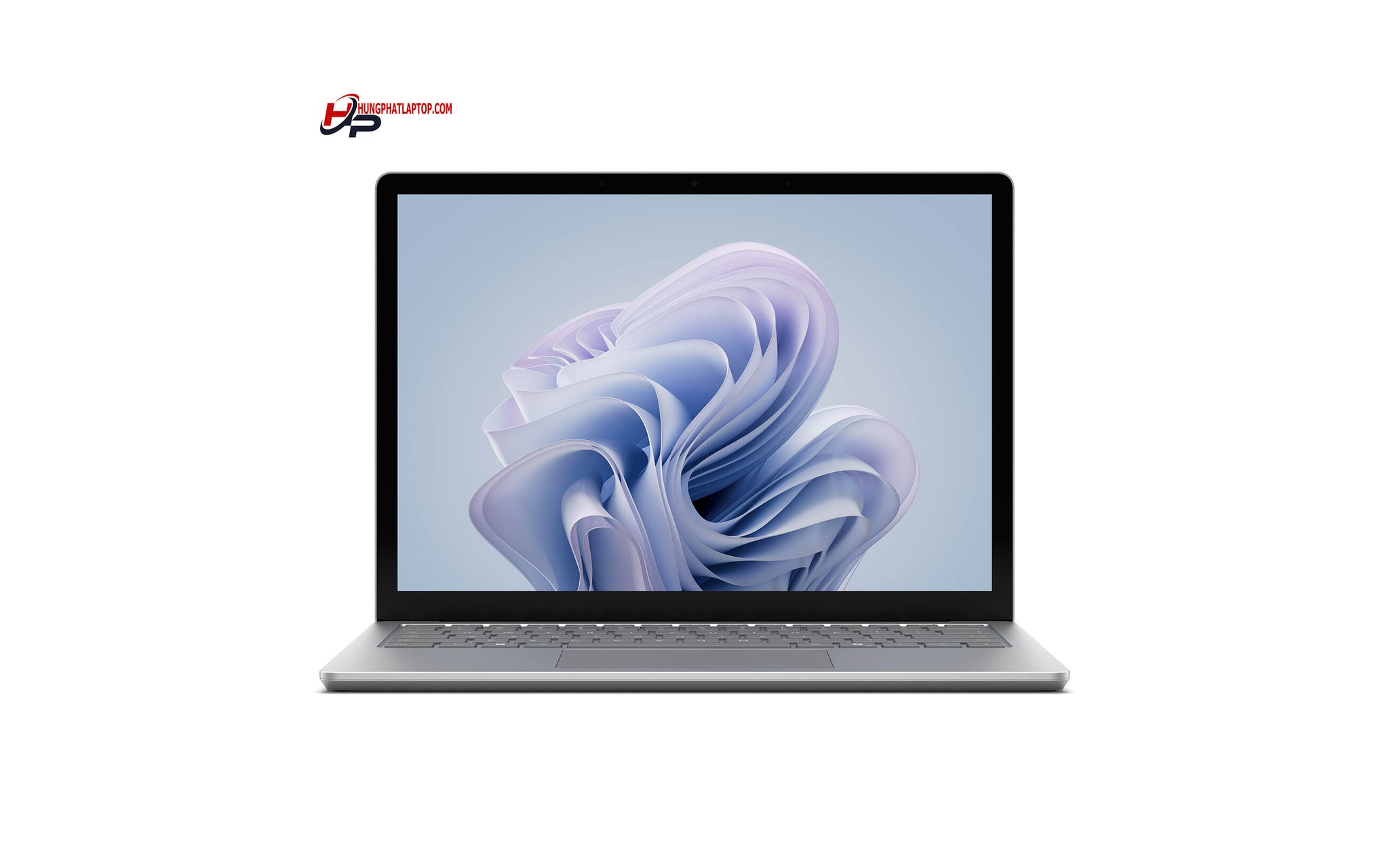
The 15-inch display has a resolution of 2496 × 1664, a stated brightness of 400 nits, touch support, and a 3:2 aspect ratio. PixelSense technology provides generous vertical viewing space, an anti-reflective coating, and factory calibration. However, there are no independent results confirming sRGB coverage, P3 coverage, or Delta E. Anyone who needs verified Adobe RGB or P3 should think carefully.
The laptop weighs 1.68kg, uses a 47Wh battery, and supports Thunderbolt 4. The drawback is that it relies solely on integrated Intel Arc graphics, so AI Denoise and heavy exports do not have the advantage they would on a system with a discrete GPU. The reference price is around 49 million VND. The Microsoft Surface Laptop 6 suits people who need Windows, plenty of RAM, and a design that is easy to carry. Hung Phat can check the configuration, warranty, and promotions before you finalize the purchase.
HP Pavilion Laptop 15 (2021) for Budget Photo Editing
The HP Pavilion Laptop 15 sits in the roughly 17.8 million VND segment, making it more accessible than the two Surface models. The tested version uses an Intel Core i7-1165G7, 16GB of DDR4-3200 RAM with two slots, and a 1TB NVMe SSD. The ability to upgrade RAM is an advantage if your catalog grows over time. However, the product page does not show the full configuration code, so the CPU, RAM, and SSD should be confirmed before purchase.
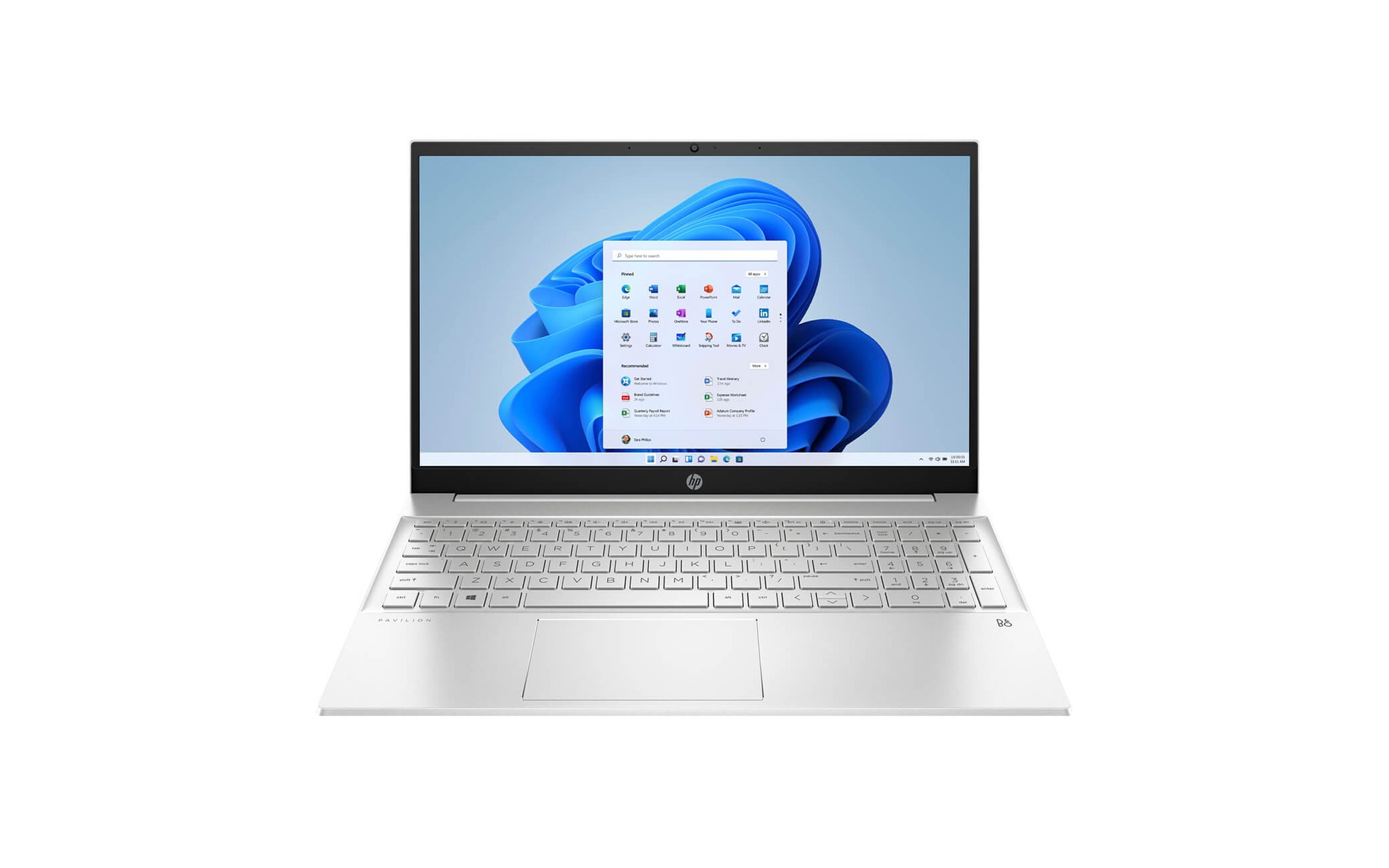
The 15.6-inch FHD IPS 60Hz display reaches only 251 nits of brightness, covers 64% of sRGB, and has a Delta E of 4.08 in independent measurements. These figures do not meet color-accuracy requirements. The laptop can still handle basic photo work, culling, library management, and exposure adjustments, but it is not suited to final color approval. A sensible approach is to connect an external monitor with clearly published color coverage and Delta E.
The 41Wh battery gives about 6 hours 36 minutes of web browsing, and the laptop weighs 1.75kg. It is heavier and has shorter battery life than the two Surface machines. The HP Pavilion Laptop 15 suits design students, people just starting to take on photo editing, or studios that already have an external monitor. You should ask for confirmation of the configuration code, the unit's condition, the warranty, and promotions.
Three Configurations for Different Photo Editing Workflows
If most of your photos are exported for Facebook, websites, e-commerce platforms, or albums viewed on a screen, the Surface Laptop 5 is the easier decision thanks to its 97.3% sRGB and Delta E of 0.8. It suits people who put a premium on color accuracy backed by measurements. In exchange, the soldered 16GB of RAM and the 15W processor set limits when catalogs are large or batch exports are needed.
The Surface Laptop 6 fits heavier Lightroom and Photoshop workflows. 64GB of RAM eases the strain of running many applications, RAW files, and multi-layer documents at once. The Core Ultra 7 165H also delivers higher multi-core performance than the Core i7-1255U. What you have to accept is that color coverage has no independent measurement and the laptop has no discrete GPU. If color is an absolute requirement, measure the display again or connect a dedicated monitor.
The HP Pavilion 15 serves people who need to control their budget and plan to invest in an external monitor. It has two RAM slots, a 1TB SSD in the tested configuration, and is sufficient for general editing. The built-in 64% sRGB display should not be used for final color approval.
Buying Advice in Ho Chi Minh City by Budget and Workload
At around 17.8 million VND, the HP Pavilion 15 makes sense if you already own a color-accurate external monitor. At around 55 million VND, the Surface Laptop 5 is worth considering when your work centers on sRGB and you need a light 1.58kg body. The Surface Laptop 6, at around 49 million VND, suits people who process large photo libraries and need 64GB of RAM and stronger multitasking performance. All three models use integrated graphics, so AI Denoise or heavy rendering tasks need careful thought.
| Model | Reference price | CPU | RAM | Display | Why choose it |
|---|---|---|---|---|---|
| Microsoft Surface Laptop 5 15 inch (2022) | About 55 million VND | Intel Core i7-1255U | 16GB soldered LPDDR5x | 15 inch, 2496 × 1664, 97.3% sRGB, Delta E 0.8 | Web photo editing and sRGB content |
| Microsoft Surface Laptop 6 15 inch (2024) | About 49 million VND | Intel Core Ultra 7 165H | 64GB soldered LPDDR5x | 15 inch, 2496 × 1664, 400 nits | Large RAM, suited to RAW catalogs |
| HP Pavilion Laptop 15 (2021) | About 17.8 million VND | Intel Core i7-1165G7 | 16GB DDR4-3200, two slots | 15.6 inch FHD, 64% sRGB, Delta E 4.08 | Low cost, best paired with an external monitor |
Prices may change depending on configuration, stock status, and promotions. The Surface Laptop 5 is currently listed at around 55 million VND, the Surface Laptop 6 at around 49 million VND, and the HP Pavilion 15 at around 17.8 million VND at the time of reference. The HP Pavilion 15's full configuration code is not specified on its product page. Cross-check the CPU, RAM, SSD, display, cosmetic condition, accessories, warranty, and return policy before paying.
If you need to decide quickly in Ho Chi Minh City, you can send Hung Phat your photo editing needs, catalog size, and budget through the product pages. The Surface Laptop 5 is for sRGB color work, the Surface Laptop 6 is for heavy processing loads, and the Pavilion 15 is the budget option with an external monitor. Check current prices and promotions before buying. The article Laptop buying experience goes deeper into this topic with concrete figures.
Frequently Asked Questions (FAQ)
What budget suits photo editing work?
Around 18 million VND suits beginners or anyone who already has a color-accurate external monitor. Around 49 to 55 million VND buys more RAM, a higher-resolution display, and a design that is convenient on the move. Set aside budget for an external monitor or a calibration device if your work involves print.
Should photographers choose Windows or macOS?
Windows suits you if you need varied configurations, peripheral connectivity, and your existing software. All three products run Windows, and the Surface Laptop 6 offers 64GB of RAM for large photo libraries. Base the decision on your software, storage devices, and the ecosystem you already use.
Which model balances portability and performance?
The Surface Laptop 6 strikes a good balance with its Core Ultra 7 165H, 64GB of RAM, and 1.68kg body. The Surface Laptop 5 is lighter at 1.58kg but uses a 15W Core i7-1255U and 16GB of RAM. If you often open large catalogs or many layers, the Surface Laptop 6 is the more sensible pick, though its color accuracy still needs to be checked.
Which laptop suits which type of user?
The Surface Laptop 5 suits photographers editing for websites and social media thanks to its 97.3% sRGB and Delta E of 0.8. The Surface Laptop 6 is for people who need 64GB of RAM and stronger multitasking performance. The HP Pavilion 15 is for a budget of around 18 million VND, but it should be paired with an external monitor because its built-in display covers only 64% of sRGB.