

Are you an office worker, a data entry specialist, or someone who spends all day in Excel, using MISA, eTax, timekeeping software, and attending continuous online meetings? If you choose the wrong laptop, operations will be slow, the keyboard will be difficult for number entry, and the screen will feel cramped when viewing long payroll sheets. For accounting and HR needs, Hung Phat prioritizes models with a dedicated numeric keypad, 512GB SSD, 16GB RAM when available, and 15.6 - 16 inch screens for easy viewing. The three options below follow three clear directions: budget-friendly, high performance, or a balance of battery life and a large screen.
Laptop selection criteria for accounting and HR prioritizing Excel and stability
The first key factor for an accounting laptop is the processor, RAM, and SSD. Excel files with many sheets, payroll tables with thousands of rows, summary reports, and multiple browser tabs require a stable CPU more than a dedicated graphics card. 8GB RAM is still usable for basic tasks, but 16GB will be much smoother when opening Excel, tax software, Zalo, Chrome, and online meetings simultaneously. A 512GB M.2 NVMe SSD is a reasonable capacity for storing documents, import-export data, and specialized software.
| Model | Reference Price | CPU | RAM | Display | Why choose this model |
|---|---|---|---|---|---|
| Dell 15 DC15250 (2025) | Around 10 - 20 million | Intel Core 3 100U / Core i5-1334U | 8GB / 16GB DDR5-4400 or DDR4 depending on configuration | 15.6 inch FHD IPS 120Hz, 250 nits | Dedicated numeric keypad, affordable price, ideal for Excel data entry |
| Lenovo V15 Gen 4 (2025) | Around 18 - 23 million | Intel Core i5-13420H / i7-13620H | Up to 16GB DDR4-2933/3200, 1 soldered + 1 SO-DIMM | 15.6 inch FHD IPS 60Hz, 300 nits | Higher performance for heavy files, includes RJ-45 and excellent office connectivity |
| HP OmniBook 5 LaptopAI 16 inch (2025) | Around 26 - 31 million | Intel Core Ultra 5 225U | 16GB LPDDR5-7467 onboard | 16 inch 1920×1200 IPS, 300 nits | Wide 16:10 screen, 59Wh battery, ideal for long working hours |
The keyboard is also very important. You should prioritize 15.6-inch or 16-inch laptops with a dedicated numeric keypad, as number entry will be faster and more accurate. The screen should be FHD IPS or higher, with a brightness of 250 - 300 nits, which is sufficient for office use; if you work near a window, 300 nits will be easier on the eyes. A 120Hz refresh rate is not mandatory, but it makes scrolling through long spreadsheets feel smoother compared to 60Hz.
Battery life should be considered based on your usage context. If you sit fixed at a desk and plug in frequently, an H-series CPU will be beneficial for processing large files. If you meet clients, move between branches, or work in HR with frequent departmental meetings, a laptop with a large battery and USB-C charging will be more convenient. Hung Phat also recommends checking the specific RAM, battery, and screen version before deciding, as the same model can have various configurations.
Top laptops for accounting and HR to consider now
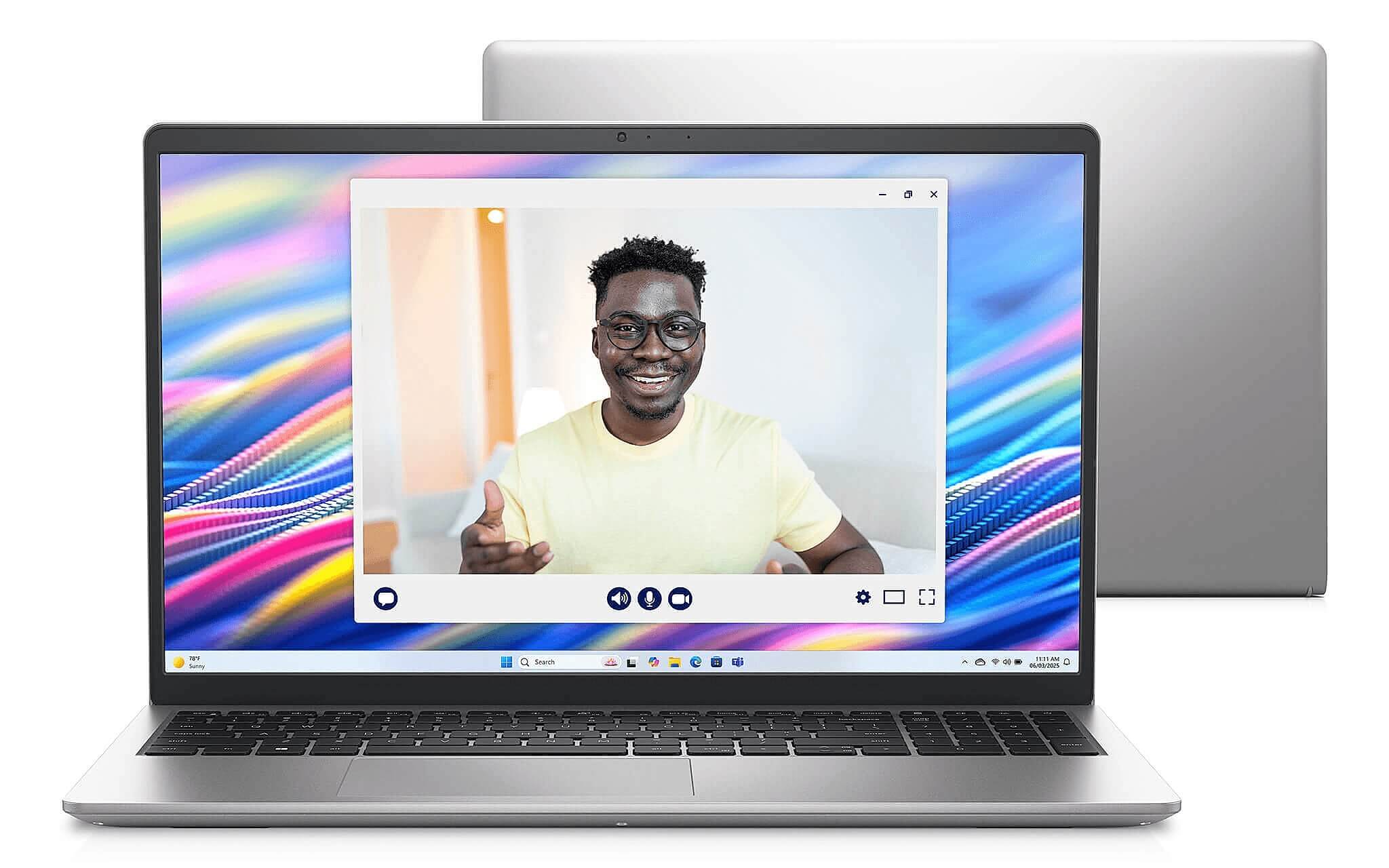
Dell 15 DC15250 is suitable for those needing a new accounting laptop with an accessible price point and a focus on data entry. This laptop offers options with Intel Core 3 100U or Core i5-1334U, 512GB M.2 PCIe NVMe SSD, and 8GB or 16GB RAM depending on the configuration. A clear advantage is the 15.6-inch FHD IPS 120Hz screen and the dedicated numeric keypad, making it suitable for Excel, MISA, eTax, and basic online meetings. For the Core i5-1334U version, reference benchmarks include Cinebench R23 scores of 1,727 single-core and 8,641 multi-core, which is sufficient for multitasking office work. A downside is the 250 nits screen and basic color gamut, which is suitable for indoor office use but not for color grading or heavy outdoor work.
Lenovo V15 Gen 4 is the option for those handling heavier spreadsheets, more data, and who typically work while plugged into power. This laptop uses Intel Core i5-13420H or i7-13620H, up to 16GB DDR4-2933/3200 RAM (1 soldered + 1 SO-DIMM slot), and a 512GB M.2 PCIe 4.0 x4 SSD. The Core i5-13420H features 8 cores, 12 threads, and a 45W TDP, achieving Cinebench R23 scores of 1,689 single-core and 11,084 multi-core, significantly higher in multi-threaded tasks compared to standard U-series models. The laptop includes RJ-45, HDMI, and USB-C with charging and display output support, making it convenient for offices with internal LAN, timekeeping machines, or external monitors. A downside is the small 38Wh battery; the H-series CPU may consume more power and run warmer during heavy tasks.
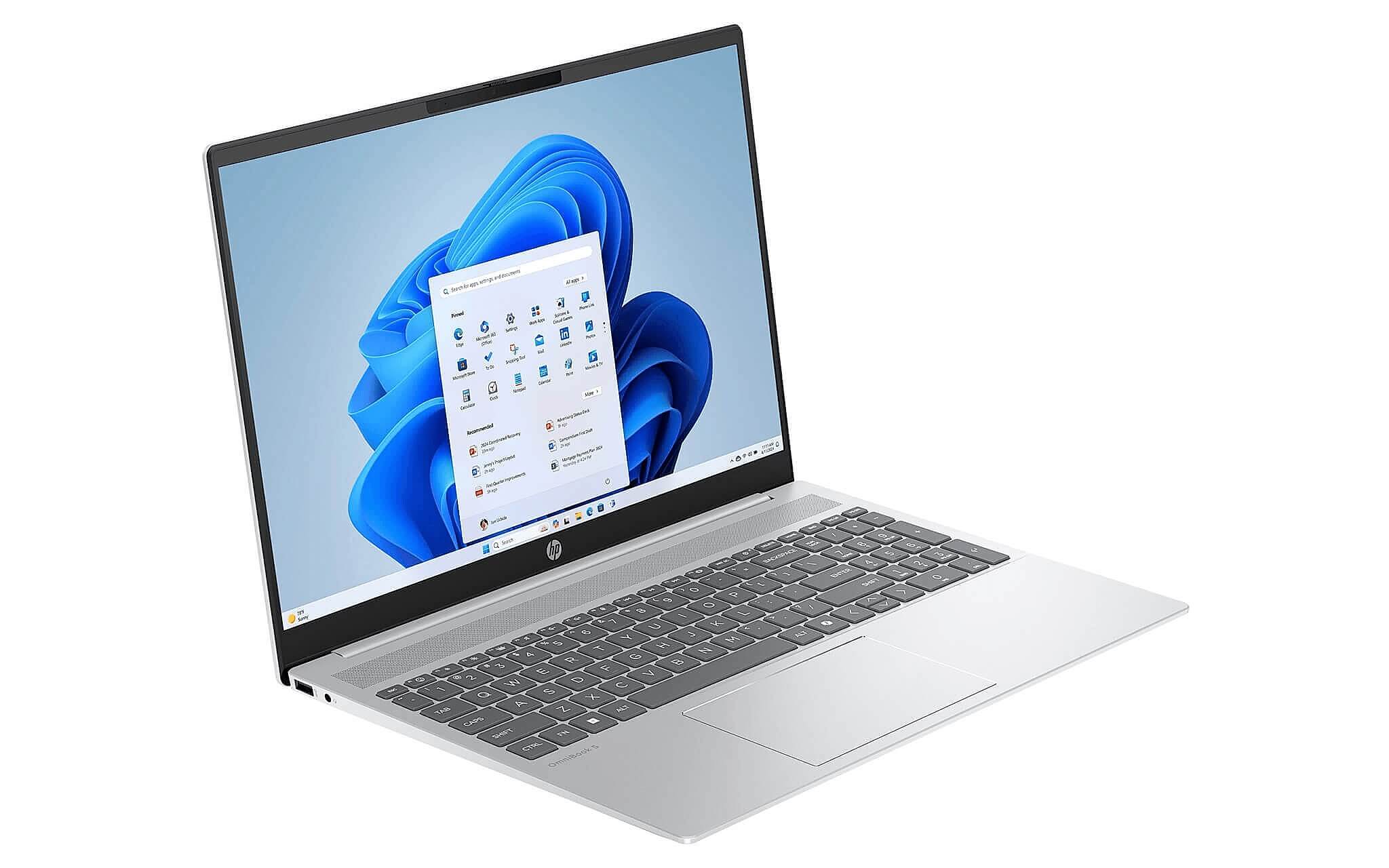
HP OmniBook 5 is ideal if you want a wide screen, good battery life, and a more comfortable data entry experience. This laptop features the Intel Core Ultra 5 225U, 16GB LPDDR5-7467 onboard RAM, 512GB PCIe Gen4 NVMe M.2 SSD, and a 16-inch 1920×1200 IPS 300 nits screen with a 16:10 aspect ratio. This ratio allows you to see more rows and columns, which is very useful when checking timesheets, payroll, or HR reports. The Core Ultra 5 225U has 12 cores, 14 threads, and a 15W TDP, with Cinebench R23 reference scores of 1,731 single-core and 11,843.5 multi-core; you can refer to Intel's processor naming to read the version correctly. A downside is that the onboard RAM is not upgradable, so you should choose the 16GB version from the start.
Laptop selection guidance based on specific accounting and HR needs
If you are a finance student, a new employee, or someone handling basic documentation, the Dell 15 DC15250 is an easy entry choice. The Core 3 100U configuration is suitable for data entry, lookups, tax filing, online meetings, and light office software. If your budget allows, the Core i5-1334U version with 16GB RAM will be more durable when opening many files simultaneously. The 120Hz screen is a plus for the user experience, but you must accept the 250 nits brightness and basic color gamut.
If you work in general accounting, frequently processing detailed ledgers, revenue reports, large timesheets, or light Power BI, the Lenovo V15 Gen 4 is a better fit. The H-series CPU like the i5-13420H provides better multitasking capabilities when the laptop is plugged in. The RJ-45 port is also practically valuable for businesses using internal LAN or management software. However, if you move around a lot, the 38Wh battery is something to consider as actual independent battery life is not officially confirmed.
If you work in HR, frequently reviewing profiles, payroll, training schedules, and attending online meetings while needing a compact laptop for the office, the HP OmniBook 5 LaptopAI 16-inch is a balanced option. The 16:10 screen is wider than the 16:9 screen, and the 300 nits brightness is more comfortable in bright rooms. The 59Wh battery and 65W USB-C charging are also convenient for a busy meeting schedule; reference information from PCWorld suggests the Ultra 7 255U version achieves about 12 hours and 30 minutes of 4K video at around 200 nits brightness, while specific measurements for the Ultra 5 225U version are not yet available. If you want to upgrade RAM later, this model is not suitable due to the soldered onboard RAM.
Buying advice in Ho Chi Minh City based on actual budget
In the 10 - 20 million VND segment, the Dell 15 DC15250 is a reasonable choice for general office needs. You should prioritize 16GB RAM if you frequently open many tabs or multiple Excel files at once. In the 18 - 23 million VND segment, the Lenovo V15 Gen 4 is suitable for those prioritizing data processing performance and office connectivity ports. In the 26 - 31 million VND segment, the HP OmniBook 5 LaptopAI 16-inch is suitable for those needing a wide screen, better battery life, and a modern design.
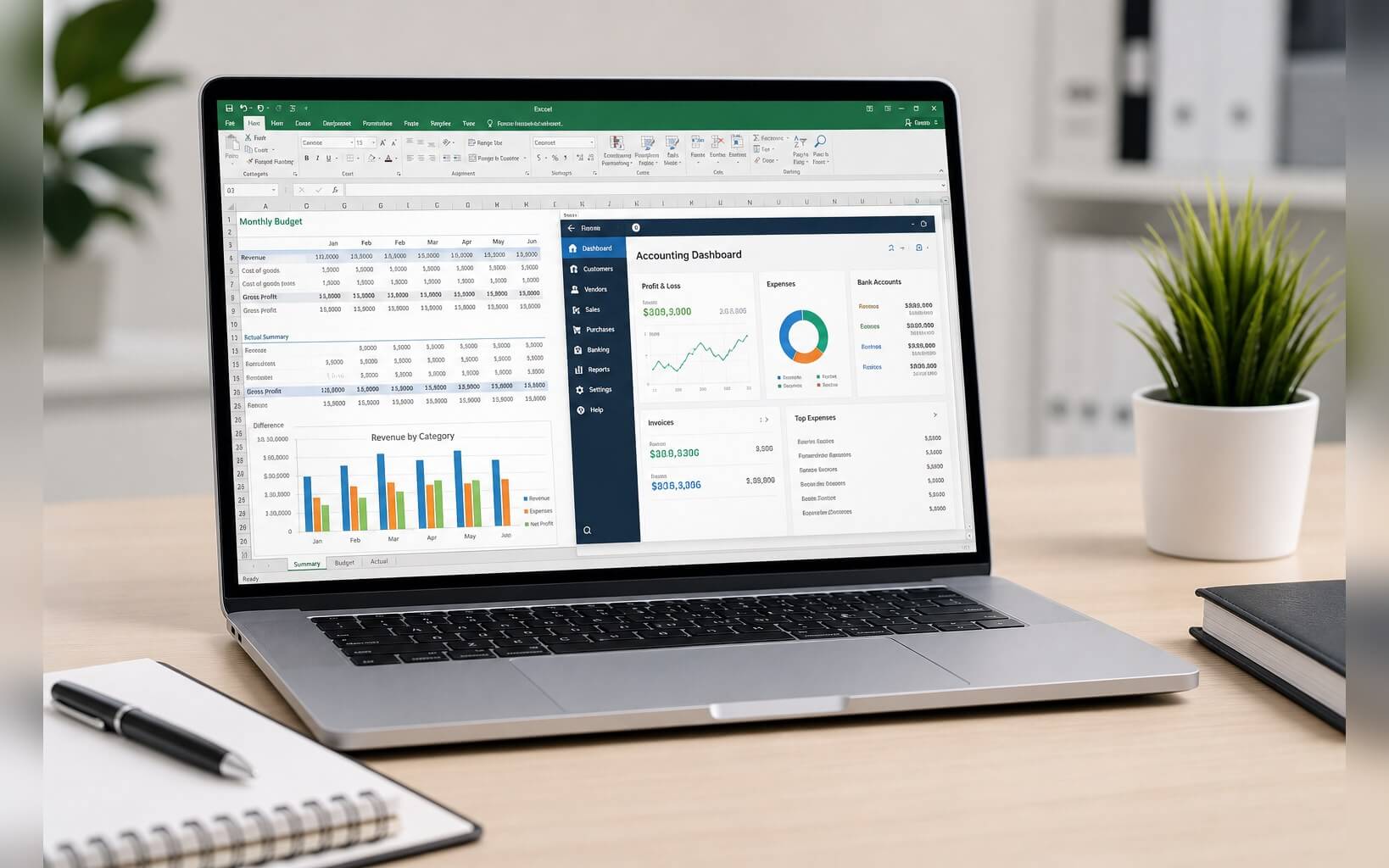
Hung Phat advises you not to look only at the CPU. The same model can differ in RAM, battery, screen, and chassis material, so you need to check the actual configuration before ordering. If you are considering a laptop for managers, department heads, or business owners, please state your needs clearly to receive advice on premium machine groups suitable for design, performance, and mobility. For HR data, payroll records, and personal information, you should also wipe all data and log out of accounts before changing laptops or disposing of old equipment.
In summary, choose Dell if you need a new, easy-to-use laptop with a numpad and an affordable cost. Choose Lenovo if you process many heavy spreadsheets, prioritize performance when plugged in, and need a LAN port. Choose HP if you want a 16-inch 16:10 screen, a larger battery, and a more comfortable working experience throughout the day. You can click on each product to see the stock status, available configurations, warranty, and current promotions from Hung Phat Laptop in Ho Chi Minh City.
Frequently Asked Questions about laptops for accounting and HR
What is a reasonable budget for HR and office accounting?
If your needs are mainly basic Excel, tax filing, email, and online meetings, around 10 - 20 million VND offers stable options like the Dell 15 DC15250. If you work with heavy files, many sheets, or need a LAN port for the office, around 18 - 23 million VND is more reasonable with the Lenovo V15 Gen 4. If you want a wide 16-inch screen, 59Wh battery, and 16GB RAM from the start, the 26 - 31 million VND group like the HP OmniBook 5 will be easier to use long-term.
Should I choose Windows or macOS for financial office work?
Windows is generally more suitable because many software programs like MISA, eTax, timekeeping software, and internal corporate tools prioritize this platform. You will also find it easier to use the full version of Excel and connect to printers, scanners, and office network devices. macOS is still good for office tasks, but if your company uses many specialized legacy software programs, you need to check compatibility before purchasing.
Which laptop is both compact and high-performing in this segment?
The Lenovo V15 Gen 4 weighs from 1.67kg and features an H-series CPU, making it suitable if you prioritize spreadsheet processing performance when plugged in. The HP OmniBook 5 LaptopAI 16-inch weighs 1.77kg, has a larger screen and a 59Wh battery, making it ideal for those needing a balance between internal mobility and long working hours. The Dell 15 DC15250 weighs from 1.62kg in the plastic chassis version, suitable for those needing a standard laptop that is easy to carry and does not handle extremely heavy data.
Which specific target audience do the three models currently on sale suit?
The Dell 15 DC15250 is suitable for finance students, new employees, and those needing a laptop with a dedicated numeric keypad at an accessible cost. The Lenovo V15 Gen 4 is suitable for general accountants, those processing many spreadsheets, and those prioritizing the i5-13420H or i7-13620H CPU and an RJ-45 port. The HP OmniBook 5 LaptopAI 16-inch is suitable for HR professionals, office managers, or those needing a 16:10 screen, 16GB RAM, and a larger battery for flexible work throughout the day.











