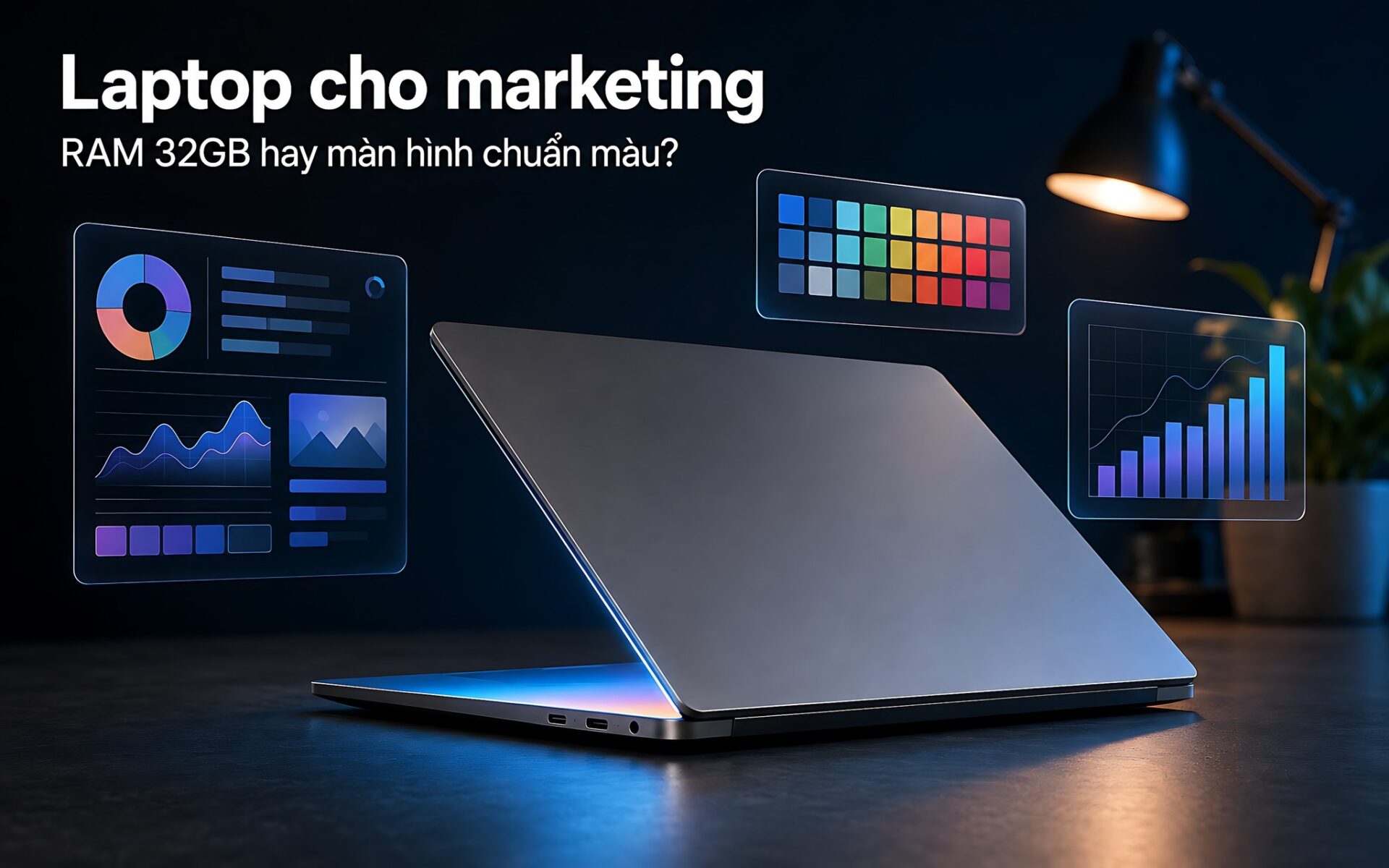
A digital marketer's morning rarely fits inside a single app. An ad manager, a budget spreadsheet, a Canva design, a Premiere project waiting to export and twenty browser tabs open at once is just a normal day. When you shop for a laptop for marketing, the real question is whether to put your budget into 32GB of RAM so multitasking never stalls, or into a color-accurate display so the images you export match what customers actually see. Hung Phat compares three configurations in stock across three price tiers so you can answer it for your own role.
How many apps does a laptop for marketing have to run at once every day
Digital marketing workloads are defined by many light processes running in parallel rather than one heavy task running alone. Meta Ads Manager and Google Ads are web apps, and each tab takes up a few hundred MB of memory. Google Analytics, Looker Studio, spreadsheets full of campaign data, a post scheduler and the internal chat app add a few more GB. Before you even open Photoshop or Premiere, a laptop for marketing already has to keep 8 to 10GB of data in RAM just to hold the open windows.
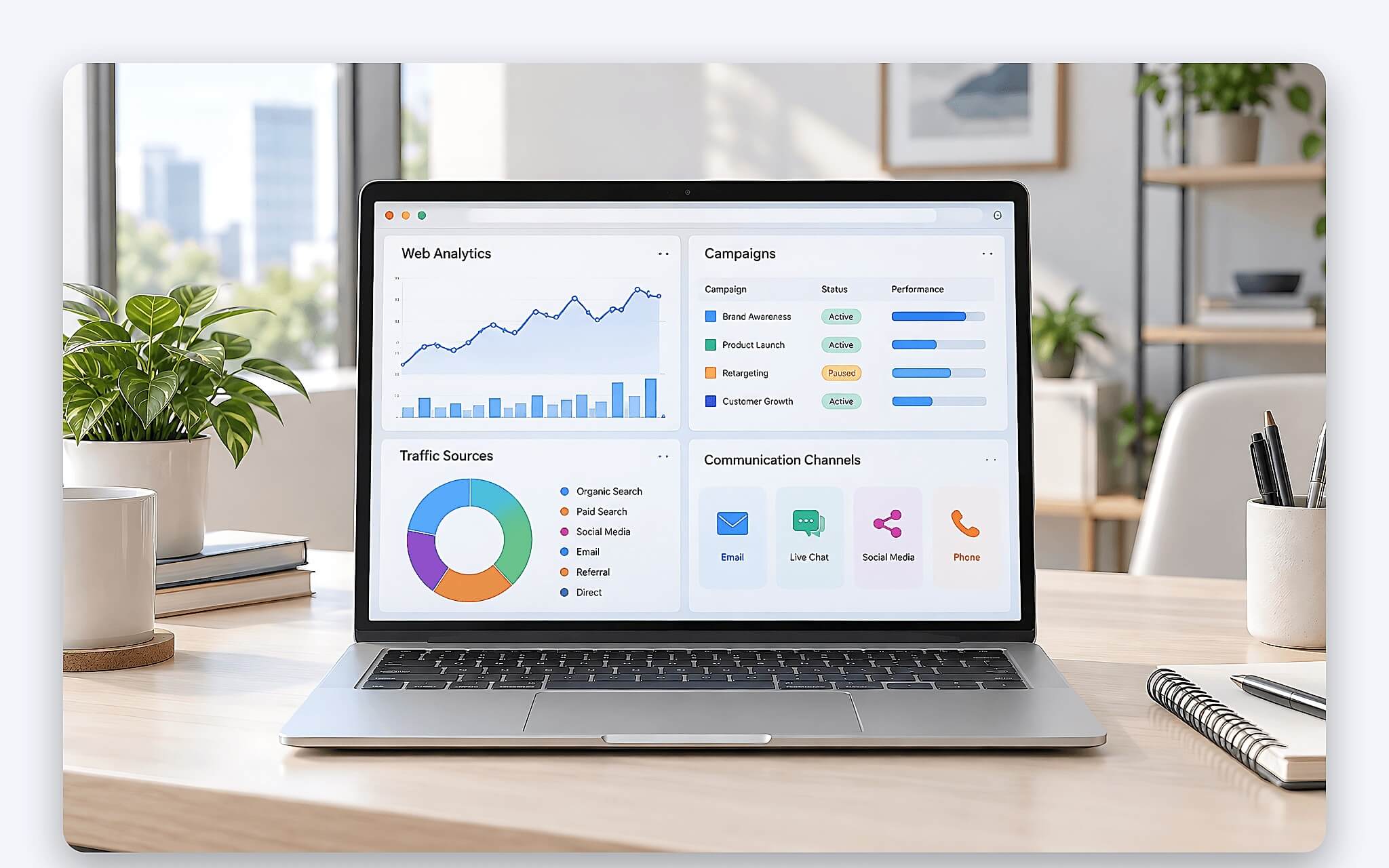
What separates a laptop for marketing from a video-editing laptop is how often you switch tasks. You tweak a banner, paste it into an ad, check the numbers, then go back and tweak again. The processor rarely runs at full power, but memory is almost always full. When RAM runs out, Windows pushes data to the SSD, and every tab switch picks up a half-second delay. That delay adds up over the day, and it is what wears you out, not video rendering speed.
The display, on the other hand, governs a different step: approving visuals. Facebook posts, TikTok videos, web banners and presentation decks all appear on the viewer's device in the sRGB color space. If your laptop screen covers only 60 to 65% of sRGB, the brand red you approve on your machine will look paler than the red customers see on their phones. So for a laptop for marketing, RAM and a color-accurate display have to be weighed together, rather than looking only at the processor name.
32GB of RAM is the safe threshold for ad and design multitasking
16GB of RAM on a laptop for marketing handles the basics: ads, spreadsheets, Canva and online meetings. But once you add Photoshop with several layered PSD files, or Premiere with a 1080p project, 16GB starts to show its limits. A full memory pool makes design apps shrink their cache, drag-and-drop gets choppy and the browser reloads older tabs on its own. For anyone who handles both content and data in the same session, 32GB of RAM is the comfortable level.
The table below summarizes the right amount of RAM for a laptop for marketing based on common workloads. The app counts are only illustrative of a typical session, not technical limits of any particular software.
| Workload | Apps typically open at once | Suitable RAM |
|---|---|---|
| Ads, analytics, online meetings | Meta Ads, Google Ads, Analytics, spreadsheets, Teams, 15-20 tabs | 16GB |
| Content, social, design | Add Canva, Figma, Photoshop with a few PSD files, a post scheduler | 32GB |
| Agency management, multi-project video | Add Premiere, After Effects, virtual machines for testing ads | 64GB |
64GB of RAM only makes sense for agency managers or anyone running several Premiere and After Effects projects alongside browser virtual machines for ad testing. At this level, the price gap over the 32GB version is usually larger than the performance gain. One detail to verify before you buy: LPDDR5x RAM on thin-and-light laptops is soldered on and cannot be upgraded later. Whatever capacity you pick at purchase is the capacity you will have for the machine's entire life.
The processor ranks behind RAM in priority, but it can't be ignored. 28W H-series chips such as the Core Ultra 7 165H, Core Ultra 7 255H and Ryzen AI 7 350 sustain higher clock speeds than 15W U-series chips when you export long videos or run many background tasks. According to the comparison benchmark table, the Core Ultra 7 165H scores about 14,551 in Cinebench R23 multi-core, the Core Ultra 7 255H about 17,845 and the Ryzen AI 7 350 about 16,014. All three are more than enough for a laptop for marketing, and the difference mostly shows up in file export times.
A color-accurate sRGB display matters more than DCI-P3 for digital content
The DCI-P3 color space gets plenty of mention in OLED laptop marketing materials, but most distribution channels for marketing content still display in sRGB. Browsers, social media apps and presentation software all work in sRGB by default. A color-accurate display covering a full 100% of sRGB, with 300 to 400 nits of brightness and low color deviation, is enough to review banners, thumbnails and slides with the accuracy you need. An OLED panel covering 100% of DCI-P3 only gives a clear advantage when you edit video for HDR displays or high-end print.
| Model | Panel | Resolution | Color coverage | Brightness |
|---|---|---|---|---|
| Surface Laptop 6 15 inch | IPS PixelSense, touchscreen, 3:2 | 2496 x 1664 | sRGB profile | 400 nits |
| Dell 14 Premium DA14250 | OLED, touchscreen, 16:10 | 3200 x 2000 | 100% DCI-P3 | 400 nits |
| Dell 16 Plus DB16255 AMD | WVA, touchscreen, 16:10 | 1920 x 1200 | Not disclosed | 300 nits |
The three laptops for marketing in this article take three different approaches to the display. The Surface Laptop 6 uses a 2496 x 1664 IPS panel in a 3:2 aspect ratio, with an sRGB color profile and 400 nits of brightness. The Dell 14 Premium DA14250 comes with a 3.2K OLED covering 100% of DCI-P3, also at 400 nits. The Dell 16 Plus DB16255 uses a touchscreen WVA FHD+ panel at 300 nits, with no color coverage figure published. The display gap between the three machines is far larger than the processor gap, and it is also where the prices diverge.
If your work leans toward visuals, the priority order is a color-accurate display first and RAM second. If your work leans toward data, ads and coordination, the order flips. The article Laptops for Photographers: Color-Accurate Display or RAM Capacity? goes deeper into the color deviation and coverage thresholds that professional photo editors need, and it is worth a look if images take up most of your working time.
Surface Laptop 6 15 inch for agency managers running multiple campaigns
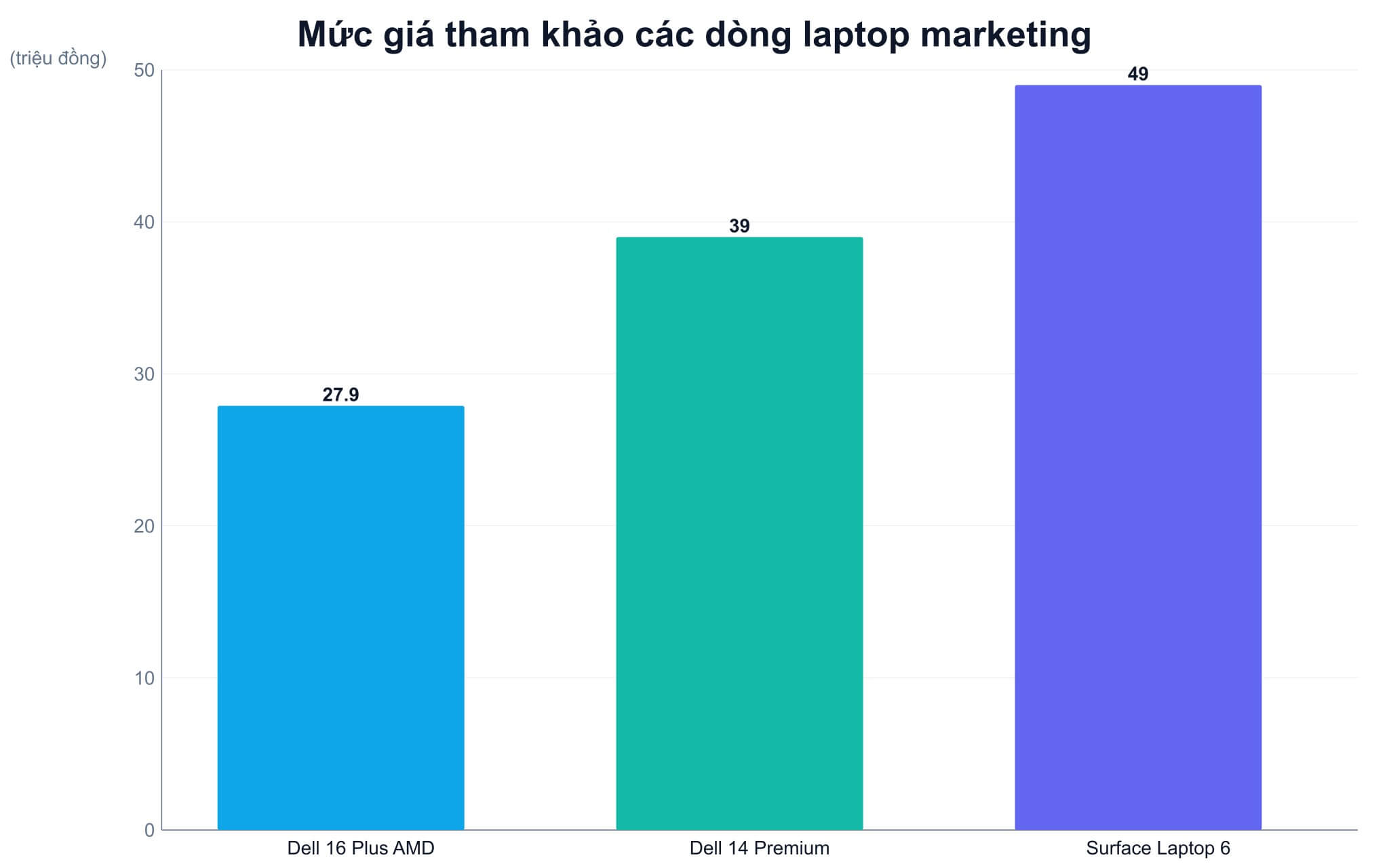
Microsoft Surface Laptop 6 15 inch (2024) costs around 49 million VND for the Core Ultra 7 165H configuration with 64GB of LPDDR5x RAM and a 1TB PCIe Gen4 SSD, in Black and Platinum. This is the most RAM of the three laptops for marketing here and the main reason to pick this model: an agency manager, a content team lead or anyone who has Premiere, Photoshop, dozens of ad tabs and a few Teams meetings open at the same time will never have to close apps because of low memory.
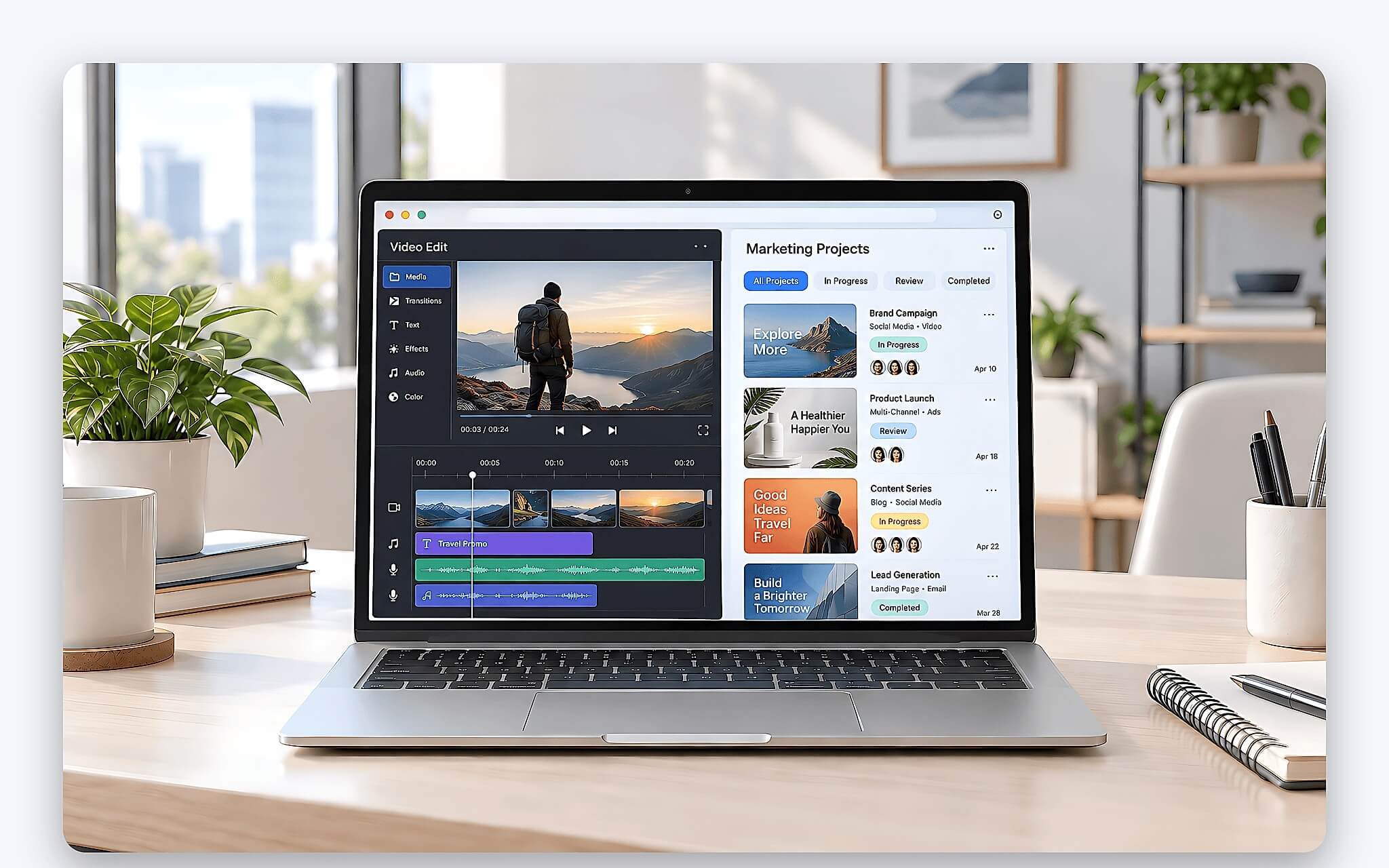
The Core Ultra 7 165H has 16 cores, 22 threads and a 28W base power. According to the comparison benchmark table, it scores about 14,551 in Cinebench R23 multi-core and about 12,230 in Geekbench 6 multi-core, roughly 18% below the newer-generation Core Ultra 7 255H in multi-core tasks. In return, the machine has two Thunderbolt 4 ports supporting 8K display output, a USB-A port and a Surface Connect port, which is handy when you plug into an external monitor to review content at the office.
The 15 inch touchscreen is a PixelSense panel at 2496 x 1664 in a 3:2 aspect ratio, with an sRGB color profile, 400 nits of brightness and Gorilla Glass 5. The 3:2 ratio shows more spreadsheet rows and lines of text than a 16:9 screen of the same size. The drawbacks to weigh: the battery is only 47Wh, low for a 15 inch laptop, and the integrated Intel Arc graphics cannot replace a discrete GPU when you edit multi-layer 4K video with heavy effects. At 1.68kg, the weight is acceptable for a laptop for marketing that has to travel between the office and client sites.
Dell 14 Premium DA14250 balances 32GB of RAM and a 3.2K OLED display
DELL 14 Premium DA14250 (2025) is in stock at around 39 million VND for the Core Ultra 7 255H configuration with 32GB of LPDDR5x RAM, a 1TB SSD and a 3.2K OLED touchscreen, in Platinum. It is the only one of the three machines with both 32GB of RAM and a display covering 100% of DCI-P3, which makes it a fitting laptop for marketing for people who produce images and short videos for social media while still coordinating ads and data.
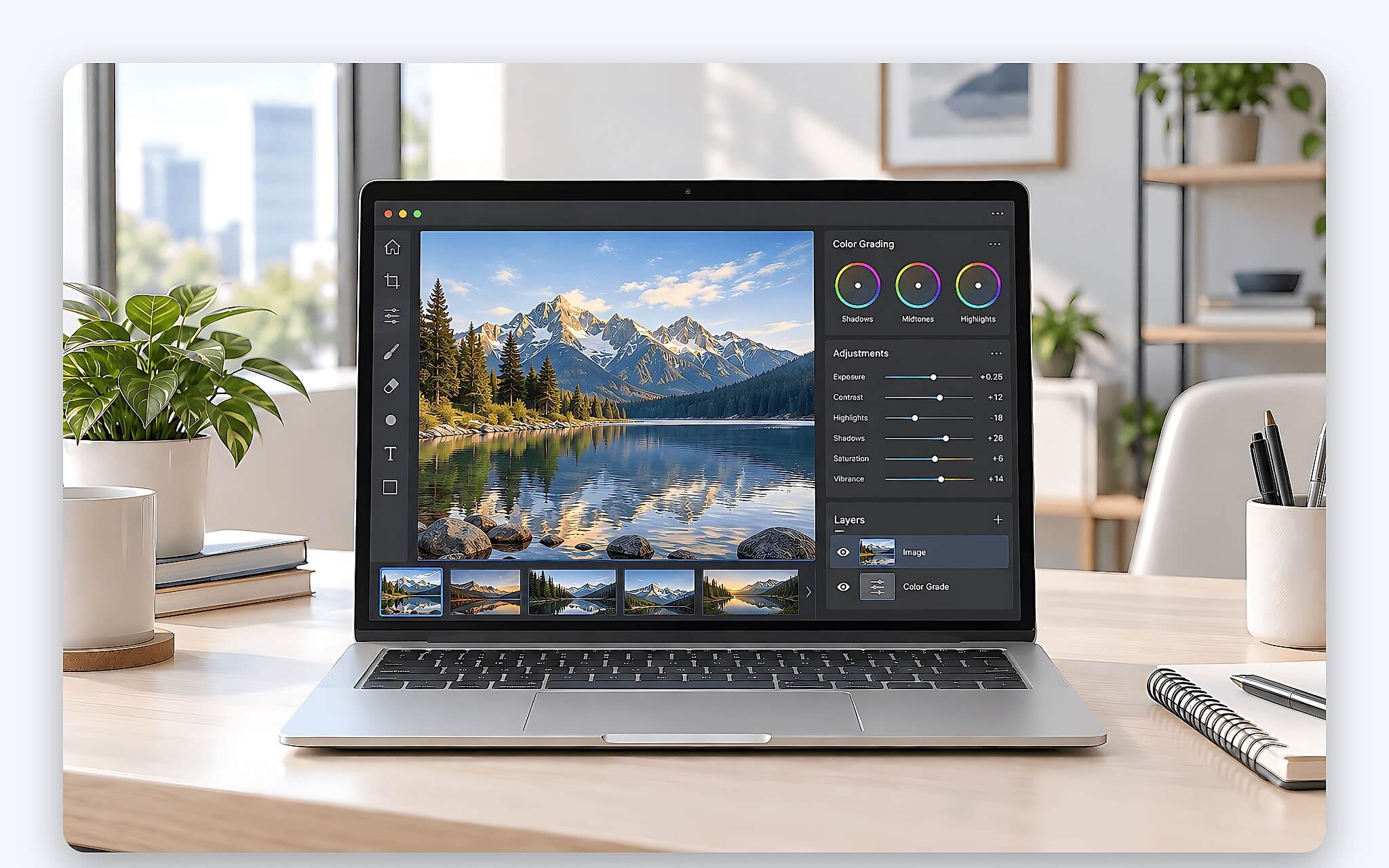
The Core Ultra 7 255H belongs to the Arrow Lake-H generation, with 16 cores, 16 threads, a 28W base power and a 13 TOPS NPU. It scores about 17,845 in Cinebench R23 multi-core and about 15,223 in Geekbench 6 multi-core, the highest of the three machines. It has three Thunderbolt 4 ports, a microSD card slot and Wi-Fi 7, which is convenient for copying photos from a camera when you are producing content. The 69.5Wh battery is significantly larger than the Surface Laptop 6's.
One thing to note is that the 3.2K OLED display has 400 nits of brightness, and the OLED version weighs 1.72kg, slightly heavier than the IPS version. At 14.5 inches, the screen is smaller than the other two, so if you often keep two windows side by side, plugging into an external monitor at the office is almost a must. For most content, social and design roles on a marketing team, this is the best-balanced laptop for marketing between the two criteria of 32GB of RAM and color accuracy.
Dell 16 Plus DB16255 AMD keeps 32GB of RAM under a 30 million VND budget
DELL 16 Plus DB16255 AMD (2025) costs around 27.9 million VND for the Ryzen AI 7 350 configuration with 32GB of LPDDR5x 7500MHz RAM, a 1TB SSD and a 16 inch FHD+ touchscreen. It is the cheapest laptop for marketing in our inventory that has 32GB of RAM, is a 2025 model and is still in stock. It suits account managers, performance marketers, ad operators and marketing students about to enter the workforce, people who need to juggle many tabs and spreadsheets more than they need to review color.
According to the spec page for the AMD Ryzen AI 7 350, the chip has 8 cores and 16 threads on the Zen 5 architecture, a maximum clock speed of 5GHz, a default power of 28W, a 50 TOPS NPU and Radeon 860M graphics. It scores about 16,014 in Cinebench R23 multi-core, higher than the Core Ultra 7 165H in the Surface Laptop 6 and behind only the Core Ultra 7 255H. For marketing work, that performance is plenty for Canva, Photoshop, Premiere at 1080p and every ad tool.
The weakness sits in the other criterion: the 300-nit WVA FHD+ display has no published color coverage, so it can't serve as a color-accurate display for the final review of banners or brand videos. Connectivity stops at USB-C 3.2 Gen 2 and HDMI 1.4, with no Thunderbolt. The machine weighs 1.83kg and has a 64Wh battery. If you choose this model, treat it as a multitasking machine and hand off color review to a calibrated external monitor.
Comparing the three laptops for marketing and picking by role
The table below gathers the specs of the three laptops for marketing, verified against the product pages and the comparison benchmark table. Prices are as of the time of writing and may change with promotions.
| Model | Price at Hung Phat | CPU | RAM | Display | Battery | Weight | Best for |
|---|---|---|---|---|---|---|---|
| Surface Laptop 6 15 inch (2024) | Around 49 million VND | Core Ultra 7 165H | 64GB LPDDR5x | 15 inch 2496 x 1664 sRGB, 400 nits | 47Wh | 1.68kg | Agency management, very heavy multitasking |
| Dell 14 Premium DA14250 (2025) | Around 39 million VND | Core Ultra 7 255H | 32GB LPDDR5x | 14.5 inch OLED 3.2K, 100% DCI-P3 | 69.5Wh | 1.72kg | Content, social, design |
| Dell 16 Plus DB16255 AMD (2025) | Around 27.9 million VND | Ryzen AI 7 350 | 32GB LPDDR5x | 16 inch FHD+ WVA, 300 nits | 64Wh | 1.83kg | Ads, accounts, marketing students |
Agency managers and content team leads who run several projects in parallel should choose the Surface Laptop 6 with 64GB of RAM, accepting the smaller battery and the price gap. Content, social and design people who need both multitasking and color review should choose the Dell 14 Premium DA14250, a rare laptop for marketing with both 32GB of RAM and a color-accurate OLED display for under 40 million VND. People who run ads, handle accounts or study marketing and put tab and spreadsheet count first should choose the Dell 16 Plus DB16255 AMD, which saves more than 11 million VND compared with the Dell 14 Premium.
Whichever option you choose, confirm the exact configuration code before paying, because the same model name can come with several RAM, SSD and panel options. All three models in this article are brand-new, boxed units and were in stock at the time of writing, and you can open the product links to check the current price and warranty policy before visiting the store.
Frequently asked questions
How much RAM does a laptop for marketing need?
16GB of RAM is enough for ads, spreadsheets, Canva and online meetings. When you also have to open Photoshop or Premiere in the same session, 32GB of RAM is the safe threshold. 64GB of RAM is only necessary for agency managers who run several video editing projects in parallel.
Is an OLED display required for digital content creators?
No. Social media content, web pages and slides are displayed in sRGB, so a color-accurate display covering a full 100% of sRGB with 300 to 400 nits of brightness is enough for visual review. OLED covering 100% of DCI-P3 only gives an advantage when you edit HDR video or produce high-end print work.
Does a laptop for marketing need a discrete GPU?
For Canva, Photoshop, Premiere at 1080p and ad tools, integrated Intel Arc or Radeon 860M graphics is enough. A discrete GPU is only needed when you edit multi-layer 4K video with heavy effects or use After Effects regularly, in which case you should look at graphics-focused laptops rather than the three models here.
Can the RAM in these three laptops be upgraded later?
No. All three models use LPDDR5x RAM soldered to the motherboard. You need to pick the right capacity at purchase, though the standard M.2 SSD in all three machines can still be replaced.