

Gamers looking for devices to conquer AAA titles require a balance between graphical power, cooling capabilities, and investment cost. In the mid-range to high-end segments, choosing the right configuration helps maintain a smooth experience and stable frame rates. Current gaming laptop lines are clearly differentiated by Blackwell GPU architecture, core counts, and screen display quality. Hung Phat summarizes actual specifications and detailed reviews to help you make an accurate decision.
Optimal hardware standards for gaming laptops in 2026 when running games
To meet high graphics settings in modern AAA games, the central processor and graphics card play a decisive role. Chipsets such as Intel Core 7 240H belonging to the Raptor Lake-H Refresh architecture or Intel Core Ultra 9 275HX belonging to the Arrow Lake-HX architecture provide powerful multitasking capabilities.
Equipping a new generation discrete graphics card with NVIDIA architecture helps optimize DLSS rendering technology and increase AI processing performance per watt of power consumed. Real-world experience shows that multi-core CPUs combined with modern GPUs help the device maintain high clock speeds continuously without bottlenecks.
| Product Model | Price Segment | Processor (CPU) | Memory (RAM) | Reason for Choice |
|---|---|---|---|---|
| Lenovo LOQ 15ARP9 (2025) | Around 25 million | AMD Ryzen 5 7235HS | 16GB DDR5 4800 MHz | 100% sRGB screen, cool, optimized cost for 1080p gaming |
| Alienware 15 Gaming Laptop (2026) | Around 36-37 million | Intel Core 7 240H | 16GB DDR5 5600 MHz | Premium design, equipped with RTX 5050 8GB GDDR7 Blackwell architecture |
| Asus ROG G700 (2026) | Around 45-55 million | Intel Core Ultra 7 265KF | 32GB DDR5 5200 MHz | Extreme performance desktop-level, equipped with RTX 5070 12GB |
| Alienware 16X Aurora (2025) | Around 55-60 million | Intel Core Ultra 9 275HX | 32GB DDR5 5600 MHz | Flagship mobile machine, handles all AAA games well at QHD+ 240Hz |
RAM capacity and storage speed also directly affect map loading times and smoothness during gameplay. Current standards require a minimum of 16GB to 24GB DDR5 RAM with clock speeds from 4800 MHz to 5600 MHz to avoid memory overflow.
NVMe PCIe 4.0 SSD storage with 512GB or 1TB capacity ensures extremely fast data read/write speeds. When choosing a gaming machine or a professional livestreaming laptop, the system cooling is a key factor in determining component durability and preventing performance throttling during high-intensity operation.
Display and power duration are two criteria that need careful consideration depending on mobility needs. Standard gaming screens with refresh rates from 144Hz to 165Hz help motion look smooth and eliminate screen tearing. However, a 100% sRGB color gamut will provide more vibrant and accurate colors compared to panels that only reach 62.5% sRGB. Regarding power, processors that reduce integrated graphics cores will force the discrete GPU to operate full-time, causing actual battery life to drop faster when not plugged in.
Lenovo LOQ gaming laptop line: Mid-range segment for optimized gamers
A typical representative in the cost-optimized segment is the Lenovo LOQ 15ARP9 with a reference price around 25 million. The device features an AMD Ryzen 5 7235HS processor with 4 cores and 8 threads on the Zen 3+ process, paired with 16GB DDR5 4800 MHz RAM and a 512GB PCIe Gen4 SSD. The NVIDIA GeForce RTX 3050 6GB GDDR6 discrete graphics card handles rendering, achieving 4,571 Time Spy points and 11,973 Fire Strike points, sufficient to conquer games at 1080p resolution.
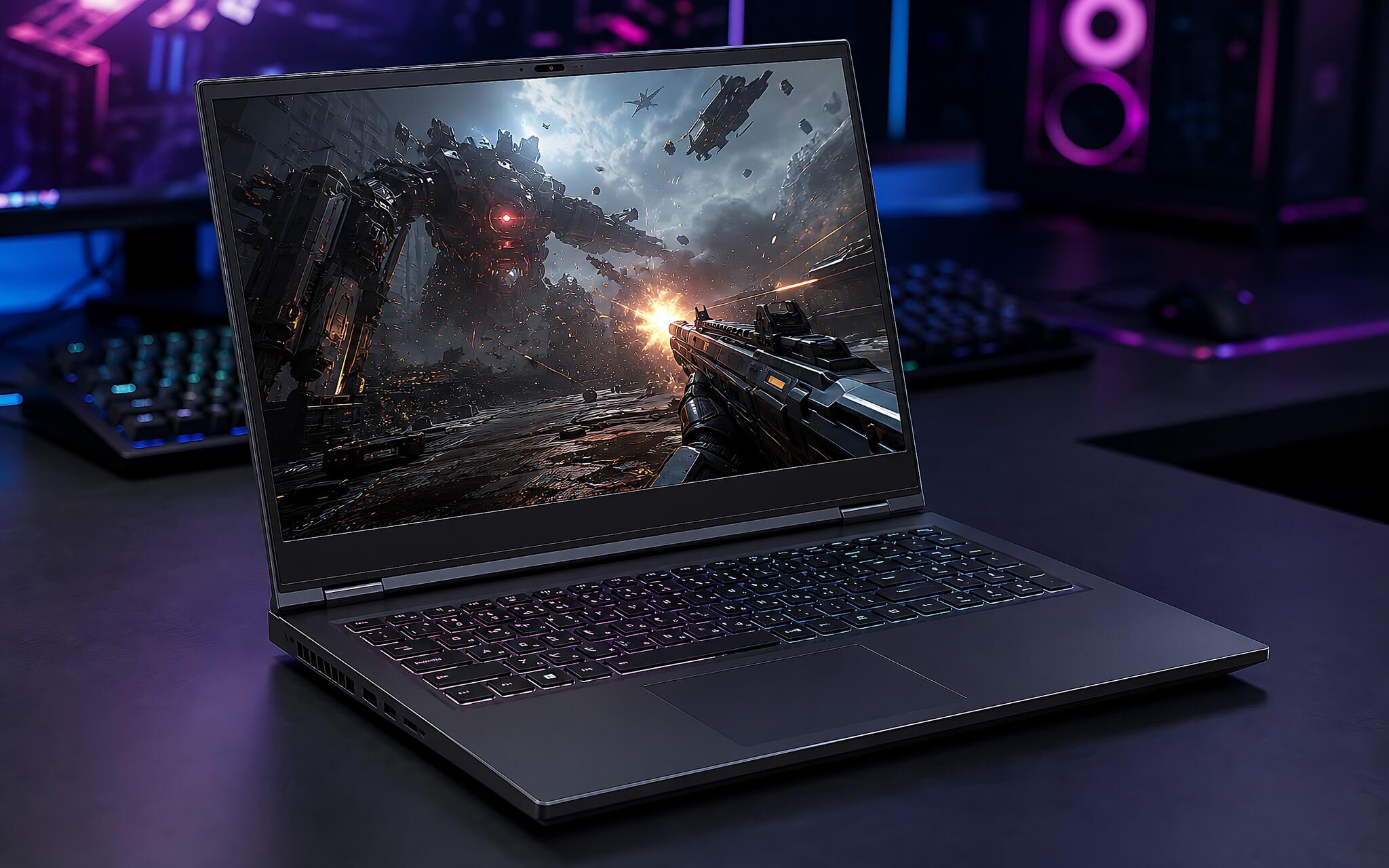
Regarding display quality, the Lenovo LOQ 15ARP9 is equipped with a 15.6-inch FHD IPS screen with a 144Hz refresh rate, 100% sRGB color gamut, and 300 nits brightness. A major plus for this machine is its sturdy chassis and a cooling system that operates very coolly, helping components maintain high durability. The machine's weight is 2.38 kg, which feels quite substantial when put in a backpack but is still acceptable for a mid-range gaming machine.
A limitation to note is that the HS series processor does not enable integrated graphics cores, forcing the RTX 3050 discrete card to run continuously, resulting in a somewhat modest battery life of 60 Wh when gaming. This model is very suitable for students or gamers looking to optimize their budget, who frequently keep the charger plugged in to conquer 1080p games. This is not the optimal option for those who move constantly and need long battery life.
Review of Asus and Alienware gaming laptop lines in the upper mid-range segment
In the 36-37 million price range, the Alienware 15 Gaming Laptop demonstrates excellence in design and GPU technology. The machine features an Intel Core 7 240H processor with 10 cores and 16 threads, achieving 1,719 single-core and 15,764 multi-core points in Cinebench R23. 16GB DDR5 5600 MHz RAM combined with a 1TB PCIe Gen4 SSD provides ample storage space. The highlight is the NVIDIA GeForce RTX 5050 8GB GDDR7 graphics card with Blackwell architecture, achieving 9,122 Time Spy points and 24,926.5 Fire Strike points, along with AI computing capability up to 440 TOPS.
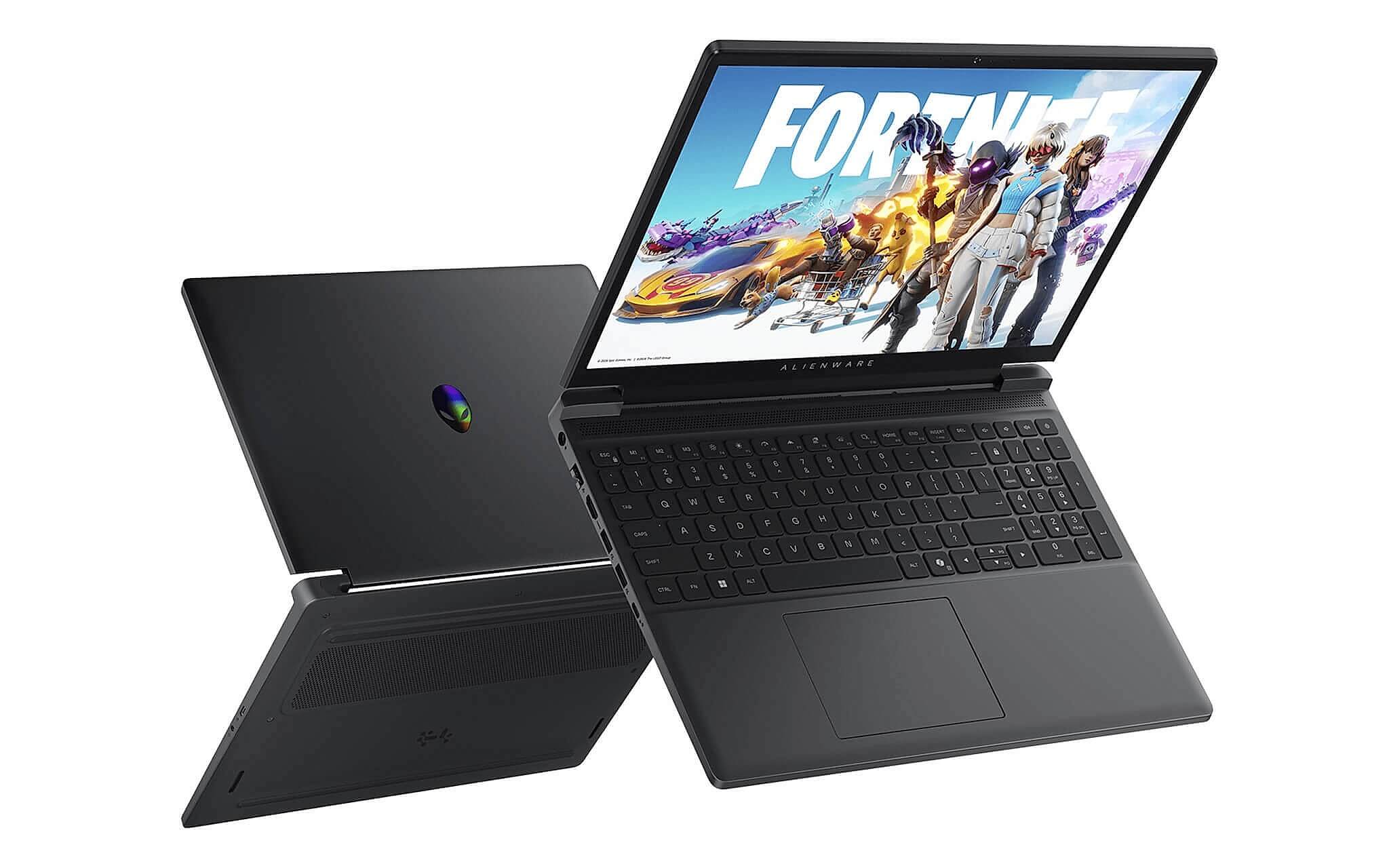
This model inherits the signature design language of the Alienware brand with a compact chassis and a weight of only 2.2-2.25 kg. The 15-inch FHD resolution screen with a 165Hz refresh rate provides incredibly smooth motion. Battery life is slightly better thanks to a 54 Wh to 70 Wh battery (depending on configuration) and Intel integrated graphics for handling light tasks.
A regrettable downside of this version is the screen color gamut, which only reaches 62.5% sRGB, making the displayed tones appear slightly washed out. The machine is suitable for gamers who love the luxurious beauty of Alienware and want to experience the Blackwell GPU with DLSS 4 support. However, it is not yet suitable for graphic designers or professional content creators who require high color accuracy.
High-end configuration options and optimal gaming desktops
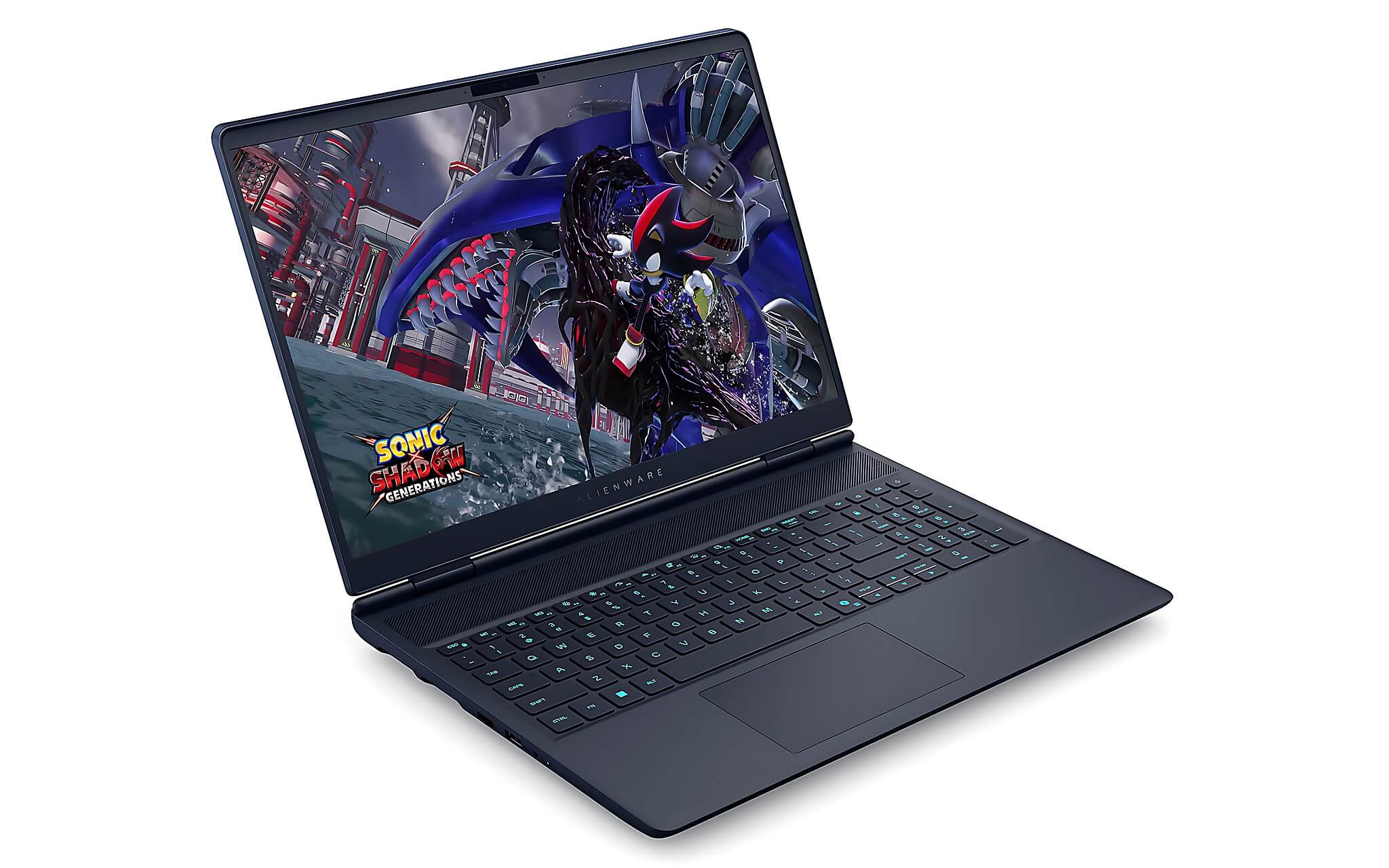
In the high-end segment around 55-60 million, the Alienware 16X Aurora is equipped with the extremely powerful Intel Core Ultra 9 275HX processor, featuring 24 cores and 24 threads, achieving 35,589 Cinebench R23 multi-core points and 55,854 PassMark points. The RTX 5070 8GB GDDR7 discrete graphics card achieves 13,535.5 Time Spy points and 35,841.5 Fire Strike points, supporting AI computing up to 798 TOPS. This is a perfect machine to smoothly handle all heavy games at QHD+ resolution with high frame rates.
Meanwhile, the Asus ROG G700 product in the 45-55 million segment is fundamentally different. It is important to note clearly that this is a desktop computer system (Gaming Desktop) using an 850W 80+ Gold power supply and an Intel Core Ultra 7 265KF Desktop processor paired with an RTX 5070 12GB GDDR7. The device does not include a built-in display or a battery; the total weight of the chassis is approximately 18 kg, characteristic of a full tower desktop setup.
The difference between these two devices stems from the actual usage purpose of the customers. The Alienware 16X Aurora offers impressive power packed into a portable device that can be easily carried. In contrast, the Asus ROG G700 provides the pure performance of a desktop PC with spacious cooling and easy component upgradability, suitable for those who want a fixed setup at their workspace.
Experience in choosing cheap used and new gaming laptop models
When the budget is somewhat limited, looking for used products is a solution considered by many. The market currently has many "like-new" models with powerful configurations at attractive prices. However, you need to carefully check the cooling condition, battery wear, and component warranty stickers to avoid the risk of damage during operation. Choosing a reputable seller helps you own quality equipment at the most optimized cost.
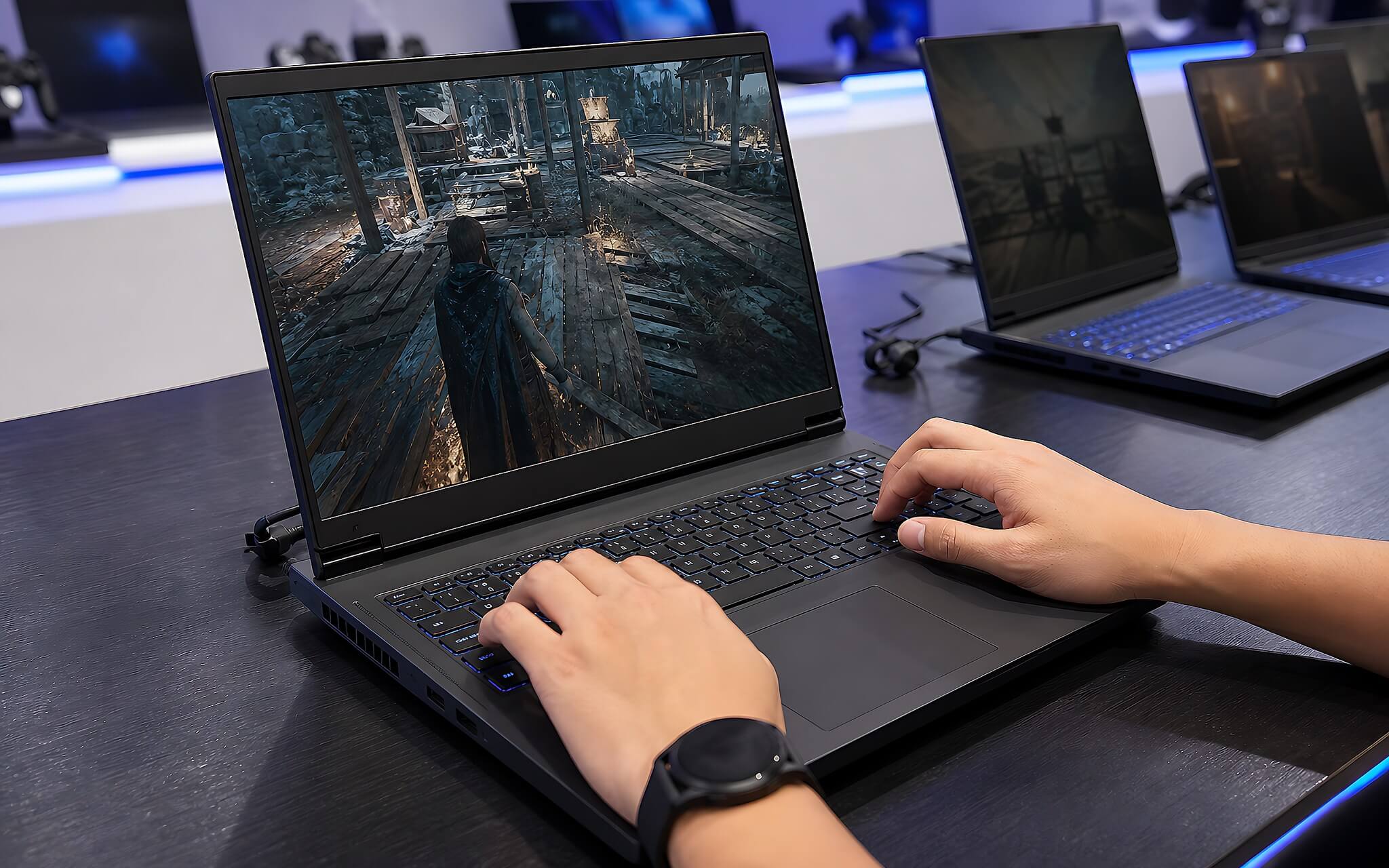
For brand new, sealed gaming laptops, you should choose a configuration based on your actual usage needs. If you prioritize saving budget for 1080p gaming, Lenovo LOQ is a reasonable choice. If you love premium design and new GPU technology, Alienware 15 is a worthy option. In cases where high performance is needed for heavy work and entertainment, the Alienware 16X Aurora or Asus ROG G700 will fully meet your needs.
In the Ho Chi Minh City area, Hung Phat Laptop provides a full range of genuine gaming machines and carefully selected used machines. The store commits to transparency regarding product condition, clear pricing, and thoughtful warranty policies. You can visit the store directly in Ho Chi Minh City to experience the products firsthand and receive detailed consultation from the technical team before making a purchase decision.
Frequently Asked Questions (FAQ)
Should I choose used gaming laptops to optimize investment costs?
Choosing used devices can help you save 20% to 35% in costs compared to brand new, sealed machines. However, you need to carefully check the cooling system, battery wear, and hardware components to avoid the risk of performance degradation. At our store, all products undergo a strict inspection process and come with clear warranty policies to give you peace of mind.
Between brands like MSI gaming laptops and Alienware, which one should be prioritized?
Each brand targets a different user segment with different hardware advantages. MSI stands out due to its diversity in the entry-level and mid-range segments with accessible prices. Meanwhile, Alienware focuses on premium design, meticulous build quality, and optimized cooling for the new generation Blackwell GPU lines.
Where is a reputable place to buy used gaming laptops in Ho Chi Minh City with full warranty?
When searching for gaming device retailers in the Ho Chi Minh City area, you should prioritize stores with clear addresses and transparent after-sales services. Hung Phat Laptop provides new and inspected used machines at competitive prices. The store supports trial use, direct technical inspection, and commits to genuine component warranties for customers.
Is the Acer Nitro gaming laptop line competitive enough against rivals in its price range?
Acer representatives are always direct competitors to Lenovo LOQ or Asus TUF in the entry-level segment. Thanks to good configurations and dual cooling fan systems, the machines smoothly meet entertainment and work needs. However, you should consider the screen color gamut and chassis material depending on the specific version.
Does the Gigabyte G5 GE 51VN263SH gaming laptop configuration still run AAA games well today?
The Gigabyte G5 GE model, code 51VN263SH, uses an RTX 3050 4GB graphics card which still performs well for eSports titles and some AAA games at medium graphics settings. However, for newer games requiring more than 6GB of VRAM, the device may experience frame rate drops. You should consider upgrading to RTX 4050 or RTX 5050 series cards for a stable long-term experience.











