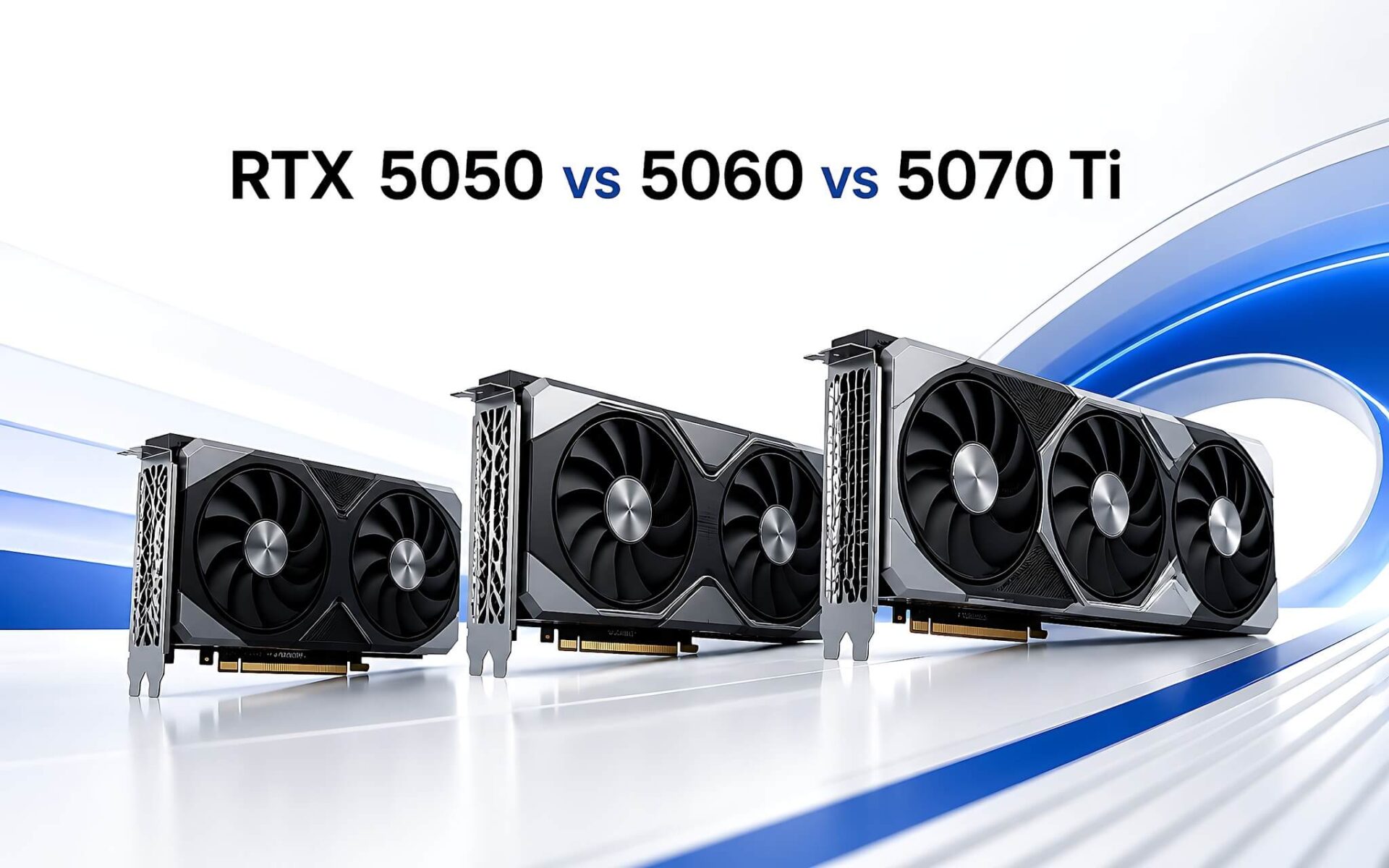
The most powerful graphics card isn't always the best value, because what you actually get depends on your main workload. Within the RTX 50 generation, three popular laptop options are the RTX 5050 8GB, the RTX 5060 8GB and the RTX 5070 Ti 12GB, and each suits a different kind of work. This article compares real benchmark scores, VRAM capacity and pricing so you can pick the right GPU for office work, content creation or heavy gaming. Figures are from Notebookcheck, updated August 2026, along with three genuine laptops in stock at Hung Phat.
What to look at first when choosing an RTX 50 laptop GPU by workload
For a gaming laptop or a content creation machine, the GPU and VRAM capacity are the first two specs to weigh, followed by the processor, RAM and display. The RTX 5050 8GB GDDR6 handles office work, light graphics and 1080p gaming. The 5060 8GB GDDR7 suits video editing, mid-range 3D modeling and 1080p to 1440p gaming. The 5070 Ti 12GB GDDR7 is built for 1440p to 4K gaming and professional rendering. All three support NVIDIA DLSS to improve frame rates in compatible games.
| Model | GPU / VRAM | CPU | RAM / SSD | Display | Reference price |
|---|---|---|---|---|---|
| Lenovo LOQ 15IRX10 (2025) | RTX 5050 8GB GDDR6 | Core i7-13650HX | 16GB / 512GB | 15.6-inch FHD IPS, 144Hz, 100% sRGB | About 35.98 million |
| Lenovo Legion 5 15IRX10 (2025) | RTX 5060 8GB GDDR7 | Core i7-14700HX | 16GB / 1TB | 15.1-inch WQXGA OLED, 165Hz, 100% DCI-P3 | From about 39 million |
| Lenovo Legion Pro 7 16IAX10H (2025) | RTX 5070 Ti 12GB GDDR7 | Core Ultra 9 275HX | 32GB / 1TB | 16-inch WQXGA OLED, 240Hz, 100% DCI-P3 | About 69.99 million |
The CPU determines shader compilation speed, simulation performance and how well the machine runs several apps at once. The Core i7-13650HX has 14 cores and 20 threads, and scores 2,562 single-core and 13,711 multi-core points in Geekbench 6. The Core i7-14700HX has 20 cores and 28 threads, scoring 2,884 and 15,765 points respectively. The Core Ultra 9 275HX has 24 cores and 24 threads, scoring 3,062 single-core and 19,464 multi-core points. The higher the GPU tier, the stronger the CPU that comes with it, so the price gaps reflect both processing power and the display.
The RTX 5050 8GB is enough for office work, light graphics and 1080p gaming
The Lenovo LOQ 15IRX10 (2025) has a reference price of about 35.98 million. It comes with a Core i7-13650HX, 16GB of RAM, a 512GB PCIe SSD and an RTX 5050 8GB GDDR6. The 15.6-inch Full HD IPS display runs at 144Hz with 300 nits of brightness, covers 100% of sRGB and includes NVIDIA G-SYNC. It's a sensible pick for office users, photo work, basic Photoshop editing and 1080p gaming, thanks to the sRGB-accurate panel and the 60Wh battery. The 8GB of VRAM is far more comfortable than older 6GB cards when you have many layers open in design software.
One thing to consider is that the 512GB SSD is a bit modest for anyone who stores a lot of projects, so budget for a storage upgrade. For 3D graphics, this card handles small to medium scenes in Blender well, while complex projects will hit its limits. It's a budget-friendly starting point for students and beginners, but you shouldn't expect heavy rendering or AAA gaming at high resolutions from this machine.
The RTX 5060 8GB for video editing, mid-range 3D and 1440p gaming
The Lenovo Legion 5 15IRX10 (2025) starts at about 39 million for this configuration. It uses a Core i7-14700HX, 16GB of RAM, a 1TB PCIe SSD and an RTX 5060 8GB GDDR7. The display is a 15.1-inch WQXGA 2560 x 1600 OLED at 165Hz with 500 nits of brightness and 100% DCI-P3 coverage. A wide-gamut OLED panel is a clear advantage for video editors, color graders and creative content work, and the 1TB SSD leaves more room for texture libraries and footage.

With GDDR7 memory offering higher bandwidth than the previous generation, this card runs 1080p Ultra games smoothly and can handle many titles at 1440p once DLSS is enabled. It's a good balance of price and performance for people who both work and play on the same machine. The one real limitation is still the 8GB of VRAM: with very large 3D projects or multi-layer 4K scenes, graphics memory can become a significant bottleneck, and in that case you should consider a higher-tier version.
The RTX 5070 Ti 12GB for 4K gaming and professional rendering
The Lenovo Legion Pro 7 16IAX10H (2025) with the RTX 5070 Ti is priced at about 69.99 million. It uses a Core Ultra 9 275HX, 32GB of RAM, a 1TB PCIe SSD and a 12GB GDDR7 graphics core. The 16-inch WQXGA 2560 x 1600 OLED display runs at 240Hz with 500 nits of brightness and 100% DCI-P3 coverage, along with DisplayHDR True Black 1000, Dolby Vision and NVIDIA G-SYNC. The 99.9Wh battery and 32GB of RAM turn it into a true mobile workstation for simulation and rendering.
The 12GB of VRAM is the biggest difference from the two lower tiers. It lets the machine keep more scene data in memory and reduces bottlenecks when rendering heavy projects. This is the option for filmmakers, architects, 3D engineers and gamers who want to play at 1440p to 4K on high settings. In return, it is the most expensive configuration of the three, so it only makes sense if you will truly use the full power of this GPU and premium display.
Benchmarks of the three graphics cards show the real gap
In overall scores, the RTX 5050 reaches 24,926.5 points in Fire Strike and 9,122 points in Time Spy. The 5060 raises that to 31,189 and 11,755 points. The 5070 Ti pulls well ahead with 43,722 points in Fire Strike and 16,739.5 points in Time Spy, about 75% faster than the lowest tier in the Fire Strike test. This gap matches the price differences and explains why each card serves its own group of workloads, rather than simply being a faster version of the same thing.

In Cyberpunk 2077 at 1080p Ultra, the 5050 gets 68.07 fps, the 5060 gets 84.65 fps and the 5070 Ti gets 117.65 fps. At 1440p Ultra, the three manage 46.1 fps, 55.45 fps and 80.8 fps respectively. At 4K Ultra, the mid-range tier drops to just 23.3 fps while the top version holds 37.2 fps. The 5050 clearly fits Full HD best, the 5060 is the sweet spot for 1080p to 1440p, and only the 5070 Ti has the power for smooth 1440p to 4K gaming.
In more demanding titles, the differences widen. In Black Myth: Wukong at 1080p High, the 5060 gets 50 fps while the 5070 Ti gets 75.5 fps. In Battlefield 6 at 1080p, the 5050 reaches 78.3 fps on High, the mid-range tier reaches 70.1 fps on Ultra, and the top version hits 129.4 fps on High and 97.1 fps on Ultra. Players who prioritize graphically heavy AAA games will see the value of the higher version, while for mainstream games and eSports the lower tier is more than enough. The performance gap therefore tracks the price gap between the three versions.
Which graphics card should you choose for your needs
If your main work is office tasks, studying, 2D graphics and 1080p gaming, the Lenovo LOQ 15IRX10 with the RTX 5050 is an economical and sufficient choice at around 35.98 million. If you edit video, build mid-range 3D models and want to game up to 1440p, the Lenovo Legion 5 15IRX10 with the 5060 and a color-accurate OLED screen is a worthwhile balance from about 39 million. When you need professional rendering and 1440p to 4K gaming, the Legion Pro 7 with the 5070 Ti is the one that covers those needs fully.
Before you decide, identify your main software, your gaming resolution and your real budget, because the most expensive card is only worth it when it's used for the right purpose. You can quickly check the laptop GPU versions in the manufacturer's GeForce RTX Laptops lineup. Then contact Hung Phat to confirm stock, price, warranty and promotions at the time of purchase, so you avoid cases where the listed configuration differs from the machine actually in stock.
Frequently Asked Questions (FAQ)
How do the RTX 5050, RTX 5060 and RTX 5070 Ti differ?
All three belong to the RTX 50 generation with the Blackwell architecture, but they differ in power and VRAM. The RTX 5050 and RTX 5060 have 8GB, while the RTX 5070 Ti has 12GB. In Fire Strike, the three score 24,926.5, 31,189 and 43,722 points respectively. In short: the lowest version suits Full HD, the mid-range version suits 1080p to 1440p, and the top tier suits 1440p to 4K and heavy rendering.
Is the RTX 5060 8GB enough for video editing and 3D work?
For 1080p to 2K video editing and mid-range 3D modeling, the RTX 5060 8GB GDDR7 does well, especially when paired with a DCI-P3 OLED screen like the one on the Legion 5 15IRX10. The limitation is the 8GB of VRAM: multi-layer 4K projects or very large 3D scenes can hit the memory ceiling, and in that case the RTX 5070 Ti 12GB will be more comfortable.
Is 8GB of VRAM a limitation for 1440p gaming?
At 1440p, most current games still run with 8GB of VRAM once DLSS is enabled, for example the RTX 5060 reaches 55.45 fps in Cyberpunk 2077 at 1440p Ultra. However, some new AAA games with high-resolution textures can exceed the 8GB threshold and cause stuttering. If you plan to play at 1440p long term on maximum settings, the 12GB of the RTX 5070 Ti is the safer choice.
Can a laptop graphics card be upgraded?
On almost all laptops today, the graphics chip is soldered directly to the motherboard, so it can't be removed and upgraded. You can only expand the RAM and SSD, or attach an external graphics processor through a Thunderbolt port on some models that support it. That makes the GPU the detail to weigh most carefully at the time of purchase.
Which three RTX 50 laptops are in stock at Hung Phat?
The verified in-stock list includes the Lenovo LOQ 15IRX10 with the RTX 5050 at around 35.98 million, the Lenovo Legion 5 15IRX10 with the RTX 5060 from about 39 million, and the Lenovo Legion Pro 7 16IAX10H with the RTX 5070 Ti at about 69.99 million. Each machine represents a different segment of needs, so choose based on your main workload and then contact the store to confirm the exact price and configuration.