

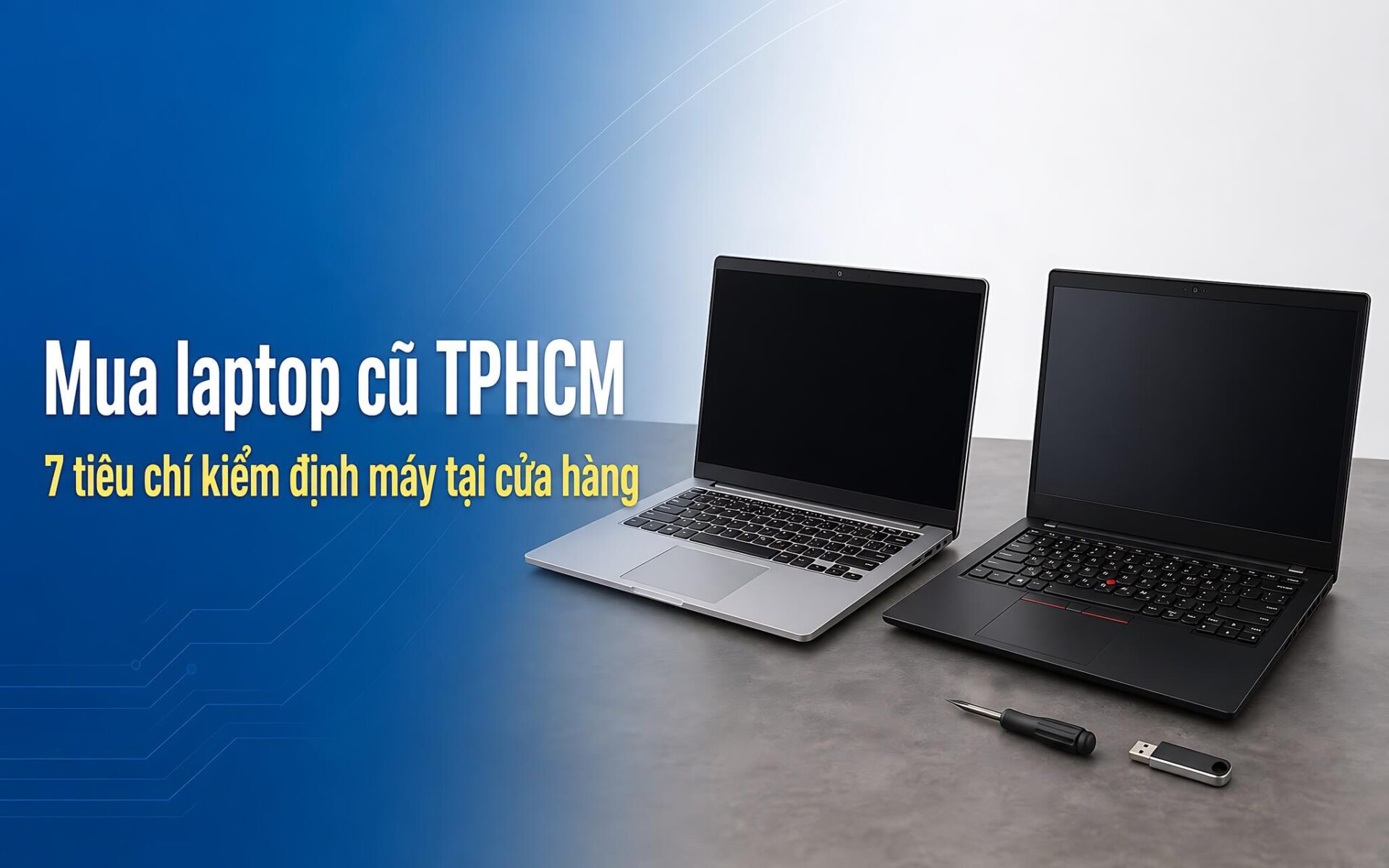
Unreliable sources often mix in heavily refurbished machines, motherboards with re-soldered chips, or components swapped before hitting the shelves. Buying a used laptop is therefore a challenge of verification, not just a matter of whether the exterior looks beautiful or ugly. The seven inspection criteria listed below are pre-numbered to help you personally inspect the configuration, screen, motherboard, battery, SSD, keyboard, and exterior right at the store, accompanied by a comparison table of two office models currently available in HCMC.
Common risks when buying used laptops and preparation steps
A machine that runs intermittently after a few weeks is often the result of poor refurbishment, which is also the biggest concern for used laptop buyers. Technicians may intervene on the motherboard, re-solder the GPU, or replace the battery and screen with cheap market components, then modify the Registry strings so the software reports the advertised configuration. Older gaming laptops carry the highest risk because the discrete GPU runs hot continuously for many years, causing performance to degrade sooner than office machines of the same age.
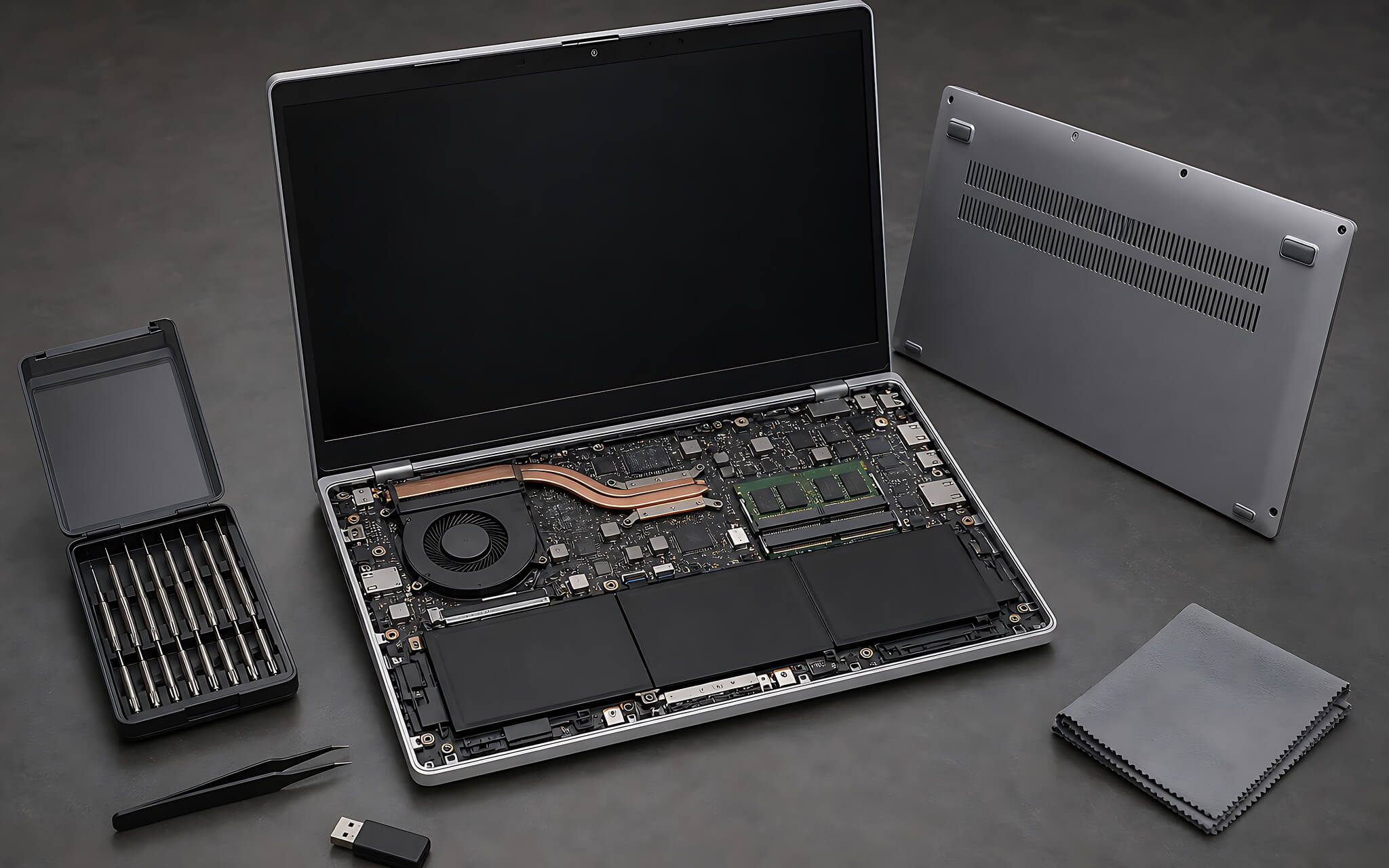
Before heading to the store, prepare a USB drive with at least 8GB capacity, pre-loaded with HWiNFO64, CrystalDiskInfo, four solid color wallpapers (white, black, red, and green), and a keyboard testing tool. This toolkit allows you to independently check the used laptop without relying on the software pre-installed by the seller.
The remaining step is defining your needs and budget segment. Video editing, simulation, or heavy graphics tasks require a specialized mobile workstation like the Dell Precision 7780 and the power solution problem, while word processing, spreadsheets, and online meetings can be fully met by a 14-inch machine.
Criteria 1 and 2: Verifying configuration and inspecting the screen
Criterion 1 is reading the actual configuration from the BIOS or HWiNFO64. Do not trust the System Information window or dxdiag, as the processor name strings displayed by these tools are in the Registry and can be modified by a simple script file. The BIOS returns the processor code name, RAM capacity, and the original serial number recorded by the manufacturer, making it the only reliable source for verification.
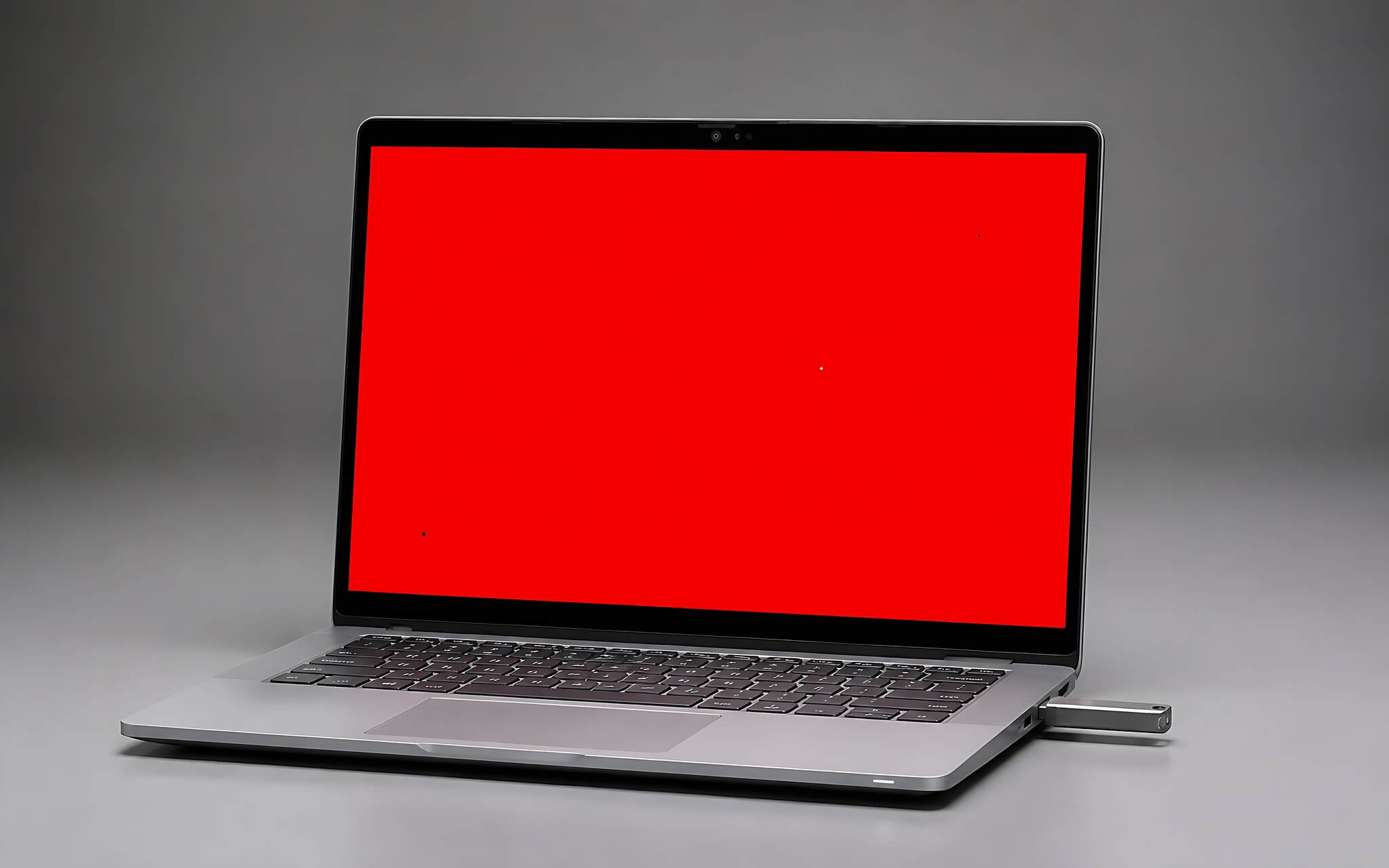
Criterion 2 is the screen; open the four solid color images in full-screen mode one by one to check for dead pixels and bright spots. A white background reveals stains and keyboard marks, while a black background reveals backlight bleeding at the corners and color tinting. An online screen testing site like Myscreenchecker provides a similar experience without needing to copy images to a USB. This is the most easily overlooked category when buying used laptops, as store ceiling lights can mask display defects.
At the same time, check the number of available RAM slots and the memory layout. A dual-channel machine handles multitasking much smoother than a single-stick machine, while a machine with soldered RAM offers no upgrade path in the future. This detail determines the usable lifespan, so ask clearly when inspecting a used laptop at the store.
Criterion 3: Inspecting the motherboard for signs of repair
This step distinguishes an original machine from one that has been serviced by a technician, and it is often skipped by used laptop buyers to avoid hassle. Ask the staff to remove the back cover on the spot, then inspect the screw heads and warranty seals. Stripped screw heads, cut or overlaid seals, and broken plastic clips around the edges all indicate that the machine has been opened multiple times.
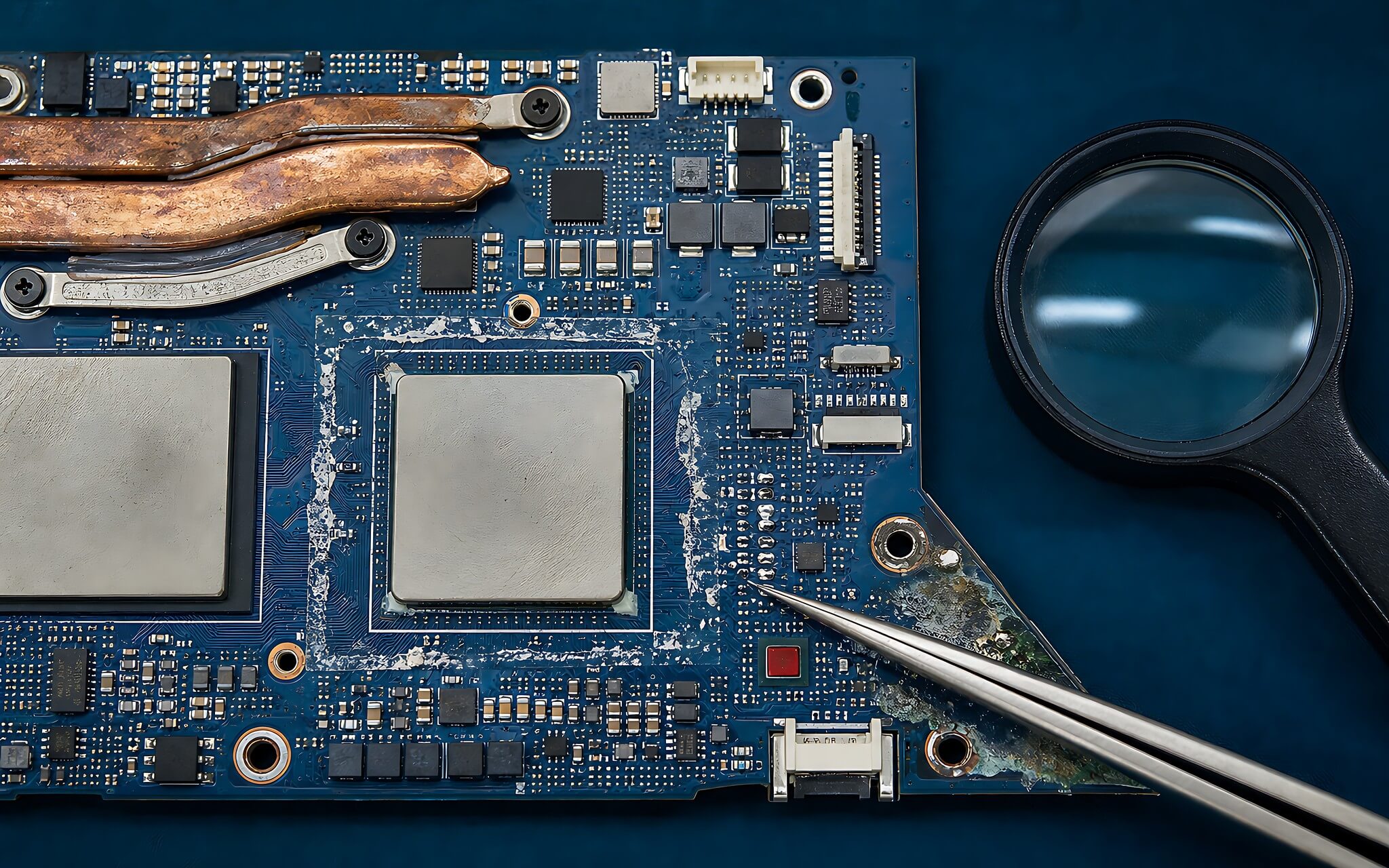
On a factory-original motherboard, solder joints are uniform and the surface is slightly matte. Hand-reworked solder joints are typically shiny, protruding, and misaligned, often accompanied by yellow rosin residue around components because the technician did not clean it properly. For the GPU area specifically, raggedly scraped thermal paste or a chip that is misaligned with its silk-screened frame are signs that the chip has been re-soldered.
Copper discoloration or white salt-like patches indicate that the motherboard has been exposed to liquid, and a moisture sensor seal that has turned from white to red confirms this. The final step is to cross-check the serial number printed on the bottom sticker with the serial number read from the BIOS; if they differ, the shell or the motherboard has been replaced, rendering the serial-based warranty history invalid.
Criteria 4 and 5: Measuring actual battery life and SSD health
Criterion 4 is the battery, which determines portability, so you should measure it with numbers rather than listening to descriptions. Open Command Prompt and run the command from the powercfg command line options documentation using the syntax `powercfg /batteryreport`. Windows will export an HTML file recording the battery characteristics throughout the machine's lifecycle. In the report, read the Design Capacity, Full Charge Capacity, and Cycle Count to understand the remaining capacity compared to the original design.
Criterion 5 is the storage drive; CrystalDiskInfo will return a Health Status at three levels: Good, Caution, or Bad, along with an estimated life percentage. The Power On Hours and Total Host Writes indicators on a used laptop's drive tell you how long the drive has been running and how much data has been written, giving you an idea of the previous owner's usage intensity.
If the drive reports Caution or Bad, you should stop negotiations, as a degrading drive causes sudden system freezes and potential data loss. You should prioritize requesting the store to replace the drive with a new one before paying, or choose a seller with a clear return policy to handle issues if faults arise after a few days of actual use.
Criteria 6 and 7: Keyboard, ports, and exterior
Criterion 6 combines the keyboard, touchpad, and ports-the surfaces you touch most frequently every day. Using Keytest.vn, which lists all keys on the screen, type through the F1 to F12 keys, the navigation cluster, and the numeric keypad to catch any non-responsive keys. A good key maintains consistent tactile feedback, has a decisive travel distance, does not stick, and does not lag when pressed quickly.
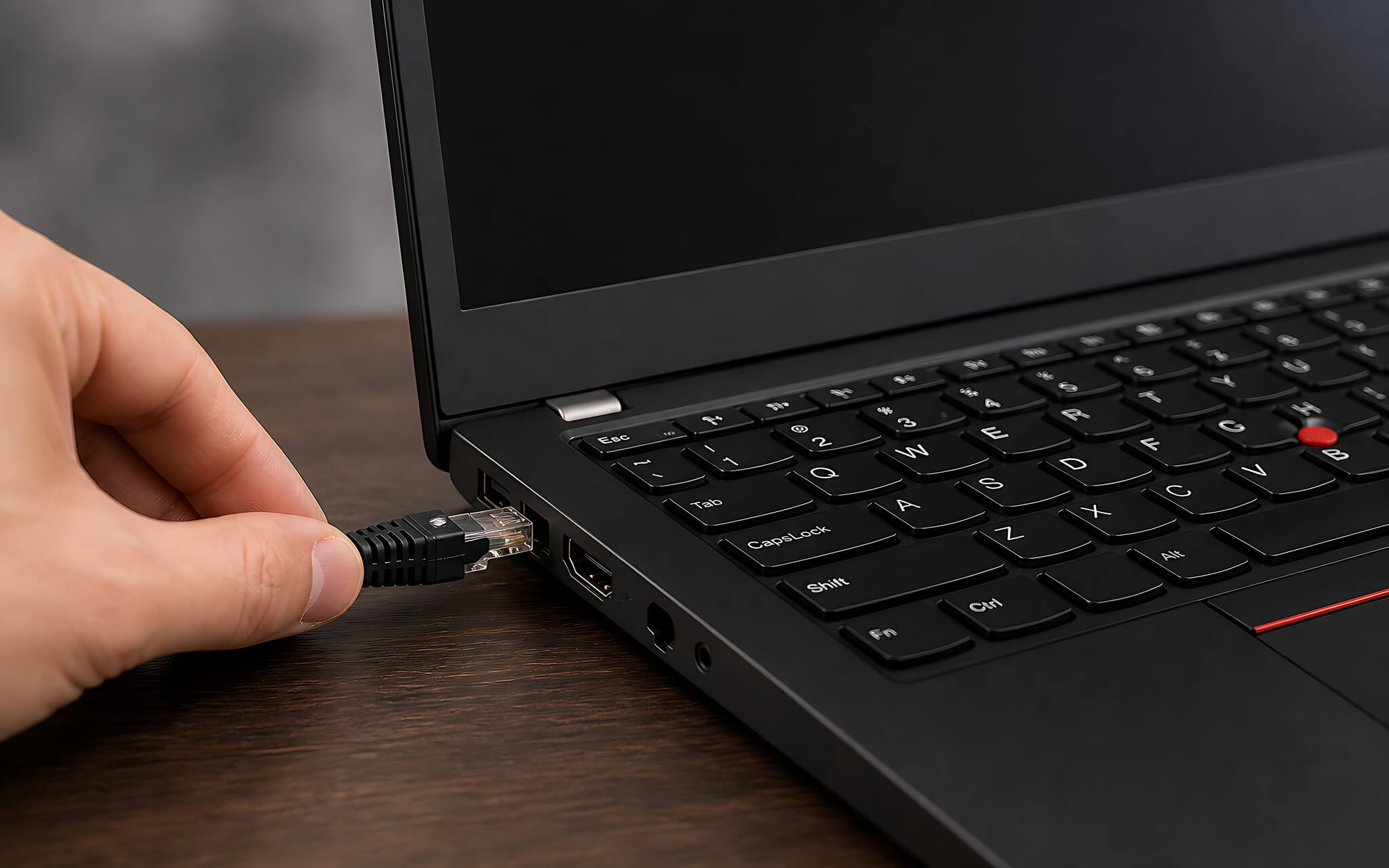
Ports on a used laptop can only be verified by direct connection. Test the USB-A, HDMI, RJ-45, 3.5mm headphone jack, and SD card slot (if available) one by one. For machines equipped with Thunderbolt 4, plug in an external drive and an external monitor to confirm the port handles both data transfer and video output normally.
Criterion 7 concludes with the exterior; inspect the overall shell, hinges, and joints of the used laptop. Deep dents from impacts can misalign the chassis, causing gaps and shifting internal components. Open and close the lid about ten times to listen to the hinges; if the screen wobbles or you hear a cracking sound, the hinges are loose.
Comparison: Latitude 5420 vs. ThinkPad T14 Gen 2 currently in stock
In the 8.8 to 12.8 million VND range, two familiar names for office users looking for used laptops in HCMC are the DELL Latitude 5420 (2021) and the ThinkPad T14 Gen 2. Both run 11th Gen Intel chips with identical Iris Xe 80 EU graphics, so the advantage of each machine lies in upgradeability, battery capacity, and weight rather than processing performance.
| Comparison Criteria | DELL Latitude 5420 (2021) | Lenovo ThinkPad T14 Gen 2 (2021) |
|---|---|---|
| Available Processor | Core i5-1145G7 (4 cores / 8 threads, 2.60 - 4.40 GHz, with vPro) | Core i5-1135G7 (4 cores / 8 threads, 2.40 - 4.20 GHz) |
| Graphics | Intel Iris Xe Graphics 80 EU | Intel Iris Xe Graphics 80 EU |
| RAM Upgradeability | 2x SODIMM slots, up to 64GB DDR4 | 1x soldered + 1x SODIMM slot, up to 48GB DDR4-3200 |
| USB-C Ports | 2x Thunderbolt 4 ports | 2x Thunderbolt 4 ports |
| Battery & Weight | 42 Wh or 63 Wh depending on version | 1.37 kg | 50 Wh | from 1.47 kg |
| Price in stock as of Aug 14, 2026 | 8,800,000 VND (i5-1145G7) · 10,000,000 VND (i7-1185G7) | 10,500,000 VND (i5-1135G7) · 12,800,000 VND (i7-1165G7 touchscreen) |
The clearest difference lies in the memory. The Latitude 5420 has two empty SODIMM slots, allowing you to upgrade directly to 64GB as your workload grows, whereas the ThinkPad T14 Gen 2 (2021) has part of its RAM soldered and only one slot available, capping upgrades at 48GB. On the other hand, the soldered RAM allows the Lenovo machine to run in dual-channel mode right out of the box, a plus for those buying used laptops for immediate use who are hesitant to upgrade.
Regarding the remaining hardware, the Intel Core i5-1145G7 in the Dell is half a step higher in clock speed and includes the vPro platform for remote management, while being 100 grams lighter and offering a 63 Wh battery option. The ThinkPad T14 Gen 2 compensates with a deep-travel keyboard, but at a starting price 1.7 million VND higher, so you should weigh your typing habits against your upgrade needs.
Choosing a reliable used laptop store in HCMC after knowing how to test
The testing process mentioned above only works if you can hold the machine in person and have the back cover removed. Hung Phat's showroom is located on Thoai Ngoc Hau Street, Phu Thanh Ward, HCMC, where customers can inspect used laptops directly at the store before finalizing the order, including internal components.
Regarding after-sales, our published warranty policy includes a 6-month warranty and a 1-for-1 exchange within the first 30 days for faults in RAM, SSD, battery, charger, keyboard, and dead pixels on the screen, along with free installation and cleaning support throughout the usage period. Machines in stock are from official imported sources and are original, never having undergone repairs.
Customers from other provinces can still order as the store ships nationwide, with free delivery within HCMC. You should call ahead so staff can reserve the exact configuration you wish to inspect, as each office model typically has only a few units available and prices change with each import batch.
Frequently Asked Questions (FAQ)
What needs to be checked before paying for a used laptop?
Seven essential items must be checked: configuration read from BIOS, screen checked with four solid color images, motherboard inspected for solder joints and warranty seals, battery measured via `powercfg /batteryreport`, SSD checked with CrystalDiskInfo, keyboard and ports tested for responsiveness, and the exterior for hinge integrity. Completing all seven items virtually eliminates the risk of hidden defects. The rest is choosing a seller that allows on-site disassembly, has a clear address, and transparent policies. Hung Phat offers a 6-month warranty and a 1-for-1 exchange within the first 30 days.
What are the signs that a motherboard has been tampered with?
Look for three groups of traces. Mechanical traces include stripped screw heads, cut or overlaid warranty seals, and broken plastic clips. Solder traces include shiny, protruding, or misaligned solder points, yellow rosin residue around components, and raggedly scraped thermal paste around the GPU. Damage traces include copper discoloration, white salt-like patches, and moisture sensor seals that have turned red. If you encounter any of these signs, you should skip the machine even if the exterior looks brand new.
How degraded should a battery be before I should request a replacement when buying a used laptop?
The `powercfg /batteryreport` provides three numbers for you to decide: Design Capacity is the original capacity, Full Charge Capacity is the current maximum charge, and Cycle Count is the number of charge cycles used. Divide Full Charge Capacity by Design Capacity to get the remaining percentage, then compare it to the duration you need for a single workday. If the result does not meet your needs, negotiate a battery replacement at the time of purchase instead of waiting for issues to arise later.
How can I safely buy a used laptop from HCMC if I am in another province?
Request the seller to record a continuous video: opening the BIOS to read the configuration and serial number, running CrystalDiskInfo, exporting the battery report, testing the keyboard, and removing the back cover to inspect the motherboard. A continuous video is harder to fake than separate photos, making it much more reliable. Then, cross-check the serial numbers in the video with the serial numbers on the machine upon arrival, and prioritize sellers who offer nationwide shipping with clear return policies to ensure a way out if the machine does not match the description.











