

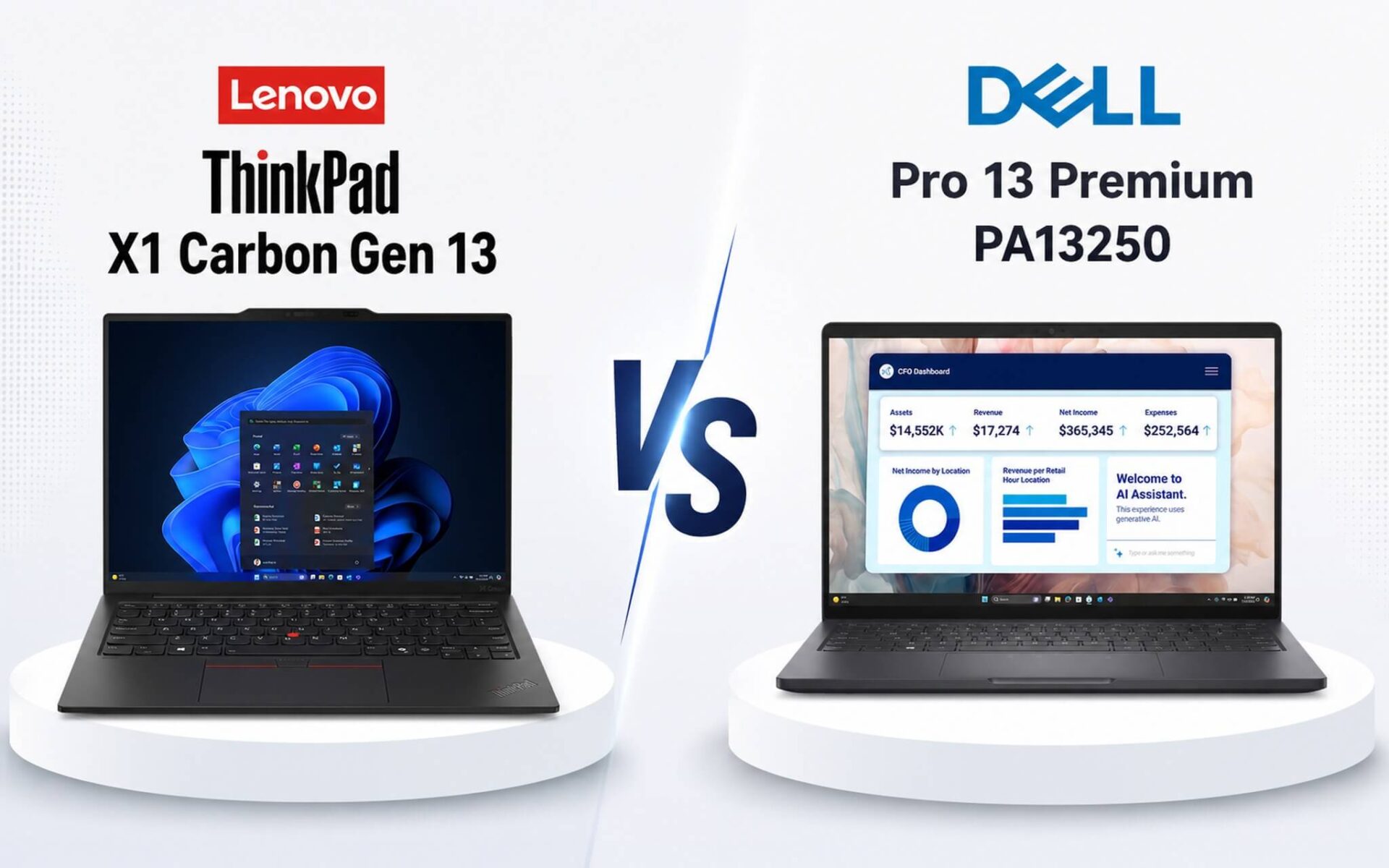
Lenovo ThinkPad X1 Carbon Gen 13 and Dell Pro 13 Premium PA13250 both run on the Lunar Lake platform and sit in the 45-55 million VND segment, but their hardware budget allocation is completely different. The ThinkPad X1 Carbon focuses its advantages on the 2.8K 120Hz OLED panel and the Arc 140V GPU, while the Dell Pro 13 Premium opts for an FHD+ IPS 60Hz screen to extend battery life to 12-16 actual hours. If you are wondering whether OLED is worth it or if you should prioritize less frequent charging, this article gets straight to the point.
ThinkPad X1 Carbon Gen 13 has a superior screen, Dell excels in battery life
Both Lenovo ThinkPad X1 Carbon Gen 13 and Dell Pro 13 Premium PA13250 use the Lunar Lake architecture with on-package LPDDR5X-8533 RAM, meaning the RAM cannot be upgraded after purchase. This is a crucial point to consider before spending your money. Hung Phat recommends choosing the 32GB version from the start if you use many tabs, virtual machines, or light photo/video editing.
| Specifications | ThinkPad X1 Carbon Gen 13 | Dell Pro 13 Premium PA13250 |
|---|---|---|
| Price | 45-55 million | 45-55 million |
| CPU | Core Ultra 7 258V, 8 cores, boost 4.8GHz | Core Ultra 5 236V vPro, 8 cores, boost 4.7GHz |
| GPU | Arc Graphics 140V (8 Xe cores, Fire Strike 9,819) | Arc Graphics 130V (7 Xe cores, Fire Strike 8,450) |
| RAM | 32GB LPDDR5X-8533 (onboard) | 16GB or 32GB LPDDR5X-8533 (onboard) |
| SSD | 512GB or 1TB PCIe Gen 4 NVMe | 256GB / 512GB / 1TB PCIe Gen 4 NVMe |
| Display | 14" OLED 2880x1800, 120Hz, 16:10, 100% DCI-P3 | 13.3" IPS FHD+ 1920x1200, 60Hz, 16:10, 300 nits |
| Battery | 57Wh, ~8-11 hours office use | 60Wh, ~12-16 hours office use |
| Weight | From approx. 0.98 kg | From approx. 1.07 kg |
| Ports | 2x TB4, 2x USB-A, HDMI 2.1, 3.5mm | 2x TB4, 1x USB-A, HDMI 2.1, 3.5mm |
The ThinkPad X1 Carbon Gen 13 uses the Core Ultra 7 258V with the Arc 140V GPU, featuring 8 Xe cores based on the Xe² Battlemage architecture, with Fire Strike scores of 9,819 and Time Spy 4,047. The Dell Pro 13 Premium PA13250 runs on the Core Ultra 5 236V with the Arc 130V, 7 Xe cores, Fire Strike 8,450, and Time Spy 3,401. This represents a roughly 14-16% difference in GPU performance, which is clearly noticeable when exporting RAW images, running light rendering applications, or playing indie games.
Regarding the CPU, the Ultra 7 258V achieves a Cinebench R23 single-core score of 1,872 and multi-core of 10,301; Geekbench 6 single-core 2,754 and multi-core 10,965. The Ultra 5 236V achieves a Geekbench 6 single-core of 2,551 and multi-core of 9,773. The multi-core gap of about 12% favors the ThinkPad, but for purely office workloads and online meetings, the Dell Pro 13 Premium feels almost indistinguishable in terms of speed.
Both offer excellent connectivity: 2x Thunderbolt 4 USB-C, HDMI 2.1, and USB-A 5Gbps. The ThinkPad has one extra USB-A port compared to the Dell (2 vs 1), which is a small but convenient detail when you need to plug in a mouse and other peripherals simultaneously without a hub.
Both laptops fall within the 45-55 million VND range. You can check the detailed configurations and variants of the Lenovo ThinkPad X1 Carbon Gen 13 OLED 2.8K version and the Dell Pro 13 Premium PA13250 to choose the one that fits your budget.
Is the ThinkPad's 2.8K 120Hz OLED worth sacrificing battery life?
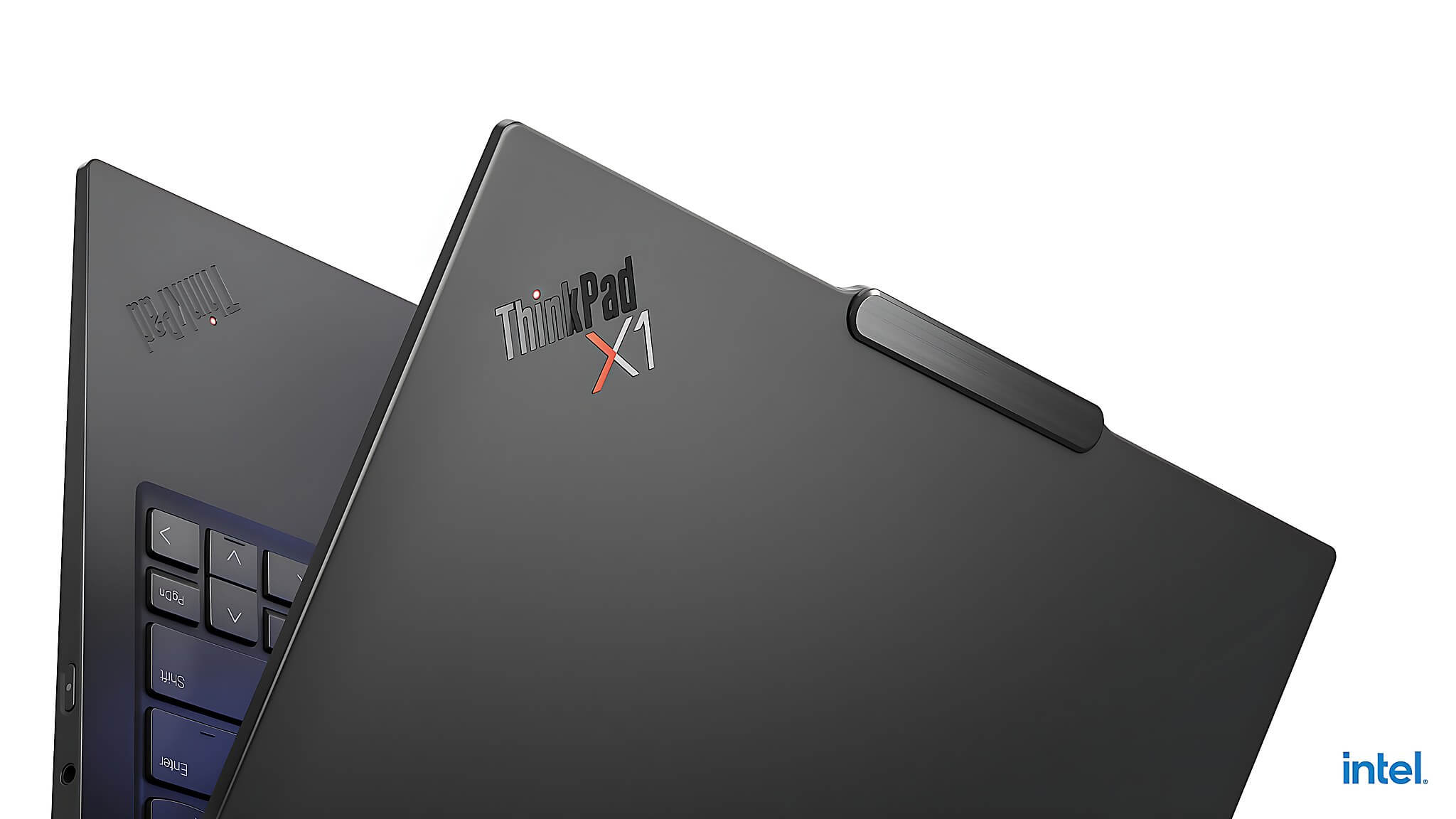
The 14" 2880x1800 OLED screen of the Lenovo ThinkPad X1 Carbon Gen 13 meets the 100% DCI-P3 standard, providing much deeper blacks and higher contrast than an IPS screen-a difference most noticeable when viewing photos, color grading, or attending video meetings. For light photographers, graphic designers, or anyone who simply enjoys watching movies after work, the OLED here is worth the premium. There is a downside: the 120Hz OLED consumes more power than a 60Hz IPS, and OLED screens still carry a long-term risk of burn-in if static applications are left on screen for many hours. This is a technical characteristic of the technology, not a specific flaw of the ThinkPad.
The Dell Pro 13 Premium PA13250 opts for a 13.3" FHD+ IPS screen with 1920x1200 resolution, 60Hz, and 300 nits. This screen isn't breathtaking, but it is perfectly adequate for office work, offering sufficient sharpness and significant power savings. Combined with a larger 60Wh battery (compared to the ThinkPad's 57Wh), the Dell can last 12-16 hours of actual office use, while the ThinkPad X1 Carbon reaches about 8-11 hours with the 120Hz OLED. If you have back-to-back meetings from morning to evening without easy access to a power outlet, the Dell Pro 13 Premium is the more practical choice.
In terms of heat and sustained performance, both have a 17W TDP and a similar thin-and-light design under 1.1kg. The Lunar Lake platform offers better performance-per-watt than previous generations, so both experience minimal thermal throttling during typical office tasks. When pushing heavy workloads like rendering or video exporting, both should be plugged in; a 2-4 hour battery life under high load is normal for 17W thin-and-light models.
Should you choose the ThinkPad X1 Carbon or the Dell Pro 13 Premium?
Choose the Lenovo ThinkPad X1 Carbon Gen 13 if you prioritize the display experience: design work, light photo editing, heavy content consumption, or video meetings where color accuracy is vital. The Arc 140V GPU also provides an advantage if you occasionally run software requiring integrated graphics. Weighing from approximately 0.98kg, it is ideal for frequent travelers who don't want a heavy bag. The downside: battery life is only 8-11 hours with the OLED; if you have long workdays without a charger, you'll need to plan accordingly.

Choose the Dell Pro 13 Premium PA13250 if battery life is your number one priority. The 13.3" FHD+ IPS screen is smaller and not as beautiful as the OLED, but in return, the 12-16 hours of real-world use helps you get through a full workday without worrying about a charger. The 16GB RAM version is more affordable and suitable for standard office work, while the 32GB version is for users running many applications simultaneously. The Core Ultra 5 236V vPro also offers an advantage for enterprise management if your company requires vPro standards.
Both are currently in stock at Hung Phat, complete with official warranty and direct consultation support. If you are in Ho Chi Minh City, you can visit us to see the actual machines, try the keyboard, and feel the compactness of the Dell before deciding. For quick consultation based on your specific needs, message Hung Phat for immediate assistance.
Frequently Asked Questions (FAQ)
How much does the real-world performance differ between the two machines in daily use?
For standard office workloads like Office, browsers with 20-30 tabs, Zoom, and Teams, both run smoothly and are hard to distinguish. When pushing into heavier tasks like batch exporting RAW images, short video rendering, or running multiple heavy applications simultaneously, the ThinkPad X1 Carbon's Core Ultra 7 258V is about 12% faster in multi-core performance according to Geekbench 6 (10,965 vs 9,773). The Arc 140V GPU is also about 14-16% faster than the Arc 130V according to Fire Strike (9,819 vs 8,450), so if you occasionally run light design software or edit video, the ThinkPad has a clear advantage. Neither is a gaming machine, but light indie titles will still run at low resolutions.
Regarding battery and operating temperature, which machine is more worry-free for all-day use?
The Dell Pro 13 Premium PA13250 has a clear advantage in battery: 12-16 hours of actual office use thanks to the combination of the power-saving 60Hz IPS screen and the 60Wh battery, along with ExpressCharge fast charging. The ThinkPad X1 Carbon with its 120Hz OLED consumes more power, lasting about 8-11 hours for office work; this is still enough for a day but might require a charger by late afternoon. Regarding heat, both use the 17W Lunar Lake platform and have similar thin-and-light designs, so temperatures during office work remain well within controllable limits. During rendering or sustained heavy loads, both will get warm to the touch, which is a common characteristic of thin-and-light series rather than a specific flaw of either machine.
Both are in the 45-55 million VND range; is the configuration difference worth the upgrade?
Both are in the same price bracket, but the ThinkPad X1 Carbon Gen 13 base model only comes with a 512GB SSD and the OLED screen, meaning you are paying for the display and a more powerful GPU. The Dell Pro 13 Premium PA13250 is more flexible with multiple SSD (256GB, 512GB, 1TB) and RAM (16GB, 32GB) options, so you can choose a cheaper version if you only need light office use. If you have a fixed budget and don't need OLED, the 16GB/512GB Dell Pro 13 Premium is significantly more economical. Conversely, if you plan to use the laptop for 3-4 years and want a beautiful screen long-term, the extra cost for the ThinkPad X1 Carbon's OLED is a reasonable investment.
Specifically, which machine should each type of user choose?
Light graphic designers, photographers, or those who frequently use the screen for content consumption and color grading should choose the ThinkPad X1 Carbon Gen 13, as the 100% DCI-P3 OLED and Arc 140V GPU are practical advantages. Salespeople, managers, or anyone who travels frequently and doesn't always have access to a power outlet will find the Dell Pro 13 Premium PA13250 more suitable due to the 12-16 hours of real-world battery life making a huge difference during long days. Businesses requiring vPro management standards should also prioritize the Dell. If you need a machine that has both long battery life and powerful dedicated graphics, neither of these is sufficient, and you should consider a model with a dedicated GPU.











