

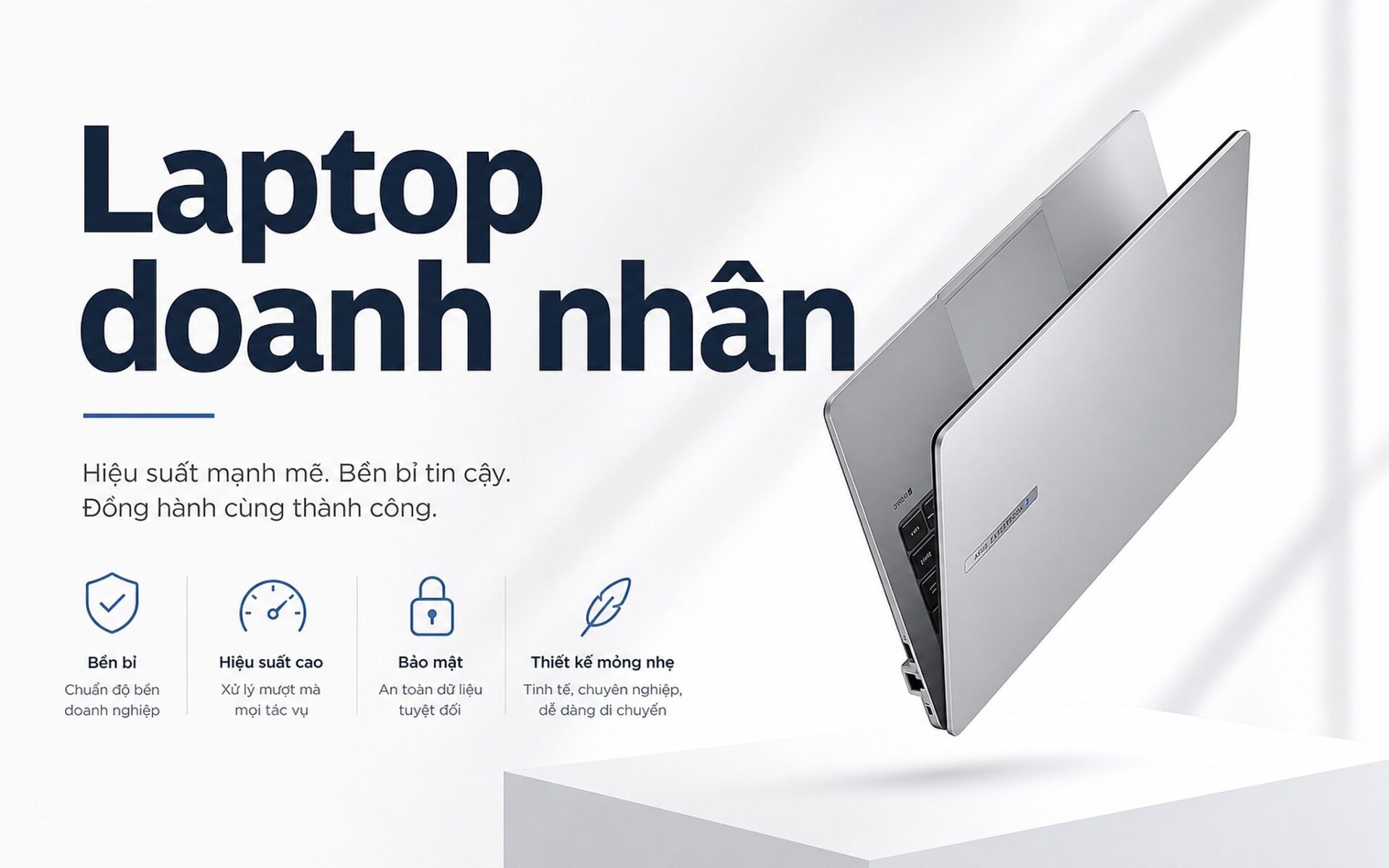
With dozens of business laptop models in the sub-45 million VND range, making a quick choice is no easy task: which machine is suitable for executives meeting partners, which is best for managers needing ample ports, and which is durable enough for field workers? This article narrows it down to the Top 5 models currently in stock under 45 million VND, categorized by budget and professional role to help you narrow down your options in minutes. Each machine highlights its strengths, weaknesses, and ideal user type, based on real-world configurations compared to listed prices.
Criteria for choosing a value-for-money business laptop
Before looking at individual models, you should narrow your search based on four easy-to-check criteria: weight, battery life, display, and connectivity ports. An ideal weight is under 1.5 kg so the device fits neatly in a briefcase with documents and accessories; a thickness under 16 mm makes it feel solid in hand. These four criteria act as a quick filter, helping you eliminate half the list before diving into the specific machines in the following sections.
| Model | Estimated Price | CPU | RAM / Screen | Best For | Strengths | Weaknesses |
|---|---|---|---|---|---|---|
| Dell XPS 13 9350 | 35-42 million | Intel Core Ultra 7 268V | 16-32 GB / OLED 2.8K 13.4" | Executives prioritizing lightness, beautiful displays, and frequent flying | 1.2 kg weight, sharp OLED screen, 10-12h battery | Few ports, requires a hub |
| Dell Pro 14 Plus PB14250 | 32-38 million | Intel Core Ultra 7 (2nd Gen) | 16-32 GB / IPS 2K 14" | Managers and executives needing many connectivity ports | Ample ports, comfortable keyboard, great 14" multitasking screen | About 200g heavier than XPS 13 |
| Dell 14 Premium DA14250 | 28-35 million | Intel Core Ultra 5/7 | 16 GB / IPS 2K 14" | Professionals wanting Dell quality on a moderate budget | Compact design, performance sufficient for heavy office work | Screen is not as sharp as XPS |
| Asus ExpertBook P1 | Under 25 million | Intel Core i5/i7 13th Gen | 16 GB / FHD 14" | Users needing MIL-STD durability on a budget | Durable, stable battery, great value | FHD screen is not as sharp as 2K, design is not premium |
| Lenovo Yoga 7i | 28-32 million | Intel Core Ultra 5/7 (1st Gen) | 16 GB / IPS 2K Touch 16" | Frequent meeting attendees needing intuitive stylus presentations | Large screen, 360-degree hinge, stylus support | 16" size is heavy, not ideal for frequent air travel |
Technically, battery life is a non-negotiable factor. Frequent travelers are rarely near a power outlet, so they need at least 10-12 hours of actual usage for light tasks like email, Google Docs, and Zoom. New generation CPUs with Efficiency Cores help achieve this without requiring massive batteries that increase weight. A 13-14 inch screen with 2K resolution or higher, an IPS or OLED panel, and brightness above 400 nits is sufficient for working outdoors or under bright meeting room lights. 16 GB of RAM is currently the minimum threshold for running Teams, Chrome with 20+ tabs, and complex Excel spreadsheets simultaneously.
All 5 machines in this article are under 45 million VND, which is also the most reasonable budget range for business laptops. Under 25 million, you can still find lightweight machines, but they often have inferior battery life, plastic builds, and screens that lack the sharpness required for a professional environment. Reaching the 45 million ceiling enters the premium zone with magnesium alloy or carbon materials, but real-world office performance doesn't differ significantly. The "sweet spot" of 28-38 million allows you to choose aluminum-bodied machines with 2K screens and 1st-2nd Gen Intel Core Ultra CPUs that are powerful enough without paying extra for rarely used features.
Top 5 business laptops by professional role
The first choice is the Dell XPS 13 9350 (2025), a compact model weighing only about 1.2 kg, featuring an all-aluminum chassis and a 13.4-inch 2.8K 120Hz OLED screen-a display highly rated for color accuracy when presenting slides or reviewing contracts with clients. The Intel Core Ultra 7 268V CPU belongs to the Lunar Lake architecture, a new Intel Core Ultra generation that integrates a powerful NPU to support on-device AI features and significantly improves battery efficiency compared to previous generations. Real-world battery life reaches 10-12 hours for light use. Downside: OLED screens are prone to burn-in if static images are left for too long, and connectivity is limited to Thunderbolt 4, requiring a hub for external monitors or USB-A devices. Ideal for executives who prioritize machine design and screen quality over the number of ports.
The second choice is the Dell Pro 14 Plus PB14250 (2025), a model we often recommend for sales directors and managers who travel for business while multitasking across multiple screens. It features a 14-inch 2K IPS screen, weighs about 1.4 kg, and comes with ample ports including USB-A, USB-C, HDMI, and a card reader, allowing for direct connection without a hub. It uses an Intel Core Ultra 7 (2nd Gen, Arrow Lake) CPU and 16-32 GB LPDDR5 RAM. Compared to the XPS 13, this machine has a 1-inch larger screen, more complete ports, and a more comfortable keyboard for heavy typists. Downside: It is about 200 grams heavier and slightly thicker than the XPS 13. Estimated price is 32-38 million depending on configuration.
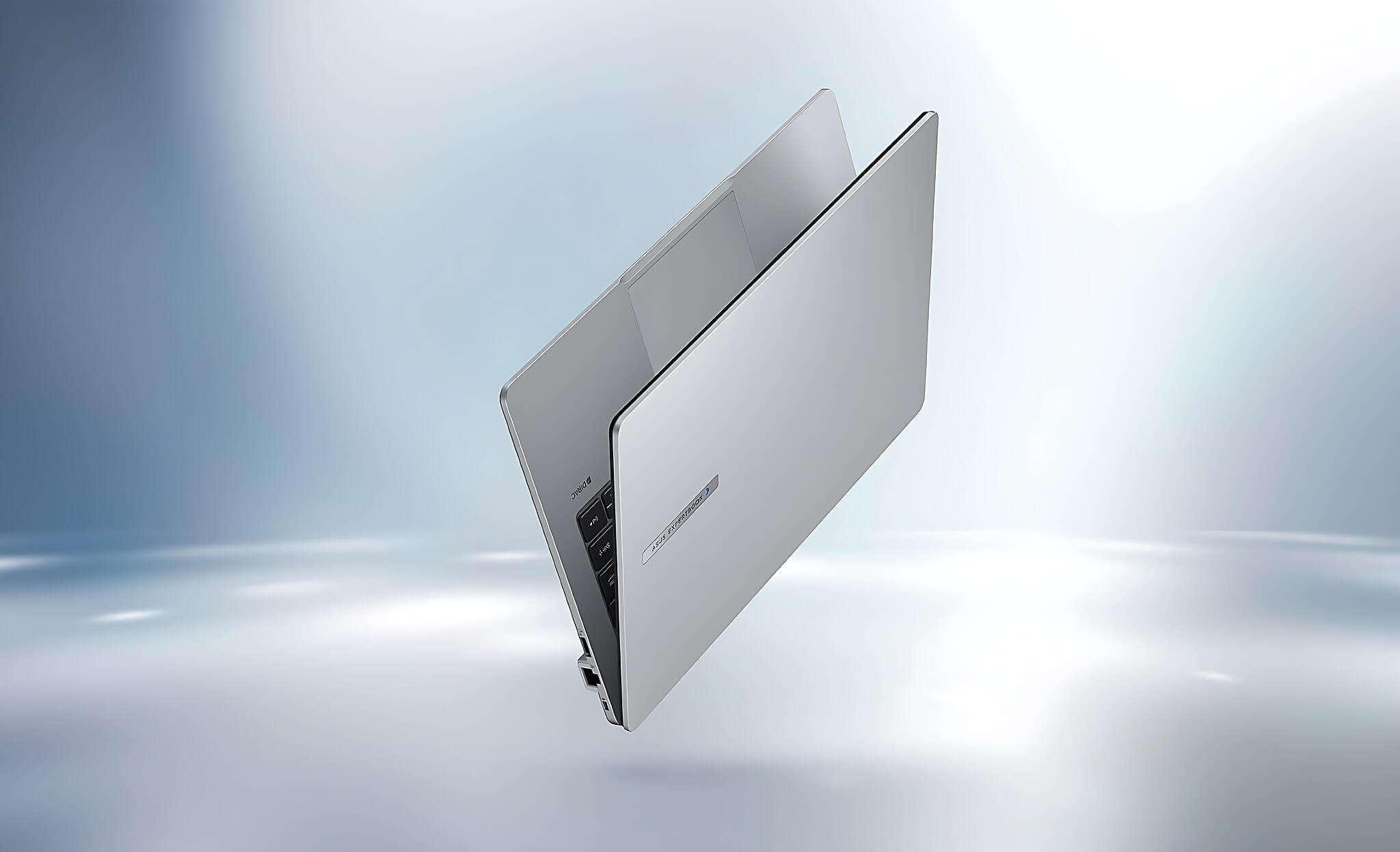
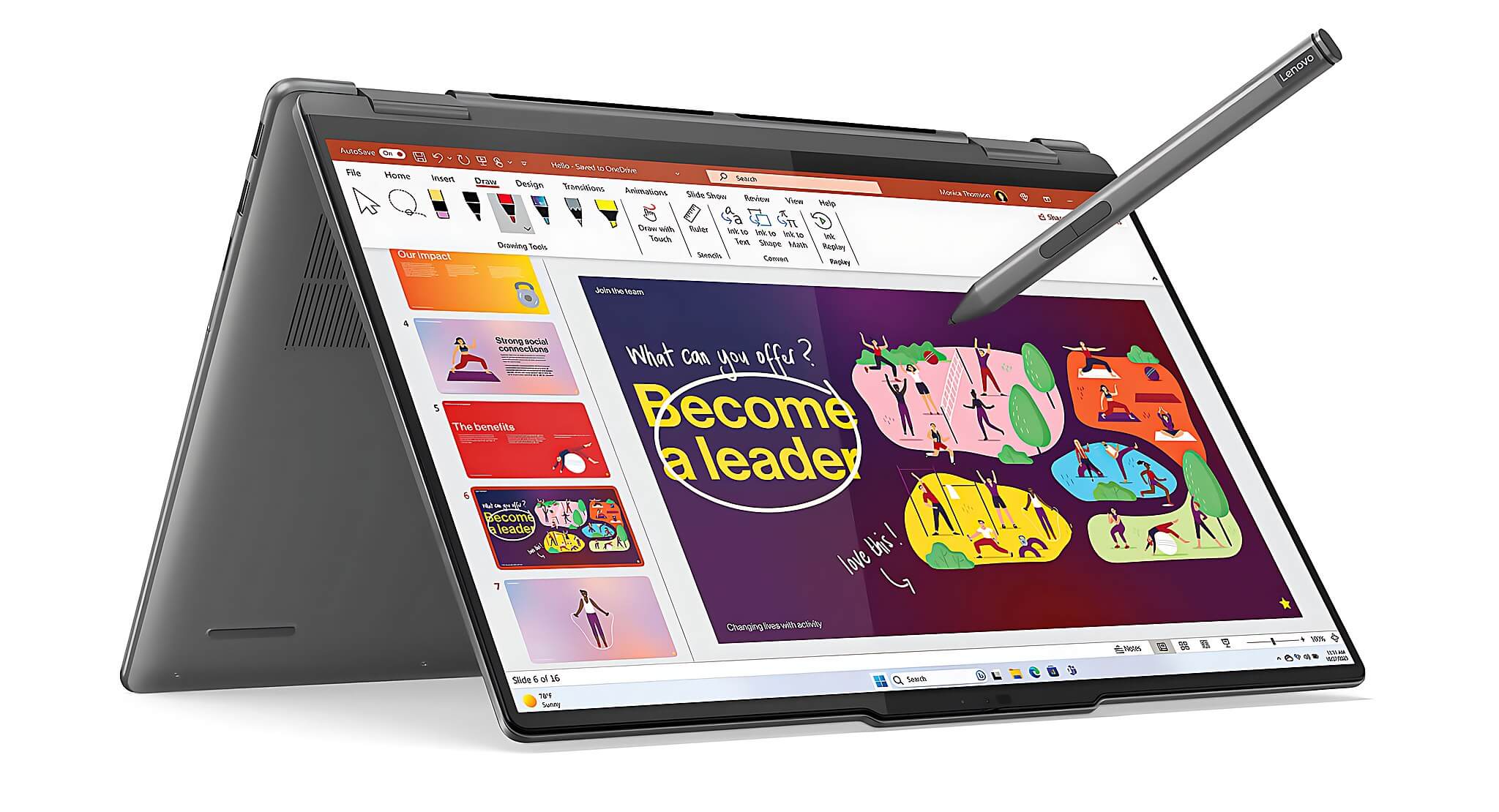
If the two machines above do not fit your budget or are temporarily out of stock, there are two backup options. The Asus ExpertBook P1 is a durable enterprise model that meets MIL-STD-810H standards for impact and humidity resistance, making it ideal for field workers or those in harsh climates. Usually priced under 25 million, it is a budget-friendly choice for those prioritizing durability over luxury. The Lenovo Yoga 7i is suitable for professionals needing flexibility between a laptop and a tablet during meetings, featuring a 16-inch 2K touchscreen for intuitive presentations. Downside: The 16-inch size is heavier, making it less than optimal if you prioritize portability for frequent air travel.
How to choose a business laptop by budget
Each machine has its own strengths depending on your workflow: those focusing on premium displays and lightweight builds will not make the same choice as those needing ample connectivity or large screens for multitasking. The specification table above helps you quickly compare before deciding based on your budget.
If your budget is under 25 million and you need a durable machine for frequent travel in harsh conditions, the ExpertBook P1 is a practical choice. From 28-32 million, the Yoga 7i and Dell 14 Premium offer a 2K screen experience and better Intel Core Ultra performance. At 35-42 million, the XPS 13 9350 is the best fit when screen quality and weight are non-negotiable. The Dell Pro 14 Plus at 32-38 million is ideal for those needing a screen larger than 13 inches and sufficient ports for direct connection without a hub.
Before spending your money, ask yourself: Do I frequently travel by plane? If so, prioritize machines under 1.4 kg. Do I often work far from a power outlet? If so, choose a machine with over 10 hours of actual battery life. Do I frequently connect to external monitors or projectors? If so, avoid machines with limited ports. Do I need accurate color reproduction for slide presentations? If so, an OLED or 2K IPS screen with over 90% DCI-P3 is essential. Answering these four questions will help you eliminate at least 3 of the 5 machines listed above and save you from indecision.
This article is a condensed list for quick selection by budget. If you have narrowed your choice down to high-end Dell or ThinkPad models and want a deep dive into a specific pair, check our article ThinkPad X1 Carbon vs Dell Pro 13 Premium comparison; reading more beforehand will save you a lot of time. If you need direct consultation or want to see the actual machines in Ho Chi Minh City, Hung Phat is ready to assist in-store: connectivity ports, actual handheld weight, and stock status are all verified directly before delivery.
Frequently Asked Questions (FAQ)
What is a reasonable budget when choosing a laptop for frequent business travelers?
For frequent travelers, a reasonable budget to get a standard-compliant machine starts from 25 million VND. Below this level, you often have to accept plastic builds, less sharp FHD screens, and battery life under 8 hours of actual use-three factors that directly impact the experience when working away from the office. The 28-38 million range is the "sweet spot": aluminum or alloy builds, 2K screens, Intel Core Ultra CPUs, and 10-12 hour battery life. Above 40 million, you enter the premium zone with OLED screens and weights under 1.2 kg, which is worth the investment if you fly 3-4 times a month and professional appearance is crucial when meeting partners.
Should business professionals choose Windows or macOS?
The answer depends on your current ecosystem and software usage. If your work involves Microsoft 365, local accounting software, enterprise ERP, or requires company VPN connections, Windows is a much less complicated choice. macOS is more suitable if you already use an iPhone and iPad and need AirDrop, Handoff integration, or work in content creation. Regarding security and battery life, both platforms have improved significantly in the last 2 years, and the gap is no longer as large as before. The 5 machines listed in this article all run Windows, making them suitable for most Vietnamese businesses using local specialized software.
In the 30-35 million range, which machine is both thin/light and has stable performance?
In the 30-35 million range, the Dell 14 Premium DA14250 (2025) and Lenovo Yoga 7i are two strong contenders. The Dell 14 Premium is lighter, making it suitable for those who want a pure laptop with a good keyboard and a sufficient 2K screen. The Yoga 7i is heavier but adds a touchscreen, 360-degree hinge, and stylus support, making it more valuable if you frequently draw diagrams or sign electronic documents directly on the screen. Both run 1st Gen Intel Core Ultra, which is smooth enough for heavy office multitasking, Teams, and basic to intermediate Excel data analysis tasks.
Among the available machines, which is best for professionals traveling abroad?
If the criteria are frequent international travel, boarding planes, working in airport lounges, and meeting foreign partners, then the Dell XPS 13 9350 (2025) is the best fit in this list. Specific reasons: the 1.2 kg weight fits easily into a 7 kg cabin bag along with other items; the 2.8K OLED screen is sharp enough to present without a secondary monitor; and high-speed Thunderbolt 4 makes it easy to find adapters at international airports. Additionally, keep in mind the need for a multi-standard power adapter, as some international hotels only have two-pin outlets. Our store can also advise on compatible accessories when you purchase your machine.











