


Microsoft has officially launched the testing phase for Windows 11 26H1, but unlike typical expectations for flashy features, this is actually a profound technical evolution. At its core, Windows 11 26H1 serves as a critical transitional build, laying a solid foundation for supporting upcoming advanced processor architectures while paving the way for major user experience changes expected to arrive in the 26H2 update later this year.
Technical Foundation for Next-Generation Hardware and Chips
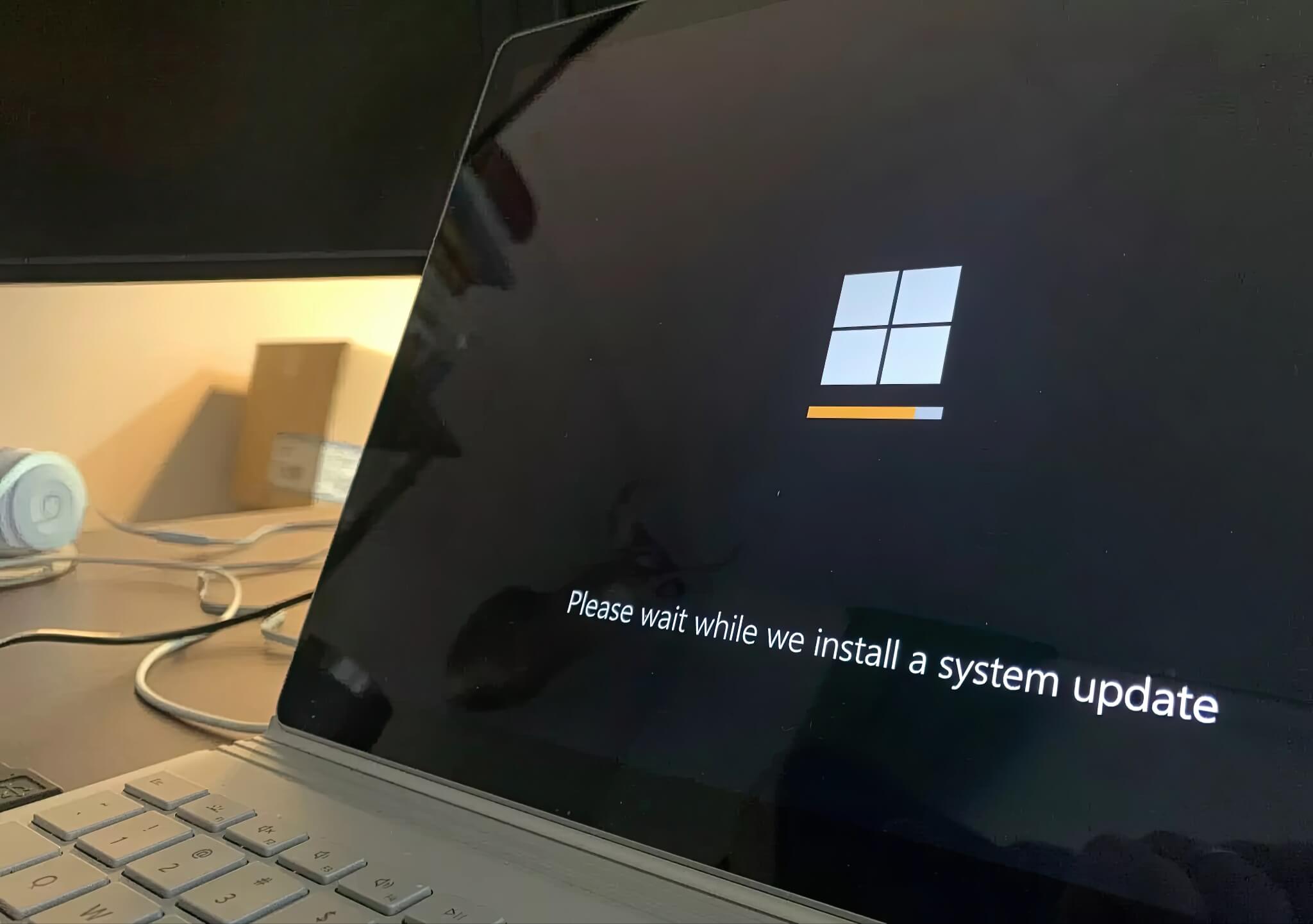
The latest testing build of Windows 11 does not focus on eye-catching interface features, but rather on engineering improvements. With the release of Insider Preview Build 28000, Microsoft has begun bringing the Windows 11 26H1 version to the Canary Channel of the Windows Insider Program. This is the first time the system label clearly displays "Windows 11, version 26H1" in both Settings and the winver dialog, marking the official presence of this version.
While this update may seem ordinary at first glance, Microsoft has clarified that 26H1 is not a feature expansion of Windows 11 25H2. Instead, it represents a technical platform revision designed to prepare the operating system for an entirely new generation of processors. This list includes notable names such as Qualcomm's Snapdragon X2 and X2 Elite, as well as Nvidia's N1 and N1x chips. These processors differ significantly from traditional x64 architecture, requiring subtle but extremely critical changes deep within the system.
These adjustments include driver models, power management, scheduler behavior, and low-level system planning. Although average users will not see these changes during daily use, they are vital elements to ensure the operating system runs efficiently on future Windows-on-Arm devices and hybrid devices. Therefore, 26H1 focuses less on introducing new user experiences and more on maintaining compatibility and performance on evolving hardware platforms.
Similar to version 25H2, Microsoft will deliver 26H1 via an "enablement package" - a lightweight activation mechanism rather than requiring a full operating system upgrade. This approach is very practical: Windows already includes the new system components through cumulative updates, but they remain inactive until the enablement package turns them on. This model helps minimize installation time and download size, helping to maintain a stable user experience.
Interface Improvements and New Features on Windows 11 26H1
Currently, testing Windows 11 26H1 is exclusive to the Canary Channel, Microsoft's earliest and most experimental testing branch. Builds released here are not guaranteed to be present in the final official version, and participants cannot downgrade to lower Insider channels without reinstalling the entire system. However, Canary builds often serve as a testing ground for features still under evaluation.
Recent Canary releases have brought a series of interface changes and improvements related to Artificial Intelligence (AI). The Xbox Full Screen Experience now supports more desktop configurations, prioritizing system resources for gaming while restricting background activities. On Copilot+ PCs, the redesigned "Click to Do" menu adds contextual AI actions, such as saving, copying, or processing images and tables directly from the interface.
Additional refinements also extend to system management. Studio Effects support has been expanded to external USB webcams, with controls accessible through both Settings and the Quick Settings bar. A new "Mobile Devices" page helps centralize phone integration, allowing smartphones to function as cameras or share files directly within File Explorer.
File Explorer itself has also been further polished. Dark mode is now visually consistent across all system dialogs, including copy, delete, replace, and error windows. When hovering over files in the Start menu, users will also see quick actions like "Open file location" or "Ask Copilot." Additionally, the system's haptic layer has been refined. Styluses equipped with vibration motors now respond to actions like dragging or snapping windows, adding subtle physical feedback to user interface interactions. Microsoft also stated they have addressed several long-standing bugs, including the issue of Task Manager continuing to run in the background after being closed, along with fixes affecting File Explorer and Windows update components.











