

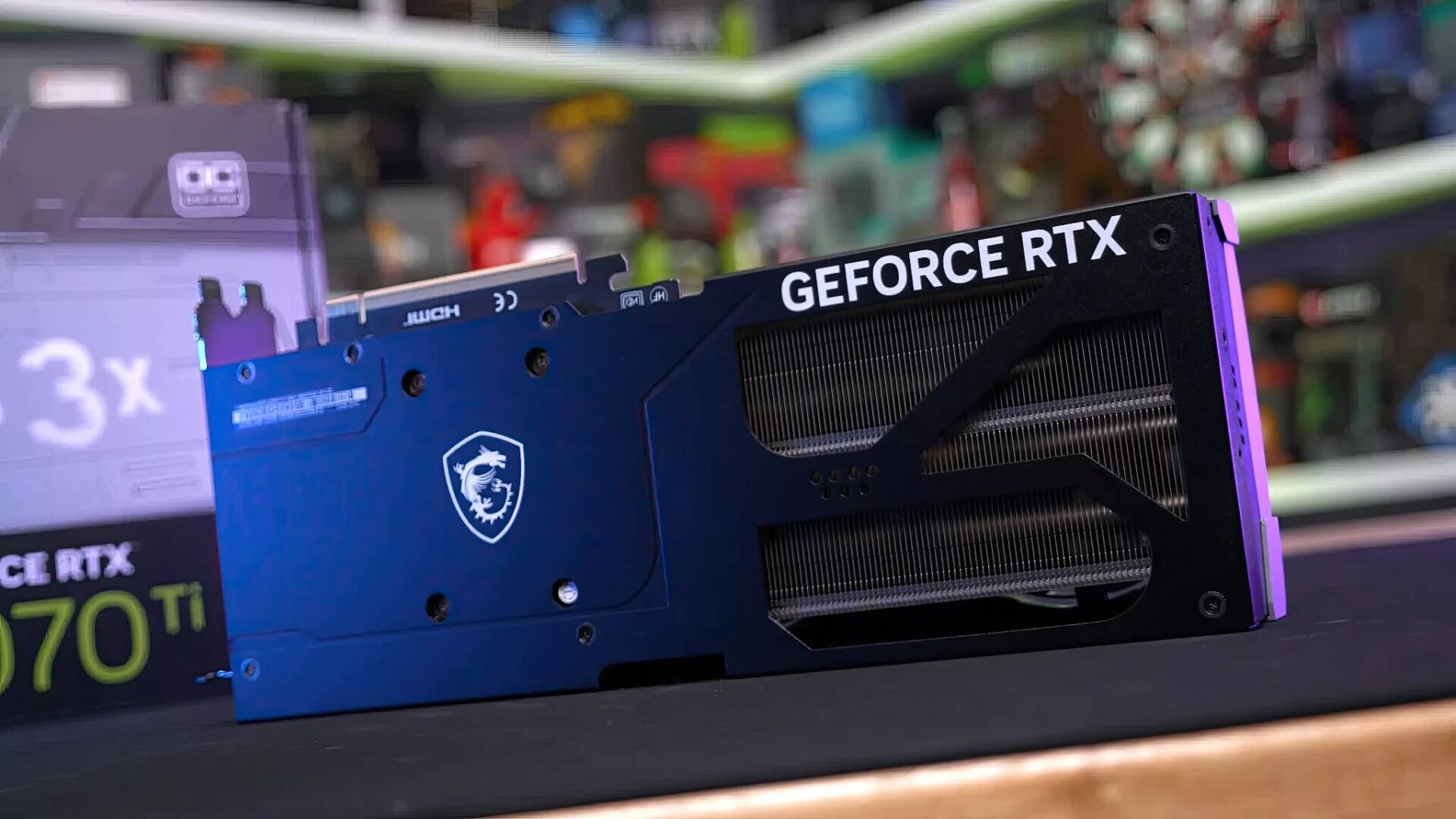
Windows 11 has once again written its name in the "blacklist" of the gaming community with the January 2026 security update, designated as KB5074109. Instead of patching bugs and enhancing security as expected, this update has become a silent "saboteur," causing a series of Nvidia graphics cards to suddenly perform sluggishly and experience inexplicable lag. If you feel your expensive computer has been "acting up" over the past few weeks, the culprit might not be your hardware, but rather a serious issue with the system software.
Windows 11 Update Causes Errors: The Nightmare of FPS Drops and Flickering Screens
The story began when numerous users on tech forums simultaneously reported system instability. Initially, suspicions were directed toward Nvidia as the company had also just released new drivers. However, the harsh reality has been proven: the operating system itself is the root cause. Reports from the gaming community show a frame rate (FPS) drop of 15 to 20 units while gaming. For high-precision competitive games, losing such a significant amount of frames is like a "death sentence," making the experience stuttery and frustrating.

It doesn't stop there; this "disastrous" update also brings a series of annoying visual glitches. Users have complained about continuous screen flickering, pixelated shadows in games, or the appearance of strange objects (artifacts). Even the Frame Generation feature-the most powerful weapon of the RTX 40 series-is experiencing operational errors. In response to this wave of outrage, an Nvidia administrator had to confirm that the company is investigating the matter, while simultaneously advising users to uninstall the aforementioned system update.
Questions Regarding Quality Control and Temporary Fixes
Questions Regarding Quality Control and Temporary Fixes
This incident is not just an isolated technical glitch; it raises major questions about Microsoft's quality control process. The January 2026 patch contains over 100 security fixes, yet it brings dozens of new bugs: from throttling GPUs and Remote Desktop connection errors to preventing Outlook from launching. Many theories suggest that Microsoft's heavy reliance on Artificial Intelligence (AI) in the coding process (CEO Satya Nadella once revealed that AI writes up to 30% of the source code) is affecting the operating system's stability.
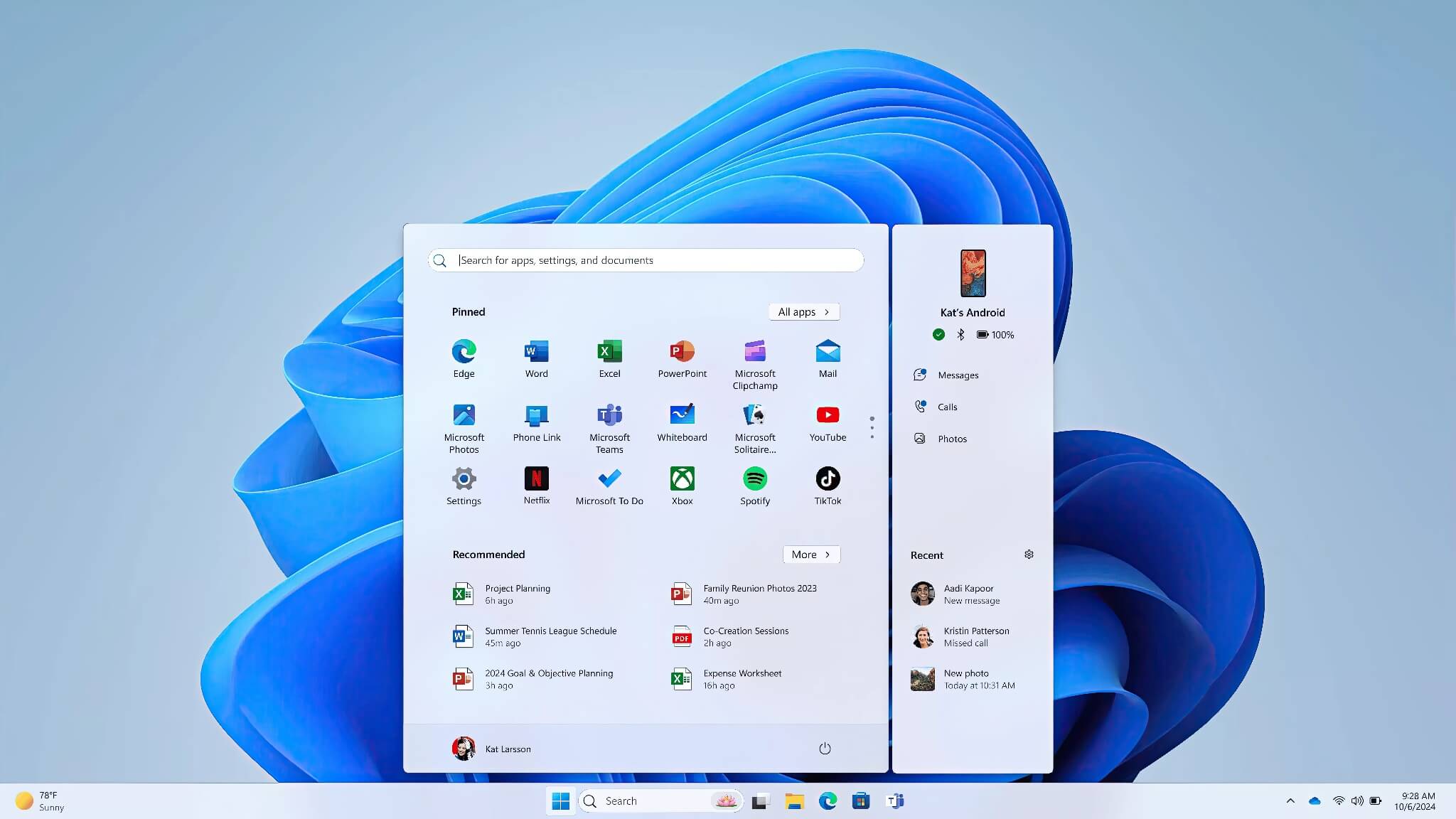
While waiting for an official patch (hopefully arriving in February), Nvidia users are forced to take matters into their own hands. To fix this, go to Settings > Windows Update > Update history. Here, find the code KB5074109 and select the Uninstall button. This is a temporary but most effective solution at this time to restore the original power of your graphics card. The advice for users right now is to refrain from updating immediately when a notification appears; instead, wait for feedback from the community to avoid turning your computer into a "guinea pig."











