When a laptop fails to power on or its screen goes black, technicians often offer the same quick fix: replace the chipset for a cheap, fast turnaround. Before agreeing to that, you need to understand that laptop motherboard repair involves working on the main system board where the CPU, graphics chip, controller chips, and firmware memory chip are all soldered down. Put simply, the chipset, or PCH, manages I/O ports, storage drives, and audio; on many modern laptops, it shares the exact same package as the CPU. This article breaks down which motherboard issues can actually be fixed, why cheap chip replacements often cause further damage, and when it makes more sense to replace the laptop entirely.
Common Laptop Motherboard Failures Across Power Circuits, GPUs, and BIOS
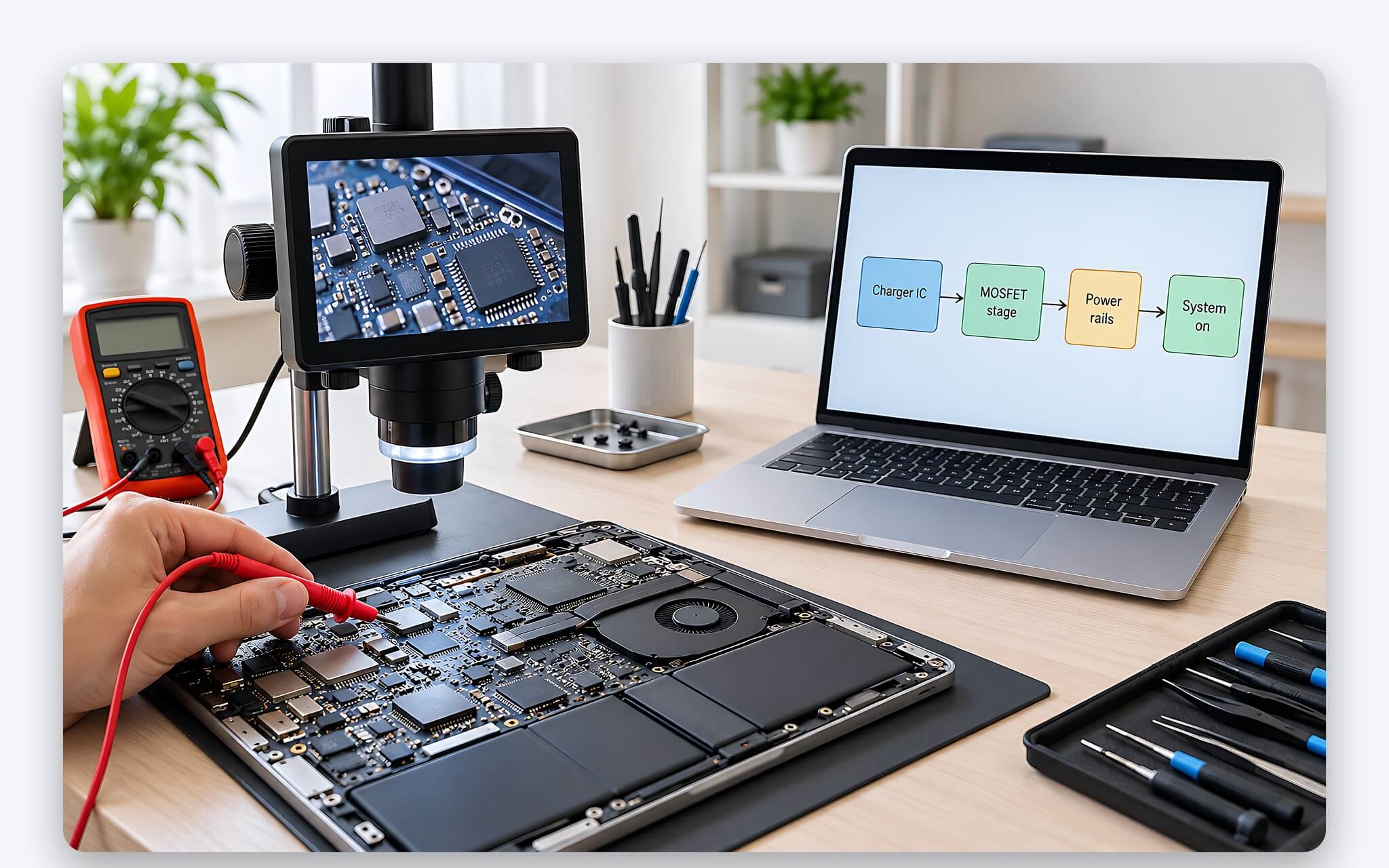
Most motherboard failures originate in the power delivery circuitry: charging ICs, MOSFETs, and inductors supplying power to the CPU, RAM, and SSD. When a component along this rail shorts out, the laptop may refuse to charge, blink its power LED and shut right off, or cut out entirely under heavy loads. This category also has the most straightforward repair path, as technicians can measure voltages along each power rail to pinpoint the dead component. For this type of damage, laptop motherboard repair usually involves replacing small discrete components rather than heating up larger chips.
A second group involves discrete graphics chips and controller chips soldered via BGA packages, meaning hundreds or thousands of tiny solder balls sit underneath the chip body. After years of thermal cycling, these solder joints can crack, leading to video loss, display artifacts, reduced performance, or crashes during gaming. This type of motherboard fault is harder to diagnose because the symptoms mimic a bad display panel, damaged video cable, or corrupted drivers. You should ask your laptop motherboard repair shop to confirm the diagnosis by testing external display output and measuring current draw, rather than relying on guesswork alone.
The third group involves the firmware memory chip housing the BIOS. An interrupted BIOS update or flashing the wrong file can leave the laptop powering on its indicator lights without ever displaying a boot logo. Fixing this kind of motherboard issue often requires nothing more than reflashing the BIOS with the correct version for the specific board code, at a fraction of the cost of a chip replacement. Consequently, whenever you are told you need a chipset replacement, the critical question to ask back is whether power circuitry and BIOS issues have been ruled out first.
Do Modern Laptops Still Feature a Discrete PCH Chip on the Motherboard?
The answer determines whether advice to replace the chipset makes any sense at all. According to Intel Core 12th Gen processor datasheets, the H, P, and U series are 1-chip platforms where the PCH die shares the same package with the CPU cores. The Intel Core Ultra series 1 (Meteor Lake) datasheet outlines a similar approach: Compute, SOC, GT, and IOE tiles sit together in a single package. In short, most modern thin-and-light and office laptops lack a standalone chipset to replace in the first place.
| Intel Platform | PCH Die Layout | Intel Documentation |
|---|---|---|
| Core 12th Gen H, P, U Series | Integrated into CPU package (1-chip platform) | PCH-P or PCH-M on the processor package |
| Core 12th Gen HX Series | Discrete chip (2-chip platform) | PCH-S soldered separately on the motherboard |
| Core Ultra Series 1 H, U Series | Integrated into CPU package | Compute, SOC, GT, and IOE tiles on a single package |
| Core i9-13900HX (13th Gen) | Discrete HM770 chipset | 28 x 25 mm package, 3.7 W base power |
| Core Ultra 7 255HX (200HX) | Discrete HM870 chipset | 28 x 23.5 mm package, 3.7 W TDP |
High-performance laptops built around HX-series processors work differently. Per the same 12th Gen datasheets, the HX series uses a 2-chip platform consisting of a CPU and a separately soldered PCH-S. Intel ARK product specifications show the HM770 chipset pairs with processors like the Core i9-13900HX, while HM870 supports the Core Ultra 7 255HX, Core Ultra 9 275HX, and other 200HX silicon. On these gaming laptops and workstations, laptop motherboard repair via discrete chipset replacement remains technically possible, though swapping the chip is still a delicate, demanding job.
Using the table above, you can check your own laptop: find the CPU model under System in Windows settings, then match the suffix to H, P, U, or HX. If your processor integrates the controller logic within its package, any recommendation to replace a cheap chipset demands clear clarification on which specific component they actually plan to swap. A vague diagnosis typically indicates the repair shop has not correctly isolated the motherboard fault, making that the ideal time to seek a second opinion before putting down a deposit.
How BGA Soldering Heat Affects Surrounding Components
Replacing a BGA chip means melting every solder ball underneath, removing the chip, cleaning the pads, and soldering on a new one. Texas Instruments' Absolute Maximum Ratings for Soldering, compliant with the IPC/JEDEC J-STD-020 standard, specifies peak temperatures for lead-free components ranging from 245 to 260°C depending on package thickness and volume, with a dwell time within 5°C of the peak of up to 30 seconds. Diodes' reflow documentation under J-STD-020D lists a preheat zone of 150 to 200°C, with lead-free solder liquifying at 217°C. For laptop motherboard repair, proper practice requires a rework station with a controlled thermal profile.
| Lead-Free Reflow Soldering Parameters (J-STD-020) | Temperature (°C) | Reference Time |
|---|---|---|
| Preheat, low end | 150 | 60 to 120 seconds across the zone |
| Preheat, high end | 200 | 60 to 120 seconds across the zone |
| Lead-free solder melting point | 217 | 60 to 150 seconds above this level |
| Peak for packages thicker than 2.5 mm, under 350 mm³ | 250 | Max 30 seconds within 5°C of peak |
| Peak for thin packages under 1.6 mm | 260 | No more than 8 minutes from 25°C to peak |
The issue is that chips do not sit alone. Around the chipset or GPU are capacitors, resistors, keyboard connectors, and RAM slots, many of which are far more heat-sensitive than the main chip itself. If a technician uses a handheld hot air gun instead of a rework station equipped with bottom preheating, heat distributes unevenly across the board around the chip. That can warp the PCB, shift tiny capacitors, or reflow adjacent existing solder joints. Fresh motherboard issues cropping up after a repair typically trace back to this exact heating step.
IPC's IPC-7711/7721 standard sets the baseline for reworking and repairing electronic assemblies, including BGA component replacement. Similarly, JEDEC designed J-STD-020 to classify the moisture sensitivity levels of surface-mount components to prevent damage during reflow soldering and rework. When choosing a laptop motherboard repair shop, look for one that clearly specifies which BGA rework station they use and whether they bake chips dry before soldering. A concrete answer says far more about their professionalism than any verbal promise.
Harvested Parts, BIOS Firmware, and Windows Product Keys After Repair
When motherboard trouble points to the chipset, budget replacement options often involve chips harvested from donor boards or sourced without clear origins. A pulled chip has already gone through at least one thermal cycle when it was desoldered, plus another when it gets soldered onto your laptop. Chips left out in the open without moisture control also risk internal damage when heated, precisely the risk J-STD-020 addresses. A low parts cost rarely reflects the true value of that laptop motherboard repair.
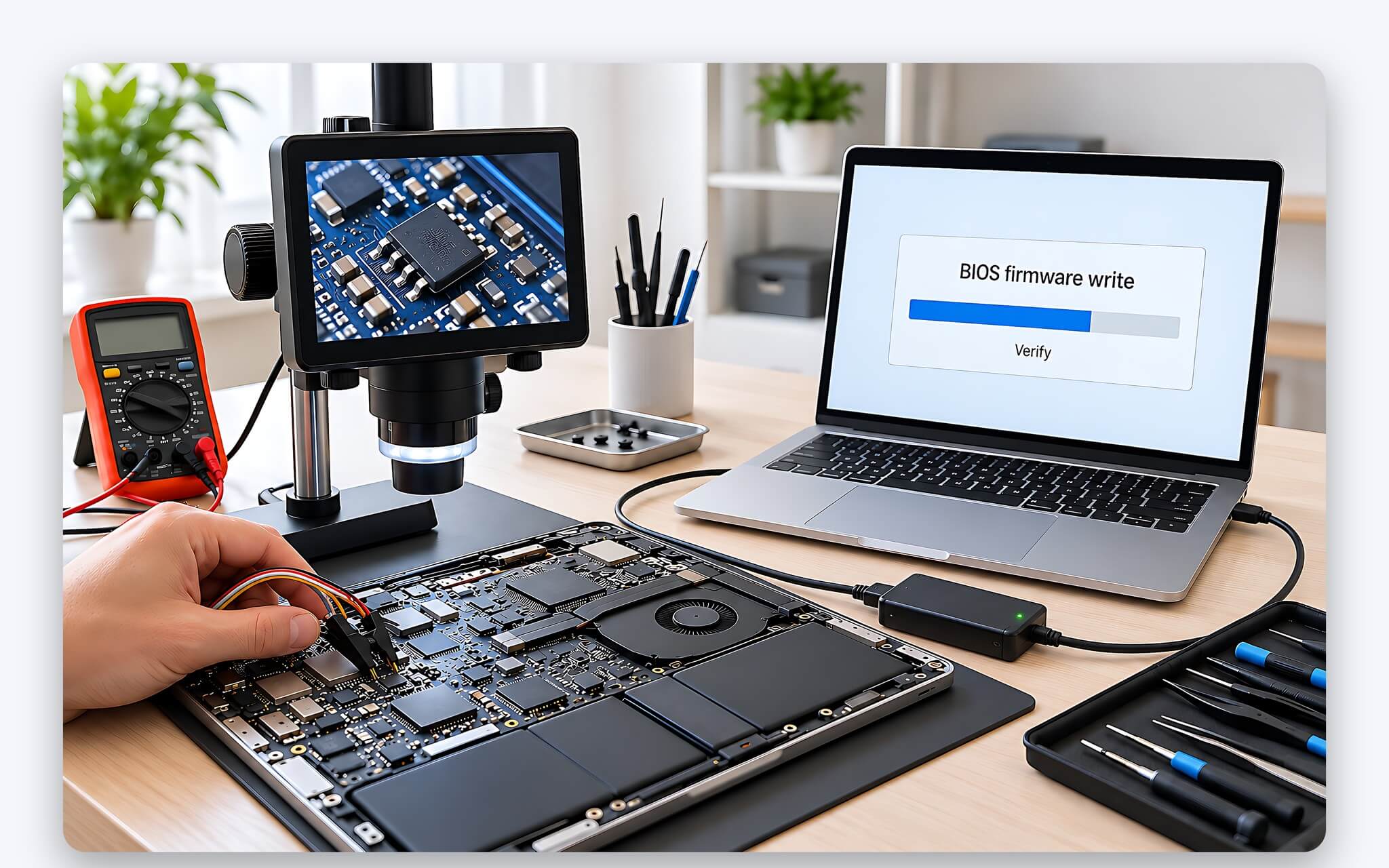
After swapping a controller chip or memory module, the firmware needs proper handling as well. On Intel platforms, the chipset pairs with Intel Management Engine firmware: Intel ARK lists version 16 for the HM770 and version 19 for the HM870. The reflashed BIOS file must match both the motherboard revision and firmware version; any mismatch can keep the laptop from booting or wipe hardware identifiers such as the serial number. Any shop handling laptop motherboard repair should back up the original firmware before swapping chips.
Windows OEM license keys are another commonly overlooked detail. Microsoft Learn's guide on How to validate the OEM activation key notes that the OA3 key is injected into the machine's firmware during manufacturing. Microsoft's Windows reactivation support page also explicitly states that after a major hardware change, such as replacing the motherboard, Windows may no longer find a matching license for the device. Linking your Microsoft account to your digital license before sending the laptop in for repair makes reactivation much easier.
Soldered CPUs and RAM Often Turn Repairs Into Full Motherboard Replacements
Unlike desktops, laptops almost always feature CPUs soldered directly to the board. Intel ARK lists the socket type for the Core Ultra 7 255HX as FCBGA2114, the Core Ultra 7 255H as FCBGA2049, and the Core Ultra 7 258V as FCBGA2833: all BGA packages with soldered balls and no sockets. When the motherboard failure lies within the CPU itself, replacing the chip individually at a reasonable cost is practically impossible, leading repair shops to suggest replacing the entire motherboard instead.
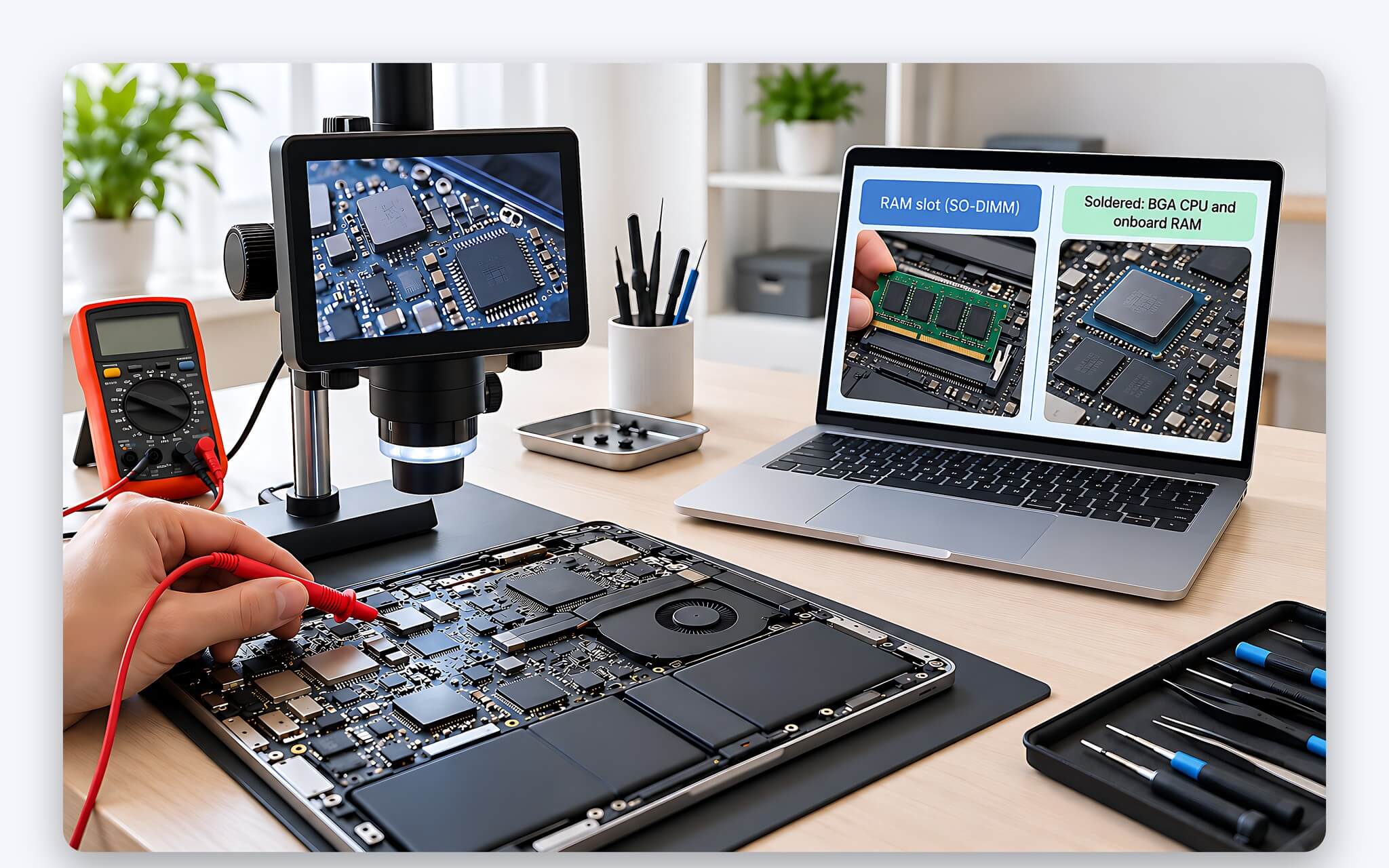
Soldered RAM complicates matters even further. Per ARK, the Core Ultra 7 258V supports up to 32 GB of LPDDR5X at 8533 MT/s, a memory configuration on thin and light laptops that typically leaves no room for physical SO-DIMM slots. A faulty memory chip means resoldering the memory module or replacing the motherboard altogether; simply pulling a stick like on older laptops is not an option. Any replacement board must also match the exact RAM specs and CPU model, or the laptop will run differently from the factory specs listed on the box.
Replacement motherboards come from three sources: genuine parts sourced through authorized service centers, pulled boards from donor machines, and previously repaired boards. Replacing a genuine motherboard usually carries a significant price premium, but it includes the correct firmware and clear warranty coverage. The other two avenues cost less but make it tough to verify board history, especially if a board has already seen BGA rework. When quoted for a motherboard replacement, ask clearly about the board's origin, the warranty period, and whether your original serial number will be preserved.
Weigh Repair Costs Against Device Value to Decide Whether to Upgrade
The simplest starting point is to check the warranty. If the laptop is still under manufacturer warranty, take it to an authorized service center first, as a single motherboard repair at an independent shop can cause the manufacturer to void the warranty later. The article Genuine, imported, or refurbished laptops: which should you choose when prioritizing warranty? analyzes the differences in warranty coverage between various laptop types, which is helpful for determining which category your current device falls into before sending it in for repair.
| Laptop Situation | Recommended Action |
|---|---|
| Under manufacturer warranty | Send to an authorized service center; do not open the device yourself |
| Power circuit, charging port, or small component failure | Repair the component; costs are typically lower than replacing a chip |
| BIOS error or failure to boot to logo | Reflash the BIOS with the correct motherboard code before considering a chip replacement |
| Large BGA chip failure on older laptops | Compare repair costs against the remaining value of the laptop |
| Soldered CPU or RAM failure | Replace with a genuine mainboard or consider upgrading to a new laptop |
The next step is to compare the total cost against the laptop's remaining value. Total costs include the repair fee, time spent waiting for parts, and the risk of needing a second repair. If the laptop is several years old, has a degraded battery, or a worn keyboard, and the motherboard repair quote approaches the price of a used laptop with similar specs, that money should be put toward a new laptop with a full warranty.
When deciding to upgrade, the broken laptop can still provide value through its screen, chassis, battery, or SSD. The article Laptop trade-in programs: easy to close deals, but what about the warranty? explains how trade-in programs value old devices and what questions to ask regarding new device warranties. Before handing over your device, you should prioritize removing or backing up your SSD, logging out of Microsoft accounts, and erasing personal data to prevent information leaks.
Frequently Asked Questions About Laptop Motherboard Repair
Can the chipset be replaced on a new laptop?
According to Intel datasheets, 12th Gen Core H, P, and U series chips and Core Ultra series 1 H and U chips have the controller integrated into the same package as the CPU, so there is no discrete chipset to replace; a controller failure usually means replacing the mainboard. Laptops using HX chips, such as the Core Ultra 7 255HX which comes with a discrete HM870 chipset, can theoretically be replaced, but it still requires a professional BGA rework station.
Does a cheap chipset replacement come with a long warranty?
The warranty period is determined by each individual laptop motherboard repair shop, so you should request that it be clearly stated on the receipt. Chips salvaged from other machines have undergone multiple heat cycles, making their durability difficult to predict; the shorter the warranty, the higher the risk falls on you.
Will I lose my Windows license after replacing the mainboard?
Possibly. Microsoft states that after a motherboard replacement, Windows may not find a license that matches the device. If you have previously linked your Microsoft account to a digital license, you can use the Activation troubleshooter and select the option stating that hardware was replaced to reactivate it.
Should I repair the laptop motherboard or buy a new laptop?
If the laptop is still under warranty, or if the motherboard failure is limited to the power circuit or BIOS, repair is usually reasonable. If the laptop is old, the CPU or RAM is soldered and failed, or the cost of a mainboard replacement is close to the device's remaining value, you should consider upgrading to a new machine.