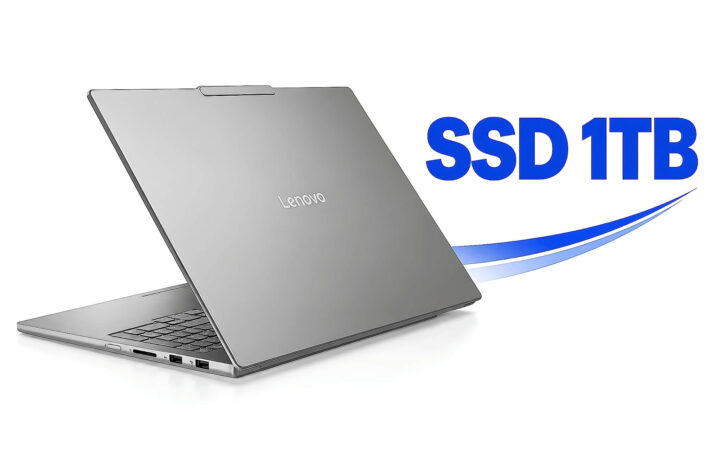
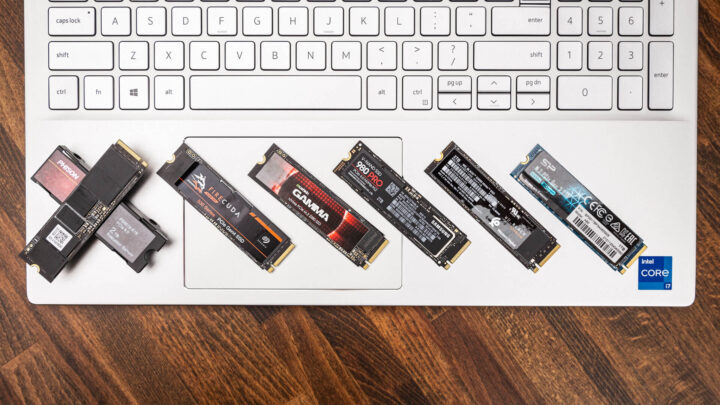
Tips & Tricks **Laptop SSD 1TB: Why You Only See 931GB and Who Should Upgrade Preemptively** If you’ve recently purchased a laptop with a 1TB SSD, you may have noticed something frustrating: your operating system reports a total capacity of only about 931GB. Before you assume you’ve been scammed or received a defective drive, there is a technical explanation for this discrepancy. ### The Math Behind the "Missing" Space The difference between the advertised capacity and the usable space comes down to how manufacturers measure data versus how computers actually read it. **Manufacturers use Decimal (Base 10):** Storage manufacturers use the metric system to define capacity. In this system, 1 kilobyte (KB) is 1,000 bytes, 1 megabyte (MB) is 1,000,000 bytes, and so on. Therefore, to a manufacturer, 1TB is exactly 1,000,000,000,000 bytes. **Computers use Binary (Base 2):** Operating systems, such as Windows, calculate storage using the binary system. In this system, units are based on powers of 2. A kilobyte (technically a kibibyte) is 1,024 bytes, a megabyte is 1,048,576 bytes, and a gigabyte is 1,073,741,824 bytes. When you divide the manufacturer's 1,000,000,000,000 bytes by the computer's binary gigabyte (1,073,741,824), the result is approximately **931.32 GB**. This isn't "lost" space; it is simply a difference in how the measurement is calculated. ### Who Should Opt for a 1TB SSD from the Start? While a 512GB drive is sufficient for basic office work and web browsing, certain users will find a 1TB SSD essential for a smooth experience. **1. Content Creators and Video Editors** High-resolution video files (4K and beyond) consume massive amounts of storage. When you factor in the operating system, software applications, and the temporary "scratch disk" space required for editing, a 512GB drive can fill up almost instantly. **2. Gamers** Modern AAA titles are massive. It is no longer uncommon for a single game like *Call of Duty* or *Baldur's Gate 3* to occupy well over 100GB. If you plan on keeping a library of several high-end games installed simultaneously, 1TB is the baseline for a functional setup. **3. Power Users and Professionals** If your workflow involves large datasets, high-resolution photography, or heavy multitasking with multiple professional suites (like Adobe Creative Cloud), you need the headroom. A larger drive ensures that your system doesn't slow down as the drive nears its capacity limit. **4. Users Seeking Longevity** SSDs perform most efficiently when they are not completely full. Overfilling a drive can lead to decreased performance and can theoretically impact the drive's lifespan. Investing in 1TB upfront provides a "buffer" that keeps your laptop running efficiently for several years. 29/09/2026 · 12 min read
Tech Roundup The AI craze is driving skyrocketing prices for high-capacity SSDs 19/01/2026 · 5 min read
Tips & Tricks iPhone 17 Pro Max with SSD cooling for superior benchmark scores 04/10/2025 · 3 min read
Tips & Tricks Understanding NAND Flash Types in SSDs: SLC, MLC, eMLC, TLC, PLC - Which is the Fastest and Most Durable? 05/07/2025 · 3 min read
Desktop PCs SanDisk launches PCIe 5.0 SSD with speeds of 14,500 MB/s and only 7W power consumption 16/02/2025 · 3 min read
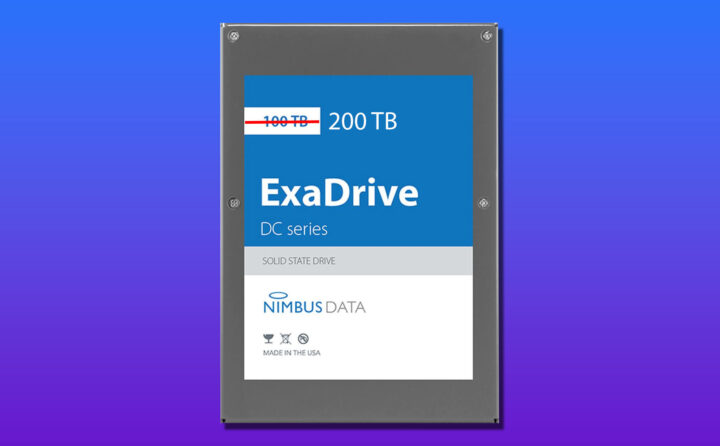
Desktop PCs Nimbus launched an SSD with a capacity of up to 200 TB this year. 09/04/2022 · 3 min read