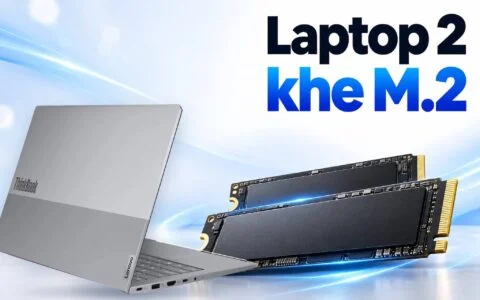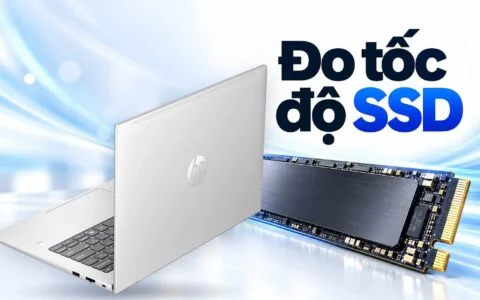

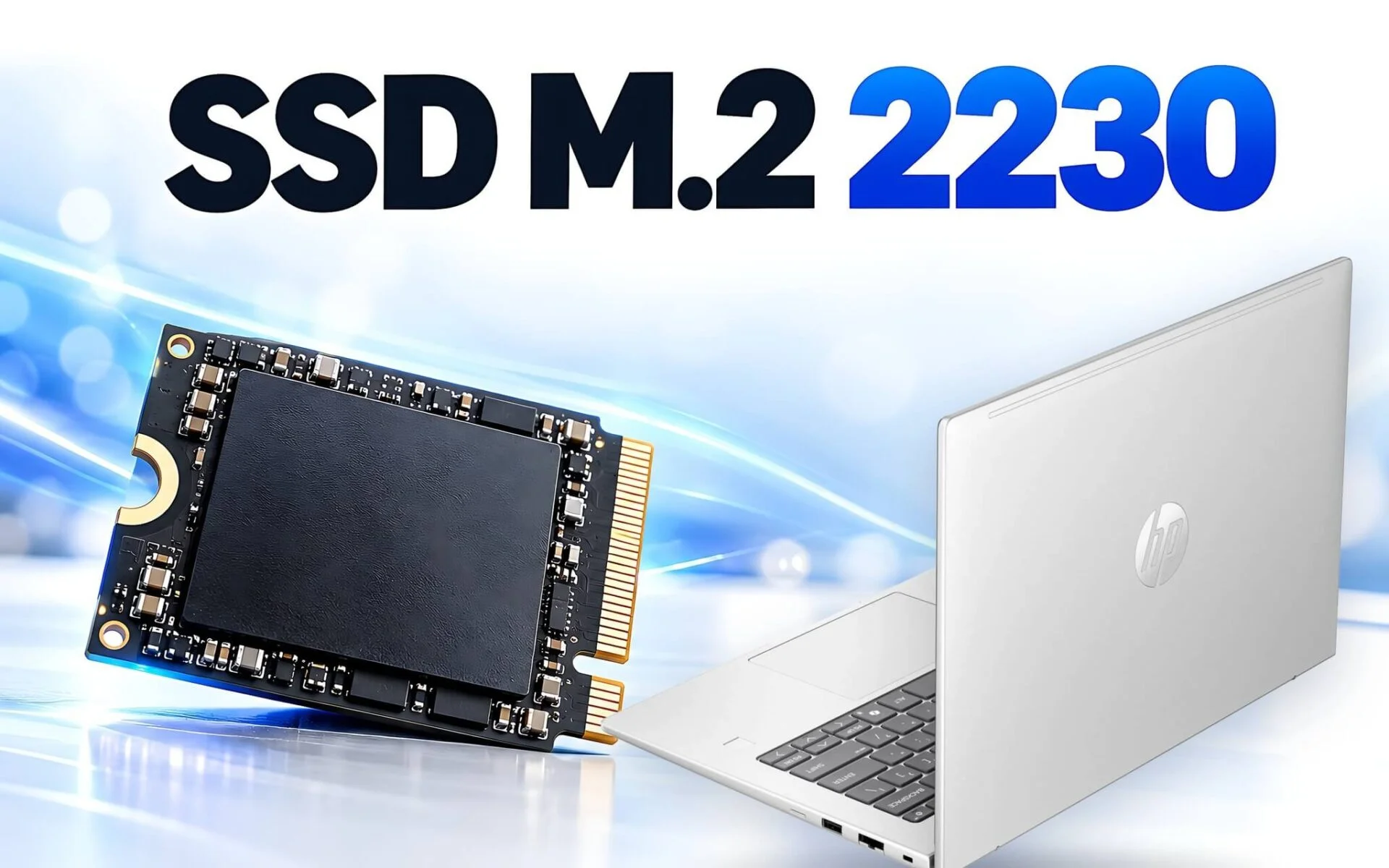
An M.2 2230 SSD measures just 22 mm wide and 30 mm long, significantly shorter than the familiar 80 mm M.2 2280 drives found in standard laptops. Simply put, M.2 is a stick-shaped drive form factor that plugs straight into a motherboard, and the four numbers that follow indicate the module's dimensions. Popular 2230 models like the WD_BLACK SN770M and Kioxia BG6 are both NVMe drives. This guide breaks down what those numbers mean, capacity limits, speed, operating temperatures on short drives, and how to read manufacturer spec sheets to check which drive lengths your laptop actually fits.
What the Numbers 2230, 2242, and 2280 Mean on an SSD
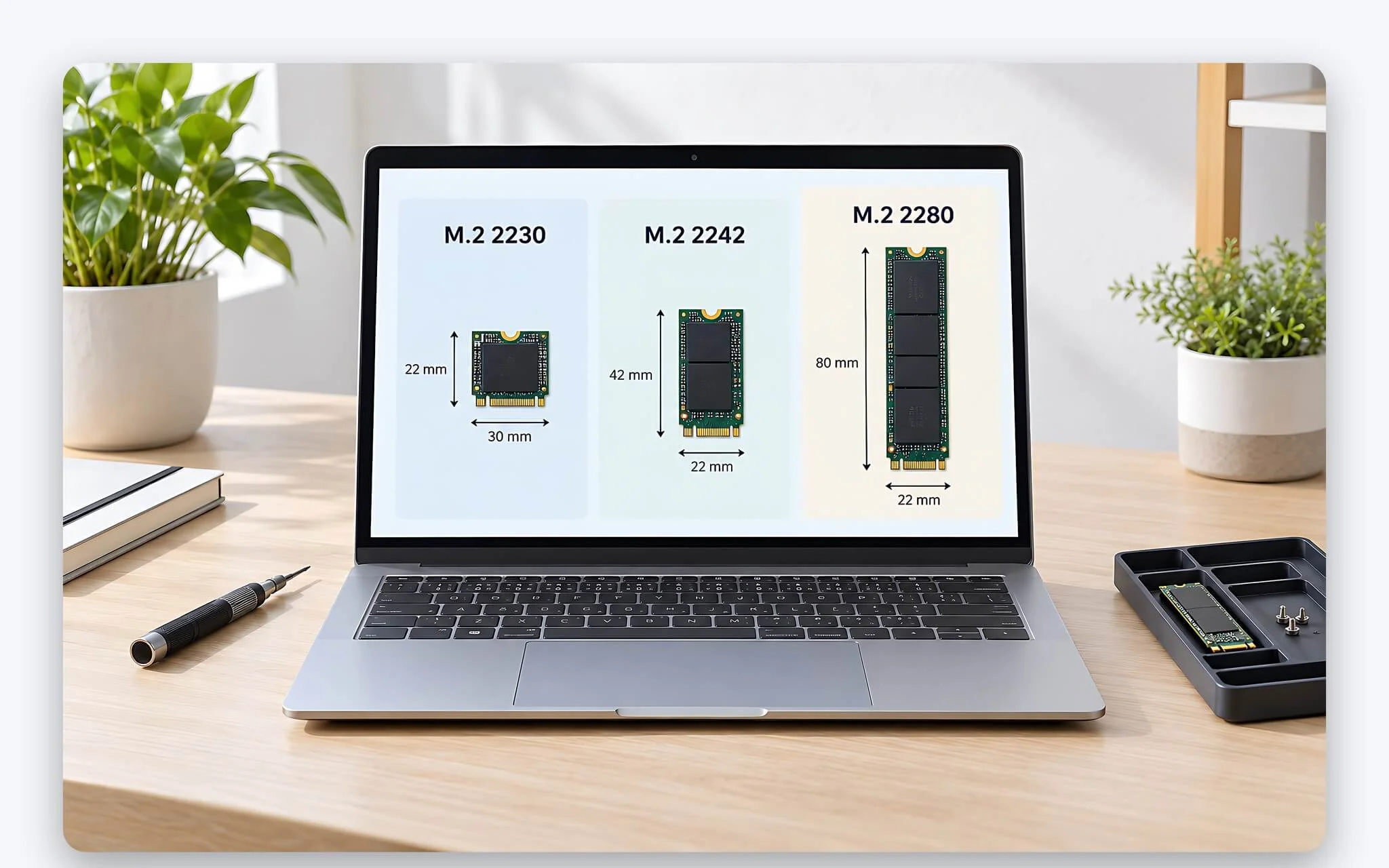
According to documentation from connector manufacturer I-PEX, the M.2 standard names form factors using four or five digits: the first two indicate width, and the remaining digits indicate length in millimeters. An M.2 2230 SSD is therefore 22 mm wide and 30 mm long; a 2242 drive is 42 mm long; and an M.2 2280 drive is 80 mm long. Common standard lengths include 2230, 2242, 2260, 2280, and 22110. I-PEX also notes that M.2 2280 is the most widespread format across both desktops and laptops, with supported drive lengths varying by device.
Length is only half the story. The M.2 standard also classifies slots by cutouts in the pin connector, known as keys. I-PEX's summary table for the M.2 standard lists the M key for PCIe NVMe SSDs, the B key for SATA SSDs and WWAN modules, and the A+E key or E key for Wi-Fi and Bluetooth cards. A B+M-keyed drive fits into either slot type. Because of this, two components with the same physical dimensions but different keys cannot be interchanged.
A third spec that often goes overlooked is module thickness and component population. Kioxia lists its BG6 series as single-sided drives, designating 1TB and smaller versions as 2230-S2 with a maximum thickness of 2.23 mm, and the 2TB version as 2230-S3 with a maximum thickness of 2.38 mm. Single-sided drives offer a clear advantage in thin laptops because the underside rests flush against the motherboard, requiring no clearance for rear-mounted chips. When picking a replacement M.2 2230 SSD, you should verify the form factor, key, and thickness alike.
Why Thin-and-Light Laptops and Handhelds Choose M.2 2230 SSDs
The most obvious advantage is footprint. A 30 mm drive takes up roughly 37.5% of the length of a 2280 drive, freeing up the rest of the motherboard for other components. In compact hardware, every millimeter counts - from battery brackets to cooling fans - which is why M.2 2230 SSDs frequently show up in devices engineered down to the gram. Short drives are also lightweight: Western Digital states that its 2230-format WD_BLACK SN770M weighs just 2.8 g across all three capacities: 500GB, 1TB, and 2TB.
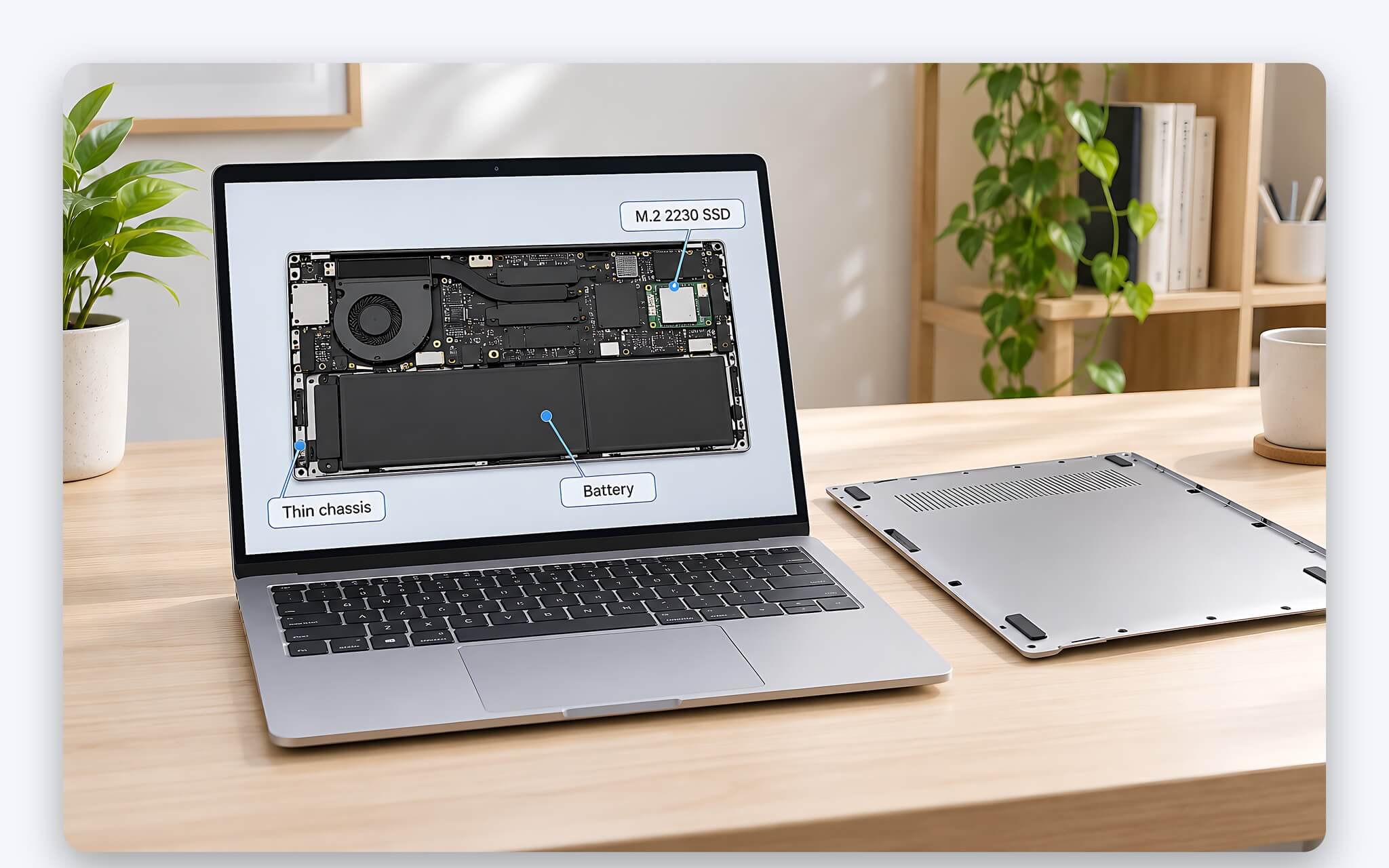
Western Digital describes the SN770M as a drive built for handheld gaming devices and laptops compatible with M.2 2230 SSDs, explicitly naming several Microsoft Surface and Dell models. The compatibility requirements listed by the company are straightforward: a PC with an M.2 M-key slot that accommodates the 2230 size and runs Windows 10 or later. In other words, a slot must meet two conditions simultaneously: the right key and the right length, not just one of them.
A thin laptop does not automatically mean an M.2 2230 SSD, however. Lenovo's PSREF documentation shows that the ThinkPad X1 Carbon Gen 13, ThinkPad T14s Gen 6, and ThinkPad X13 Gen 6 all use an M.2 2280 slot, even though their chassis designs rank among the slimmest on the market. Conversely, the ThinkPad X9 14 Gen 1 and Yoga Slim 7 14Q8X9 rely on 2242 slots. That means exterior dimensions will not tell you how long the internal slot is; you have to look up the documentation for your exact model number. The fastest method is finding the model number printed on the bottom of the laptop and checking the storage specifications as explained below.
Capacity, Speed, and Thermals: 2230 vs. 2280 Drives
Capacity is the most readily apparent hardware limitation of short drives. A 30 mm circuit board has less space for NAND flash chips, which is why the lineups covered in this article top out at 2TB: the WD_BLACK SN770M comes in 500GB, 1TB, and 2TB, while the Kioxia BG6 is offered in 256GB, 512GB, 1TB, and 2TB. In contrast, the M.2 2280 WD_BLACK SN7100 adds a 4TB option. If you need 4TB or more, prioritize laptops with a 2280 slot. A 1TB or 2TB short drive is still plenty for most school and office workloads.
| SSD Model | Length | Capacity | Sequential Read (MB/s) | Sequential Write (MB/s) |
|---|---|---|---|---|
| WD_BLACK SN770M | 2230 | 1TB | 5,150 | 4,900 |
| WD_BLACK SN770M | 2230 | 2TB | 5,150 | 4,850 |
| Kioxia BG6 | 2230 or 2280 | 2TB | 6,000 | 5,300 |
| WD_BLACK SN7100 | 2280 | 1TB | 7,250 | 6,900 |
| WD_BLACK SN7100 | 2280 | 4TB | 7,000 | 6,700 |
When it comes to speed, physical length does not dictate performance. The Kioxia BG6 spec sheet shows that the 2TB model reaches 6,000 MB/s sequential read in both its 2230 and 2280 variants. The performance gap between the SN770M and SN7100 comes down to the controller and the design of each product line, not the shorter board. Both use PCIe 4.0 x4, an interface for which Lenovo lists a theoretical maximum bandwidth of 8 GB/s. With an M.2 2230 SSD, what matters is the controller and PCIe generation listed on the spec sheet, not the physical length of the drive.
Thermals are an important consideration when a drive has to sustain high speeds over extended periods. Both Western Digital and Kioxia rate the operating temperature range from 0 to 85 degrees Celsius for the drives listed above, and Kioxia reports typical active power consumption of 4.4 W for the 2TB BG6. A shorter drive has less surface area to dissipate heat, leading many manufacturers to add a thermal pad. Microsoft's maintenance documentation for the Surface Laptop 6 explicitly requires applying a thermal pad to the removable SSD each time it is reinstalled.
When to Use a 2230-to-2280 Adapter Bracket
An adapter bracket is a mechanical extension built to M.2 size standards that extends a short drive to reach the screw mount of a longer slot. If a laptop only provides a mounting standoff at the 80 mm mark, an M.2 2230 SSD plugged into the slot will leave a roughly 50 mm gap with nowhere to secure the drive. A bracket bridges that gap and provides a new screw hole. It is purely a passive accessory: the pins remain an M-key connector plugged directly into the slot, so speeds do not change.
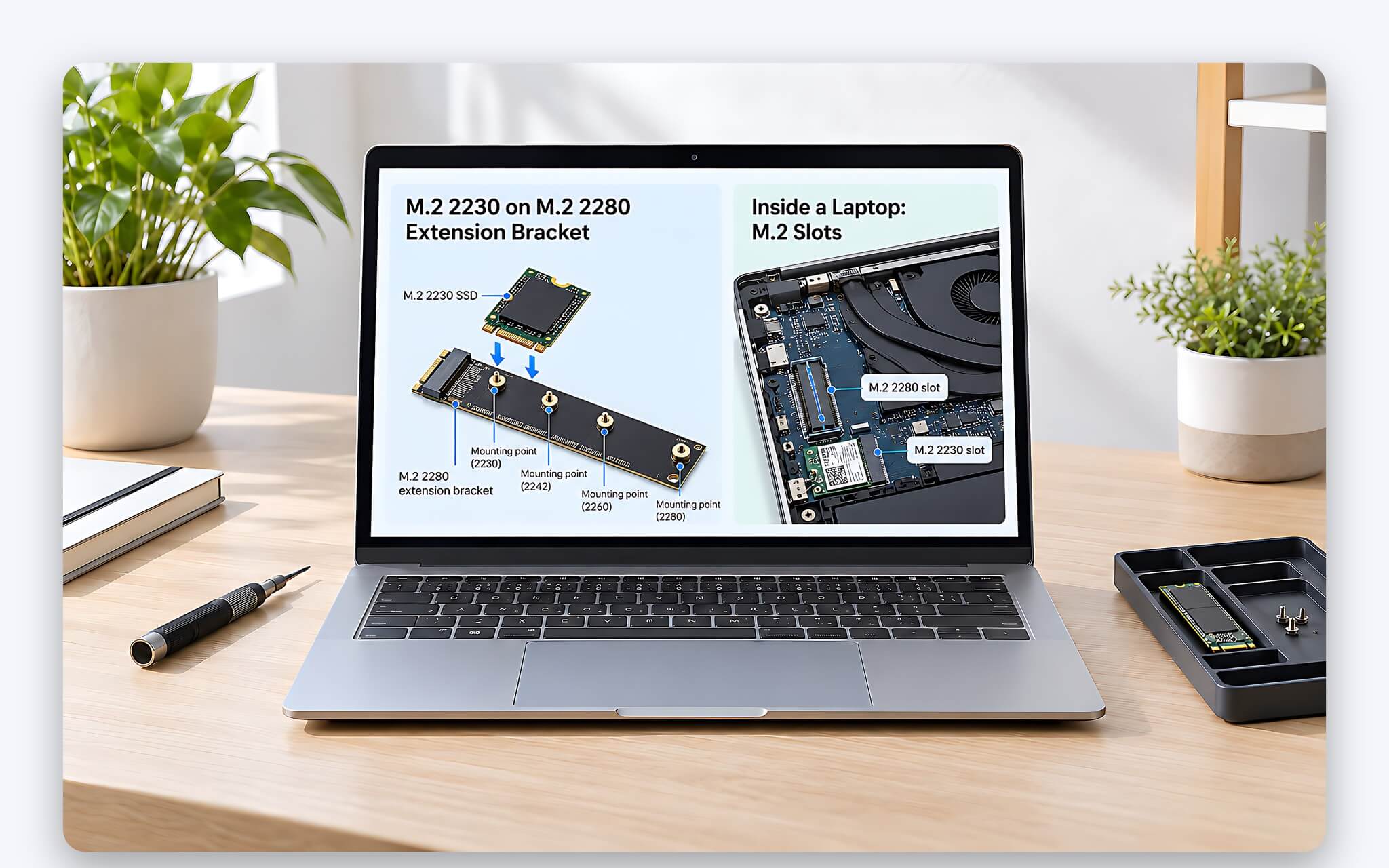
This approach makes sense when you want to repurpose an existing 2230 drive in a laptop that only has an M.2 2280 slot. Before buying a bracket, inspect the slot area to see if multiple screw posts are already present. The Lenovo ThinkBook 14 G8 IRL is a prime example: PSREF lists two 2280 slots, yet factory configurations ship with a 2242 drive. Cases like this indicate that the slot mounting hardware already provides positions to hold drives shorter than the nominal length without needing an extra bracket.
Going the other direction is impossible: an 80 mm drive cannot fit into a slot that only accommodates 2230 or 2242, as there is simply no space behind it. With adapter brackets, the primary risk lies in installation. An uneven bracket will prevent the drive from lying flat, putting stress on the connector pins, and thermal pads may fail to make proper contact. Choose a bracket with the correct thickness, tighten the screw gently, and confirm that the bottom panel closes flush without pressing against internal components.
How to Read Manufacturer Specs to Determine Supported M.2 Slot Lengths
For Lenovo laptops, the most accurate reference is the PSREF, the official specification sheet for each model. Under the Storage section, look at three key lines: Max Storage Support indicates the drive count and maximum capacity, Storage Slot details the slot length alongside its PCIe generation, and Storage Type lists factory-shipped drives. For example, the ThinkPad X9 14 Gen 1 PSREF notes a single M.2 2242 PCIe 4.0 x4 slot supporting up to one 2TB drive. Reviewing all three lines confirms which M.2 form factor the slot accepts, its physical length, and whether the stock drive fills the entire slot.
| Laptop | Storage Slots per PSREF | Manufacturer-Listed Max Capacity |
|---|---|---|
| Lenovo ThinkPad X9 14 Gen 1 (2025) | One M.2 2242 slot, PCIe 4.0 x4 | 2TB |
| Lenovo Yoga Slim 7 14Q8X9 (2024) | One M.2 2242 slot, PCIe 4.0 x4 | 1TB |
| Lenovo Yoga 7 2-in-1 14IPH11 (2026) | One M.2 2242 slot, PCIe 4.0 x4 | 2TB |
| Lenovo IdeaPad Pro 5 16AKP10 (2025) | One 2242 slot and one 2280 slot, PCIe 4.0 x4 | 2242 drive up to 1TB |
| Lenovo ThinkBook 14 G8 IRL (2025) | Two 2280 slots, PCIe 4.0 x4 | 2TB per drive |
| Lenovo ThinkPad X1 Carbon Gen 13 (2025) | One 2280 slot, PCIe 4.0 or 5.0 depending on processor | 2TB |
Reading the footnotes carefully helps verify slot configurations and prevents misunderstandings. The IdeaPad Pro 5 16AKP10 features two slots, but Lenovo only sells single-drive configurations, leaving the second slot open for user upgrades. The ThinkPad X1 Carbon Gen 13 provides a PCIe 4.0 slot with U-series chips and PCIe 5.0 with V- or H-series processors. A Gen 5 slot only delivers its full potential when paired with a matching drive generation, a topic explored in detail in Gen 5 SSDs in 2026 Laptops: 6nm Controllers, CPU PCIe Lanes, and DirectStorage.
Other brands offer comparable documentation: Dell publishes Owner's Manuals with dedicated specification sections, HP provides QuickSpecs, and Microsoft publishes Service Guides for its commercial Surface devices. The line to look for typically states the M.2 length clearly, such as M.2 2230 or M.2 2280, along with the PCIe interface. Lenovo also notes that its maximum capacity figures reflect test results with drives currently supplied by the company, meaning the listed limit represents validated configurations rather than a strict hardware ceiling.
What to Check When Your Laptop Fails to Recognize a Newly Installed M.2 2230 SSD
The most common issue is a secondary drive not showing up in File Explorer. Microsoft explains that a newly installed drive is not ready for immediate use; it must be initialized in Disk Management using the Initialize Disk option with the default GPT partition style, followed by creating a New Simple Volume formatted in NTFS. Detailed instructions are available in How to Initialize a New SSD in Windows, which applies to both M.2 2230 drives and longer form factors.
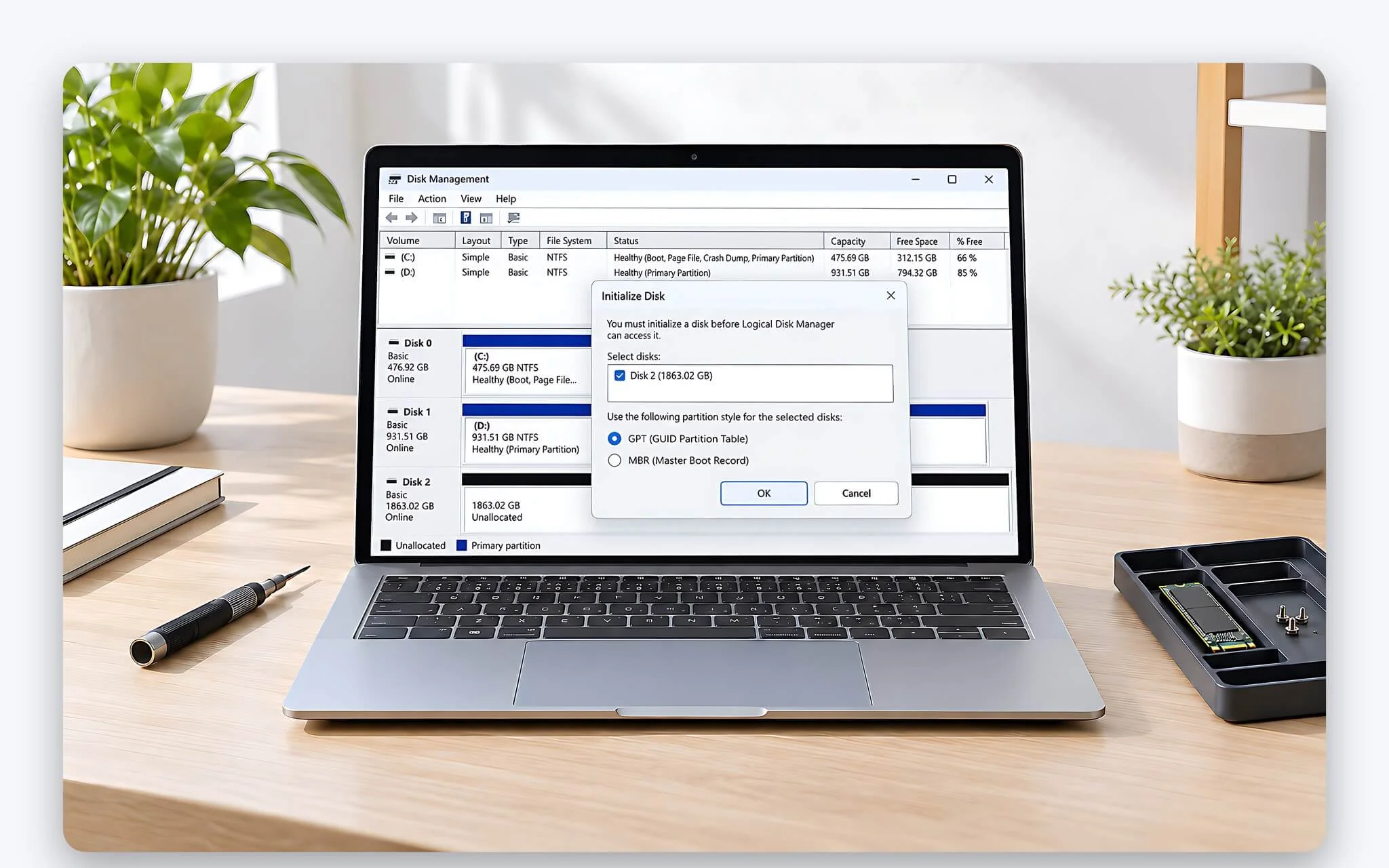
If the drive does not appear during Windows installation, a common culprit on Intel laptops is Intel VMD mode. ASUS support pages guide users with 11th through 14th Gen Intel processors to download the Intel Rapid Storage Technology driver, copy it to the installation USB drive, and select Load driver on the drive selection screen. Another option is disabling VMD in the BIOS, though that forfeits RAID functionality. Starting with Core Ultra Lunar Lake processors paired with Windows 11 24H2, this manual driver step is no longer required.
When swapping an OS drive with a cloned copy, Windows may prompt for a BitLocker recovery key. Microsoft lists several scenarios that trigger recovery mode, including moving an encrypted drive to another system, updating the BIOS or UEFI, and clearing the TPM. The company recommends suspending BitLocker before any planned hardware changes. You should also back up your recovery key to a secure location before opening your laptop chassis. With M.2 2230 SSDs on single-slot devices, drive cloning must be completed before removing the old drive, as there is no secondary slot to run both in parallel.
Frequently Asked Questions About M.2 2230 SSDs
Are M.2 2230 SSDs slower than M.2 2280 drives?
Not necessarily. The 2TB version of the Kioxia BG6 achieves 6,000 MB/s sequential read speeds in both lengths. The performance gap between the 5,150 MB/s WD_BLACK SN770M and the 7,250 MB/s SN7100 stems from controller specifications and product design rather than the shorter PCB length.
Can you install an M.2 2280 drive in a slot that only supports 2230?
No. Under the M.2 standard, an 80 mm card requires clearance behind the connector, and a 2230-only slot has no physical room for the overhang. Conversely, fitting a short drive into a longer slot is possible using an adapter bracket if the mounting frame does not provide a matching screw standoff.
What is the current maximum capacity for an M.2 2230 drive?
Among the models discussed in this guide, both the WD_BLACK SN770M and Kioxia BG6 top out at 2TB. The 2280-format WD_BLACK SN7100 lineup includes a 4TB option. The actual usable capacity also depends on the maximum limit specified in your laptop manufacturer's documentation.
Do short SSDs require a dedicated heatsink?
You should retain the heatsink or thermal pad preinstalled by the laptop manufacturer. Microsoft requires reinstalling a thermal shield onto the removable SSD in the Surface Laptop 6 whenever it is serviced, and the drives highlighted in this article carry rated operating temperatures from 0 to 85 degrees C.