


Microsoft has just taken a bold step to redefine security on the world's most popular operating system. Instead of allowing applications to "do as they please" as before, Windows 11 is preparing to borrow core security philosophies from the smartphone world to apply to personal computers. Since the Windows Vista era, the company has always struggled with controlling software access, and now, the answer is gradually emerging through new security models tied to the era of AI agents. In reality, with over one billion devices running Windows 11, protecting millions of applications-from office work to entertainment-has become a vital mission to maintain user trust in the context of increasingly sophisticated cyber threats.
Windows 11 and the Application Transparency Experience
The most valuable part of this update is the User Transparency and Consent (UTC) feature-a permission notification mechanism that is already very familiar on iOS or Android. Instead of letting software silently collect data, Windows 11 will proactively send notifications whenever an application requests access to sensitive resources such as personal files, the camera, or the microphone. This gives you a clear view of what applications and AI "assistants" are actually doing on your system. If you feel a photo editing app has no need to access your contacts, you can completely refuse immediately with just a single click.
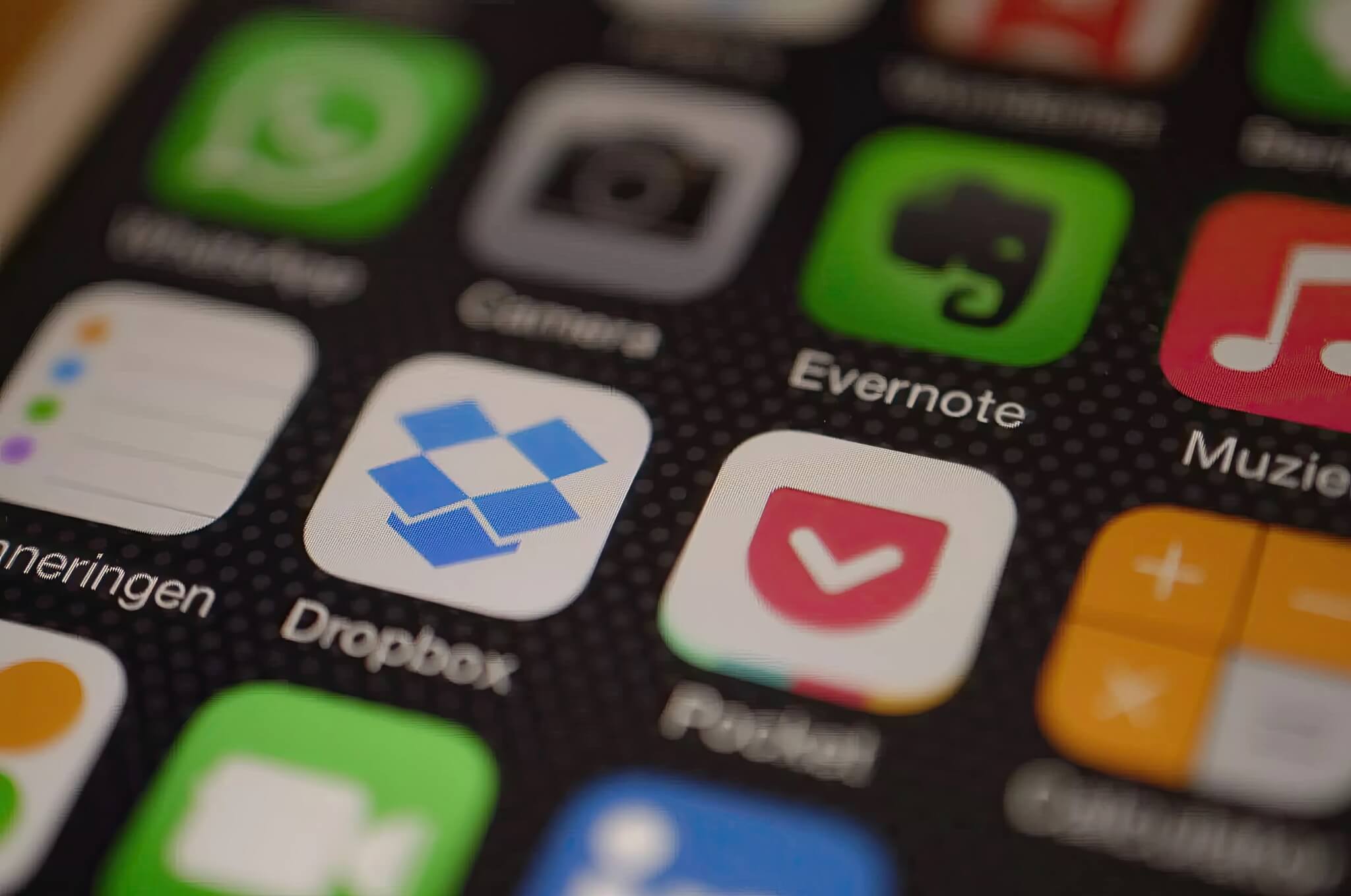
Furthermore, the new permission notifications are designed to be clear and easy to understand, rather than using dry technical jargon. Users can flexibly change these options at any time in the system settings. Microsoft emphasizes that this transparency will help build a more trustworthy ecosystem, where users are the true masters of their data. This is a noteworthy evolution, turning the once-complex computer into something easy to manage and as intuitive as the way we operate our phones every day.
Baseline Security Mode and the Power of Digital Signatures
Analyzing deeply into performance and system safety, Microsoft is developing a mode called Baseline Security Mode (BSM). Accordingly, new Windows 11 installations will, by default, only allow applications, programs, and drivers that have been validated with a valid digital signature to run. This is like setting up a strict "protective perimeter" right at the gate, preventing malware or strange software from penetrating the operating system core. However, the company still maintains the spirit of an open ecosystem by allowing users and IT administrators the right to override these restrictions to run specialized software if they truly trust it.
https://www.youtube.com/watch?v=VuqZ8AqmLPY
The company has learned valuable lessons from past complaints regarding User Account Control (UAC) to refine this new model to be smoother. With BSM and UTC, Microsoft establishes the principle: transparency must be enforced by the system, yet it must still ensure that good legacy applications continue to run smoothly. The long-term value of this model lies in creating a clean execution environment, helping computers operate stably and encounter fewer issues caused by software conflicts from unknown sources. If you are a user who prioritizes data security but still wants to retain the characteristic flexibility of a PC, then this is the most important step forward that you have been waiting for for a long time.
In summary, the upcoming changes from Microsoft are not merely bug fixes but a revolution in security thinking on computers. Learning from smartphones helps Windows 11 become more secure without losing its inherent open identity. Practical advice for you is to get used to controlling application permissions soon, as this will be the key to protecting your digital identity in the upcoming AI era.











