
A Windows key that costs only a few dollars can still activate successfully, but that status does not prove the license is valid. When you buy a genuine Windows license, you need to understand the three licensing types, OEM, Retail and Volume, before you pay. Choosing the wrong one can end your right to use Windows after a motherboard swap, a move to a new device or your departure from an organization's system. This article explains how each licensing channel works, what it typically costs and how to verify where a key came from, so you can reduce legal risk down the road.
Genuine Windows licenses versus an activated status
An activated copy of Windows only confirms that the device passed a technical check at the time of verification. It does not fully reflect whether the license is valid. A truly genuine Windows license also depends on the licensing source, the terms of use and the owner named in the contract. A key taken from an organization, a school or a developer program can still activate smoothly, but an individual who buys it secondhand can easily violate the terms. The Activated status therefore does not mean the right to use Windows is legal.
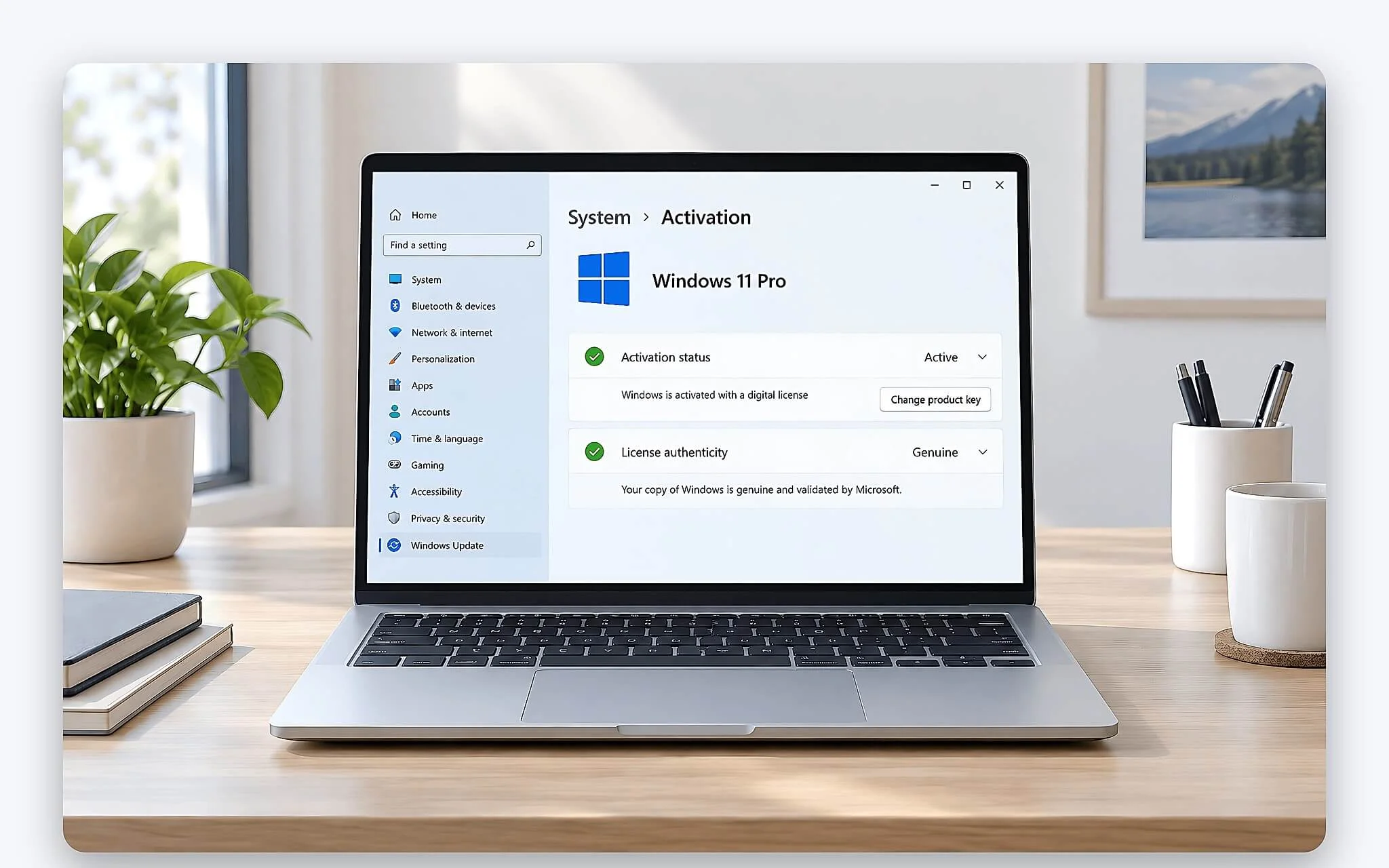
OEM is a license preinstalled on a laptop or branded desktop sold with the hardware, with the key usually embedded in the BIOS/UEFI and tied to the original motherboard. Retail includes the boxed FPP version and the electronic ESD key, distributed through the Microsoft Store or authorized resellers. Volume serves businesses and educational institutions that deploy Windows in large quantities and manage it centrally through an IT department. These three groups determine whether a Windows key follows the device, the owner or the organization's system, so you need to identify the right one from the start.
All three channels deliver an equivalent Windows experience as long as they are the same edition, Home or Pro. The difference is not in the interface or performance. What matters most about a genuine Windows license is the right to transfer it between devices, who provides support and how it is managed. OEM is tied tightly to the device, Retail follows the owner, and Volume falls under the control of the issuing organization. Understanding this helps you pick the right option first.
License costs vary by licensing type
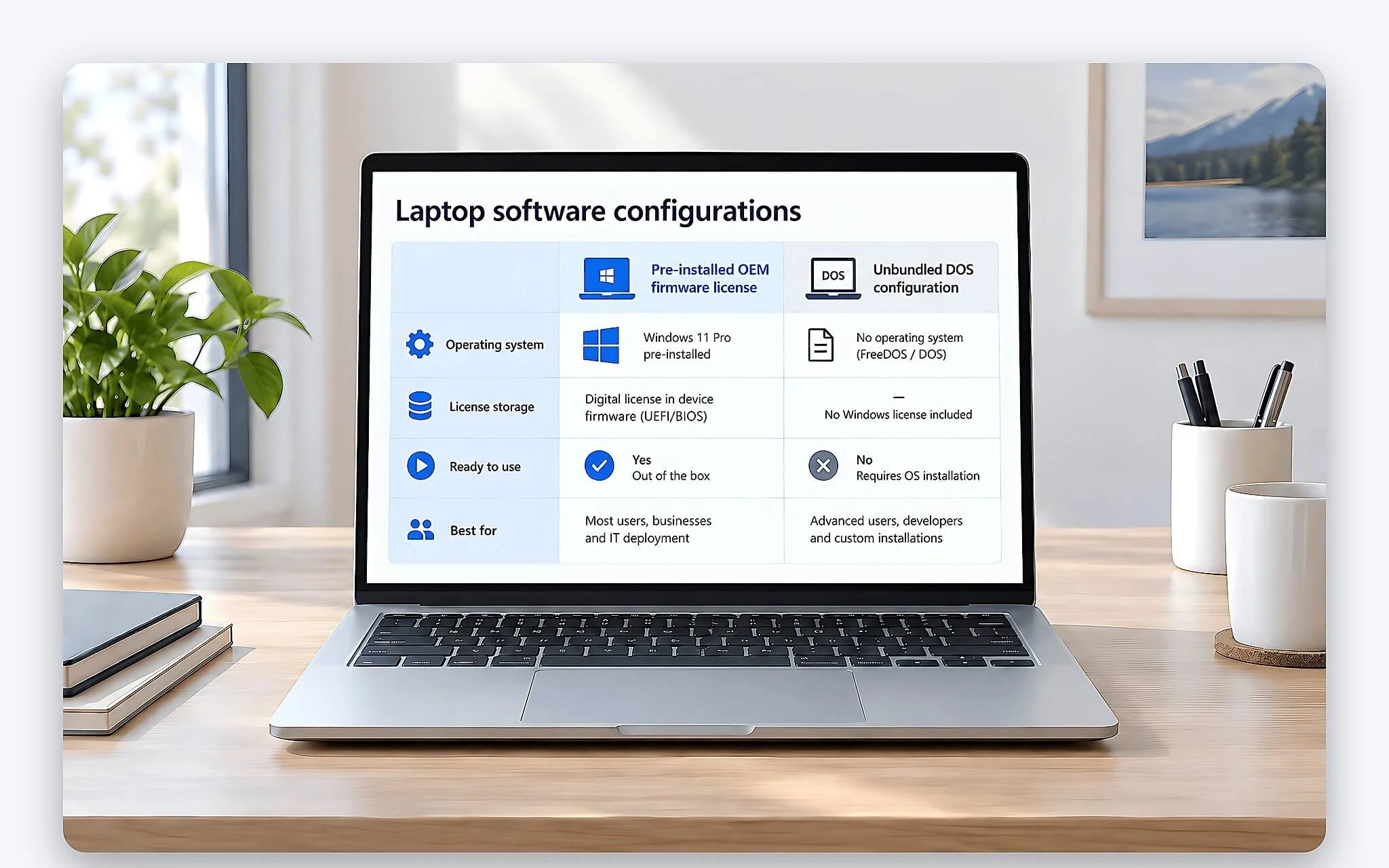
OEM is usually the economical choice because the cost of a genuine Windows license is already built into the laptop's price or subsidized by the manufacturer. Before you pay, check whether the product description says Windows 11 Home, Windows 11 Pro or only DOS. A machine that ships with DOS does not automatically come with a license, even if a technician may install an operating system temporarily to test the hardware before delivery. This is an easy point to confuse when comparing listed prices between stores.
Retail has a higher reference cost, typically a few million VND depending on the Home or Pro edition and on whether it is FPP or ESD. That investment buys the right to move the license to a new device, on the condition that it is activated on only one device at a time. Microsoft also handles support requests for this genuine Windows channel directly, rather than pushing them back to the hardware manufacturer. For that reason, a valid Retail Windows key usually carries a price that reflects the real value of the transfer right, rather than being unusually cheap like the listings that circulate online.
Volume has no standard retail price for individuals. The cost depends on the licensing program and the number of devices the organization registers. Many Windows keys sold for a few tens of thousands of VND may come from Volume, MSDN or education sources that are being distributed in violation of their terms. A low price does not necessarily mean a fake key, but a retail receipt alone is not enough to turn an organization's key into a valid personal license. Buyers should weigh the legal reality behind an attractive number.
OEM genuine Windows licenses are bound to the hardware
A genuine OEM Windows license suits people who use a single laptop for many years and have no need to transfer the license. When you replace the SSD, upgrade the RAM or reinstall the same edition, the system usually reads the key from the BIOS/UEFI and reactivates automatically, with no manual entry. The core binding is to the motherboard, not to the storage drive or the amount of memory. Because of this, an OEM key stays stable for the life of the device, as long as the original motherboard is intact and you keep the original edition of the operating system.
| Criteria | OEM | Retail | Volume |
|---|---|---|---|
| Intended for | A specific laptop or PC | Individuals, household businesses | Businesses, education |
| Transfer to another device | No | Yes, one device at a time | Per the organization's admin rights |
| Activation | Key in BIOS/UEFI | FPP or ESD key | MAK or KMS |
| Support provider | Device manufacturer | Microsoft | The organization's admin team |
The weak point of a genuine OEM Windows license shows up when the motherboard fails outside the warranty policy. Replacing it with a different board can cost you the activation rights, even if the SSD and your data are fully intact. If the manufacturer replaces the board under warranty, you should keep the repair records and contact the manufacturer's support team to have the license status handled again. Doing so helps you prove the license's legitimate origin and keeps the system from mistaking the machine for a new, unlicensed device.
You can open Command Prompt, enter slmgr /dli or slmgr /dlv, then look at the Description and Product Key Channel lines to see which channel a Windows key belongs to. A result of OEM:DM or OEM:NONSLP indicates the hardware-bound OEM channel. This step verifies the activation channel, but it does not replace the invoice and purchase documents you need to show that a genuine Windows license has a clear origin, whether to the authorities or to a warranty department.
People who often swap laptops should choose a Retail genuine Windows license
A Retail genuine Windows license suits people who upgrade laptops often or who want to manage their own license. The right to use Windows can move from an old device to a new one, but the old device must stop using that license so that only one machine is valid at a time. Linking a digital license to a Microsoft account makes reactivation more convenient, but the account does not make a key bought from an unclear source legitimate. This is the biggest advantage of the Retail channel over OEM, which is hard-wired to the hardware.
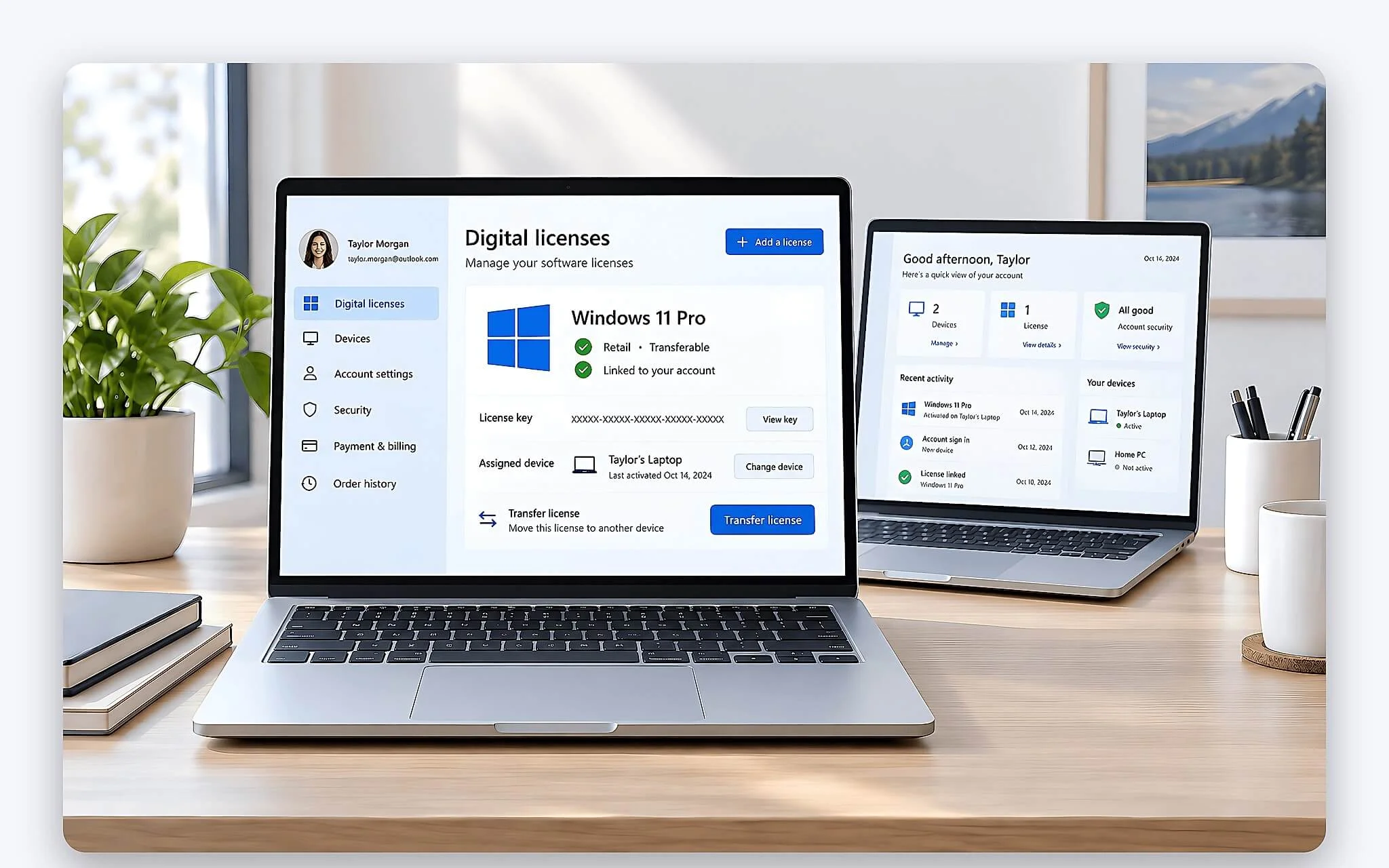
When you check with the command, a RETAIL line shows the device is on the retail channel, and a Windows key like this may be legally transferred. You should save the email containing the ESD key, the invoice, the purchase account and a screenshot of the order details as proof of ownership. Do not post the full product key on a forum or send it through an unverified support channel, because the key could be exploited without permission and lose its validity. Complete documentation is an important basis when you need to restore activation on a new device.
The drawback of a Retail genuine Windows license is an upfront cost that is considerably higher than OEM. If a laptop already comes with a license and you plan to use it for a long time, buying Retail on top of that is usually unnecessary and wasteful. On the other hand, people who change devices regularly can save money in the long run, since they do not have to buy a new license for every laptop that follows. The cost question therefore depends on each person's upgrade habits.
Businesses set costs based on deployment scale
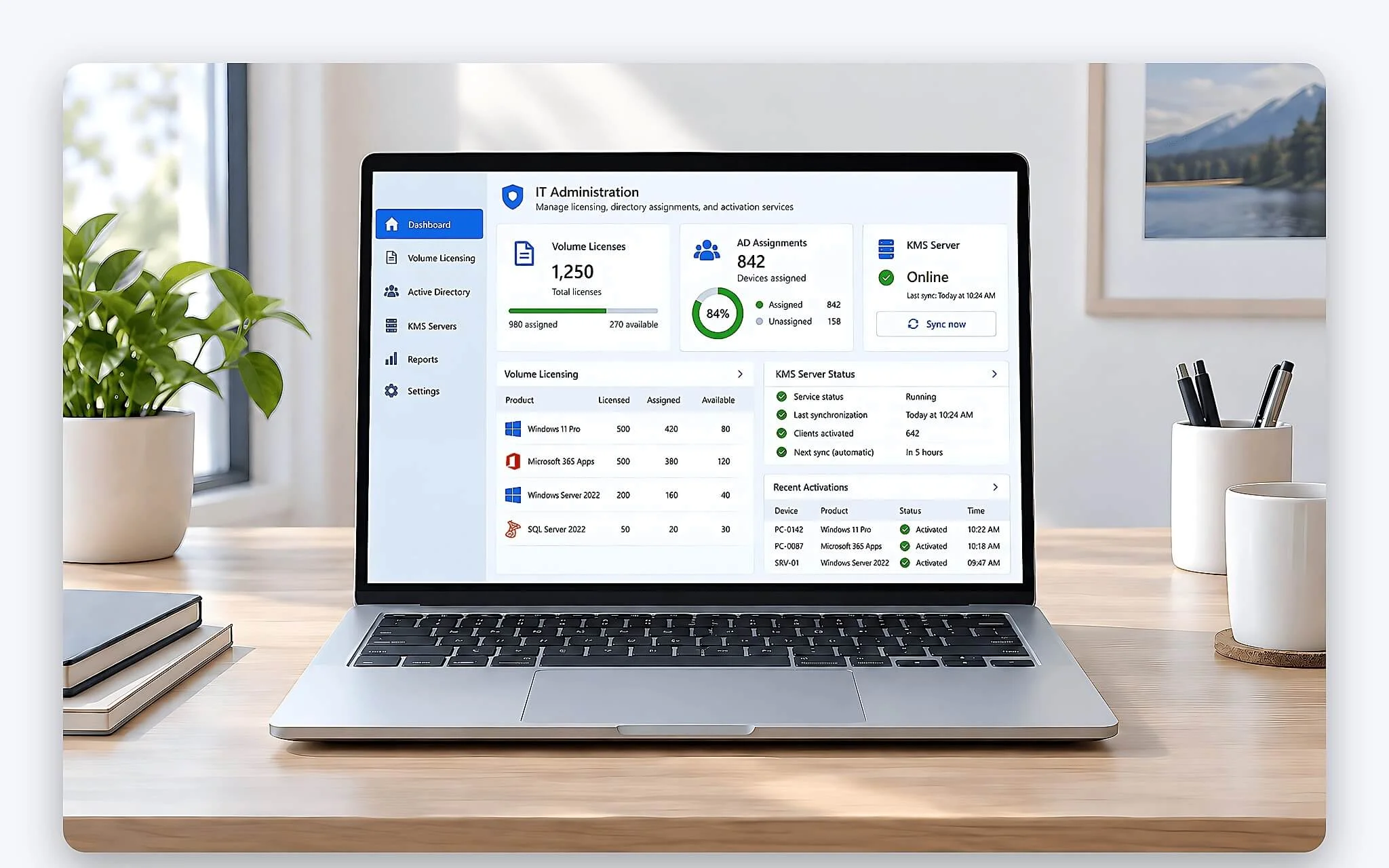
Volume licenses serve businesses and educational institutions, and they typically apply to 5 or more devices under a contract. MAK allows activation of multiple devices up to the number of activations granted, while KMS uses an internal server and requires devices to reconnect to the organization's network every 180 days to keep their status. At this scale, each Windows key does not stand alone but is centrally managed, which lets the IT department control the entire system and revoke rights when necessary.
Many Volume licenses are really upgrade rights, so the device still needs a valid underlying OEM or Retail license to form a complete genuine Windows license. A business should not buy a single MAK key and treat it as a full license for every device that is running DOS. The specific terms should be checked on the Microsoft Licensing portal or through an authorized licensing partner.
A VOLUME:MAK or VOLUME:GVLK line in the check results shows the device is on the volume channel, and a Windows key like this is not meant for individuals. If a personal device shows this result, it is a sign that you should verify the key's source right away. Activation can be lost when the organization revokes rights, locks the MAK key or the device can no longer connect to the KMS server within the allowed period, which returns the machine to an unlicensed state.
Criteria for choosing a valid Windows license before you pay
You should favor a laptop whose invoice clearly states the operating system edition, or buy a Retail genuine Windows license from Microsoft or an authorized reseller. The standard process for setting up a new device, including checking the license and configuration, is covered in the article Buying a new laptop: software setup and hardware checks. Before paying, confirm whether it is OEM, FPP or ESD, whether the machine can be transferred and who handles warranty, and avoid offers that only promise permanent activation while hiding the licensing channel.
| Licensing channel | slmgr command result | Documents to keep | Common risk |
|---|---|---|---|
| OEM | OEM:DM or OEM:NONSLP | Device invoice, warranty card | Lost when the motherboard is replaced |
| Retail | RETAIL | ESD key email, invoice, account | Key exposed if posted publicly |
| Volume MAK | VOLUME:MAK | The organization's licensing contract | Revoked when you leave the organization |
| Volume KMS | VOLUME:GVLK | Confirmation from the admin team | Lost when disconnected from the server for more than 180 days |
Staying on the right channel for a genuine Windows license lets you receive the full stream of security updates that Microsoft releases regularly. For device protection, you can read Protecting Windows 11 with Microsoft Defender to consider the built-in solution in place of paid software. Keeping complete purchase documents also helps when you file a support request after an activation error, shortening the time it takes to recover.
Hung Phat recommends checking the invoice, the activation channel and the transfer policy of a genuine Windows license before deciding, rather than relying only on the Activated status. If you use one laptop for the long term, prioritize the preinstalled OEM license. If you change devices often, consider Retail so you can move the license yourself. Businesses and schools need a Volume contract that matches their scale, a valid underlying license and a dedicated admin team.
Frequently Asked Questions (FAQ)
What does an official Windows license offer a personal laptop?
A valid genuine Windows license gives you security updates, a stable activation status and use within Microsoft's terms. The Retail channel also supports moving the license to a new device, while OEM is convenient because it is already built in for the hardware. A license does not directly make a laptop faster, but it lowers the risk of a locked key or of activation software that carries malware.
How are Windows licenses for schools issued?
Schools usually deploy Volume licenses under an agreement for organizations, so a Windows key of this type is tied to the school's name. Activation can use MAK or KMS, and KMS requires the system to reconnect every 180 days. Students should not buy a key issued by their school if the terms do not allow the right of use to transfer to an individual.
Can an education license replace a personal license?
An education license is valid only when the user and the device meet the program's conditions. The right to use it may change after you graduate or leave the licensing organization. If you need a stable genuine Windows license for a personal machine over the long term, the OEM license that comes with the device, or a Retail license with clear documentation, is easier to manage.
What should I check when buying a cheap Windows license online?
You need to determine whether the product is OEM, Retail FPP or Retail ESD, rather than trusting a claim that it is official. A Windows key that is unusually cheap should be checked for its terms and distribution source, because a real genuine Windows license is rarely absurdly cheap. Keep the invoice, the key delivery email, the device transfer policy and the support provider on file after you buy.