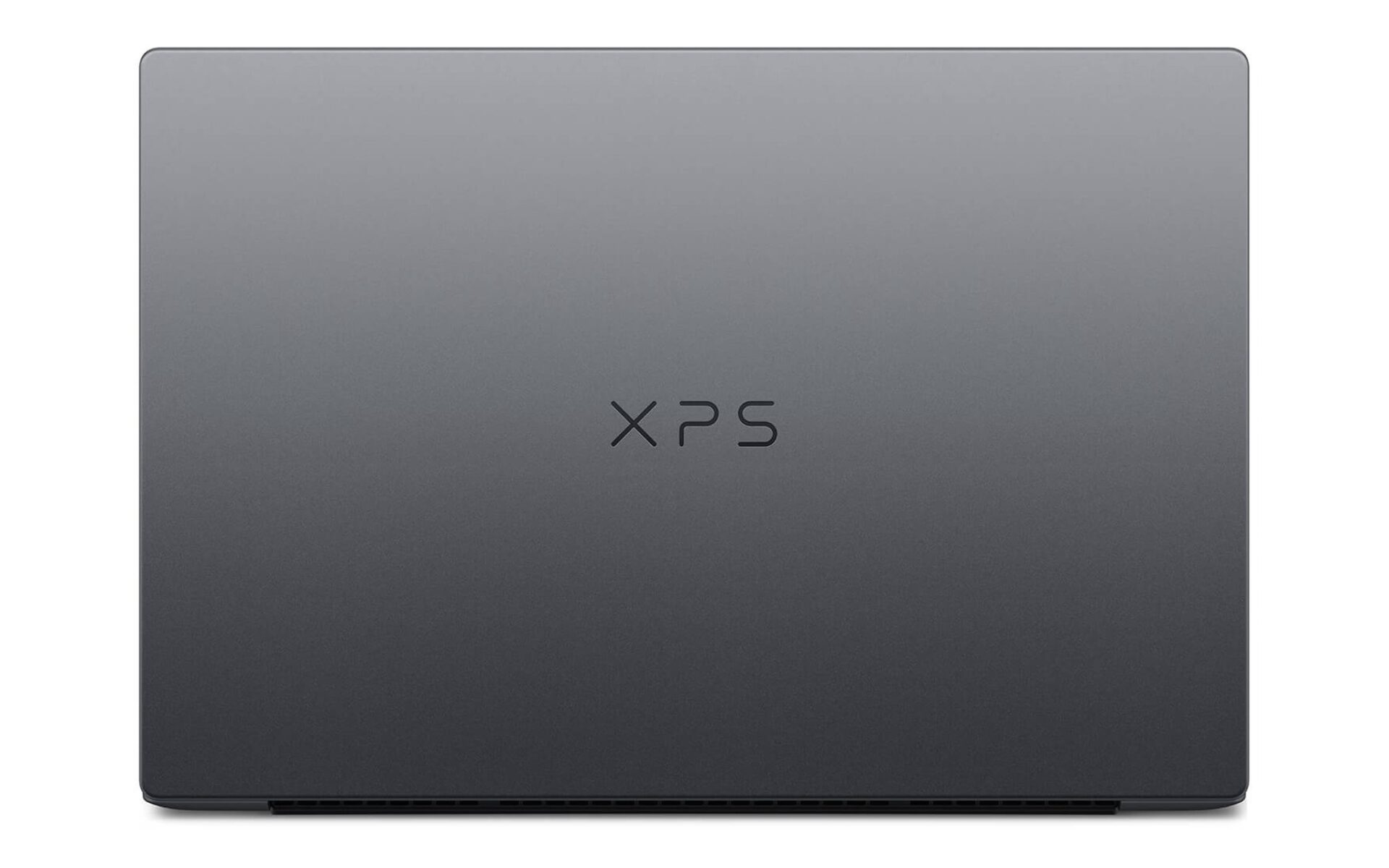
The Dell XPS 2026 lineup presents a challenging dilemma for premium buyers this year. While they share the same name and minimalist design language, the XPS 13 and XPS 14 are fundamentally different machines. One prioritizes ultra-portability and accessibility, while the other focuses on raw processing power and creative workflows. This article analyzes the differences in configuration, display, and pricing between the two versions, helping you determine which option fits your actual needs rather than choosing based on impulse.
Two Dell XPS 2026 Versions for Two Distinct Needs
The key takeaway for the Dell XPS 2026 series is that the XPS 13 and XPS 14 are not merely two different sizes of the same product, but two entirely different segments. The XPS 13 DX13260 utilizes the power-efficient Core Ultra 5 320 processor with integrated Intel Graphics, targeting users who prioritize lightweight mobility. In contrast, the XPS 14 DA14260 utilizes the high-performance Core Ultra X7 358H, paired with Intel Arc Graphics, designed for heavy-duty processing tasks.
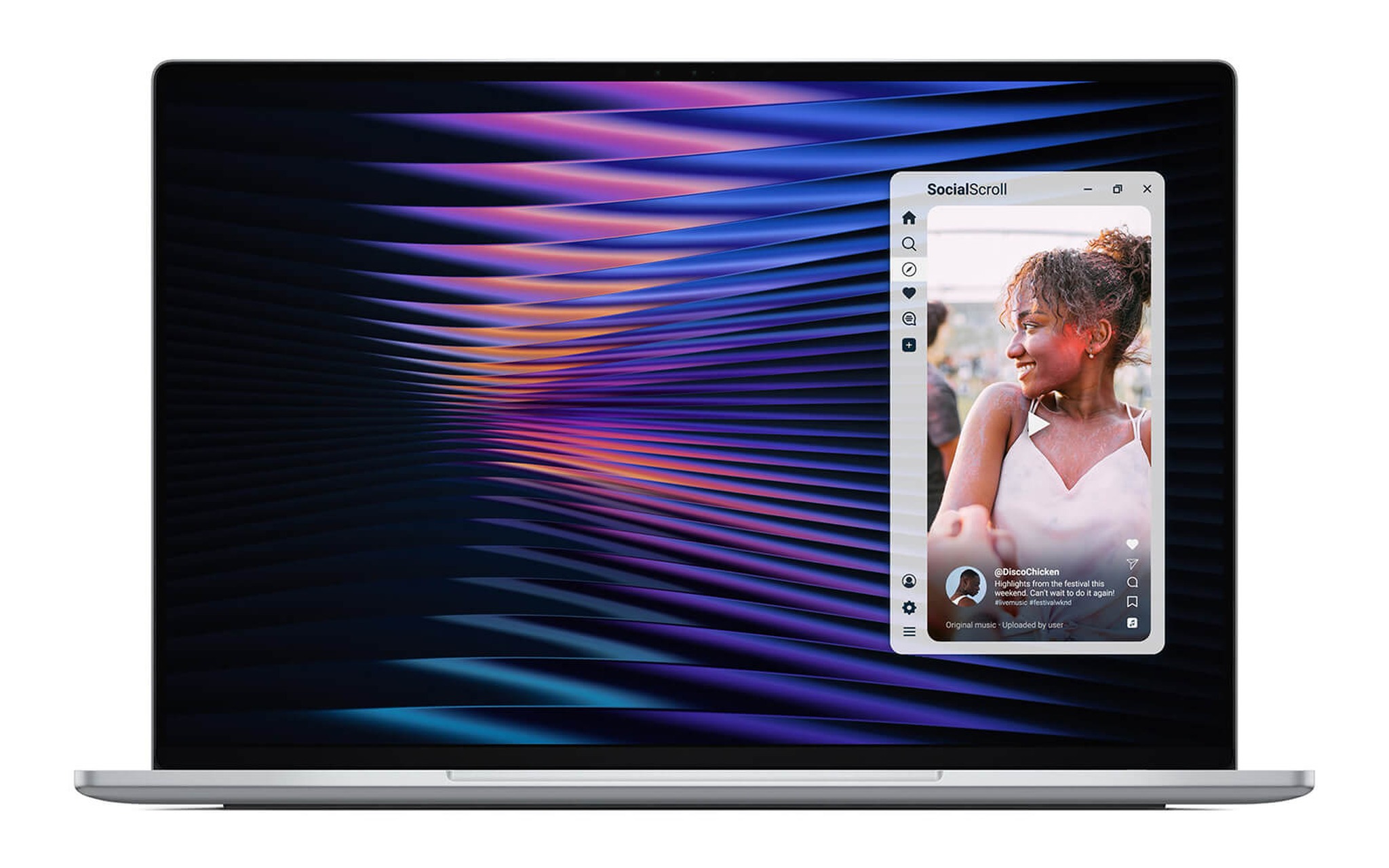
Both versions of the Dell XPS 2026 feature premium unibody aluminum construction, backlit keyboards, and anti-glare touch displays. The “H” suffix on the XPS 14’s chip signifies a significantly higher power envelope compared to the ultra-low-power chip in the XPS 13—this is the deciding factor between an ultra-portable laptop and a heavy-duty workstation. Additionally, the new Intel Core Ultra platform includes dedicated AI processing cores, supporting the increasingly popular trend of local AI inference tasks.
Before diving deeper into the Dell XPS 2026 lineup, you must answer one question: will this laptop travel with you constantly, or will it sit stationary on a desk for heavy rendering and content creation? Your answer will largely dictate whether you choose the XPS 13 or the XPS 14, as each version is optimized for opposite scenarios. Even with the shared Intel Core Ultra processor platform, the performance gap between these two groups remains significant.
XPS 13 Configuration: Aimed at Maximum Mobility
Within the Dell XPS 2026 duo, the XPS 13 DX13260 is the choice for those who value mobility above all else. Its compact 13-inch chassis is lightweight, making it easy to slip into a bag and carry throughout the day. The configuration—featuring a Core Ultra 5 320 processor, 16GB of RAM, and a 512GB SSD—provides ample headroom for office tasks, heavy web browsing, video conferencing, and daily productivity apps. This is the standard entry point for the Dell XPS 2026 line, catering to customers who prioritize a slim profile.
| Category | XPS 13 DX13260 | XPS 14 DA14260 |
|---|---|---|
| Processor | Core Ultra 5 320 | Core Ultra X7 358H |
| Graphics | Intel Graphics | Intel Arc Graphics |
| RAM | 16GB | 32GB |
| Storage | 512GB SSD | 1TB SSD |
| Starting Price | 34,000,000 ₫ | 65,000,000 ₫ |
The integrated Intel Graphics on the XPS 13 handles display needs, high-resolution content playback, and basic photo editing quite well. While it isn’t built for video editing or 3D rendering, it offers more than enough capability for office professionals, students, and frequent travelers. This version is also labeled as a Copilot+ PC thanks to its AI-ready processing cores, enabling local AI features. Within the overall Dell XPS 2026 lineup, this model serves as the balanced, reliable workhorse.
If your top priorities are a lightweight laptop, all-day battery life for mobile work, and a reasonable price point in the premium segment, the 13-inch Dell XPS 2026 should be your first consideration. You can review the specific configuration and pricing at the DELL XPS 13 DX13260 (2026) page to compare it with your budget. The pricing of the 13-inch version makes the Dell XPS 2026 series accessible to a much broader range of customers.
XPS 14 Processing Power for Creative Workflows
On the other side of the Dell XPS 2026 spectrum, the XPS 14 DA14260 takes performance to a completely different level. Equipped with the high-performance Core Ultra X7 358H processor, 32GB of RAM, and a 1TB SSD, it allows users to run multiple heavy applications simultaneously without sacrificing smoothness. This configuration is designed for video editors, professional photographers, and big data analysts—users where memory capacity and storage speed make a tangible difference.
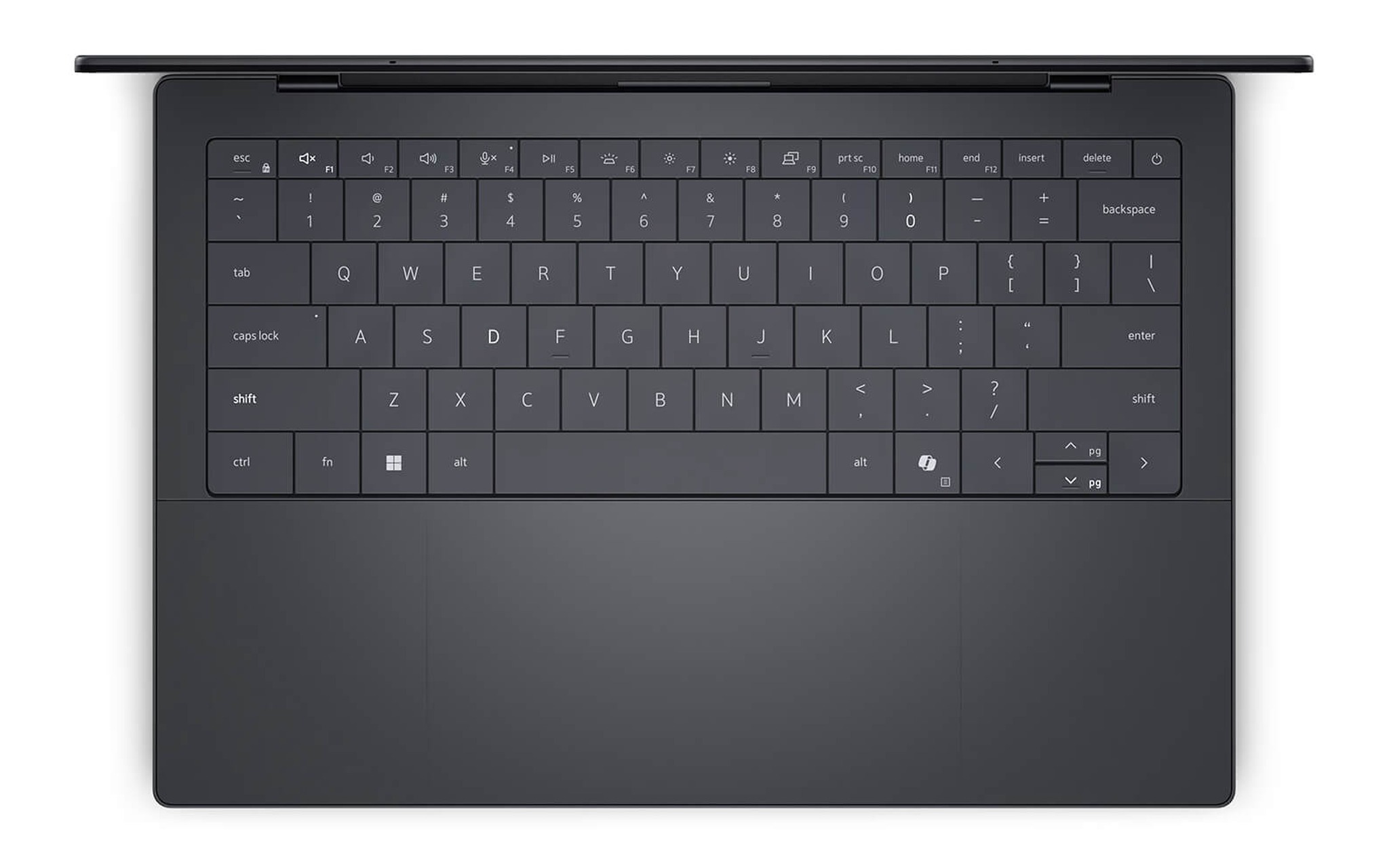
The Intel Arc Graphics card is a major advantage for the XPS 14 compared to the standard integrated graphics on the 13-inch model. This GPU accelerates video rendering, effect processing, and hardware-accelerated tasks, significantly reducing wait times during creative projects. The 32GB of memory provides ample headroom for intense multitasking, while the 1TB drive accommodates large project libraries without the constant need for external storage. This dedicated graphics capability creates a clear performance boundary within the Dell XPS 2026 lineup.
For digital content creators or engineers in need of a powerful mobile workstation, the 14-inch version of the Dell XPS 2026 is an investment that delivers real-world value. Detailed specifications and display options are listed on the DELL XPS 14 DA14260 (2026) page, where you can verify the current configuration before making a decision. Consequently, the 14-inch model sits at the top of the current Dell XPS 2026 hierarchy.
Display and Connectivity: Defining the User Experience
The display is the next core factor that distinguishes the two Dell XPS 2026 versions. The XPS 13 features a 13-inch 2.5K anti-glare touch display, ideal for office work and everyday entertainment. The XPS 14 offers a larger 14-inch panel, with an optional 2.8K OLED touch display that provides superior contrast and color accuracy—a significant advantage for creative professionals.
| Feature | XPS 13 DX13260 | XPS 14 DA14260 |
|---|---|---|
| Screen Size | 13 inch | 14 inch |
| Resolution | 2.5K Touch | 2K or 2.8K OLED Touch |
| Wireless | Wifi 7, Bluetooth 6 | Wifi 7, Bluetooth 6 |
| Copilot+ PC | Yes | Not listed |
Regarding wireless connectivity, both versions support the latest Wi-Fi 7 and Bluetooth 6 standards, ensuring high data transfer speeds and stability during online collaboration. The real differentiator is the optional OLED panel on the XPS 14, which video editors and photographers rely on for precise color assessment. For purely office-based work, the XPS 13’s 2.5K panel still provides a sharp and eye-friendly experience. These details create a very clear distinction in the user experience between the two Dell XPS 2026 models.
Physical size also dictates the portability of the Dell XPS 2026: the 13-inch chassis is lighter and more compact, while the 14-inch chassis trades some portability for more screen real estate and better thermal management for the high-performance chip. You should consider whether you spend most of your time looking at the screen to create content, or if you primarily need a lightweight laptop to carry on the go. This is a difference in experience that technical specs on paper cannot fully capture.
Price Disparity Reflects Segment Differences
Price is where the difference between the two Dell XPS 2026 versions is most obvious. The XPS 13 DX13260 is available in a single configuration starting at 34 million VND, positioning it in the accessible premium ultra-portable group. The XPS 14 DA14260 starts at 65 million VND for the 2K model and goes up to 69.9 million VND for the 2.8K OLED version—nearly double the price of its smaller sibling. The price gap in the Dell XPS 2026 lineup accurately reflects two distinct market segments.
| Segment | XPS 13 DX13260 | XPS 14 DA14260 |
|---|---|---|
| Starting Price | 34,000,000 ₫ | 65,000,000 ₫ |
| Top-tier Price | 34,000,000 ₫ | 69,900,000 ₫ |
| Number of Versions | 1 | 2 |
| Target Audience | Office, Mobile | Deep Creative Work |
This price difference is not arbitrary; it accurately reflects the hardware differences in the Dell XPS 2026 series. The extra cost for the XPS 14 buys you a high-performance chip, Intel Arc graphics, double the RAM and storage, and a professional-grade OLED screen option. For users with specific needs, every extra cent corresponds to tangible processing power and visual experience. Buyers should carefully assess their requirements before committing a budget to the Dell XPS 2026 line.
Conversely, spending 65 million VND on an XPS 14 would be wasteful if your laptop usage is limited to word processing, emailing, and video calls. In that scenario, the 34-million-VND version of the Dell XPS 2026 exceeds your requirements while saving you a significant amount of money. The golden rule of purchasing is to choose a configuration that is “just enough” for your work, rather than paying for performance you will never use.
Choosing the Right Configuration for Your Real-World Needs
After weighing all the differences, choosing a Dell XPS 2026 model becomes clear once you define your specific needs. If your work revolves around typing, spreadsheets, presentations, and constant movement, the XPS 13 DX13260 is the ideal balance of performance, mobility, and cost. The 16GB RAM and 512GB SSD configuration is sufficient for most productivity tasks for many years. Your decision within the Dell XPS 2026 lineup should start with how often you move.
| Your Needs | Recommended Version |
|---|---|
| Office, mobile, moderate budget | XPS 13 DX13260 |
| Professional video/photo editing | XPS 14 DA14260 |
| Heavy multitasking, big data | XPS 14 DA14260 |
| Requires color-accurate OLED | XPS 14 2.8K version |
On the other hand, if your livelihood depends on content creation—frequently rendering video or working with large image files—the XPS 14 DA14260 is the appropriate tool. The Intel Arc graphics, 32GB of RAM, and 1TB drive reduce wait times and expand your workflow capacity in ways a standard ultra-portable laptop simply cannot. This is why the 14-inch version of the Dell XPS 2026 exists as a mobile workstation; the higher initial investment is recouped through increased productivity and stability across every project.
In summary, the Dell XPS 2026 duo doesn’t have a “worse” version, only versions that are better suited for different people. Re-verify your actual needs, compare them against your budget, and choose a configuration that fits rather than chasing the highest numbers. Both models are currently available, brand new, and officially distributed, so you can shop with confidence. The Dell XPS 2026 lineup successfully covers both ends of the premium market.
Frequently Asked Questions
Which Dell XPS 2026 versions are currently available?
In this article, the Dell XPS 2026 lineup includes two available versions: the XPS 13 DX13260 at 34 million VND and the XPS 14 DA14260 starting from 65 to 69.9 million VND. Each version targets a different set of needs regarding mobility and performance.
Should I buy the XPS 13 or XPS 14 for office work?
For office work, typing, and frequent travel, the XPS 13 DX13260 is the more logical choice due to its lightweight design, sufficient configuration, and accessible price. The XPS 14 is only worth it if you require intensive creative processing power. Both belong to the Dell XPS 2026 line, so build quality is comparable.
Why is the XPS 14 nearly twice as expensive as the XPS 13?
The price difference stems from the high-performance Core Ultra X7 358H processor, Intel Arc graphics, double the RAM and storage capacity, and the optional 2.8K OLED screen. These hardware differences directly serve heavy rendering and content creation tasks. Within the Dell XPS 2026 lineup, this price gap represents actual, tangible processing capability.