
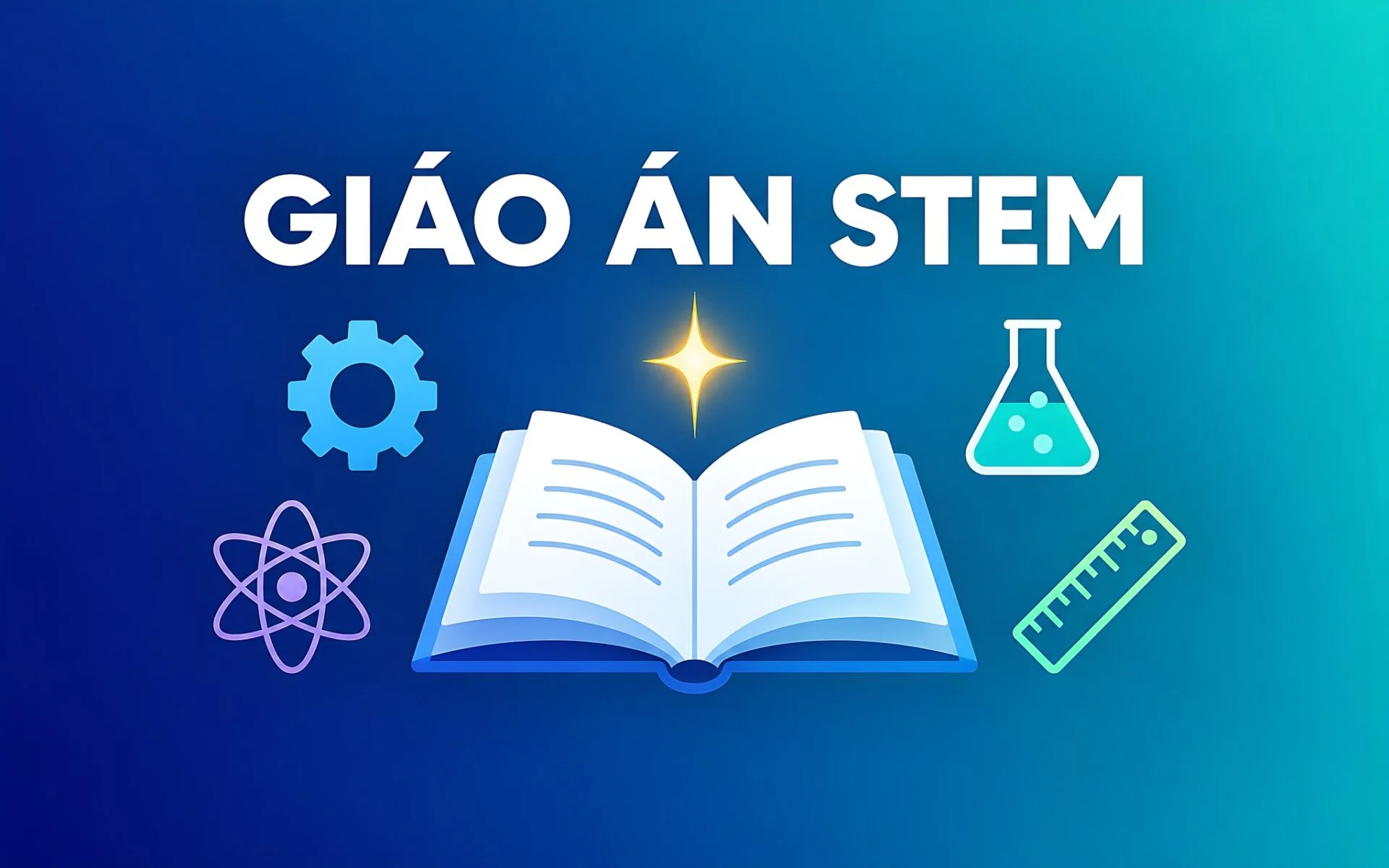
Creating a STEM lesson plan that meets the standards of the 2018 General Education Program can take teachers several evenings of work, from framing the problem and designing activities to developing competency-based assessment rubrics. An AI assistant can reduce that time to just a few dozen minutes if you know how to use the right prompts to optimize your preparation. This article shares a framework of command structures, four groups of sample prompts, and a six-step process to help you create a complete STEM lesson plan, while highlighting the essential points you must verify before bringing the lesson into a real classroom.
What are the components of a standard 2018 General Education Program STEM lesson plan?
Before prompting an AI, you need to understand the framework of a STEM lesson plan aligned with the 2018 General Education Program and the principles of STEM education. A complete lesson typically begins with a real-world scenario, then guides students through stages of discovery, design, and the construction of a solution. This experience helps students grasp scientific principles through a tangible product. The core of a STEM lesson plan is interdisciplinarity: integrating Science, Technology, Engineering, and Mathematics into a single, specific product that students build themselves.
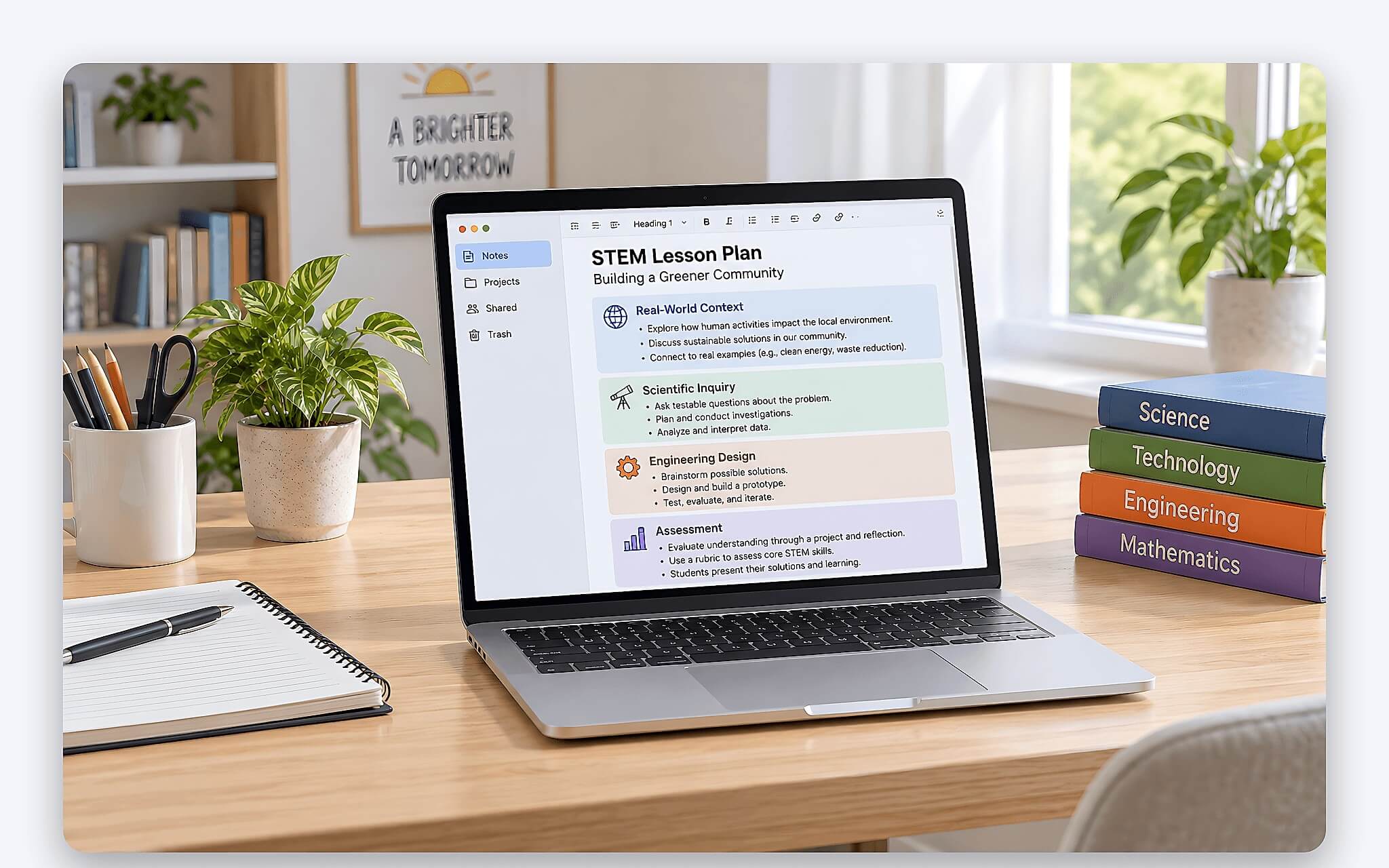
Beyond the activities, a comprehensive STEM lesson plan also requires clear competency objectives, equipment and learning materials, a timeline for each stage, and assessment criteria. These supplementary sections often require the most effort, as teachers must phrase them to align perfectly with the required learning outcomes for each grade level. This is where an AI assistant excels, provided you supply enough input data for it to process and construct the framework of the STEM lesson plan.
Mastering this framework helps you control the AI's output rather than leaving it to chance. When you know a STEM lesson plan requires specific mandatory sections, you will immediately notice if a draft is missing an assessment rubric or competency objectives. You can issue a command, compare it against the standard framework, and then request the missing parts to meet all criteria. This iterative workflow produces a much more practical lesson plan than simply typing a generic prompt and accepting the first result.
How to write prompts so the AI understands your requirements
An effective prompt for STEM lesson planning always consists of four components: role, context, specific requirements, and output format. You should assign the AI a role, such as an experienced subject teacher, specify the grade level and topic, list the required learning outcomes, and finally, dictate whether you want the result presented in a table or as a series of steps. The more specific you are at this stage, the fewer edits the STEM lesson plan draft will require, and the easier it will be to reuse the prompt structure for other topics in the future.
| Component | Role in the prompt |
|---|---|
| Role | Assign the AI the role of an experienced subject teacher |
| Context | Specify grade level, class size, duration, and available equipment |
| Requirements | List the required learning outcomes and the student product |
| Format | Specify if the output should be a table or a step-by-step list |
A common mistake is providing prompts that are too short, such as simply typing "help me write a STEM lesson plan about solar energy." Vague prompts result in generic lessons that do not cater to a specific grade level or define a clear product. Instead, you should add context like the grade level, class size, duration, available equipment, and the students' proficiency level. These details narrow the scope, allowing the AI to generate a draft that fits your actual classroom conditions, making the lesson plan immediately usable and saving significant time.
You should also break a large STEM lesson plan into several smaller prompts rather than demanding everything at once. Use the first prompt to build the activity framework, the second to write out each step in detail, and the final one to create the assessment rubric. Breaking down the lesson plan allows you to control each section and fix any issues before moving on. The final result is a coherent lesson where all parts fit together well, rather than a fragmented piece produced by forcing the AI to generate one massive block of text.
Four groups of sample prompts for each stage of lesson planning
To help you visualize this, here are four groups of prompts for the four main stages of creating a STEM lesson plan. Each group serves a specific goal and should be used sequentially. The table below summarizes the role of each group along with a brief example that you can apply immediately to your current teaching topic.
| Prompt Group | Goal | Short Example |
|---|---|---|
| Framework Building | Create the activity layout | Outline a Grade 8 STEM lesson on water filtration |
| Detailing | Write out specific steps | Detail the construction activity and guiding questions |
| Assessment | Create a rubric | Create a product rubric across four competency levels |
| Differentiation | Adjust difficulty levels | Suggest options for advanced and struggling students |
The Framework Building group helps you generate the skeleton of a STEM lesson plan in a single prompt, including the introductory scenario, the sequence of activities, and the required product. The Detailing group dives into each step, writing out guiding questions and describing the actions students will perform. These two groups comprise the bulk of a STEM lesson plan, so you should spend significant time refining your prompts here to ensure the draft aligns with your pedagogical intent.
The Assessment and Differentiation groups are often overlooked, yet they determine the quality of a STEM lesson plan. Clear assessment criteria allow you to grade products fairly, while differentiation strategies ensure that both advanced and struggling students can participate. You can instruct the AI to create a four-level rubric and then ask it to suggest ways to lower or raise the difficulty for each group to ensure the differentiation meets the students' actual proficiency levels.
A six-step process for data input and lesson creation
Once you have your prompts, you should follow a fixed process to ensure no part of the STEM lesson plan is missed. The following six-step process takes you from the initial data preparation stage to a finished, printable lesson plan. Each step is a separate prompt; you should check the results of one step before moving to the next to avoid overwhelming the AI and receiving a superficial response.
| Step | Action |
|---|---|
| 1 | Specify grade level, topic, duration, and available equipment |
| 2 | Prompt for the activity framework and product |
| 3 | Request detailed steps and guiding questions |
| 4 | Create an assessment rubric based on competency levels |
| 5 | Add differentiation options for different student groups |
| 6 | Cross-check with the standard framework, verify data, and print the final version |
Step one is the foundation that determines the quality of the entire STEM lesson plan. The more detailed your description of the classroom conditions, the less the AI has to guess. Clearly state the class size, general proficiency level, available lab equipment, and the maximum time allowed for each period. Complete input data helps the draft stay grounded in reality, significantly reducing the number of revision rounds and increasing the practical value of the lesson plan when you use it in class.
From step two to step five, you will use the four prompt groups mentioned previously. The crucial part is step six, where you personally cross-check the draft against a standard STEM lesson plan framework to detect any missing or incorrect sections. Do not skip this step; this is when your expertise and professional judgment reshape the entire document, turning an AI-generated draft into a truly viable lesson for the classroom.
Critical points to check before going into the classroom
While an AI assistant can draft quickly, it cannot replace your professional expertise, making a review phase mandatory for every STEM lesson plan. The first thing to scrutinize is factual accuracy, as AI can sometimes provide incorrect scientific formulas or data. You must personally verify every number and concept using reliable sources, especially in Physics, Chemistry, and Biology, where a small error in principle can lead to student misconceptions.
| Checklist Item | Why it matters |
|---|---|
| Factual Accuracy | AI may occasionally provide incorrect formulas or scientific data |
| Grade Appropriateness | Drafts may be too difficult or deviate from the curriculum flow |
| Feasibility | Practicality of equipment, timing, and classroom safety |
The second point is the level of suitability for the grade level and required learning outcomes. An AI-generated STEM lesson plan might be too advanced or too simple for the age group, or it might drift away from the curriculum sequence of the 2018 General Education Program. Compare the lesson objectives with the required outcomes for the grade level, trim excessive academic jargon, and add relatable examples to make it more accessible to students. This refinement process is what ensures quality and guarantees the lesson meets the needs of your specific audience.
Finally, verify the practical feasibility of the STEM lesson plan within your actual classroom. Ask yourself: Is the school's equipment sufficient? Does each activity fit within the class period? Will students be safe during the hands-on activities? A STEM lesson plan that looks beautiful on paper can still be unworkable if it requires hard-to-find materials or takes too much time. Thoroughly checking these three points will allow you to walk into class with a verified, reliable lesson.
Which teachers benefit most from this approach?
AI-assisted STEM lesson planning is most beneficial for teachers who handle many classes or teach across multiple subjects. When teaching loads are high and the volume of lesson preparation is large, letting an AI build the framework while you refine it can save significant hours each week. New teachers also benefit, as these sample prompt sets serve as a reference framework for learning how to structure a professional STEM lesson plan according to curriculum standards, thereby shortening their professional learning curve.
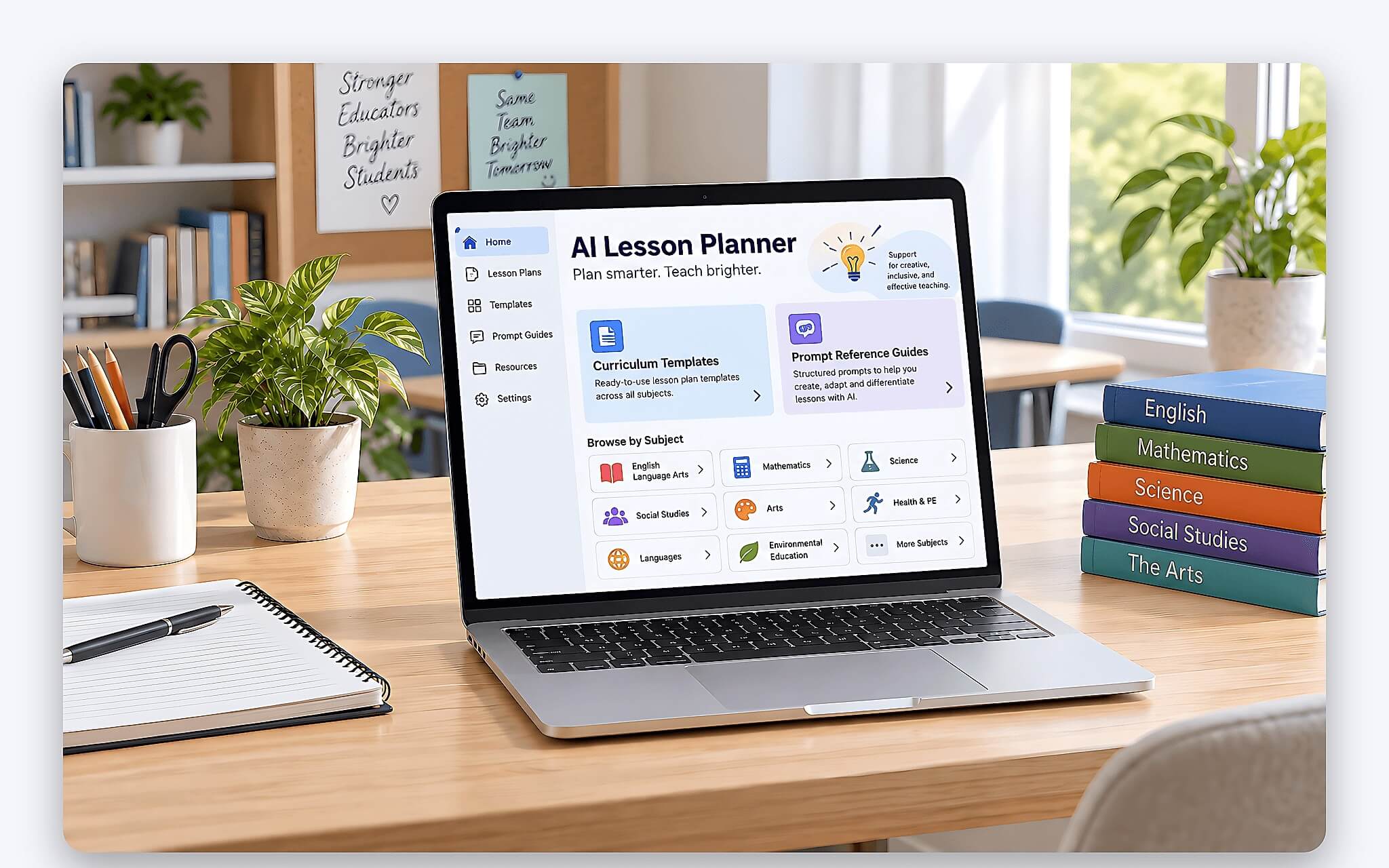
Lead teachers responsible for professional development can use this process to quickly generate multiple lesson options, which can then be selected and perfected by their subject teams. Even highly experienced teachers can save effort on formatting, creating rubrics, and presentation - tasks that are often repetitive. The common thread is that the AI handles the framework and formatting, while the pedagogical soul of the lesson remains the teacher's domain.
Regardless of your experience level, view the AI assistant as a teaching assistant rather than a replacement. A good STEM lesson still requires a teacher's pedagogical eye to select engaging scenarios, anticipate student difficulties, and maintain classroom momentum. The tool frees you from the mechanical aspects of drafting, allowing you to focus on what truly matters: inspiring and guiding students through the process of discovery. From this perspective, an AI-assisted STEM lesson plan does not diminish the teacher's role; instead, it gives you back precious time to invest where it counts most.
Frequently Asked Questions
Is using AI to draft STEM lesson plans considered cheating? No, as long as you verify and take responsibility for the final content. AI serves as a drafting tool, much like referencing textbooks or sample lesson plans; the professional expertise and pedagogical decisions remain the teacher's responsibility.
Which AI assistant is best for drafting STEM lesson plans? Most popular language models perform well if you provide clear prompts. The deciding factor is not which tool you choose, but how you provide the input data and how you verify the output before using it.
Do I need a high-performance computer to use this method? No, most AI assistants run in a web browser, so a standard office laptop is sufficient. You only need a stable internet connection and a browser. Most importantly, have your lesson data ready to ensure accuracy. You can refer to our guide on creating visual learning materials in the article New School Year Banner: AI Prompts for Every Grade Level to expand your digital toolkit.