A Windows 11 laptop comes out of the box with a fairly complete security layer, so there is no rush to buy more software. 2026 test data shows that Microsoft Defender reaches a high online protection rate as long as the operating system is fully updated. Antivirus needs only get complicated when you often download unfamiliar files, make online transactions, or manage important data. License money is better spent on extras you actually need than on installing several apps that do the same job.
Is Windows Defender enough to protect a Windows 11 laptop from viruses?
For most machines used for office work, study, and everyday entertainment, Microsoft Defender is good enough. The Real-World Protection results from AV-Comparatives for February to May 2026 show Defender blocking 396 of 400 scenarios, equal to 99.0%, and earning the Advanced+ certification. In the March 2026 Malware Protection test, the software reached 99.93% online protection, let 7 of 10,000 samples through, and produced 3 false alarms. In AV-TEST's most recent 2026 evaluation, Defender also scored 18/18 points: 6 for protection, 6 for performance, and 6 for usability. For basic antivirus needs, this is a solid foundation for a Windows 11 laptop.

The tool supports real-time protection, behavior analysis, cloud-based detection, a firewall, and offline scanning. SmartScreen checks suspicious websites and downloaded files. Tamper Protection keeps malware from changing security settings on its own, while Controlled Folder Access can stop apps without permission from modifying data in important folders. You can read the official guide to Microsoft Defender before adjusting the protection layers.
The drawback is that offline detection reached only 89.2% in the March 2026 test. The software depends heavily on a network connection and cloud data. In the April 2026 performance test on a Core i3 machine with 8GB of RAM and an SSD, Defender ranked 11th out of 20 with an Impact Score of 12.9. The tool is not very heavy, but it is not among the lightest either. Hung Phat usually advises customers to keep Microsoft Defender if they install only legitimate apps, update Windows 11 regularly, and keep an independent backup of their data.
When should you buy licensed security software?
When your antivirus needs involve frequent transactions, customer records, or many files from partners, a paid version may be worth considering. Households with children or less experienced users may also need access controls. Commercial security suites often add browser-independent anti-phishing, password management, webcam protection, a VPN, parental controls, or multi-device management. The main value lies in these extras and in risk management, while basic protection is already built into Windows.

People who often work offline also have a reason to consider a license, because detection effectiveness can drop without a cloud connection. That said, paid software does not handle every threat. Cracked files, keygens, browser extensions from unknown sources, and fake links can still cost you an account. Backing up data to an external drive and then disconnecting that drive from the laptop remains a necessary line of defense.
You should not run two anti-malware programs with real-time protection at the same time. Windows usually switches Defender to a limited state when other software is active, but a faulty configuration can cause conflicts, duplicate scans, and slower performance. If you move to a paid plan, uninstall the old security suite, restart the machine, and then check Windows Security. When a license expires, confirm that Microsoft Defender has turned itself back on. Keeping the system updated to receive new patches is also discussed in the article Does turning off Windows Update make your machine more stable?.
How to set up Defender to protect your laptop effectively
A sensible configuration matters more than installing extra tools. If you are looking for a way to remove viruses from a Windows 11 laptop, open Windows Security and check seven core settings. The location of each item may shift slightly with updates, but the basic feature names remain similar.
Turn on Real-time protection to check files and processes that are running.
Turn on Cloud-delivered protection to use online detection data.
Turn on Automatic sample submission to send suspicious samples to Microsoft for analysis.
Turn on Tamper Protection to limit unauthorized changes to the configuration.
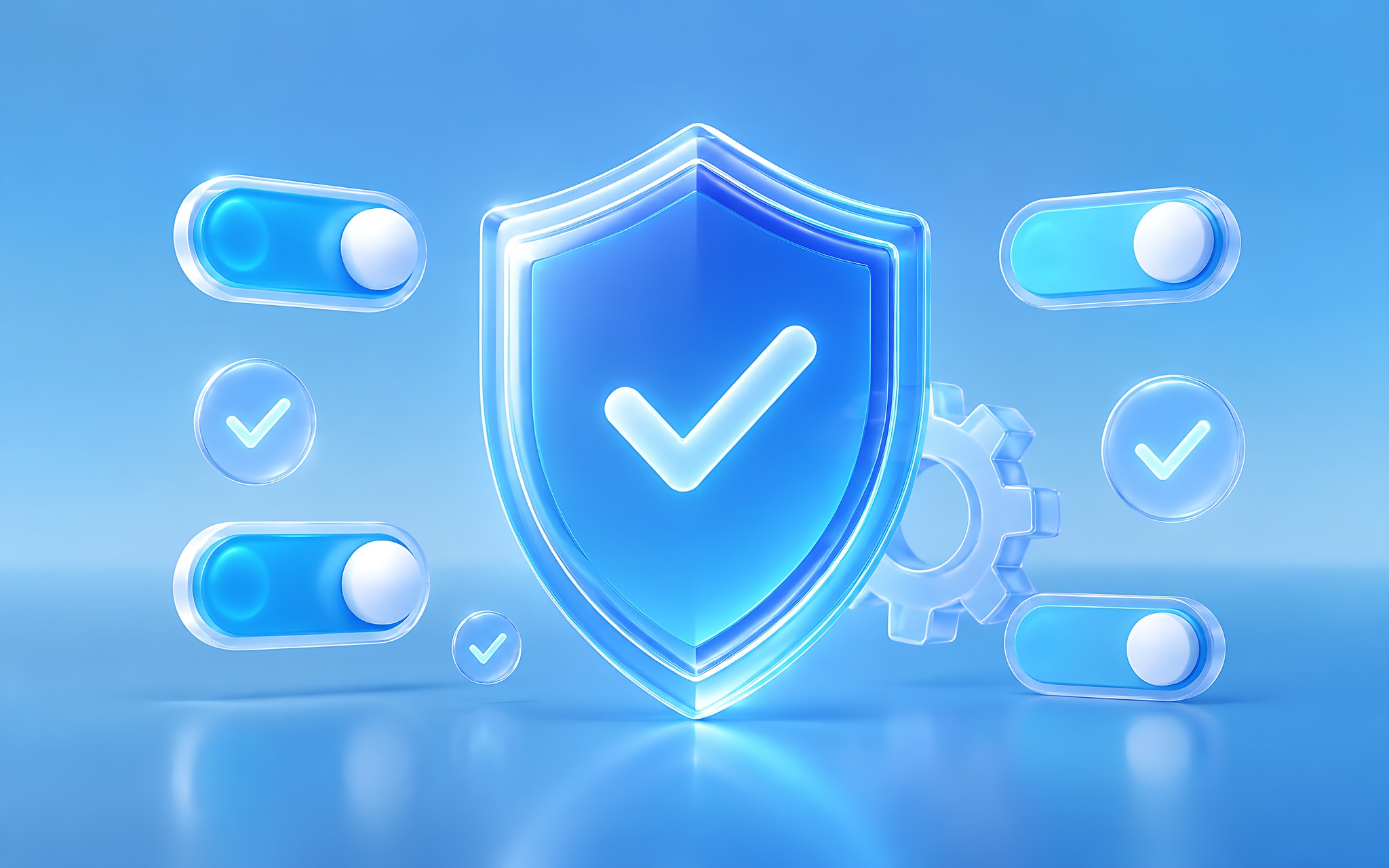
Check the Firewall for both private and public networks.
Turn on SmartScreen for apps, downloaded files, and supported browsers.
Consider Controlled Folder Access for folders that hold important records.
Controlled Folder Access can also block legitimate apps that have not been granted permission. If accounting software, a graphics tool, or a sync program cannot save files, add the correct executable to the allow list instead of disabling the whole feature. Windows Update also needs to stay on so you receive new detection definitions and system patches. If you just bought a machine, you can also read What software to install on a new laptop to avoid apps with overlapping functions.
Run a Quick scan periodically, and use a Full scan when the machine shows unusual ads, unfamiliar processes, or resource usage that stays high for a long time. Microsoft Defender Offline is suited to cases where malware may hide while Windows is running. This process restarts the machine, so save your work first. Do not turn off real-time protection just to install a program that triggered a warning unless you have verified the publisher and the digital signature.
Which security app should you choose based on how you use your laptop?
No single choice suits every usage pattern. Microsoft Defender fits people who download legitimate software and do not need a VPN, password manager, or parental controls in the same package. Panda Free Antivirus is aimed at people who want a free third-party antivirus program for their laptop. AVG Internet Security and TotalAV Antivirus are commercial products, so check the benefits, number of devices, term, and renewal conditions carefully before paying.
| Name and version | How it is offered | What it replaces | Best suited for |
|---|---|---|---|
| Microsoft Defender Antivirus on Windows 11 | Built in, no separate purchase | Replaces the basic anti-malware part of a paid security suite | Office work, study, and ordinary home use |
| Microsoft Defender Offline on Windows 11 | Free, a component of Windows Security | Replaces a basic rescue scanning tool | Machines suspected of hidden malware while Windows is running |
| Panda Free Antivirus | Free | Replaces Defender if you want a third-party interface | People who need only basic protection |
| AVG Internet Security | Paid | Replaces Defender's real-time protection layer | People who want a commercial security suite |
| TotalAV Antivirus | Check the current free and paid plans | Replaces the main anti-malware tool on Windows | People who accept subscriptions and managing renewals |
Hung Phat does not recommend downloading laptop security apps from unknown app stores or file-sharing sites. Fake software names can look almost identical to legitimate products while the installer has been tampered with. Go directly to the Microsoft, Panda Security, AVG, or TotalAV website and check the exact domain name before downloading. Free versions usually focus on basic protection, while paid versions should be judged by their actual features.
Open-source software suits many office tasks, but real-time anti-malware tools need a system for updating signatures, cloud infrastructure, and a team that responds continuously. So you should not replace Microsoft Defender with a poorly maintained project just because it carries the open-source label. For office needs, you can consider an open-source option through the article LibreOffice as an office suite.
A safe procedure when your laptop shows signs of malware infection
The safe way to remove a virus from a laptop is to isolate the threat before you keep signing in to accounts. Disconnect from the network if the machine opens web pages on its own, sends out unusual data, or shows remote-control software from an unknown source. Then unplug external storage, save any open documents if you still can, and run a Full scan. If the result is unclear, continue with Microsoft Defender Offline before Windows loads all of its processes.
Do not enter banking, email, or social media passwords on a suspected machine.
Use a clean device to change the passwords of important accounts.
Check the sign-in history and sign out of sessions you do not recognize.
Remove browser extensions, Windows startup programs, and unfamiliar apps.
Scan the whole machine, update Windows, and check again after a restart.
Online antivirus services for laptops usually check only uploaded files or a limited scope. They do not replace real-time monitoring, and they are a poor fit for documents containing customer information because the data has to leave the machine. For a suspicious file, the safer option is to delete it, download it again from the official source, and check the digital signature if there is one.
Antivirus needs for Dell, Asus, Lenovo, or HP laptops are essentially the same if they all run Windows 11. The machine's brand does not determine its ability to detect malware. What matters is the Windows version, update status, Defender configuration, and file download habits. If unfamiliar processes keep appearing after several scans, back up your documents, reinstall Windows from an official source, and change your passwords from a clean device.
What to watch for when buying a security license in Ho Chi Minh City
A suitable license must clearly state the edition name, number of devices, term of use, supported operating systems, and renewal mechanism. You need to tell a one-time activation code apart from an auto-renewing subscription. The initial list price may apply only to the first term, while the next term uses a different rate. Ask for an invoice or electronic receipt, the refund terms, and a support channel before you pay.
Do not buy keys that are unusually cheap from personal accounts, key marketplaces, or sources that ask you to turn off Defender to activate them. These keys may belong to another region, be shared among many people, or be revoked. Hung Phat prefers to advise based on real needs: ordinary users keep Defender, families consider parental controls, and people who manage data should choose a plan that supports multiple devices and adds anti-phishing.
If you have not yet worked out what you need, you can use the built-in protection first and watch how it goes for a few weeks. Buy the matching plan only when you need a VPN, password management, webcam protection, or multi-machine administration. Basic users should keep the free solution, while those who make transactions, handle data, and download many unfamiliar files should consider a license with a clear origin.
Frequently asked questions (FAQ)
Is Defender enough for office work and study?
Yes, if Windows 11 is updated regularly and you download apps only from official sources. Defender scored 99.0% in the February to May 2026 real-world protection test and 18/18 points at AV-TEST in April 2026. You still need to back up your data, avoid cracked files, and check sign-in links carefully.
When should you set aside a budget for a security license?
You should buy one if you make frequent transactions, handle customer data, download many unfamiliar files, or need to manage multiple devices. Before paying, check the first-term price, the renewal price, the number of devices, and the term of use.
Do you need to buy more software as soon as you get a new laptop?
No, as long as the machine has a properly activated Windows 11 and the important Windows Security protections are on. Update Windows, run a Quick scan, and check the firewall first. Buy more only when a paid version solves a specific need, rather than installing two real-time protection programs.