
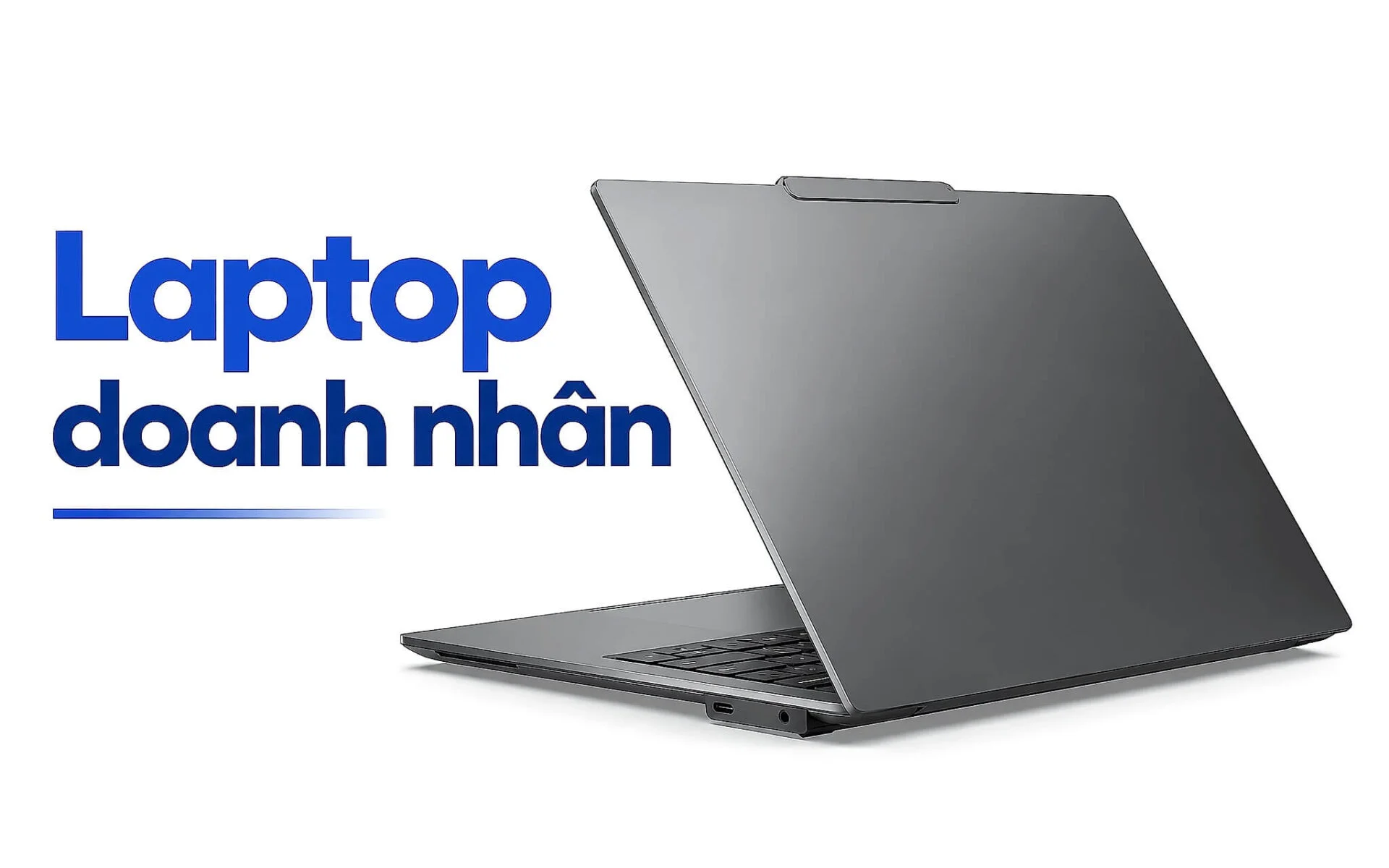
Many people shopping for a work laptop still put the processor and storage capacity first, but a true business laptop is really priced on its keyboard, chassis material, and mechanical durability. Those are the factors that decide how it feels to type thousands of characters a day, how well it survives knocks while you're constantly on the move, and how it holds up after years of use. This article breaks down those three core criteria, then suggests three options in stock worth considering, one for each market segment.
Why the Keyboard Makes or Breaks a Durable Business Laptop
The keyboard is the part you touch most on a business laptop, so key travel and bounce account for much of your typing performance. Mainstream office laptops often squeeze the keyboard thin to cut down on thickness, which leaves the keys shallow and the feedback poor. Premium business laptops, by contrast, keep deeper key travel and slightly concave keycaps that cradle your fingertips, so you can type fast with less fatigue. For anyone drafting contracts, reports, or emails all day, that difference becomes obvious after just a few hours of work.
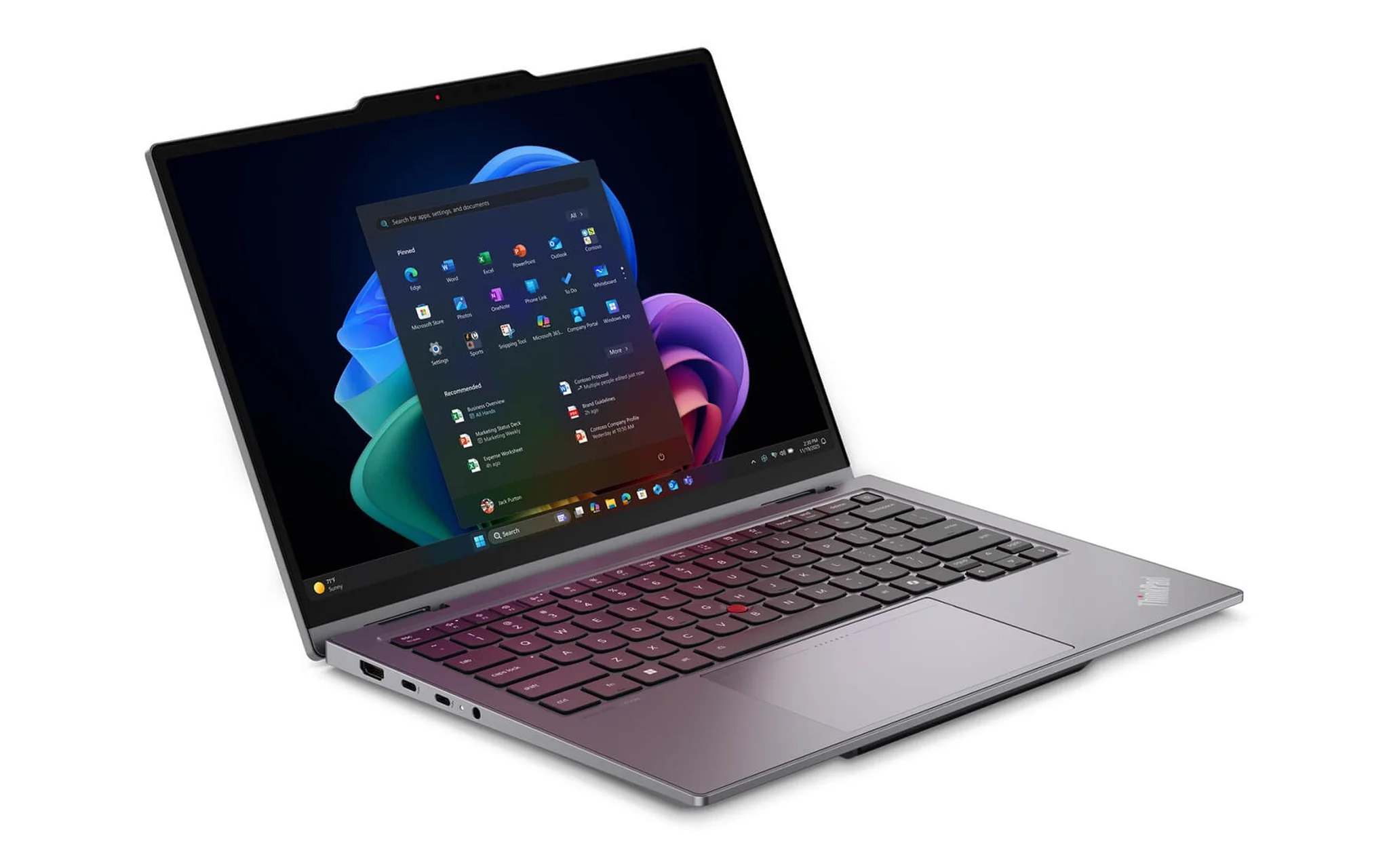
Keyboard durability is also what sets a business laptop apart from a standard model. Enterprise lines typically come with wear-resistant coatings on the legends, reinforced key frames, and light spill resistance with drain channels leading to the bottom of the chassis. This design keeps the machine running if a cup of coffee tips over, instead of killing the motherboard right away. The backlight is also tuned for working in dim meeting rooms, a small detail that directly affects how well you can work through the evening.
The red TrackPoint nub in the middle of the keyboard remains a signature of the ThinkPad line, letting you move the cursor without taking your hands off the typing area. Many fast typists cite it as the reason they've stayed loyal to the brand across generations. A business laptop built for typing therefore comes down not to the spec sheet but to the overall layout of the keys, the touchpad, and the productivity shortcuts. This is the key factor to check in person before you decide.
Alloy Chassis and Military-Grade Durability Standards
The chassis is the first line of defense for the components inside, so its material determines the overall durability of a business laptop. CNC-machined unibody aluminum alloy offers high rigidity and resists flexing when you carry the machine one-handed. Magnesium alloy is noticeably lighter, which suits portable machines while still keeping the frame solid. Some premium models add carbon fiber to the back of the display lid to resist twisting, so the panel takes less stress when the laptop is wedged into a cramped backpack.
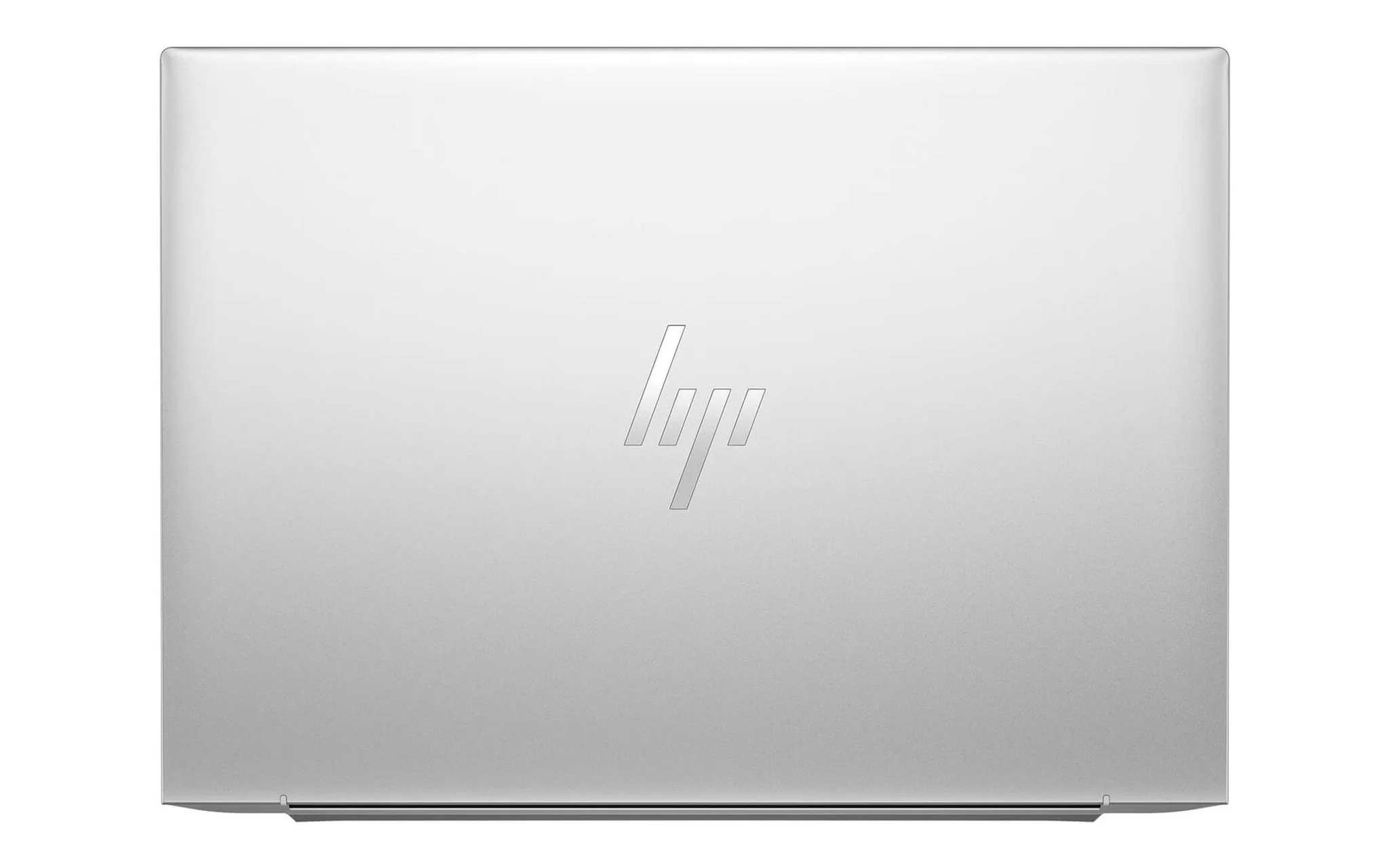
The MIL-STD-810H military standard is the yardstick many business laptop makers cite for resilience in harsh environments. The tests cover vibration, low-height drops, thermal shock, dust, and humidity, simulating real business travel conditions. Keep in mind that this is the manufacturer's own testing procedure, not a warranty commitment covering every impact. Even so, a machine that passes this test suite is still clearly more dependable structurally than a mainstream model.
The hinge is the quiet detail that determines how long a business laptop lasts, because it goes through tens of thousands of open-and-close cycles over the machine's life. A poor hinge goes loose and makes the screen wobble while you type; a good one holds its angle and moves smoothly. Business laptops are often hinge-tested to twenty thousand cycles or more. When you're choosing a business laptop, checking how solid the hinge and the edges of the shell feel is a quick way to judge the overall build quality.
Fingerprint and Webcam Security on a Business Laptop
Data safety is a must-have for a business laptop, very different from ordinary entertainment needs. A fingerprint sensor built into the power button lets you sign in quickly without typing a long password. An infrared camera supports Windows Hello face recognition, even in low light. Many business laptops also include a discrete security chip for key encryption and hardware attestation, a layer of defense that consumer machines rarely offer in full.
| Security layer | Mechanism | Practical value |
|---|---|---|
| Fingerprint | Sign in with a fingerprint on the power button | Fast unlock, no password exposed |
| Infrared face recognition | Windows Hello recognition even in low light | Hands-free sign-in, resists photo spoofing |
| Webcam cover | Covers the lens with a physical shutter | Blocks covert recording during online meetings |
| Discrete security chip | Key encryption and hardware attestation | Protects data if the machine is lost |
Business laptops also handle camera privacy with care, using a physical webcam cover or a camera kill switch. This gives you peace of mind in sensitive online meetings, where malware could otherwise take over the camera. The Intel vPro platform adds remote management and hardware-level protection, which suits IT teams managing many devices. These are the practical benefits a business laptop brings to an organization.
Built-in privacy screens also appear on a few business laptop models, narrowing the viewing angle when you work in public. For people who regularly handle financial figures or confidential documents on a plane, this feature reduces the risk of exposing information. Combined with the fingerprint reader and infrared camera, the three security features form a layered barrier. Choosing a security setup that fits your industry matters just as much as choosing a powerful processor.
Ports, Connectivity, and Long-Term Upgradability
Connectivity is where business laptops often outdo consumer ultrabooks, which cut ports to get thinner. Two Thunderbolt or USB4 ports let you output video to a high-resolution external monitor and move data at high speed over a single cable. A traditional USB-A port is still useful for mice, flash drives, and older projectors in meeting rooms. Some business laptops keep both a memory card slot and an HDMI port, reducing the need to carry a bundle of adapters.
| Ports and connectivity | Purpose | Best for |
|---|---|---|
| Thunderbolt / USB4 | Display output, fast data transfer, charging | People running multiple external monitors |
| USB-A | Mice, flash drives, and older devices | Traditional office environments |
| HDMI | Connecting to meeting room projectors | Frequent presenters |
| Wi-Fi 7 and SIM slot | Fast networking, mobile connectivity | Field workers |
Next-generation wireless is another criterion worth weighing if you're buying a business laptop for long-term use. The Wi-Fi 6E and Wi-Fi 7 standards widen the available spectrum and reduce congestion in offices crowded with devices. Many business laptops also support a SIM slot for cellular data, keeping the connection stable out in the field. Newer Bluetooth versions hold a more reliable connection with headphones and wireless keyboards, a small convenience you'll use every day.
As for upgrades, check ahead whether the RAM and storage can be replaced, since soldered components are becoming more common in the thin-and-light segment. Many business laptop lines still keep a replaceable M.2 SSD slot, extending the machine's life by several years. With soldered RAM, you have to pick a capacity that is enough from the start, typically thirty-two GB for heavy multitasking. Long-term support for parts and drivers is also an advantage of enterprise lines.
Three Business Laptops Worth Considering at Different Price Points
At the entry level, the HP EliteBook 840 G11 (2024) is a balanced pick for anyone who wants a durable business laptop for heavy typing. The best-selling configuration has a Core Ultra 7 165U, sixteen GB of RAM, a five hundred twelve GB SSD, and an FHD+ display, priced at around 19.7 million VND. The deep-travel keyboard, sturdy aluminum shell, and fingerprint sensor cover everyday office work, document writing, and online meetings.
| Model | Configuration in stock | Reference price |
|---|---|---|
| HP EliteBook 840 G11 (2024) | Core Ultra 7 165U · 16GB · 512GB SSD · FHD+ | around 19.7 million |
| ThinkPad X9 14 Aura Edition (2025) | Core Ultra 7 258V · 32GB · 512GB SSD · 2.8K OLED | around 37 million |
| ThinkPad X1 2-in-1 Gen 11 (2026) | Core Ultra 7 365 · 32GB · 512GB SSD · WUXGA touch | around 49.99 million |
Stepping up a segment, the Lenovo ThinkPad X9 14 inch Aura Edition (2025) targets people who care about build quality and display quality. It comes with a Core Ultra 7 258V, thirty-two GB of RAM, a five hundred twelve GB SSD, Intel Arc 140V graphics, and a 2.8K OLED touch panel, priced at around 37 million VND. This is a compact, lightweight business laptop with a premium finish, well suited to executives who often present in front of clients.
At the top end, the Lenovo ThinkPad X1 2-in-1 Gen 11 Aura Edition (2026) brings the flexibility of a convertible design to a versatile business laptop. It runs a Core Ultra 7 365 with thirty-two GB of RAM, a five hundred twelve GB SSD, and a WUXGA touch display, priced at nearly 49.99 million VND. The 360-degree hinge, stylus, and full set of security features make it a good fit for people who both write documents and sign off on them on the go.
Choosing the Right Business Laptop for Your Work
There is no single best business laptop for everyone, only the option that best fits the nature of your work. People who write and enter data in large volumes should prioritize the keyboard and durability, and accept a modest configuration to save on budget. People who present often and travel a lot will value weight, display quality, and battery life more. Pinning down your core need first narrows the choices much faster.
| Work need | Hardware priority | Suggested segment |
|---|---|---|
| Heavy writing and data entry | Deep keyboard, high durability | Mainstream enterprise |
| Presenting, constant travel | Light weight, good display | Premium thin-and-light |
| Writing and digital sign-off | Touch screen, convertible, security | Premium 2-in-1 |
Budget is the next variable to balance when buying a business laptop, because the gap between segments is quite large. Around twenty million VND already gets you a business laptop with an aluminum shell, a good keyboard, and enough basic security. The thirty to fifty million VND range opens up OLED displays, convertible designs, and strong configurations for heavy multitasking. Weighing the real value you get against how intensively you'll use the machine will keep you from spending more than you need to.
Finally, check the keyboard, hinge, and ports in person before settling on a business laptop, instead of just reading the spec sheet. The real weight, the bounce of the keys, and the sturdiness of the shell only show when you hold the machine in your hands. Matching the configuration in stock to your work needs, along with advice at the point of sale, helps the investment pay off over the long run. A careful decision today will save on replacement costs later.
Frequently Asked Questions
How is a business laptop different from a standard office laptop?
Business laptops emphasize a deep-travel keyboard, an alloy chassis that meets durability standards, fingerprint and infrared camera security, and long-term parts support. Standard office laptops are optimized for cost, so they often leave these features out.
Does the MIL-STD-810H standard guarantee the machine will never break?
No. It is the manufacturer's environmental testing procedure, showing that the build withstands more than a typical mainstream model, not a warranty commitment covering every impact or drop. You should still take care of the machine as you normally would.
How much RAM should I choose for a business laptop?
For basic office work, sixteen GB of RAM is enough. If you run heavy multitasking, multiple virtual machines, or large spreadsheets, thirty-two GB is the safe choice, especially since soldered RAM can't be upgraded later.
Does a spill-resistant keyboard mean it can be soaked in water?
No, it shouldn't be understood that way. Water resistance on a business laptop only covers light spills, with drain channels that reduce damage when liquid gets in. Submerging the machine or dousing it with a large amount of liquid will still cause serious damage.