When you need to turn an idea into a presentation deck or a finished landing page, many people start with colors and layout right away, so the result tends to feel inconsistent without a clear brief. Claude Design works the other way around: it puts the brief first, builds a design system, refines with intent, and only then exports the product. This article walks through the full standardized workflow so you can reuse it on future slide and landing page projects.
What Claude Design is and how it differs from the old design workflow
Claude Design is Anthropic's AI design tool, used to turn an idea into a finished product such as a presentation deck or a landing page. The fundamental difference lies in how you begin: instead of aligning every pixel, you describe the result you want in a brief that covers goals, layout, content, constraints, and style. This approach keeps the output consistent in a way that manual workflows struggle to match.
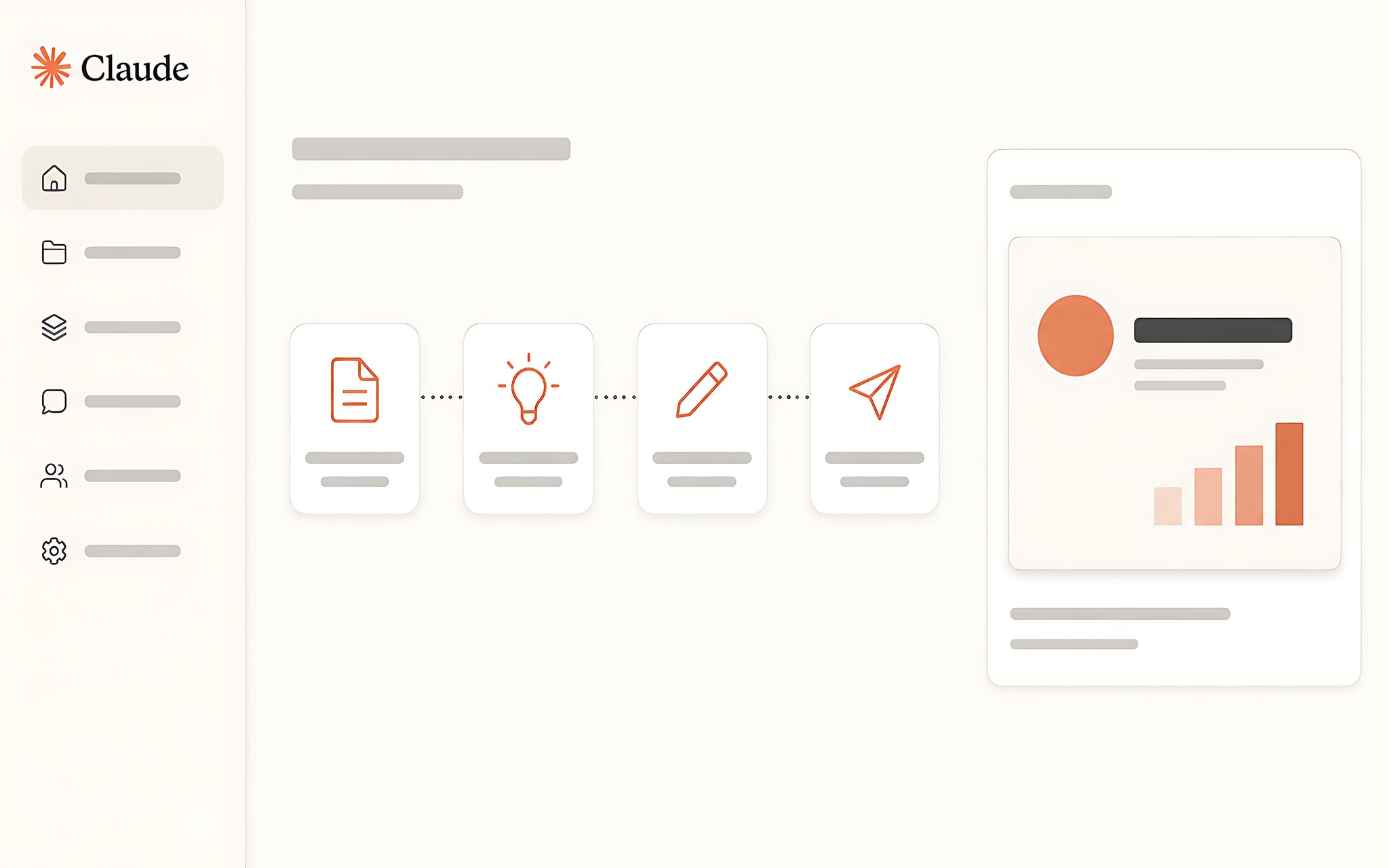
The original workflow doesn't stop at a first draft. It runs from choosing a project and writing the requirements to building the design system and exporting the file. That makes a single concrete project a test of the entire chain of steps, and the checklist you record afterward has real value for later projects. You can apply the same workflow framework to many different kinds of output. See also RTX 4060 laptops.
Compared with the piecemeal approach of the past, the advantage of Claude Design is that it forces you to confirm the goal and the audience from the very start. Once the preparation is clear enough, every later round of edits follows one consistent standard instead of gut feeling.
How the structure of a brief determines output quality
Before opening Claude Design, you need to pick one of two output types for your capstone project: a presentation deck for a real or hypothetical business, or a landing page for a product. The intended use and the audience must be confirmed in the brief itself so the system has a basis for building a suitable layout. See also Dell 16 monitors.
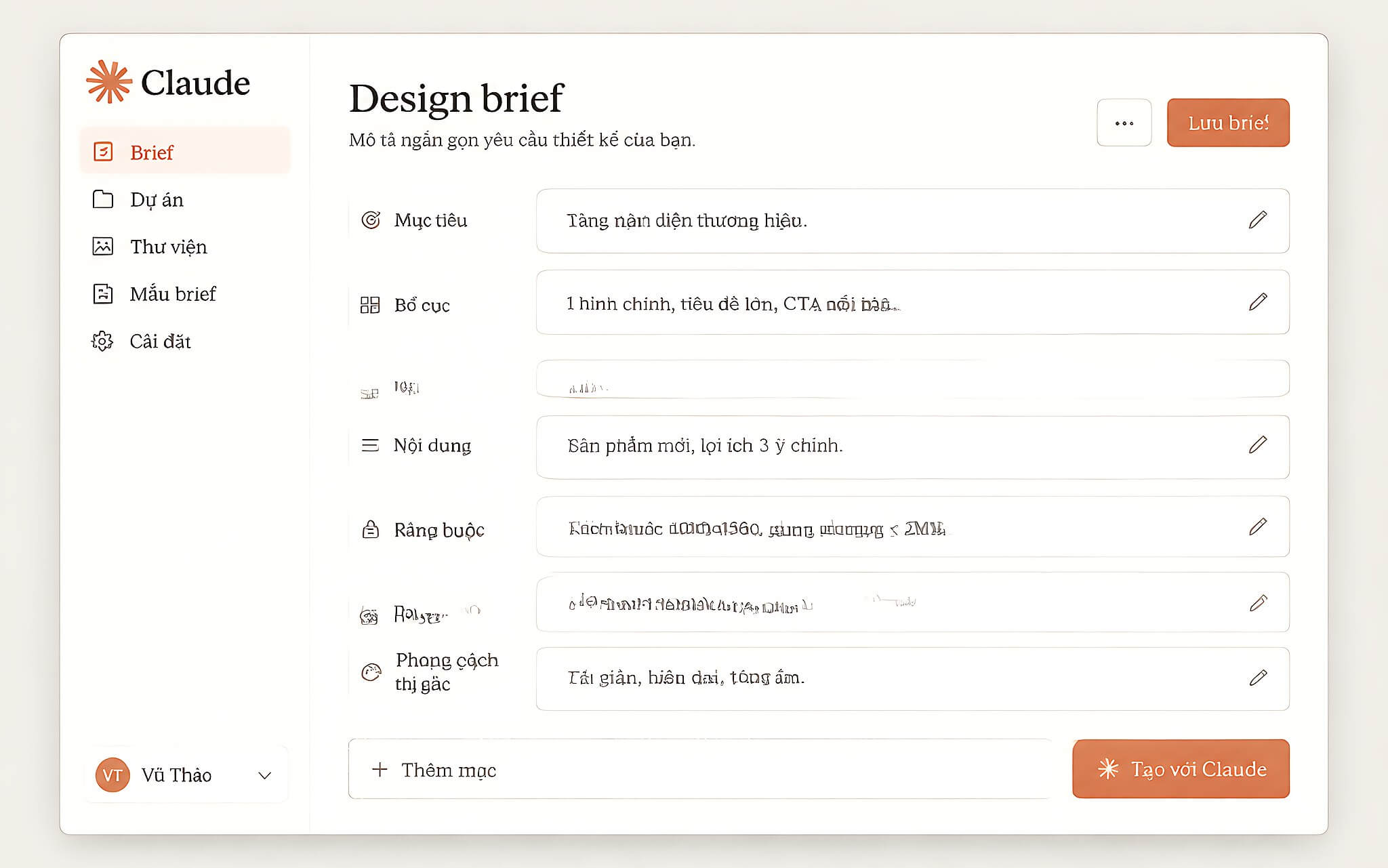
A sample brief has five groups of information. You state the type of product along with the business or idea, the intended use, the required structure and components, real or sample content, and constraints on length and tone, and then add a style such as editorial, brutalist, luxury, or playful. The more detailed it is, the closer the first render lands to the goal.
After the brief, the system builds a unified design system for color, typography, and spacing. This is the key step that keeps the product from looking like the cookie-cutter output common in AI design. Once the foundation is solid, refining through chat, the canvas, and sliders is just finishing work, not a place where you rebuild from scratch.
Steps to build a slide or landing page project
Pick a project with a clear purpose before you open the tool. The more specific the content, the easier it is to check the layout and make edits, and the more usable the resulting checklist will be next time.
The standard sequence starts with choosing the product type, slides or a landing page, and then confirming the business or idea, the intended use, and the audience. Next, you write out the layout: for slides, list each section or page, and for a landing page, name the areas it needs, such as a hero, features, and a call to action.
The next step is preparing the content and real data. If you don't have data yet, state clearly that you want sample content written, but make it realistic, then specify constraints on length, tone, and aesthetic style such as editorial, brutalist, luxury, or playful. You can also name a real brand as visual inspiration for the system to follow.
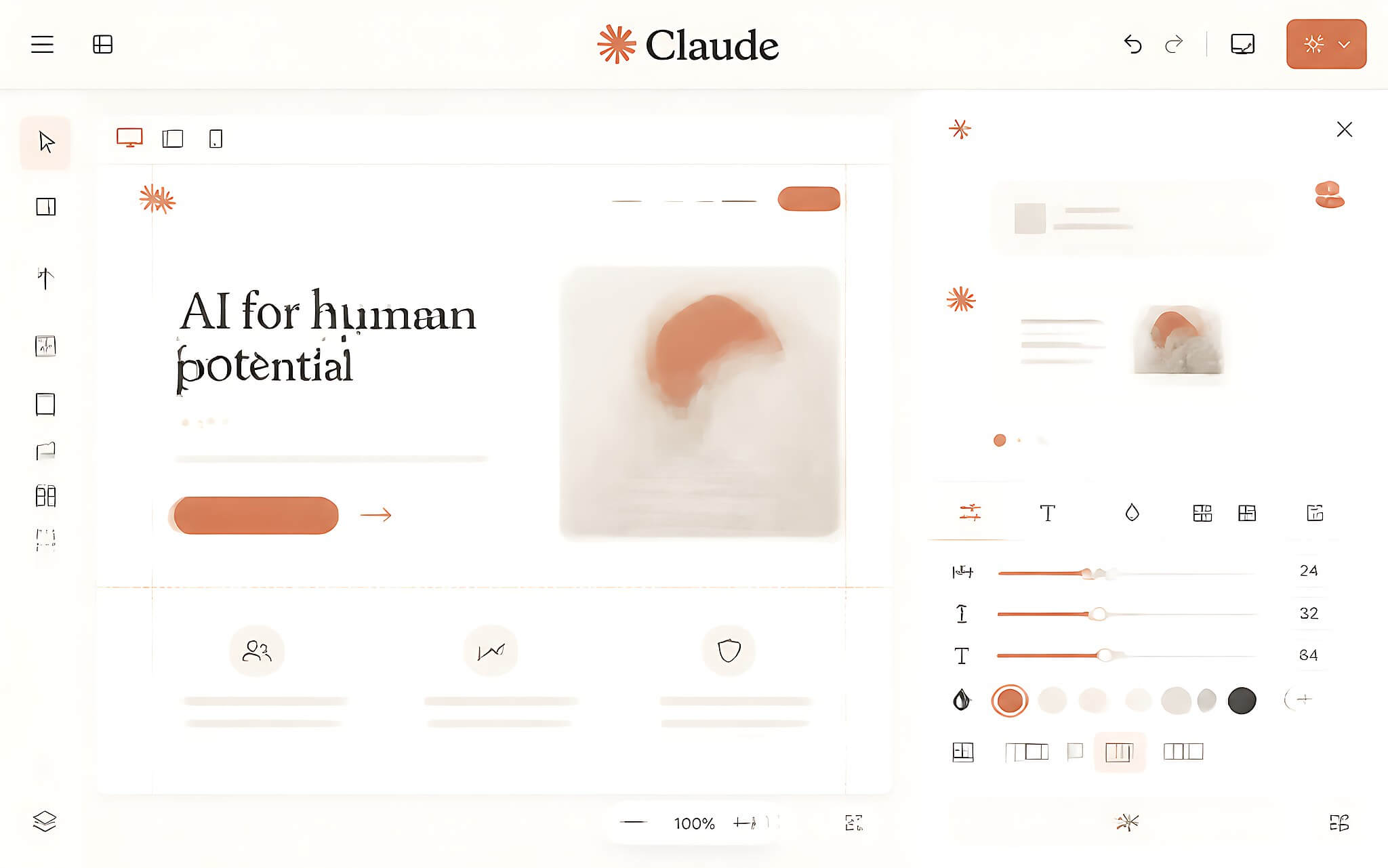
Once the brief is complete, you paste all of it into Claude Design to generate the first draft, then review it on the canvas, discuss changes in chat, and use the sliders to refine each part toward the goal. After rechecking the design system, content, length, and required components, you export the product, hand off the file, and note what worked and what to do differently.
The final step delivers lasting practical value: have Claude condense everything you just did into a compact one-page workflow, then turn it into a numbered checklist you can reuse. This checklist should cover the design system, the brief, refinement, how to avoid a cookie-cutter style, and the file export step.
Limits of Claude Design to know before you use it
This tool doesn't replace your own preparation. If the goal, audience, layout, or content isn't clear, the rendered design will be hard to check against any concrete standard. The source material requires you to choose the project yourself and confirm the required components before sending the brief, so this step can't be skipped.
The first output is also not the finish line. You need to refine with intent and avoid accepting a generic AI look, and you should check the file after export rather than stopping at the preview. The source material doesn't mention subscription pricing, infrastructure requirements, or the level of Vietnamese-language support, so it's not yet possible to confirm whether Claude Design fits in terms of cost or language.
Who should use Claude Design, and notes for Vietnamese users
This workflow suits people who make slides or landing pages, or who want to turn an idea into a structured design. Beginners can use the capstone project to learn every step in one pass, while experienced users can lean on the checklist to save time on later projects. That is a significant advantage over building everything by hand.
For Vietnamese users, the two output types in the source material, a business introduction deck and a product landing page, match real needs quite closely. Prepare your content, data, tone, and any limits that must stay fixed ahead of time, then treat the workflow as a way to organize the job. The real value lies in a clear brief, a consistent design system, goal-driven rounds of edits, and a usable checklist for reuse.