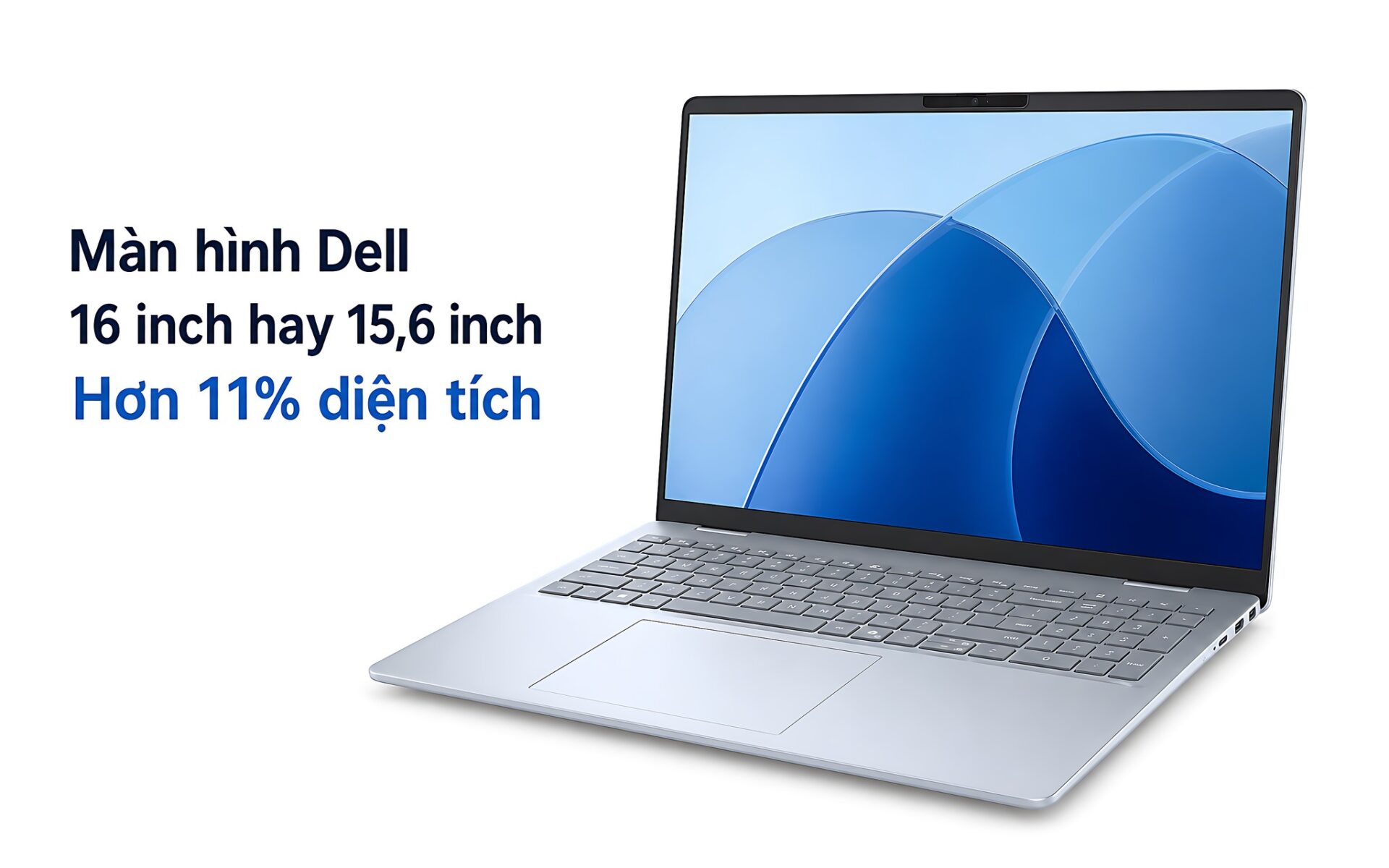
A 16-inch 16:10 screen measures roughly 742.5 cm², while a 15.6-inch 16:9 screen comes to about 666.3 cm². The 11.4% gap comes mainly from the taller aspect ratio, not just from the extra 0.4 inch of diagonal. When choosing a Dell display for a laptop, you need to separate physical size, resolution, and usable workspace. Picking the right aspect ratio makes it easier to read documents, work in spreadsheets, and split windows.
Is a 16-Inch Dell Display Really 11% Larger Than a 15.6-Inch One?
A 15.6-inch or 16-inch size is measured along the diagonal of the display area. That number does not fully describe the length and width, because the area also depends on the aspect ratio. This is why two screens that differ by only 0.4 inch can differ by more than 11% in area. When comparing, a Dell display should be judged on both diagonal and aspect ratio.
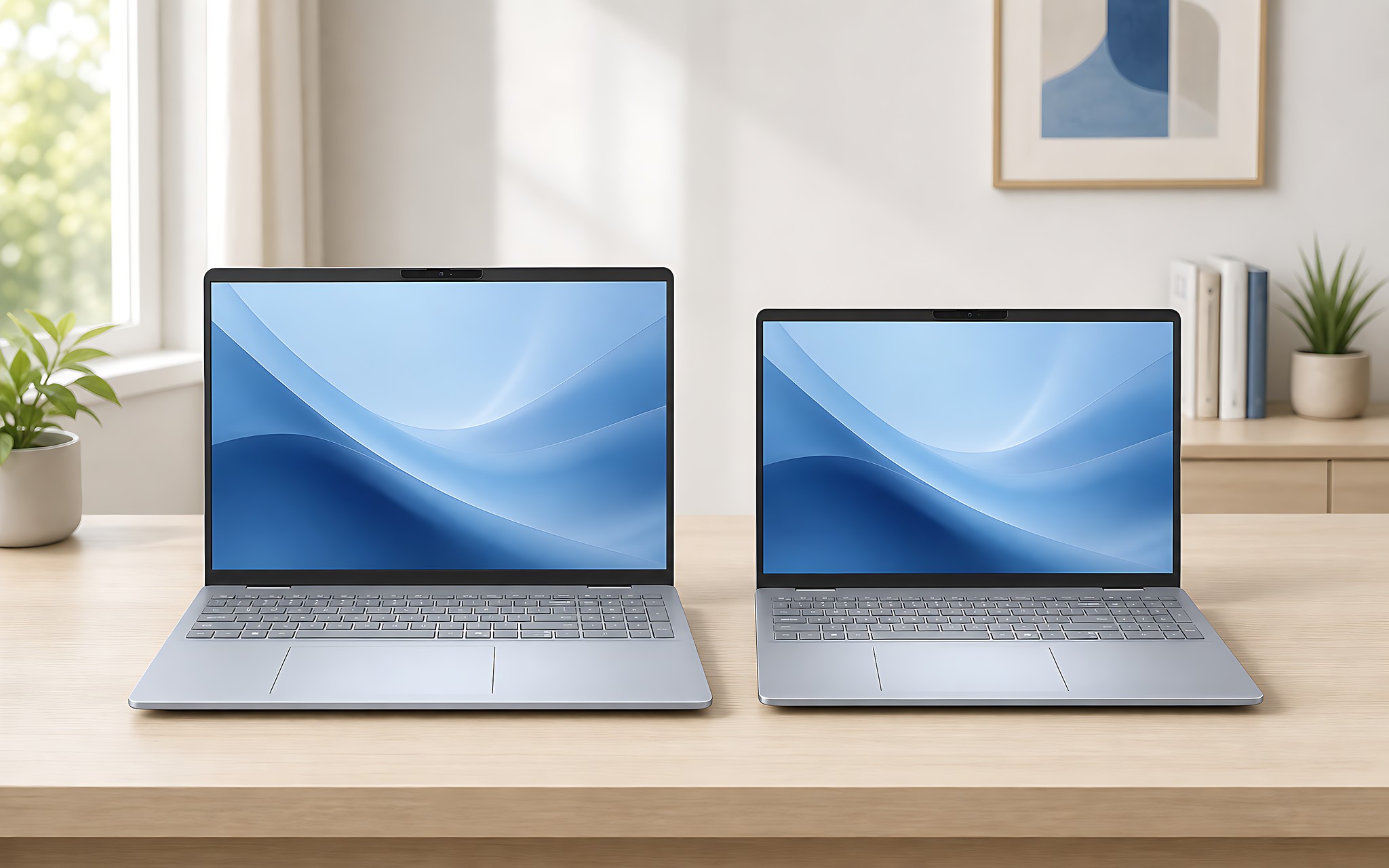
A 15.6-inch 16:9 screen has a display area of about 344.16 × 193.59 mm, or 666.3 cm². The 16-inch 16:10 version measures about 344.68 × 215.42 mm, or 742.5 cm². The width grows by only about 0.15%, while the height grows by about 11.3%. Picture two sheets of paper that are nearly the same width, but the 16:10 sheet is noticeably longer from top to bottom.
That makes the claim that "16 inches is always about 11% larger than 15.6 inches" not entirely accurate. The 11.4% increase applies only when you compare a 16:10 screen with a 15.6-inch 16:9 screen. If both share the same aspect ratio, the area grows by only about 5.2%. The key is to check the diagonal and the aspect ratio together.
A Taller Aspect Ratio Adds Vertical Display Space
The 16:10 ratio on a Dell display adds space in the vertical direction. When you open Word, a browser, or a PDF, you see more content before you have to scroll. In Excel, the extra area shows more rows at the same zoom level. When you split the screen in half, the width stays almost the same, but each app gains a meaningful amount of room for toolbars and content.
| Type | Display area | Reference resolution | Real-world difference |
|---|---|---|---|
| Dell 15.6-inch 16:9 | 344.16 × 193.59 mm, about 666.3 cm² | 1920 × 1080, 141 PPI | Nearly the same width, and the chassis is usually more compact |
| Dell 16-inch 16:10 | 344.68 × 215.42 mm, about 742.5 cm² | 1920 × 1200, 141 PPI, or 2560 × 1600, 189 PPI | About 11.4% more area, with the advantage in height |
| Two screens with the same aspect ratio | Depends on the actual diagonal | Not determined by size | 16 inches is only about 5.2% larger than 15.6 inches |
The Dell 16 Plus DB16250 is an example that uses a 16:10 screen, in a segment starting at around 26.5 million VND. The Dell Pro 16 Plus PB16250 follows the same display approach, with a reference price from around 27.8 million VND. Meanwhile, the Dell 15 DC15250 uses a 15.6-inch 16:9 screen and typically sits in a segment starting at around 18 million VND. Prices vary with configuration, condition, warranty, and promotions.
When advising customers on this size question, Hung Phat usually starts with how the laptop will be used. People who work in spreadsheets, write content, code, or use a mobile workstation will clearly benefit from the height of a 16:10 screen. People who carry their laptop often, want a more affordable price, and mostly watch video can choose 15.6 inches at 16:9. You can also compare further with the article on the Dell Pro Max 16.
How Resolution Affects Your Workspace
On a Dell display, physical area and pixel count are two separate things. A 1920 × 1200 screen has 2,304,000 pixels, 11.1% more than the 2,073,600 pixels of a 1920 × 1080 screen. That increase equals 120 extra rows of pixels vertically. More content fits on screen, but how much more depends on the operating system's scaling setting.
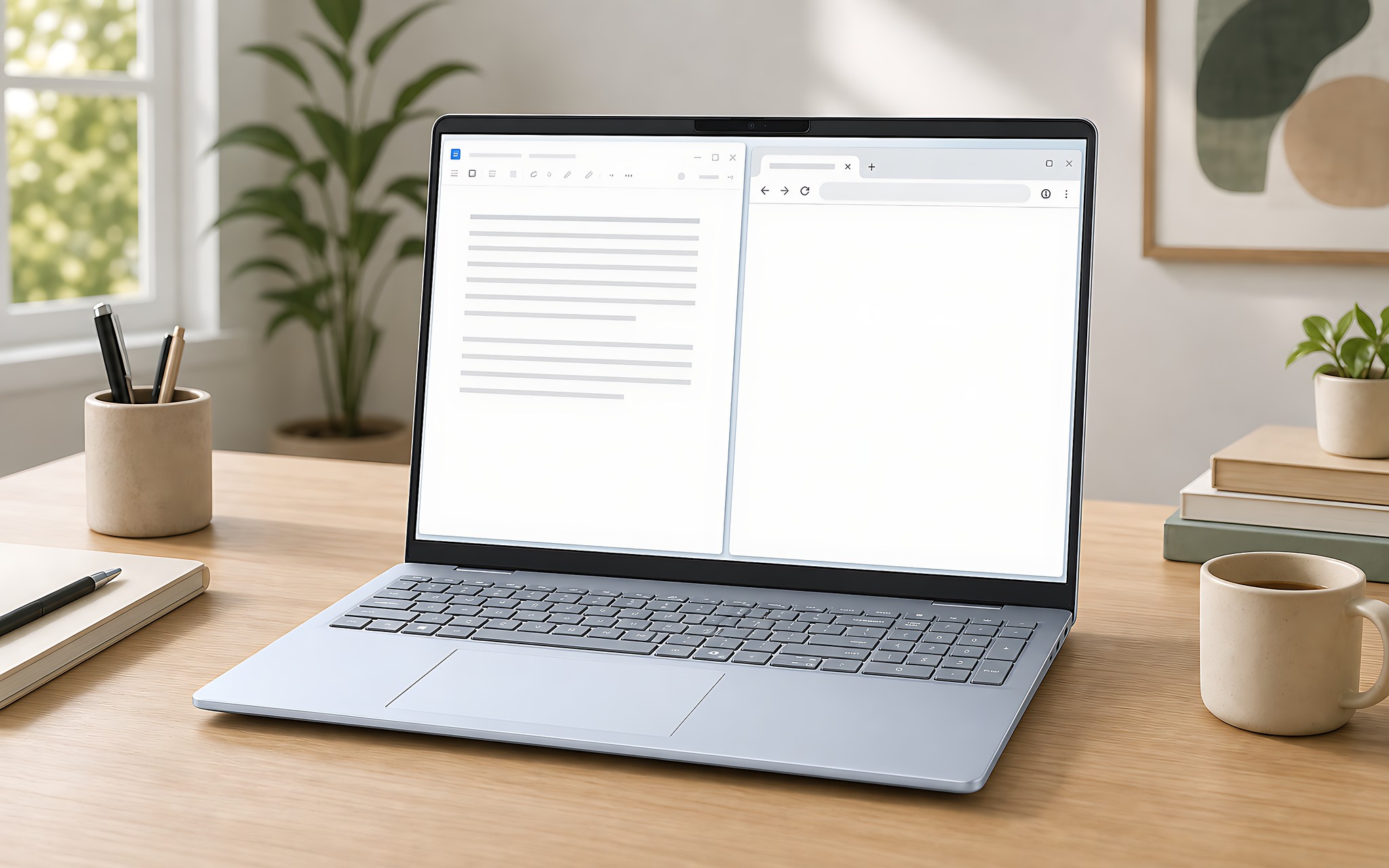
At the same density of 141 PPI, a 15.6-inch FHD screen and a 16-inch 1920 × 1200 screen produce text of fairly similar size. The 2560 × 1600 version reaches 189 PPI, so text and lines look smoother, but you usually need to raise the display scaling to read comfortably. You can adjust the resolution to suit your eyesight and viewing distance.
On a Dell display, a high resolution does not necessarily create more workspace if you set the scaling too high. A 2560 × 1600 screen will be sharper than 1920 × 1200, but the interface can end up looking almost the same size when the system applies a high scaling level. Check the physical size, the pixel count, and the scaling ratio together so you choose well, and avoid buying a laptop with attractive specs but an experience that does not suit you.
How Can Dell UltraSharp Monitors Help You Compare Sizes?
A standalone Dell display helps you understand the difference between diagonal and aspect ratio. A bigger screen does not necessarily feel taller if it uses a wide ratio, while a screen with a smaller diagonal but a suitable ratio can still offer convenient vertical space. However, laptop screens and external monitors are viewed from different distances, so you cannot draw conclusions entirely from how a desk setup feels.
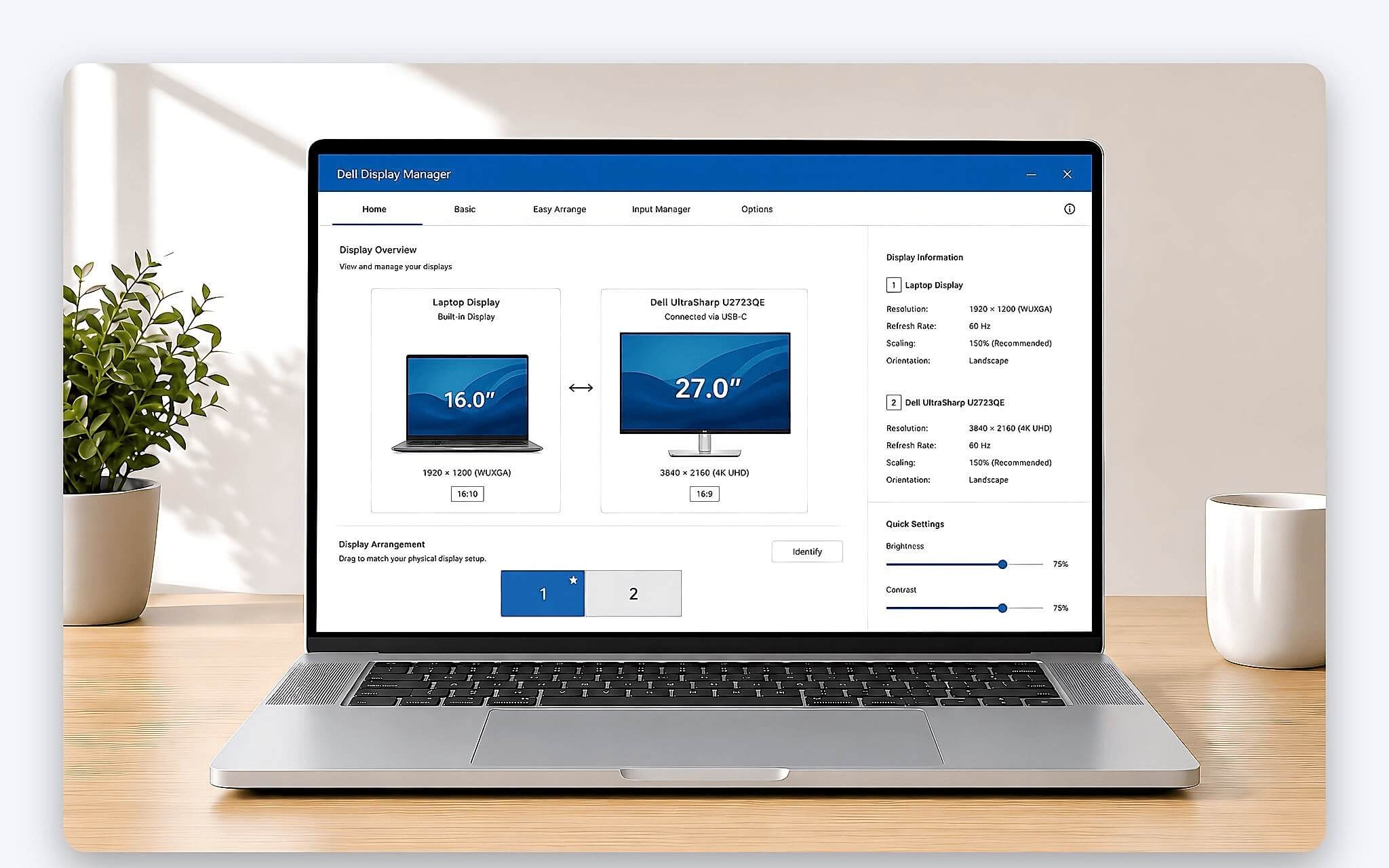
When comparing a Dell display, open the same document on both devices, set a similar zoom level, and count the visible lines. Then check how sharp the text is and how large the interface appears. This is considerably more useful than looking only at the inch figure on the label. If you are buying a laptop online, the display area in millimeters is a better reference than a single diagonal measurement.
You also need to separate working at a desk from working on the move. An external monitor suits fixed desk time, while a 16-inch laptop gives you extra space the moment you take it with you. A 15.6-inch laptop still handles everyday tasks well and usually fits in a backpack more easily. The article on the Dell XPS 13 offers another perspective on compact design.
Is a 24-Inch Dell Display a Suitable Reference Standard for Laptops?
A 24-inch Dell display is usually viewed from farther away than a laptop, so it is not a direct conversion standard. A 16:10 laptop screen sitting close to your eyes can feel large enough for the content, even though its physical area is considerably smaller. Conversely, a 24-inch external monitor gives you a wide field of view at a desk but offers no portability. Compare by how you will use it rather than relying on inch figures alone.
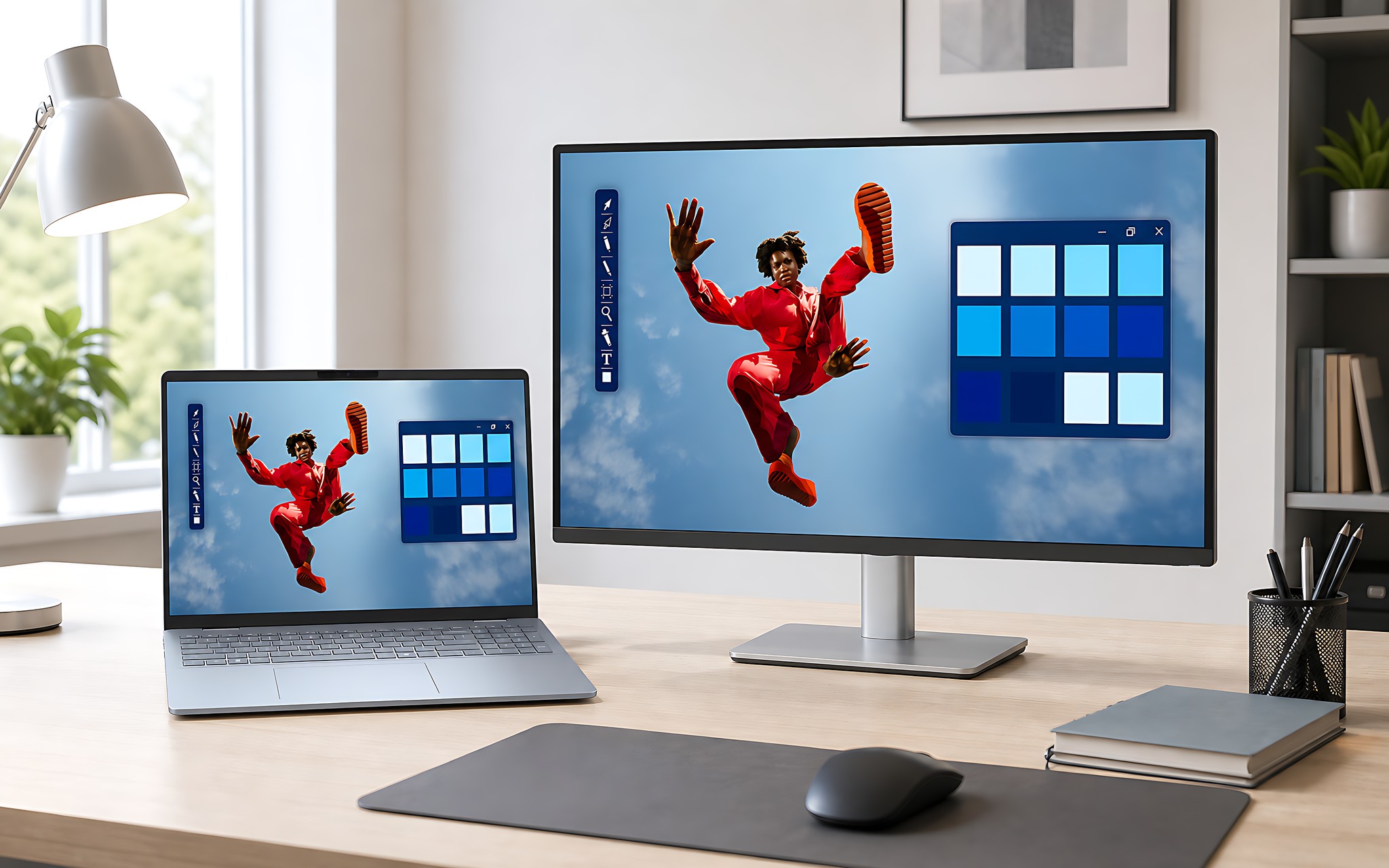
If most of your work happens in an office, a 15.6-inch laptop paired with an external Dell display can save on upfront cost and still give you a large workspace. If you often work away from your desk, a 16:10 laptop screen makes more sense because the extra area is always available. The downside is that the chassis and backpack may take up more space. That difference should be checked in person, because the bezel design differs from one model line to another.
Hung Phat recommends checking the overall dimensions, weight, and charger before you decide. Do not assume a 16-inch screen will be much bulkier based on the diagonal alone. Thin bezels can help keep the chassis compact, but the data for each model still needs to be reviewed case by case. When you receive the laptop, check for pixel defects, brightness uniformity, the surface condition, and the warranty terms.
Which Size Should You Choose When Buying a Laptop in Ho Chi Minh City?
Choose a 16-inch 16:10 Dell display if you often work with long documents, spreadsheets, source code, or multiple windows. An area about 11.4% larger than a 15.6-inch 16:9 screen is a difference you can notice at work. The 1920 × 1200 version suits you when you want more room while keeping the density at 141 PPI. The 2560 × 1600 version favors sharpness, but you need to adjust the scaling to match.
Choose 15.6 inches at 16:9 if budget matters most and your needs are mainly study, office work, online meetings, and watching content. The width is nearly the same as a 16:10 screen, so video playback does not differ much in width. The drawback is about 21.83 mm less vertical space, which means you scroll more often when working with documents for long stretches.
If you are still undecided, you can bring your backpack and the documents you use most to try the laptops in person in Ho Chi Minh City. Hung Phat will help you compare aspect ratios, resolutions, stock condition, warranty terms, and the promotions available at the time of your consultation. A 16-inch laptop suits people who need mobile workspace, while a 15.6-inch laptop suits people who put cost and a compact build first. Choose based on how you will actually use it, not on chasing the bigger number.
Frequently Asked Questions (FAQ)
Can a 27-inch 2K Dell monitor replace a 16-inch laptop?
A 27-inch 2K external monitor works well when you work in one place and need a large field of view. It does not replace the portability advantage of a 16:10 laptop. If you travel often, a 16-inch 16:10 screen is still more useful because it provides about 742.5 cm² of display area right on the machine.
Is a used Dell monitor a good match for a laptop?
You can consider one if the unit has a clearly documented condition and a fair price. Check for dead pixels, color tint, brightness uniformity, ports, and the warranty period before you accept it. For a monitor used many hours a day, the condition of the panel matters more than a short-term promotion.
Is a 32-inch Dell monitor too large for an ordinary desk?
A 32-inch size needs a suitable viewing distance and desktop. If you sit too close, you may have to move your eyes a lot and find it hard to take in all the content. A 16-inch laptop cannot replace that much area, but it suits you better when desk space is limited or you need to carry your machine often.
Is the Dell U2424H a good second monitor for a laptop?
How well it fits depends on the ports, where you place the monitor, and your display needs. When pairing it with a 15.6-inch or 16-inch laptop, set the scaling so the text size does not differ too much between the two screens. Before buying, confirm the stock condition, accessories, warranty, and return policy.