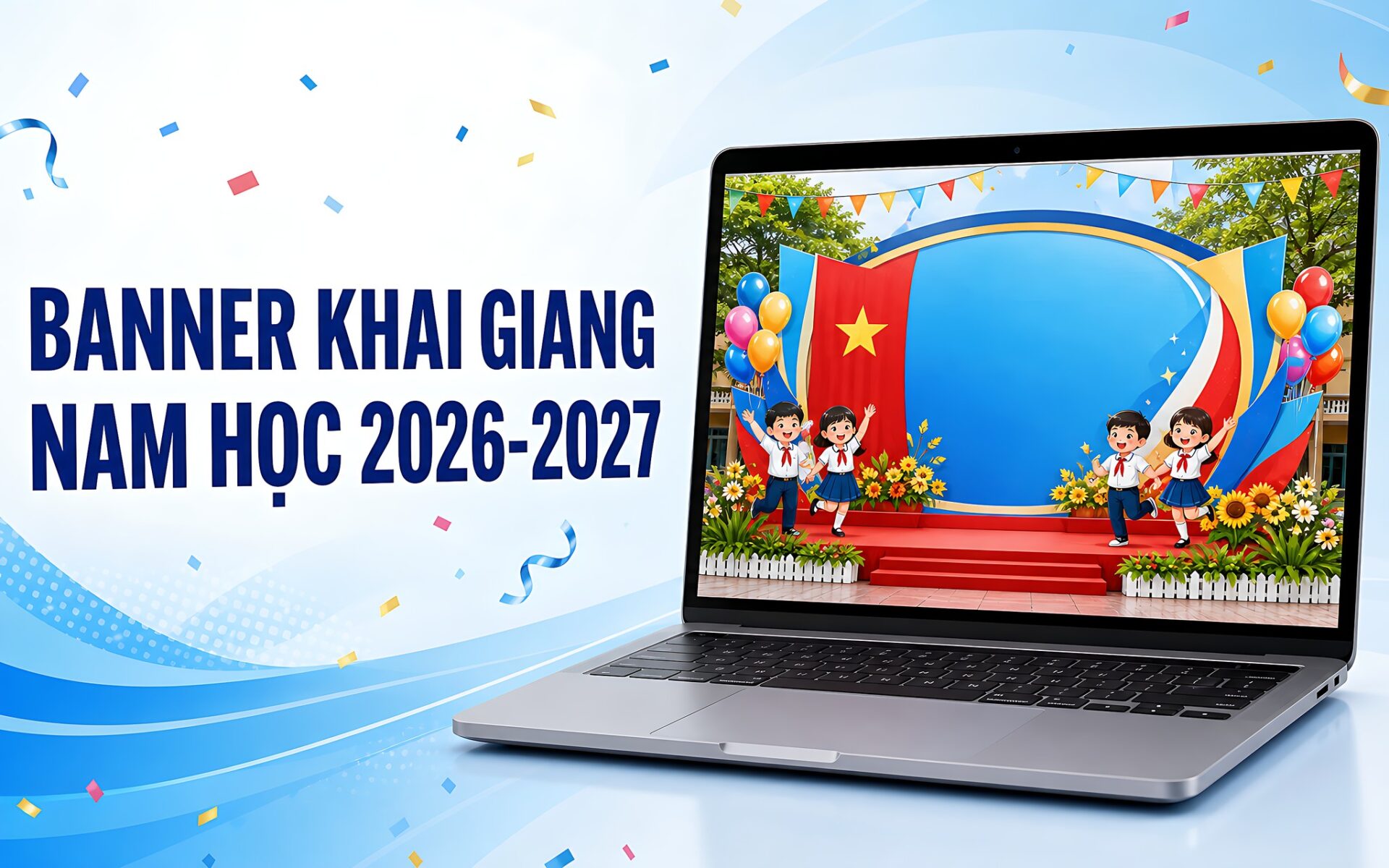
As the 2026-2027 school year approaches, many schools need a welcome stage backdrop that stands out and fits the opening-day occasion. Instead of hiring a designer, teachers and Youth Union staff can use ChatGPT, Gemini, or Canva AI to build a back-to-school banner in the style they want. The key is in how the prompt is written: clearly describe the subject, the welcome text, the color palette, and the landscape aspect ratio for printing the backdrop. This article suggests a prompt formula and sample prompts for each grade level, along with tips for handling Vietnamese text with diacritics, which AI tools often get wrong when rendering.
Why use AI to write prompts for back-to-school banners
A prompt is a written description that lets an AI tool understand a design request. For a back-to-school banner, a good prompt helps the model render a backdrop with a welcome message, images of students, flags, flowers, and balloons that capture the mood of the first day of school. The core principle is to constrain enough parameters from the start, rather than offering a vague description that produces a messy image. This year, schools nationwide open on September 5.
Compared with opening complicated graphic design software, writing prompts for AI cuts the time needed to produce a draft considerably. Teachers only need to put the text, style, and aspect ratio into the prompt, then refine the result. This approach also suits people who are new to AI tools and have no advanced design skills, and it helps make the most of preparation time. See also Student notebook labels made with ChatGPT.
The back-to-school banner prompt formula has four main components
A workable back-to-school banner prompt usually has four parts: subject, text content, style, and technical specifications. The subject is the main setting, such as a stage backdrop, the school gate, or a classroom on the first day. The text content includes a large headline such as "Chao mung nam hoc 2026-2027", the school name, and a secondary slogan. Separating each part helps the model prioritize the right core elements.

Style determines the visual feel of the back-to-school banner. It can be bright 3D animation, modern minimalism, or a formal look built around the red flag with a yellow star. The color palette should match the theme, most commonly blue, red, yellow, and pastel tones. Teachers should state the dominant color in the prompt to keep the look consistent across all details.
The technical specifications are easy to overlook, yet they decide whether the banner can be printed. For a stage backdrop, ask for a landscape ratio such as 16:9 and a high resolution so the print does not turn blurry. If the banner will hang over a school gate, teachers can switch to a longer ratio. The more specific the specifications, the better the result will meet real printing needs.
Sample back-to-school banner prompts for each grade level
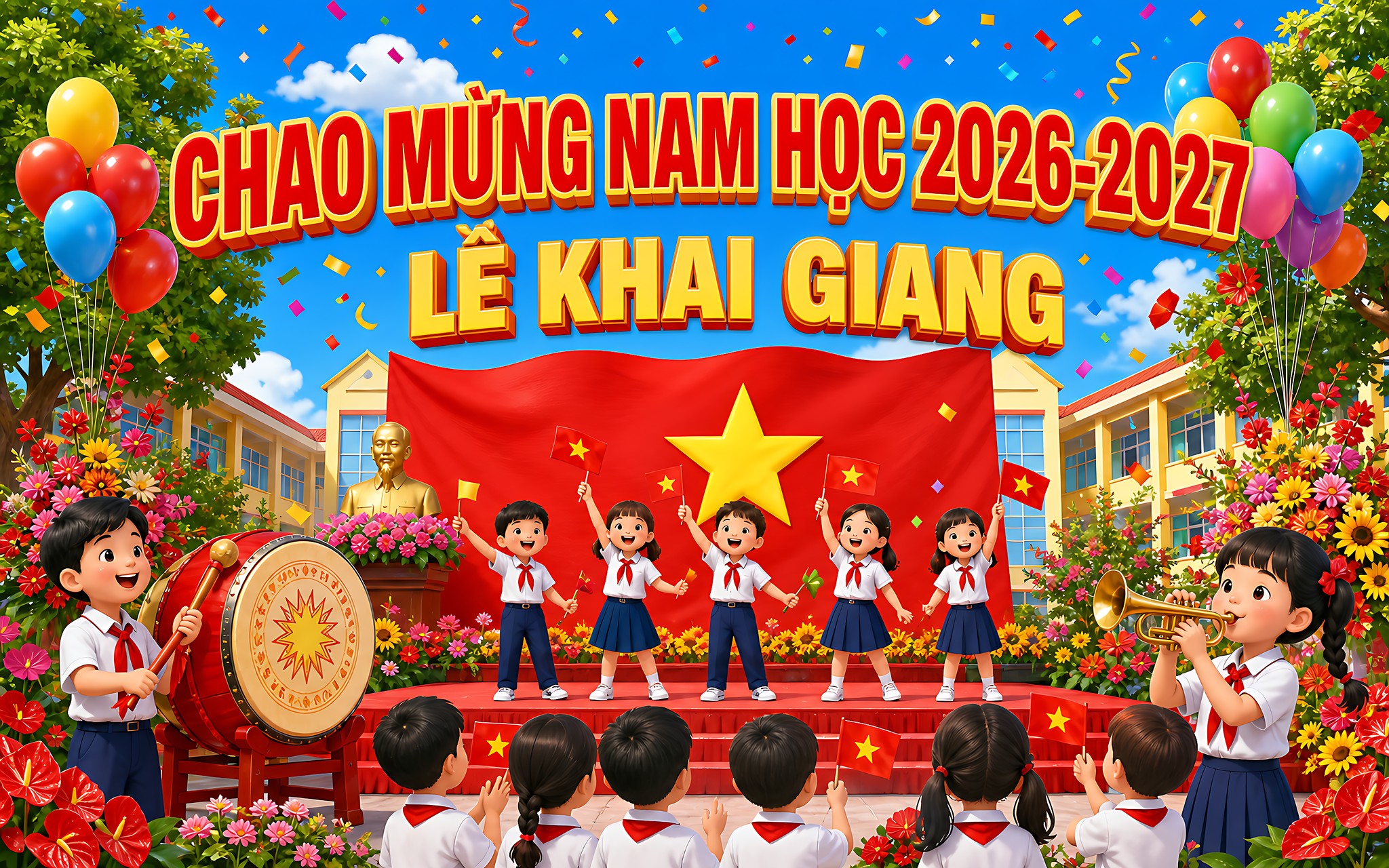
The content and style of a banner should be tiered by grade level to suit each age group. Versions for preschool and elementary school favor a cute 3D cartoon style with bright colors, featuring young students, balloons, flags, flowers, and trees. The prompt should clearly convey the cheerful, warm atmosphere of a child's first day of school.
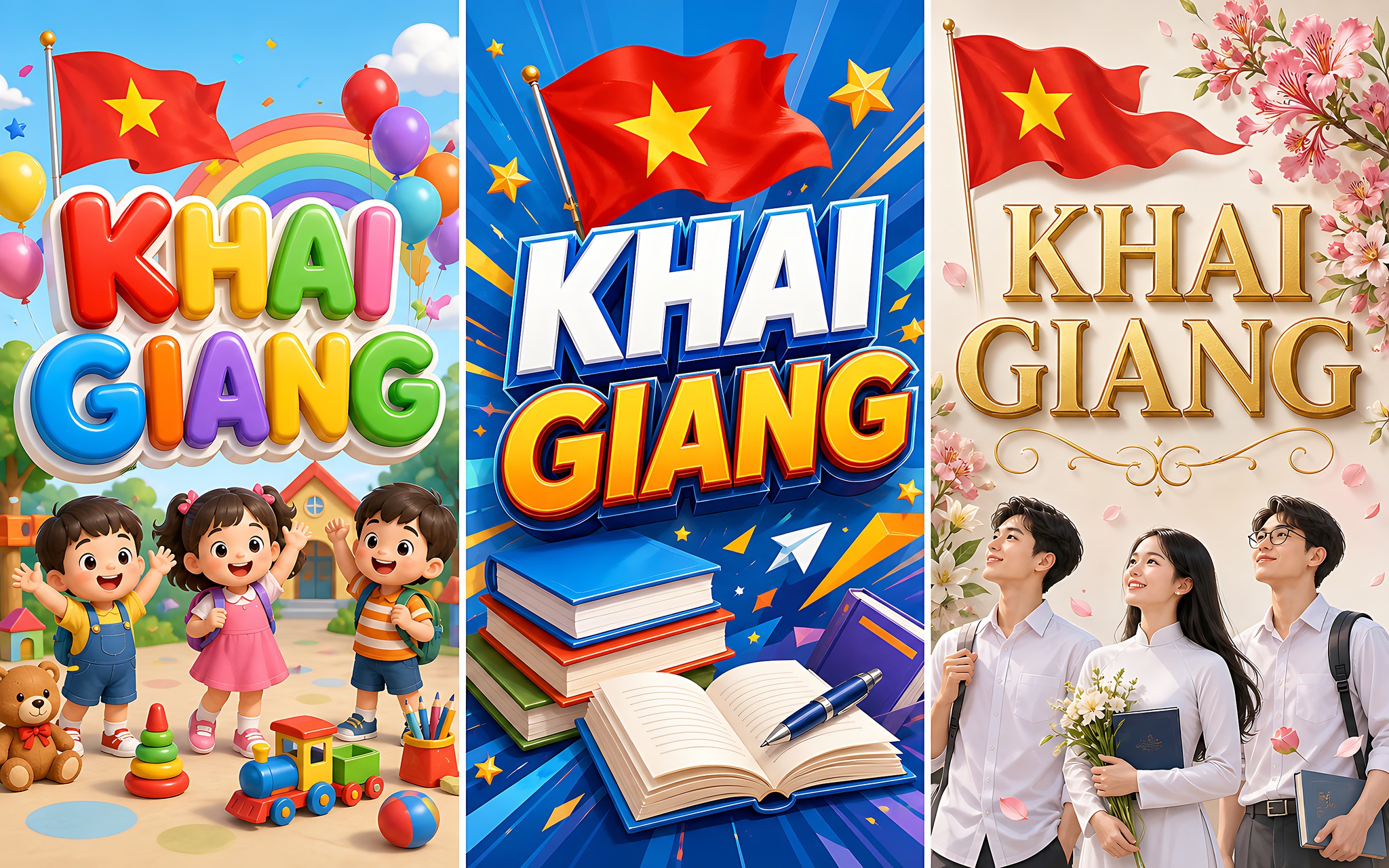
For middle school, the version shifts to a dynamic, modern style that tones down the childish look but still keeps students, books, and school symbols. The prompt can add the national flag, the school drum, and a study slogan to create a moderately formal atmosphere that speaks to teenagers who are growing up and shaping their personalities.
For high school, the design aims for maturity, a modern feel, and inspiration. It can use deeper tones and show final-year students, books, goals, and dreams for the future. At any grade level, the prompt should ask for Vietnamese text with correct diacritics and sharp lettering so the print keeps its visual value. See also Laptops for teachers.
Tips for handling Vietnamese text and printing the banner
The biggest limitation today is that image generation models still often make mistakes when rendering Vietnamese text with diacritics. Distorted marks, wrong consonants, or stray characters still show up in longer lines of text. For that reason, teachers should keep the text in the prompt short and always check every word after the AI renders the back-to-school banner.
The best workaround is to use AI for the background, characters, and an attractive layout, then add the welcome text back in with Canva or a basic editing tool. This combination keeps the text sharp while preserving the lively illustrations the model produced. It is the key to getting a print that meets requirements.
Before printing the backdrop, teachers need to confirm the resolution is large enough for the stage size and avoid enlarging an image to the point of blurring. Export a high-quality file and print a small test copy to check the colors, the contrast, and the legibility of the text. This check helps the back-to-school banner keep its look at a large size.
Frequently asked questions about creating back-to-school banners with AI
Which AI tool should I use to create a back-to-school banner?
ChatGPT, Gemini, and Canva AI all support generating images from prompts. Teachers can pick a tool they already know, as long as the prompt clearly states the subject, text content, style, and landscape aspect ratio so the backdrop comes out as intended.
Why does Vietnamese text on banners often have diacritic errors?
Image generation models do not yet reproduce Vietnamese diacritics well, especially in longer lines of text. The fix is to keep the text short in the prompt, then add the welcome line back in with Canva so the lettering is sharp before printing.
What aspect ratio works for printing a back-to-school stage backdrop?
Stage backdrops usually use a landscape ratio such as 16:9 and a high resolution. Teachers should request these specifications in the prompt, then export a large file and print a small test copy to confirm the colors and sharpness.