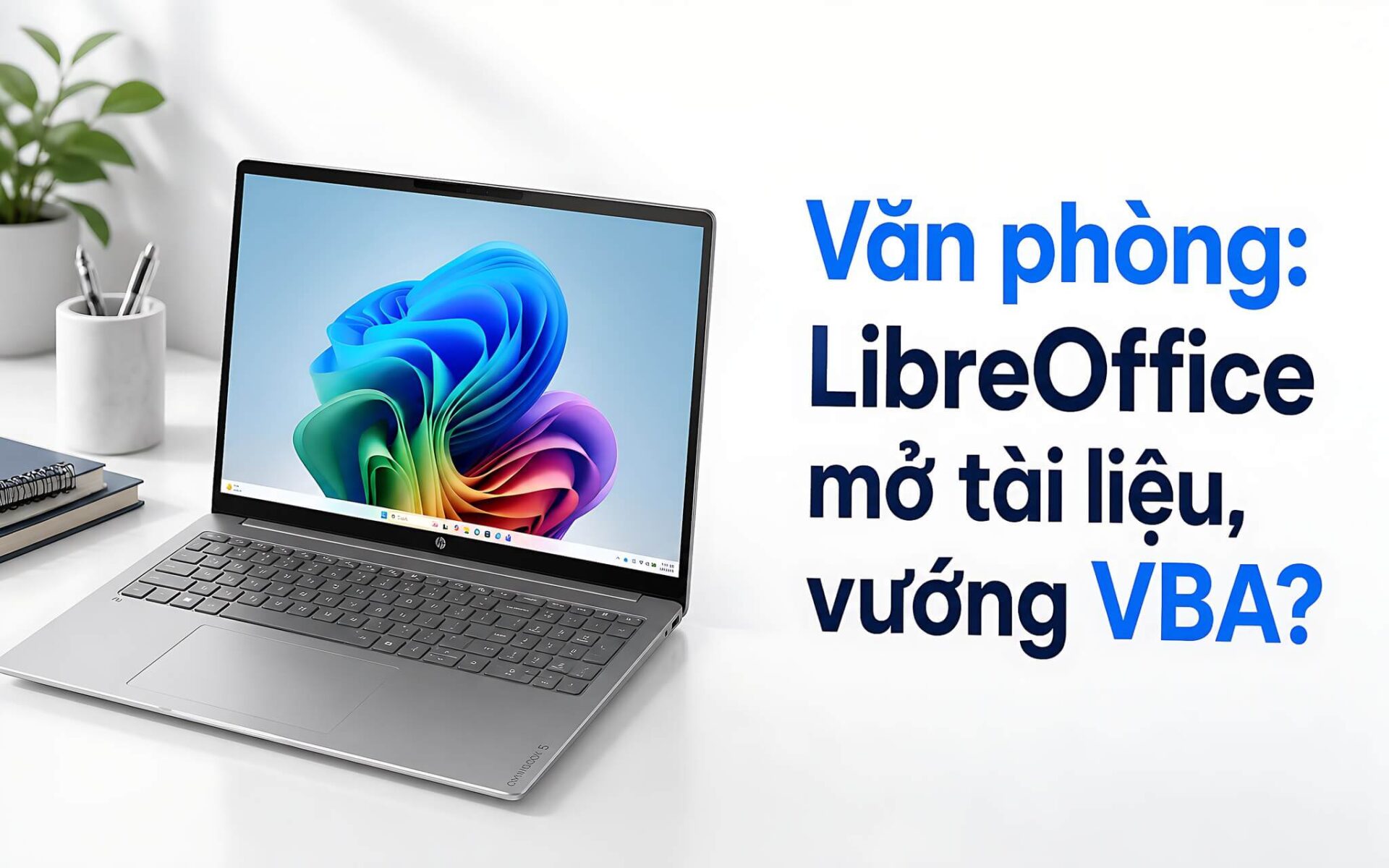
A free office suite can save roughly 2.1 million VND a year, but the risk of mangled contracts or broken Excel formulas still deserves some thought. LibreOffice covers basic office needs fairly well, especially when you mostly write documents, crunch numbers, and work offline. Before you switch everything over, check OOXML formatting, VBA macros, and online collaboration.
What are the core differences between LibreOffice and Microsoft Office
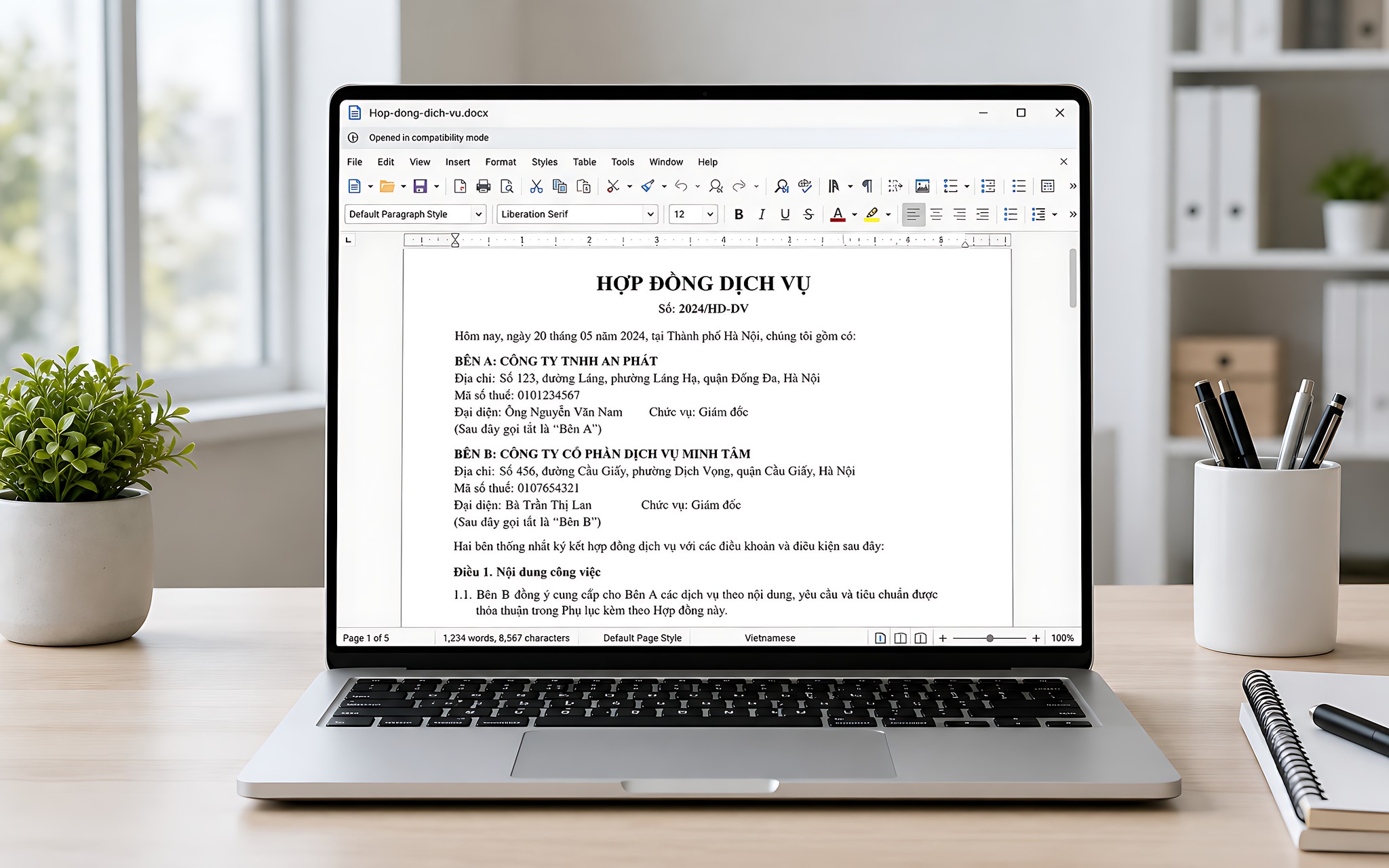
LibreOffice is a free, open-source software suite available to individuals and organizations alike. It includes Writer, Calc, Impress, Draw, Base, and Math, which map to many of the familiar functions of Microsoft Office. It runs on Windows, macOS, and Linux. LibreOffice 26.2 specifically requires Windows 10 or later, which suits most machines still running a supported operating system for office work.
For personal office use, Microsoft 365 Personal has a reference price of about 2.1 million VND per year, with 1 TB of OneDrive storage and simultaneous use on up to 5 devices. The Family plan costs about 2.6 million VND per year, while Office Home 2024 runs about 3.6 million VND as a one-time payment. LibreOffice charges no license fee and does not require an account to write documents offline.
The key issue is formats and ecosystem. LibreOffice can open, edit, and save DOCX, XLSX, and PPTX files, and it lets you set Microsoft Office formats as the default save option. Still, Word, Excel, and PowerPoint remain the native environment for those files, and they are safer with complex forms, VBA macros, OneDrive, SharePoint, Teams, or Copilot.
How far can office workers get with LibreOffice instead of Microsoft Office
Writer handles simple contracts, meeting minutes, reports, résumés, and multi-page documents well. Calc covers common formulas, charts, and Pivot tables. Impress suits internal meeting slides or presentations without elaborate effects. All three work offline, export directly to PDF, and are convenient when you need to send a read-only document to the office.
| Software | How it is used | Replaces which tool | Practical uses |
|---|---|---|---|
| LibreOffice Writer | Free, open source | Microsoft Word | Contracts, reports, résumés, PDF export |
| LibreOffice Calc | Free, open source | Microsoft Excel | Formulas, charts, Pivot tables |
| LibreOffice Impress | Free, open source | Microsoft PowerPoint | Internal slideshows, basic presentations |
| Draw, Base, and Math | Free, open source | Visio, Access, and Equation | Diagrams, databases, and math formulas |
| Microsoft 365 | Paid annually | The full Office suite | Collaboration, OneDrive, the Microsoft ecosystem |
In an internal office setting, if you create your own documents, rarely exchange files with outside partners, and do not use macros, LibreOffice can replace most everyday functions. ODT, ODS, and ODP files also work well when the whole team agrees to use the same software. If you need to work with PDFs, see our guide to editing PDFs.
The downsides show up when you receive forms with many nested tables, specialized fonts, automatic fields, or layouts aligned tightly to each page. The file may still open, but spacing, page breaks, and object sizes sometimes change. For contracts that must print in the exact template or documents submitted to government agencies, Hung Phat recommends opening a test copy, exporting to PDF, and comparing before you send. This topic is covered in more depth in Thin and light laptops.
How well does LibreOffice serve budget office laptops
In the mainstream office device segment, software cost does not depend on the value of the machine. A device that meets the Windows 10 or later requirement can install LibreOffice 26.2, and macOS and Linux users have matching versions. The software works offline and needs no subscription, cloud account, or constant internet connection. It is a sensible option for a machine used only for writing and basic spreadsheets.
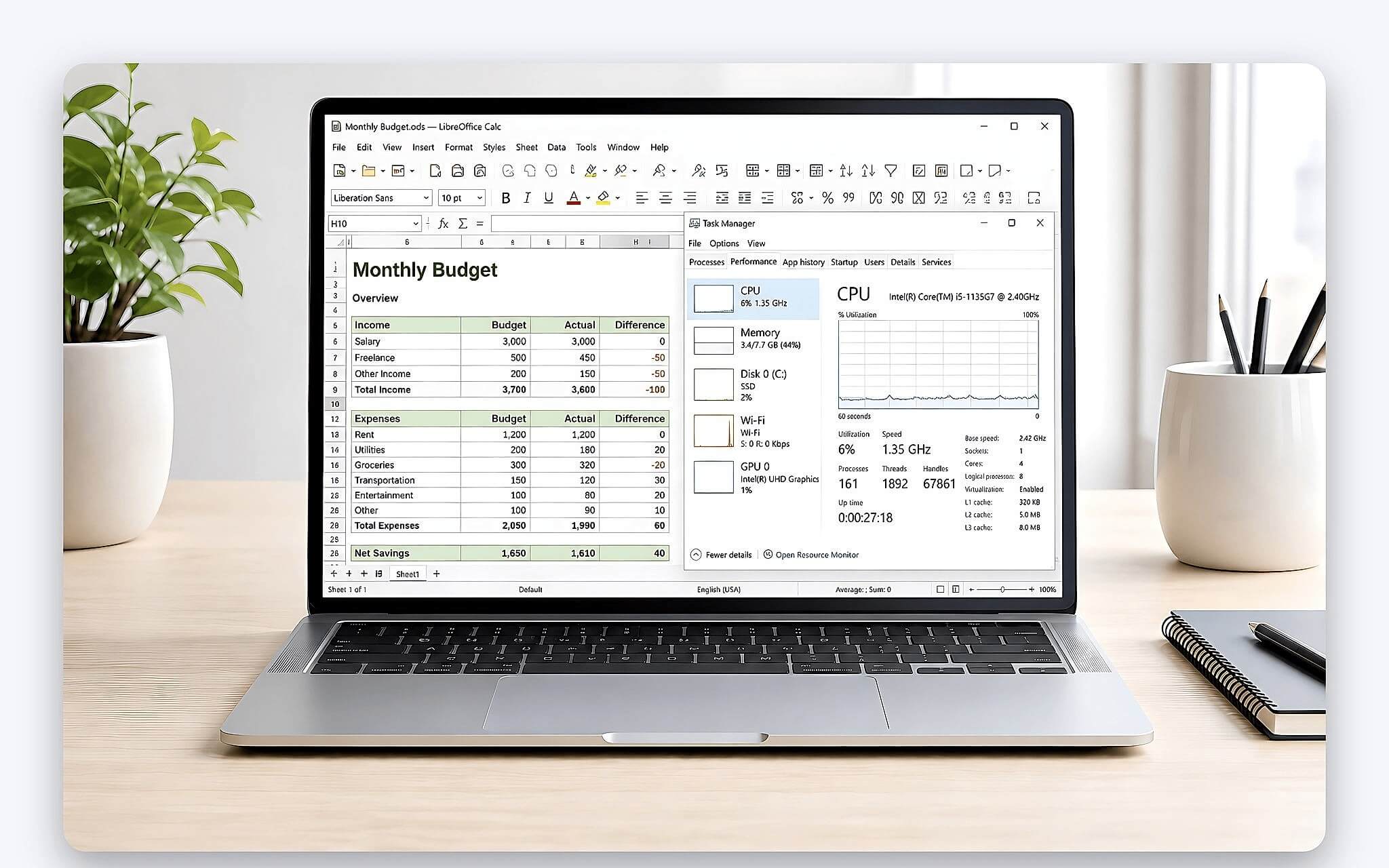
LibreOffice does not turn a low-spec machine into one that handles large files faster. Spreadsheets with many sheets, high-resolution images, and complex calculations still consume resources. When the machine responds slowly, reduce the number of embedded images, split large documents into several files, and close applications you are not using. Do not install modified builds from unknown sources in search of higher performance.
One practical advantage is that you can install it legally with no recurring fees. A machine that does not come with Office still has Writer, Calc, and Impress for getting work done. However, an "Office installed" label on a listing does not mean the license is valid. You need to verify the license type, the activation account, and the terms of use rather than using a cheap key of unclear origin.
What limits arise with complex files and online collaboration
In an office workflow, complex OOXML documents can change layout after being opened, edited, and saved in LibreOffice. The risk usually involves missing fonts, charts, data fields, nested tables, presentation effects, or custom-designed templates. Simple files cause fewer problems, but it is still worth testing if the file needs to be passed along to many Microsoft Office users.
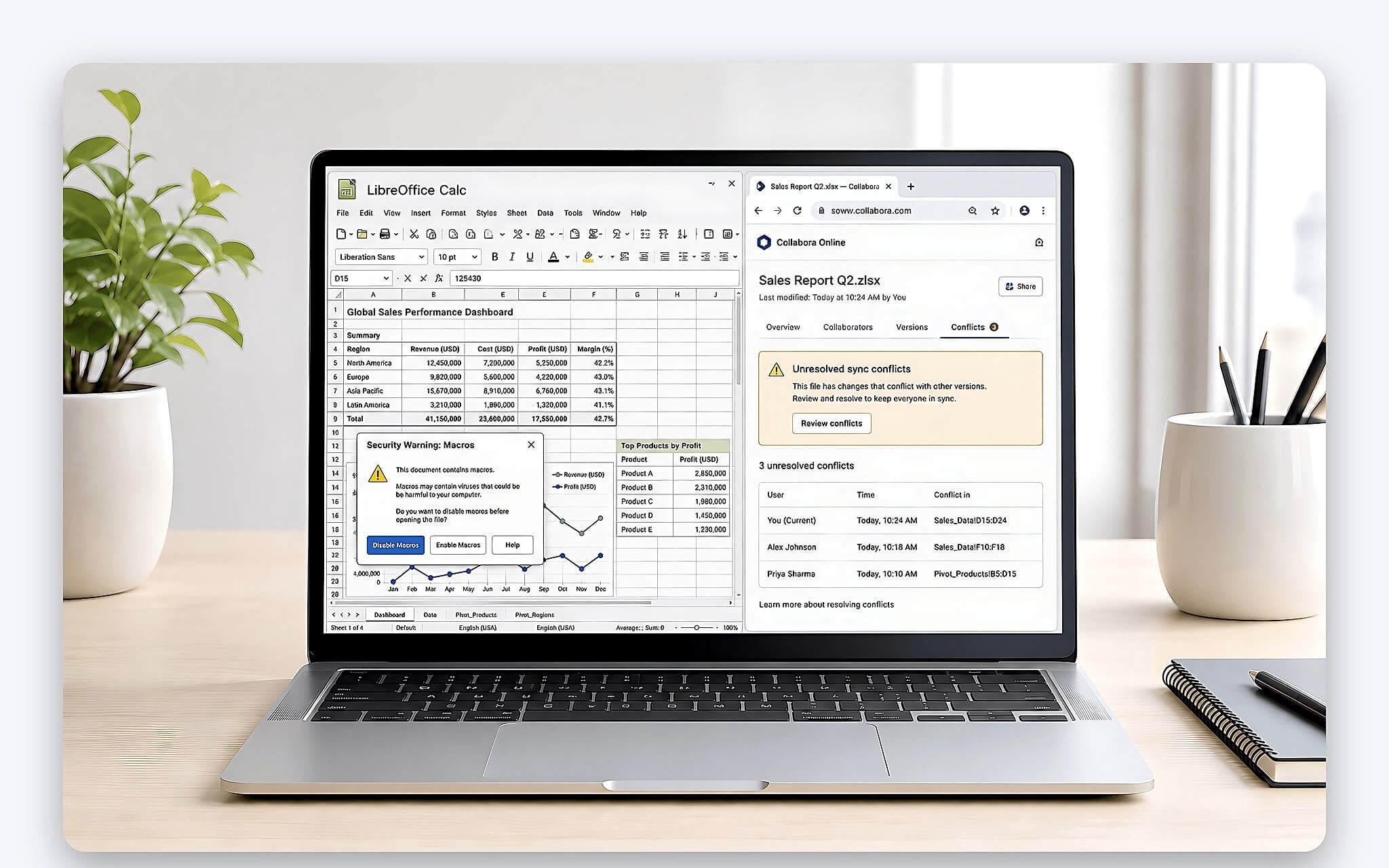
Calc supports VBA only in part. Excel macros may not run, may lack some functions, or may need code edits. Businesses that use XLSM files to compile reports, enter data, or automate workflows should not convert everything at once. The safe approach is to list the files that contain macros, test each function, and keep Excel for the roles that depend on those workflows.
Writer and Impress allow only one person to write to a file at a time. Calc has a sharing mode, but its features are limited and it does not match the co-editing available on OneDrive or SharePoint. If your team needs to edit Word, Excel, and PowerPoint files at the same time, Microsoft 365 is the better fit. You should also compare the benefits through the content on Copilot integrated into Microsoft 365.
What to check for a safe switch to LibreOffice
Download the software from the LibreOffice download page, and avoid cracks, keygens, or repackaged installers. LibreOffice 26.8.0, released on 26/08/2026, is the newer branch. Version 26.2.5 is more stable and is recommended for businesses. Machines used for important work should favor stability over installing every new release right away.
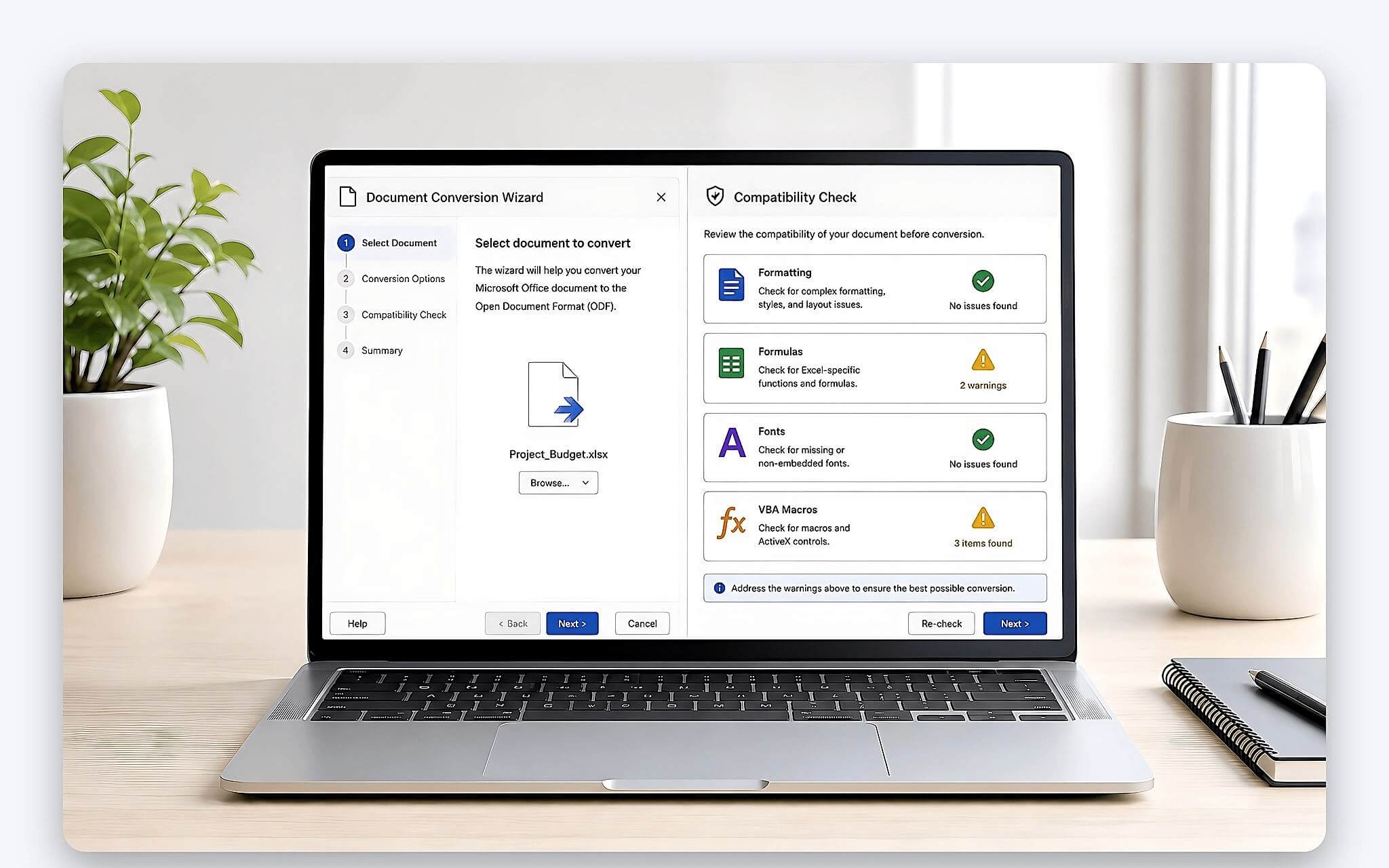
Before switching, back up the original files and run a round-trip test. Open a copy of a DOCX, XLSX, or PPTX file in LibreOffice, edit it, save it in the same format, and then open it in Microsoft Office to compare. Check fonts, headings, page breaks, formulas, charts, images, effects, links, and macros. Do not overwrite the original file on your first attempt.
For a team, pick 10-20 representative files rather than testing a single simple document. Prioritize contract templates, monthly reports, summary spreadsheets, and slides sent to clients. If most files keep their formatting, the team can roll out department by department. If the discrepancies cluster around macros or forms, keep Microsoft Office for the roles that need it.
Choosing a valid Office license in Ho Chi Minh City based on your needs
For office work, LibreOffice suits individuals, small businesses, and teams that mainly create internal documents. Microsoft 365 Personal fits people who need 1 TB of OneDrive, work across multiple devices, and collaborate often. The Family plan works when several members all need it. Office Home 2024 suits those who want to pay once and do not need subscription benefits.
Official prices can change with promotions and payment timing. The reference figures are about 2.1 million VND per year for Personal, 2.6 million VND for Family, and 3.6 million VND for Office Home 2024. Hung Phat does not recommend keys that cost a few tens of thousands of VND, shared accounts, or pirated activation tools, because they risk losing access and data.
For office tasks, choose LibreOffice if you need something free, work offline, and have documents with a basic structure. Choose Microsoft 365 when your workflow depends on complex DOCX, XLSX, or PPTX files, VBA, OneDrive, SharePoint, Teams, or real-time co-editing. If you are unsure, you can use LibreOffice with backup files for a few days before deciding whether to buy a license. The article on the Dell Latitude 7530 goes deeper into this aspect with concrete figures.
Frequently Asked Questions (FAQ)
Does a thin and light office laptop need Microsoft 365 installed?
Not necessarily, if you only write documents, build basic spreadsheets, give internal presentations, and export PDFs. LibreOffice is free and open source, and it runs on Windows, macOS, and Linux. Microsoft 365 is a better fit when you need 1 TB of OneDrive, use up to 5 devices, or collaborate online.
When should an office laptop under 10 million VND use LibreOffice?
You can install it once Windows setup and security updates are finished, as long as the device meets the operating system requirements. LibreOffice 26.2 needs Windows 10 or later. Before using it for official work, try a DOCX, XLSX, and PPTX file you use regularly.
At what price does an office laptop come with a licensed copy of Office?
The price of the machine does not determine whether it has an Office license. Read the product description, license type, and activation account closely, because preinstalled apps may only be a trial version. The manufacturer's reference prices are about 2.1 million VND per year for Microsoft 365 Personal and 3.6 million VND for Office Home 2024.