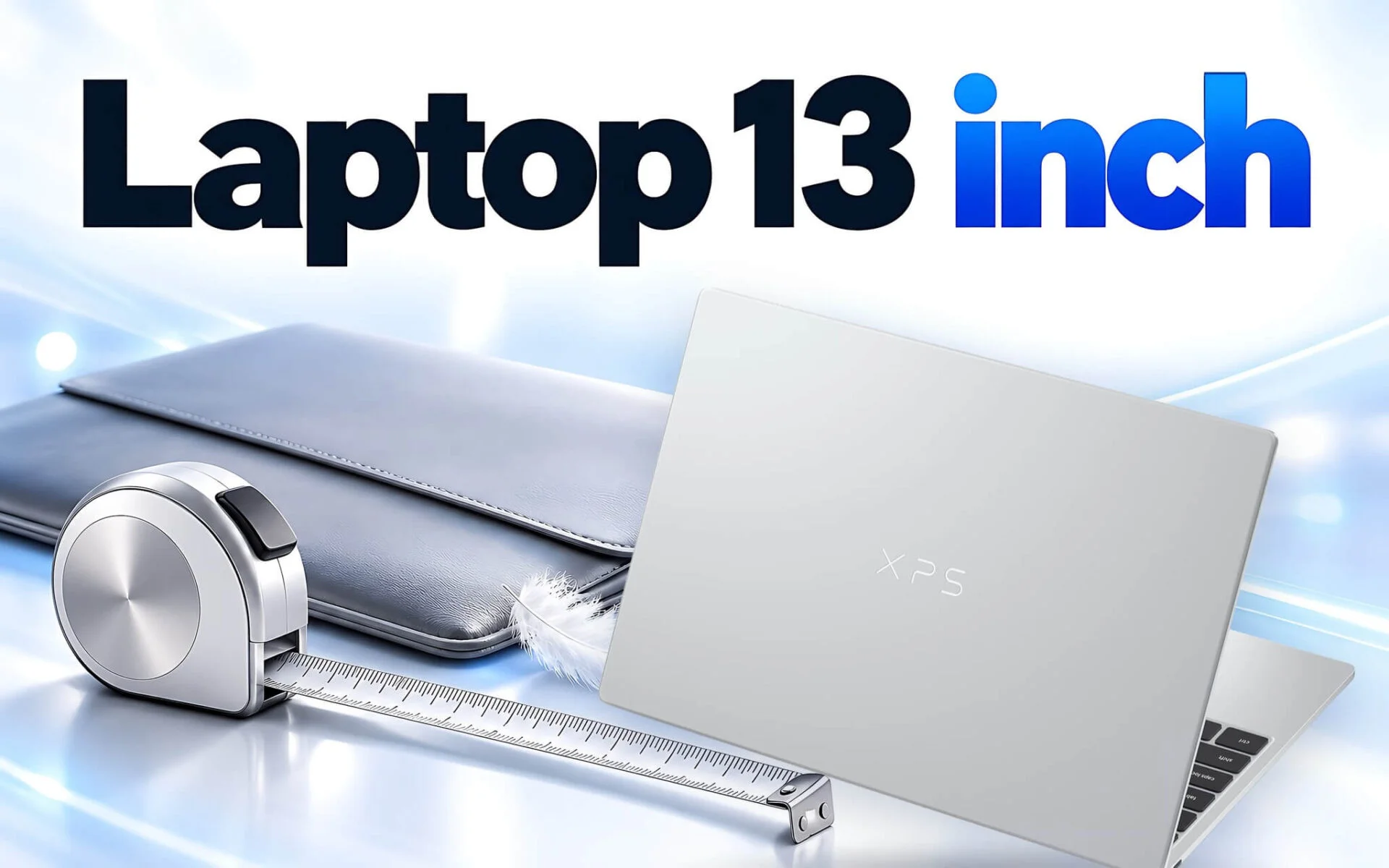
A 13-inch laptop slips easily into a small backpack, fits onto a coffee shop table, or sits comfortably on an airplane tray, but that compactness always comes with trade-offs. A smaller chassis typically means fewer ports, a narrower keyboard and display, and battery capacity constrained by limited internal space. That 13-inch figure refers to the diagonal screen measurement - simply put, the distance from the top-left corner to the bottom-right corner of the display panel. This article breaks down who this form factor suits best, how it differs from a 14-inch model, and highlights four options from 2025 and 2026.
Who a 13-inch Laptop Fits Best Across Three Common Workstyles
The clearest beneficiaries of a 13-inch laptop are mobile professionals: sales reps running between client meetings or frequent business travelers. For them, portability outweighs raw performance, and every hundred grams and centimeter of width adds up to shoulder fatigue by the end of the day. According to official manufacturer specs, the Dell XPS 13 DX13260 starts at 1 kg and measures 12.7 mm thick, while the ThinkPad X13 Gen 6 with a 41Wh battery starts at 927 g. Those dimensions allow these compact laptops to fit neatly into small backpacks or 13-inch sleeves with room to spare for a charger and notebook.
The second group consists of students and freelancers who carry a compact laptop all day but rarely need heavy graphics horsepower. Word processing, medium-sized spreadsheets, video calls, and web browsing are well handled on a 13-inch display running at 1920 x 1200 or higher. Conversely, accountants crunching numbers all day will miss a numeric keypad, while video editors and technical designers require more screen real estate. Both should look at 14-inch or 16-inch models first.
The third group works in a hybrid setup: in the office a few days a week hooked up to external monitors, and on the go the rest of the time. At a desk, the 13-inch display is no longer a bottleneck because workflows move to a large external monitor and a standalone keyboard. Lenovo documentation notes that the ThinkPad X13 Gen 6 supports up to four independent displays, including the built-in screen and three external panels via HDMI and Thunderbolt. In this scenario, the compact laptop functions as a portable processing hub that connects to a familiar workstation with a single cable.
Fewer Ports: The Primary Trade-off to Weigh First
A narrow chassis forces laptop makers to be selective with connectivity. The XPS 13 lineup eliminates USB-A and HDMI entirely, retaining only two USB-C ports. The DX13260 model powered by the Core 5 320 also comes with a fine-print detail worth noting: Dell's spec sheet lists these two ports as 10 Gbps USB 3.2 Gen 2, rather than Thunderbolt 4 like the Core Ultra configurations. The table below outlines the port selection across the four 13-inch models covered here, alongside the 14-inch ThinkPad X1 Carbon Gen 13 for comparison.
| Laptop Model | USB-C Ports | USB-A | HDMI |
|---|---|---|---|
| Dell XPS 13 DX13260 (Core 5 320) | 2x USB 3.2 Gen 2, 10 Gbps | None | None |
| Dell XPS 13 9350 | 2x Thunderbolt 4 | None | None |
| ThinkPad X13 Gen 6 (Intel) | 2x Thunderbolt 4 | 1x 5 Gbps | HDMI 2.1 |
| Dell Pro 13 Premium PA13250 | 2x Thunderbolt 4 | 1x 5 Gbps | HDMI 2.1 |
| ThinkPad X1 Carbon Gen 13 (14-inch) | 2x Thunderbolt 4 | 2x 5 Gbps | HDMI 2.1 |
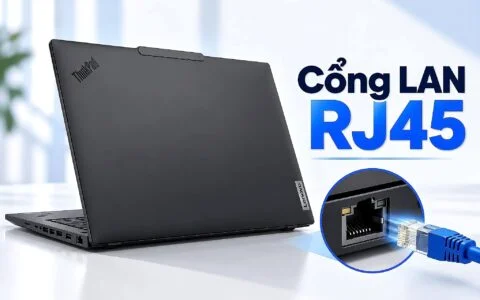
As the table shows, the ThinkPad X13 Gen 6 and Dell Pro 13 Premium retain a near-complete port selection within a 13.3-inch frame: two Thunderbolt 4 ports, one 5 Gbps USB-A port, and an HDMI 2.1 output. The 14-inch ThinkPad X1 Carbon Gen 13 adds just one extra USB-A port. Missing ports are therefore more a reflection of product design philosophy than physical size constraints, with enterprise-oriented models typically prioritizing connectivity over lifestyle-oriented designs.
Before making a choice, list the peripherals you plug in regularly: a USB-A wireless mouse receiver, flash drives, or conference room HDMI projectors. If that list is long, a model with built-in USB-A and HDMI is the cleaner choice, saving you from carrying dongles. On the XPS 13 and many other lifestyle-focused 13-inch laptops, a USB-C hub becomes practically mandatory, particularly when one port is already tied up charging the machine. A hub is an inexpensive accessory, but it is one more item you can easily forget when heading out the door.
How a 13-inch Screen Compares to a 14-inch Panel in Size
At the same 16:10 aspect ratio, a 13.3-inch display measures roughly 28.6 cm wide by 17.9 cm tall, while a 14-inch screen comes in at about 30.2 cm wide by 18.8 cm tall. In terms of surface area, a 13-inch display is roughly 10% smaller than a 14-inch counterpart. That difference is noticeable enough to make two side-by-side windows feel cramped, especially if you set display scaling to 150% for easier reading. The table below compares the dimensions, weights, and battery sizes of the models covered here, based on Dell and Lenovo spec sheets.
| Laptop Model | Display | Starting Weight (g) | Width x Depth (mm) | Battery (Wh) |
|---|---|---|---|---|
| ThinkPad X13 Gen 6 (Intel) | 13.3-inch WUXGA | 927 | 299.3 x 207 | 41 or 54.7 |
| Dell XPS 13 DX13260 | 13.4-inch 2.5K | 1,000 | 296.9 x 200.66 | 52 |
| Dell Pro 13 Premium PA13250 | 13.3-inch | 1,071 | 296 x 208.9 | 60 |
| Dell XPS 13 9350 (FHD+) | 13.4-inch FHD+ | 1,220 | 295.3 x 199.1 | 55 |
| ThinkPad X1 Carbon Gen 13 | 14-inch | 986 | 312.8 x 214.75 | 57 |
Comparing the two Lenovo machines, the 14-inch ThinkPad X1 Carbon Gen 13 is roughly 13.5 mm wider and 7.75 mm deeper than the X13 Gen 6. The weight difference is a modest 24 g to 59 g, depending on which battery you choose for the X13. The takeaway here is that a 13-inch laptop is not necessarily significantly lighter than a 14-inch model; its biggest advantage lies in its physical footprint on a desk and inside a backpack. In fact, a 14-inch machine built from carbon fiber can weigh just as little as, or even less than, a 13-inch unit with an aluminum chassis.
The keyboard is the second area affected when you opt for a 13-inch laptop. A chassis wrapped around a 13-inch display measures less than 300 mm wide, which still accommodates full-size alphanumeric keys, but there is no room for a number pad, and the function row is typically thinner. According to the ThinkPad X13 Gen 6 (Intel) documentation on Lenovo's PSREF platform, this model features 1.5 mm key travel, though the Fn row and the G, H, and B keys offer 1.35 mm. For long typing sessions, testing the keyboard in person before buying is a good idea, as key feel varies noticeably across compact laptop lines.
Cooling and Battery Capacity Constraints in a Compact Chassis
A smaller chassis means smaller cooling fans and heat pipes, leading manufacturers to favor lower-power processors in 13-inch laptops. According to the Notebookcheck database, the Core 5 320 in the XPS 13 DX13260 has a 15W thermal design power, while both the Core Ultra 5 226V and Core Ultra 7 268V are rated at 17W. The ThinkPad X13 Gen 6 stands out as an exception: it packs a 16-core Core Ultra 7 255H with a base power of 28W and a maximum turbo power of 115W, based on Intel specs.
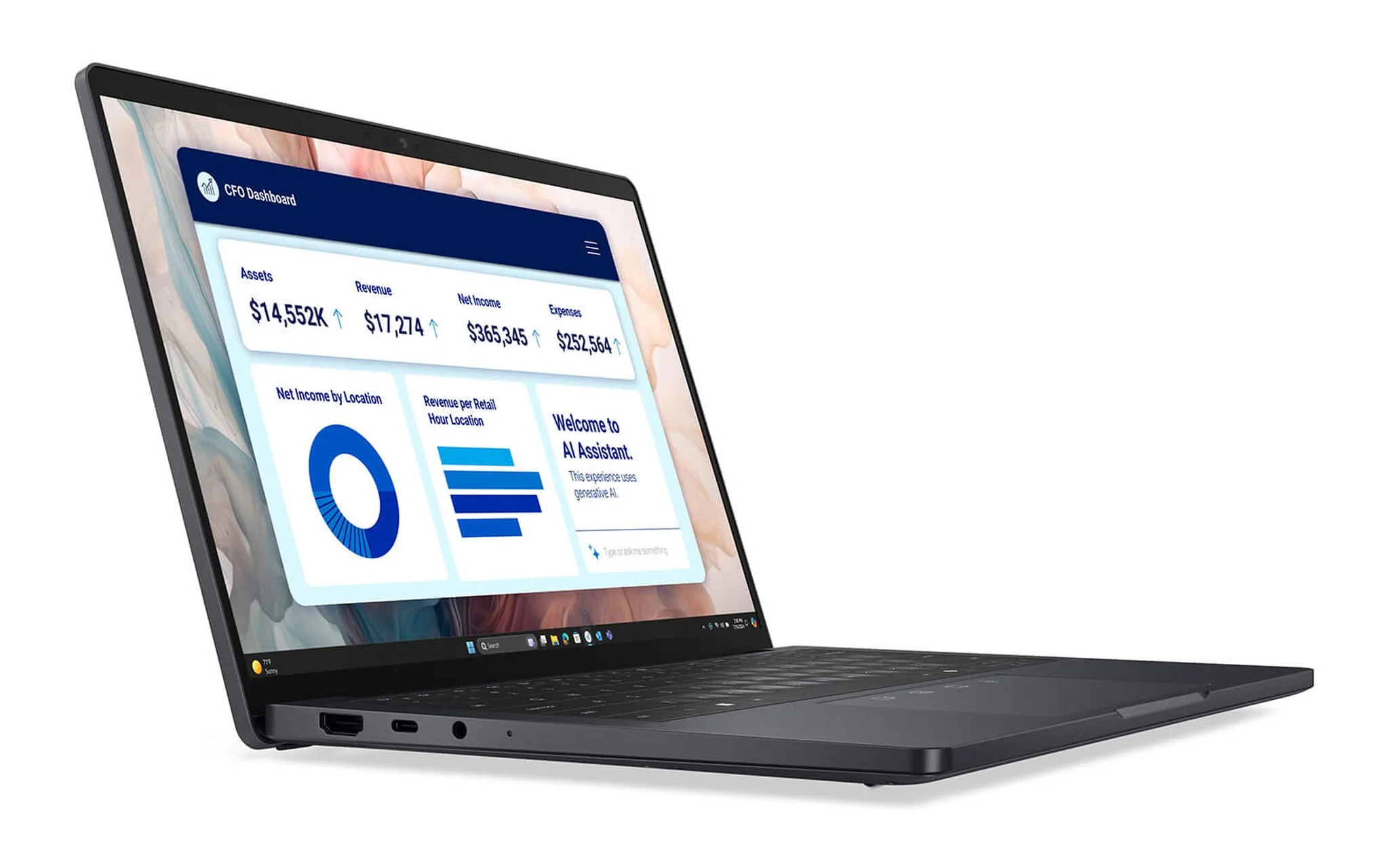
Putting a high-powered chip into a small chassis yields noticeably higher multi-core performance: Notebookcheck reports the Core Ultra 7 255H scoring 17,845 points in Cinebench R23 multi-core, nearly double the 9,857 points of the Core Ultra 5 226V, a significant gap. The trade-off is that during sustained rendering or code compilation, the fan usually spins faster and the bottom chassis gets warmer than on systems using 17W chips. If your workload consists primarily of standard office tasks, an energy-efficient chip keeps a compact laptop quieter and cooler.
Battery capacity is the other limiting factor. The four compact laptops discussed here range from 41Wh to 60Wh, whereas the 14-inch X1 Carbon Gen 13 carries a 57Wh battery. The Dell Pro 13 Premium leads the compact group with its 60Wh pack, while Lenovo notes that the ThinkPad X13 Gen 6 supports fast charging to 80% in 1 hour with a 65W charger. If you are weighing weight against battery runtime, our guide to Thin and Light Office Laptops: Trading Weight for Battery Life takes a dedicated look at matching your choice to your travel schedule.
Two Dell XPS 13 Models for Those Seeking the Most Compact Laptops
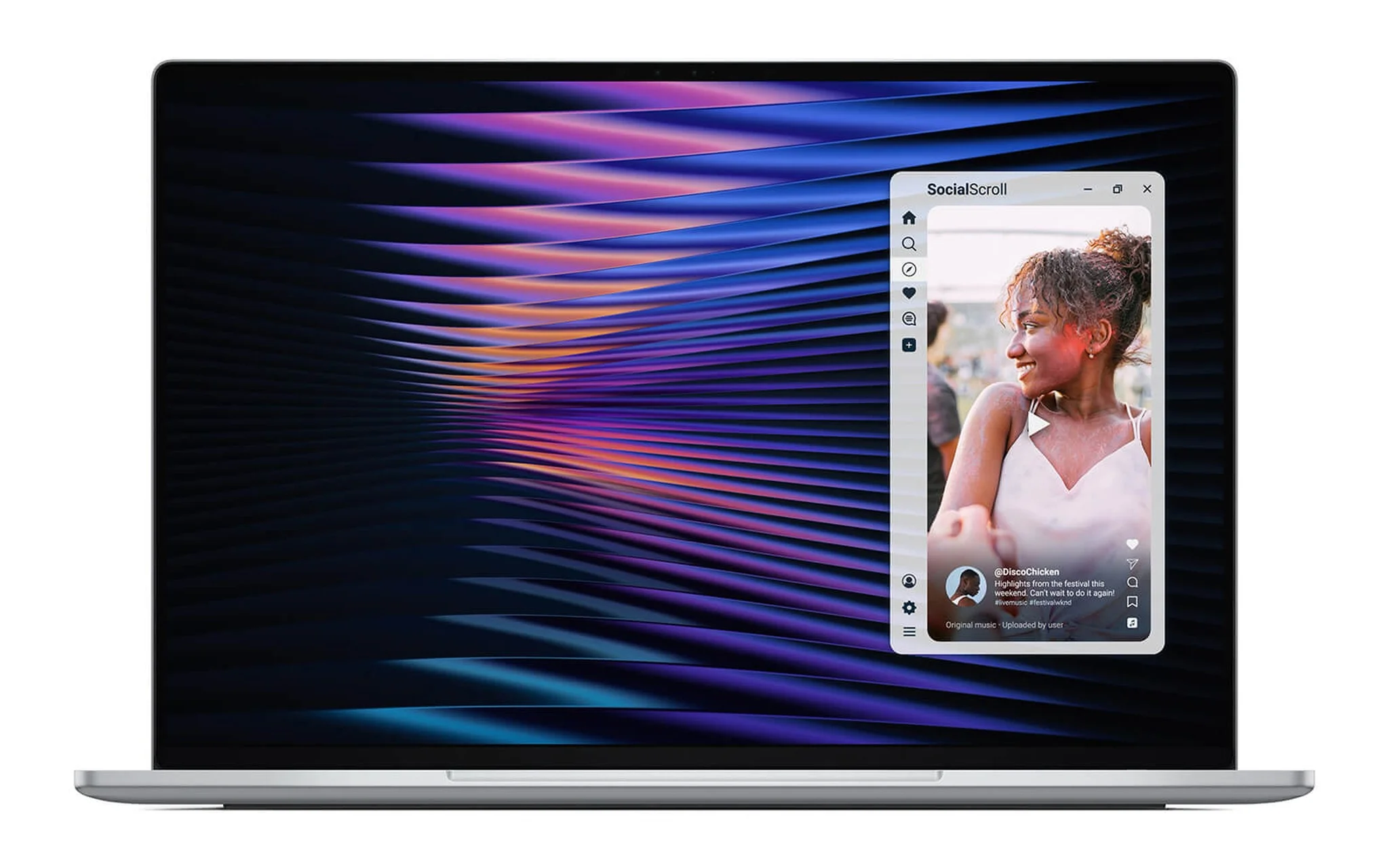
The latest release is the DELL XPS 13 DX13260 (2026), priced at 34,000,000 VND for a configuration with a Core 5 320, 16GB of RAM, a 512GB SSD, and a 13.4-inch 2.5K touch screen. According to Dell, the display panel delivers a 2560 x 1600 resolution, a 30 to 120Hz refresh rate, and 500 nits of brightness, housed in a chassis measuring 12.7 mm thick and weighing from 1 kg. This model is well suited for users who prioritize a sharp 13-inch screen and lightweight portability for office work, accepting two 10 Gbps USB-C ports instead of Thunderbolt 4.
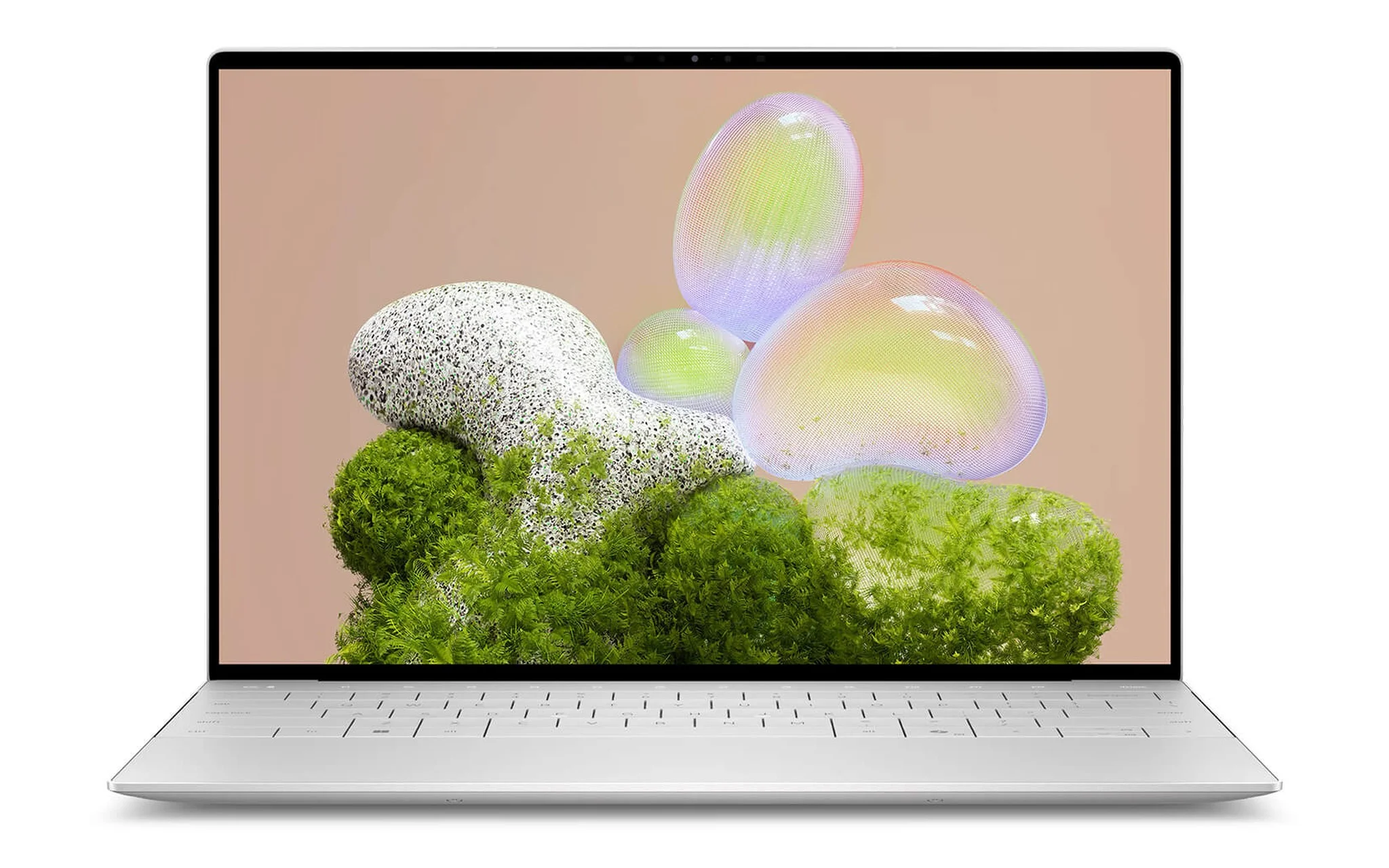
If you need a more powerful processor and Thunderbolt 4 ports, the DELL XPS 13 9350 (2025) offers a Core Ultra 5 226V configuration with 16GB of RAM, a 512GB SSD, and an FHD+ screen starting at 31,500,000 VND, alongside a Core Ultra 9 288V build with 32GB of RAM at 50,500,000 VND. Its 13.4-inch display panel features a 1920 x 1200 resolution, a 30 to 120Hz refresh rate, and 500 nits of brightness. Dell lists a 55Wh battery and a starting weight of 1.22 kg for the FHD+ edition - heavier than the DX13260, but balanced out by Thunderbolt 4 support for docking stations or high-speed external drives.
Both 13-inch Dell laptops share the same design philosophy: just two USB-C ports and a thin-bezel 13-inch display. The primary differences lie in processing power, port standards, and weight, so your choice hinges on whether you need Thunderbolt. A detailed breakdown of the processors, graphics, and ports across the two generations is featured in Dell XPS 13: DX13260 (2026) vs. 9350 (2025): Is the Generational Gap Worth the Money?, which is helpful if you need to choose between the 2025 and 2026 models.
ThinkPad X13 Gen 6 and Dell Pro 13 Premium for Business Users
For those who need a full port selection and enterprise-grade durability, the Lenovo Thinkpad X13 Gen 6 (Intel) (2025) starts at 50,800,000 VND for a configuration with a Core Ultra 7 255H, 32GB of RAM, a 512GB SSD, and Windows 11 Pro, while a 1TB SSD touch version is priced at 55,700,000 VND. According to Lenovo's PSREF documentation, the 13.3-inch WUXGA screen reaches 400 nits, and the RAM is soldered to the motherboard with no upgrade options, though all three configurations currently on sale come equipped with 32GB. The product page notes that the laptop includes a 36-month genuine warranty.
| Criteria | ThinkPad X13 Gen 6 (Intel) | Dell Pro 13 Premium PA13250 |
|---|---|---|
| Processor | Core Ultra 7 255H, 16 cores | Core Ultra 5 236V to Core Ultra 7 268V |
| RAM and SSD | 32GB RAM, 512GB or 1TB SSD | 16GB or 32GB RAM, 256GB to 1TB SSD |
| Display | 13.3-inch WUXGA, 400 nits | 13.3-inch FHD+ or touch QHD+ |
| Starting weight | 927 g | 1,071 g |
| Reference price | 50,800,000 to 55,700,000 VND | 48,500,000 to 73,500,000 VND |
The DELL Pro 13 Premium PA13250 (2025) starts at 48,500,000 VND for the Core Ultra 5 236V model with 16GB of RAM, a 256GB SSD, and an FHD+ display, reaching 73,500,000 VND for the top configuration with a Core Ultra 7 268V, 32GB of RAM, a 1TB SSD, and a touch QHD+ screen. Dell indicates that the QHD+ edition hits 500 nits, includes a 60Wh battery, features a magnesium alloy chassis, and starts at 1,071 g. Both the 236V and 268V processors are vPro variants, making them ideal for IT departments handling remote fleet management, while the 60Wh battery suits professionals who regularly attend meetings away from their desks.
In summary, among compact enterprise laptops, if you need multi-core power for massive spreadsheets or heavy business applications, the ThinkPad X13 Gen 6 is both lighter and faster. If battery life, display quality, and centralized management take precedence, the Dell Pro 13 Premium is the more sensible pick. All four 13-inch laptops covered in this guide are 100% brand-new units at Hung Phat Laptop. When receiving your device, make sure to verify the configuration against the box label, and check screen brightness and battery health in settings before activating your warranty.
Frequently Asked Questions About Choosing a 13-inch Laptop
Is a 13-inch laptop sufficient for college students throughout the day?
A 13-inch laptop can readily handle daily coursework like word processing, spreadsheets, video calls, and remote learning. The compact models featured here offer battery sizes between 41Wh and 60Wh, so prioritize a larger battery capacity if you often study away from wall outlets. If your major requires heavy graphics workloads, consider stepping up to a 14-inch model with a faster processor.
Does a smaller screen cause eye strain during long work sessions?
On a 13-inch screen, eye strain is determined far more by brightness levels, viewing distance, and display scaling than panel size alone. Setting your scaling to 125% or 150% ensures text remains comfortably legible, and connecting to an external monitor is recommended when working at a dedicated desk setup.
Can you get a current-generation 13-inch laptop on a budget of around 30 million VND?
At this price point, the Dell XPS 13 9350 with a Core Ultra 5 226V, starting at 31,500,000 VND, is the closest 2025-generation 13-inch option. If 30 million VND is a firm ceiling, you may also want to look into mainstream 14-inch laptops.
Can you upgrade RAM on a 13-inch laptop?
All four 13-inch laptops discussed here use memory soldered directly to the motherboard. Lenovo's documentation specifies that RAM on the X13 Gen 6 is not upgradeable, and Dell likewise lists integrated memory for both the XPS 13 and Pro 13 Premium, so it is best to choose an adequate capacity from day one.