
Many people shopping for creative laptops rely solely on color gamut percentages, assuming high numbers guarantee quality. However, a panel covering 100% sRGB can still suffer from color inaccuracies straight out of the box. This is where color accuracy becomes critical; it measures the deviation between the colors displayed on the screen and the original standard colors, rather than simply measuring how many colors a screen can reach. If your work involves photography, video, or print, this is a core factor you must verify before buying, and this article breaks down each concept to help you evaluate your options.
What is color accuracy on a laptop screen?
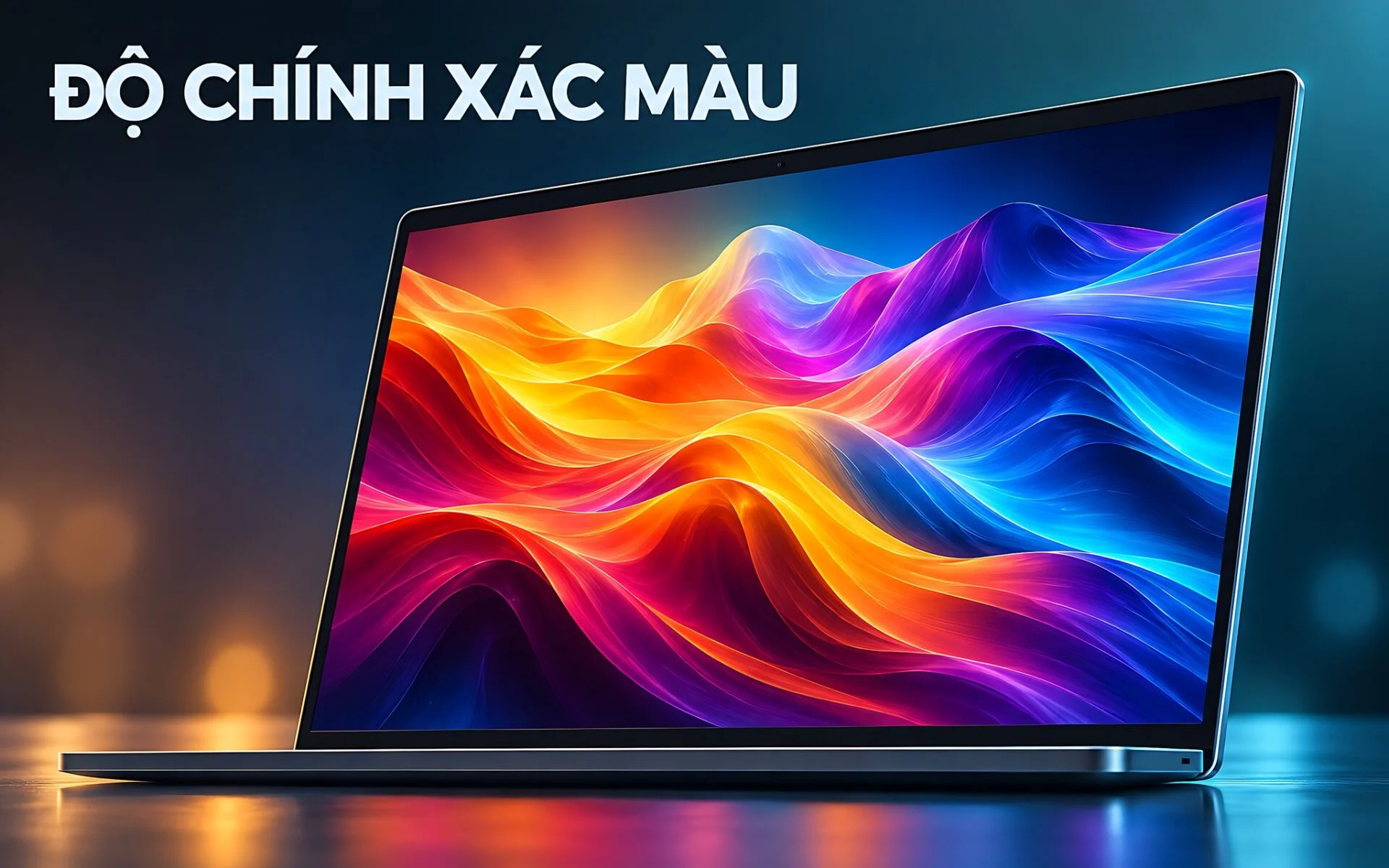
Color accuracy refers to how faithfully a panel reproduces the original colors required by a signal. When an operating system sends a command to display a specific shade of red, an ideal screen should output that exact red - not leaning toward orange, looking washed out, or appearing too dark. The smaller the difference between the actual color and the standard color, the higher the color accuracy. This attribute is entirely separate from brightness, contrast, or pixel density, and it ultimately determines a laptop's practical value for design work.
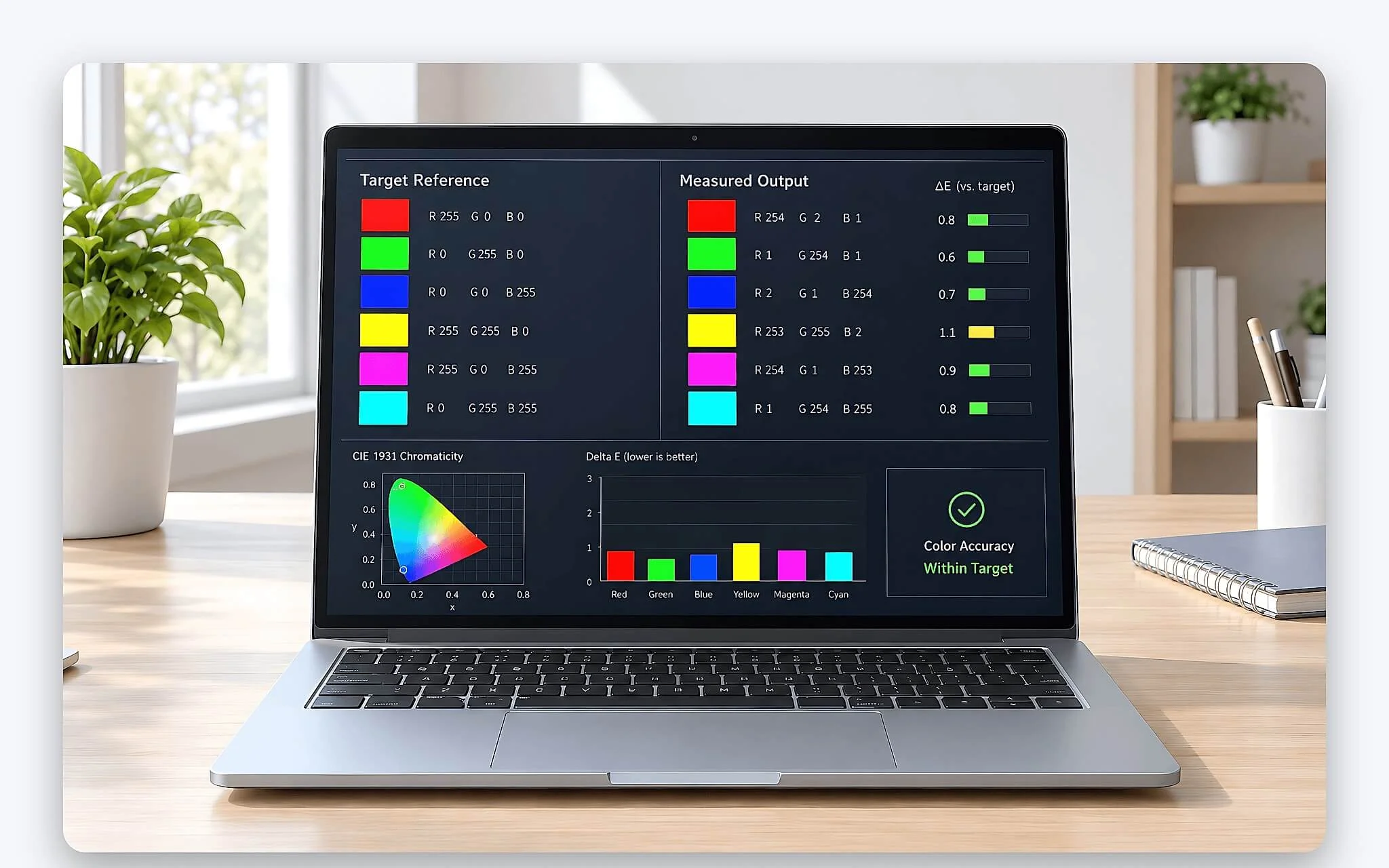
It is important to distinguish between two different questions. The first is how many colors a screen can reproduce, which is its color gamut coverage. The second is whether those colors are correct, which is its color accuracy. A budget laptop might advertise wide color gamut coverage but suffer from severe color shifts, causing an image to look one way while editing and completely different when printed or viewed on another device. This principle explains why professionals do not rely on percentage figures alone.
Color deviation stems from several hardware factors. Backlight quality, color filters, panel uniformity, and factory calibration all impact the final result. Two laptops with the same panel specifications can have different color accuracy levels if their factory calibration processes differ. Therefore, the most important factor is not the marketing specs, but the actual measured color accuracy of the specific unit that reaches your hands.
Distinguishing color gamut coverage from color accuracy
Color gamut coverage answers the question of how much of a reference color space a screen covers, such as 100% sRGB or 95% DCI-P3. This is a measure of range, indicating the spectrum of colors a panel can reach. A higher number means a greater potential for vibrant and saturated colors, but it says absolutely nothing about whether the individual colors within that range are accurate. A wide-gamut panel can still be color-shifted if it has not been calibrated.
| Attribute | Color Gamut Coverage | Color Accuracy |
|---|---|---|
| Answers the question | How many colors can it display? | Are those colors correct? |
| Unit of measurement | Percentage of color space | Delta-E index |
| Good threshold | The closer to 100%, the wider | The closer to 0, the more accurate |
| Influenced by | Backlight and color filters | Calibration process |
These two metrics complement each other rather than replacing one another. A panel with 100% DCI-P3 coverage but an average Delta-E of 5 will produce vibrant but inaccurate colors, whereas a 99% sRGB panel with a Delta-E under 2 is much more reliable for editing work. The key is to look at both numbers simultaneously, rather than letting flashy percentage figures mask the color accuracy, which is often harder to market.
In real-world purchasing, creatives prioritize color accuracy over wide gamut coverage when forced to choose between the two. This is because incorrect colors cannot be reliably fixed with software, whereas a narrower color gamut is still sufficient for most standard content. A laptop with moderate color gamut but high measured color accuracy will serve photo and print work better than a wide-gamut laptop with unverified accuracy.
Comparing three color spaces: sRGB, DCI-P3, and Adobe RGB
A color space is a set of colors defined as a standard reference, and each field uses its own standard. sRGB was created for the web and general content; it has the narrowest range but is the most common, as almost every browser and smartphone defaults to this standard. When you upload a photo online, the final product is typically converted to sRGB, making sRGB color accuracy the fundamental baseline for digital work.
| Color Space | Range | Primary Use Case |
|---|---|---|
| sRGB | Narrowest, general standard | Web, digital content, general graphics |
| DCI-P3 | About 25% wider than sRGB | Digital cinema, video, HDR content |
| Adobe RGB | Wider in green and cyan | Print, publishing, CMYK workflows |
DCI-P3 offers a significant expansion over sRGB, particularly in the red and green regions, making it the standard for digital cinema and the HDR content currently trending on streaming platforms. Adobe RGB leans toward the green and cyan spectrum, serving the print industry because it covers a wider range of colors that professional printers can reproduce. Choosing the wrong reference standard makes color accuracy measurements meaningless, as the same panel will yield different accuracy values depending on which standard is used as the baseline.
You should choose a color space based on your output requirements, not by looking for the largest number. Video editors and modern digital content creators prioritize DCI-P3 coverage, print professionals lean toward Adobe RGB, and most office and web work only requires standard sRGB. A screen that covers all three standards is only reliable if it also provides color accuracy data for each, because wide coverage is useless if the colors are shifted.
Delta-E values and acceptable color deviation thresholds
Delta-E is the unit used to measure the difference between two colors, as defined by the International Color Consortium (ICC), and it is the direct measure of color accuracy. The closer the value is to 0, the more closely the displayed color matches the standard. The Delta-E 2000 version is considered the most accurate to human visual perception, which is why serious calibration reports cite this version rather than older formulas that exaggerated errors in the green spectrum.
| Delta-E Threshold | Human Perception | Suitability |
|---|---|---|
| Below 1 | Imperceptible to the naked eye | High-end reference standard |
| 1 to 2 | Only visible upon very close inspection | Professional standard |
| 2 to 3 | Differences begin to become visible | Acceptable for general work |
| Above 3 | Clear color shifts are visible | Not recommended for color grading |
Professionals use an average Delta-E of less than 2 as the benchmark for serious color grading, as the human eye can barely distinguish errors at that level. However, you must read the data carefully, as some reports only list the average Delta-E and hide the maximum Delta-E. A panel with a great average but high peak errors in specific tones can still cause problems, so reliable color accuracy must consider both average and peak values.
You should also remember that Delta-E is not constant throughout a laptop's lifespan. Panels age over time, and backlights lose intensity and shift in tone after several years of use, causing color deviation to increase. This is why professional studios calibrate their screens periodically to maintain accuracy, rather than relying indefinitely on the data from the time of purchase. A beautiful Delta-E score on day one does not guarantee maintained color accuracy if you do not re-check it periodically.
Screen calibration and factory-calibrated displays
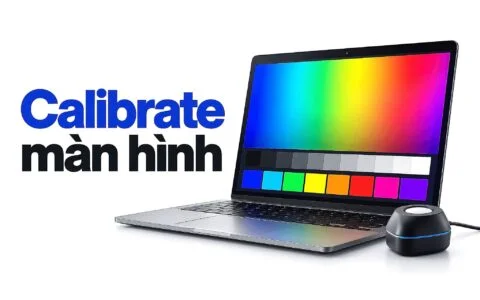
Calibration is the process of measuring the actual colors of a panel and creating a correction profile to bring those colors back to the standard. A specialized measurement device is attached to the screen, software displays a series of sample colors, compares the results to the standard colors, and generates a color profile to be loaded into the operating system. After this step, the laptop's color accuracy improves significantly, and this is the only way to verify accuracy rather than simply trusting marketing claims.
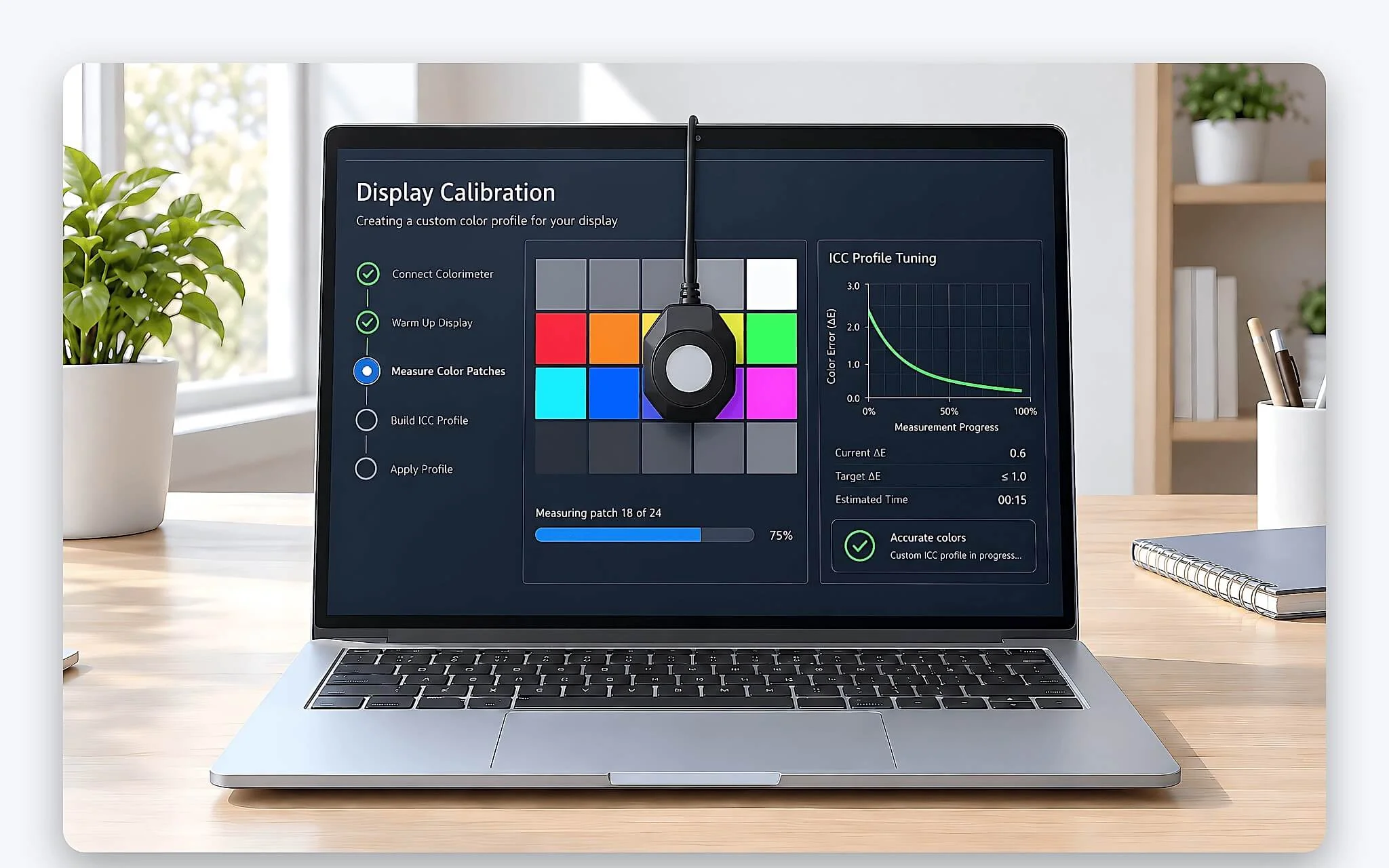
Many laptop lines aimed at creatives come factory-calibrated, accompanied by a report specifying the Delta-E values for that exact unit. A factory report is more valuable than general specifications because it reflects the actual unit rather than an average sample. Some independent certification standards even verify colors before the machine leaves the assembly line, giving you confidence in the color accuracy without needing to purchase expensive measurement equipment yourself.
Even if a machine is factory-calibrated, you should still perform periodic self-checks if your work requires high precision. The cost of a consumer-grade colorimeter is not large compared to the loss incurred by delivering color-shifted products to clients. For those who work in photography and print frequently, self-calibrating every few months is a practical way to maintain consistent color accuracy and compensate for the natural degradation of the panel over time.
The importance of color accuracy for print and video
In print work, color accuracy is a critical requirement because colors on paper cannot be corrected once mass production has begun. If the screen is color-shifted, the printed result will look completely different from what you saw on the monitor, leading to wasted paper and ink, and a loss of credibility with clients. Print professionals prioritize panels with good Adobe RGB coverage, thorough calibration, and low color deviation, alongside a strict color preview process before sending the final file to the printer.
| Field | Preferred Color Standard | Color Accuracy Requirement |
|---|---|---|
| Print, Pre-press | Adobe RGB | Very high, Delta-E under 2 |
| Video editing, Digital cinema | DCI-P3 | High, including output tone standards |
| Web photo editing | sRGB | Moderate, Delta-E under 3 |
| Office, Entertainment | sRGB | Not required |
For film and video editing, color accuracy determines consistency when a product is played back on various devices. A scene edited on a color-shifted monitor will look different when played on another device, breaking the artistic intent of the entire film. Professional editors adhere to the DCI-P3 standard and follow the output color standards of the distribution platform, while verifying color accuracy before every major project to avoid having to redo the entire color grading process later.
For those editing photos for the web and social media, the requirements are lighter but still cannot be ignored. Final products are typically converted to sRGB, so a panel with sufficient sRGB coverage and low color deviation meets most needs. The key takeaway is that regardless of the field, color accuracy remains the core factor that distinguishes a serious workstation laptop from one meant only for entertainment, and it is a detail worth verifying before you decide to buy.
Frequently Asked Questions
Does a 100% sRGB screen mean the colors are accurate?
Not necessarily. A 100% sRGB coverage figure only means the panel can reach the full range of the sRGB standard; it does not guarantee that each individual color is correct. Color accuracy is measured separately by the Delta-E index, so a screen with full coverage can still have color shifts and poor accuracy if it has not been properly calibrated before reaching you.
What Delta-E value is sufficient for design work?
Professionals use an average Delta-E of less than 2 as the benchmark for serious color grading, as the human eye can barely detect errors at that level. You should check both the average and peak values to avoid situations where the average looks good but specific tones have high errors that cause issues during work.
Do I need to calibrate my own screen if the laptop is labeled as factory-calibrated?
If your work requires high precision, yes. Panels age over time and backlight intensity decreases, causing color accuracy to drift. Re-measuring every few months with a standard device helps maintain consistent color, especially for those in photography or print who frequently deliver products to clients.
Should I prioritize wide color gamut or high color accuracy?
If forced to choose one, creatives should prioritize color accuracy. Incorrect colors are difficult to fix reliably with software, whereas a narrower gamut is still sufficient for most standard content. A panel with a moderate gamut but low measured deviation serves work better than a wide-gamut panel with unverified accuracy.