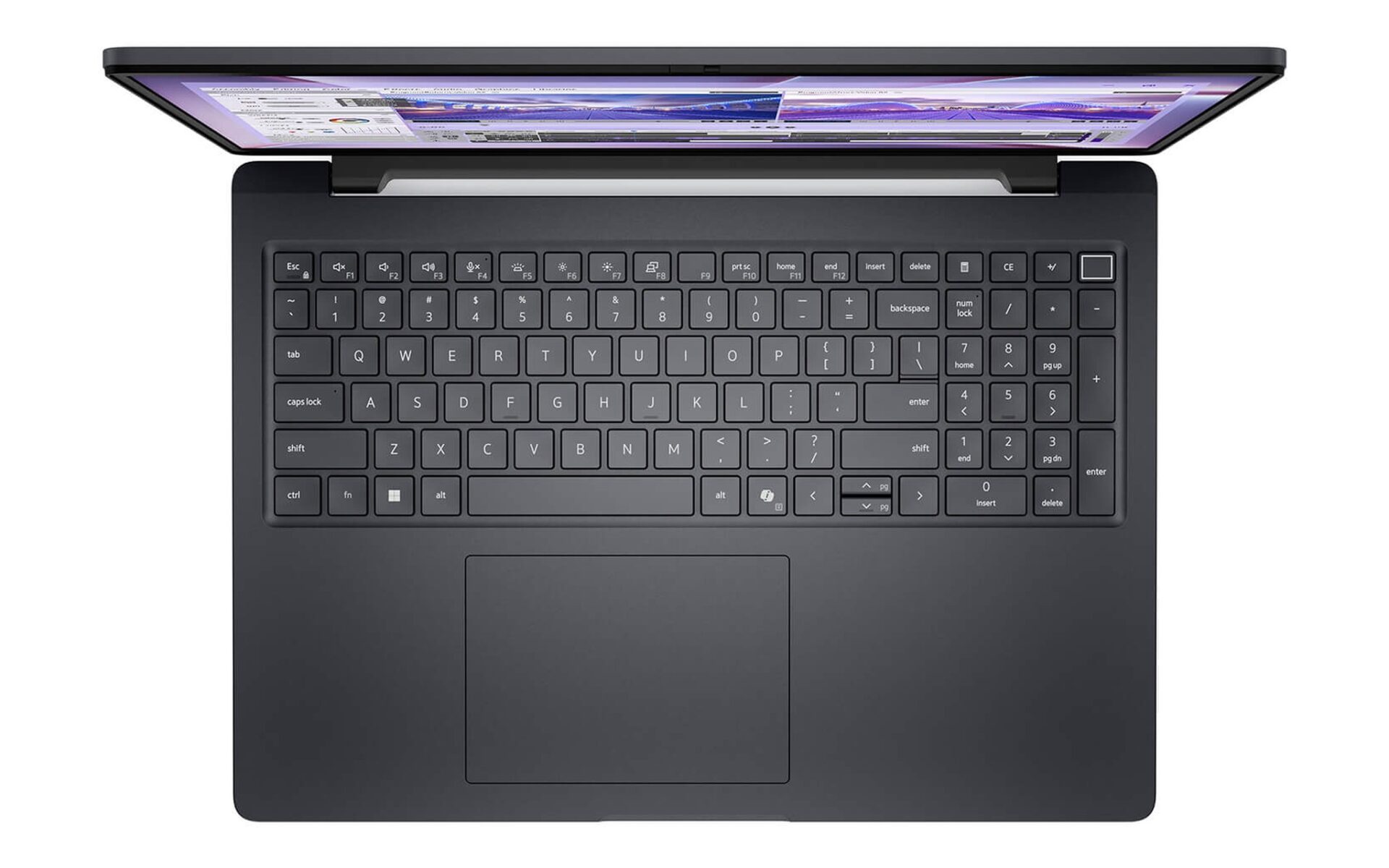
Bạn phụ trách nội dung số thường mở Photoshop, Premiere và hàng chục tab chiến dịch cùng lúc, nên một chiếc laptop digital marketing cần bộ nhớ rộng và bộ xử lý nhiều nhân hơn máy văn phòng. Ba mẫu 16 inch trong bài trải từ 36 đến 58 triệu, cấp RAM 32GB đến 64GB cùng nhân đủ mạnh cho quy trình dựng đa nhiệm. Trọng tâm là chọn đúng cường độ công việc và tránh chi vượt nhu cầu.
Vì sao laptop digital marketing cần RAM lớn và nhiều nhân
Công việc của một laptop digital marketing hiếm khi chạy một ứng dụng đơn lẻ. Bạn chỉnh ảnh trong Photoshop, giữ Premiere dựng video quảng cáo, đồng thời bật trình duyệt với công cụ phân tích và họp trực tuyến. Mỗi ứng dụng Adobe chiếm vài GB bộ nhớ, mỗi tab lại tiêu tốn tài nguyên riêng. Khi RAM cạn, hệ điều hành hoán đổi dữ liệu xuống ổ đĩa và mọi thao tác chậm lại. Vì thế một laptop digital marketing bền bỉ ưu tiên dung lượng bộ nhớ và số nhân trước tiên.
Bộ xử lý nhiều nhân quyết định tốc độ khi phần mềm chia tải cho từng luồng. Xuất video, áp bộ lọc hàng loạt trong Lightroom hay kết xuất hiệu ứng đều tận dụng đa nhân. Một chip 16 nhân hoàn thành tác vụ nền nhanh hơn hẳn chip 8 nhân, giúp bạn quay lại thao tác chính sớm hơn. Do vậy một laptop digital marketing tốt nên có nhiều nhân. Song song đó, RAM 32GB tạo khoảng trống chuyển đổi giữa các dự án, còn mốc 64GB duy trì độ mượt khi bạn ôm cả kho ảnh RAW lẫn nhiều dòng thời gian video.
Ngân sách cho một laptop digital marketing nên phân bổ theo thứ tự ưu tiên rõ ràng. Bạn đặt bộ nhớ và số nhân lên đầu, kế đến là ổ lưu trữ dung lượng cao, rồi mới tới màn hình và card đồ họa. Ba sản phẩm trong bài đều dùng khung 16 inch, mang diện tích hiển thị rộng cho nhiều bảng công cụ song song và dòng thời gian dài. Phần sau phân tích từng mẫu theo mức đầu tư cụ thể.
Ba laptop digital marketing đa nhiệm theo từng mức ngân sách
Ba laptop digital marketing bên dưới đại diện cho ba mức đầu tư, phục vụ từ nhân sự nội dung khởi đầu tới chuyên viên dựng video nặng. Bản phổ thông ưu tiên đồ họa tích hợp và bộ nhớ 32GB, đủ cho một laptop dựng nội dung tầm biên tập ảnh và phim ngắn. Bản trung cấp bổ sung card rời tăng tốc Premiere và After Effects. Bản cao cấp nâng bộ nhớ lên 64GB cùng ổ 2TB khi khối lượng dâng cao. Bảng dưới tóm tắt cấu hình thực tế đang bán để bạn so sánh.
| Mẫu laptop | Giá tham khảo | Bộ xử lý | RAM và ổ SSD | Đồ họa | Phù hợp |
|---|---|---|---|---|---|
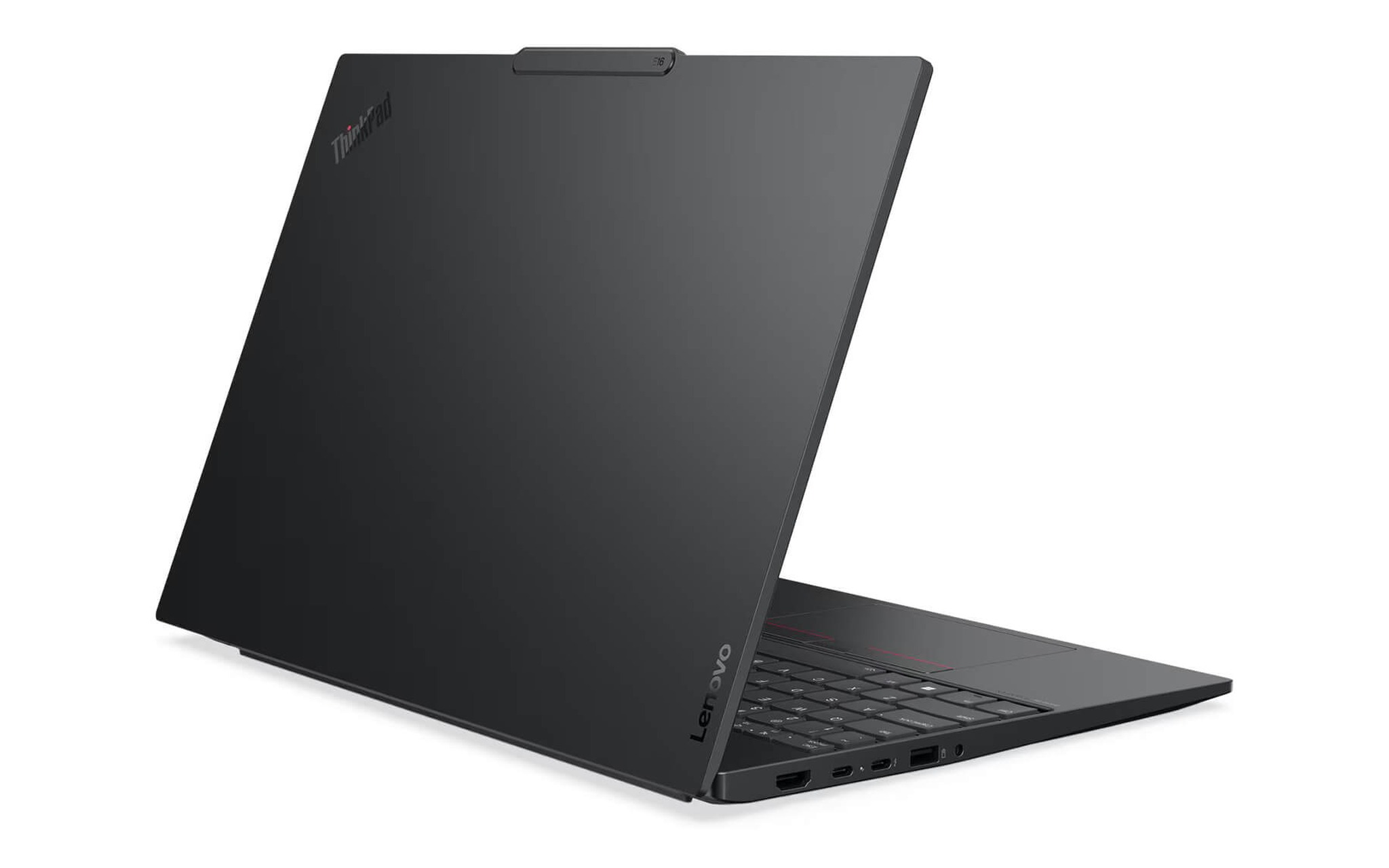
| Lenovo ThinkPad E16 Gen 3 (2025) | Khoảng 36-39,5 triệu | Core Ultra 7 258V, 8 nhân | 32GB, SSD 512GB hoặc 1TB | Intel Arc 140V tích hợp | Nội dung, quảng cáo, dựng phim ngắn |
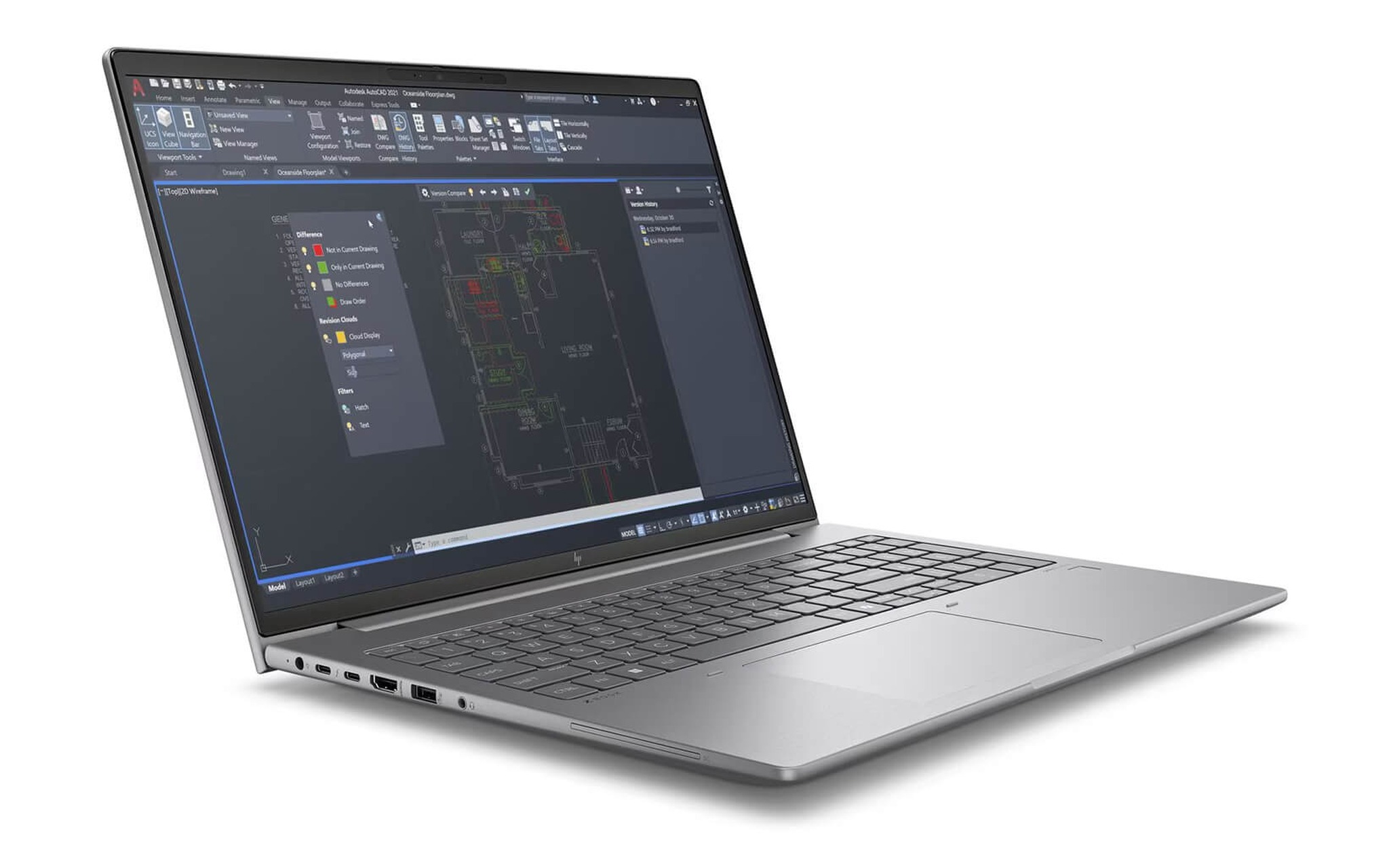
| HP ZBook Power 16 G11 (2024) | Khoảng 39,9 triệu | Core Ultra 7 165H, 16 nhân | 32GB, SSD 1TB | RTX 2000 Ada 8GB rời | Dựng video, kết xuất hiệu ứng |
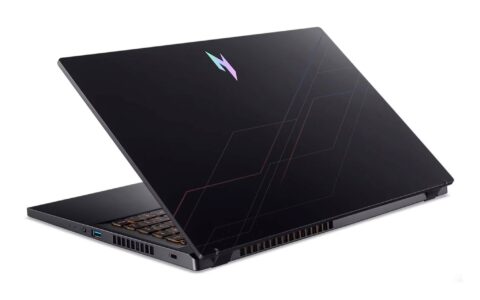
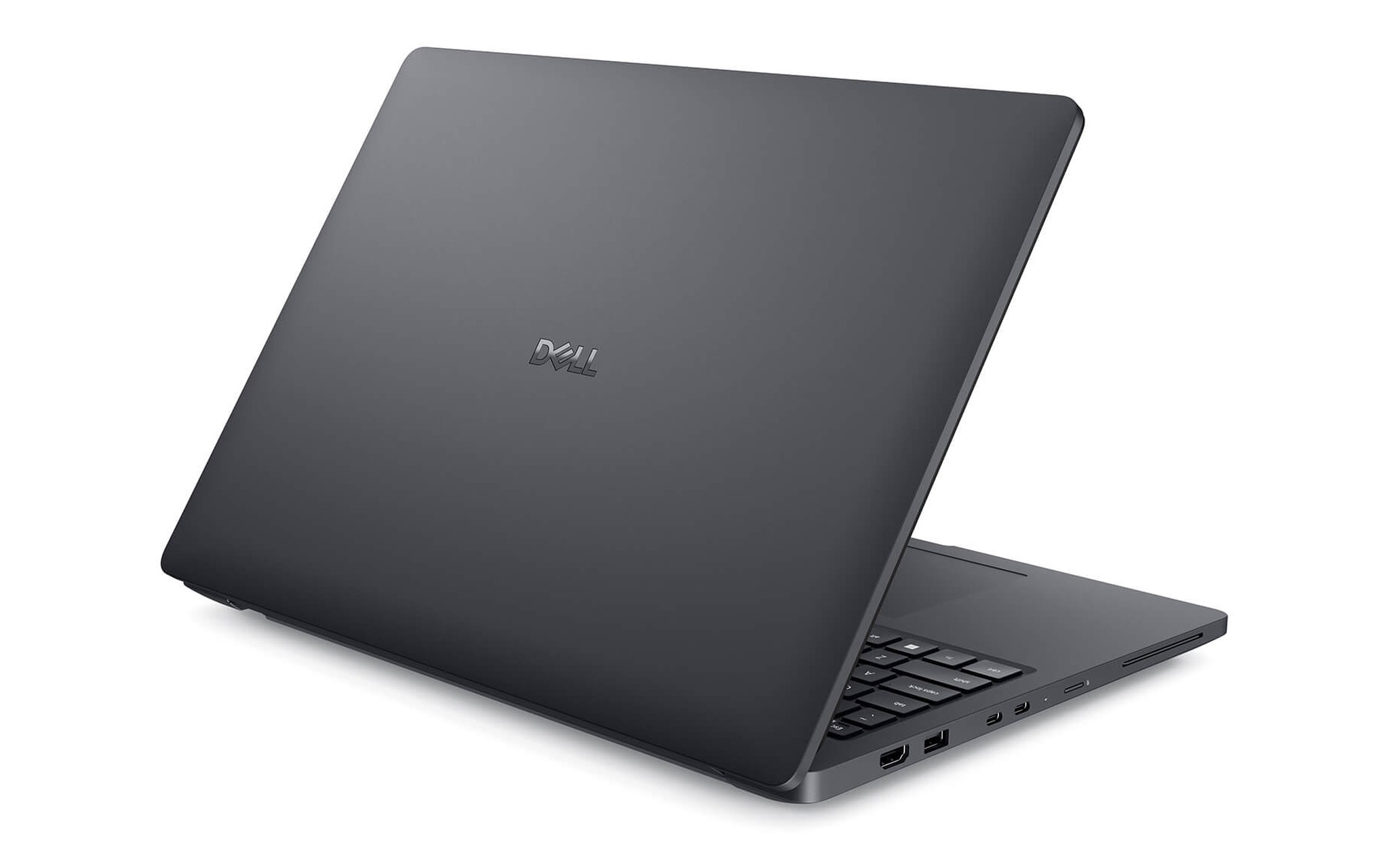
| DELL Pro Max 16 MC16250 (2025) | Khoảng 58,5 triệu | Core Ultra 7 265H, 16 nhân | 64GB, SSD 2TB | RTX PRO 2000 8GB rời | Dự án nặng, đa nhiệm cường độ cao |
Với tầm 36 đến 39,5 triệu, Lenovo ThinkPad E16 Gen 3 (2025) mở đầu nhóm laptop digital marketing giá dễ tiếp cận nhờ khung 16 inch và bộ nhớ 32GB. Bản này chạy Core Ultra 7 258V với đồ họa Arc 140V, hỗ trợ mã hóa AV1 tiện cho video web. Ổ SSD có bản 512GB hoặc 1TB để cân đối giá và lưu trữ. Là một laptop dựng nội dung khởi đầu, máy hợp người hay mang đi gặp khách hàng nhờ bàn phím tốt và khung bền.
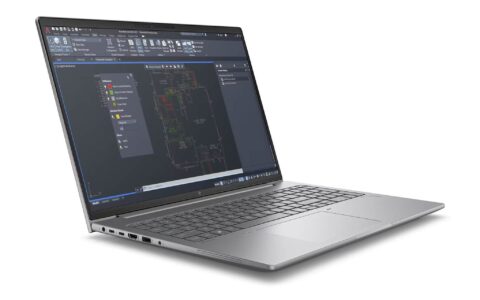
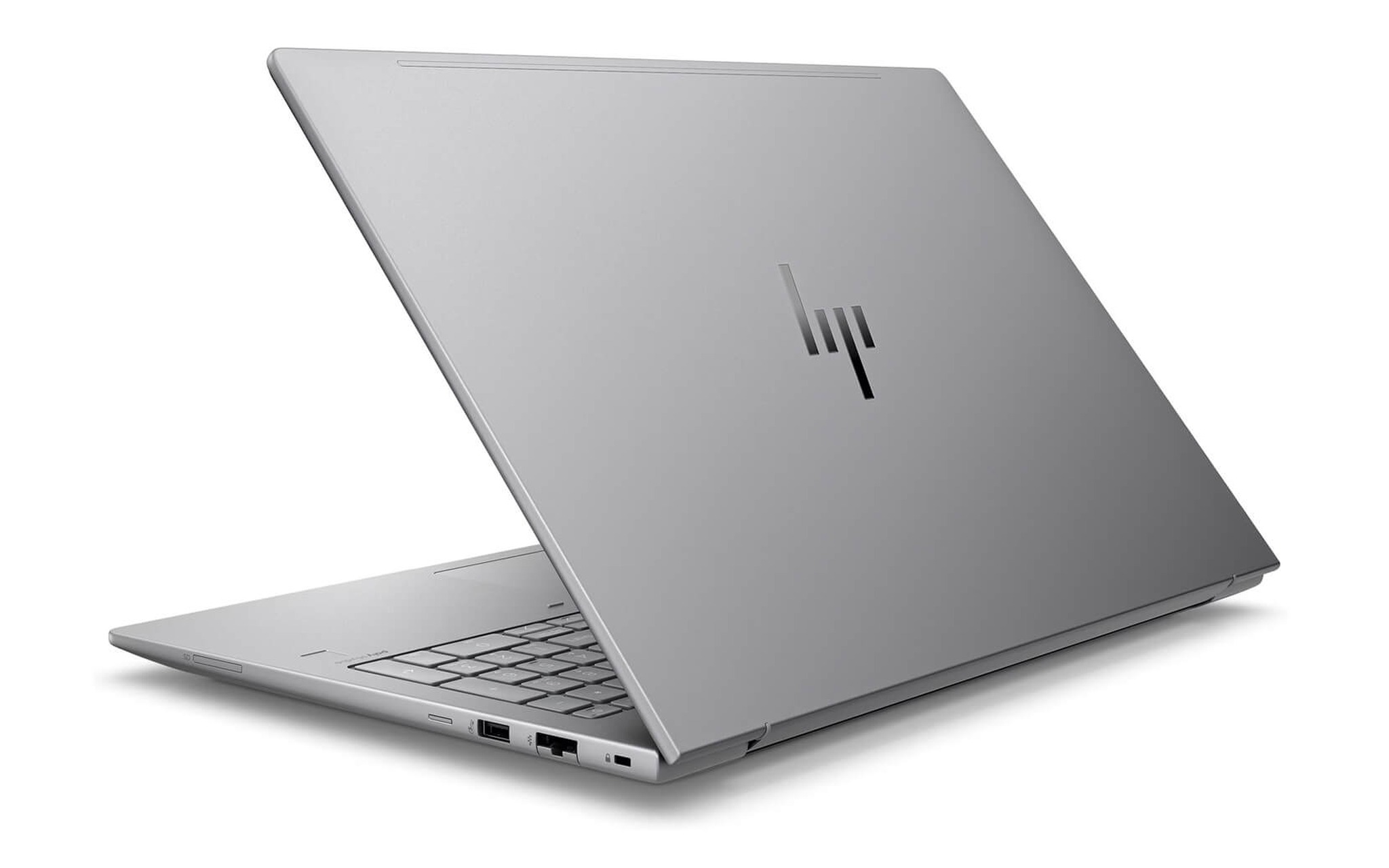
Mức trung cấp của nhóm laptop digital marketing thuộc về HP ZBook Power 16 G11, một laptop chạy Adobe cân bằng giữa nhân xử lý và card rời. Máy dùng Core Ultra 7 165H mười sáu nhân cùng RTX 2000 Ada 8GB, đủ tăng tốc Premiere và After Effects ở dự án vừa. RAM 32GB và SSD 1TB đáp ứng phần lớn quy trình dựng video quảng cáo. Với người vừa chỉnh ảnh vừa xuất video định kỳ, đây là laptop digital marketing có điểm rơi hợp lý về hiệu năng trên giá. Bạn xem cấu hình tại HP ZBook Power 16 G11 (2024) trước khi quyết định.
Bộ xử lý nhiều nhân tăng tốc dựng video Premiere
Trên một laptop digital marketing, khi bạn xuất một dòng thời gian Premiere hoặc kết xuất tổ hợp After Effects, phần mềm chia việc cho toàn bộ nhân sẵn có. Core Ultra 7 165H trên HP ZBook Power có mười sáu nhân và hai mươi hai luồng, thuộc kiến trúc Meteor Lake của dòng Intel Core Ultra tích hợp NPU. Số nhân cao rút ngắn thời gian chờ mỗi lần xuất bản, nhất là với video nhiều lớp. Core Ultra 7 265H trên DELL Pro Max thuộc thế hệ mới hơn, cũng mười sáu nhân. Một laptop digital marketing nhiều nhân vì thế vượt xa chip 8 nhân ở tác vụ đa luồng.
Bản Lenovo ThinkPad E16 Gen 3 dùng Core Ultra 7 258V tám nhân, thuộc dòng tiết kiệm điện Lunar Lake. Là một laptop digital marketing phổ thông, cấu hình này xử lý tốt biên tập ảnh, quản trị quảng cáo và dựng phim ngắn, song thời gian xuất video dài sẽ lâu hơn hai mẫu mười sáu nhân. Nếu công việc thiên về nội dung tĩnh và quảng cáo, tám nhân vẫn thoải mái. Khi lịch dựng video dày, khoản chênh giữa tám và mười sáu nhân hiện rõ qua giờ chờ mỗi tuần.
Bộ xử lý còn ảnh hưởng tới khả năng chạy nền khi bạn vừa xuất bản vừa làm việc khác. Một laptop digital marketing nhiều nhân cho phép Premiere kết xuất phía sau, trong khi bạn soạn kịch bản, trả lời khách hàng và duyệt ảnh. Chip tám nhân buộc bạn chờ hoàn tất mới thao tác mượt trở lại. Người dựng video hàng ngày nên nghiêng về mẫu mười sáu nhân, còn người dựng thi thoảng có thể chọn bản tám nhân và dồn ngân sách cho bộ nhớ lớn hơn.
Dung lượng RAM quyết định số tab và tệp Adobe
Bộ nhớ là tài nguyên bạn cạn nhanh nhất trong công việc tiếp thị số. Một dự án Photoshop nhiều lớp ngốn vài GB, Premiere giữ bộ đệm xem trước lớn, mỗi tab nặng lại cộng dồn thêm. Với 32GB, một laptop digital marketing mở song song bộ ứng dụng Adobe cơ bản cùng vài chục tab mà vẫn phản hồi ổn. Mốc 64GB dành cho người ôm kho ảnh RAW đồ sộ, nhiều dòng thời gian video và máy ảo kiểm thử. Bảng dưới đối chiếu dung lượng bộ nhớ với khối lượng công việc.
| Dung lượng RAM | Khối lượng phù hợp | Mẫu tương ứng |
|---|---|---|
| 32GB | Biên tập ảnh, quảng cáo, dựng phim ngắn, vài chục tab | ThinkPad E16 Gen 3, HP ZBook Power 16 G11 |
| 64GB | Kho ảnh RAW lớn, nhiều dòng thời gian video, máy ảo | DELL Pro Max 16 MC16250 |
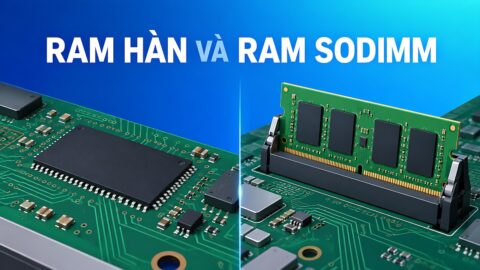
Cách kiểm tra nhu cầu bộ nhớ rất trực quan. Bạn mở Trình quản lý tác vụ lúc làm việc cường độ cao nhất, rồi xem phần trăm RAM đã dùng. Nếu con số thường xuyên vượt tám mươi phần trăm, một laptop digital marketing với bộ nhớ lớn hơn sẽ đáng đầu tư. DELL Pro Max 16 MC16250 mang 64GB cùng ổ 2TB, hợp studio xử lý khối dữ liệu dày. Điểm cần lưu ý là bộ nhớ trên nhiều dòng cao cấp được hàn cố định, nên một laptop digital marketing cần chọn đúng dung lượng ngay từ đầu.
Ổ lưu trữ song hành cùng bộ nhớ trong quy trình của một laptop digital marketing. Tệp video 4K, ảnh RAW và bản sao lưu dự án chiếm dung lượng rất nhanh, nên SSD 1TB là mức khởi điểm nên có. Bản DELL Pro Max 16 với ổ 2TB giảm tần suất dọn dẹp và cho bạn giữ nhiều dự án ngay trên máy. Tốc độ SSD NVMe còn rút ngắn thời gian mở tệp lớn. Nếu chọn bản SSD nhỏ, bạn nên chuẩn bị ổ ngoài tốc độ cao để sao lưu.
Card đồ họa rời hỗ trợ After Effects và xuất bản
Trên một laptop digital marketing, card đồ họa rời tăng tốc nhiều tác vụ Adobe, đặc biệt ở Premiere và After Effects. Bộ mã hóa phần cứng rút ngắn thời gian xuất video, còn hiệu ứng dựng bằng GPU chạy mượt hơn so với đồ họa tích hợp. HP ZBook Power 16 G11 trang bị RTX 2000 Ada 8GB, còn DELL Pro Max 16 MC16250 dùng RTX PRO 2000 8GB, cả hai thuộc dòng đồ họa chuyên nghiệp có trình điều khiển tối ưu cho phần mềm sáng tạo. Với người dựng video định kỳ, một laptop chạy Adobe có card rời đáng giá hơn khoản chênh chi phí.
Dung lượng bộ nhớ đồ họa cũng đáng cân nhắc theo tính chất dự án. Mốc 8GB VRAM trên hai mẫu card rời đủ cho phần lớn công việc dựng video quảng cáo và đồ họa chuyển động độ phân giải phổ biến. Khi bạn dựng cảnh 4K nhiều lớp hoặc mô phỏng phức tạp, nhu cầu VRAM tăng và thời gian xử lý kéo dài. Ba sản phẩm trong bài không thuộc nhóm card chơi game hàng đầu, nên một laptop digital marketing như thế phục vụ tốt nhu cầu dựng di động ở mức chuyên nghiệp vừa, chưa thay được trạm để bàn cho khối lượng cực nặng.
Ở nhóm laptop digital marketing giá mềm, bản Lenovo ThinkPad E16 Gen 3 dựa vào đồ họa Arc 140V tích hợp thay cho card rời. Đồ họa này vẫn hỗ trợ mã hóa AV1 và tăng tốc một phần tác vụ hình ảnh, đủ cho một laptop dựng nội dung tầm biên tập ảnh và phim ngắn. Giới hạn xuất hiện khi bạn kết xuất hiệu ứng nặng hoặc dựng video độ phân giải cao liên tục, lúc đó card rời cho khác biệt rõ. Nếu quy trình thiên về nội dung tĩnh và quảng cáo, đồ họa tích hợp tiết kiệm điện lại là ưu điểm tùy tỷ trọng video hằng ngày.
Chọn cấu hình theo cường độ công việc marketing thực tế
Quyết định laptop digital marketing cuối cùng nên bám vào phần mềm bạn chạy và tần suất dựng video. Nhân sự nội dung, quản trị quảng cáo và người mới vào nghề hợp với Lenovo ThinkPad E16 Gen 3, một laptop digital marketing giá mềm với 32GB và khung 16 inch bền. Chuyên viên vừa chỉnh ảnh vừa xuất video định kỳ nên chọn HP ZBook Power 16 G11 vì có card rời và mười sáu nhân. Studio xử lý dự án nặng và kho ảnh lớn phù hợp DELL Pro Max 16 với 64GB cùng ổ 2TB. Bạn nên soi kỹ mã máy trước khi chốt.
Khi mua tại khu vực TP.HCM, bạn nên yêu cầu xác nhận rõ máy mới hay đã qua sử dụng, cấu hình thực nhận, thời hạn bảo hành và phụ kiện đi kèm. Giá một laptop digital marketing thay đổi theo dung lượng bộ nhớ, ổ lưu trữ và chương trình ưu đãi từng thời điểm. Đội tư vấn Hưng Phát ưu tiên hỏi về phần mềm, số tab và tần suất xuất video trước khi gợi ý một laptop digital marketing hợp nhu cầu. Bạn không cần bản 64GB nếu công việc chỉ gồm văn bản và quảng cáo cơ bản. Ngược lại, chọn bộ nhớ eo hẹp sẽ gây nghẽn khi dự án dày lên.
Cách chốt nhanh là gắn từng nhu cầu với một mẫu cụ thể. Bạn ưu tiên giá và độ bền thì chọn ThinkPad E16 Gen 3. Bạn cần card rời để dựng video mà vẫn giữ chi phí vừa phải thì chọn HP ZBook Power 16 G11. Bạn vận hành một laptop digital marketing cho studio đa nhiệm cường độ cao thì DELL Pro Max 16 MC16250 (2025) là điểm đến. Trước khi thanh toán, bạn nên mở đúng liên kết sản phẩm để kiểm tra giá, tình trạng hàng và bảo hành, tránh nhầm cấu hình giữa các bản cùng tên nhưng khác bộ nhớ.
Câu hỏi thường gặp
Ngân sách nào hợp lý cho một chiếc laptop digital marketing?
Một laptop digital marketing tầm 36 đến 40 triệu đã có bản 32GB đủ dùng cho nhân sự nội dung, quản trị quảng cáo và dựng phim ngắn, đại diện là ThinkPad E16 Gen 3 và HP ZBook Power 16 G11. Phân khúc khoảng 58 triệu như DELL Pro Max 16 MC16250 dành cho studio cần 64GB và ổ 2TB. Bạn không nên chi tới mức cao nhất nếu quy trình chỉ xoay quanh trình duyệt, văn bản và biên tập ảnh nhẹ.
Nên ưu tiên bộ nhớ hay card đồ họa khi dựng nội dung?
Bạn nên đặt bộ nhớ lên trước nếu công việc thiên về đa nhiệm với nhiều ứng dụng và tab mở song song, vì thiếu RAM làm cả hệ thống chậm. Card rời trở nên quan trọng khi bạn xuất video và dựng hiệu ứng thường xuyên. Với người vừa chỉnh ảnh vừa dựng video định kỳ, một laptop digital marketing như HP ZBook Power 16 G11 cân bằng cả hai yếu tố ở mức giá dễ chấp nhận.
Đồ họa tích hợp có đủ cho laptop digital marketing dựng nội dung không?
Đồ họa Arc 140V trên ThinkPad E16 Gen 3 đủ cho biên tập ảnh, quản trị quảng cáo và dựng phim ngắn, đồng thời hỗ trợ mã hóa AV1 tiện cho video web. Giới hạn xuất hiện khi bạn kết xuất hiệu ứng nặng hoặc dựng video độ phân giải cao liên tục. Nếu tỷ trọng video cao, một laptop digital marketing có card rời như HP ZBook Power hay DELL Pro Max sẽ rút ngắn thời gian chờ.
Có nên chọn ngay bản 64GB để dùng lâu dài không?
Bản 64GB đáng chọn nếu bạn thường ôm kho ảnh RAW lớn, nhiều dòng thời gian video hoặc chạy máy ảo kiểm thử. Nhiều dòng cao cấp hàn cố định bộ nhớ, nên chọn đúng dung lượng ngay từ đầu để khỏi đổi máy sớm. Với nhân sự nội dung khối lượng vừa, một laptop digital marketing bản 32GB vẫn thoải mái và giúp dành ngân sách cho ổ lưu trữ tốt hơn.